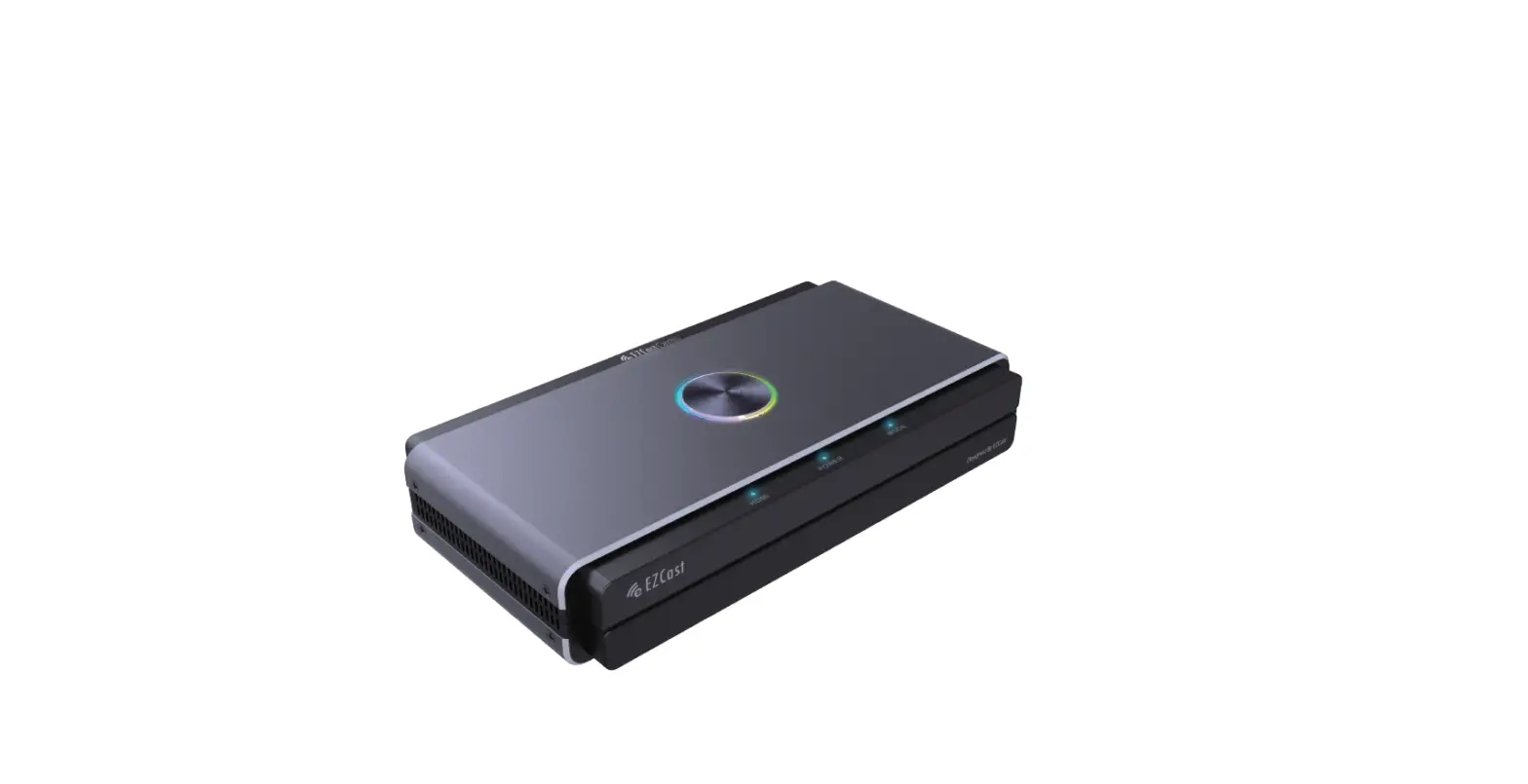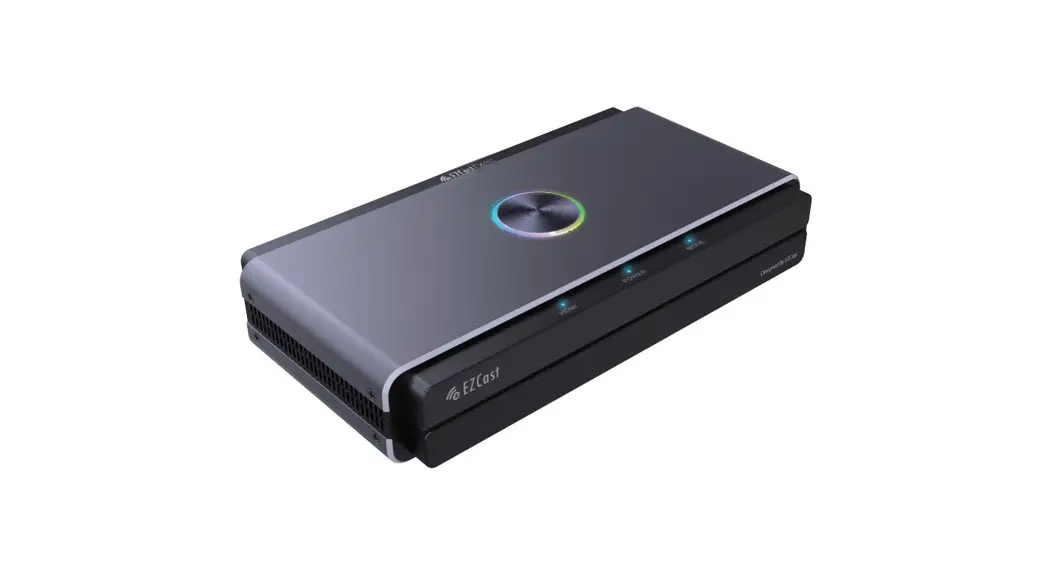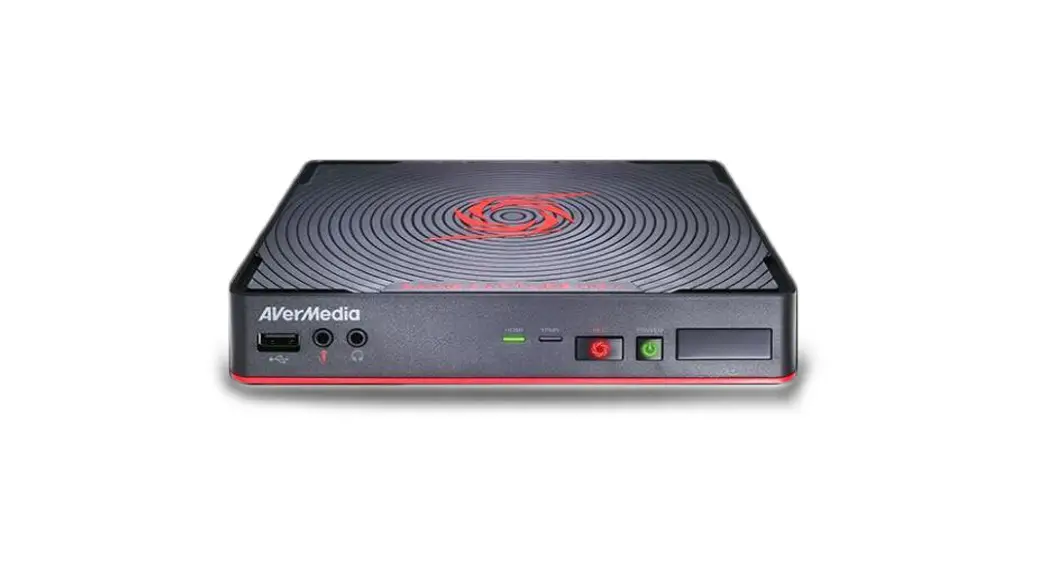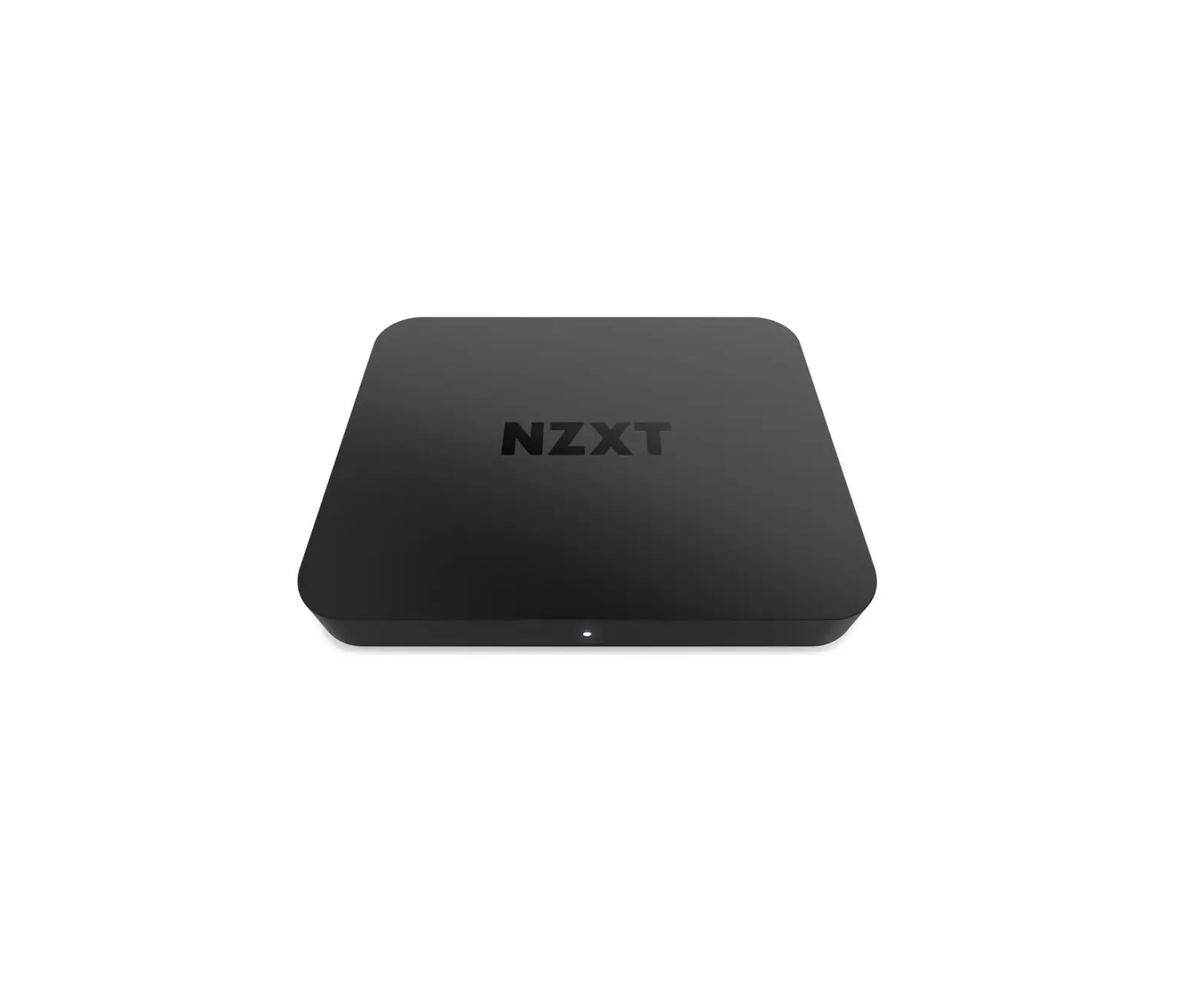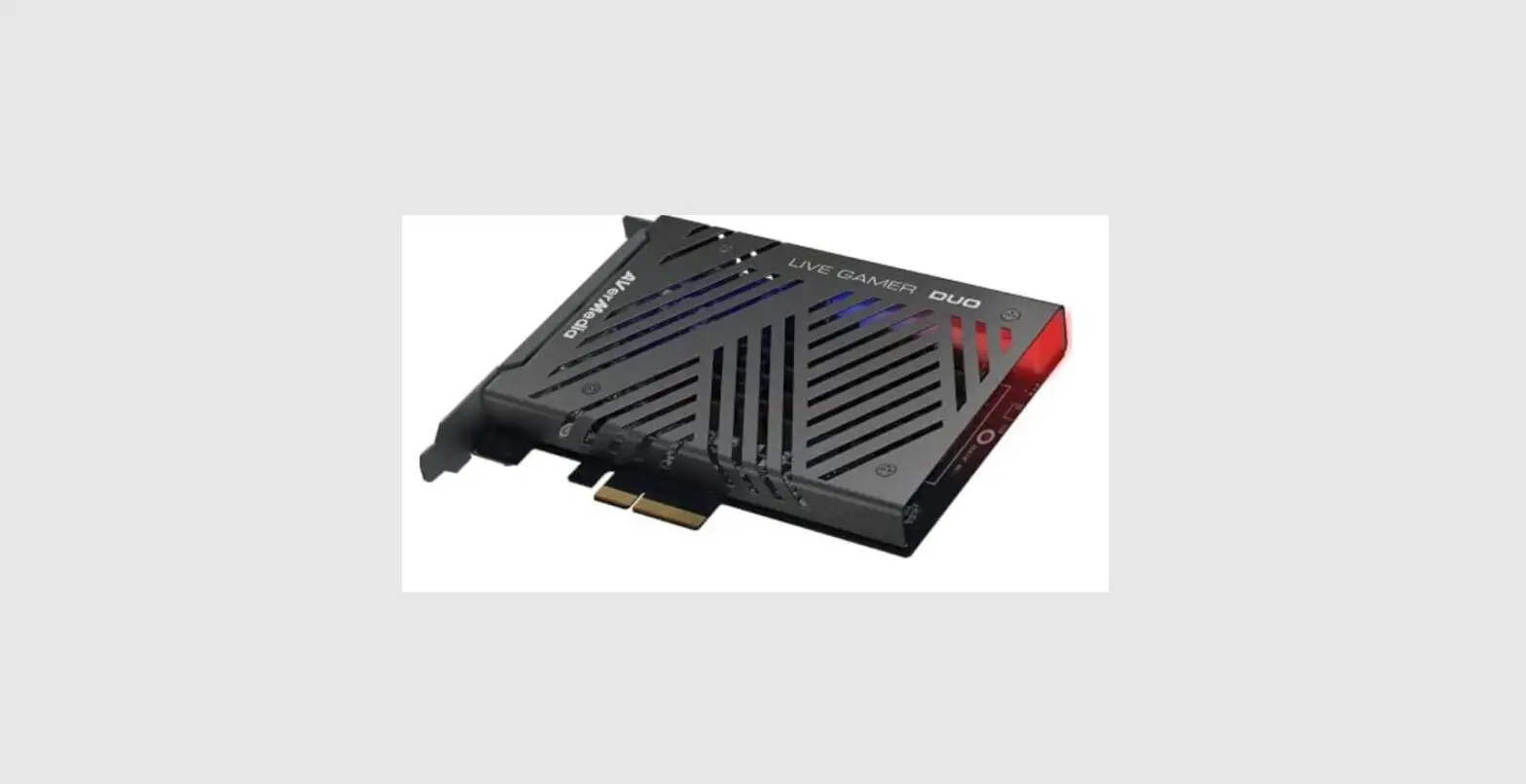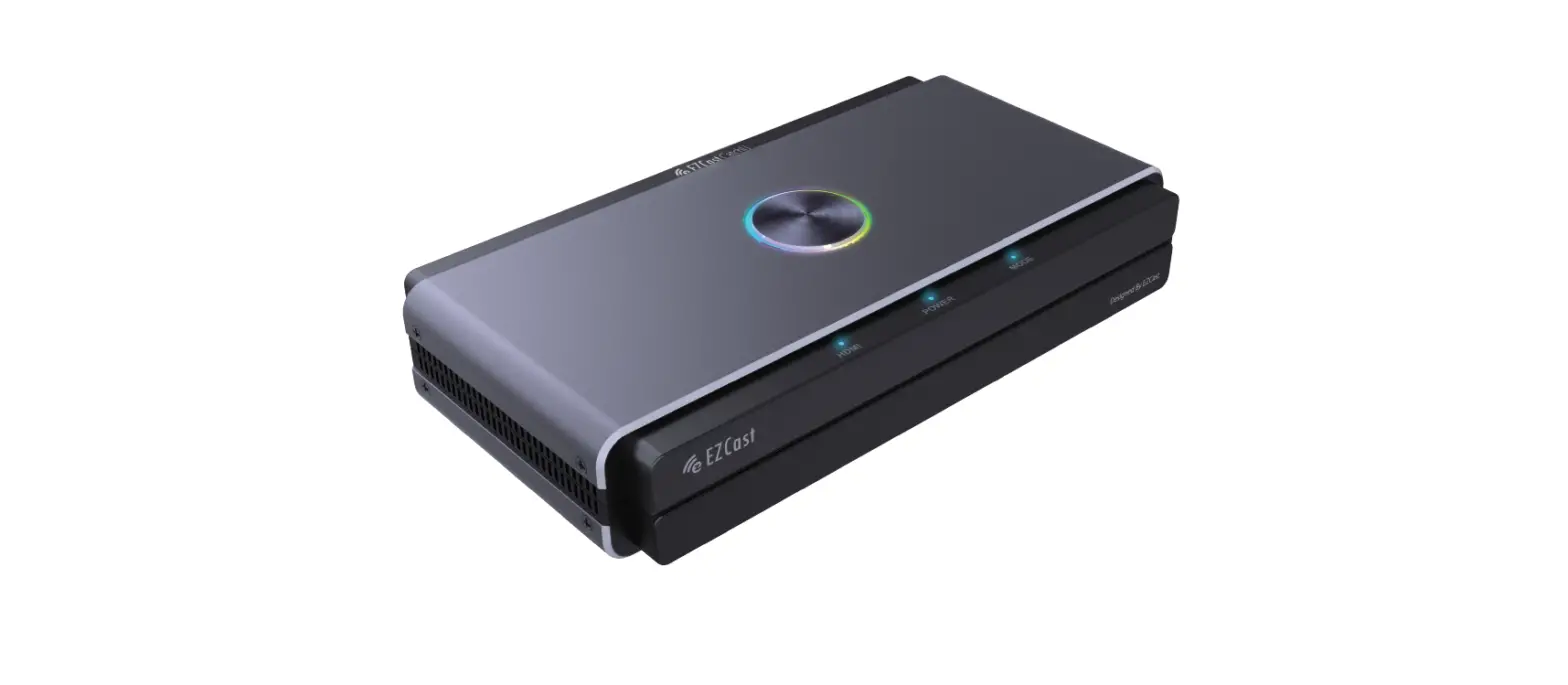

EZCast CatchU B1 Capture Recorder and Card
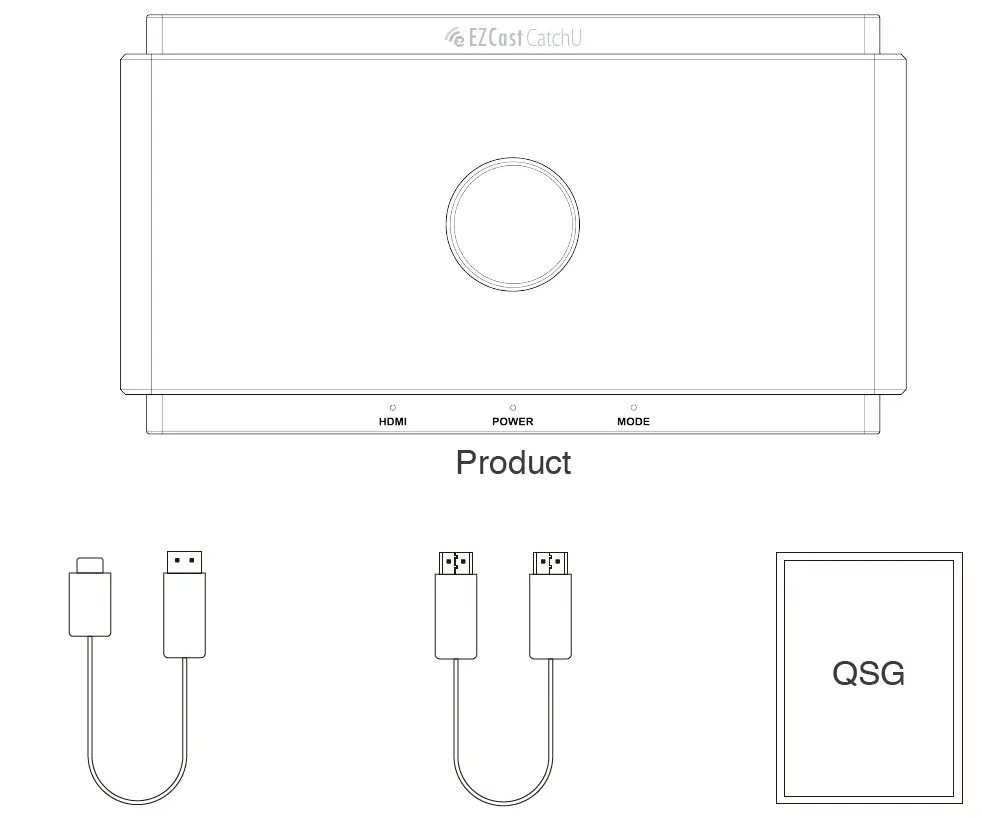
What’s In The Box
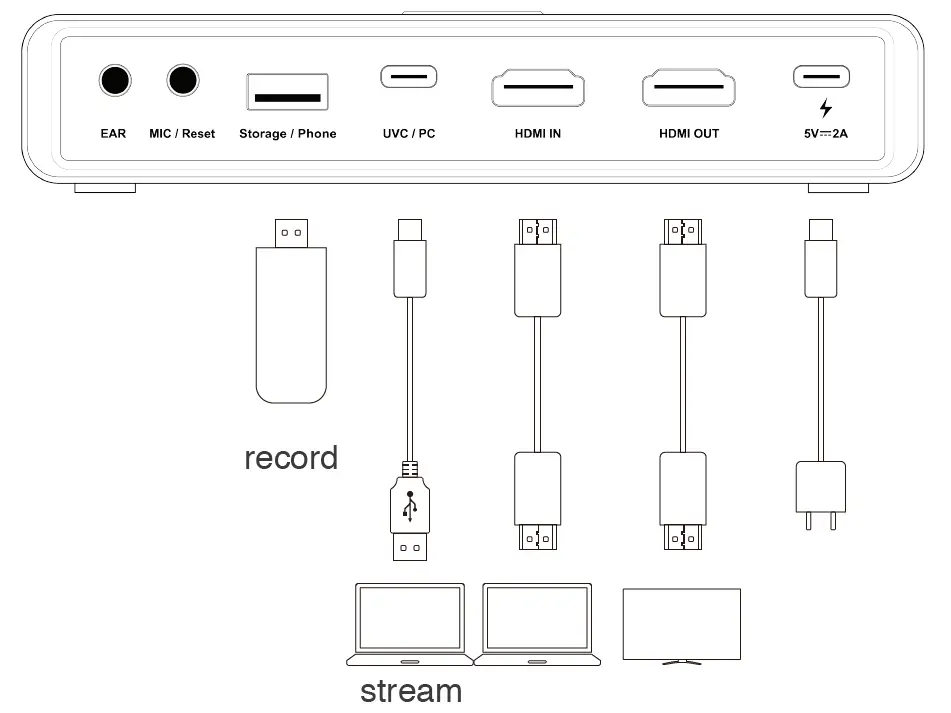
Installation
Scan the QRCode below to visit the full-version user manual on our website.
Product Overview
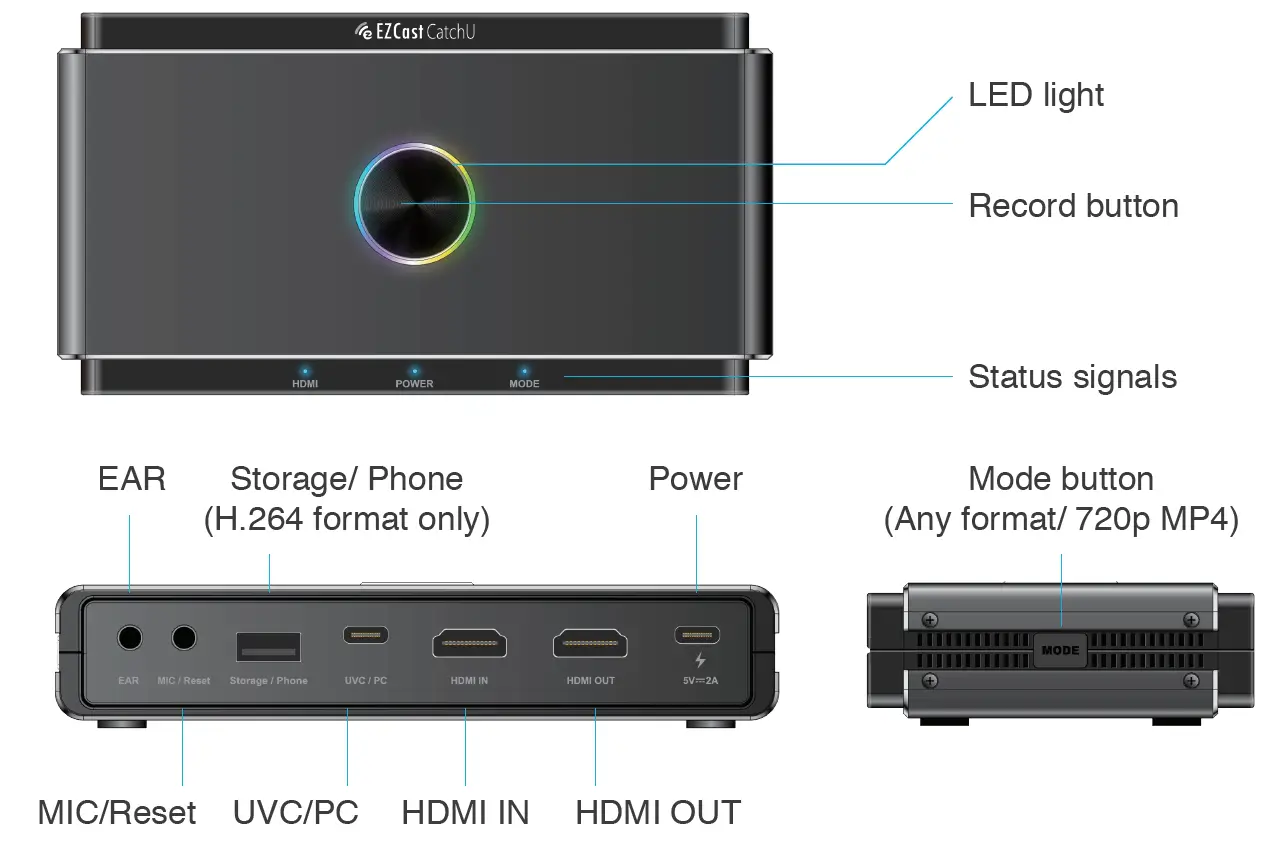
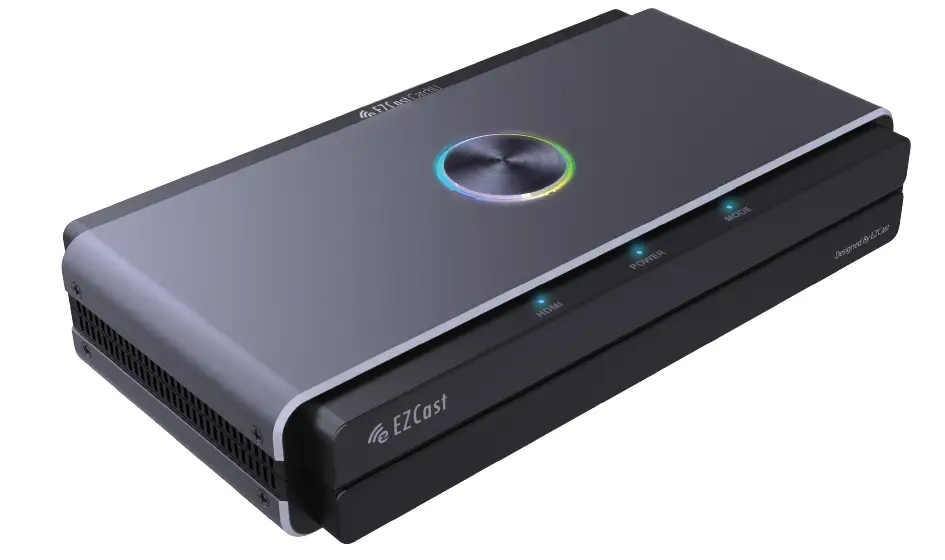
LED light
- Multi-color: Ready to record
- Stable red light: Recording to external storage
- Flash in red: Warning message
- Light off: Power off
Status signals
- HDMI: HDMI signal detected or not
- Power: Power ON/ OFF
- Mode: Stable light ON/ OFF for Smooth Mode
- Flash 2 times for MIC mix mode ON
- Flash 4 times for MIC mix mode OFF
Note
- For details, please refer to the full user manual via QRCode on the previous page.
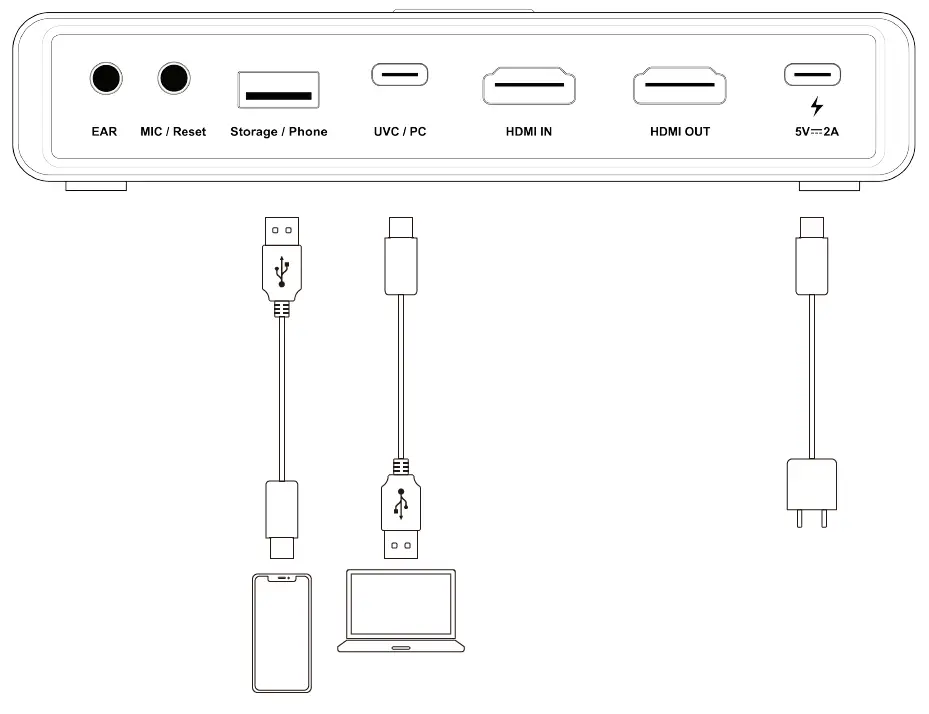
- UVC/PC and Storage are able to record simultaneously only in H.264 format.
- The MODE button does not function while recording.
- When the LED light is flashing in red, it means the setup or configurations are incorrect:
- No HDMI input signal
- No USB Storage inserted on Storage/ Phone port
- Incorrect System Format for USB Storage
- Incorrect Encoder Format for USB Storage
- The capacity of USB Storage is full.
- H.264 format is not supported for some Instant Message Applications like Facetime etc.
 Universal wireless screen mirroring solution - EZCast