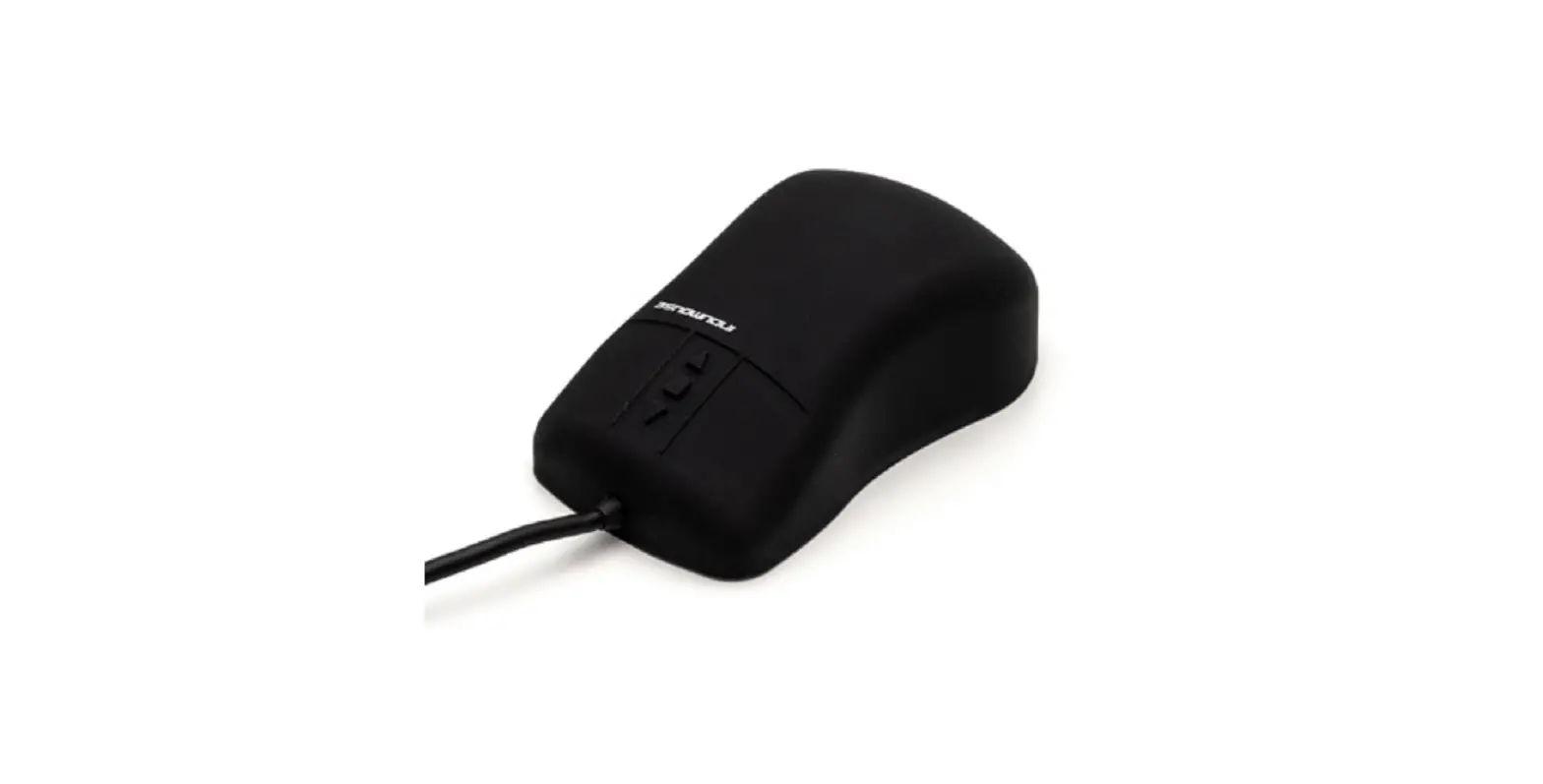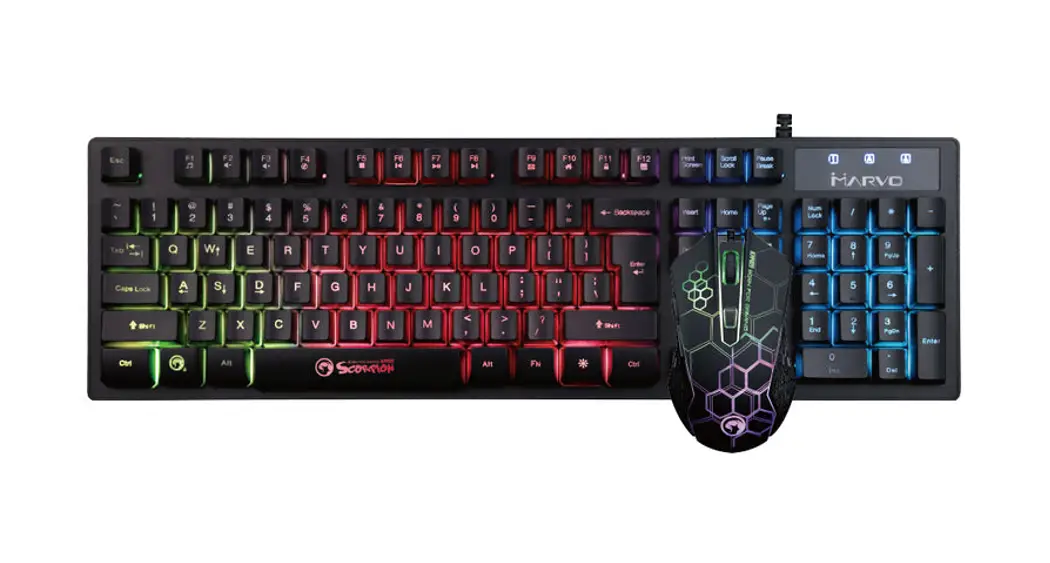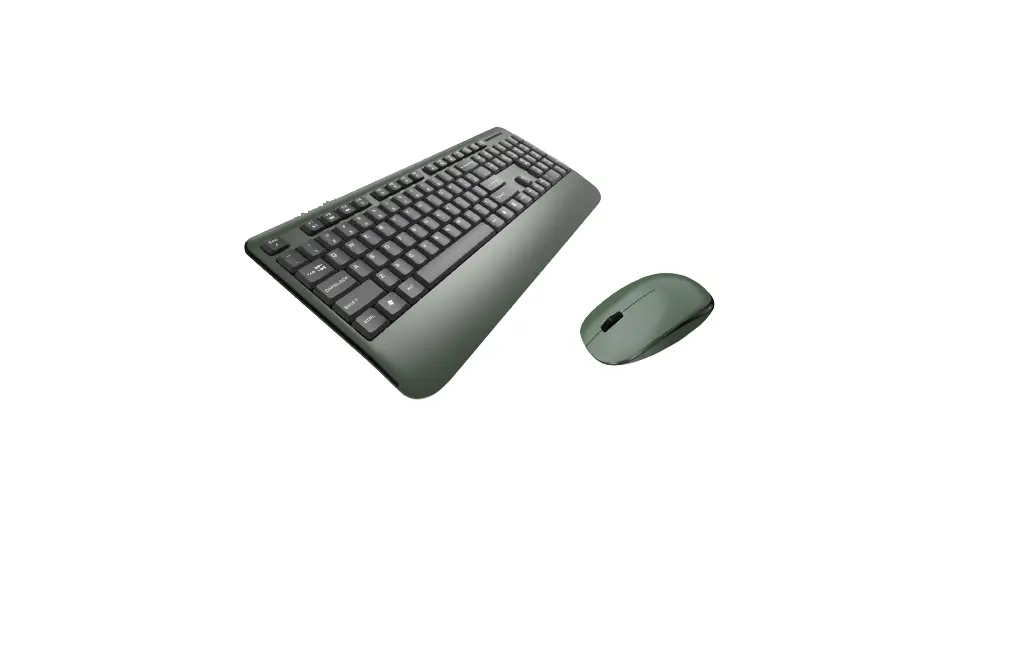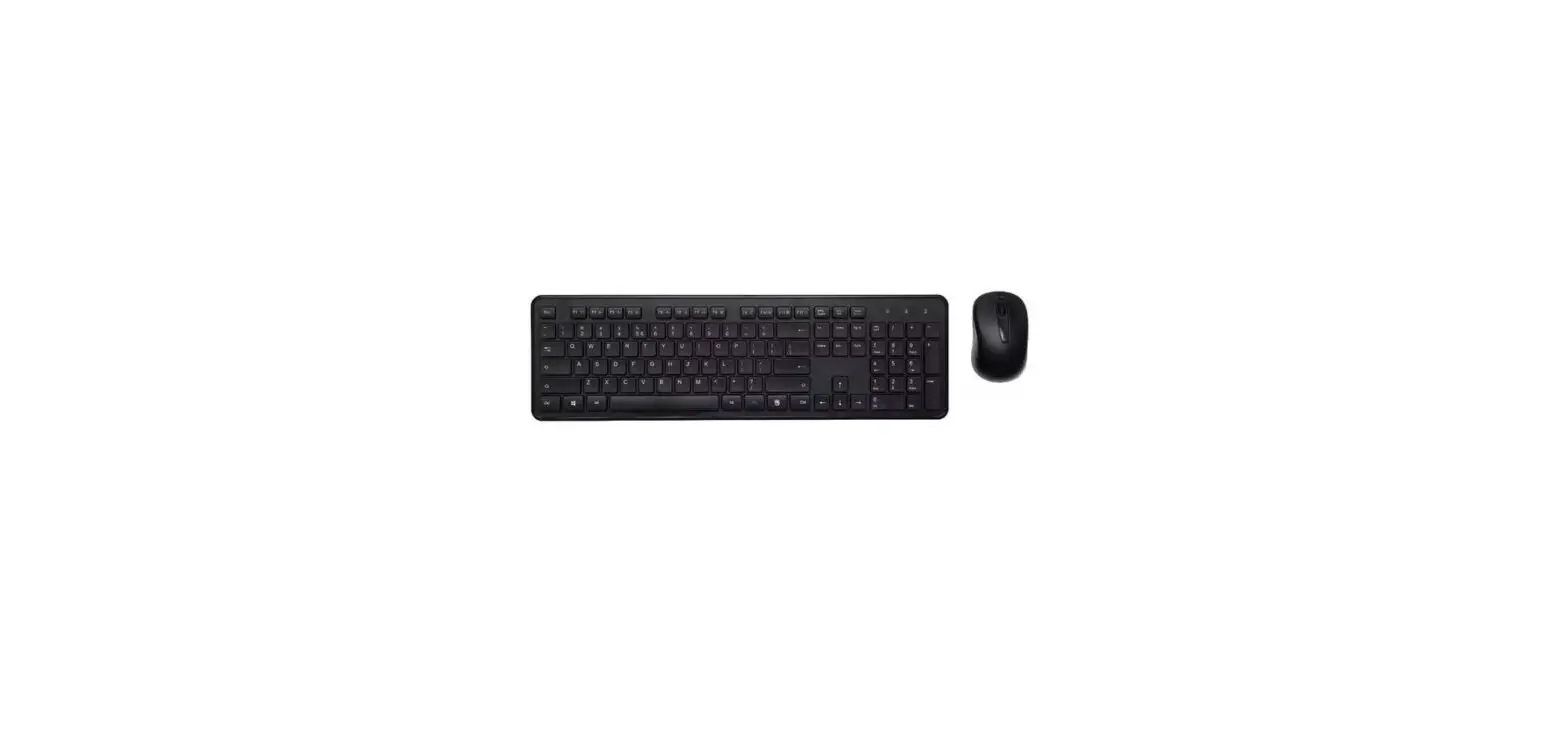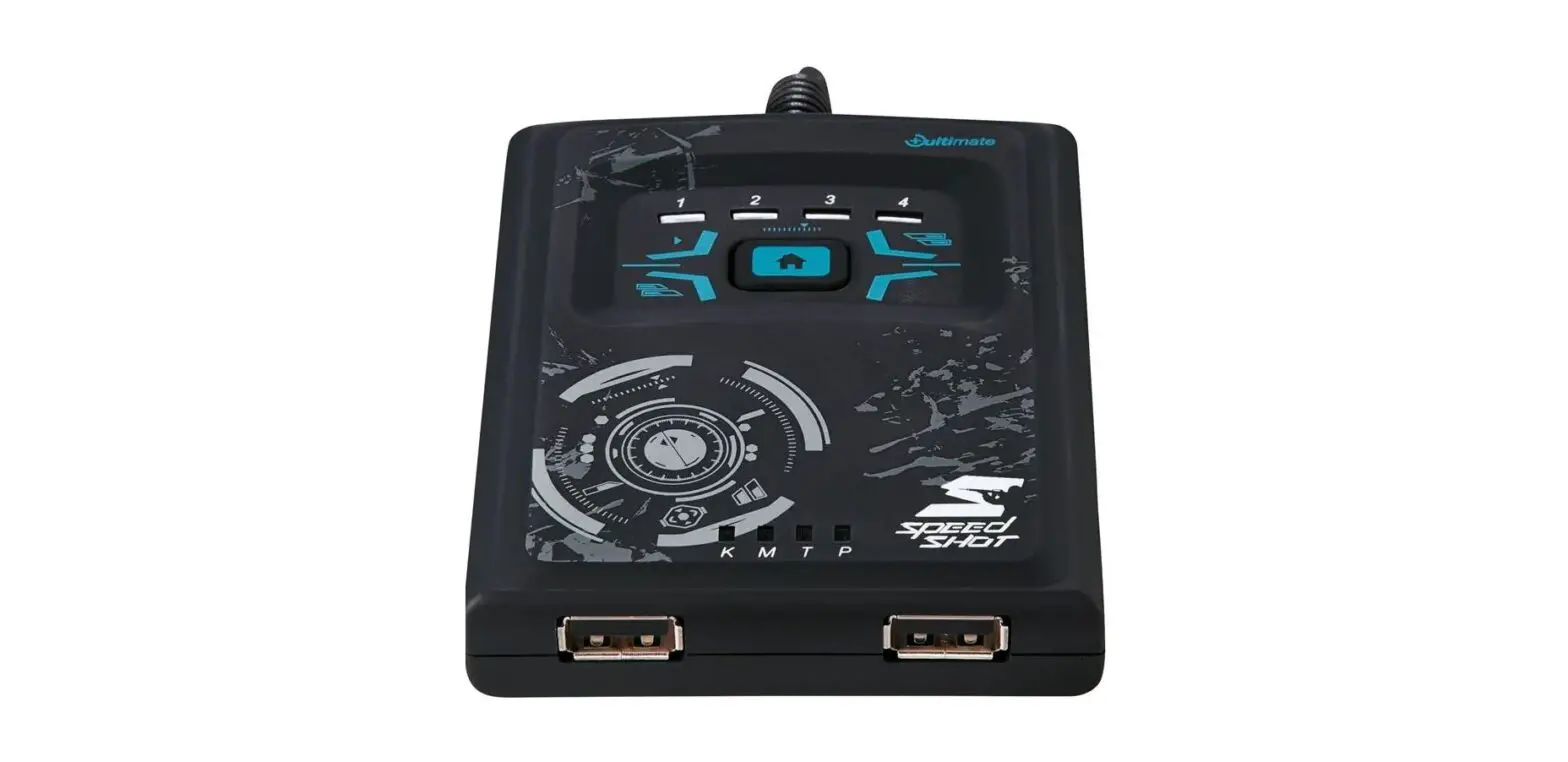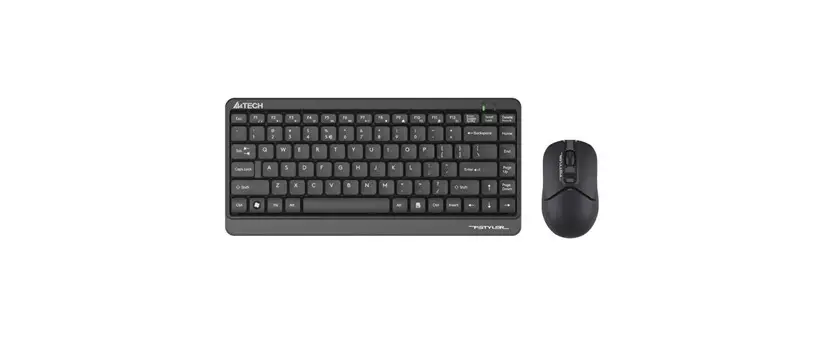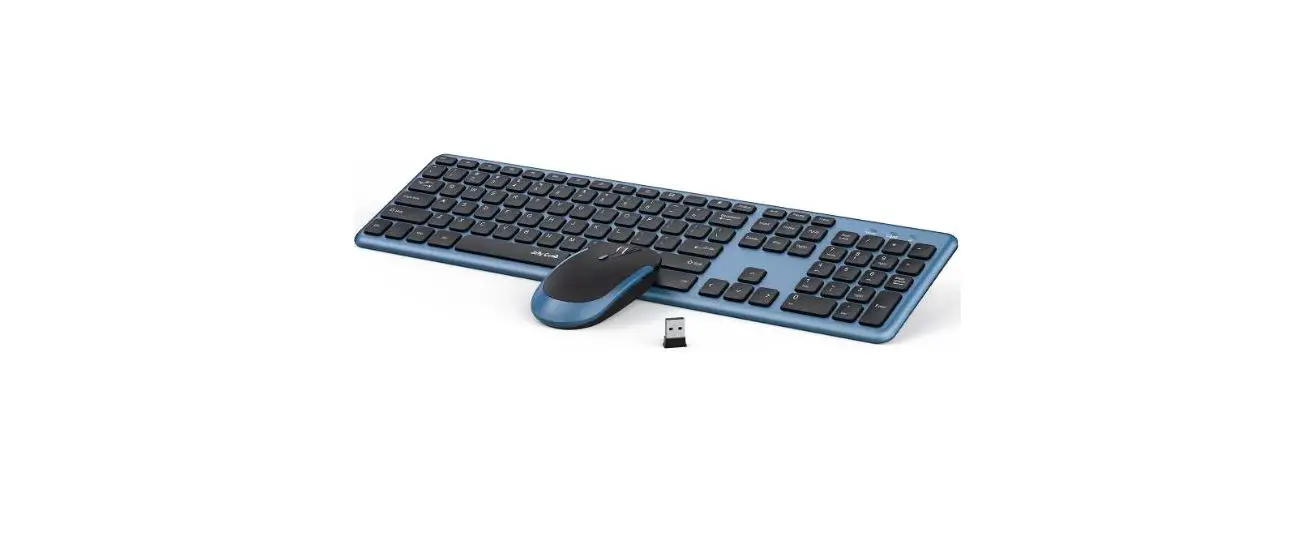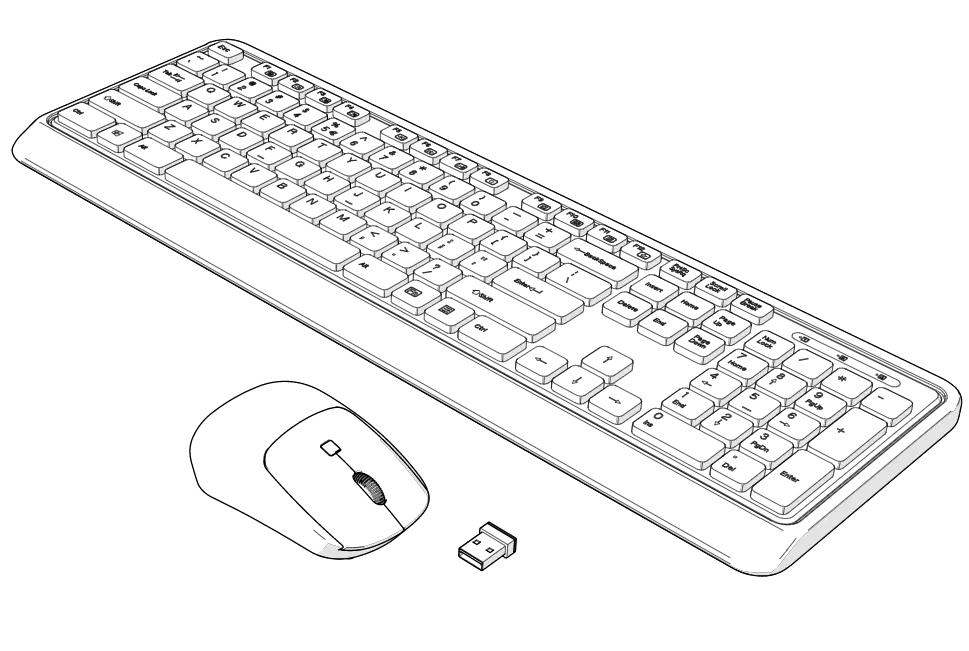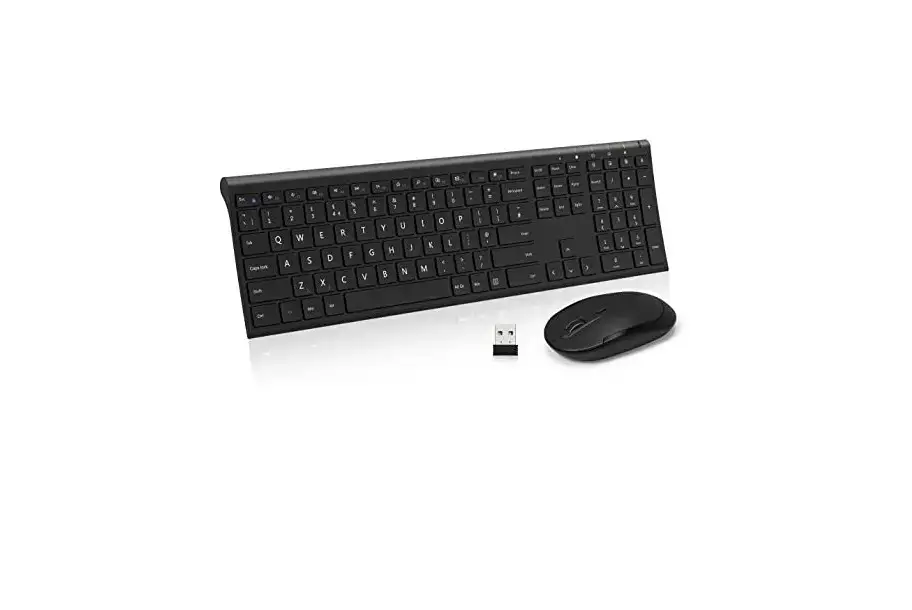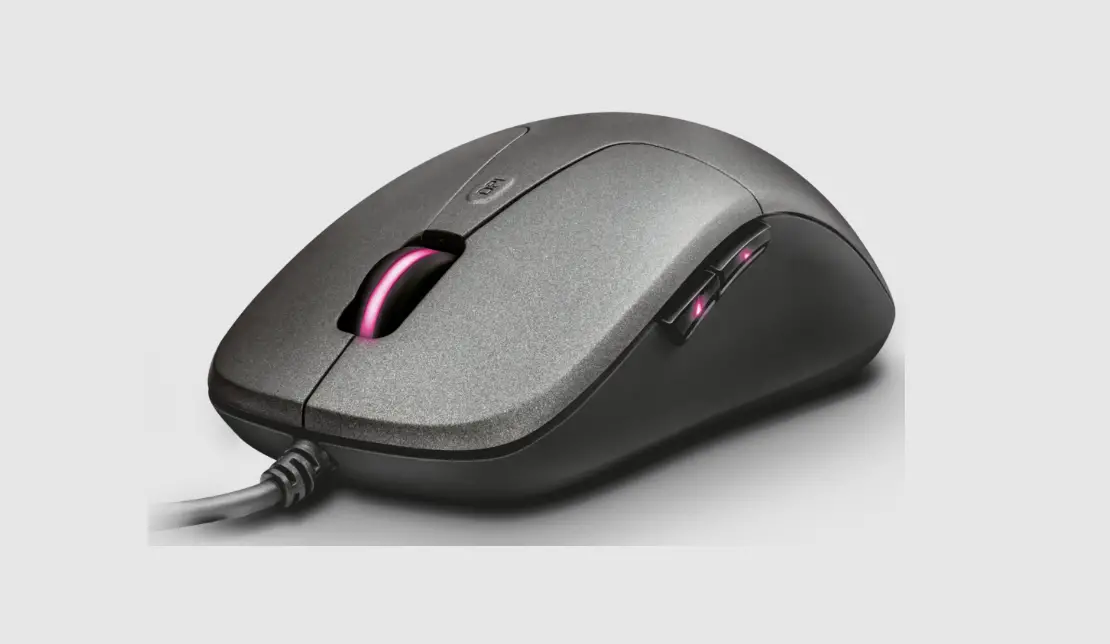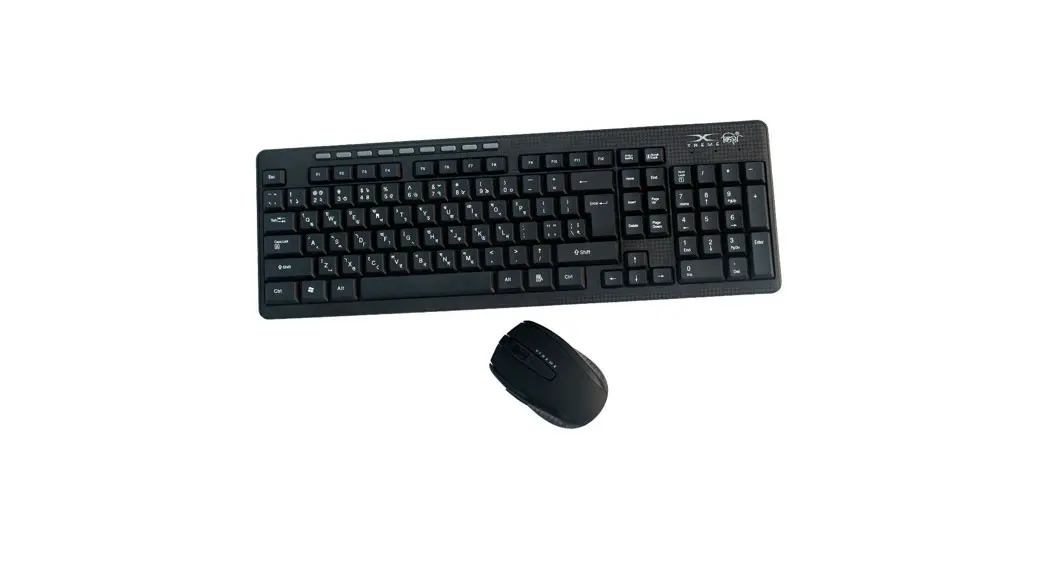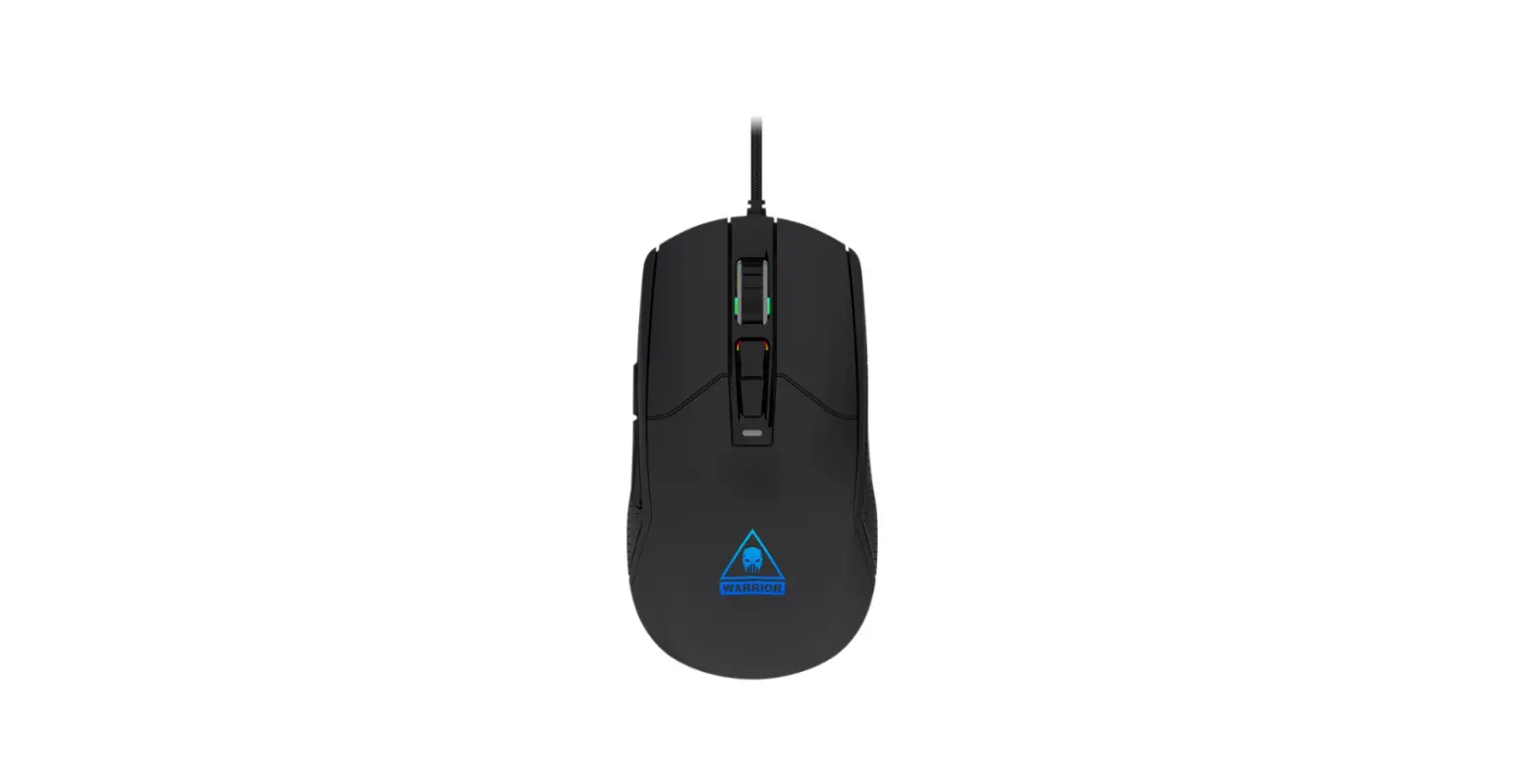
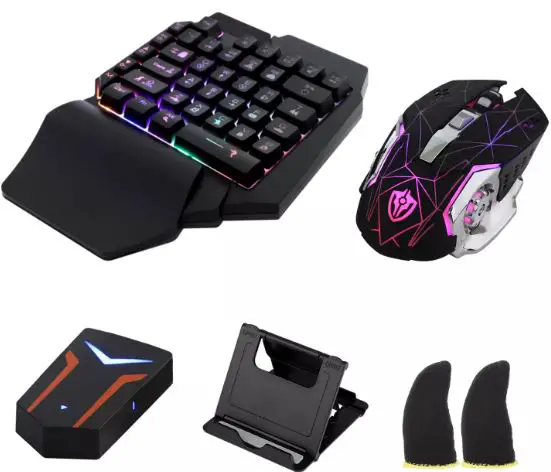
 KUWEE M249 Mouse and Keyboard Converter

INSTRUCTION
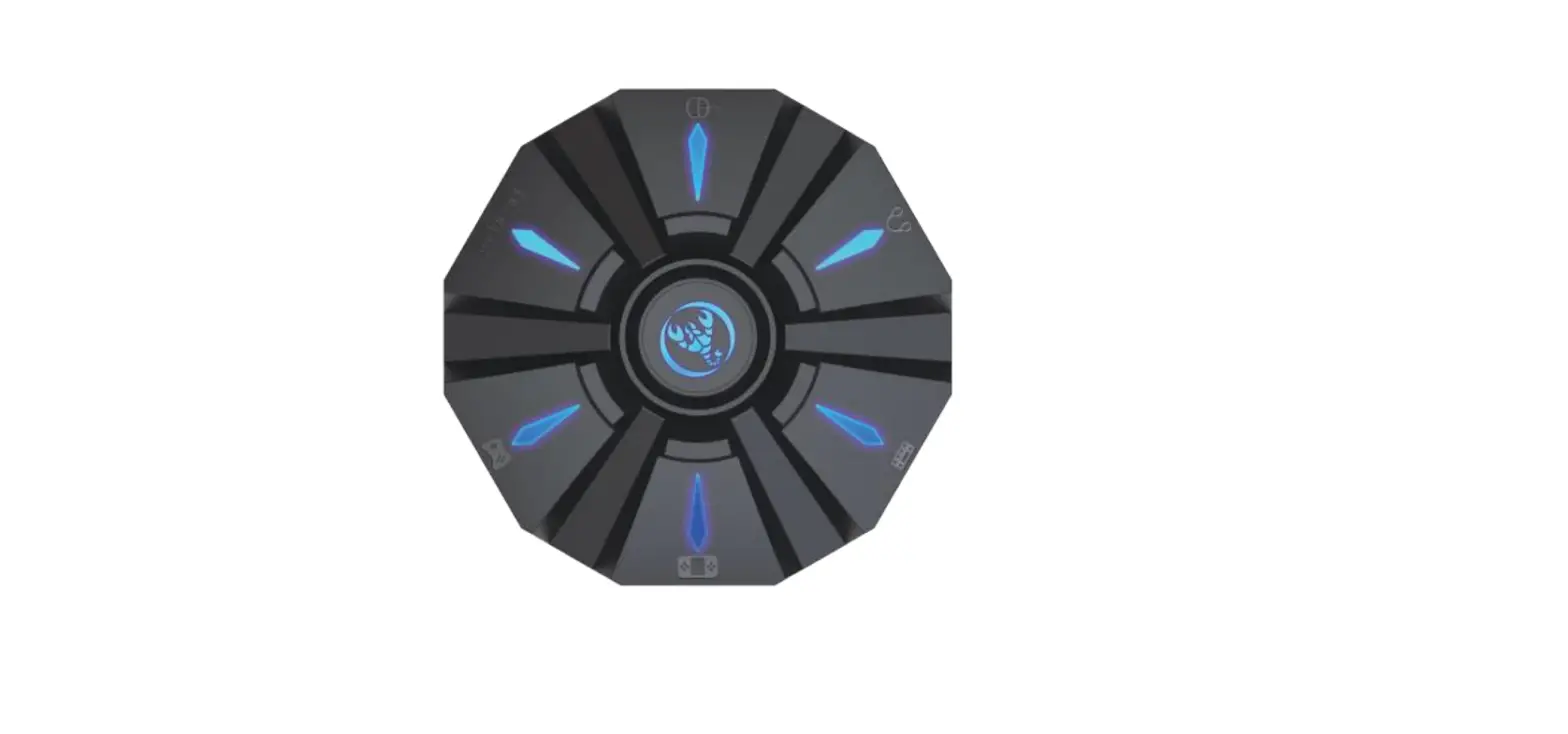
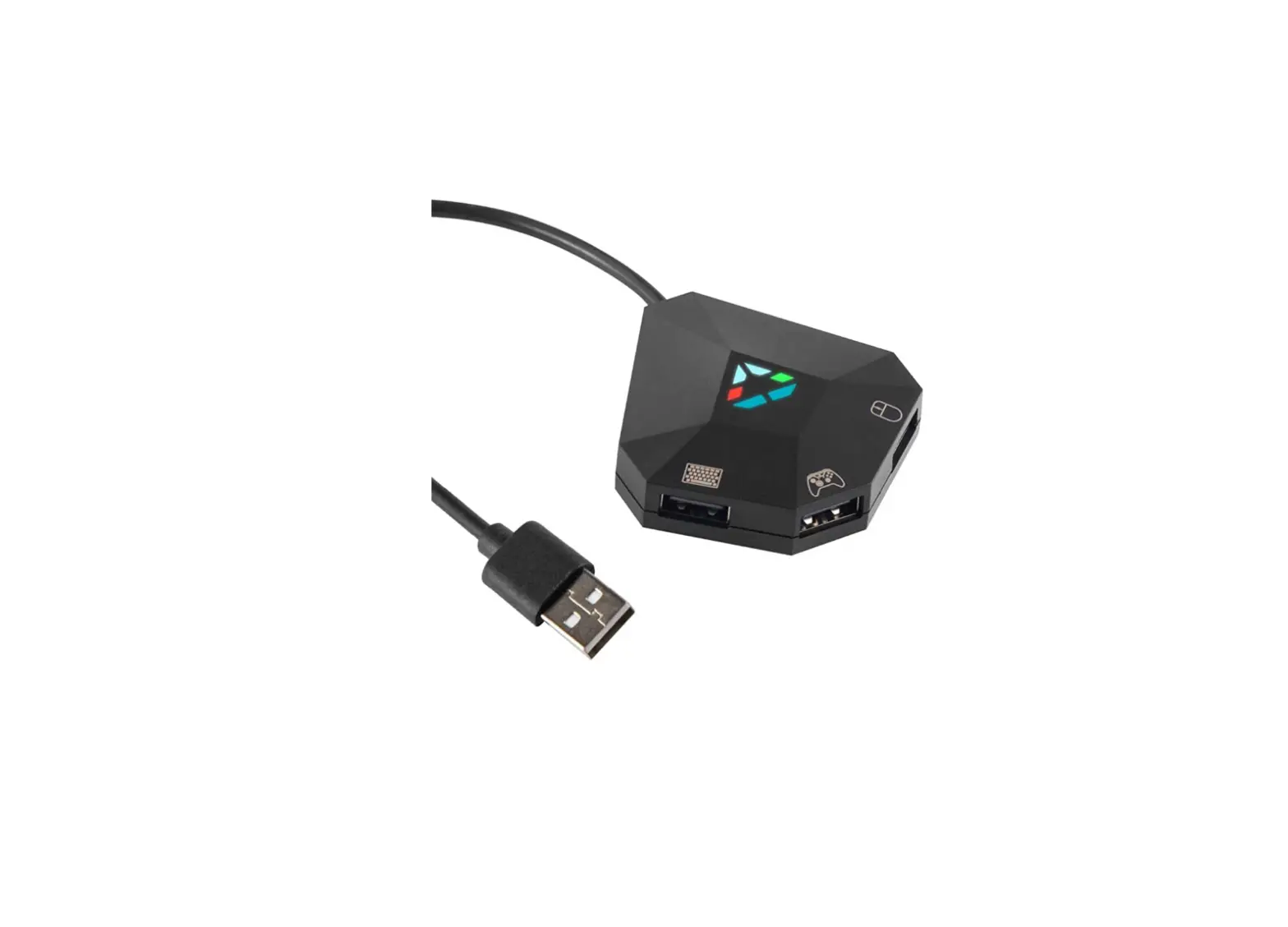
- Connect the USB power cable to the device, the LED will be flashing, meaning the Bluetooth is not connected.
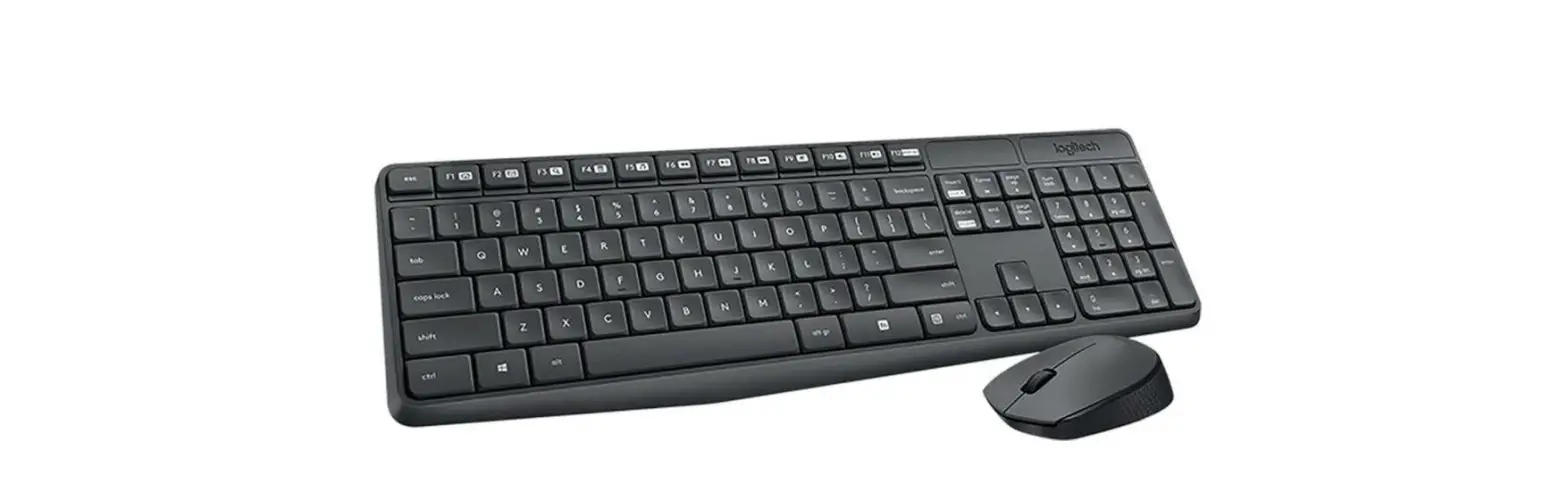
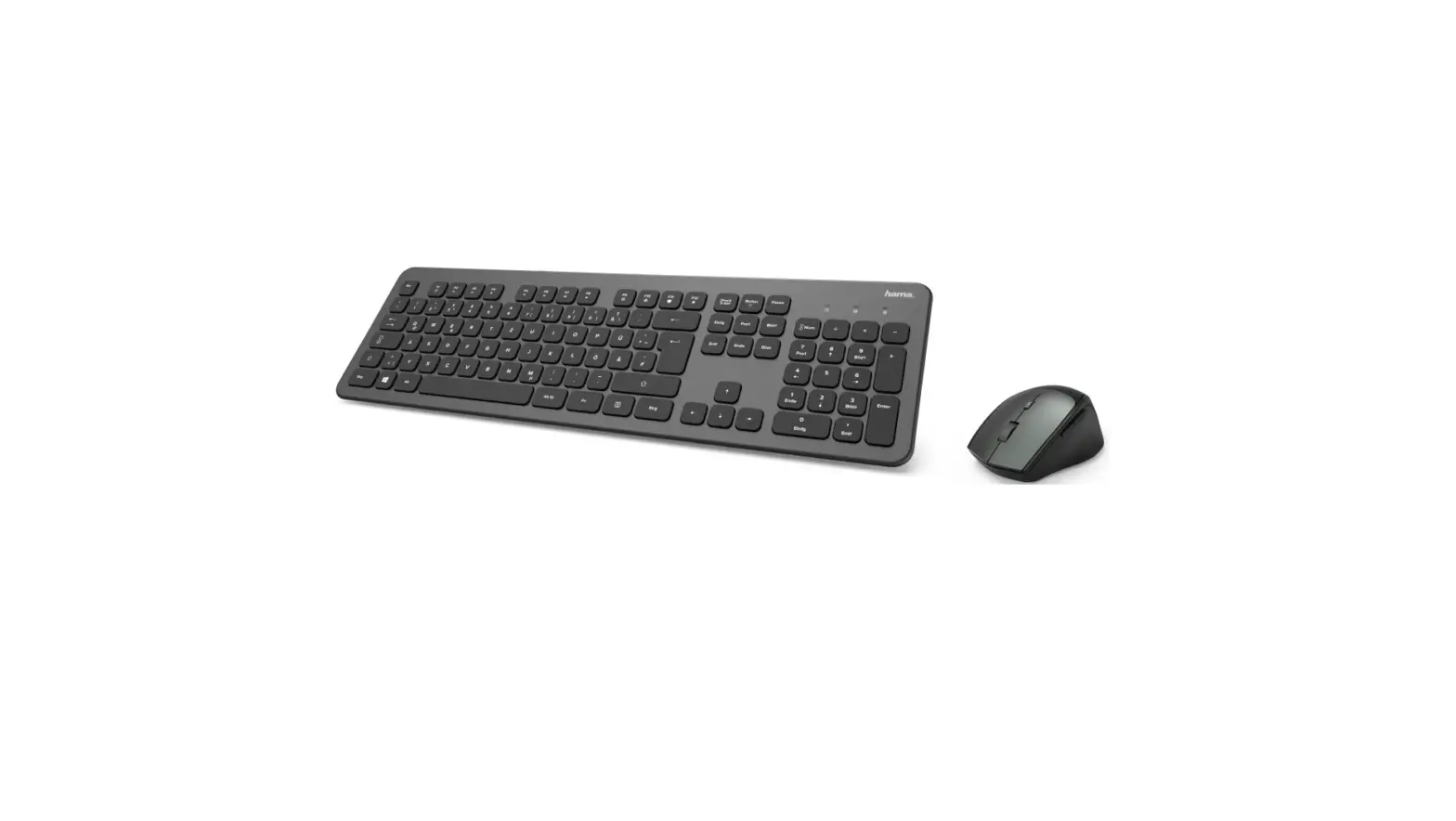
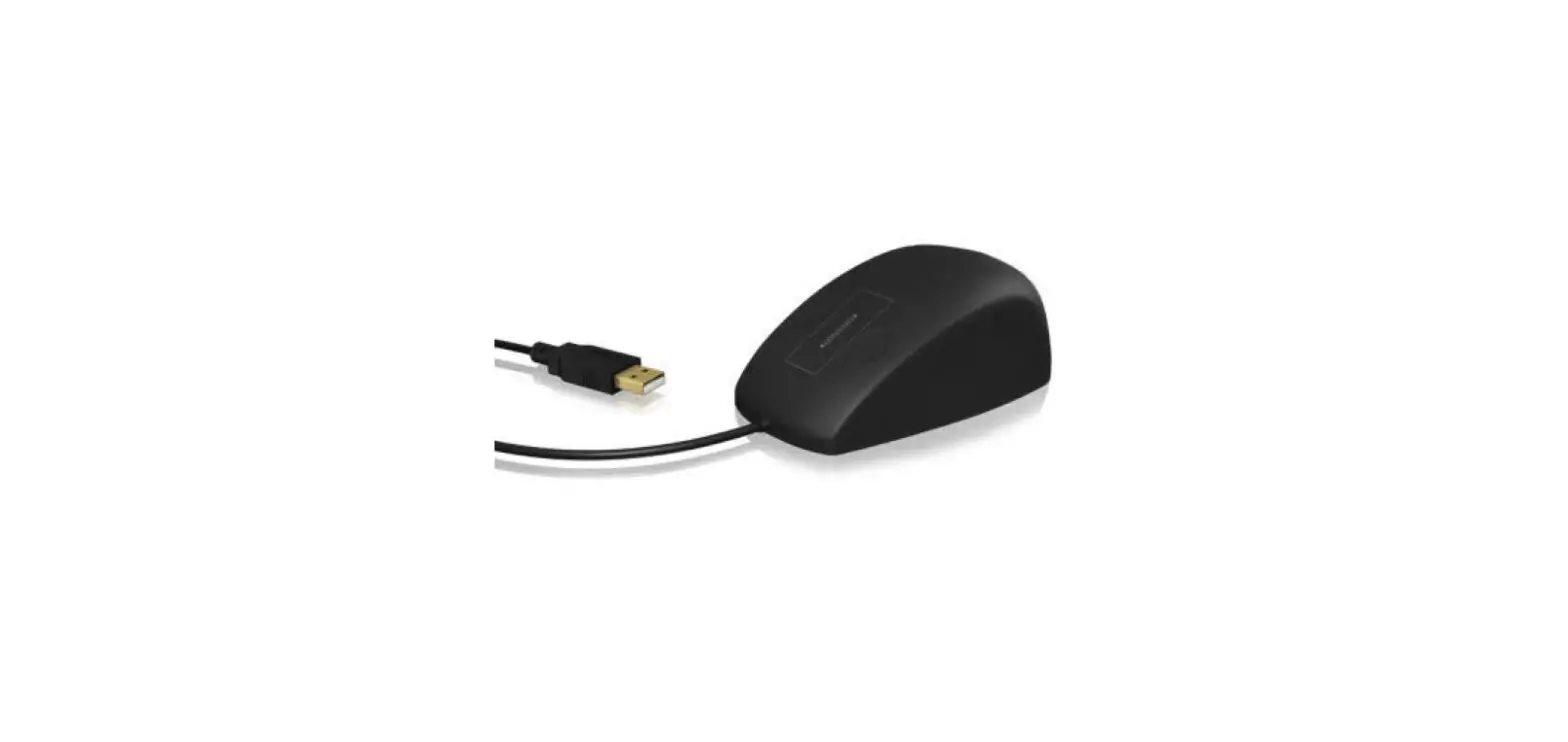
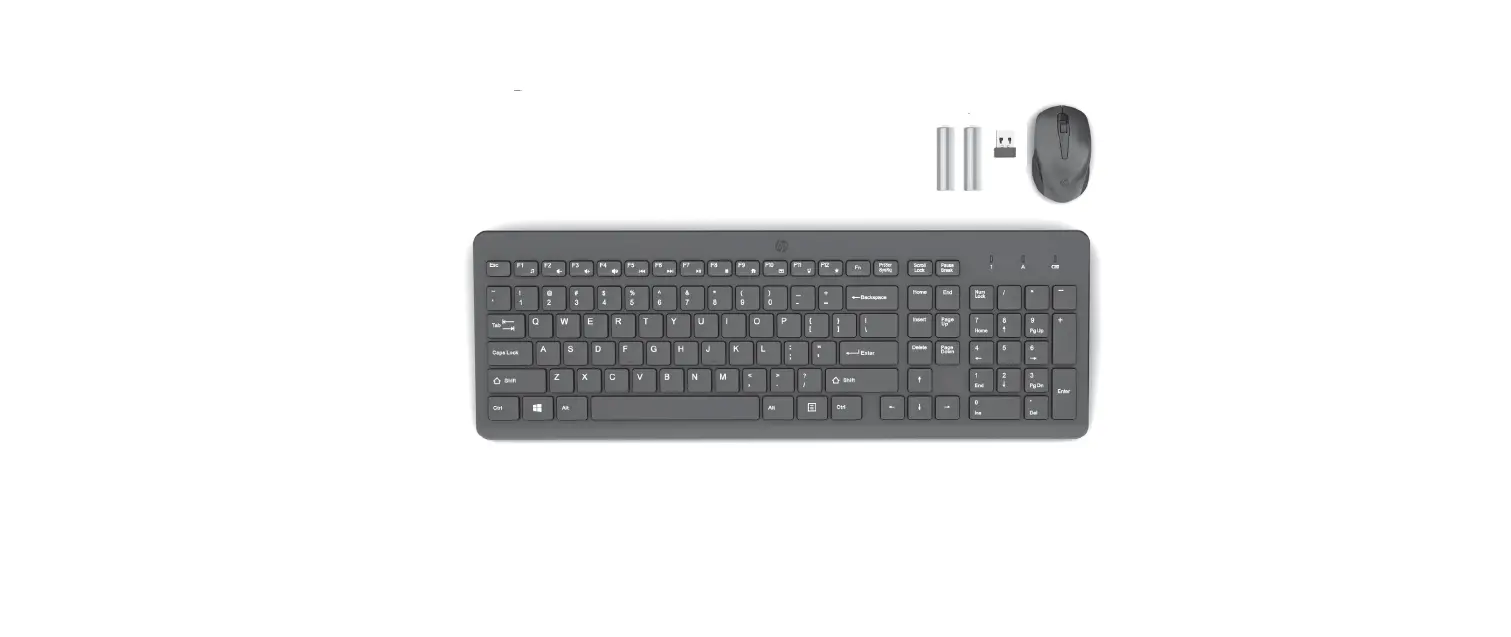
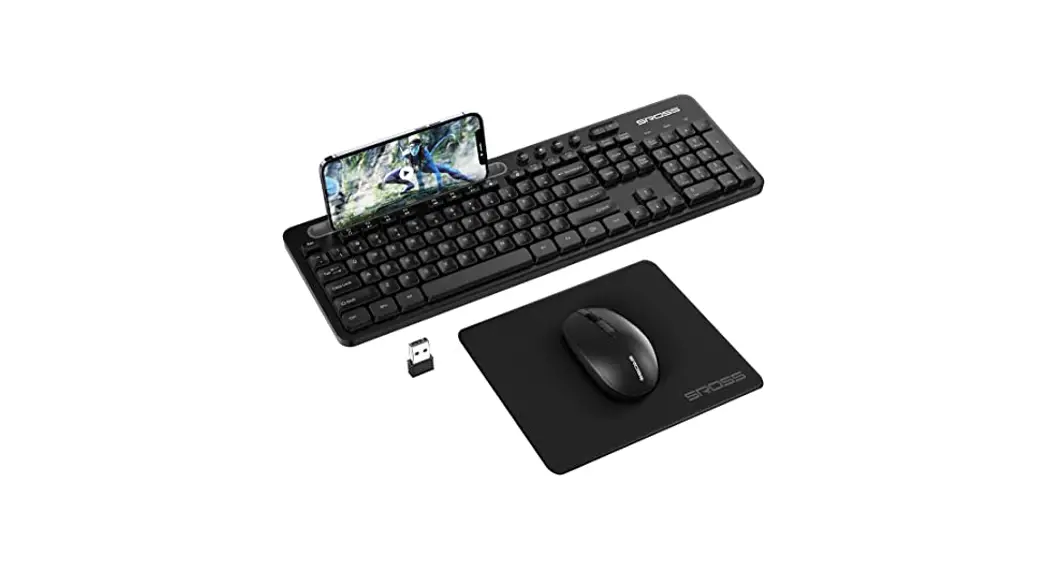
- Connect keyboard and mouse.
- For Andr oi d users, press”CTRL+Fl”; For iOS users, press” CTRL+ F2″ ; For MTK users (Android Phones use MTK CPU), press”CTRL+F3″ ;For USB line mode( l f supported), press CTRL+F
- 0pen your phone/pad Bluetooth setting UI, connect ” MEIYI NG_ XXcXl<” in Android, ” M EYING-IOS _XXXX” in iO S . The LED stops flashing, meaning the Bluetooth is connected.
- Scan the QR code on the back of the converter to download App for key mapquest!)mixing, tutorial videos watching.
| / DefaultKey Map ‘ | |||
| Key | Function | Key | Function |
| MouseLeft key | Fire | 3 | Parachuting |
| M ousemiddle kev; FS | M ouse cu rso r o n / off | 4 | Switch to R.ren ades |
| Mouse side key1 | Continuo ussingle fire | 5,6 | Selectgrenades |
| MouseRight key | Scope on/off | 1 | Switch to gun1 |
| Mousewheel | Slide select supplies | 2 | Switch to Run 2 |
| CTRL+ESC | Smartgundownon/ off | W,S,A,D | Directio n |
| CTRL +3 | Continuoussingle fire on/off | QE | Peek &Fire |
| CTRL+4 | Adjust continuous fire speed, 81evels | z | Get down |
| l +ECS | Gun1 aut o pressdown OFF | ALT | View around |
| 2+ECS | Gun 2 autopress dow n OFF | Space | Jump |
| l +Fl ,F2,F3,F4, FS | Gun1 auto press down speed | “”+1,2,3 ,4,S | Quick report shortcut |
| 2+Fl ,F2,F3,F4,FS | Gun 2 auto press down speed | C,CTRL | Crouch |
| +Fl ,F2,F3,F4,F5 | Select scope | Fl | Medi cation use |
| CTRL+Fl | Switch to Android mode | F2, F3 | Medication select |
| CTRL+F2 | Switch to i0S mode | R | Load bullet |
| CTRL+F3 | Switch to MTK | T, G,V | Pickup supplies |
| CTRL+F4 | Switch to USS l in e mode | B | Single/Auto fire |
| CTRL+FS | Switch to pure keyboard&Mouse mode, need reconnect BT | 3+Fl | WASD auto run on/o ff |
| 3+F2 | Tab auto show cursor on/ off | 3+F3 | UsingScope hold |
| 3+FS | Press 3 times switching to Android Screencasting mode, need reconnectBT | 3+F4 | Using QEopen scope |
| F | Open/closesuppliesor box,drive/ride | TAB | Bagopen/close |
| X | Rescue, takeoff thecar (donot change) | M,CAPS | Map |
Attention
iOS 13 . 4 and higher version is not compatible with all converters. Please do not update! And Turn off t he automatic up at e option.
FCC Statement
This equipment has been tested and found to comply with the limits for a Class B digital device, pursuant to part 15 of the FCC Rules. These limits are designed to provide reasonable protection against harmful interference in a residential installation. This equipment generates, uses and can radiate radio frequency energy and, if not installed and used in accordance with the instructions, may cause harmful interference to radio communications. However, there is no guarantee that interference will not occur in a particular installation. If this equipment does cause harmful interference to radio or television reception, which can be determined by turning the equipment off and on, the user is encouraged to try to correct the interference by one or more of the following measures:
- Reorient or relocate the receiving antenna.
- Increase the separation between the equipment and receiver.
- Connect the equipment into an outlet on a circuit different from that to which the receiver is connected.
- Consult the dealer or an experienced radio/TV technician for help.
Caution: Any changes or modifications to this device not explicitly approved by the manufacturer could void your authority to operate this equipment.
This device complies with part 15 of the FCC Rules. Operation is subject to the following two conditions:
- This device may not cause harmful interference, and
- This device must accept any interference received, including interference that may cause undesired operation.
RF Exposure Information
The device has been evaluated to meet general RF exposure requirements. The device can be used in portable exposure conditions without restriction.