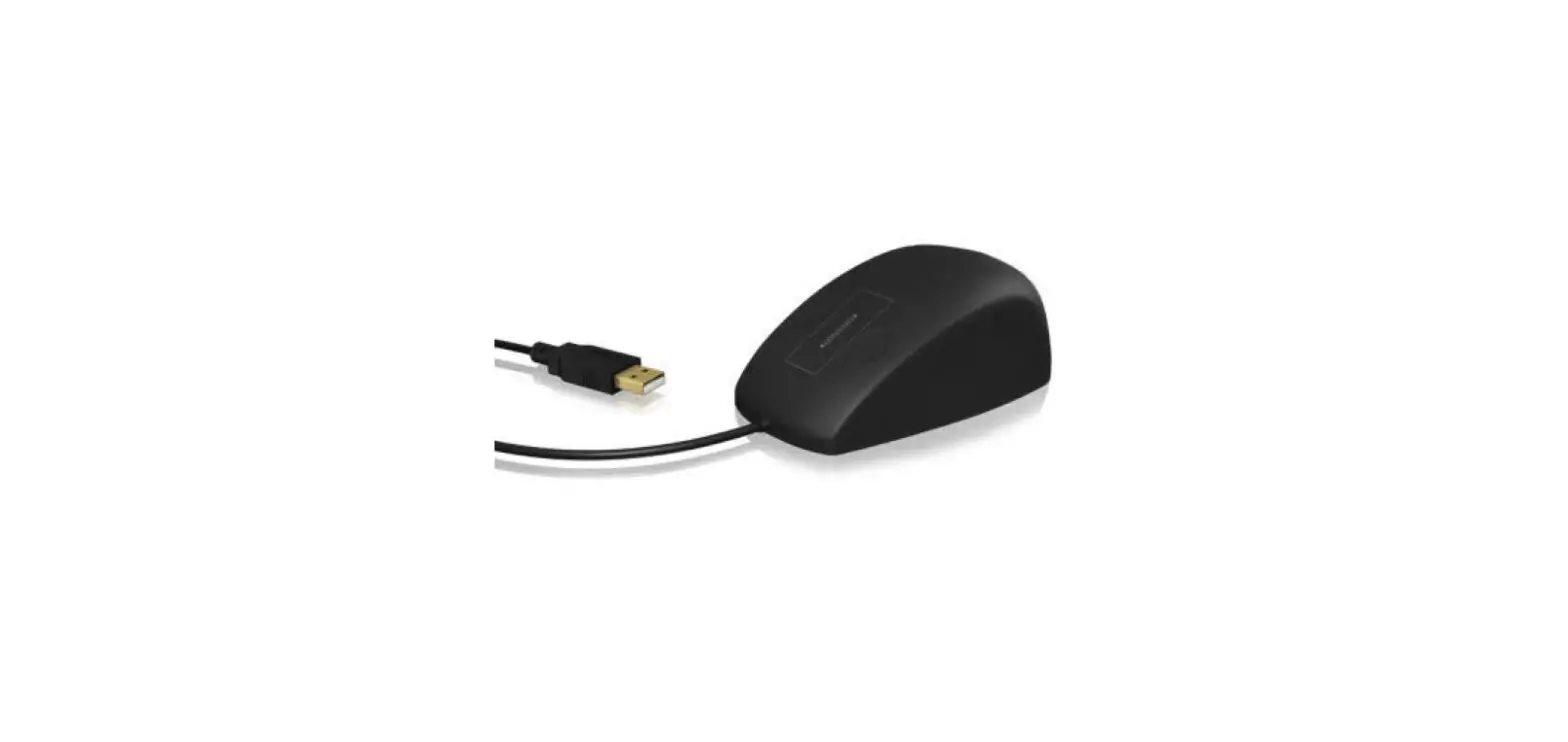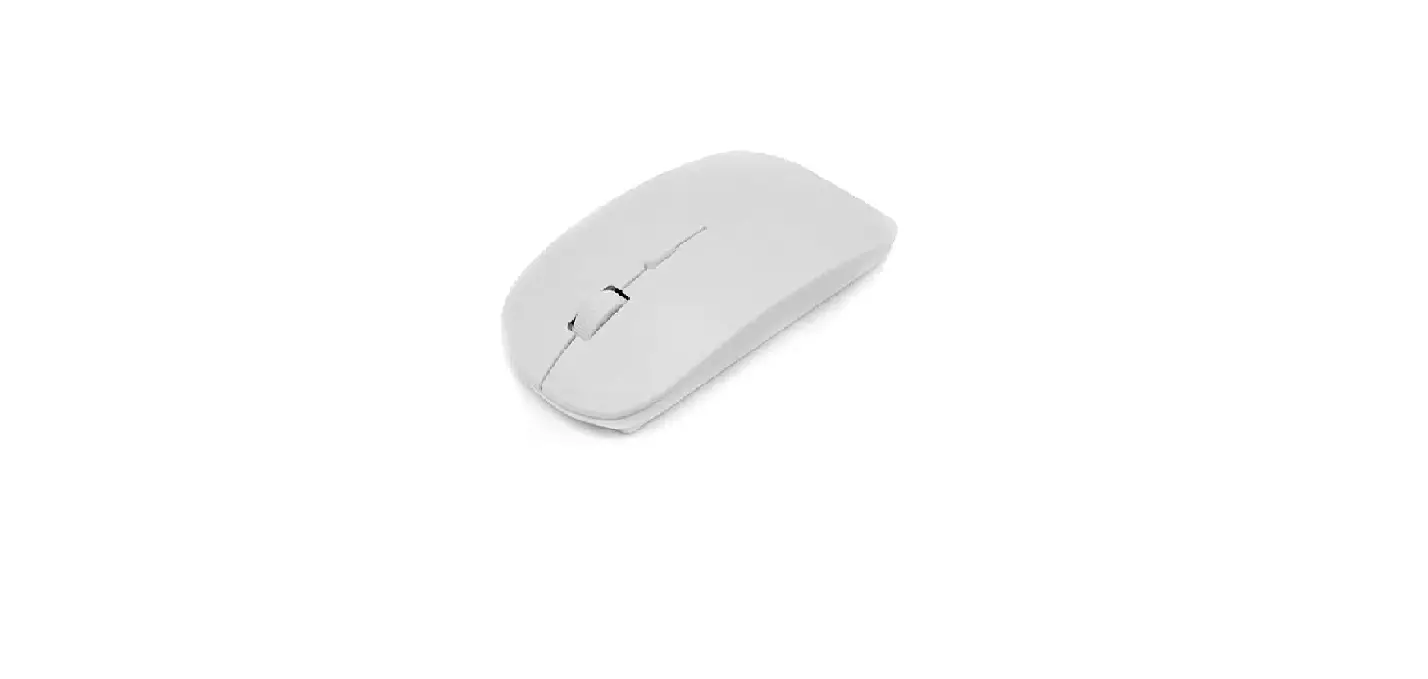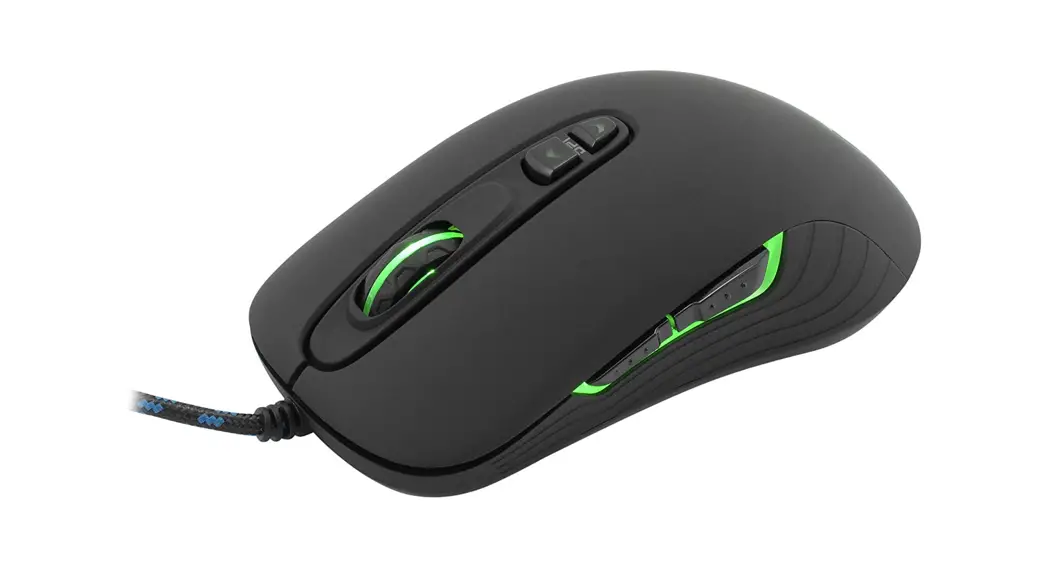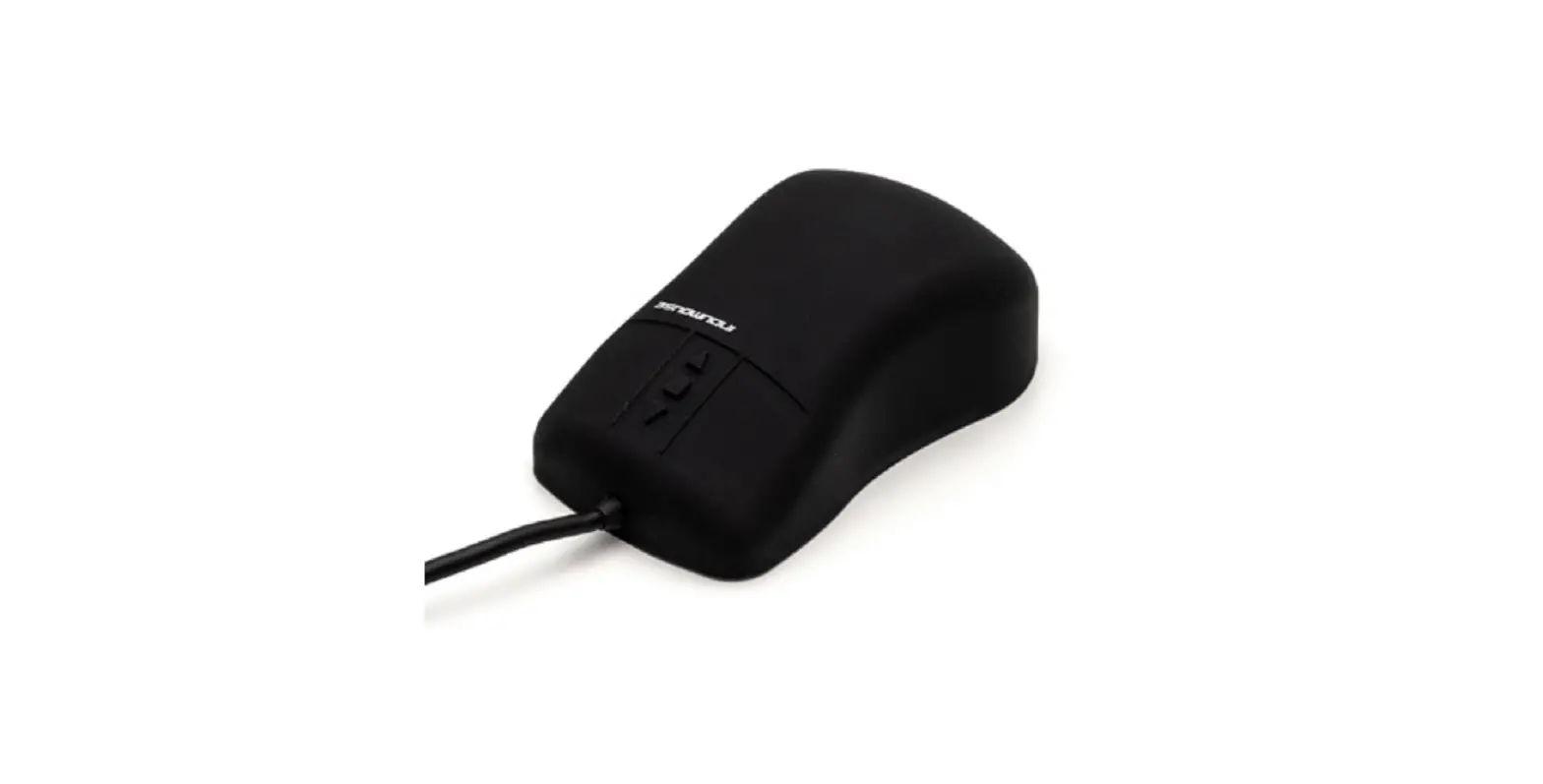

GETT Indumouse Pro Series KH25201 Silicone Mouse

Operating instructions for the Indumouse and Indumouse Pro series
Congratulations on purchasing an Indumouse silicone mouse!
In selecting this mouse, you now have a modern, high-quality product that incorpo-rates many years of experience and the expertise of an internationally experienced and competent manufacturer of data input technology. These operating instructions are designed to make it easier for you to start using this innovative product.
Start-up procedure
- The Indumouse silicone mouse is a plug-and-play unit. No driver needs to be installed and no other special measures are required to start using it.
- The Indumouse silicone mouse can be used on any computer with a USB 2.0-com-patible operating system.
- Remove the mouse from the packaging and plug the USB connector into a free USB port on your computer.
- The computer will recognize the mouse very quickly and it is then ready for use.
Special functions
The five mouse buttons and their functions
(when used with Microsoft standard drivers)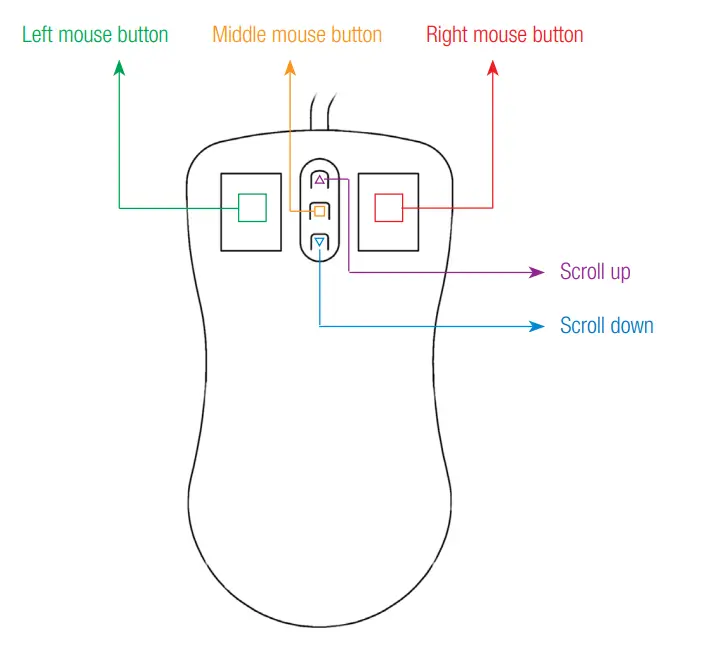
Setting the resolution
Thanks to the scanning electronics, the resolution of the mouse can be set in stages as follows.
| Indumouse | Indumouse Pro |
| 400 cpi | 400 cpi |
| 800 cpi | 600 cpi |
| 1200 cpi | 800 cpi |
| 1600 cpi | 1000 cpi |
| 1200 cpi | |
| 1400 cpi | |
| 1600 cpi |
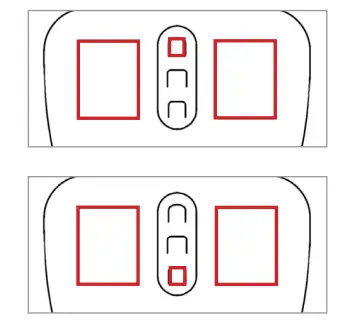
To set the resolution, press left and right mouse button and hold them down, then press the scroll-up or scroll-down button.
- – Scroll up for higher resolution
- – Scroll down for lower resolution

Using the mouse on various surfaces
Indumouse
The Indumouse, for example, can be used on tabletops made of
- wood
- plastic
- chipboard
Please note: The Indumouse is not suitable for use on glass or reflective surfaces.
Indumouse Pro
The Indumouse Pro can, for example, be used on tabletops made of
- wood
- plastic
- chipboard
And also on
- glass and transparent surfaces
- aluminum
- stainless steel
Cleaning the mouse
To clean the mouse, use
- moist cleaning wipes
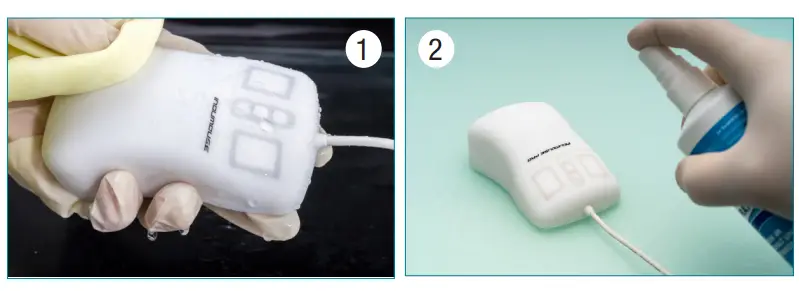
- a soft cloth or rag (1) with water or with a mild detergent or disinfectant (2)
- or rinse the mouse under running water