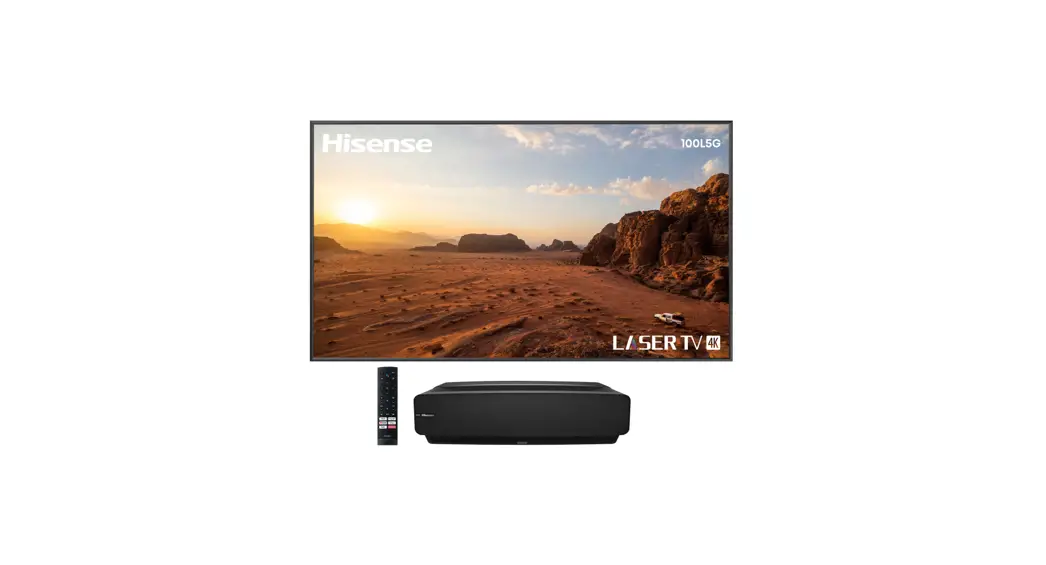
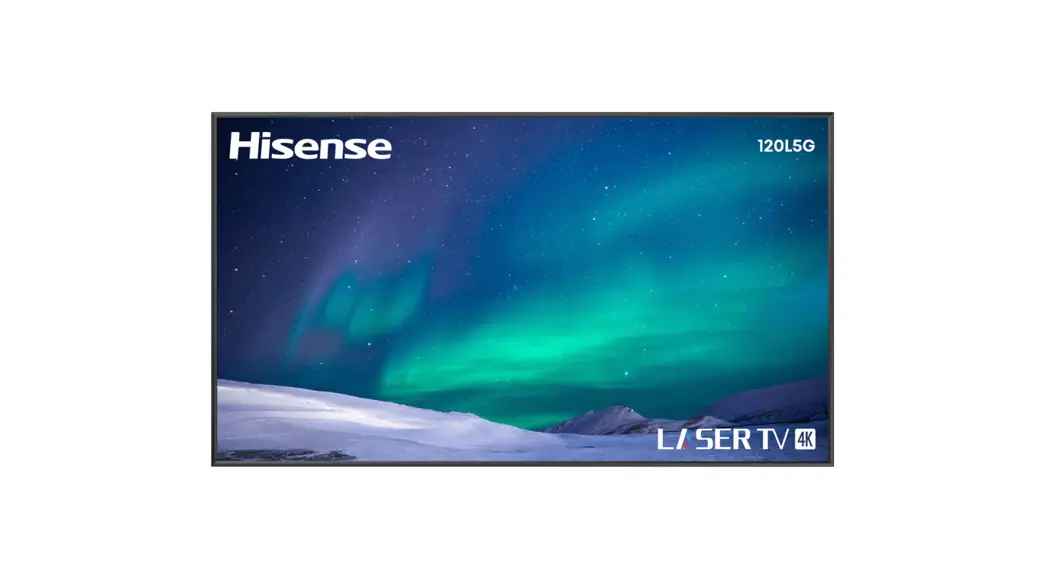
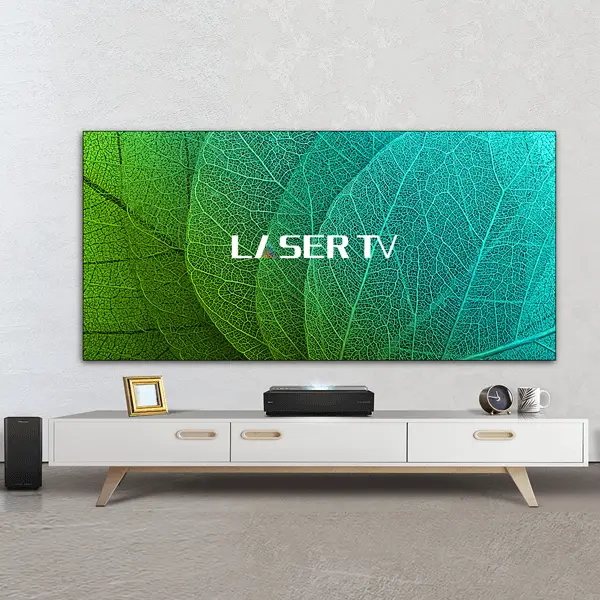
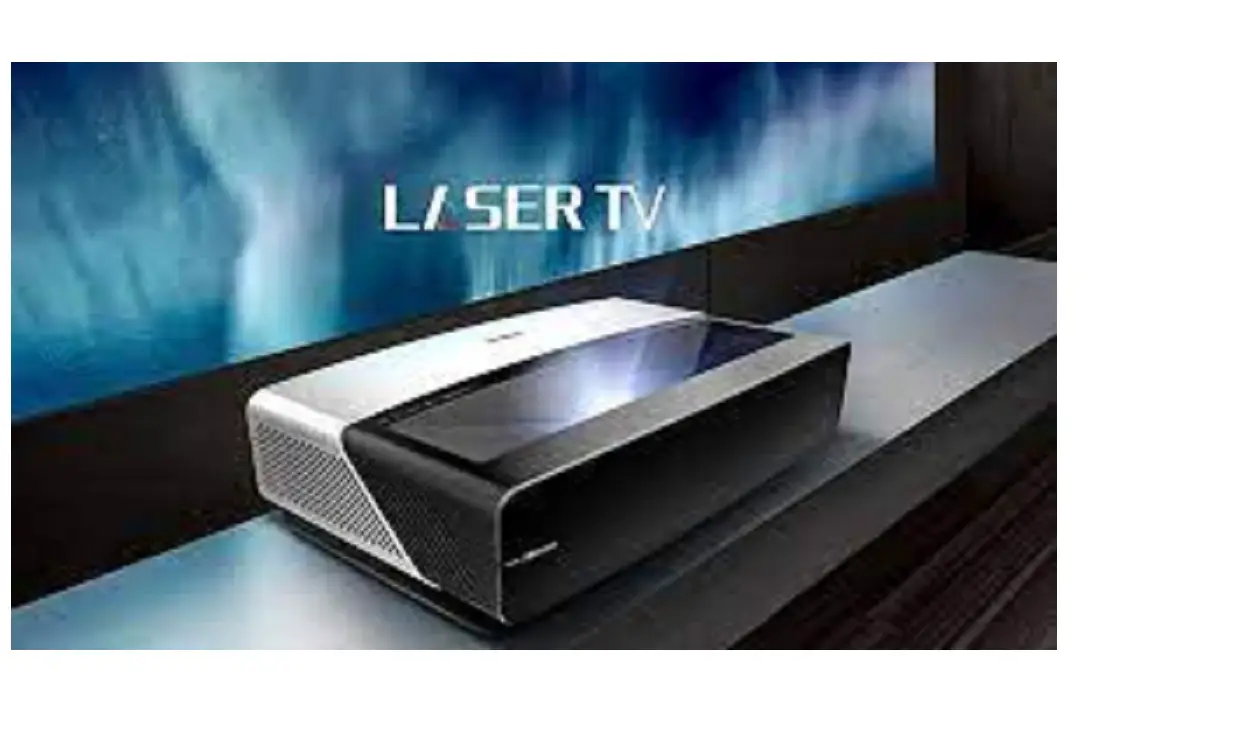
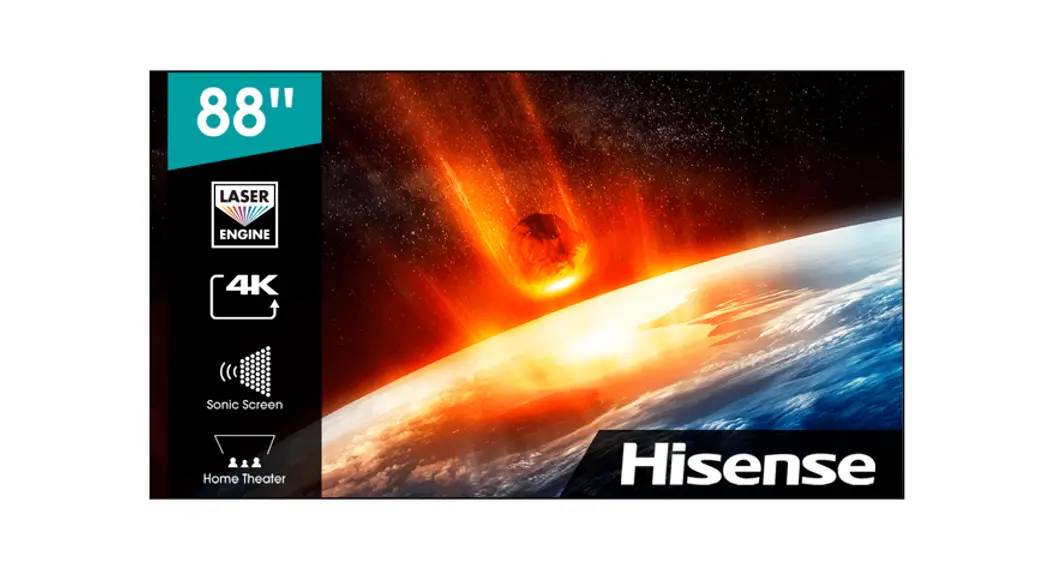
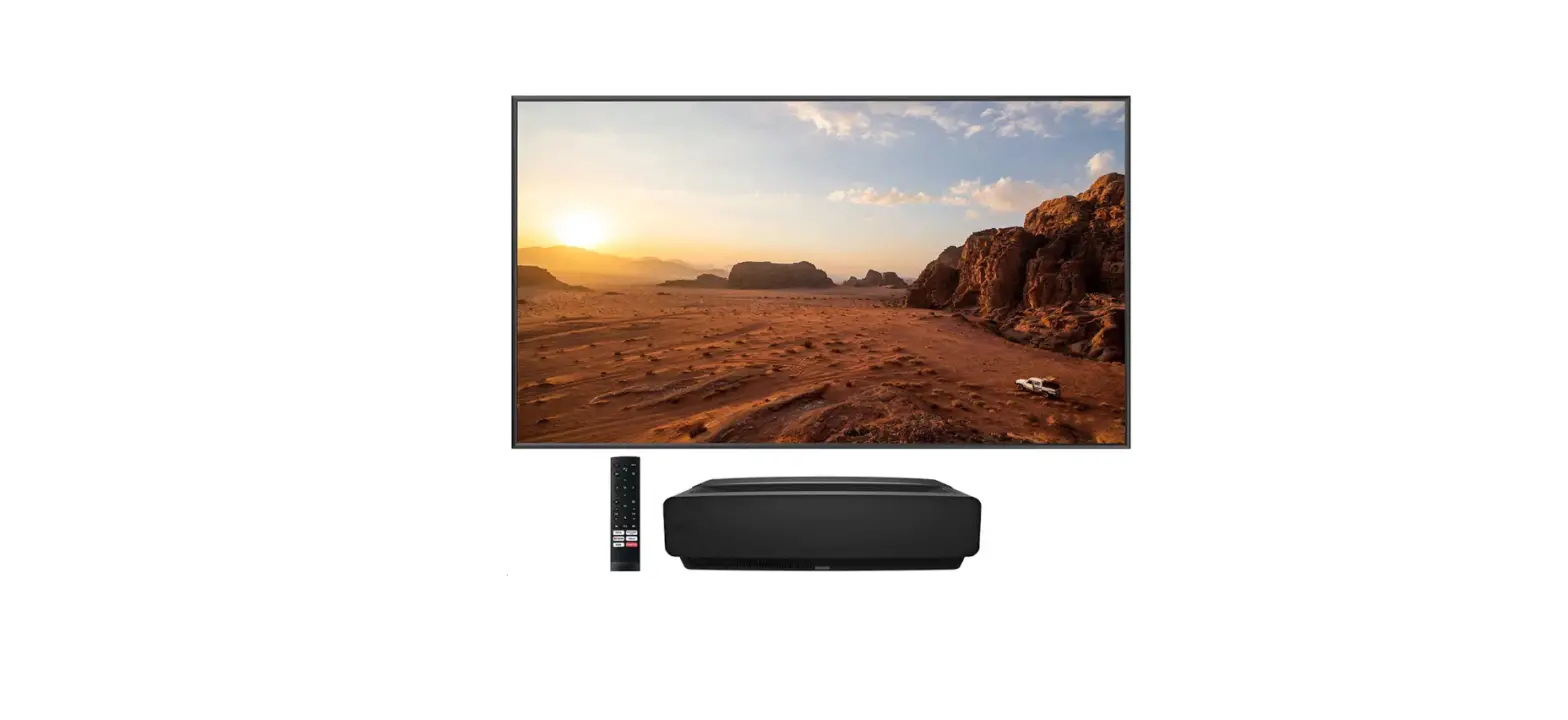
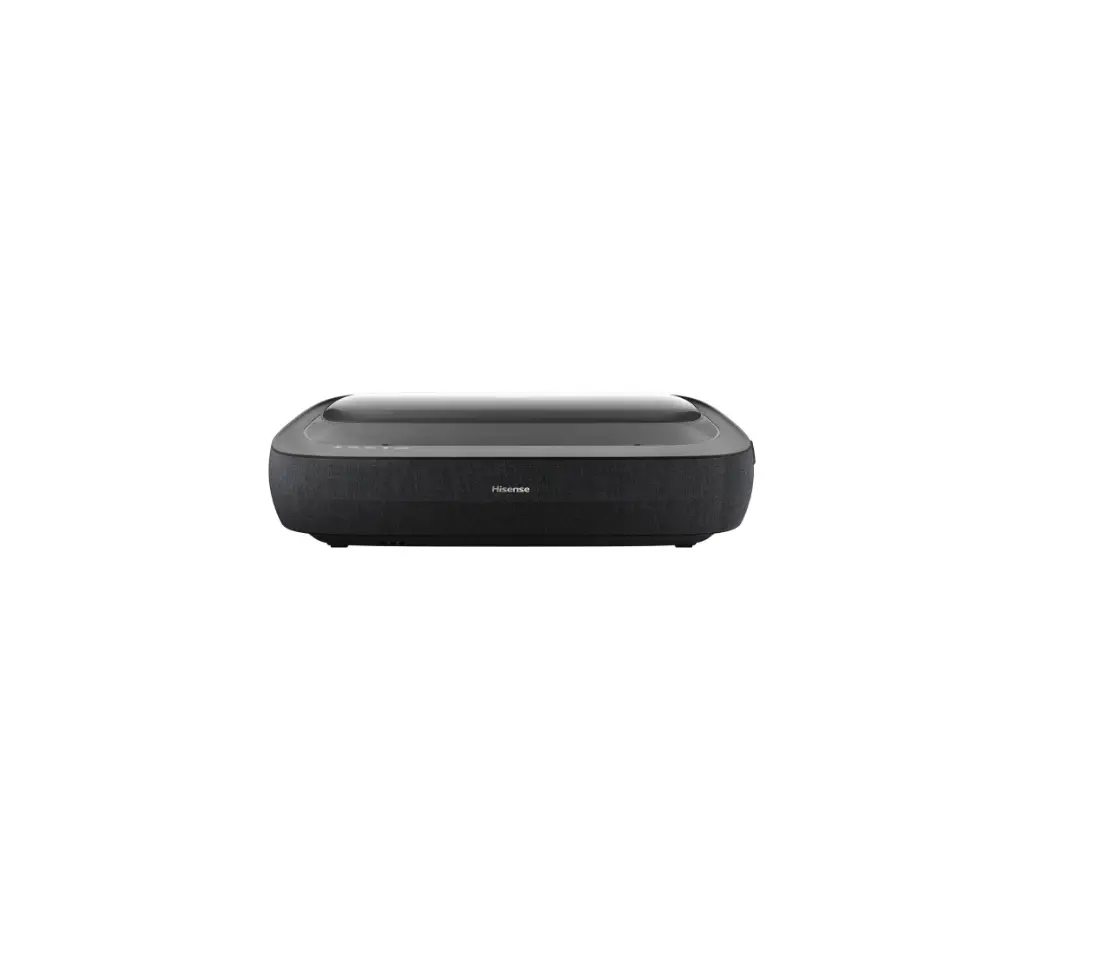
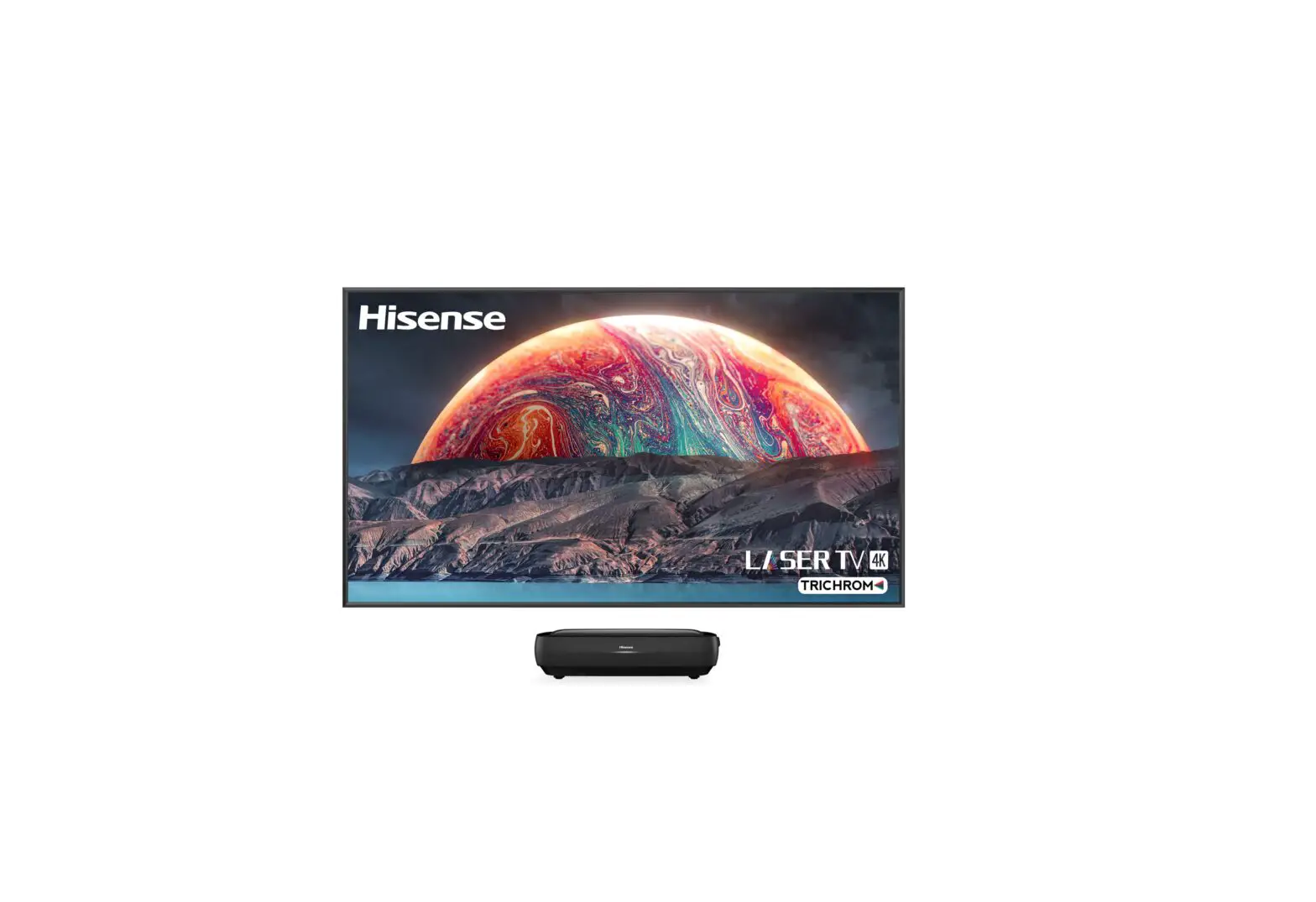
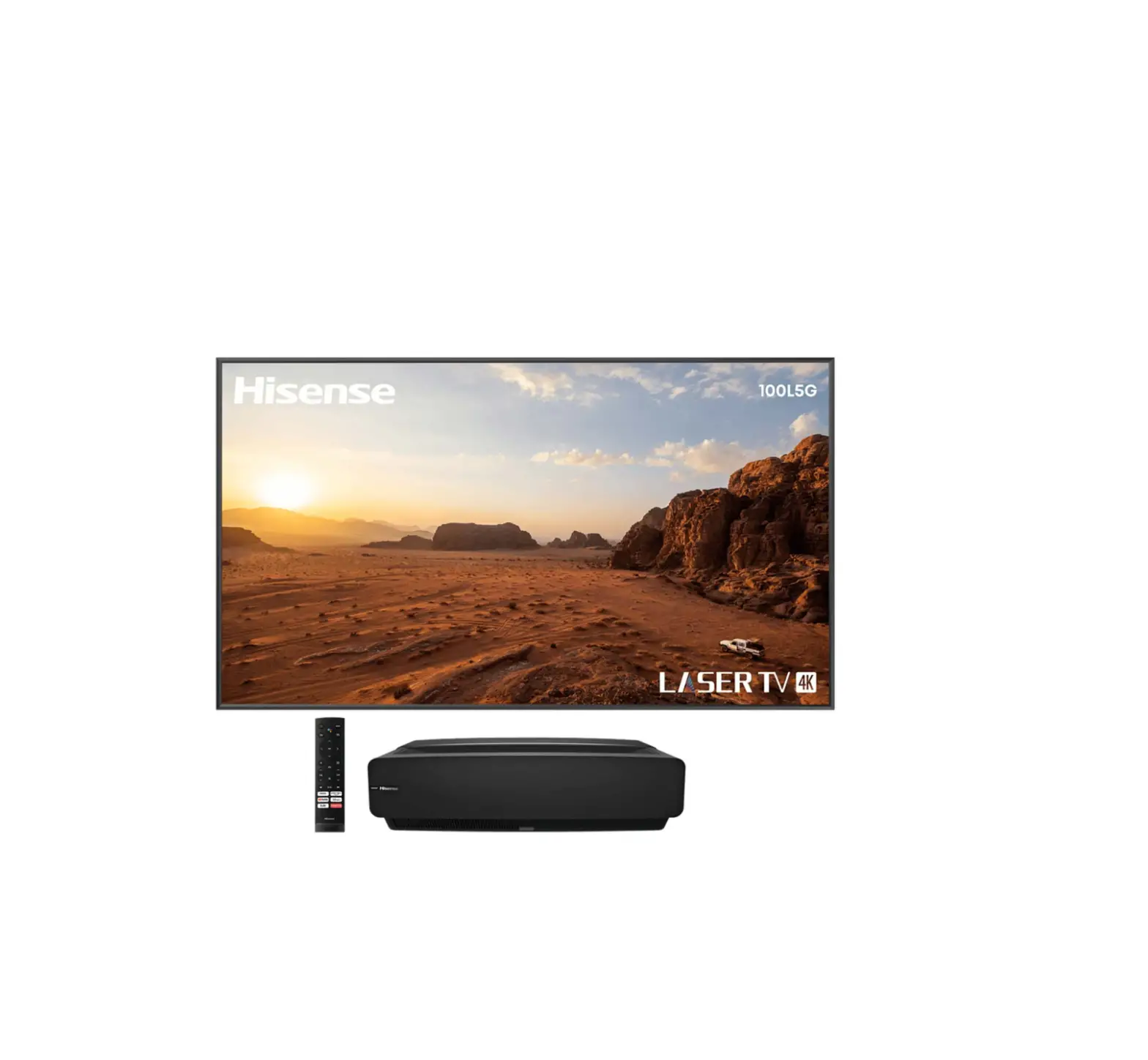
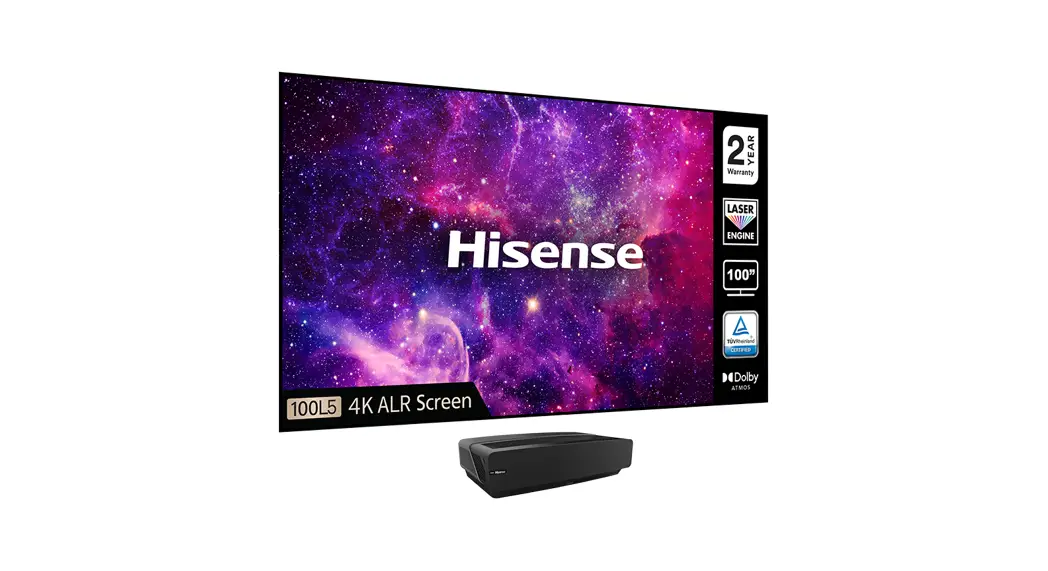
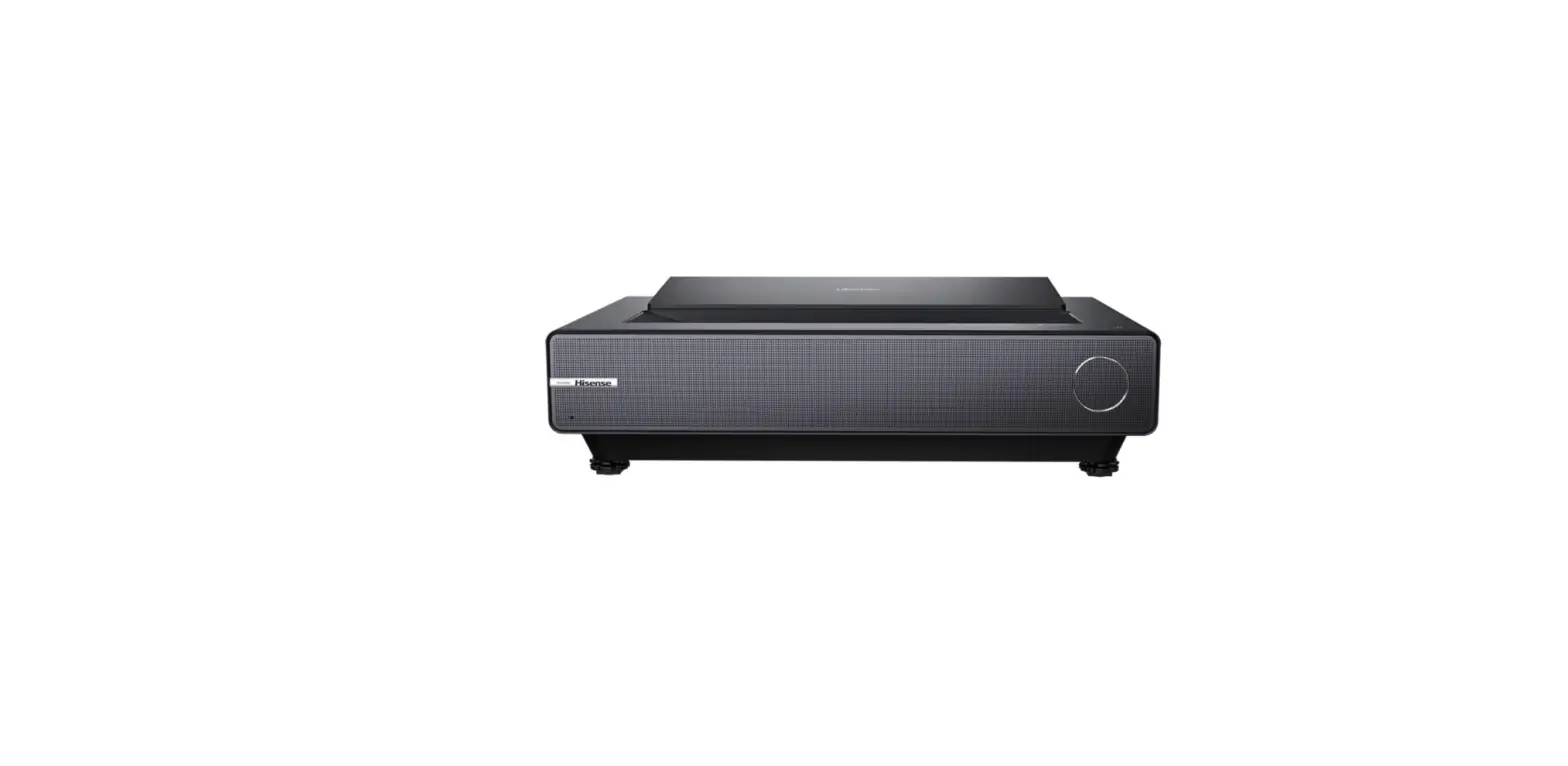
100L5H-DLT100C L5 Series Laser TV
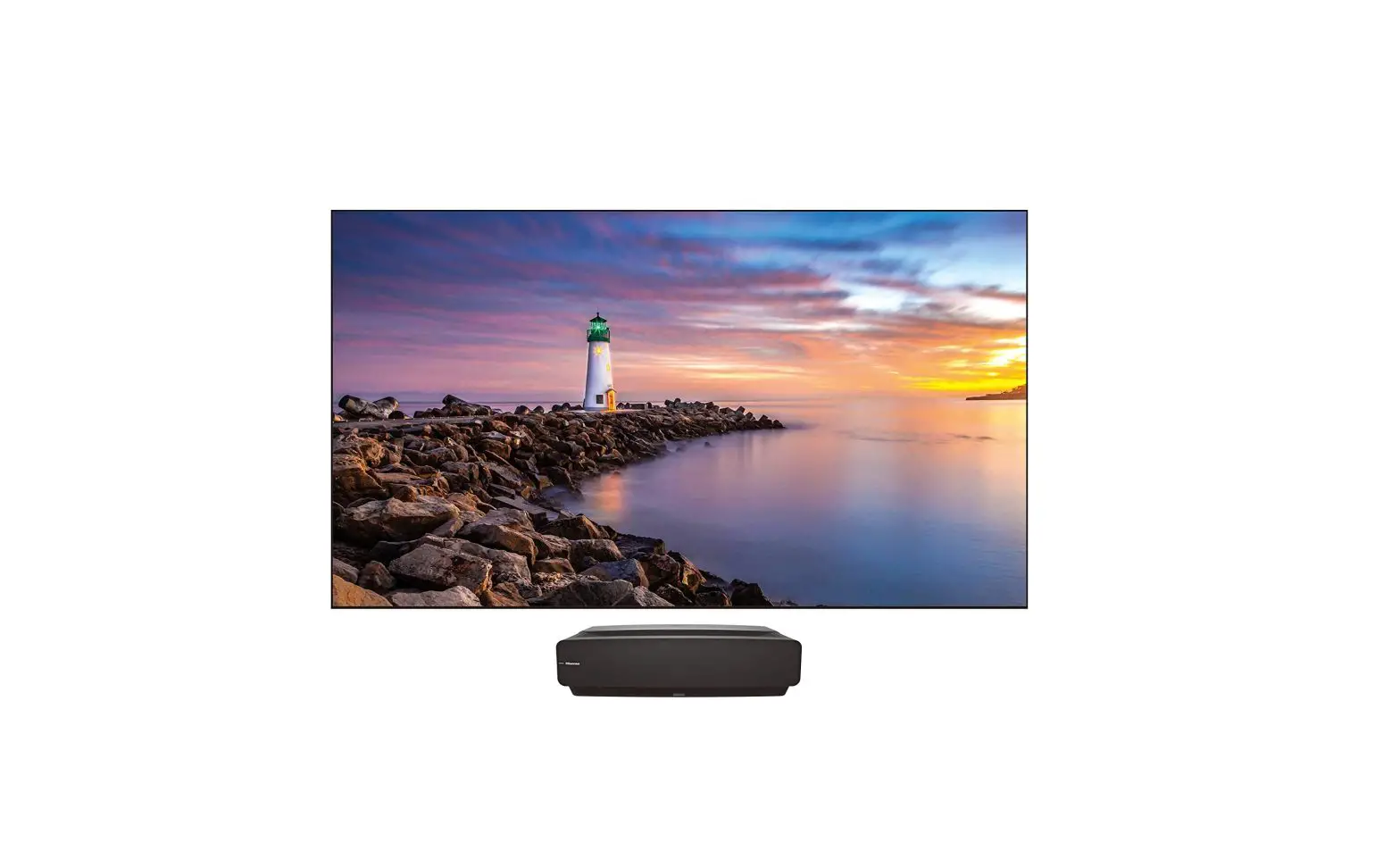
L5H 4K SMART LASER TV
L5 Series Laser TV Model-100L5H-DLT100C
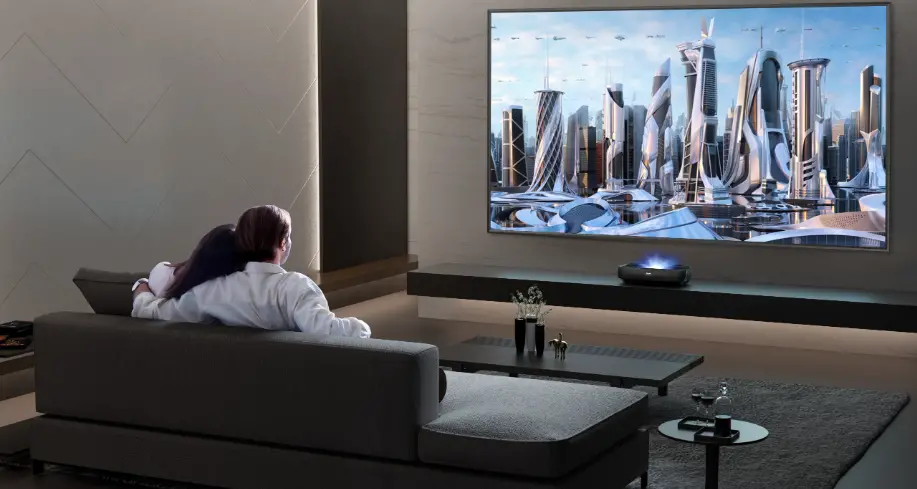
Big Screen. Big Entertainment.
TECHNICAL SPECIFICATIONS
Physical
- Console Dimensions: 22.3 x 4.8 x 12.6 inches (W x H x D)
- Console Weight: 20.7 lbs
- Screen Dimensions: 89.1 x 50.9 x 1.1 inches (W x H x D)
- Screen Weight: 30 lbs
- Over box/Package Dimensions: 66.1 x 20.9 x 19.7 inches (LTV +
Screen) - Over box/Package Weight: 97 lbs (LTV + Screen)
Picture
- Projection Size: 100 inches
- Brightness: 2700 Lumens
- Resolution / Refresh Rate: 4k@60Hz
- Color Space: 85% DCI-P3
- Contrast Ratio: 2,000,000:1 (dynamic)
- HDR: HDR10, Dolby Vision, HLG
- Light Source: Blue Laser + Phosphor Color Filter
- Laser Life: 25,000+ Hours
- Throw Ratio: 0.25:1
- Chipset: 0.47 DMD
Audio
- Audio Output Power: Surround Sound
Smart Features
- Smart TV Platform: Google TV (Google Certified)
- App Store: Google Play Store
- Streaming Services: Netflix, Disney+, HBO MAX, Hulu, Prime
Video, SHOWTIME, Pandora, Sling TV, YouTube - Voice Assistant: Google Assistant, Amazon Alexa
- Works With: Chromecast, Airplay2
Connectivity
- Wi-Fi: 802.11a/b/g/n/ac (Dual-Band), Wifi 6e
- Bluetooth: Yes
- Wired Ethernet: Yes
Power
- Power Consumption: 350W
- Standby Consumption: 76 3/5
Ports
- HDMI
- HDMI ARC, CEC
- USB
- RF Antenna
- Ethernet (LAN)
- Digital Audio Output
- Analog Audio Output
Other Features
- Noise Reduction
- Parental Controls
- Closed Caption
- Sleep Timer
- Eye Safety
- MEMC
- Remote Finder
Recommended TV stand height: H2 – 69 3/5 inches
Product Usage Instructions
1. Place the L5H 4K SMART LASER TV on a stable surface or mount
it securely on a wall according to the dimensions provided in the
user manual.
2. Connect the TV to a power supply using the provided power
cord and ensure it is securely plugged in.
3. Connect the TV to your home network either wirelessly through
Wi-Fi or using a wired Ethernet connection.
4. Turn on the TV by pressing the power button on the remote
control or on the TV console.
5. Use the remote control to navigate the Smart TV platform and
access various apps from the Google Play Store, including streaming
services like Netflix, Disney+, HBO MAX, Hulu, Prime Video,
SHOWTIME, Pandora, Sling TV, and YouTube.
6. Take advantage of voice assistant capabilities by using
Google Assistant or Amazon Alexa to control the TV and perform
various tasks.
7. Enjoy high-quality audio with surround sound output.
8. Connect external devices such as gaming consoles or Blu-ray
players using the available HDMI ports, USB ports, RF Antenna,
Digital Audio Output, or Analog Audio Output.
9. Customize your viewing experience with features like noise
reduction, parental controls, closed captioning, sleep timer, eye
safety settings, and MEMC.
10. Use the remote finder feature to locate your misplaced
remote control.
11. When not in use, you can put the TV on standby mode to
reduce power consumption.
12. For optimal viewing, consider using a TV stand with a
recommended height of H2 – 69 3/5 inches.
L5H 4K SMART LASER TV
L5 Series Laser TV Model-100L5H-DLT100C
Big Screen. Big Entertainment.
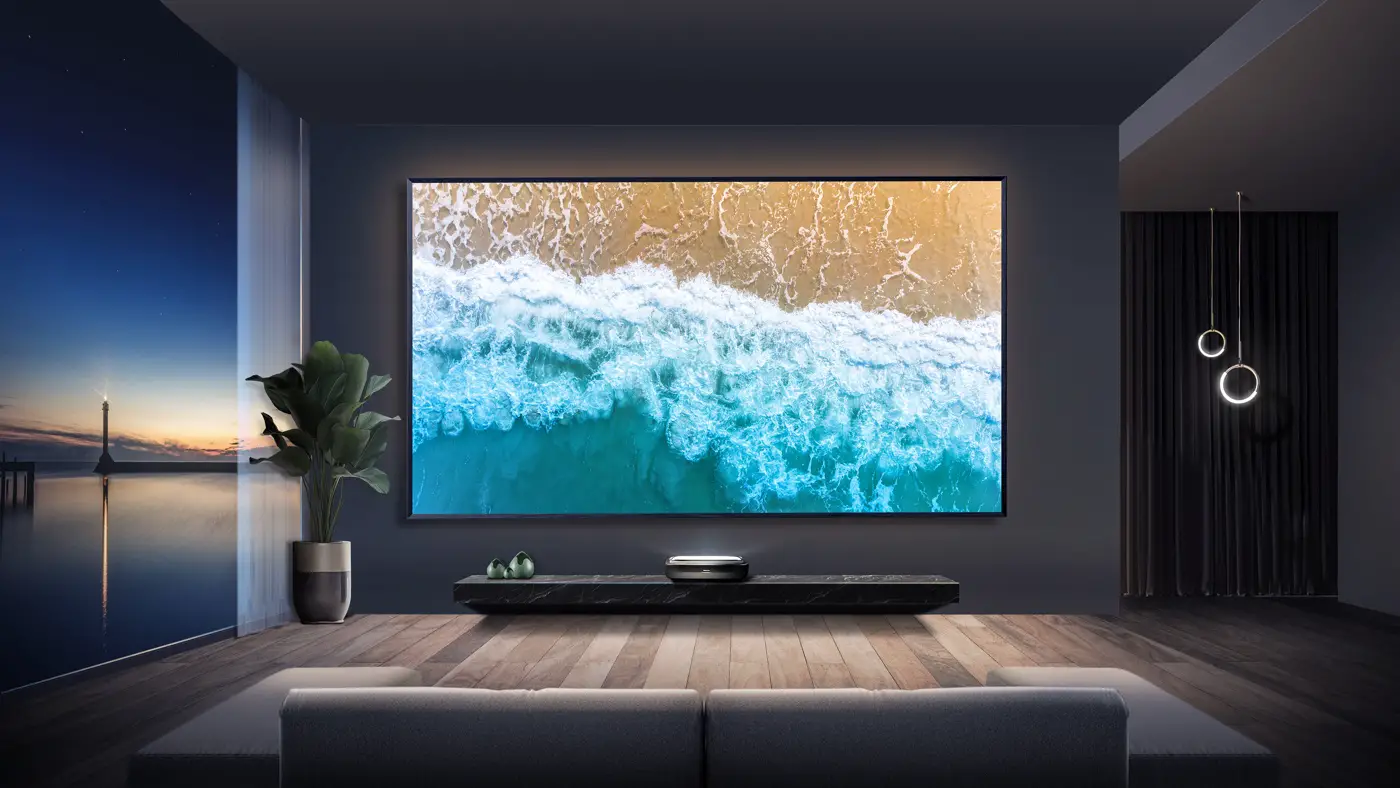
The L5H Laser TV immerses you into a whole new 4K UHD viewing experience. It’s DLP® Technology powered by Texas Instruments and X-Fusion Laser Light Source enables you to enjoy a more natural viewing experience that brings your favourite content to life. This unique experience integrates the Google TV OS and includes an ambient light-rejection screen along with Dolby Atmos cinematic sound. With the IMAX Enhanced and Film Maker Mode, you can experience the next generation of optimized picture performance at home.
· Ultra Short Throw Technology · 25,000 Hours Life · 2700 Lumens Brightness · 4K Resolution, 60Hz Refresh · Dolby Vision®
· 40W Dolby Atmos® Sound · High-Speed HDMI with eARC · Backlit Voice Remote · Google TV
TECHNICAL SPECIFICATIONS
Laser Model | 100L5H-DLT100C
Physical
Console Dimensions Console Weight Screen Dimensions Screen Weight Over box/Package Dimensions Over box/Package Weight
Picture
Projection Size Brightness Resolution / Refresh Rate Color Space Contrast Ratio HDR Light Source Laser Life Throw Ratio Chipset
Audio
Audio Output Power Surround Sound
Smart Features
Smart TV Platform App Store
Streaming Services
Voice Assistant Works With Screen Mirroring
Connectivity
Wi-Fi Bluetooth Wired Ethernet
Power
Power Consumption Standby Consumption Power Supply
Ports
HDMI HDMI ARC, CEC USB RF Antenna Ethernet (LAN) Digital Audio Output Analog Audio Output
Other Features
Noise Reduction Parental Controls Closed Caption Sleep Timer Eye Safety MEMC Remote Finder
22.3″ x 4.8″ x 12.6″ (W x H x D) 20.7 lbs 89.1″ x 50.9″ x 1.1″ (WxHxD) 30lbs 66.1″ x 20.9″ x 19.7″ (LTV + Screen) 97 lbs (LTV + Screen)
100″ 2700 Lumens 4k@60Hz 85% DCI-P3 2,000,000:1 (dynamic) HDR10, Dolby Vision, HLG Blue Laser + Phosphor Color Filter 25,000+ Hours 0.25:1 0.47″ DMD
40W (Stereo) Dolby Atmos®, Dolby Digital
Google TV (Google Certified) Google Play Store Netflix, Disney+, HBO MAX, Hulu, Prime Video, SHOWTIME, Pandora, Sling TV, YouTube Google Assistant Hey Google, Amazon Alexa Chromecast, Airplay2
802.11a/b/g/n/ac (Dual-Band), Wifi 6e Yes Yes
350W <0.5W AC 120V, 60Hz
2x HDMI 2.1 (ALLM), 1x HDMI 2.0 1 x (eARC on HDMI port 2) 1 x USB 3.0, 1x USB 2.0 1 x (ATSC3.0) 1 x 1 x Optical 1 x
Yes Yes Yes Yes Yes Yes Yes
Accessories
Remote Quick Start Guide / Manual Power Cable Cleaning Kit Warranty
UPC/EAN
Screen
Screen Size Resolution Gain ALR Type Viewing Angel Ambient light obscuring ratio Scratch-Resistance Frame
Yes, voice remote with backlight QSG in box, Manual online Yes Yes 2 Years limited warranty UPC:888143016245 EAN:6942147497142
100″ diagonal 4K 1.5 Fresnel 45º 85% Yes Fix (assembly required)
Setup Diagrams
H
14 5/7″
L1
12 4/5″
W
>89″
H1
>76 3/5″
H2
69 3/5″
Recommended TV stand height: <20″ Tall
Screen
CONSOLE
H
L1
TV STAND
W
(minimum wall width)
H2
(mounting bracket holes)
H2
H1
(Minimum wall height)
TV STAND
All product, product specifications, and data are subject to change without notice to improve reliability, function, design or otherwise. ©2023 Hisense Canada, All rights reserved Hisense Canada Co., Ltd Unit 1, 2550 Meadowvale Blvd, Mississauga, ON L5N 8C2 1-855-344-7367 www.hisense-canada.com
 Home - Hisense Canada