Cargo Hold 28 Pannier
Cargo HoldTM 28 Pannier
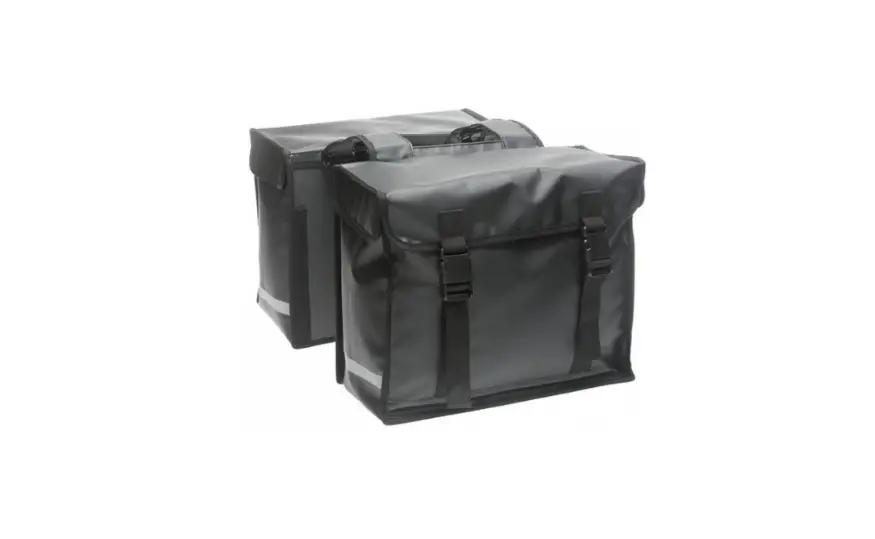
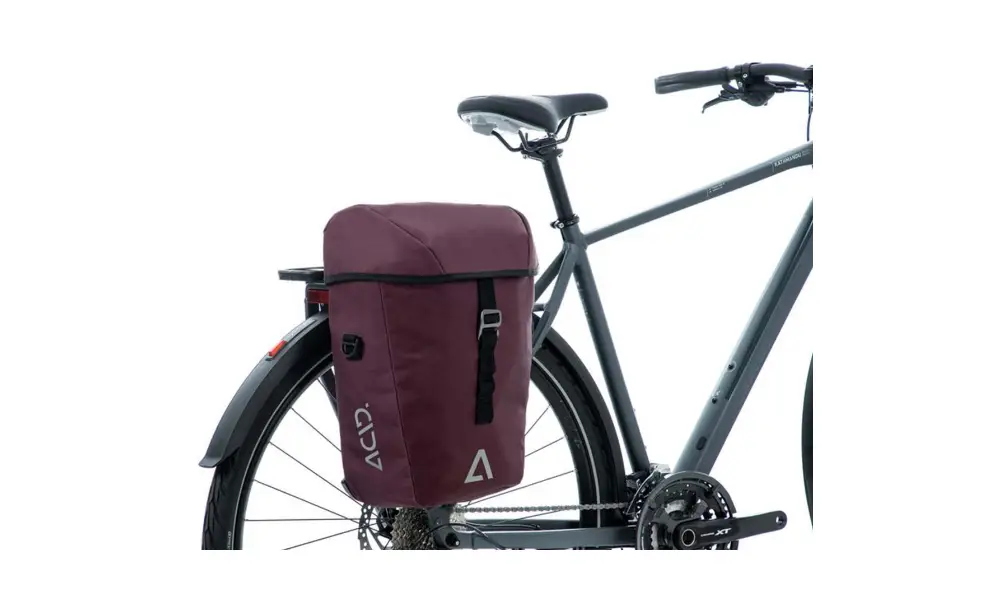
The Cargo HoldTM 28 Pannier is a versatile storage accessory
designed for use with HSD, Quick Haul, Short Haul, and NBD
bicycles. It provides ample space for carrying your belongings
during your cycling adventures.
What’s Included
- Cargo HoldTM 28 Pannier
Installation on HSD, Quick Haul or Short Haul (standard
position)
To install the Cargo HoldTM 28 Pannier on HSD, Quick Haul, or
Short Haul bicycles in the standard position:
- Ensure the pannier mounting rack is securely attached to the
bicycle frame. - Align the pannier’s mounting hooks with the mounting rack’s
attachment points. - Slide the pannier down onto the mounting rack until it locks
into place.
Installation on NBD
To install the Cargo HoldTM 28 Pannier on an NBD bicycle:
- Note that installing a child seat will block access to the
frame lock. - If you wish to use the frame lock, remove it from the rear
wheel area. - Reinstall the frame lock behind the front fork of the NBD.
Installation on HSD, Quick Haul or Short Haul (passenger
seating position)
When using passenger seating on HSD, Quick Haul, or Short Haul
bicycles, please note that the bike cannot be parked or rolled
vertically.
Rolling into Vertical Parking Position
When moving the bike into the vertical parking position,
exercise caution as the pannier may come into contact with the
ground. Scratching and damage may occur.
Flat Fold Pannier Mode
To use the Cargo HoldTM 28 Pannier in flat fold mode:
- Detach the pannier from the bike by sliding it upward and off
the mounting rack. - Flatten the pannier by folding it along the designated fold
lines.
Bucket Mode
To use the Cargo HoldTM 28 Pannier in bucket mode:
- Detach the pannier from the bike by sliding it upward and off
the mounting rack. - Open the pannier to create a bucket-shaped storage space.
CAUTION: Always follow local traffic
regulations and guidelines when using the Cargo HoldTM 28
Pannier.
For more information and support, please visit ternbicycles.com.
Cargo HoldTM 28 Pannier
Volume · 28 L (1,709 cu in) carrying capacity.
Weight Capacity · 9 kg (20 lb) max load.
What’s Included
· Cargo Hold 28 Pannier x 1 · Self-fastening Strap 25.4 x 215 mm (1″ x 8.5″) x 1 · Self-fastening Strap 25.4 x 105 mm (1″ x 4.1″) x 1 · Self-fastening Strap 25.4 x 110 mm (1″ x 4.3″) x 2
Installation on HSD, Quick Haul or Short Haul (standard position)
Installation on NBD
Installing a child seat will block access to the frame lock. To use the frame lock, remove it from the rear wheel area and reinstall it behind the front fork of the NBD.
Installation on HSD, Quick Haul or Short Haul (passenger seating position)
With passenger seating, the bike cannot be parked or rolled vertically.
Rolling into Vertical Parking Position
Please take care when moving the bike into the vertical parking position because the pannier may come into contact with the ground. Scratching and damage may occur.
t1ernbicycles.com
Flat Fold Pannier Mode Bucket Mode
CAUTION
Do not exceed the maximum load of your rear rack and the maximum gross vehicle weight of your bike. If you are unsure of the load limits, please check your bike manual. Follow the instructions in the child seat user manual to install a seat properly. Check to ensure accessories have been correctly installed and securely fastened before riding. Secure all cargo before riding. Take care that all straps are tied down and any loose items are secured. Always keep the buckle latched while riding. Tug on the strap to check that the buckle is fastened securely.
LIMITED PRODUCT WARRANTY INFORMATION: This Product comes with a ONE (1) YEAR Limited Warranty from the date of retail purchase by the original end-user. If a material or workmanship defect arises and a valid claim is received within the Warranty Period, this Product will be replaced. Mobility Holdings cannot be held liable for damages to personal property due to misuse or improper care and maintenance. This Product Warranty does not, under any circumstance, cover the replacement or cost of any third party product used with or connected to the Product. Tern, the Tern Werd (logotype), the Tern Berd (device) and Cargo Hold used alone or in combination are trade names, trade devices or registered trademarks of Mobility Holdings, Ltd. © 2023. Tern is a trademark of Mobility Holdings, Ltd. All Rights Reserved.
@ternbicycles ternbicycles.com
 Tern Bicycles | Electric Bikes, Cargo eBikes and Folding Bikes