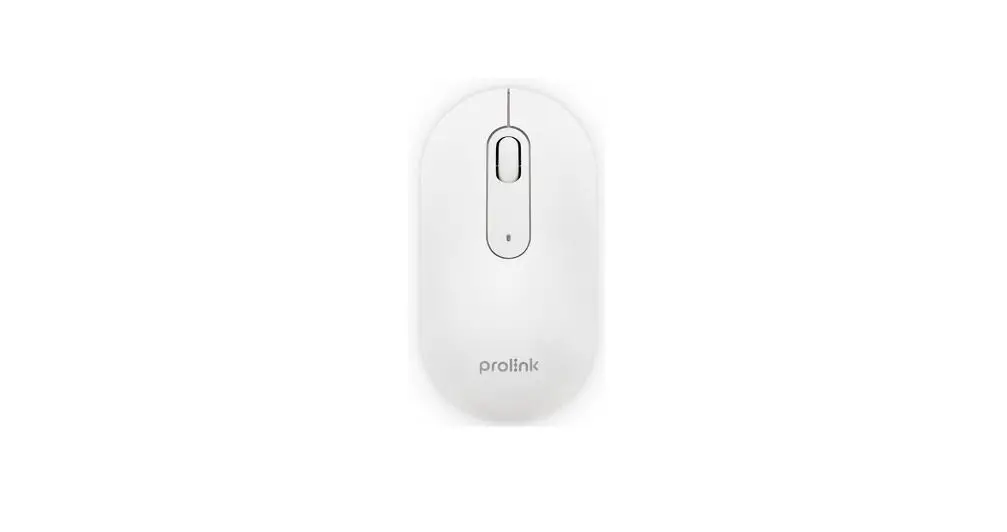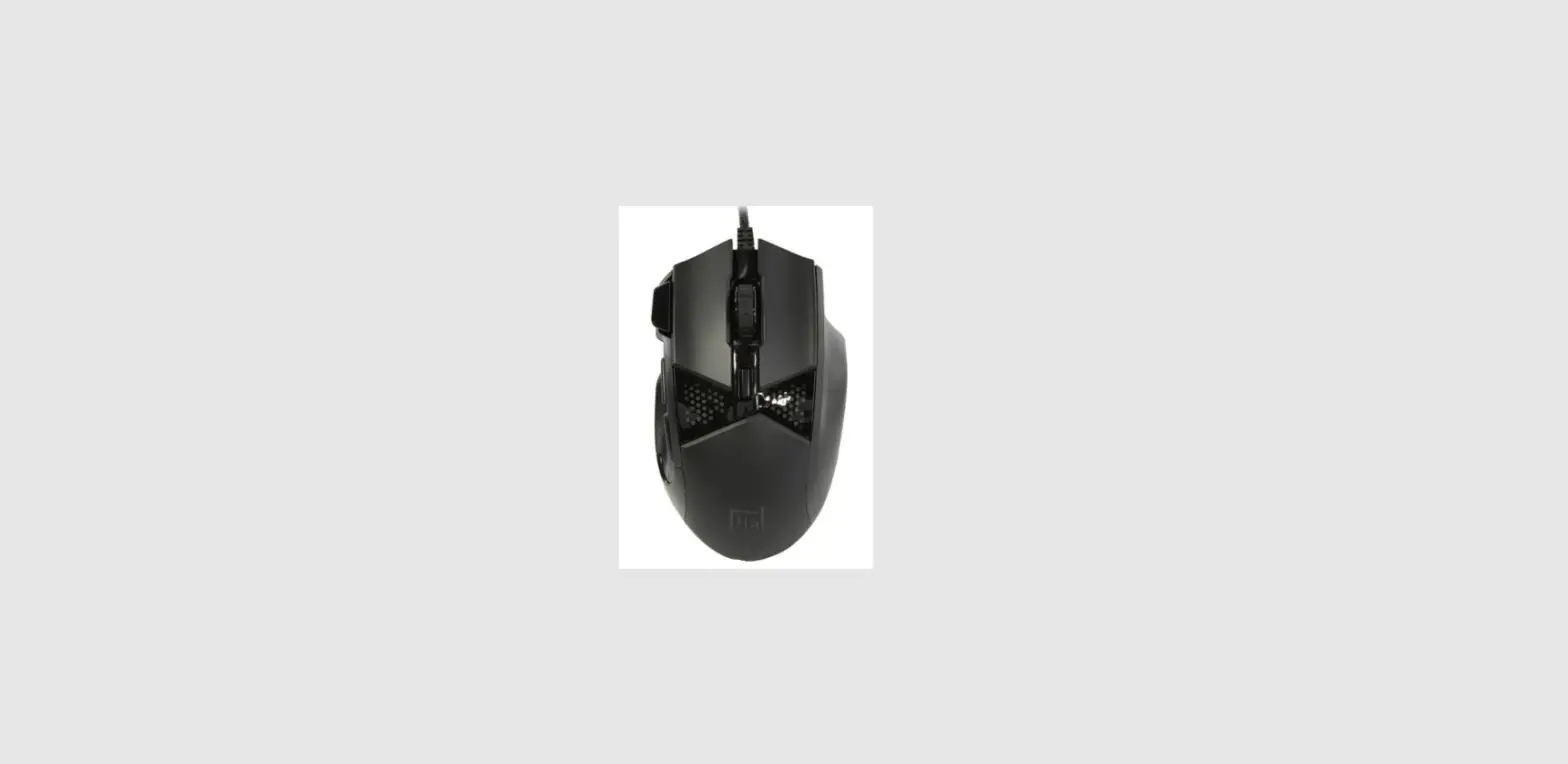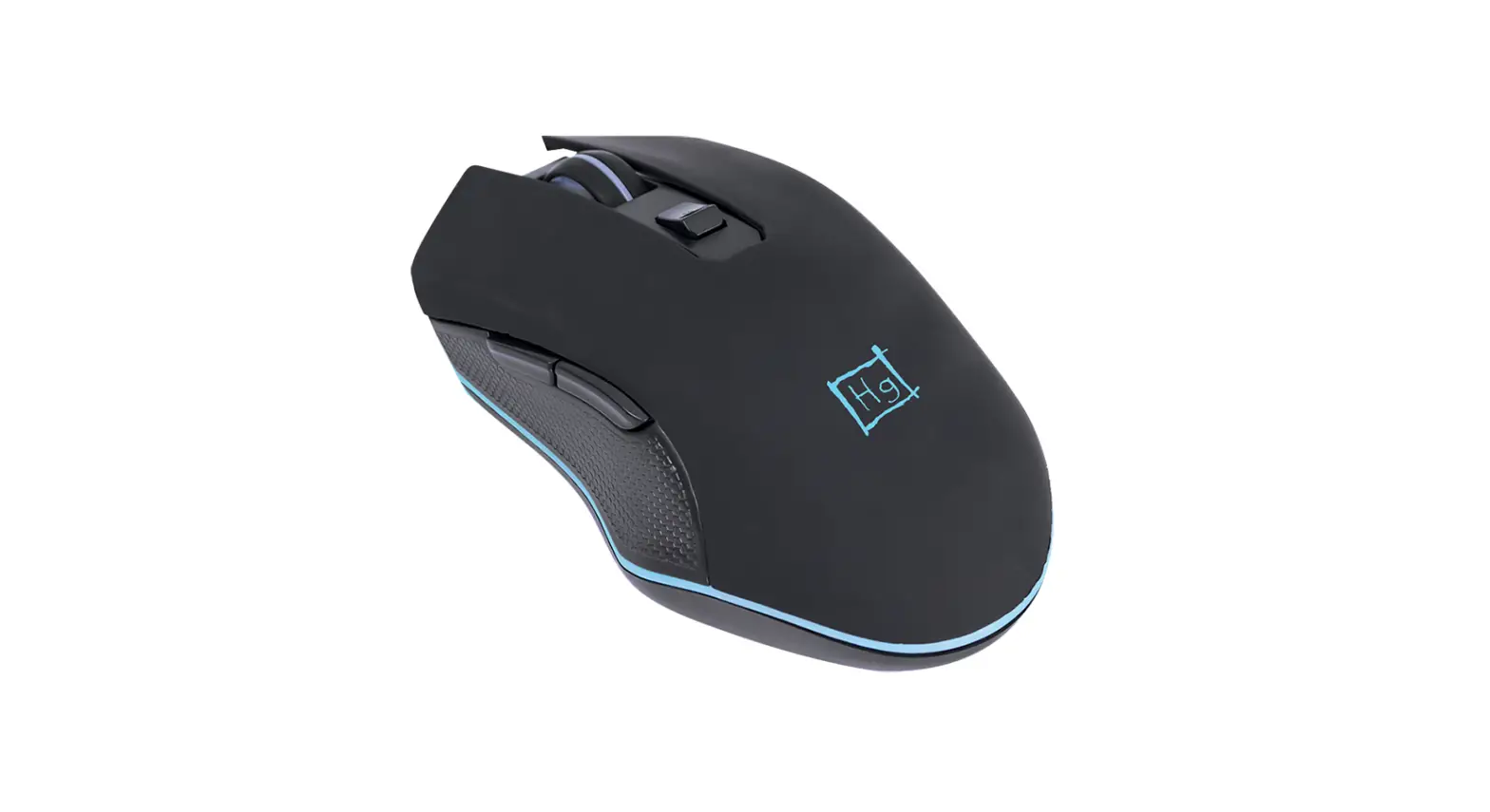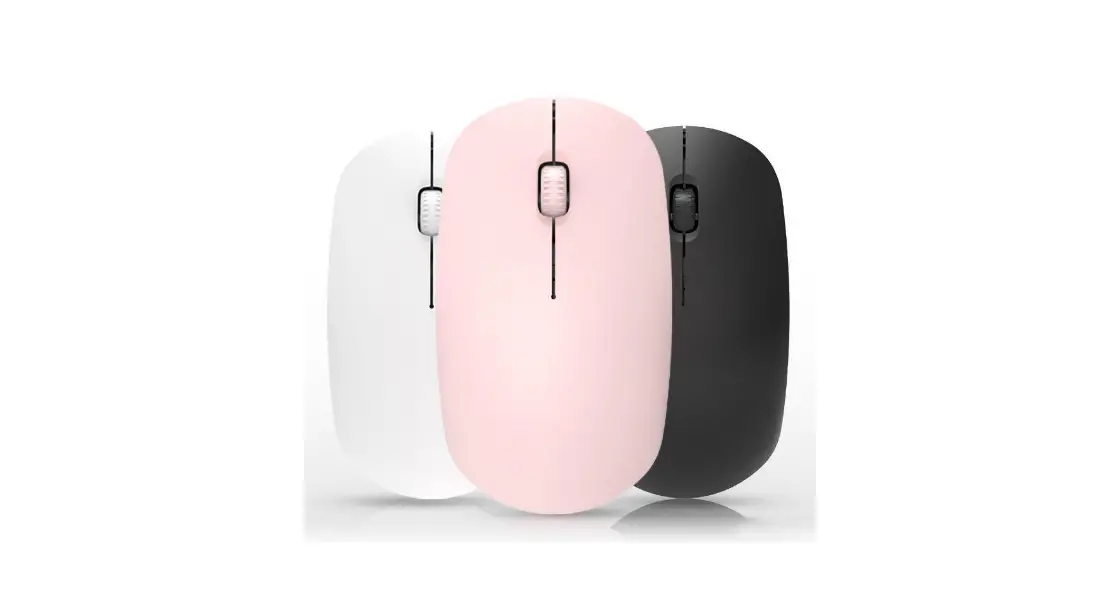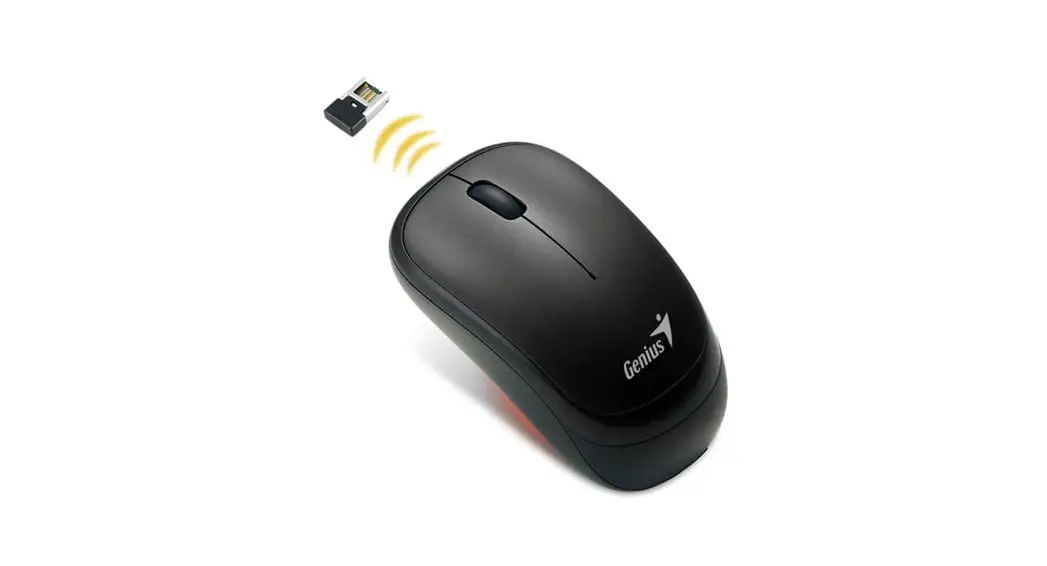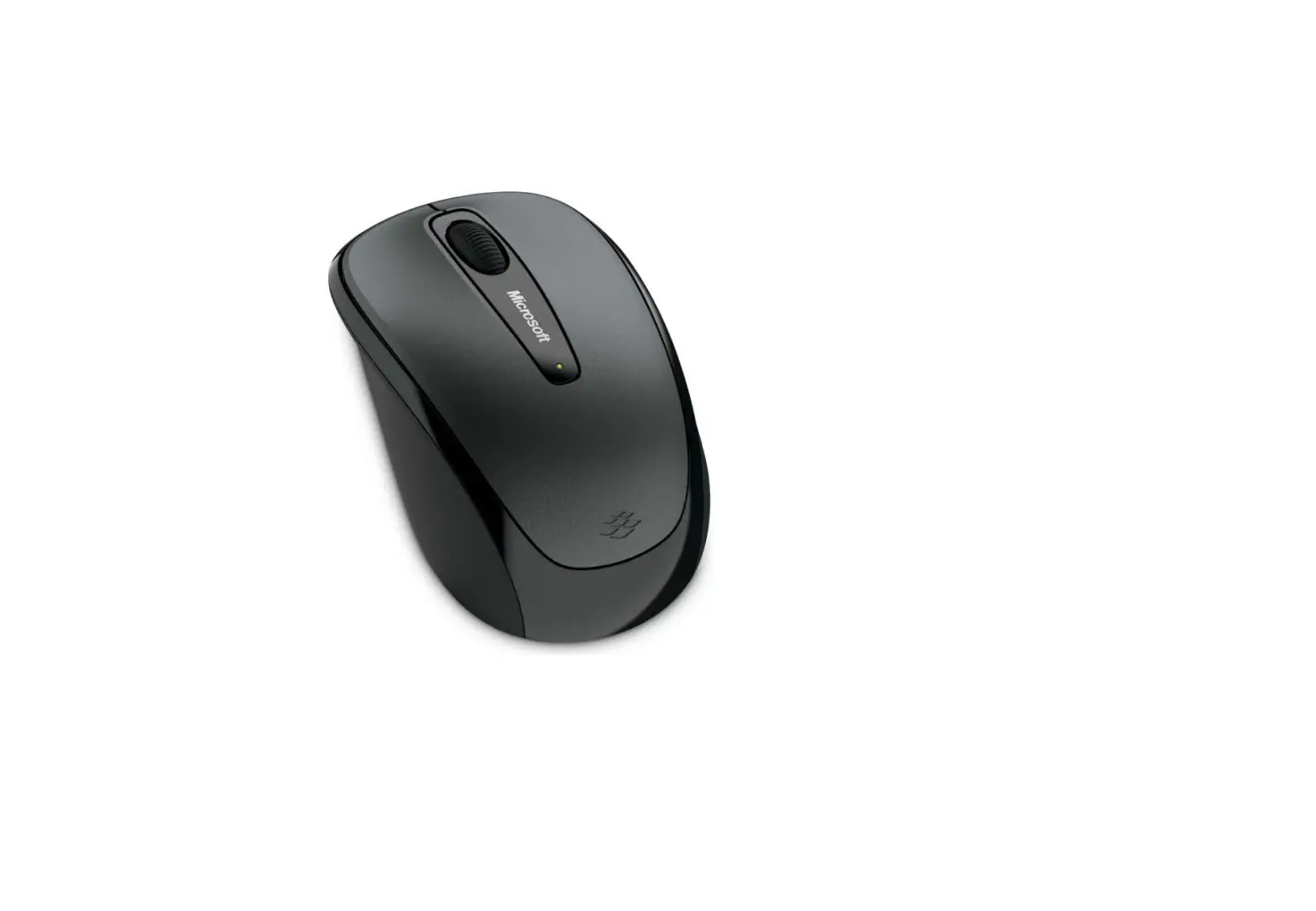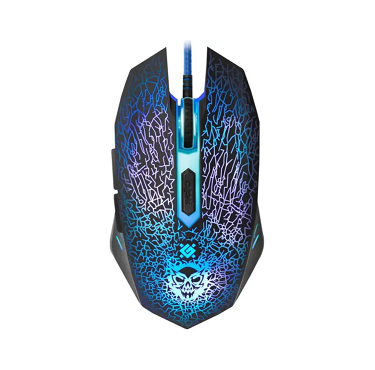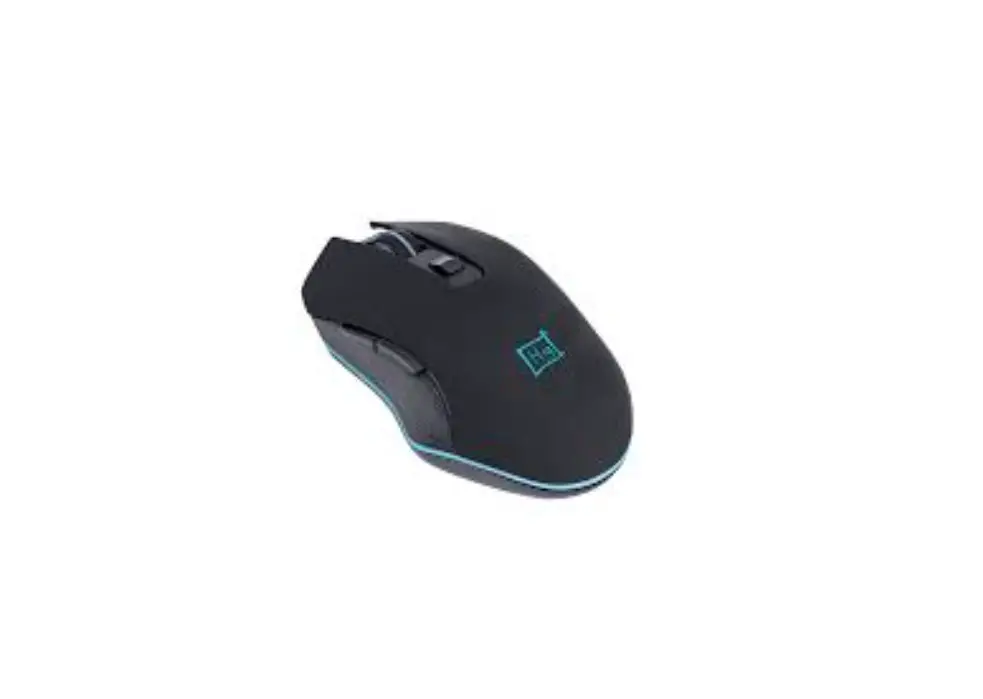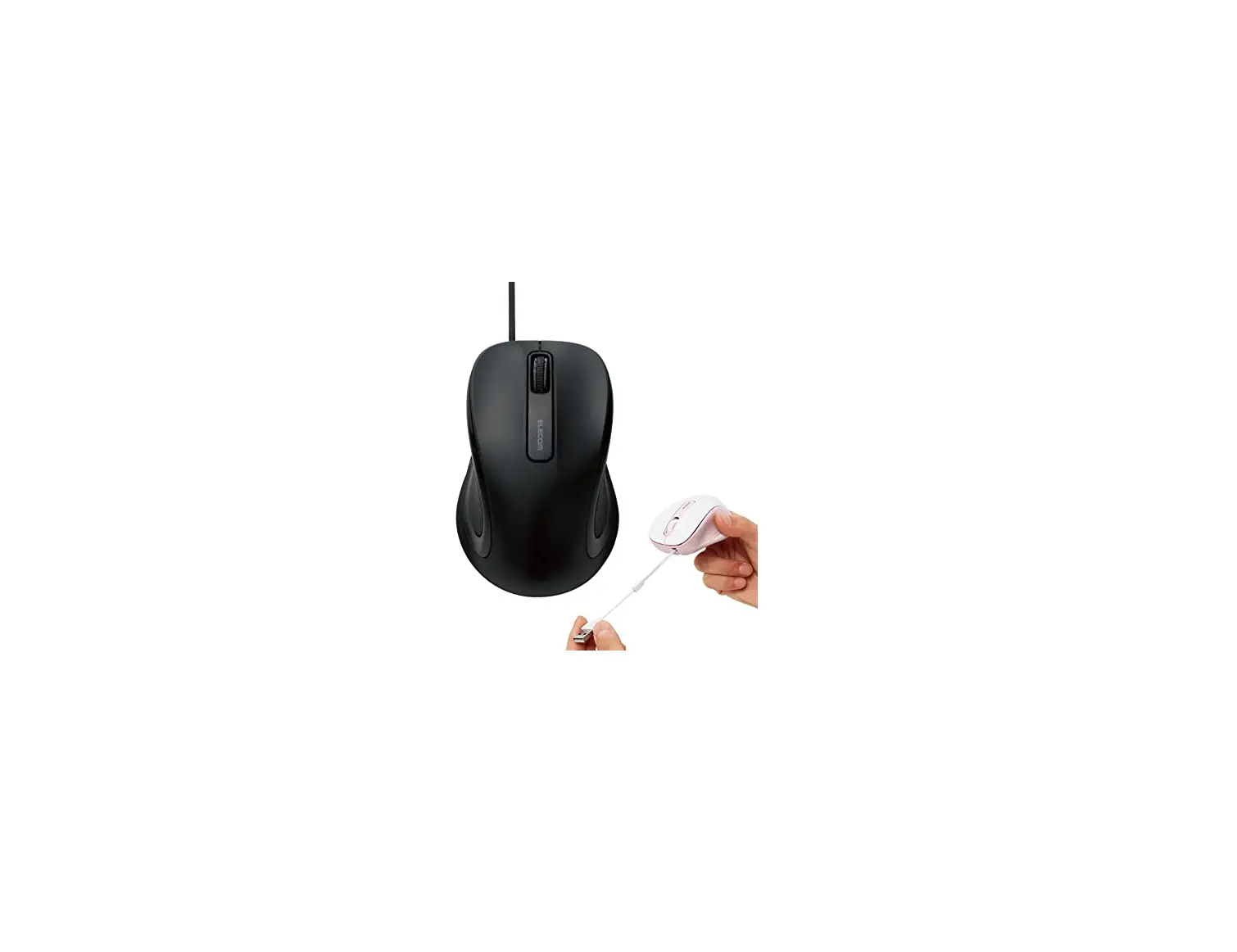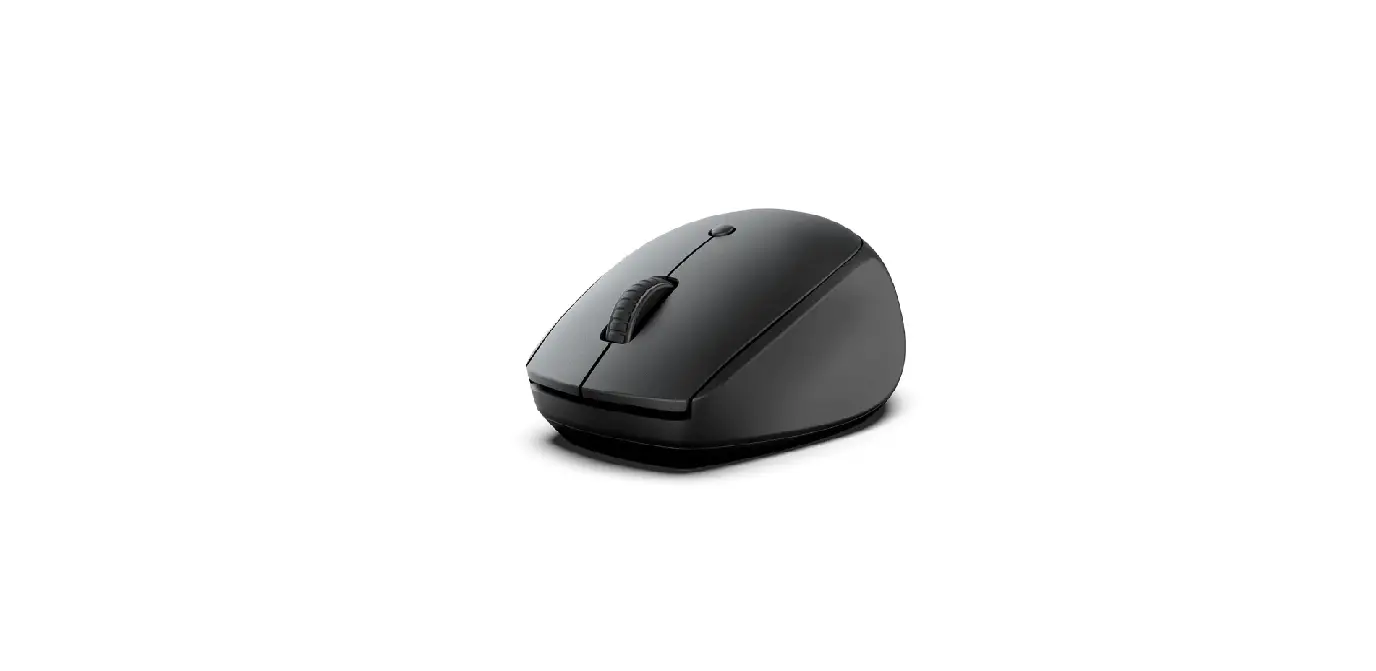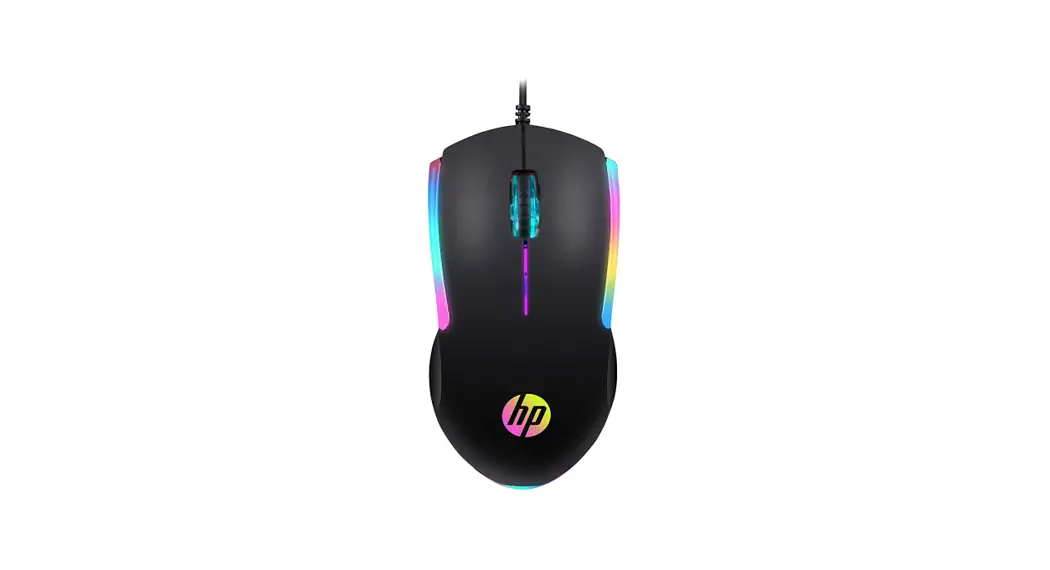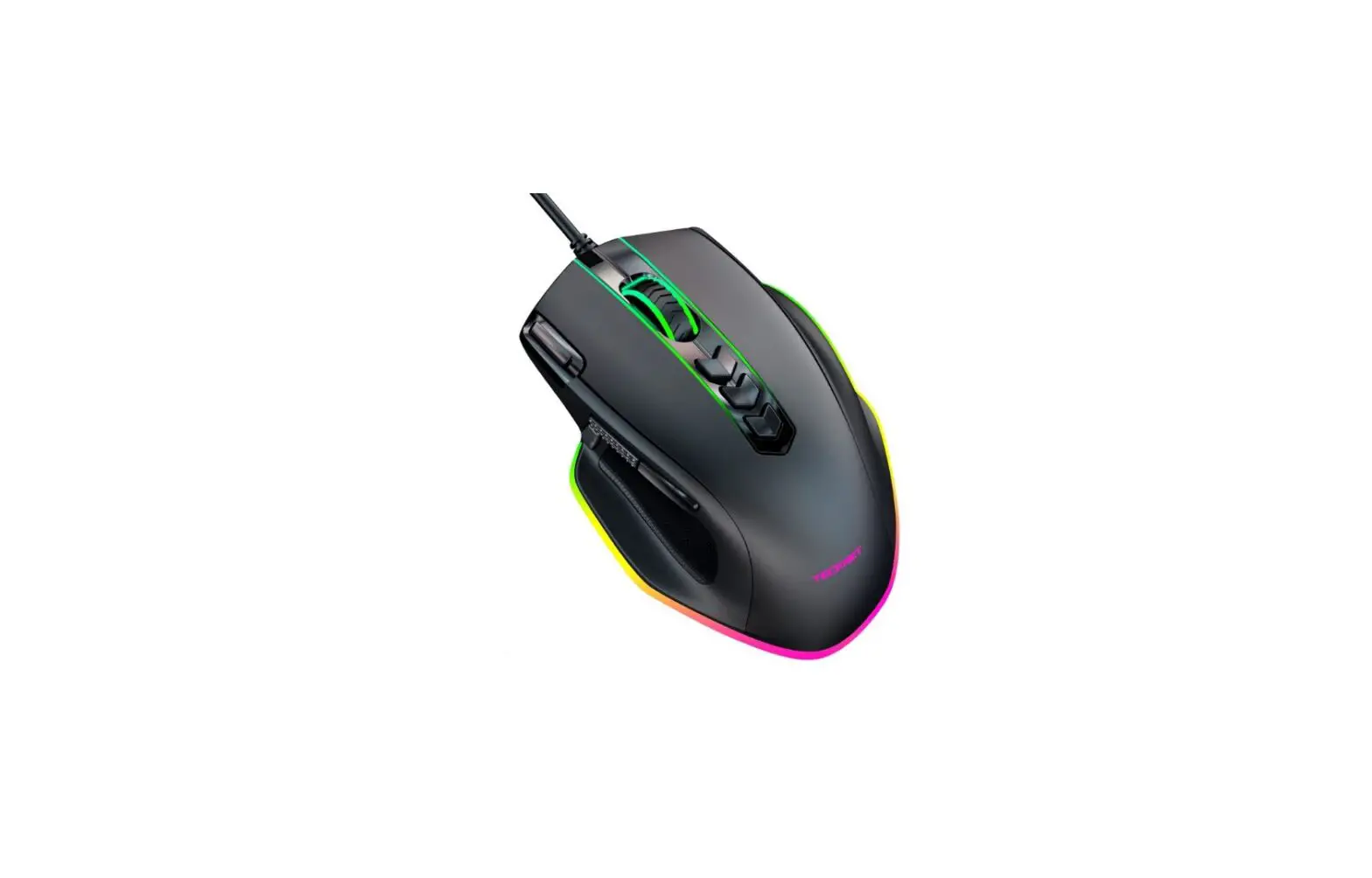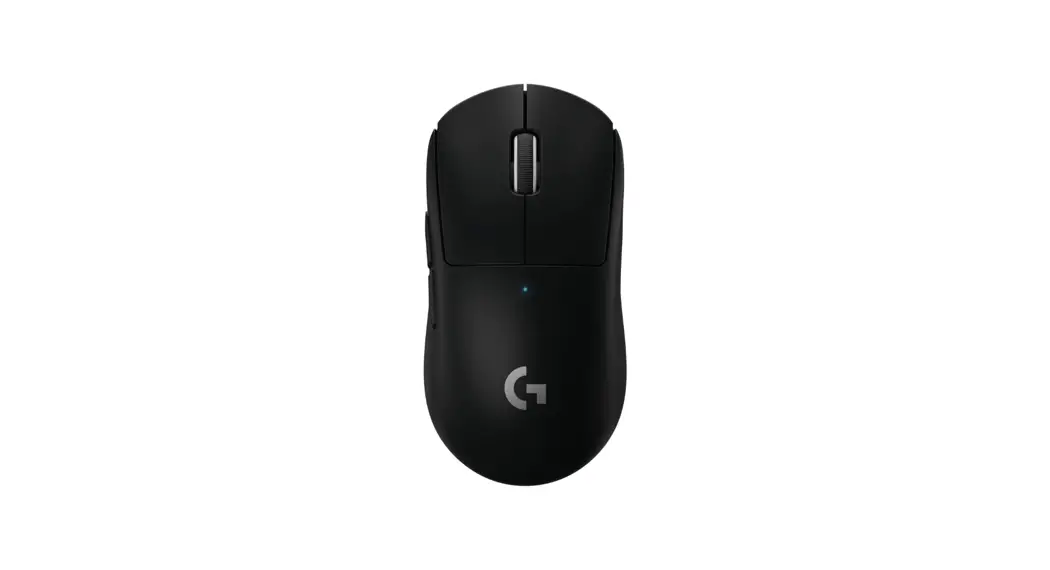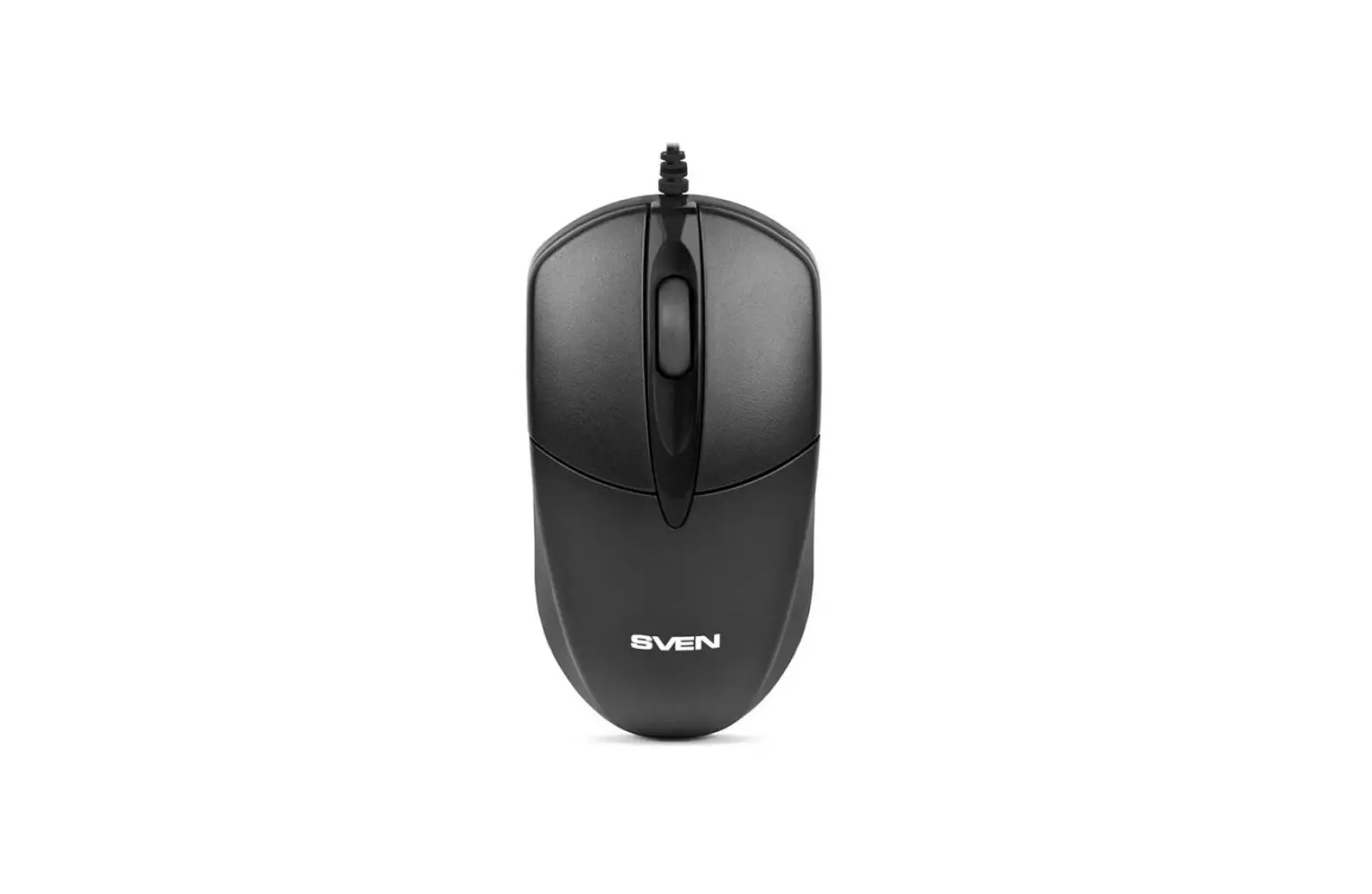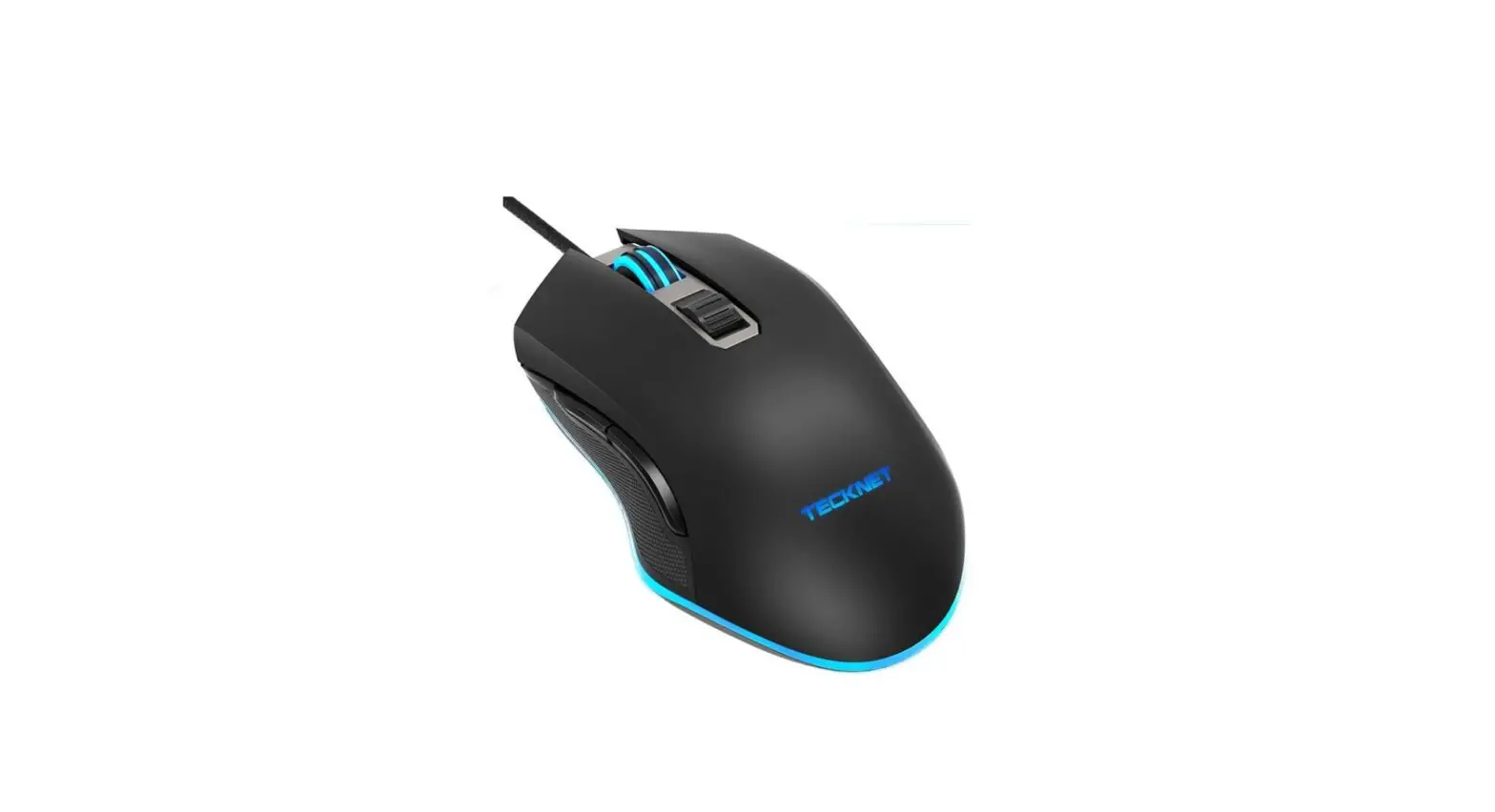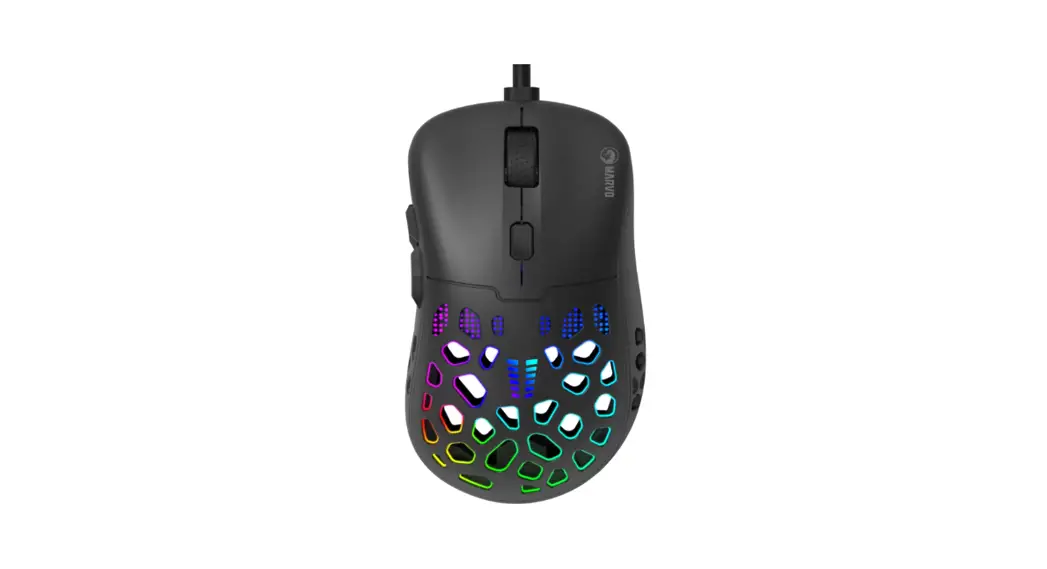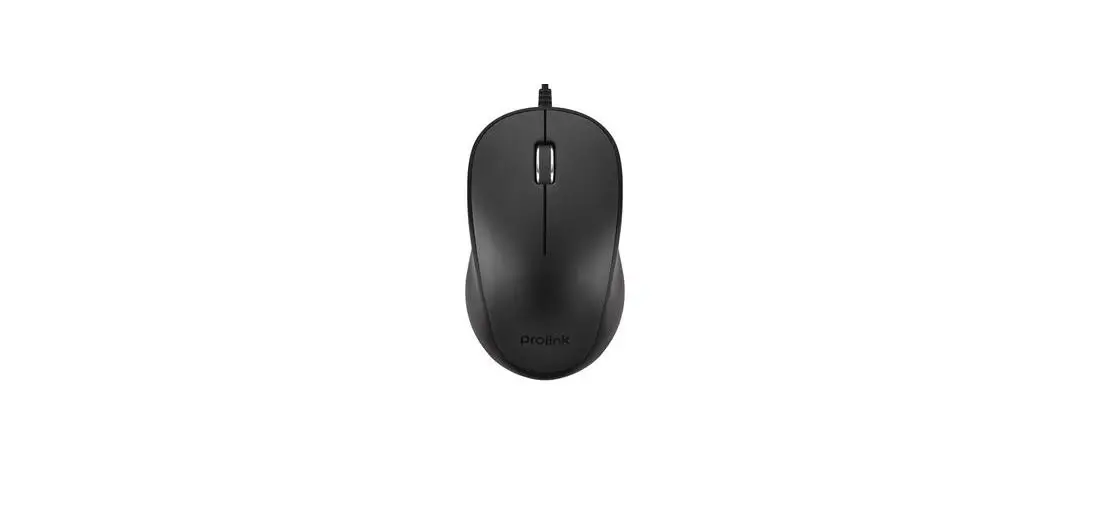

PROLiNK GM-1001 Wired Mouse
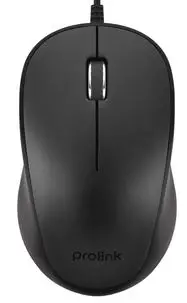
Setting Up Your Mouse
To use the mouse, simply plug the USB cable of your Prolink mouse into an available USB port on your computer
Note:
- If no respose from mouse, please try reinserting to another USB port of your computer
- For mouse with DPI button
 : the resolution of the mouse can be adjusted by pressing this button.
 : the resolution of the mouse can be adjusted by pressing this button.
User Advice/Maintenance
- Try to avoid contact with strong medicated hand creams/sanitisers whilst using the mouse
- Regularly remove dust and dirt build-up from the underneath of your Prolink mouse to ensure a smooth glide movement
- It is advisable to use your Prolink mouse on a mouse mat or non-reflective surface
Worldwide Customer Care Centers
INDONESIA Office
PT PROLiNK INTIDATA NUSANTARA
- Walk-In : Jl. Cideng Barat No. 79, Jakarta Pusat 10150, Indonesia.
- Telephone : +62 21 3483 1777
- Email Support : [email protected]
MALAYSIA Office
FIDA SYSTEMS (M) SDN BHD
- Walk-In : 29 Jalan USJ 1/31, 47600 Subang Jaya, Selangor Darul Ehsan, Malaysia.
- Telephone : +60 3 8024 9151
- Email Support : [email protected]
SINGAPORE Office
FIDA INTERNATIONAL (S) PTE LTD
- Walk-In : Block 16 Kallang Place #06-02, Kallang Basin Industrial Estate, Singapore 339156.
- Telephone : +65 6357 0668
- Email Support : [email protected]
Technical Support Hotline
- INDONESIA : +62 21 3483 1717
- MALAYSIA : +60 3 8023 9151
- SINGAPORE : +65 6357 0666