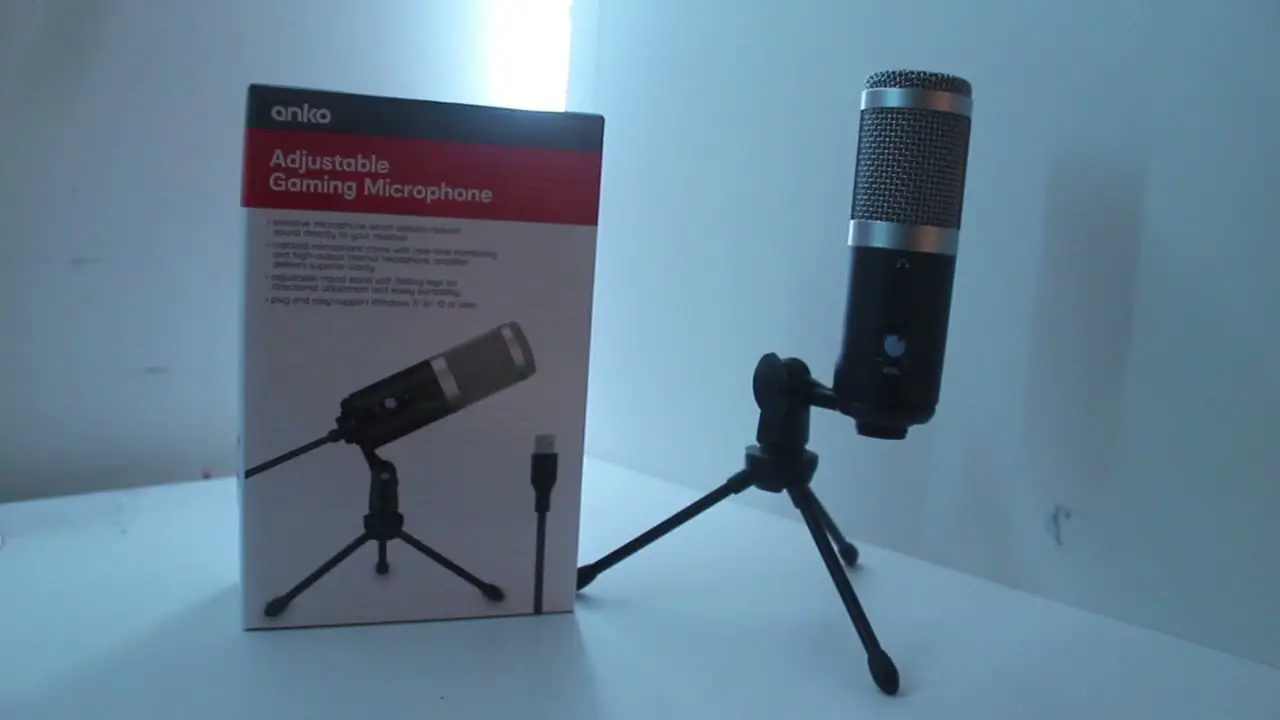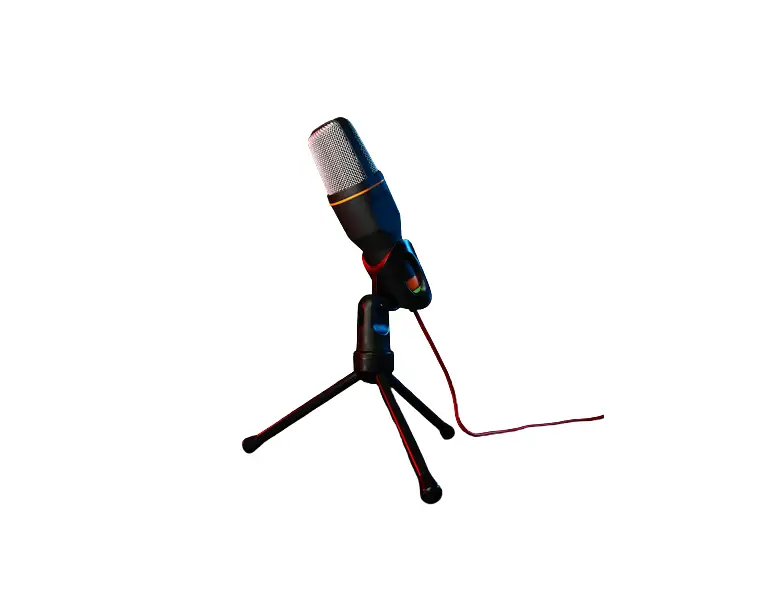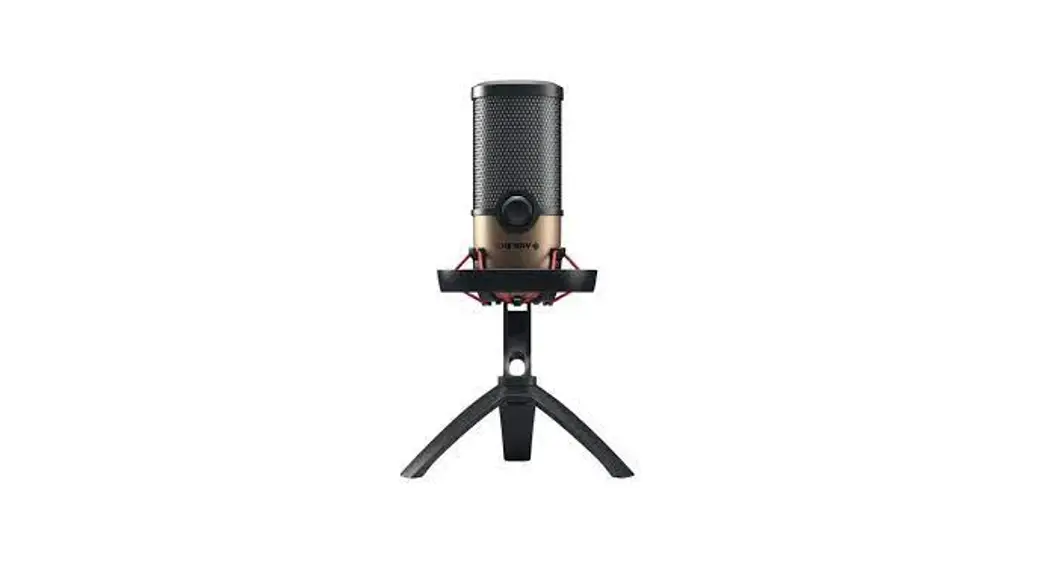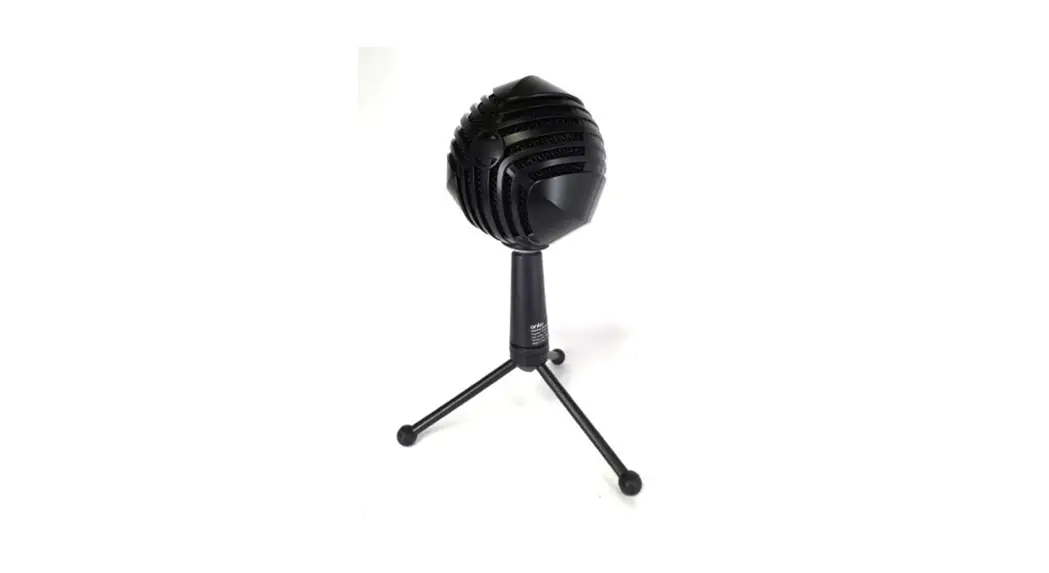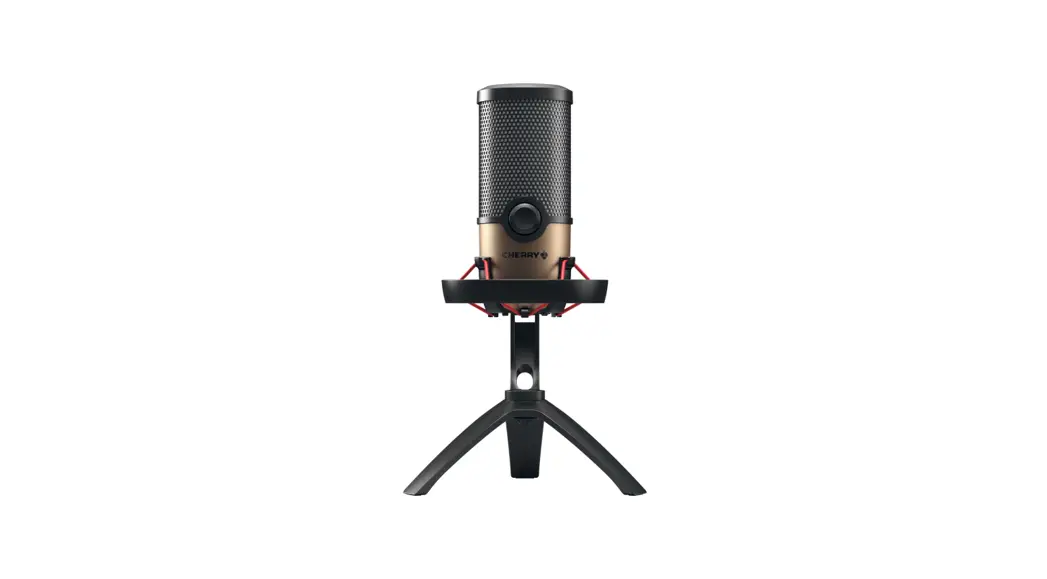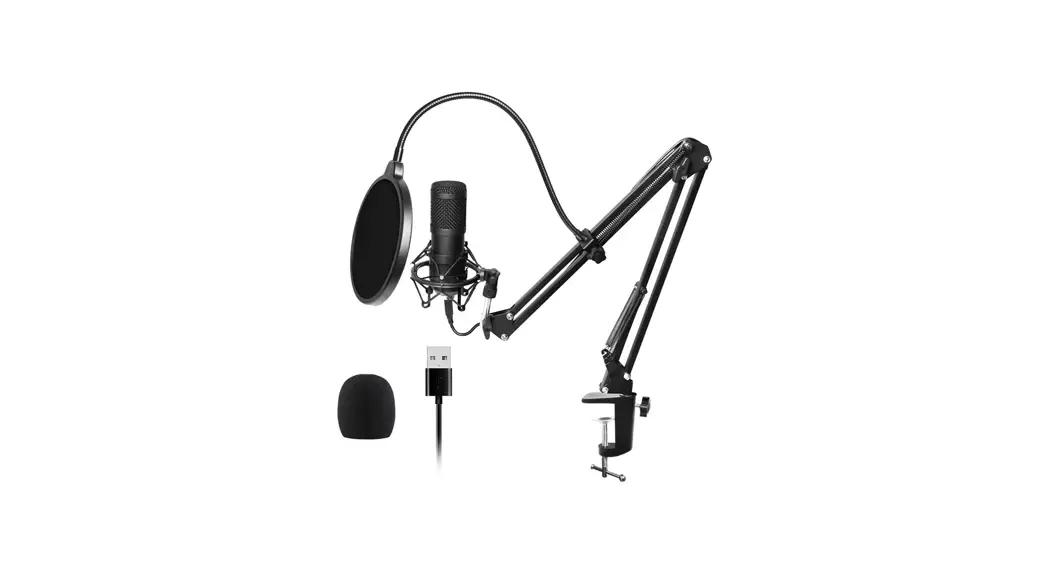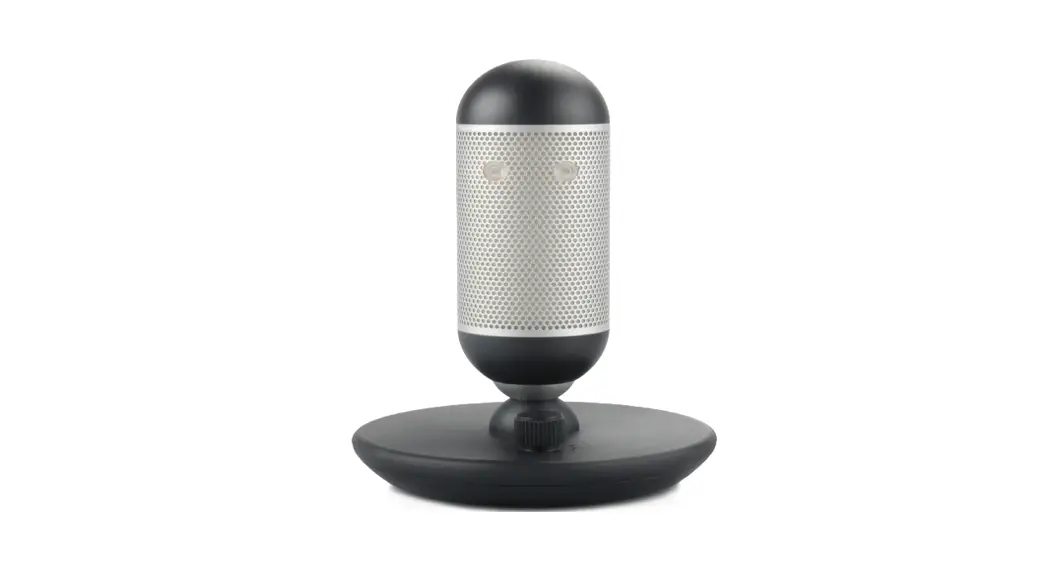
 43157150 USB Microphone with RGB Lights
Instruction Manual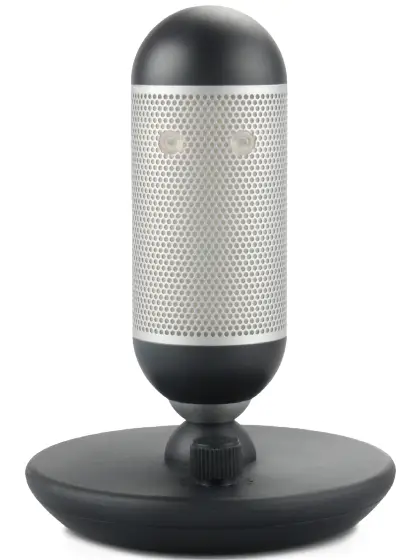 INSTRUCTION MANUAL 43157150 [KMT085]
5107_MAN_43157150_Cardioidmic_V3
Artwork Proof Date: 02.24.2022 Number of artboards: 1
PAPER: 80gsm Bright white uncoated paper
PRINT COLOURS: BLACK
C:0 M:0 Y:0 K100
PRINT FINISH: Double sided Folded in the centre
43157150 USB Microphone with RGB Lights
USB Microphone with RGB Lights
Operating Instructions
Includes:
> RGB microphone
> USB-C coble
> user manual
Function Overview
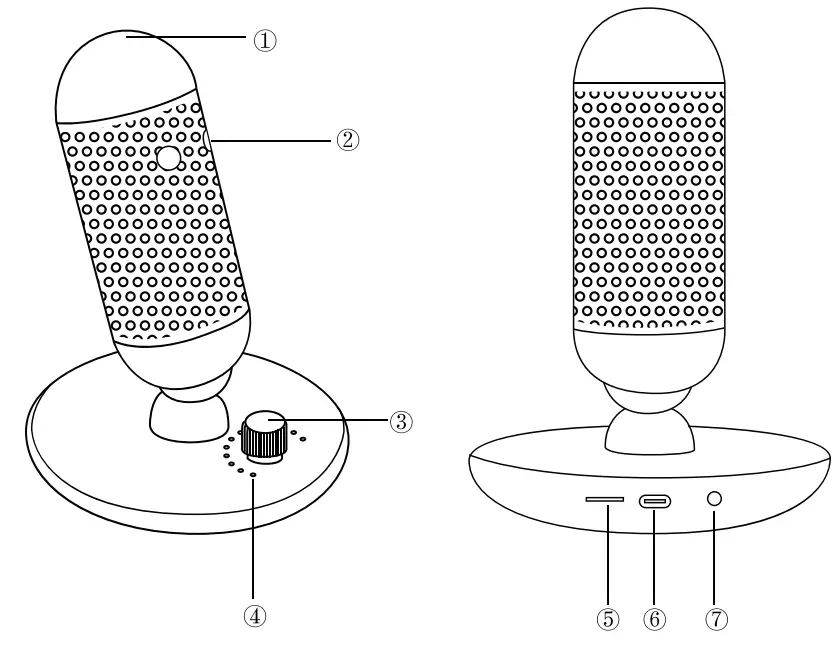
- RGB light on/off touch panel
- Fixed indicator light (Green/Red)
- Microphone Volume knob/mute button
- Microphone volume level
- Headset volume wheel
- USB-C port
- 0 3.5mm monitor headset jack
How to use this Speaker
Getting started
Rotate the microphone at 45° frontwards or backwards with the Mute button facing you. Plug in monitor headphone after adjusting the microphone to your desired angle.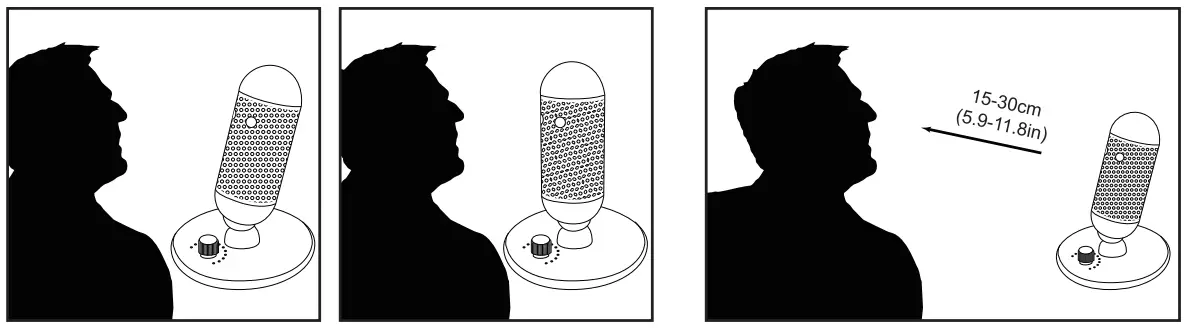 Microphone using
- Connect the microphone to your computer with the supplied USB-C coble and plug monitor headphone (not included) to microphone.
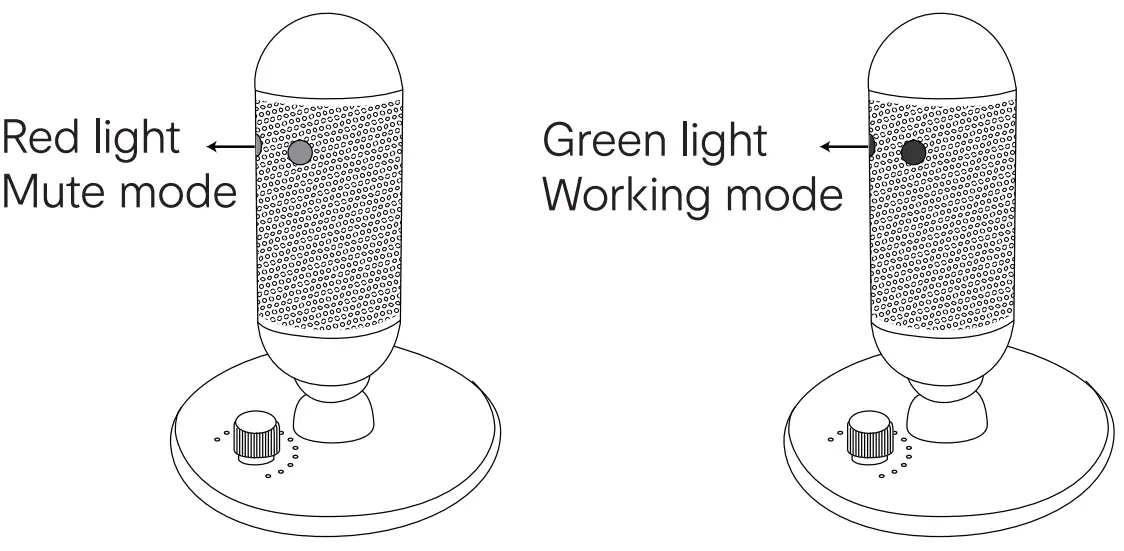
Note: Avoid plugging microphone into USB hubs or multipliers, plug directly into your computer for best performance. - The microphone RGB light will be lit when plugged into your computer and the Fixed indicator light will turn green for working mode.
Note: Select USB Mic as input & output device on your computer system. - Turn Microphone Volume/Mute button to control microphone volume, totol of 12 volume levels
Mute the microphone
- Press Microphone Volume knob/mute button to switch to mute mode. Fixed indicator light will turn red.
- Press Microphone Volume knob/mute button again to switch to working mode. Fixed indicator light will turn green

Monitor headset volume adjusting
> Turn Headset volume wheel left or right to adjust monitor headset’s volume
RGB light On/Off
> Touch RGB light on/off touch panel of the microphone to turn on/off RGB light.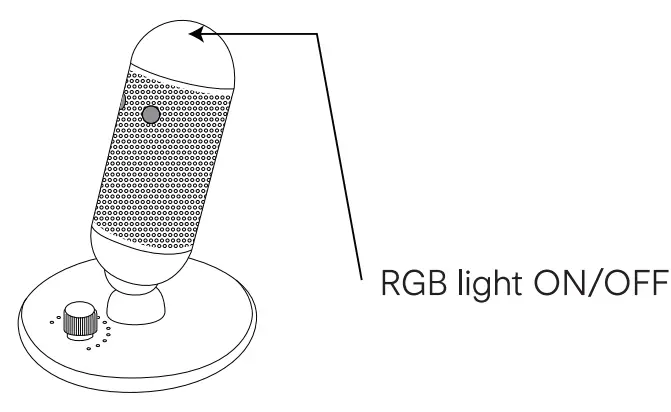
Specification:
- Model No: 43157150
- Microphone Core: 14mm x 1
- Pickup Pattern: Cardioid
- Sensitivity: -35dB
- Frequency Response: 50Hz-20kHz
- Maximum sound pressure level: 120dB
- Bit Rate: 24bit
- Power Input : 5V d.c./200mA
CHANGE LOG CREST INTERNAL USE ONLY
v3: changed headphone to microphone on point 4 on overview
ARTWORK SHOULD NOT BE AMENDED WITHOUT PRIOR AGREEMENT FROM CREST.
ALL ARTWORK MUST BE APPROVED BY CREST PRIOR TO MASS PRODUCTION.
IF THERE ARE QUERIES ABOUT THIS ARTWORK PLEASE CONTACT: EMAIL: designlacrestcorn.au
THANK-YOU. © The Crest Company 2022. All rights reserved.