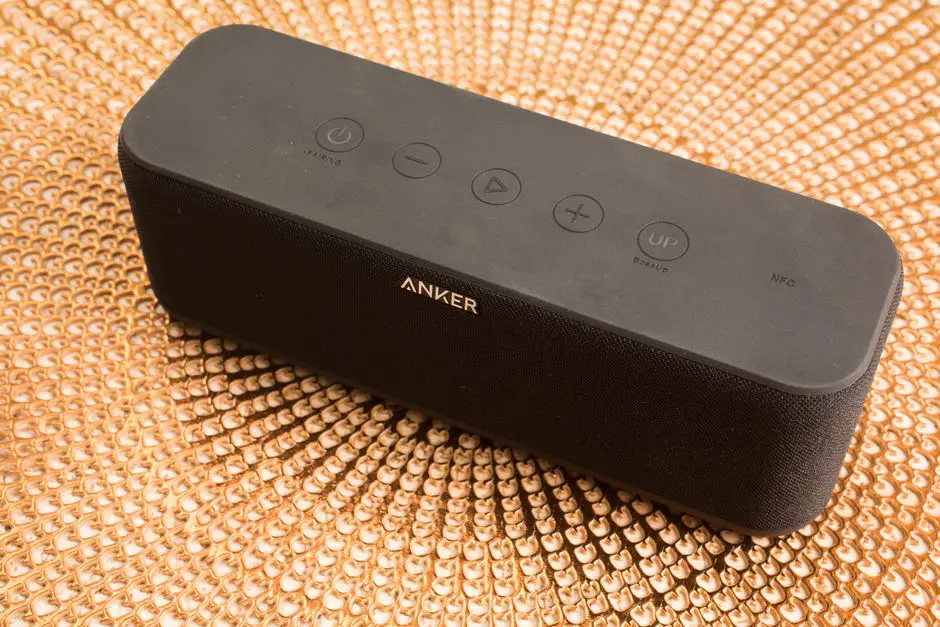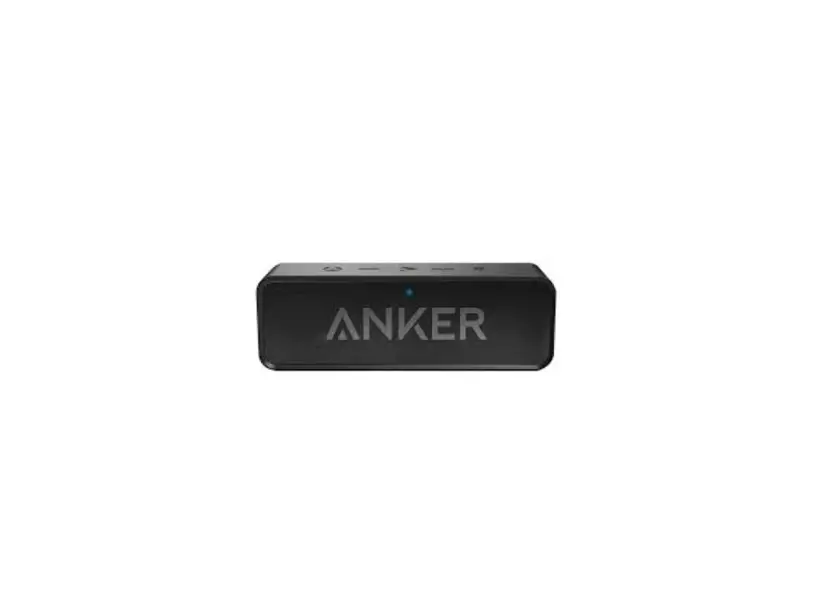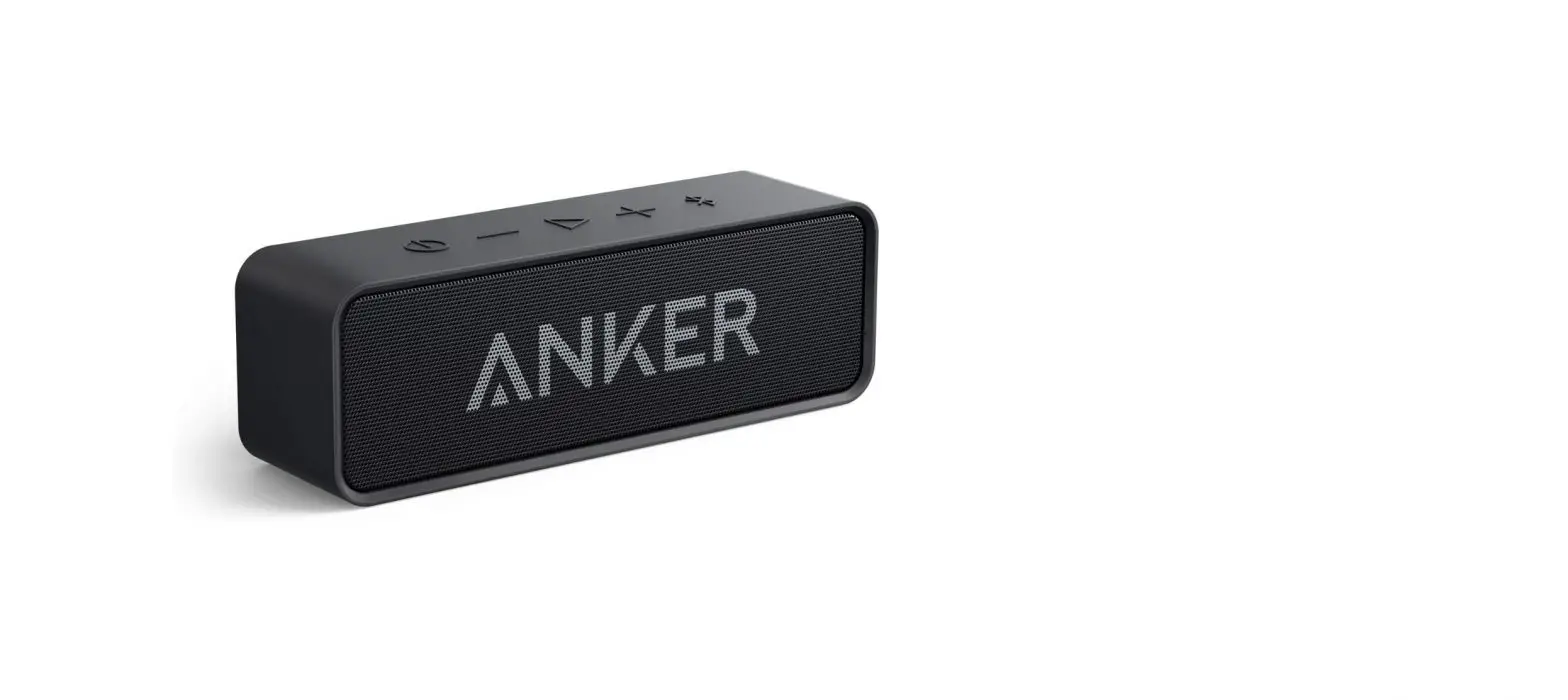
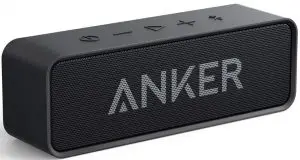
ANKER Soundcore Portable Bluetooth Speaker Owner’s Manual
Safety Instructions
- Avoid dropping.
- Do not disassemble.
- Do not submerge in water.
- Avoid extreme temperatures.
- Use original or certified cables.
- Do not use any corrosive cleaner/oil to clean.
- Do not use the device outdoors during thunderstorms.
Notice
 This product complies with the radio interference requirements of the European Community.
 This product is designed and manufactured with high quality materials and components, which can be recycled and reused.
 This symbol means the product must not be discarded as household waste, and should be delivered to an appropriate collection facility for recycling. Proper disposal and recycling helps protect natural resources, human health and the environment. For more information on disposal and recycling of this product, contact your local municipality, disposal service, or the shop where you bought this product.
FCC Statement
This device complies with Part 15 of the FCC Rules. Operation is subject to the following two conditions:
- This device may not cause harmful interference, and
- this device must accept any interference received, including interference that may cause undesired operation.
Warning: Changes or modifications not expressly approved by the party responsible for compliance could void the user’s authority to operate the equipment.
Note: This equipment has been tested and found to comply with the limits for a Class B digital device, pursuant to Part 15 of the FCC Rules. These limits are designed to provide reasonable protection against harmful interference in a residential installation. This equipment generates, uses and can radiate radio frequency energy and, if not installed and used in accordance with the instructions, may cause harmful interference to radio communications. However, there is no guarantee that interference will not occur in a particular installation. If this equipment does cause harmful interference to radio or television reception, which can be determined by turning the equipment off and on, the user is encouraged to try to correct the interference by one or more of the following measures:
- Reorient or relocate the receiving antenna.
- Increase the separation between the equipment and receiver.
- Connect the equipment into an outlet on a circuit different from that to which the receiver is connected.
- Consult the dealer or an experienced radio / TV technician for help.
RF Warning Statement
The device has been evaluated to meet general RF exposure requirements. The device can be used in portable exposure conditions without restriction.
 Charge Your SoundCore
 Charge Your SoundCore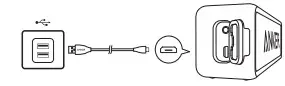
 Flashing red Flashing red | Low battery |
 Steady red Steady red | Charging |
 Steady white Steady white | Fully charged |
 To preserve battery lifespan, fully charge at least once every 45 days. To preserve battery lifespan, fully charge at least once every 45 days. | |
 Turn on / off
 Turn on / off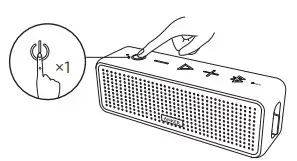
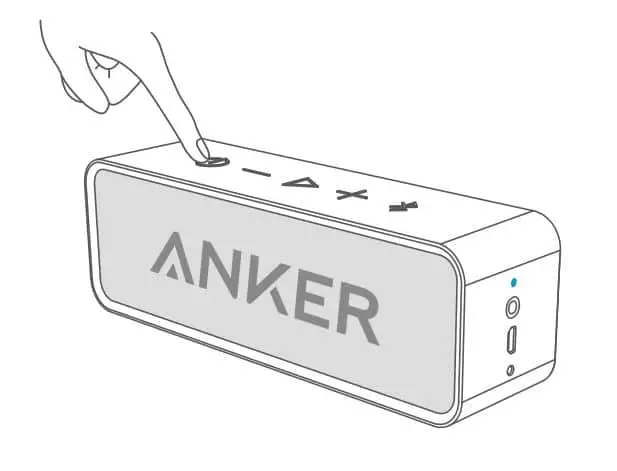
 | Press | ON | | Steady white |
| Press and hold for 1 second | OFF | Off |
Bluetooth Pairing
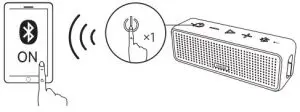
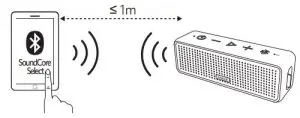
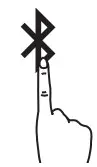 | Pres | Enter pairing mode |
| Press and hold for 2 seconds | Un-pair connected device and re-enter pairing mode |
 | Flashing blue | Pairing mode |
| Steady blue | Connected to a device |
 When turned on, SoundCore will automatically connect to the last connected device if available. If not, SoundCore will enter pairing mode.
 NFC Pairing
 NFC Pairing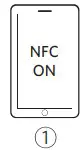
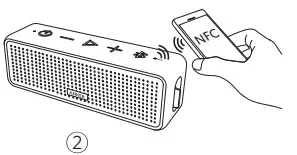
To break connection, tap again the NFC device onto SoundCore’s NFC detection area.
 Connect via AUX
 Connect via AUX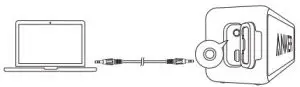
* SoundLine AUX cable sold separately
To return to Bluetooth mode, remove the AUX cable from your SoundCore.
Controls
 | ||
 x 1 x 1 | Press | Play / pause |
| x 2 | 2 Double press | Skip forward |
+ /- | Press | Volume up / down |
 | ||
| > 1S | Press and hold for 1 second | Activate Siri / other voice control software |
 | ||
| x 1 | Press | Answer / End call |
| x 1S | Press and hold for 1 second | Reject call |
| x 1 | Press | Put current call on hold and answer incoming call |
| x 1 | Press | Switch between held call and active call |
| > 1S | Press and hold for 1 second | Transfer a call between speaker and mobile phone |
| Steady blue | On a call |
| Flashing blue | Incoming call |
Specifications
Specifications are subject to change without notice.
| Input | 5V 2A |
| Play time (varies by volume level and content) | Up to 24 hours |
| Audio output | 6 W × 2 |
| Impedance | 4 |
| Range | 20 m / 66 ft |
| Size | 168 x 47 x 56 mm / 6.6 x 1.9 x 2.2 in |
| Charging time | 3 hours |
| Driver (full range) | 1.5″ x 2 |
| Frequency response | 70 Hz – 20 KHz |
| Bluetooth version | V4.2 |
| Waterproof rating | IPX 5 |
| Weight | 408 g / 14.4 oz |
Customer Service

 1-800-988-7973 | Mon-Fri 9:00-5:00 PST (US)
069-9579-7960 | Mon-Fri 6:00-11:00 (DE)
03-4455-7823 | Mon-Fri 9:00-17:00
400-0550-036 | Mon-Fri 9:00-17:30
01604-936200 | Mon-Fri 6:00-11:00 (UK)