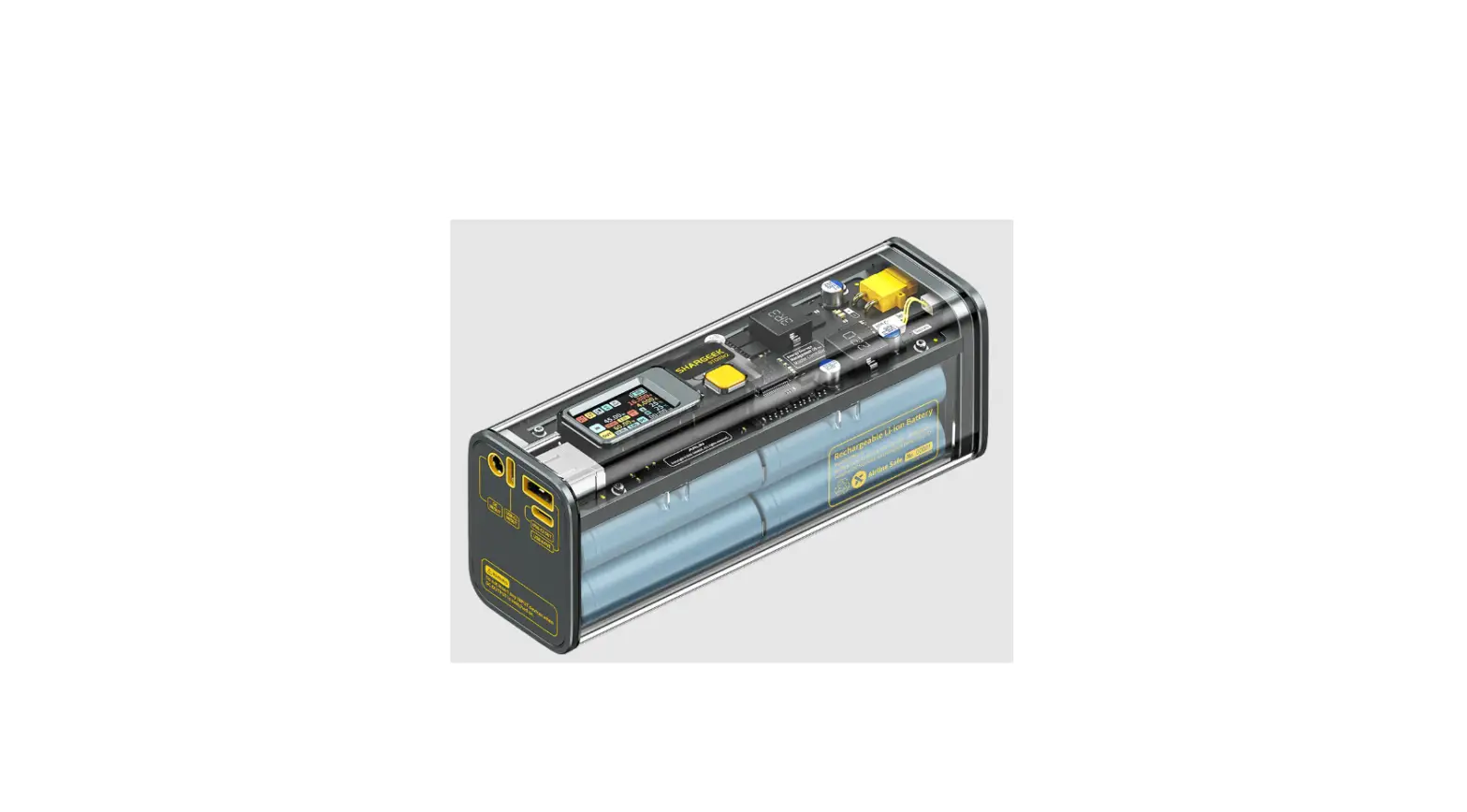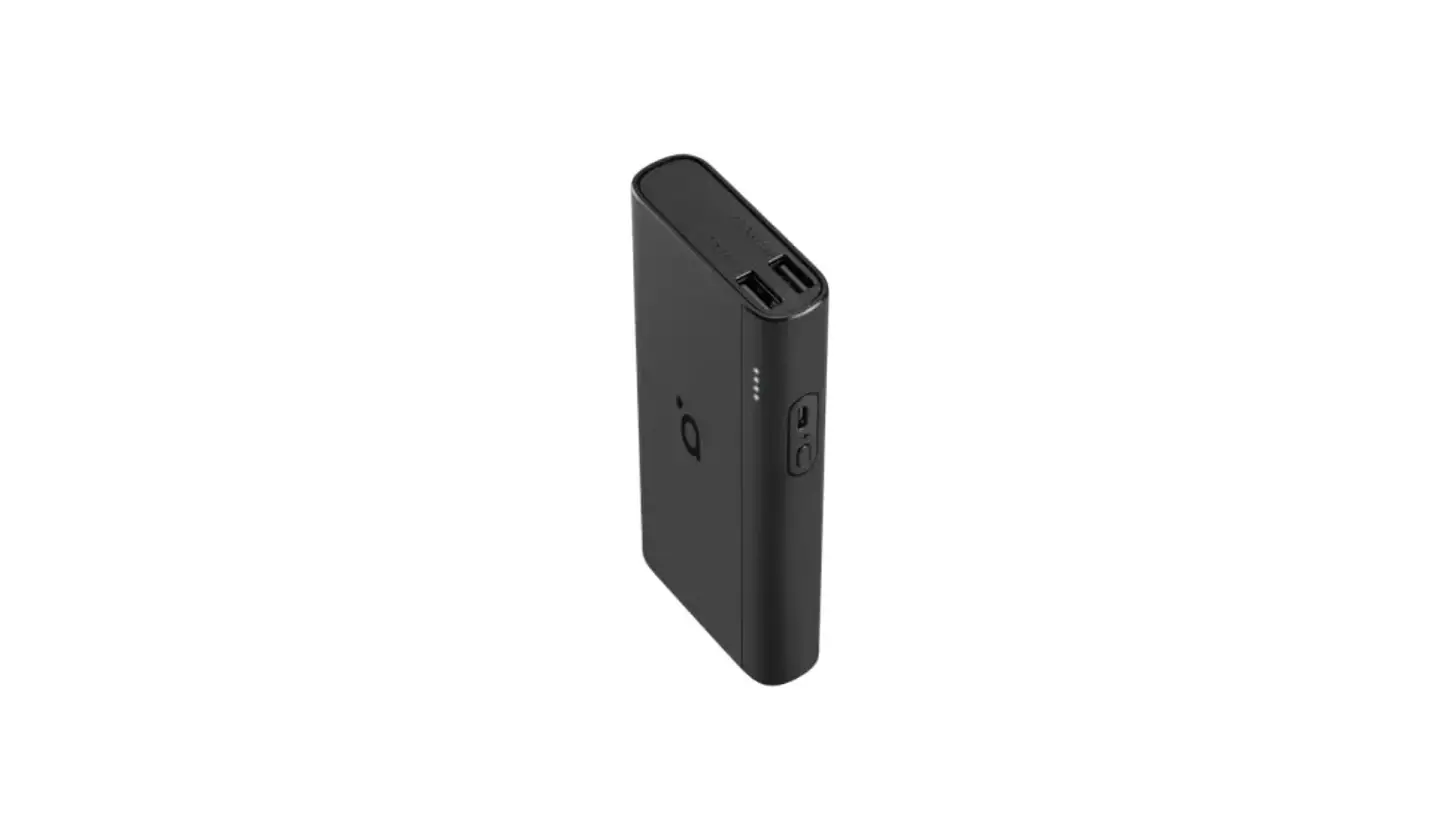
RENOGY 97Wh Power Bank
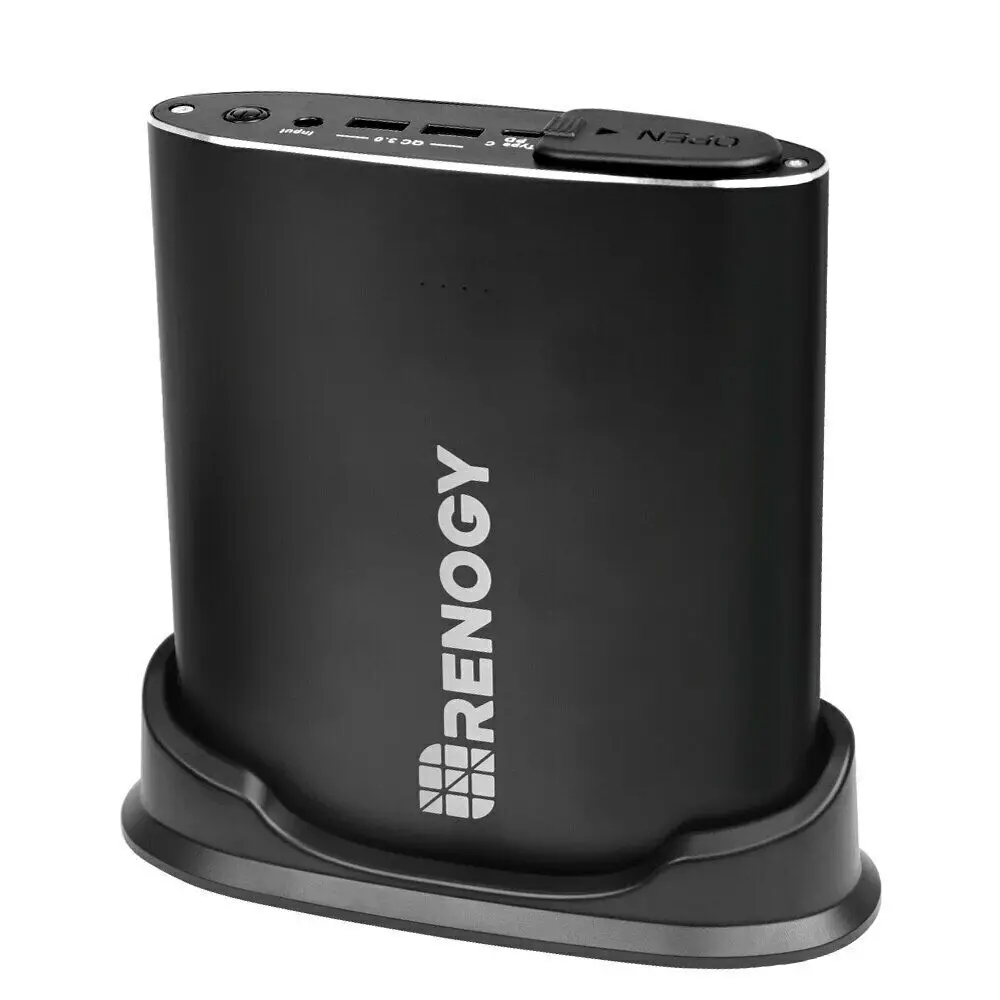
SPECIFICATION
| Battery | 18650 Lithium-ion battery Nominal Voltage: 14.52V Rated Capacity: 6700mAh, 97.28Wh |
| Input (AC Adaptor) | 18V/ 2A |
| Input (Car Charger) | 11V-14.5V / 2A (max) |
| Input (Solar Panel) | 12V-24V / 10W (min) |
| Input (USB-C port) | PD: 5V/3A, 12V/2A, 14.5V/2A, 20V/1.45A Non-PD: 5V |
|
Output | AC: 110V, 60Hz, 100W, 120W(peak) QC 3.0: 3.6-6.5V/3A, 6.5-9V/2A, 9-12V/1.5A Type-C PD: 5V/3A, 12V/2A, 14.5V/2A, 20V/14.5A Type-C Non-PD: 5V/3A |
| Working Temperature | 23 – 104 ˚F / -5°C – 40°C |
| Charging Temperature | 32 – 113 ˚F/ 0°C – 45°C |
| Dimension | 7.3 * 6.4 * 1.6 inches |
| Weight | 2.3 lbs. |
| AC Adaptor | Input: 100-240V, 50/60 Hz, 1.3A AC Output: 18V=2A |
| DC port size | 2.1mm x 5.5mm |
Package Includes
- Power Bank
- AC Adaptor

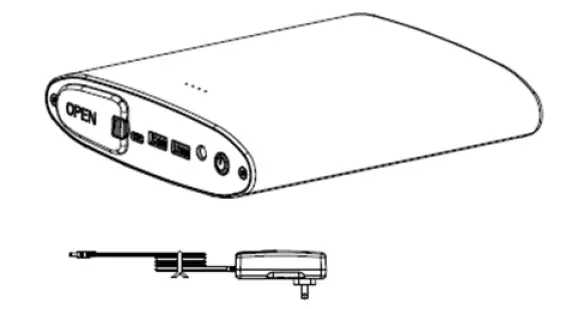
Overview
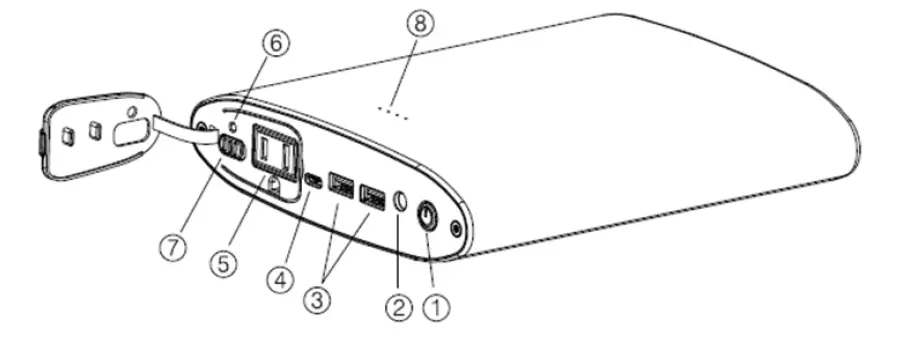
- Power Button
- DC Input Port
- USB Output Port(QC3.0)
- Type-C Port(PD-Output & Input)
- AC Output Port
- AC Output Indicator
- AC Output Switch
- Battery Status Indicator
LED BATTERY STATUS INDICATOR
Press the power button once to turn on the LED battery indicator. The power bank’s current charge capacity can be determined by the lights. Each blinking light represents 25% of the battery’s charge. The power bank is fully charged once the lights are no longer blinking.
First light: < 25% charged
Second light: 25%~50% charged
Third light: 50%~75% charged
Fourth light: 75%~99% charged
Please charge the power bank when the battery level is below than 25%. Over-discharging may damage the battery’s lifespan.
CHARGING THE POWER BANK
Warning: Please DO NOT charge and discharge at the same time as it could damage the battery and decrease its lifespan.
When not using original or authorized charging cables, the four LED indicators will flash at the same time, indicating that the voltage and current are not compatible with the power bank. The DC port is 2.1mm x 5.5 m.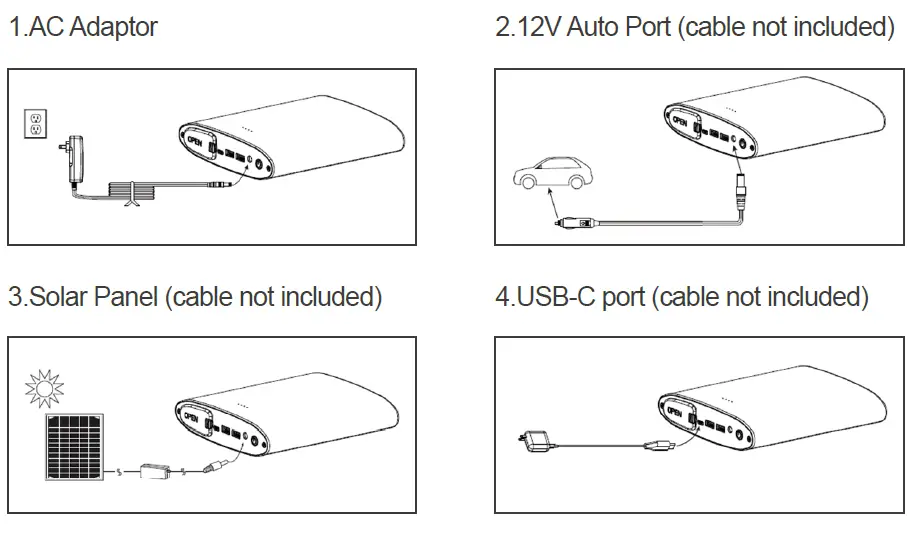
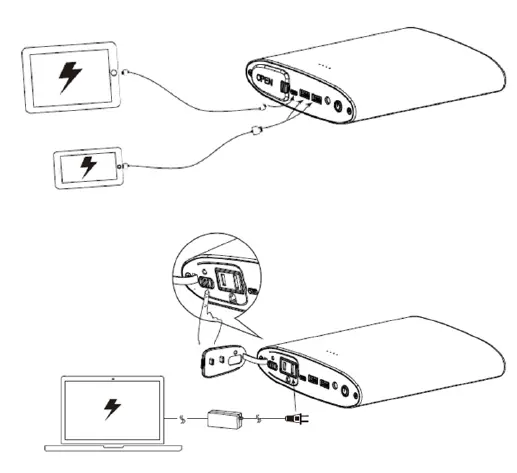
CHARGE OTHER DEVICES
Note:
- The AC output and USB-C port cannot be used simultaneously.
- If your devices cannot be recognized by the USB-C port, long press the power button to turn on the 5V/3A output manually. (This function will automatically turn off if no device is connected within 15 seconds.)
- If the four indicators are flashing, please stop charging your devices.
- The power bank uses a modified sine wave and its AC output is compatible with devices under 100W.
- If the AC output indicator light is red, please stop using the AC appliance.
TROUBLESHOOTING
| Status | Cause | Solution | |||
| Battery Indicators | DC Output | AC Output Indicator | AC Output | ||
| One indicator flashing | Working | Red light | Off | Battery level is low |
Charge the power bank until at least one battery indicator is solid. |
| One indicator flashes twice, then turns off | Off | Red light for 5 seconds then lights off | Off | Battery over-discharge protection | |
| All 4 indicators are flashing | — | — | — | DC input port is over-voltage | Unplug the charger and press the power button once to recover. |
| All 4 indicators are off | — | — | — | DC input port’s voltage is too low | |
|
All 4 indicators are flashing |
USB output off |
Working |
Working | USB port’s output voltage/current is too high/low, or short-circuit protection is active | Unplug the USB cable and press the power button once to recover. |
|
All 4 indicators are flashing |
USB-C output off |
— |
— | USB-C’s output voltage/current is too high/low, or short-circuit protection is active | Unplug the USB -C cable and press the power button once to recover. |
| — | Working | Red | Off | AC output’s voltage/current is too high/low, or short-circuit protection is active | Unplug the AC cable andturn off the power bank’s AC using the switch. Then turn it on to recover. |
CAUTION:
- To prevent the power bank from capacity decrease, please unplug the AC adaptor after the power bank is fully charged.
- Keep the product away from extreme heat or cold, as well as any flammable materials or damp places.
- Run a full charge / discharge cycle every four months to prevent decreasing battery lifespan.
- When not using the power bank, it is recommended to store it at 50% battery capacity.
- Avoid charging and discharging at the same time. It could damage the battery and decrease its lifespan.
- Using the power bank in temperatures below 32˚F or above 104˚F is not recommended as it might cause irreversible damage to the battery.
- If any water or liquid spills on the device while using, PLEASE UNPLUG the device. Clean the device and wait until the device is completely dry before using again.
2775 E. Philadelphia St., Ontario, CA 91761 1-800-330-8678
Renogy reserves the right to change the contents of this manual without notice.