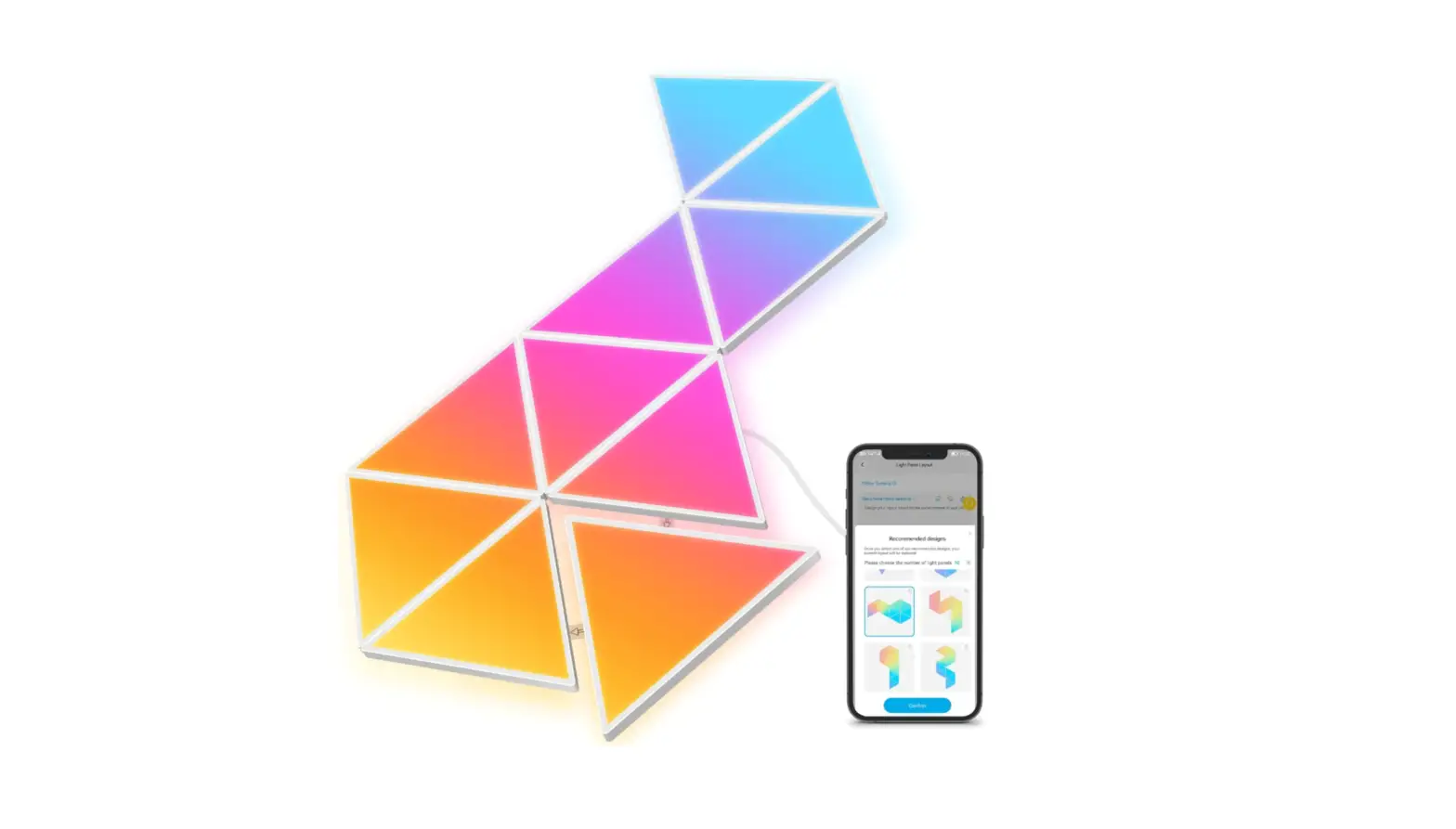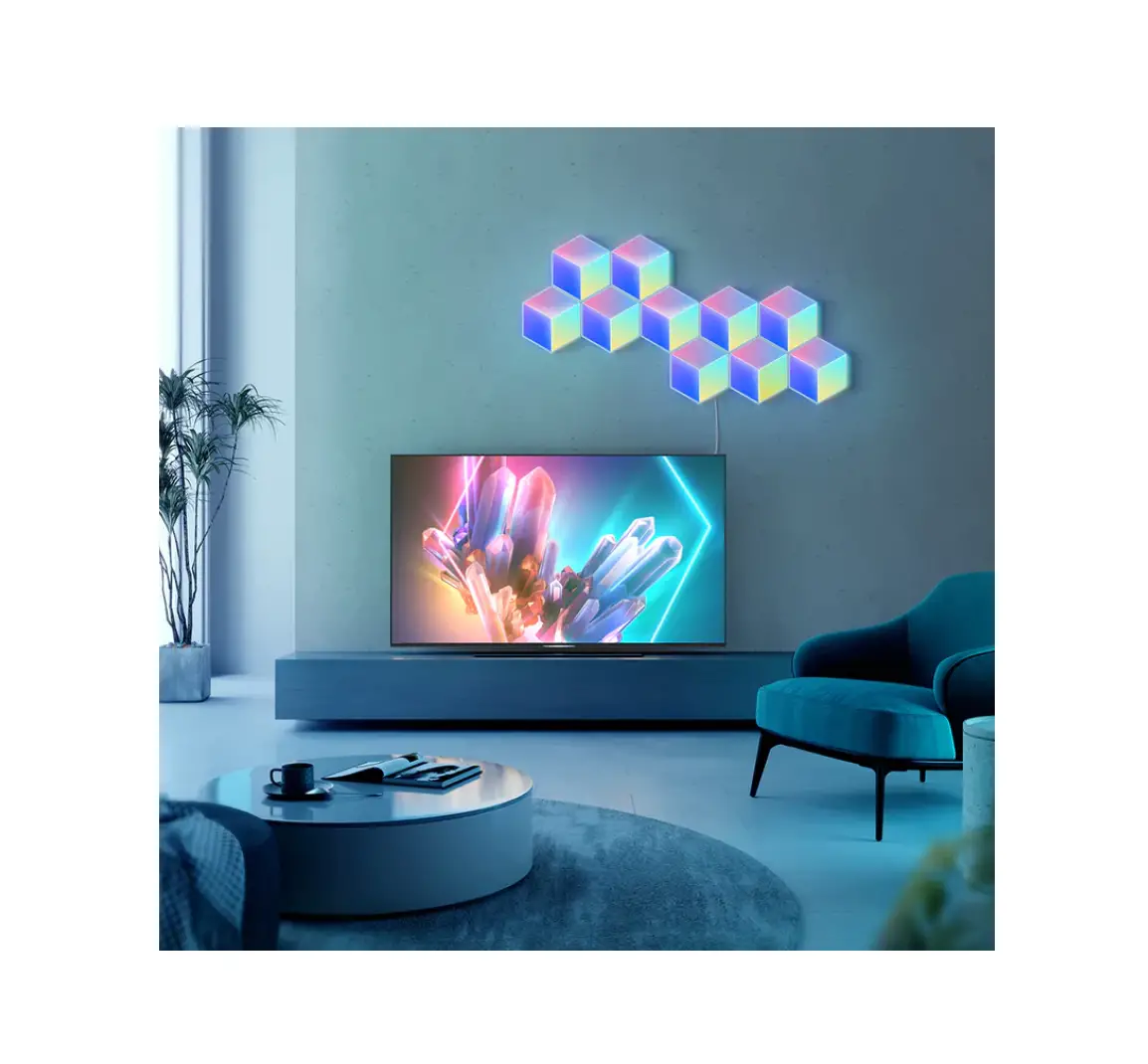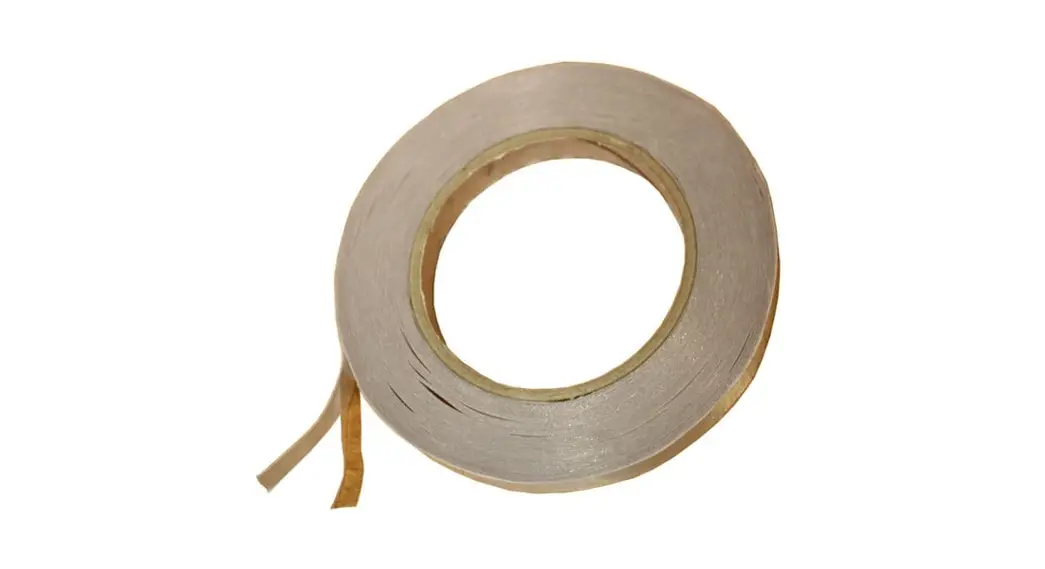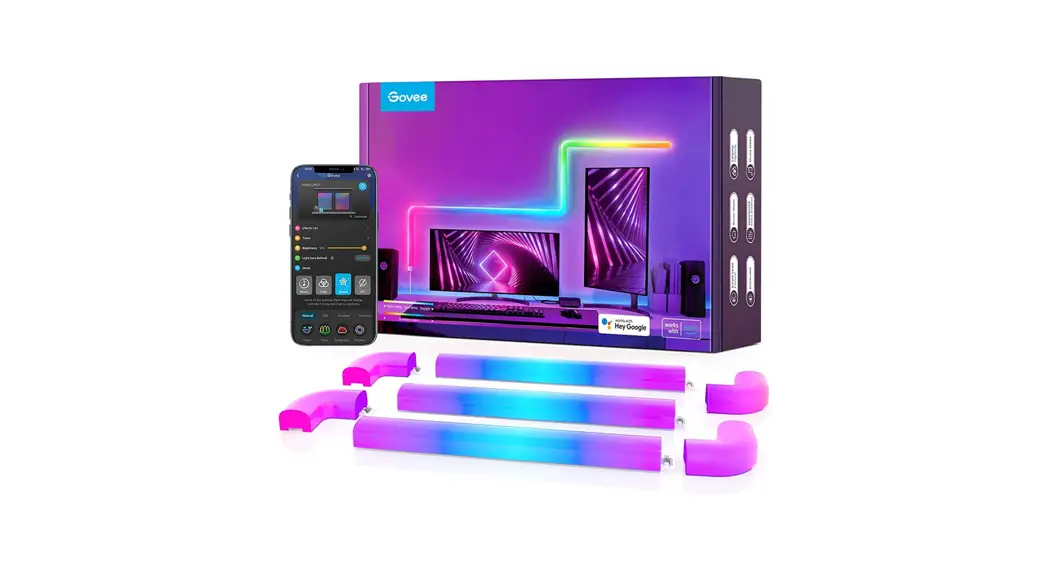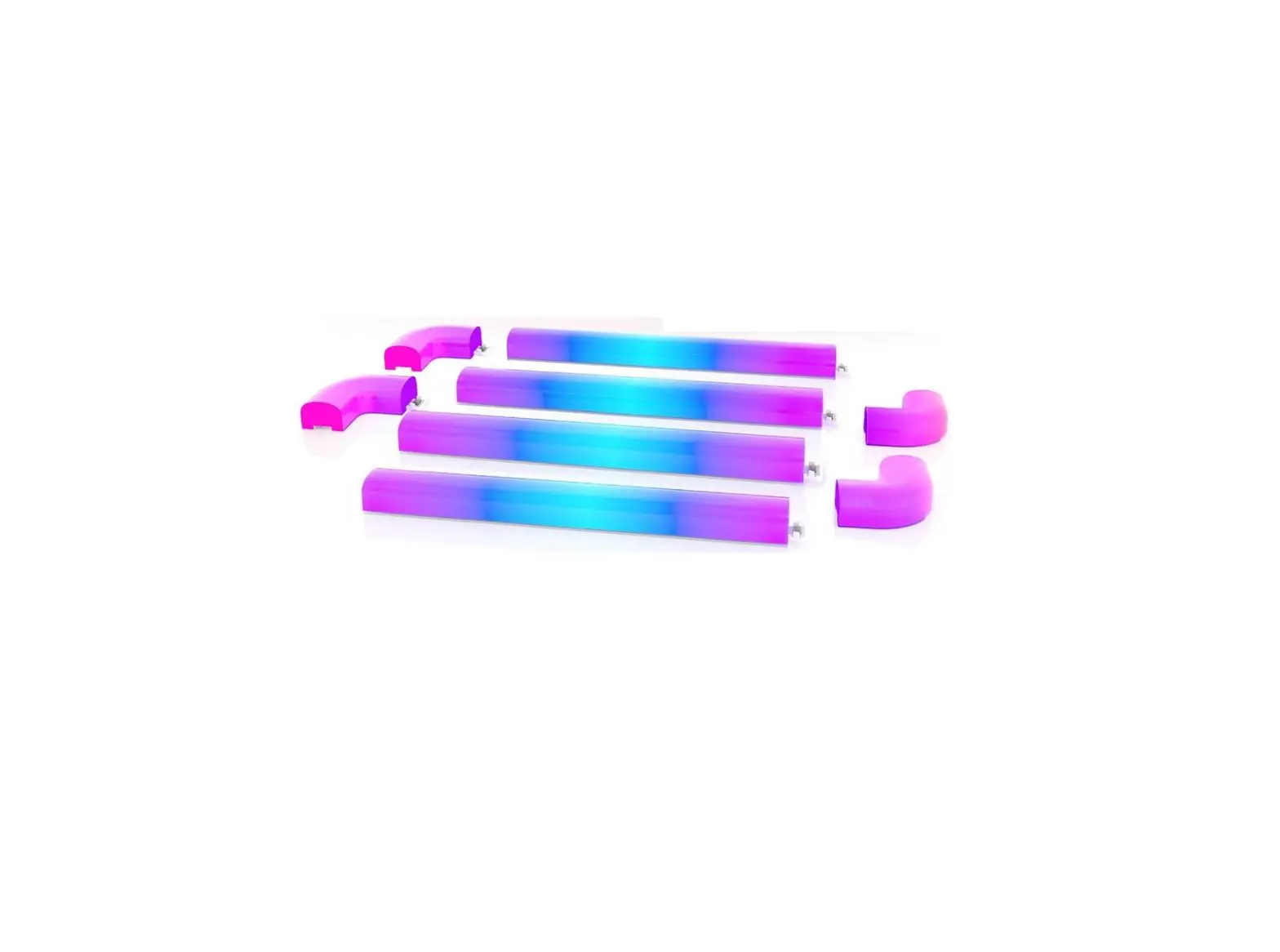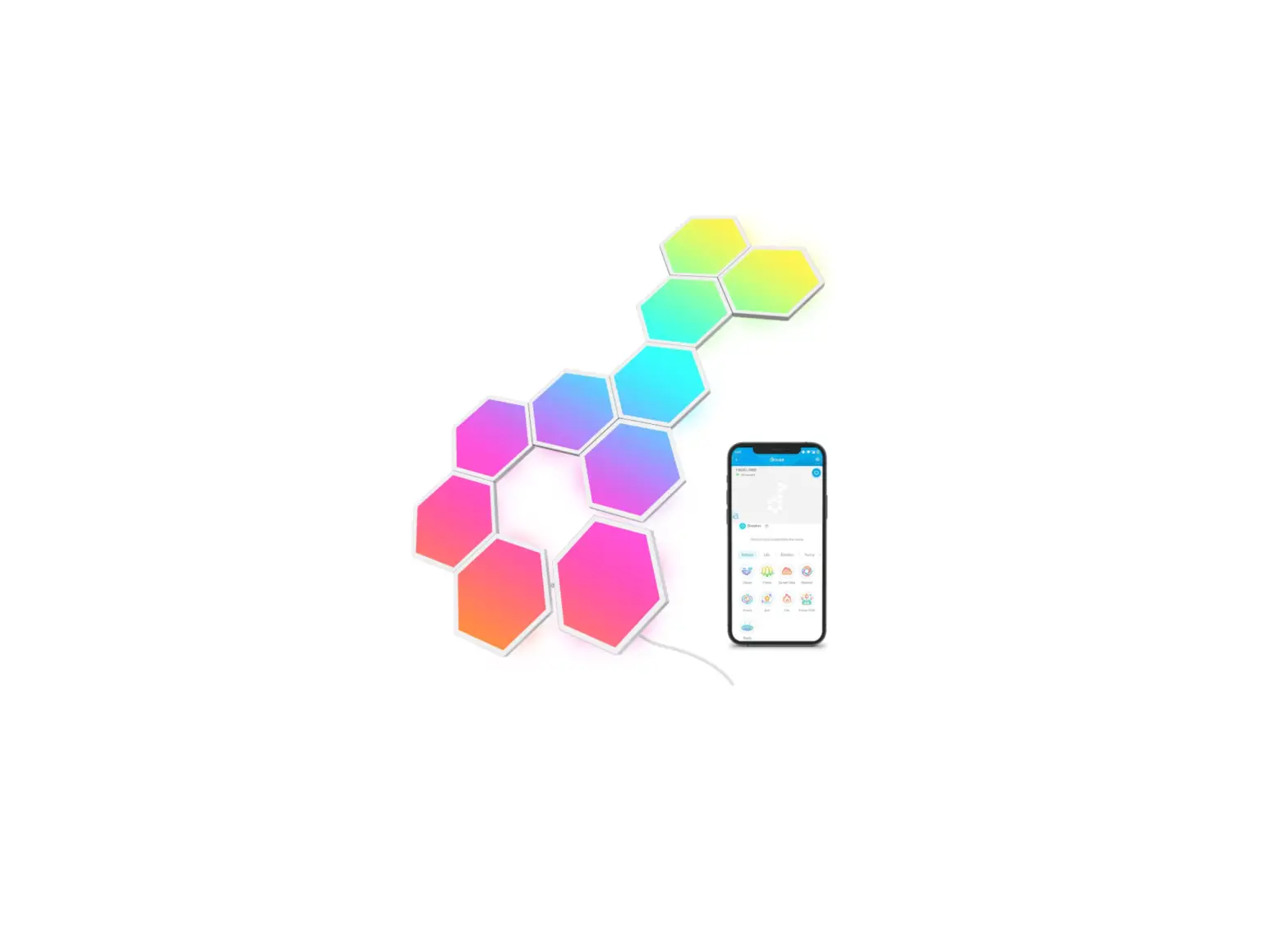

Govee H1061 Double Sided Tape For Glide Light Panels Installation Guide

Govee H1061 Double Sided Tape For Glide Light Panels Installation Guide

Govee-LOGO

Govee H1061 Double Sided Tape for Glide Light Panels
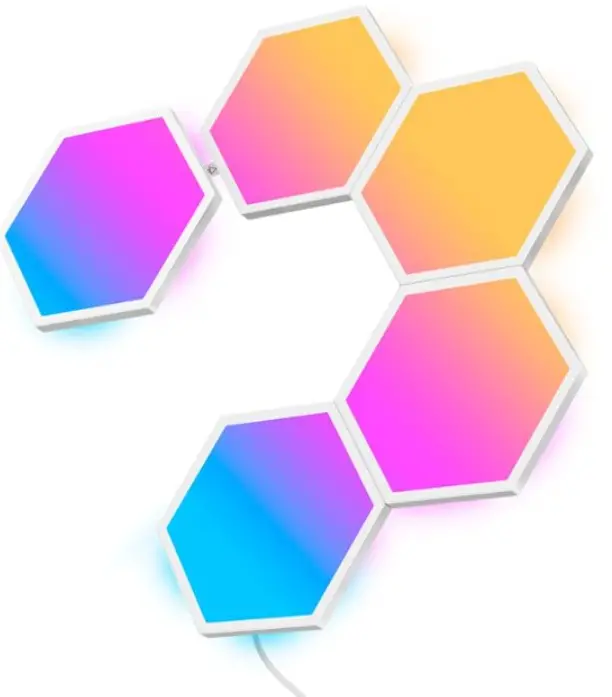
Govee-H1061-Double-Sided-Tape-for-Glide-Light-Panels-PRO

INSTALLATION

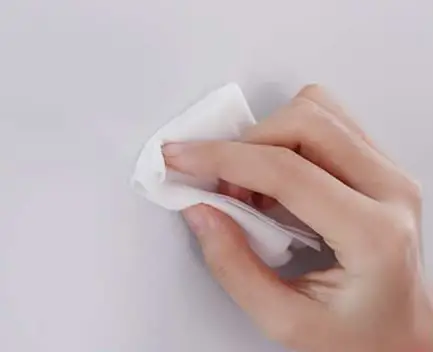
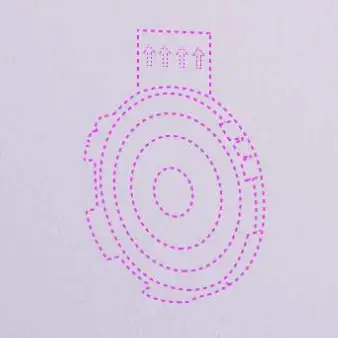
  1. Wipe the wall’s surface with a clean and dry cloth.Govee-H1061-Double-Sided-Tape-for-Glide-Light-Panels-1
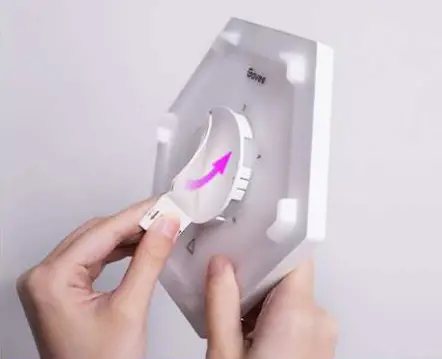
  2. Tear oft the release paper on one side of the adhesive and stick the adhesive on the back of the light panels.Govee-H1061-Double-Sided-Tape-for-Glide-Light-Panels-2
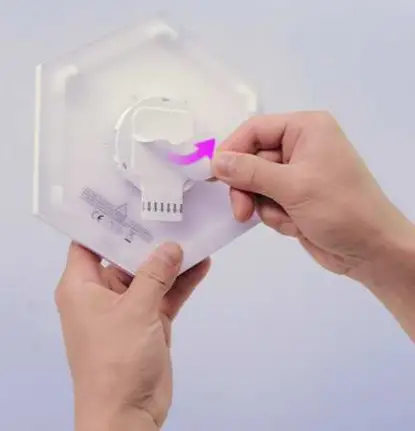
  3. Remove the other release paper from the back adhesive stripGovee-H1061-Double-Sided-Tape-for-Glide-Light-Panels-3
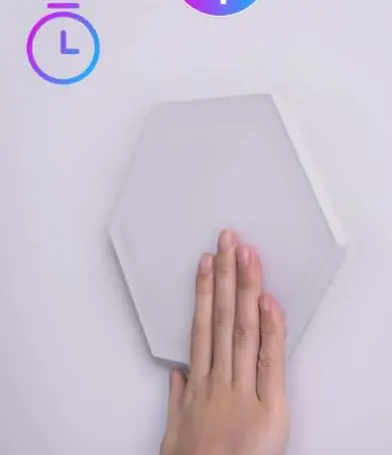
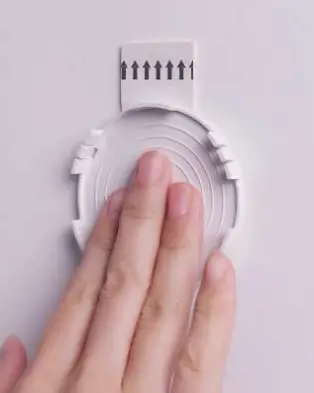
  4. Press the panel to the wall for 30 secondsGovee-H1061-Double-Sided-Tape-for-Glide-Light-Panels-4

Removal Guide

  1. Press the adhesive tabGovee-H1061-Double-Sided-Tape-for-Glide-Light-Panels-5
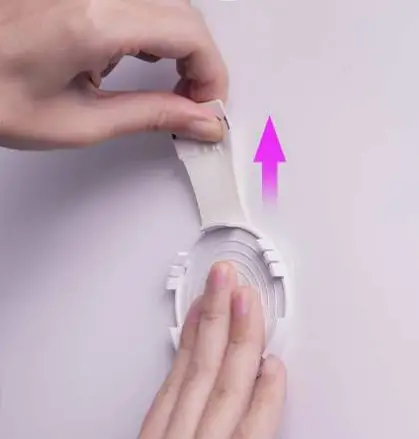
  2. Pull the adhesive tabGovee-H1061-Double-Sided-Tape-for-Glide-Light-Panels-6
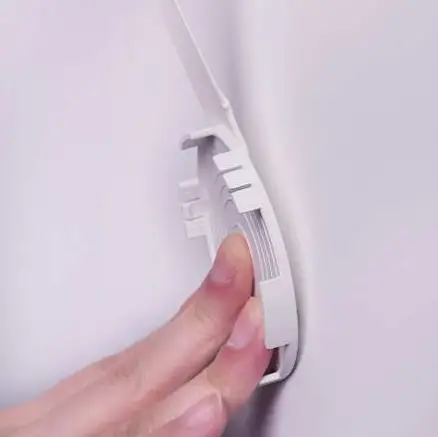
  3. Safely removeGovee-H1061-Double-Sided-Tape-for-Glide-Light-Panels-7
  4. DoneGovee-H1061-Double-Sided-Tape-for-Glide-Light-Panels-8

Documents / Resouces

Download manual
Here you can download full pdf version of manual, it may contain additional safety instructions, warranty information, FCC rules, etc.


Related Manuals