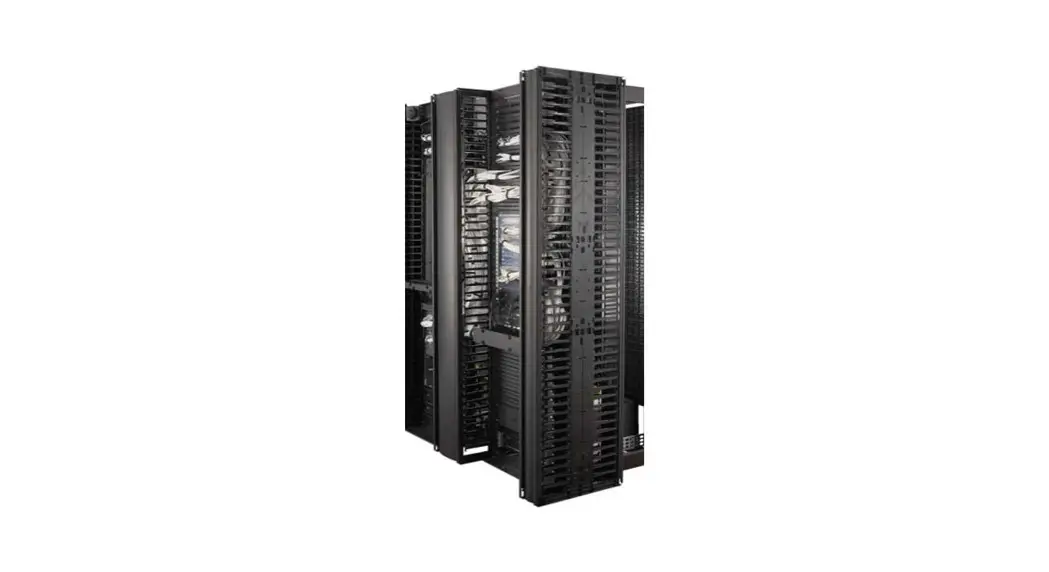


Installation
Easy Rack Vertical Cable Managers ER7VCM42 and ER7VCM48
Kit Instructions
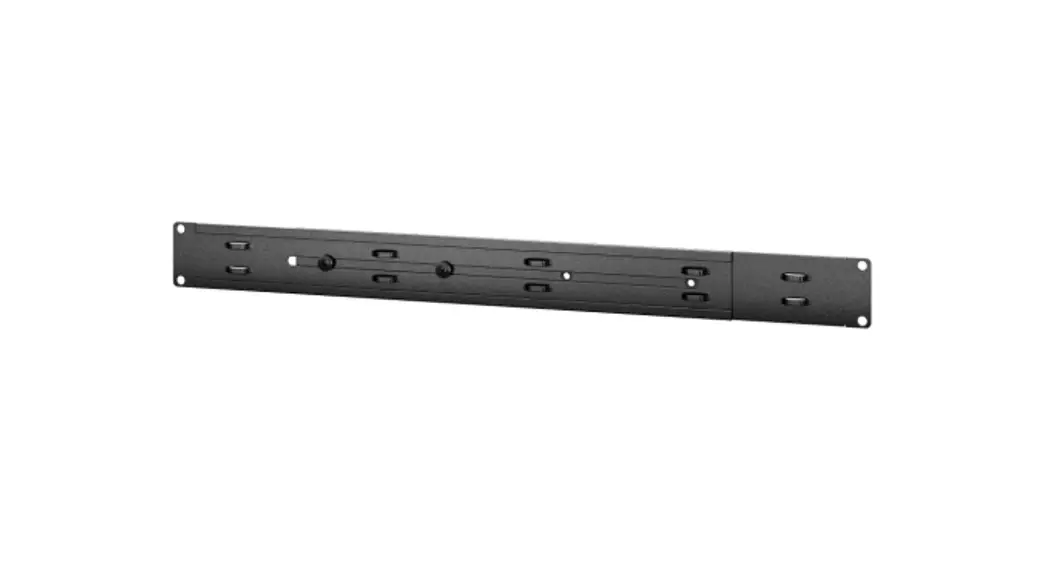
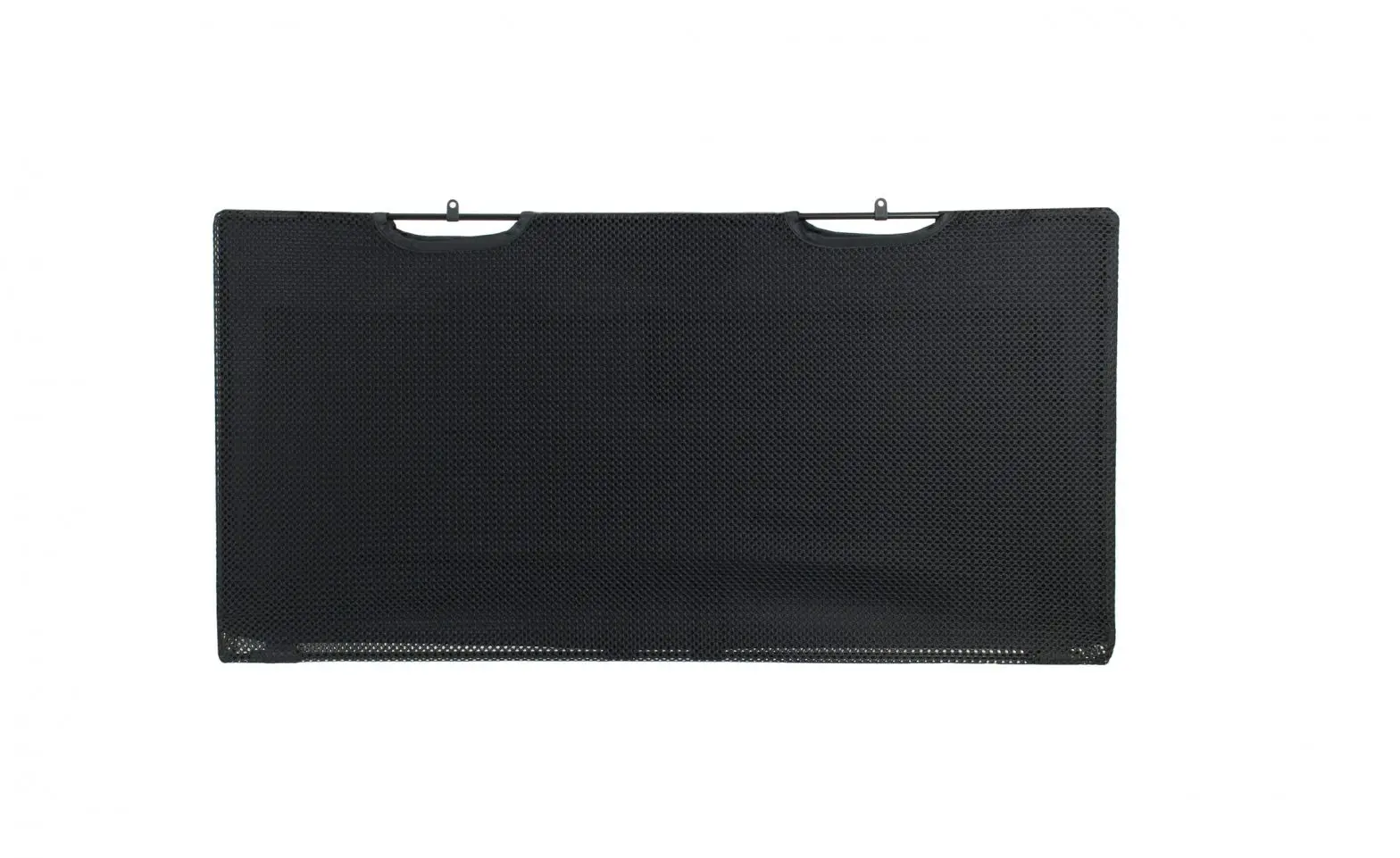
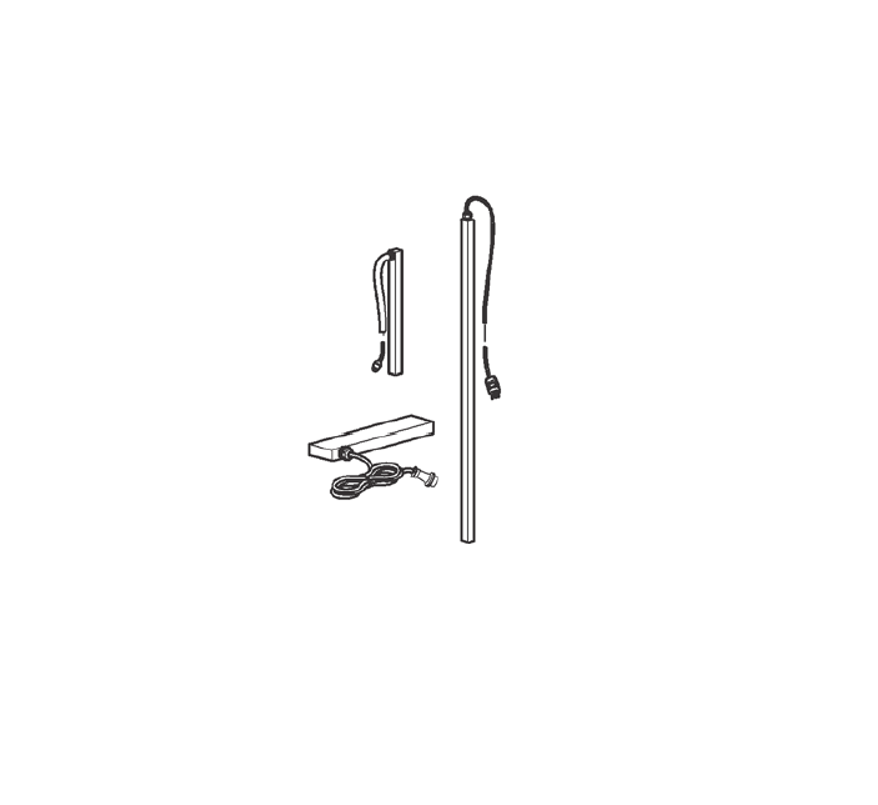
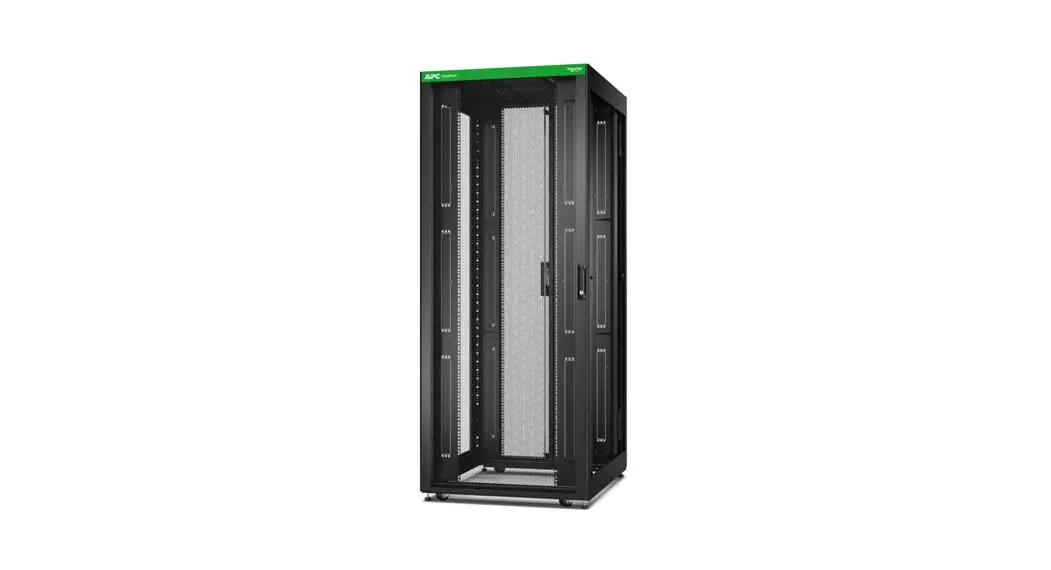
The Vertical Cable Managers are installed to the vertical mounting rails in the Easy Rack.
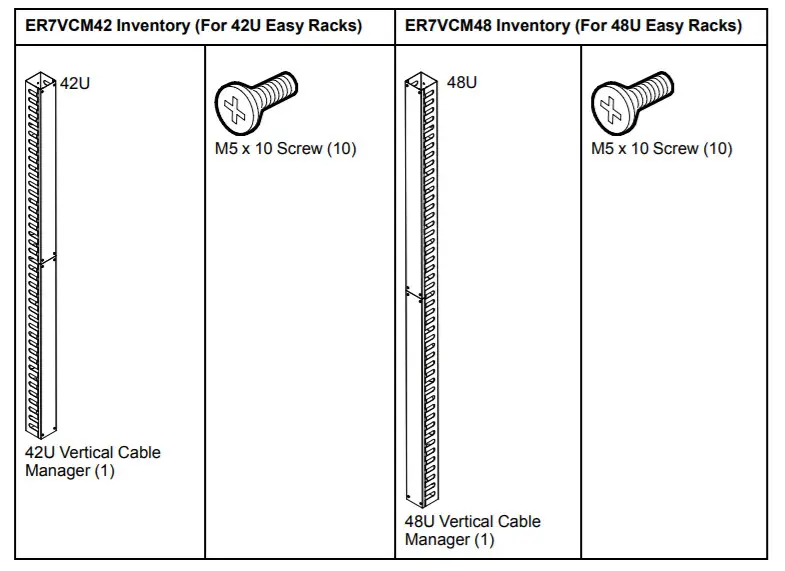
Install the Vertical Cable Manager:
Remove the eight (8) M4 x 6 screws from the two (2) Vertical Cable Manager Covers.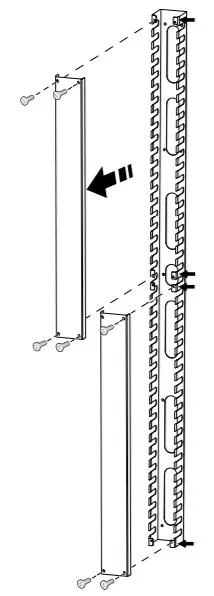
Use the ten (10) M5 x 10 screws to install the Vertical Cable Manager Body to the vertical mounting rails of your Easy Rack.
Install the Covers to the Vertical Cable Manager Body using the eight (8) M4 x 6 screws you removed when removing the Covers.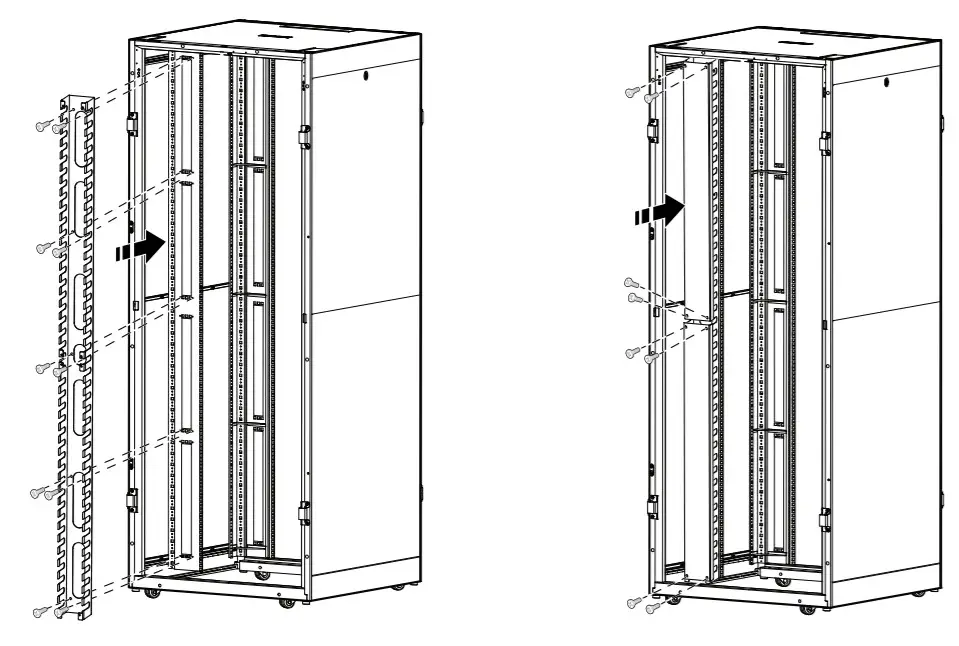
As standards, specifications, and design
change from time to time, please ask for
confirmation of the information given in this publication.
© – 2021 APC by Schneider Electric. All rights reserved.
APC by Schneider Electric
70 Mechanic Street
02035 Foxboro, MA USA
www.apc.com
99091455 Release date: 02/2021