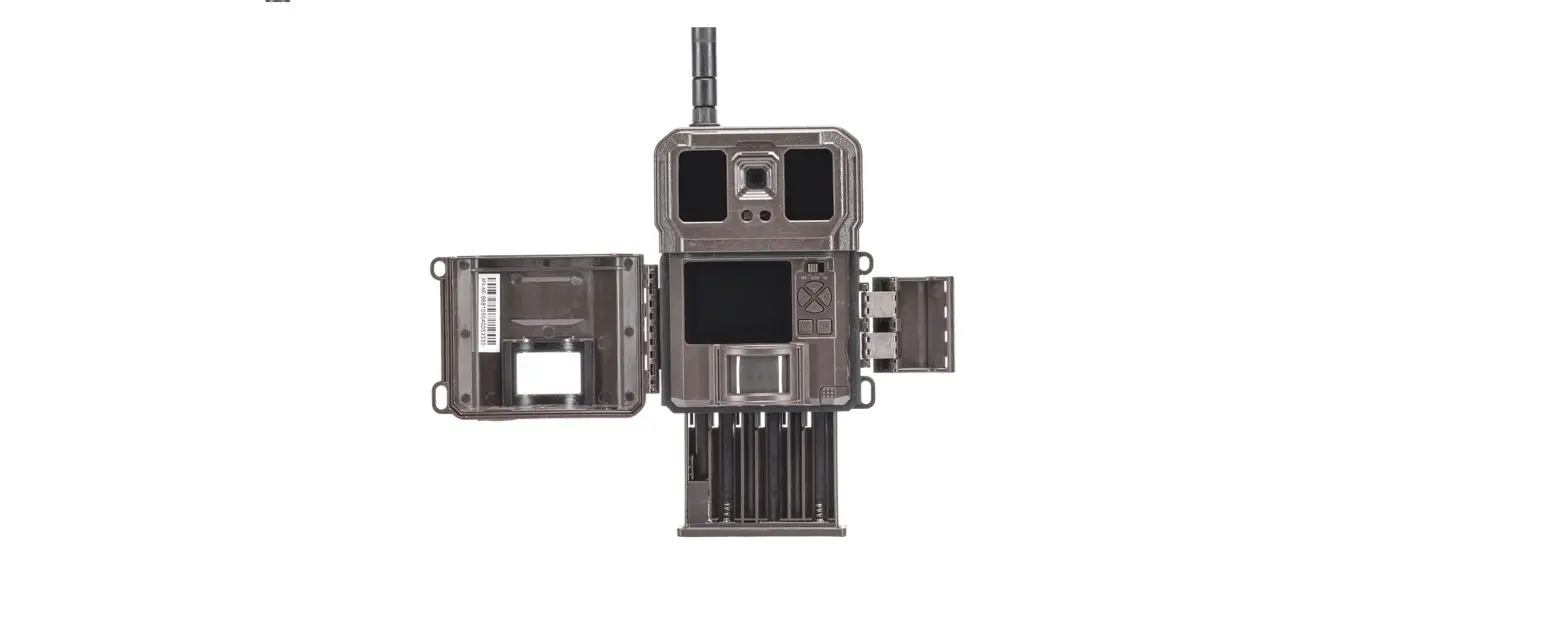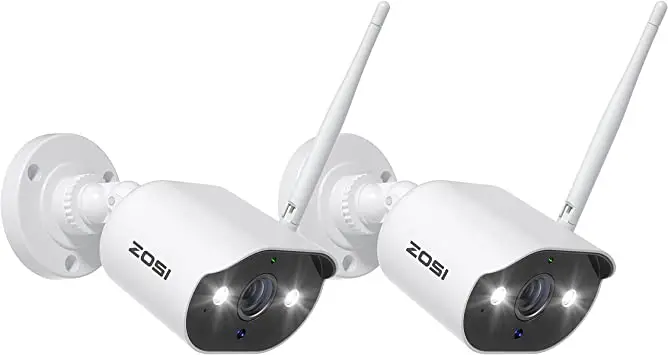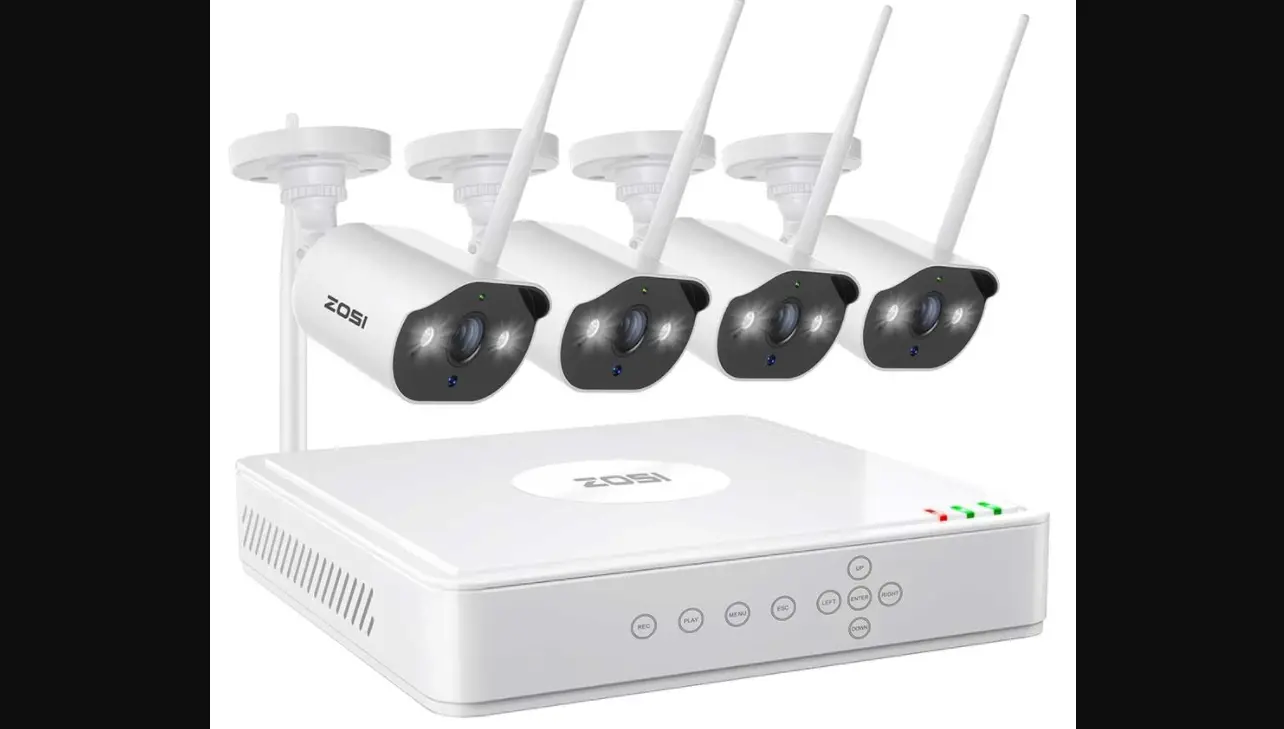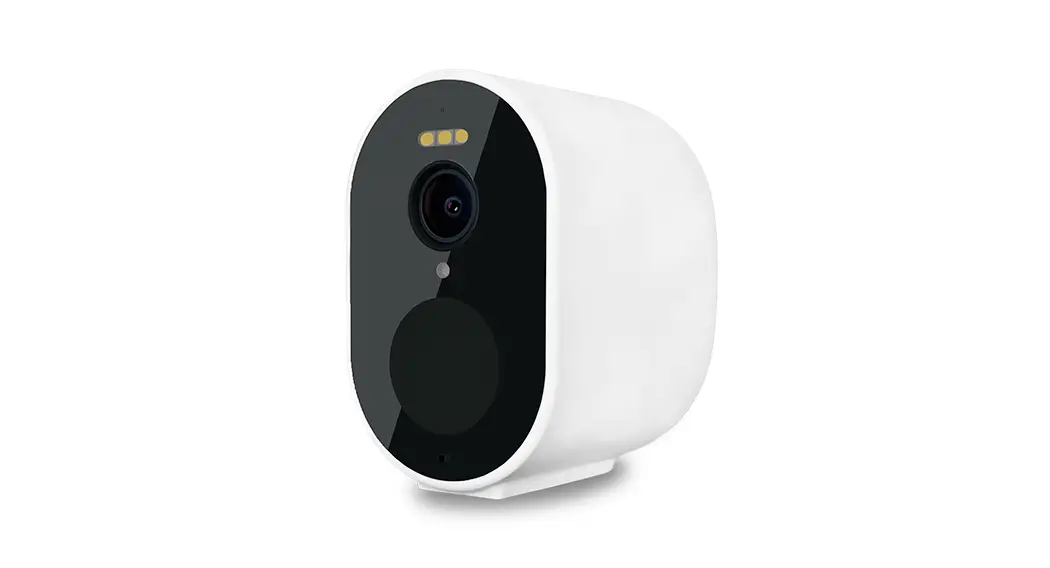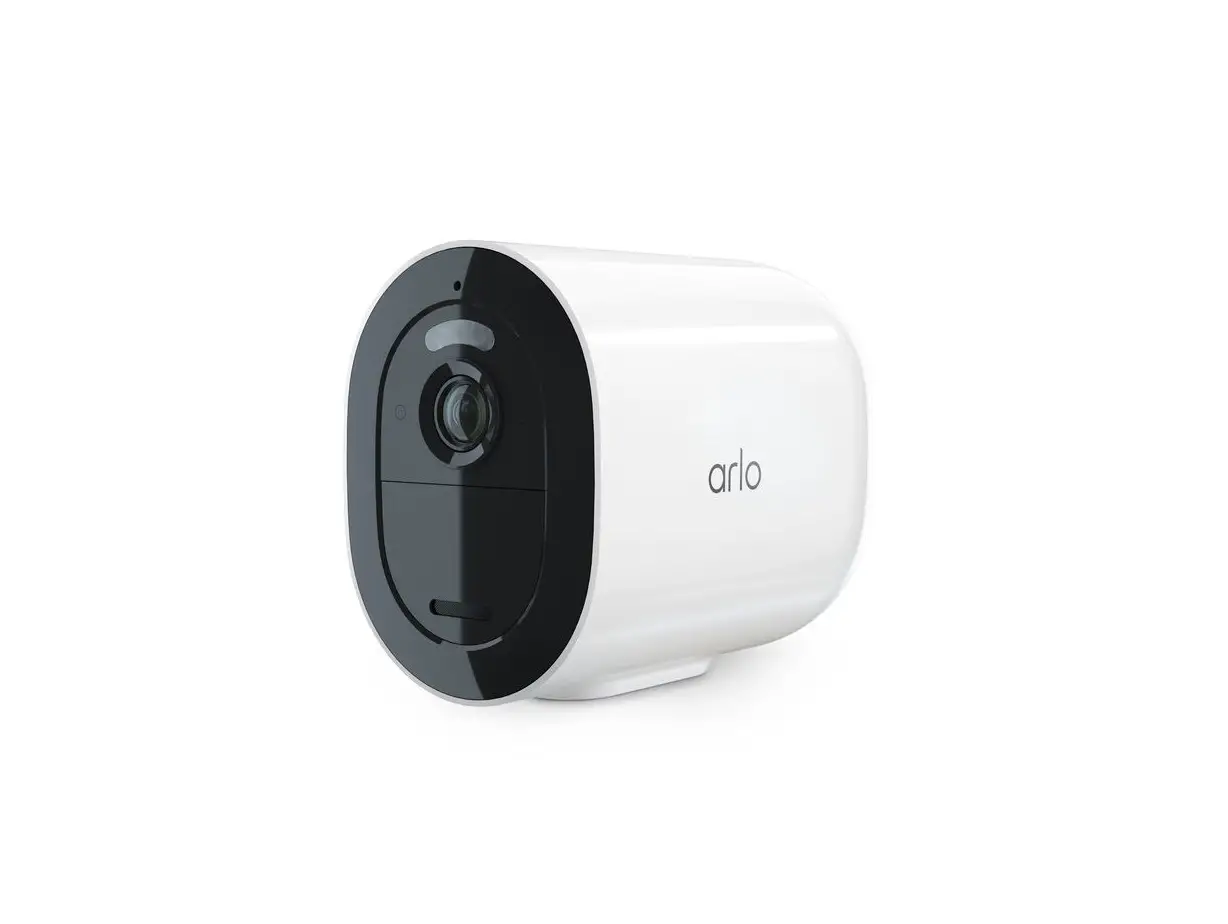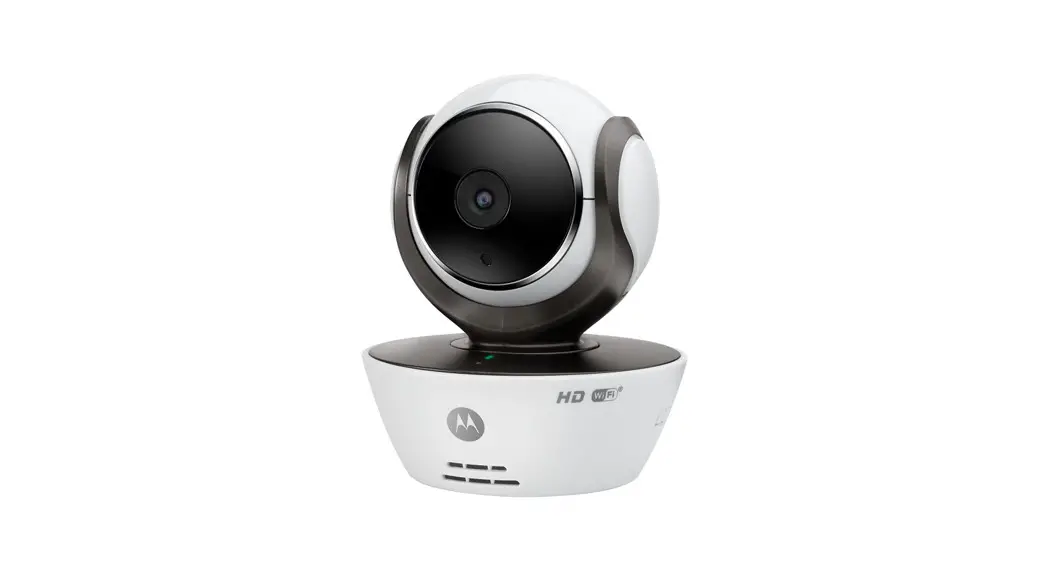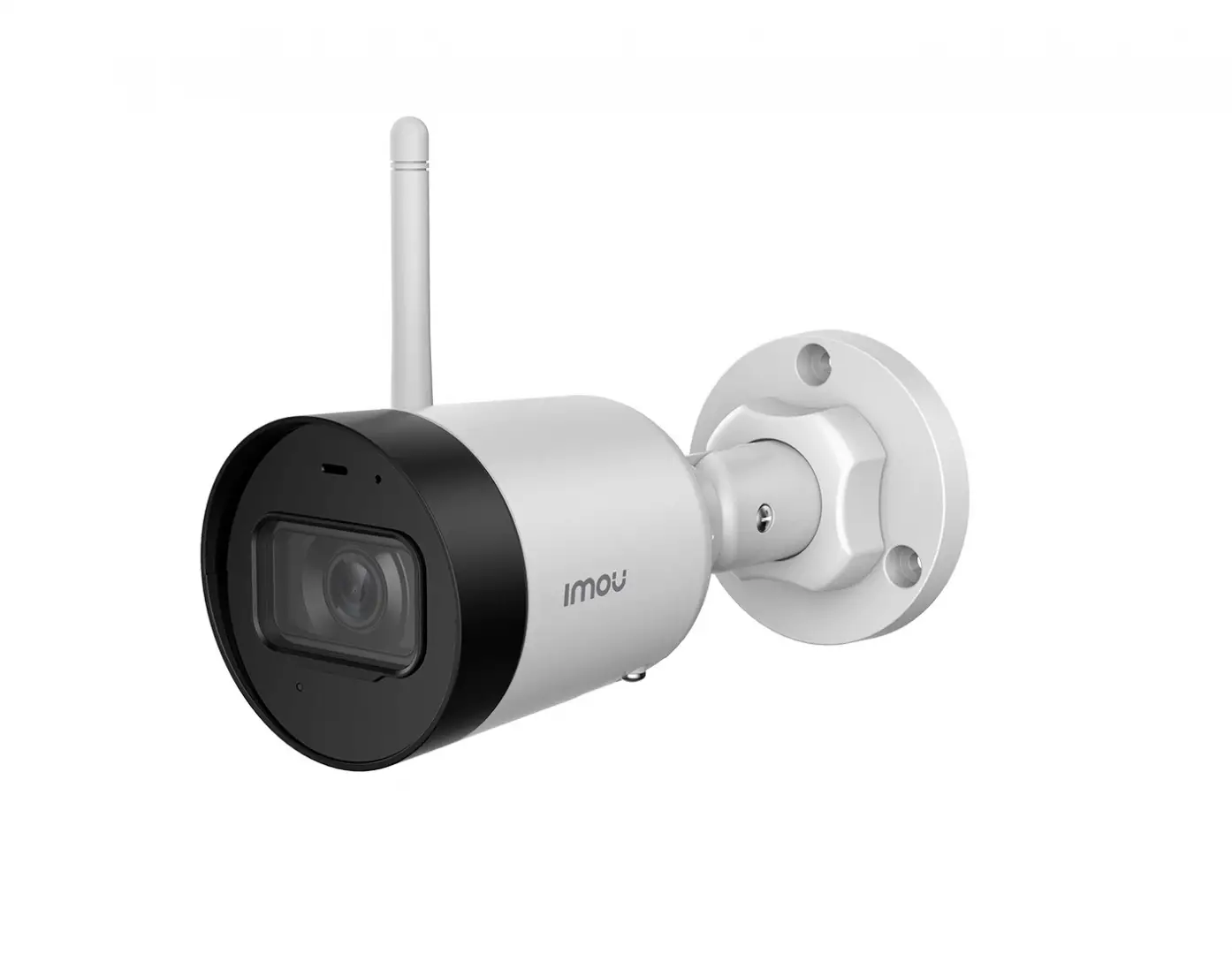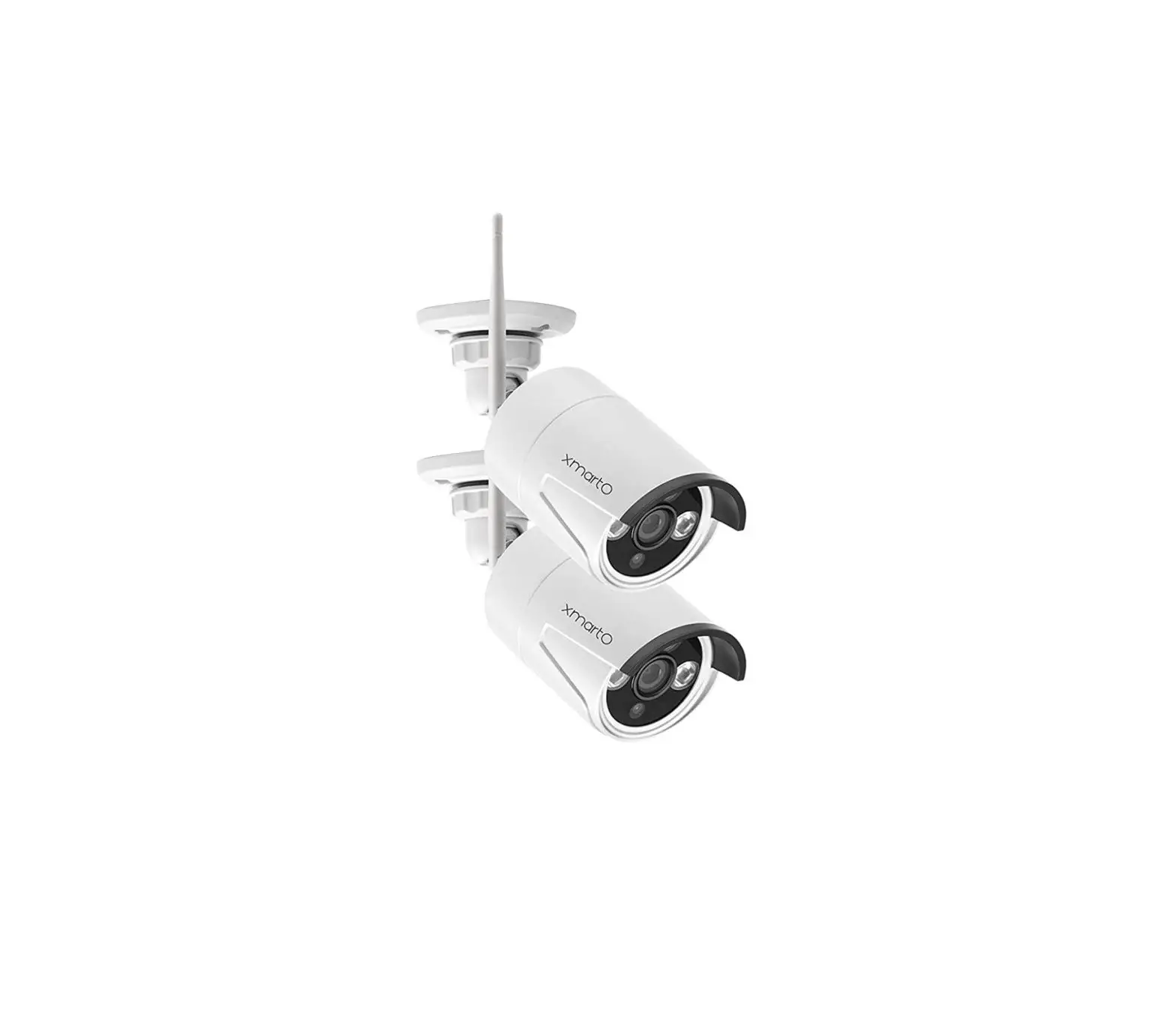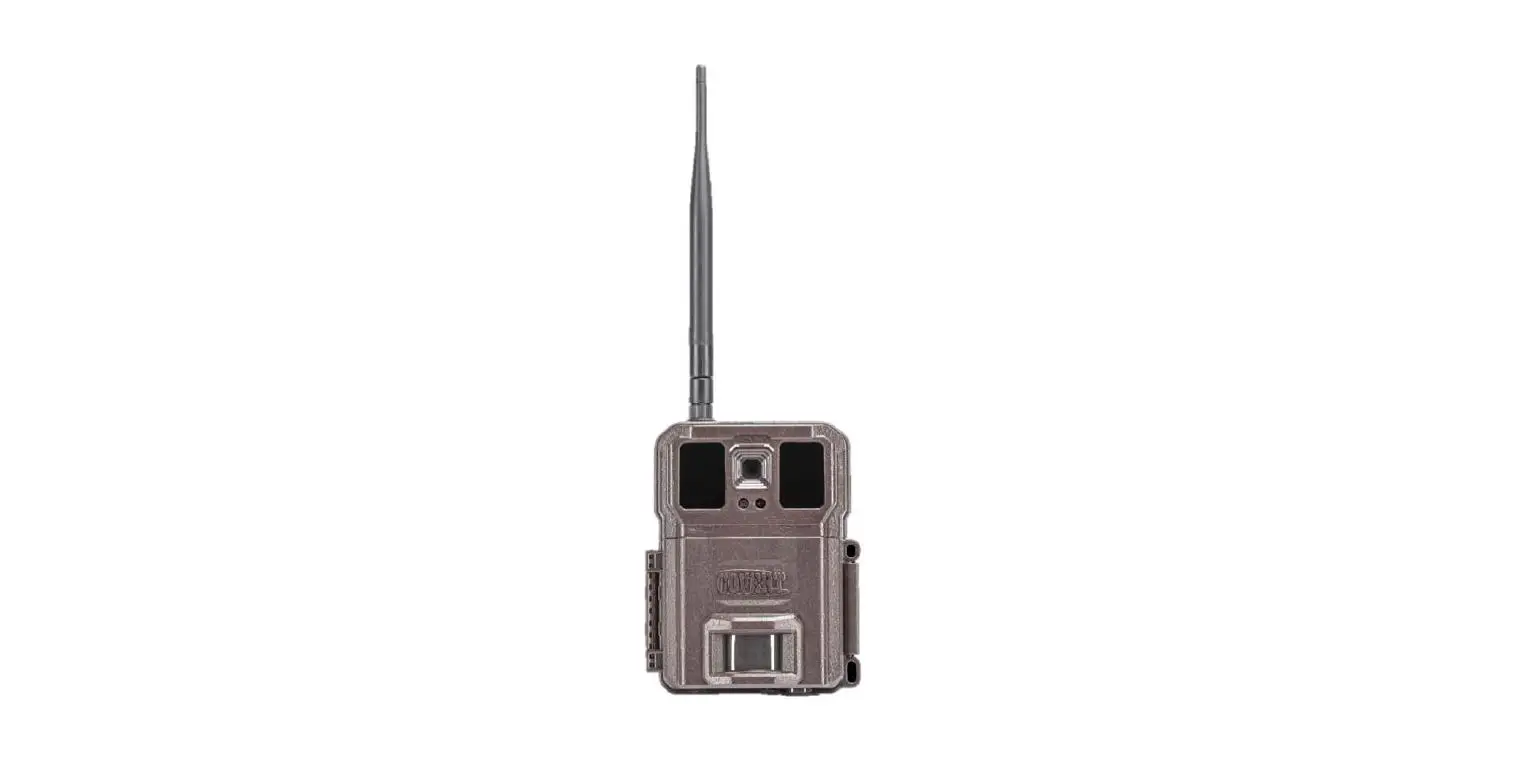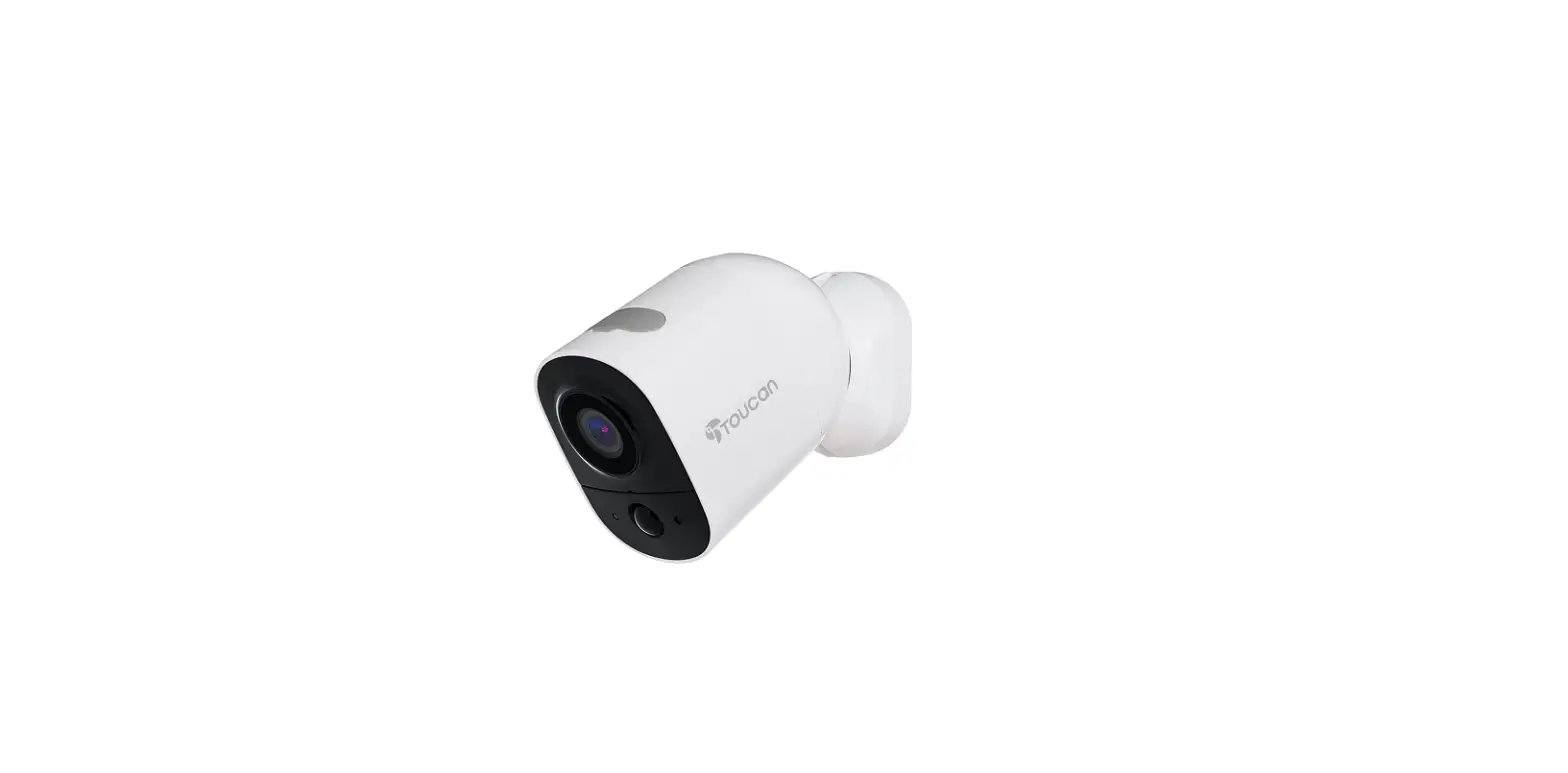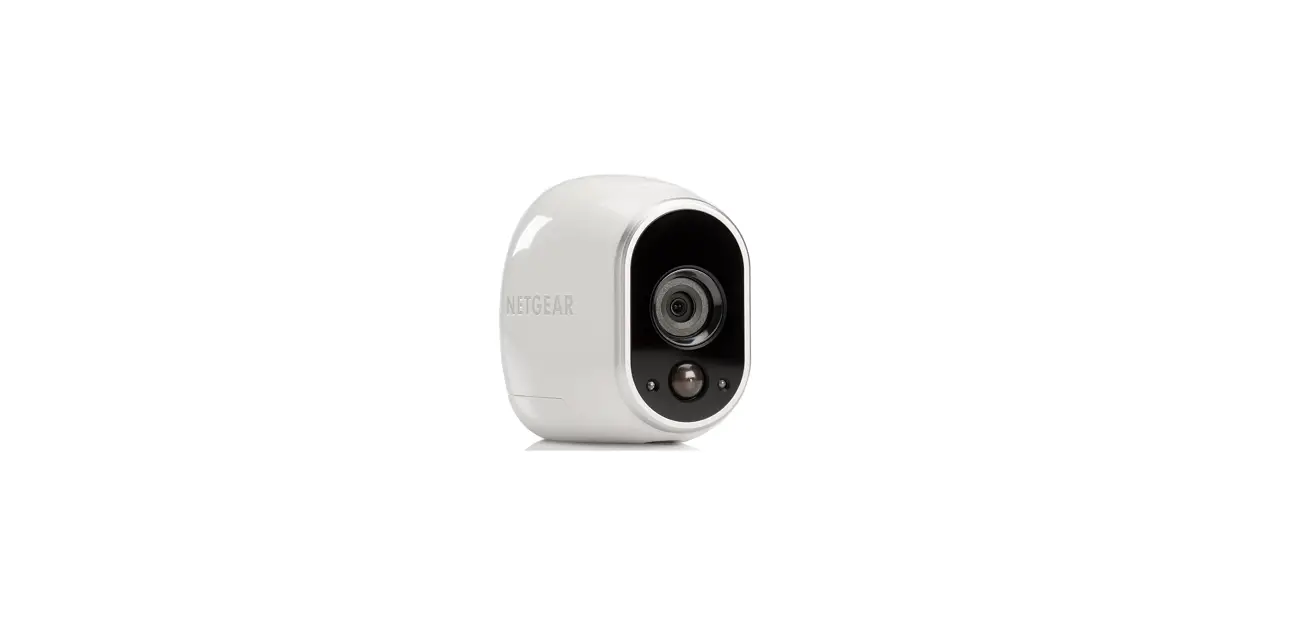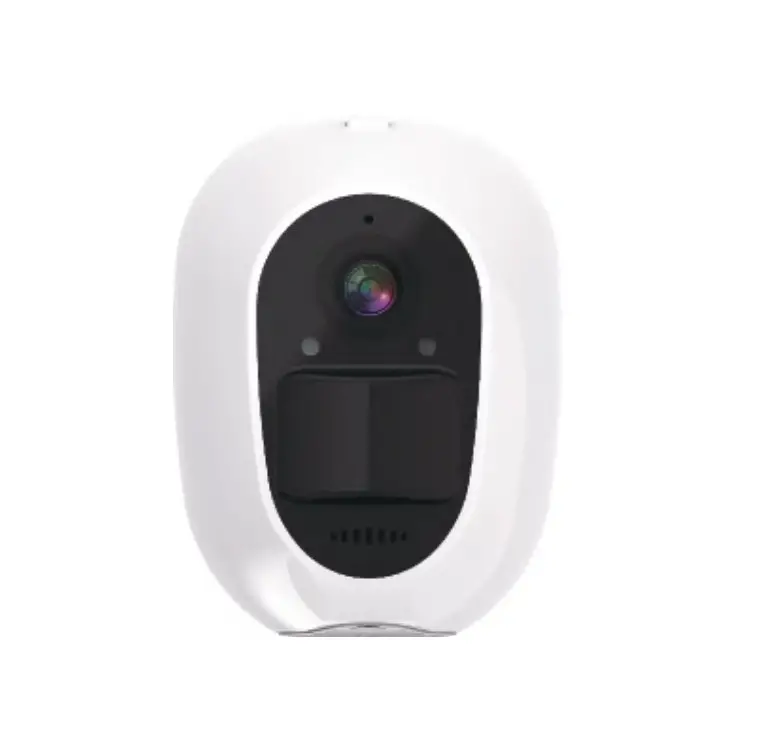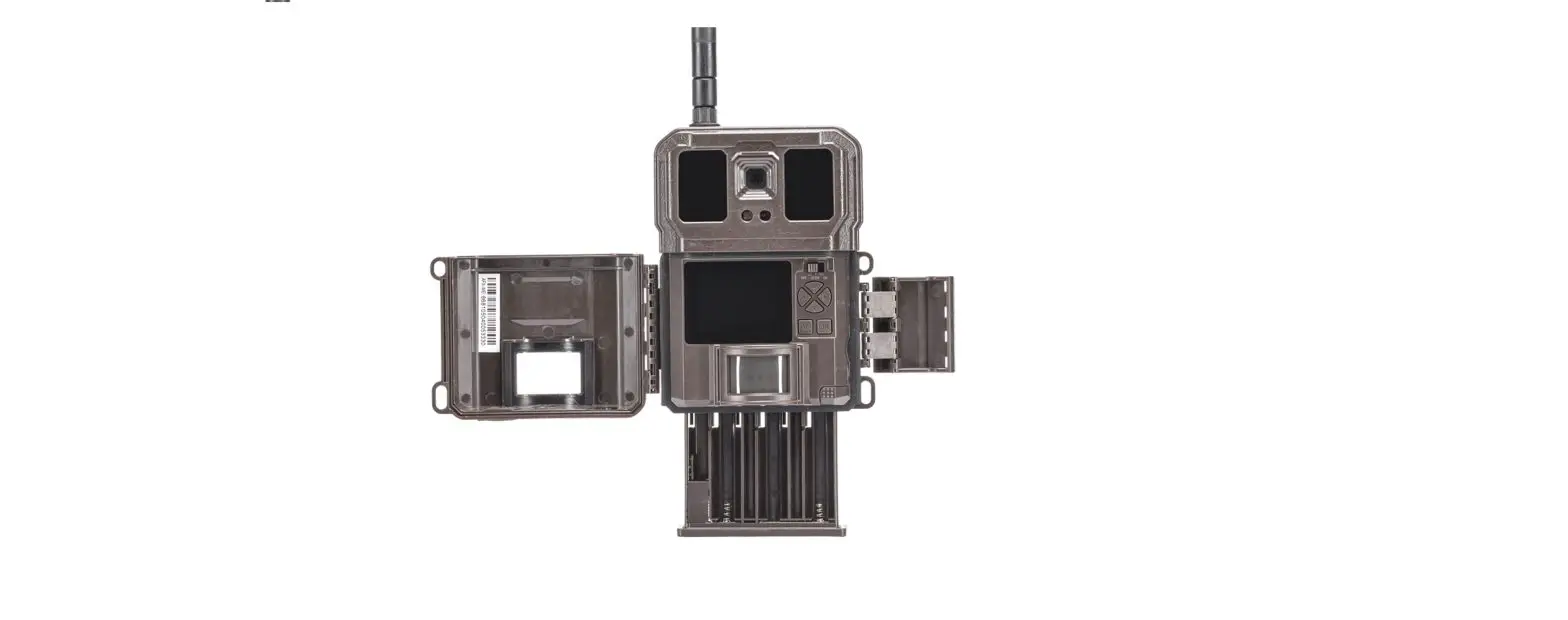

COVERT WC30-A LTE Wireless Camera
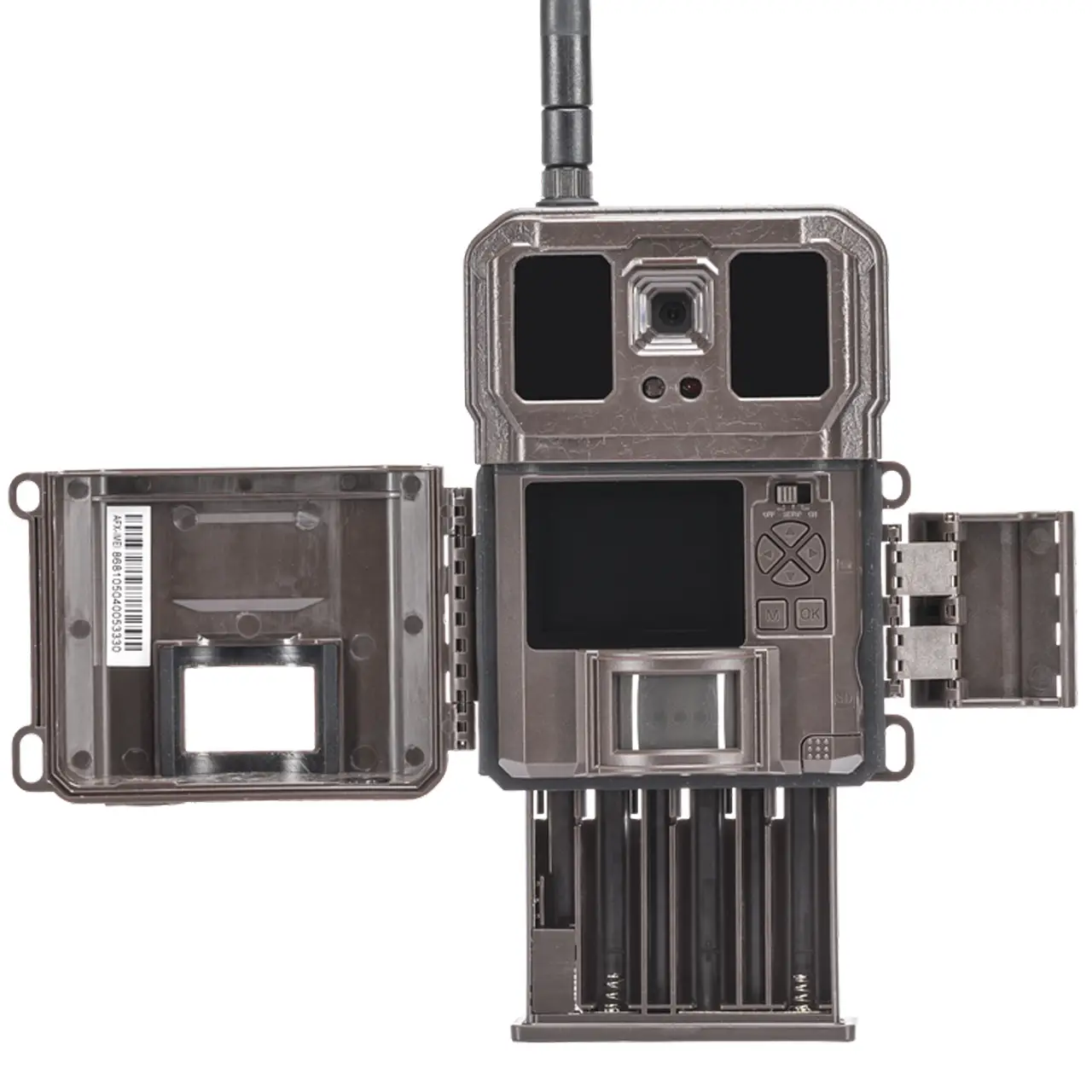
Covert WC30-V LTE Wireless Camera
Installation
- Insert batteries, SD card, and SIM card into your WC30-A.
- Switch the camera to SETUP and find the Registration menu screen.
- Using your cell phone camera, scan the QR code and follow the link to sercure.covert-wireless.com
- Either Login or create a new account.
- Once logged in, you will see the IMEI and ICCID populated in the appropriate fields.
- Choose which Verizon plan you would like the camera added to, and click activate
Downloading the Mobile App:
Search “Covert Wireless” in your Google Play Store or Apple App Store. Be sure to turn on
notifications in your phone settings.
Accessing the Web Portal: Open your web browser to: www.covert-wireless.com
Note: You may cancel your monthly plan anytime by calling
270-743-1515, emailing [email protected], or logging into your secure.covert-wireless.com account.