
Model: VA-VD002
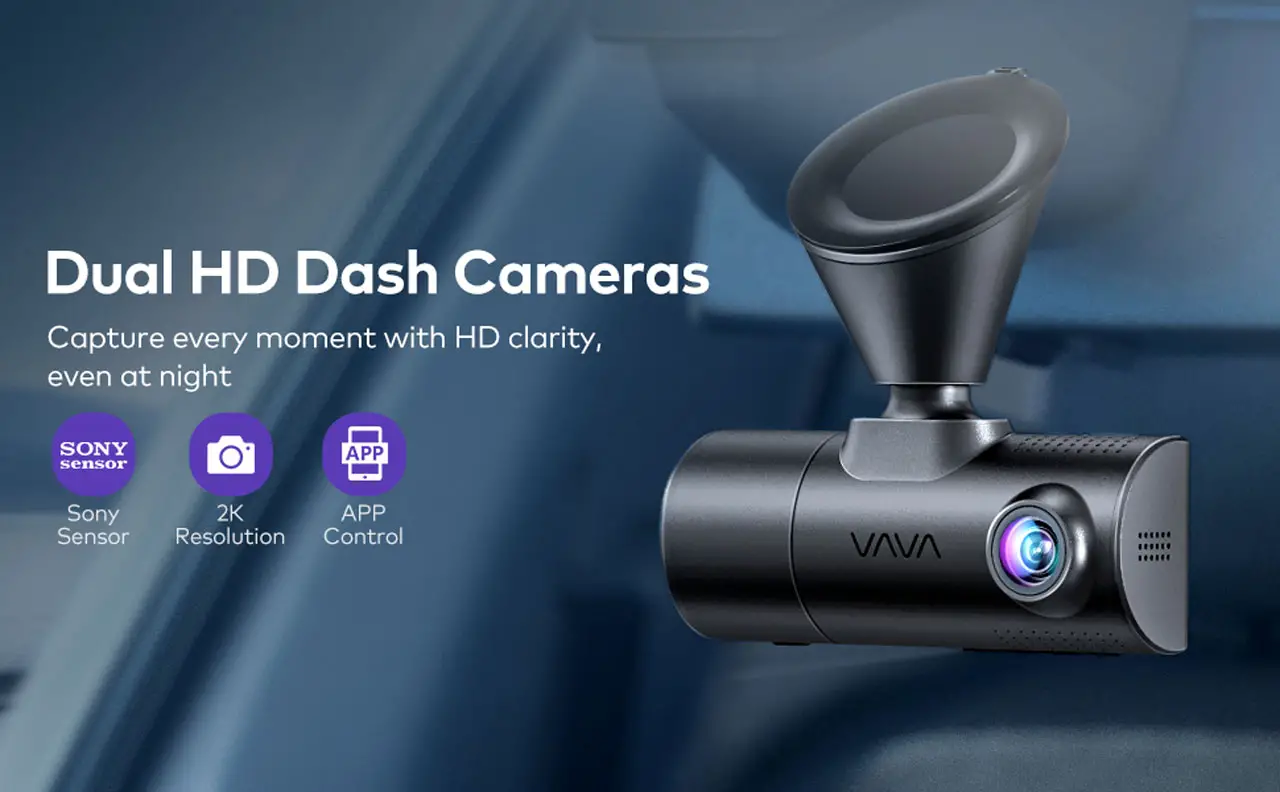
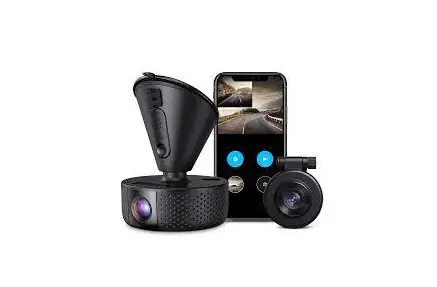
VAVA Dash Cam
Quick Installation Guide
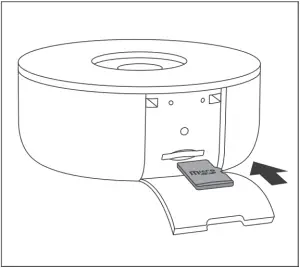
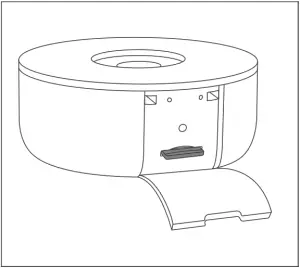
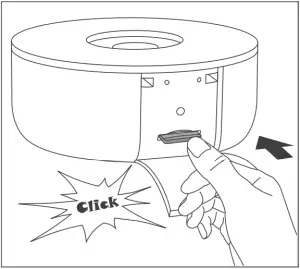
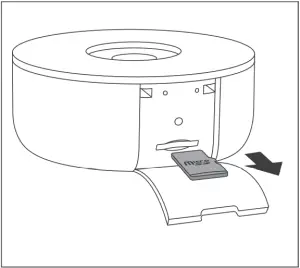
Micro SD Card Installation
1) Insert the micro SD card into the card slot.
2) To remove the card, gently push it until it clicks and pull it out of the slot.
Dash Cam Installation
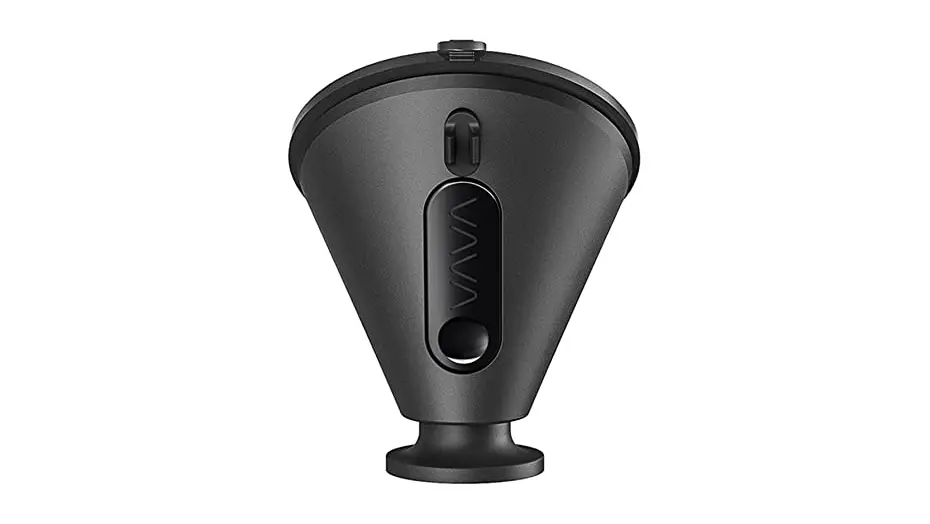
1) Stick the car mount (with VAVA 1 Dash Cam) onto your car windshield (ideally right in the middle).
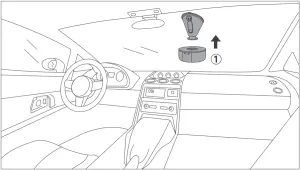
2) Connect the 1 Dash Cam to the 2 Car Charger.
Run the cable as instructed.
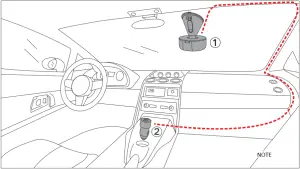
Note: Be sure to keep it away from the airbag area.
3) Install the rear 3 camera.
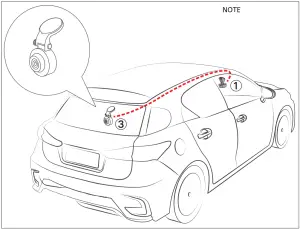
Note: Rear Camera for reference only, subject to the accessories actually received.
Dash Cam Connection Via APP
1) Download “VAVA Dash” from Google Play Store or Apple App Store.


Note: Dash cam will automatically enter REC Mode after powered on WiFi connection to the
APP is not required.
2) Connect your phone with the VAVA Dash Cam Wi-Fi: Settings > WLAN > Select “VAVA Wi-Fi” > Enter password (default: 12345678) > Open the App.
3) Once successfully connected, the Wi-Fi status LED will stay solid on white.
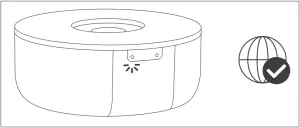
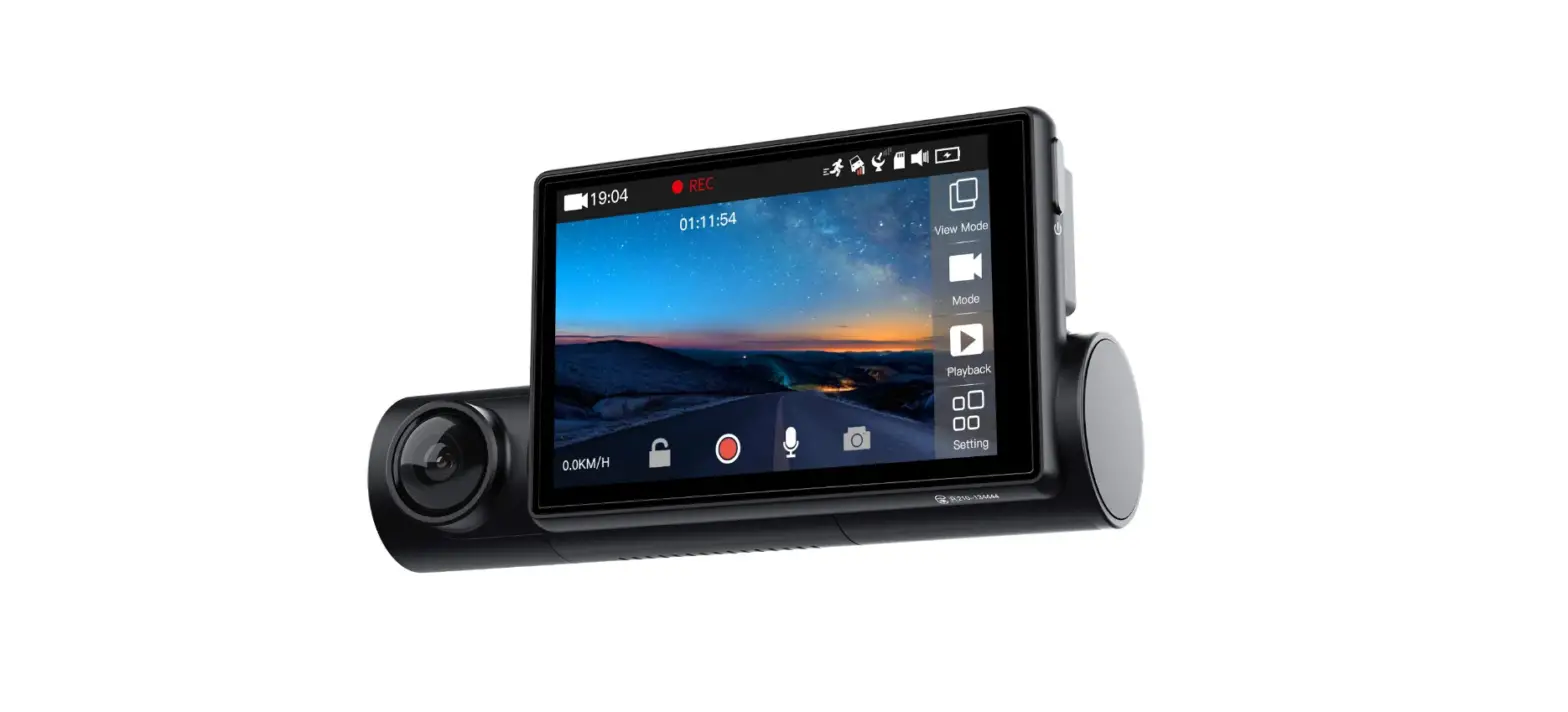
Homepage Real-time Video
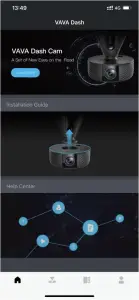
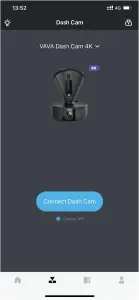
Video History Settings
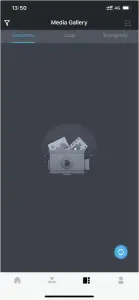
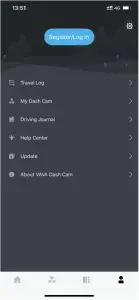
Taking Photos:
Press Camera Button once.
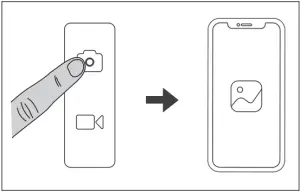
Taking Videos:
Press Video Button once.
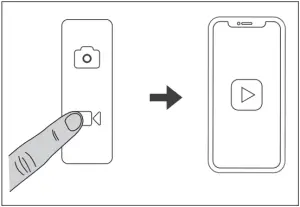
Have questions?
To view detailed Operation Instruction, find troubleshooting tips, or get support, visit [email protected].
VA-VD002_V1.2_EN
ASIA PACIFIC
E-mail: [email protected](JP)
JP Importer: SUNVALLEY JAPAN
Address: 104-0032 318-6 PMO 9F
EUROPE
E-mail:
[email protected](UK)
[email protected](DE)
[email protected](FR)
[email protected](ES)
[email protected](IT)
NORTH AMERICA
E-mail: [email protected]
Tel: 1-877-969-8282 (Monday-Friday: 9:00 -17:00 PST)
MANUFACTURER
Manufacturer : Shenzhen Nearby Express Technology
Development Co.,Ltd.
Address: Floor 7, Building E, Galaxy World Phase II,
Shenzhen, China
Learn more about the EU Declaration of Conformity:
https://www.vava.com/pages/user-manual
 MADE IN CHINA