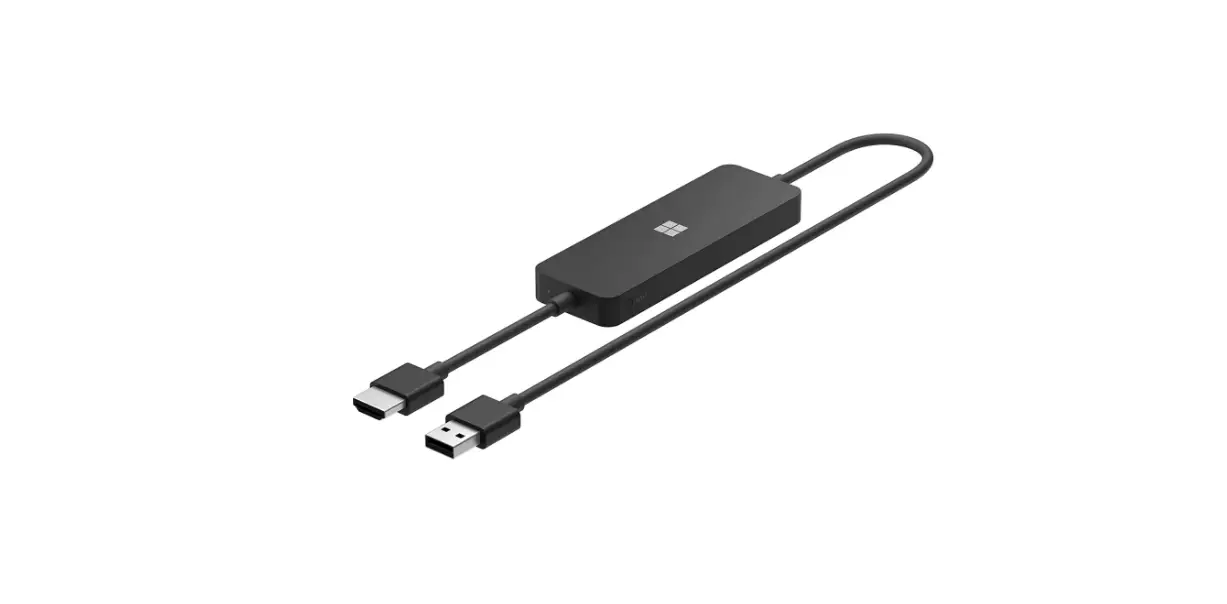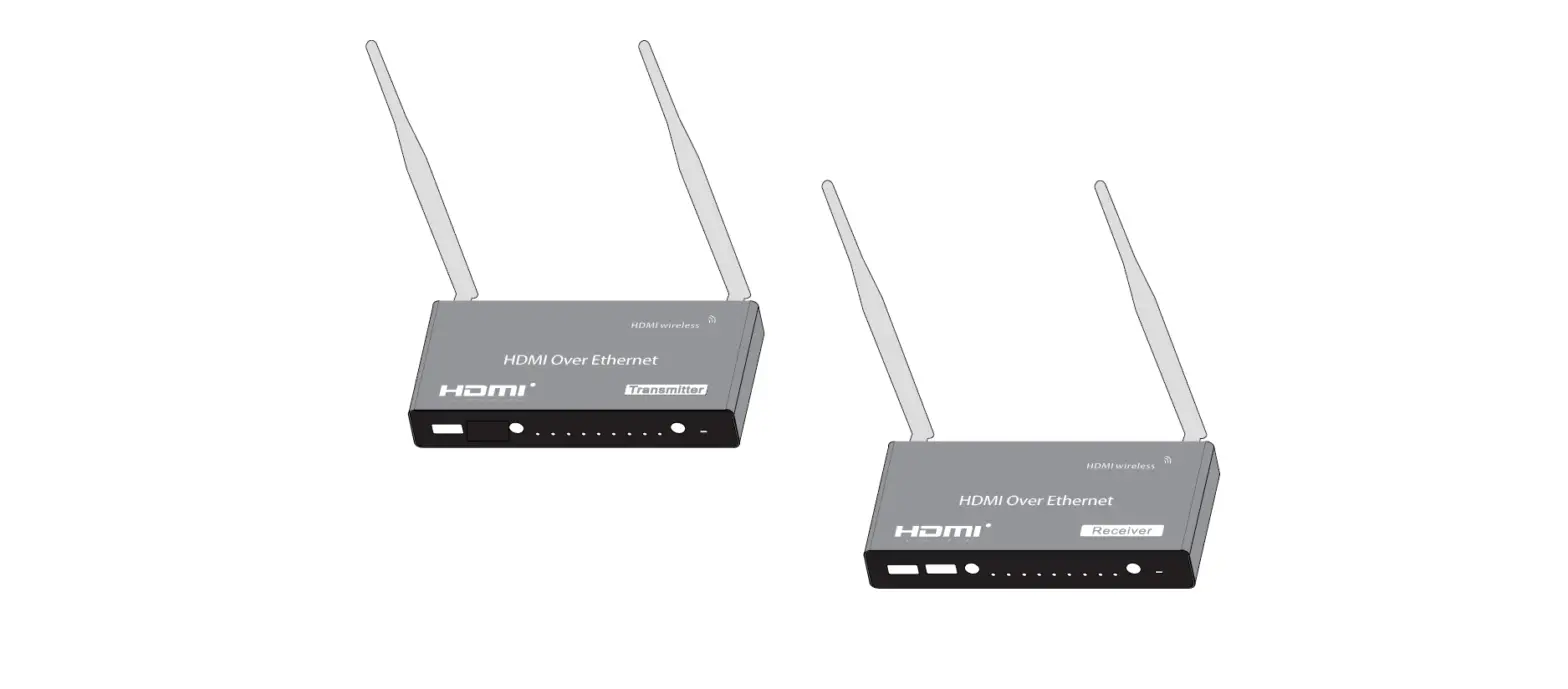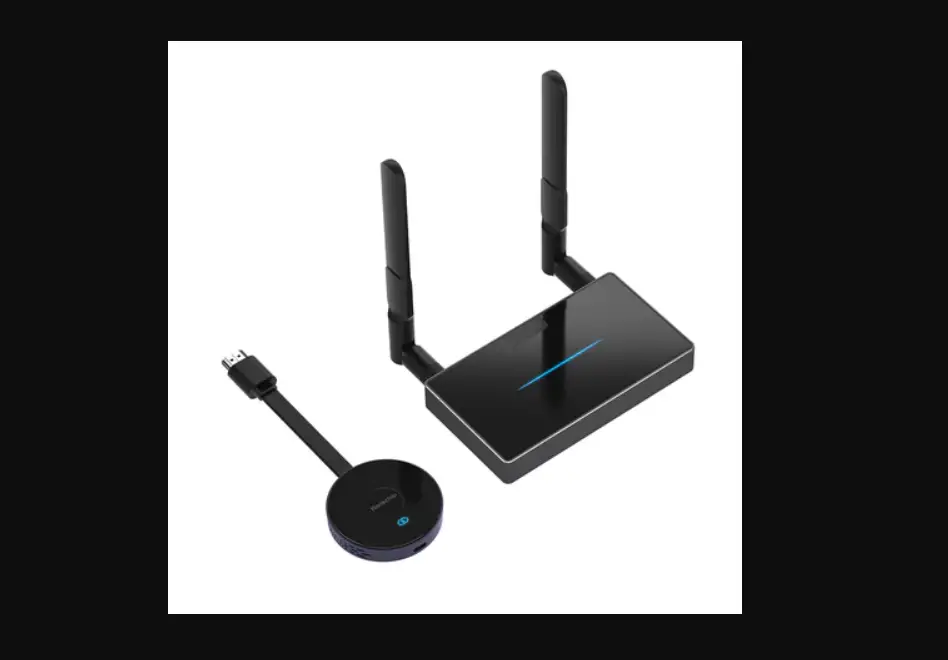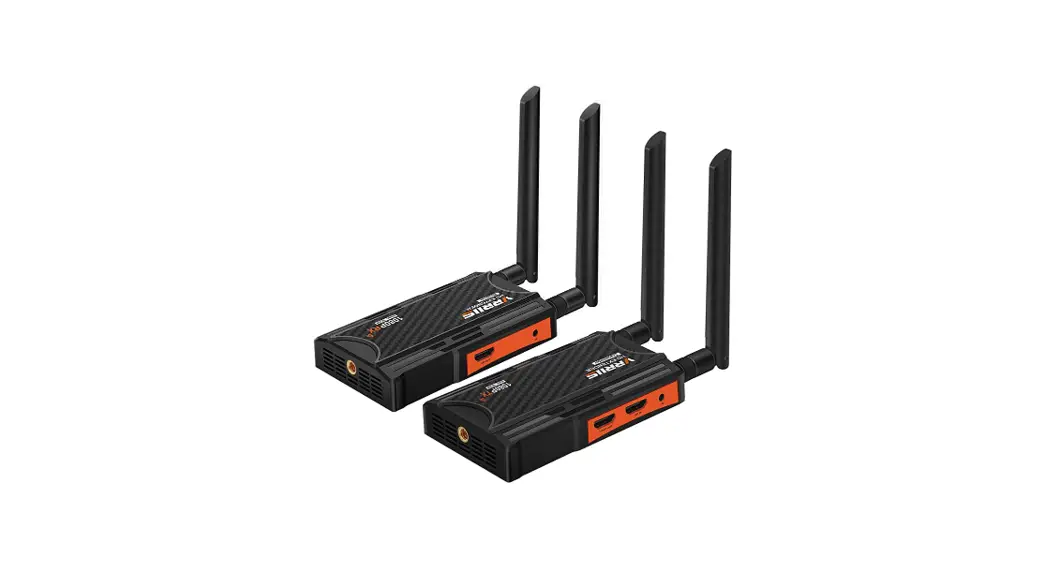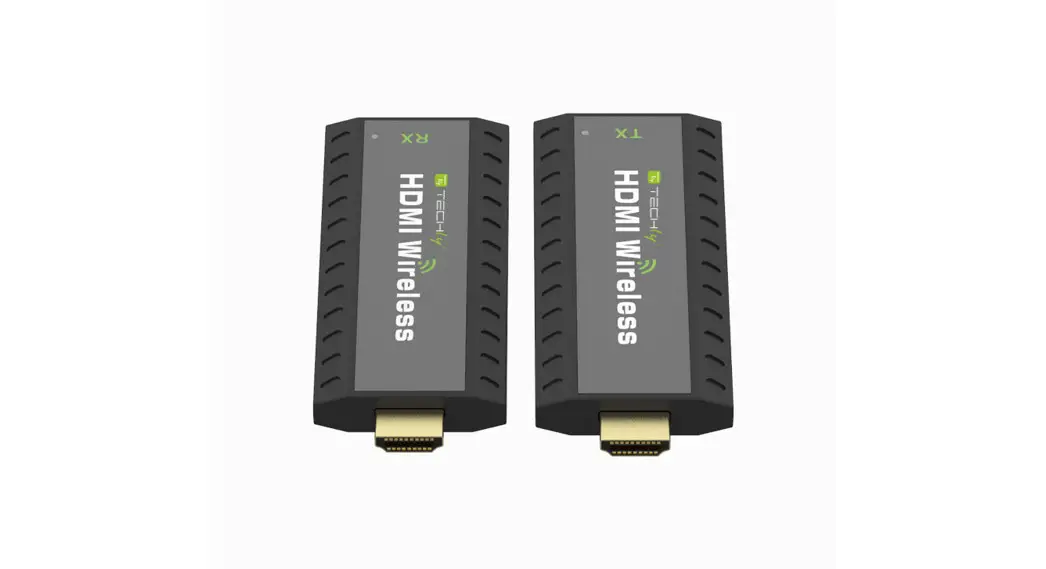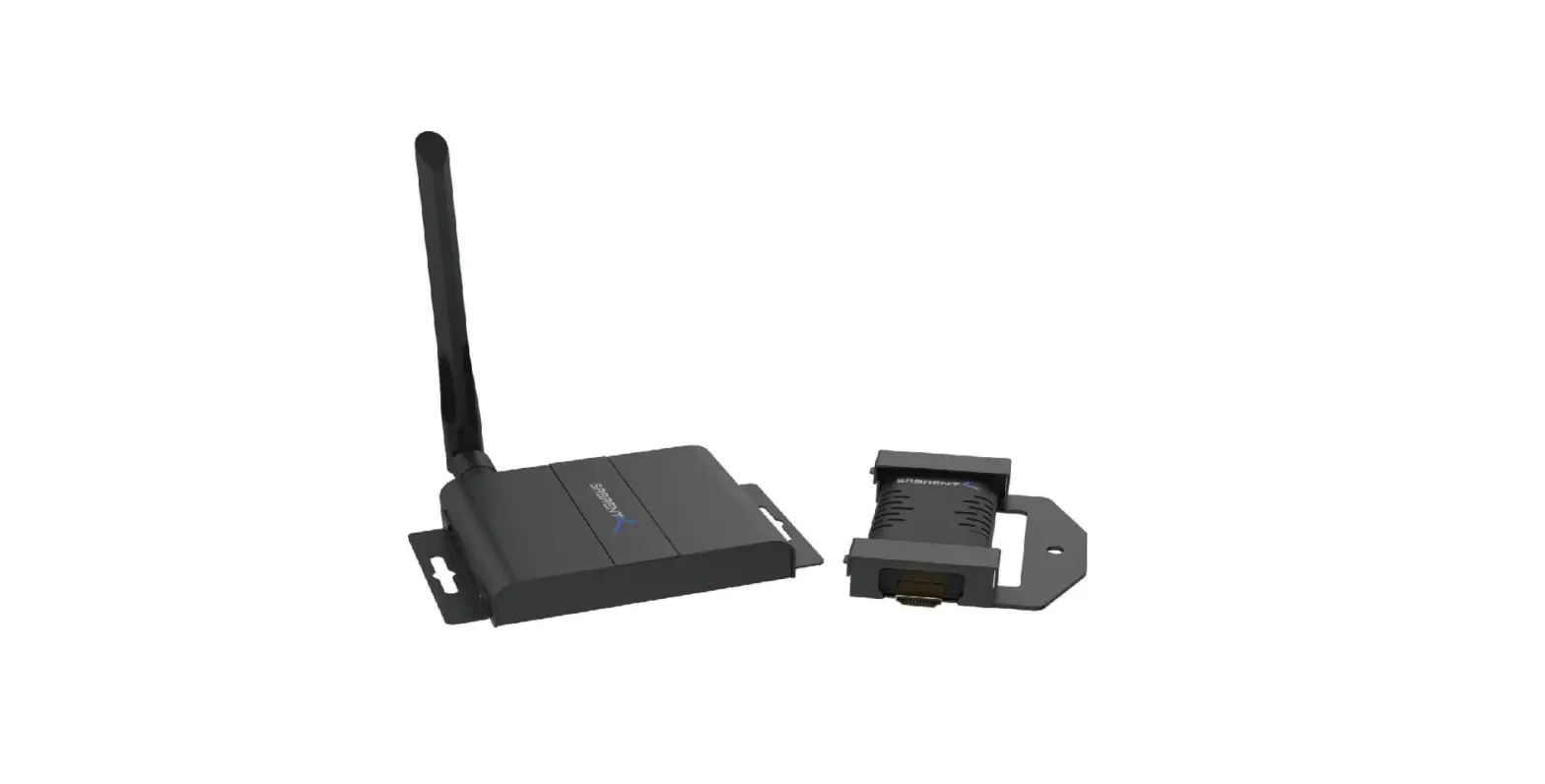

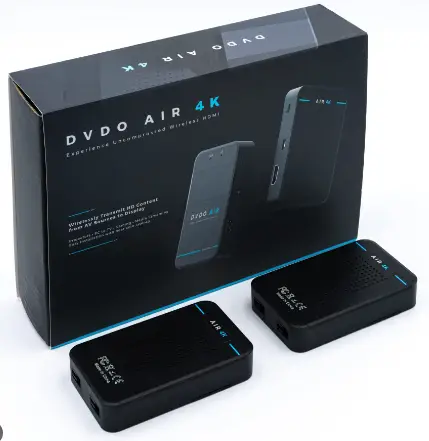
DVDO G3 PRO Wireless HDMI Adapter for Television
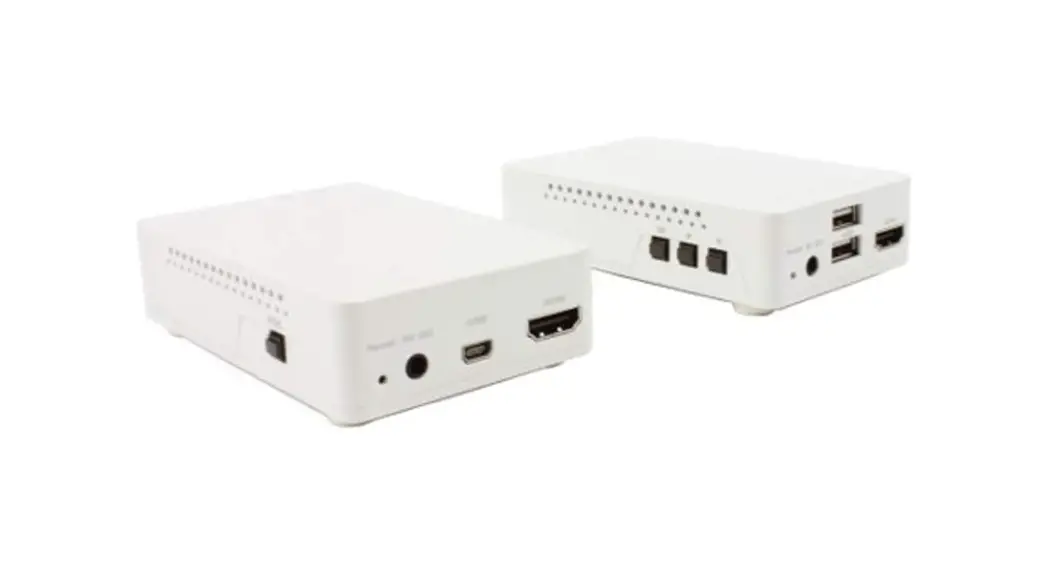
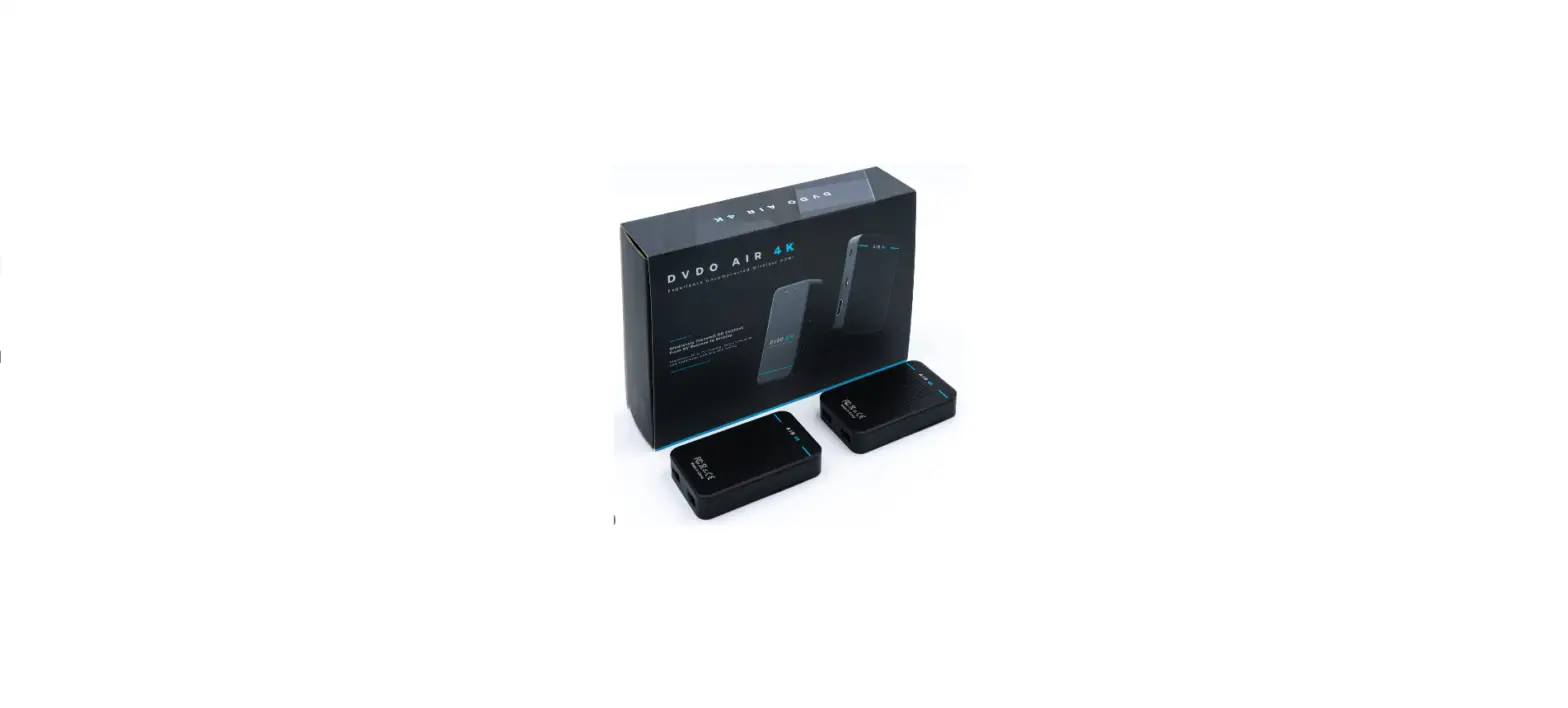
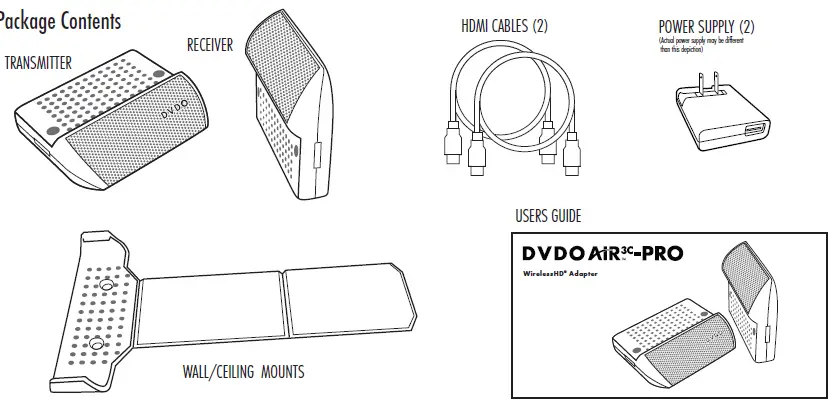
Package Contents
Professional Setup and Configuration Software Download from dvdo.com/air3CPRO
- Configuration Utility allows professional installer to:
- Upgrade firmware
- Monitor and peak signal strength
- Set pairing mode: WiHD, Soft Pair, Hard Pair
- Set paired addresses
- Monitor link and video
- Works exclusively with Air3C-PRO
What you need to know
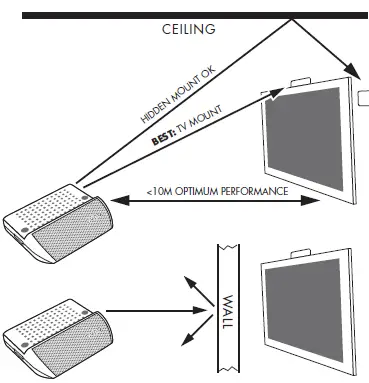
- DVDO Air3C-PRO Transmitter and Receiver should be in the same room
- Best performance is within 10 Meters
- The signal bounces off walls/ceiling
- Will work with multiple transmitters and receivers
- Best performance is with receiver just visible over top of TV to provide a direct line-of sight to transmitter

Getting Started
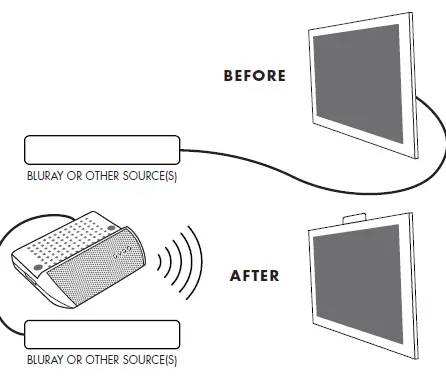
- Power everything down
- Connect HDMI cable from Air3C-PRO receiver to TV
- Connect HDMI cable from Air3C-PRO transmitter to Source
- Mount the Air3C-PRO receiver on top of or behind your TV with included mounts
- Connect USB power supply to transmitter using supplied USB cable
- Connect Receiver to TV USB port using supplied USB cable.
- If inadequate, use supplied USB power adapter
- Power everything back up

Back Panels

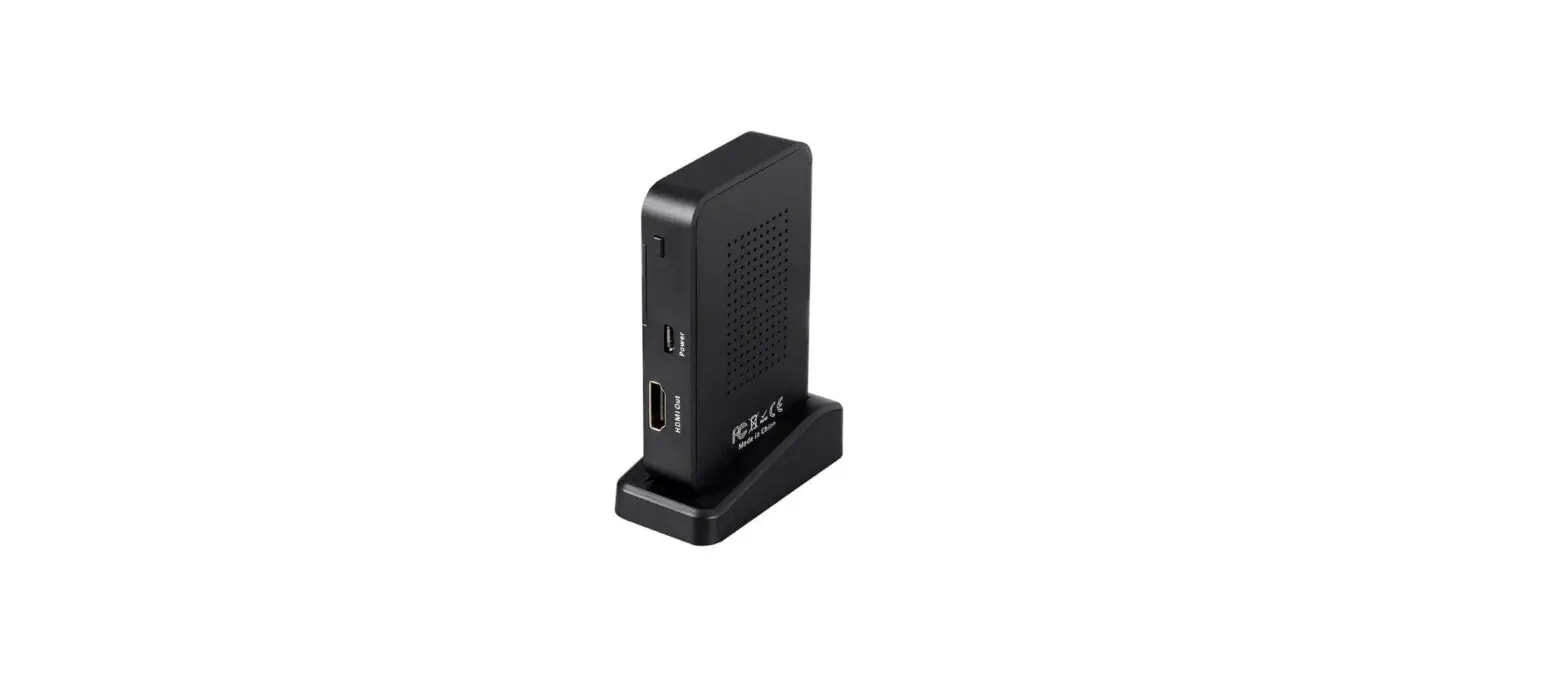
Receiver
- Link LED:
- Fast blink – searching
- Slow blink – connected
- Solid on – receiving video
- Control Button:
- ~2-3s press – scan for and connect to another transmitter
- >5s press (until LED goes off) – reset to factory defaults and connect to first transmitter found
Transmitter
- Link LED:
- Fast blink – searching
- Slow blink – connected
- Solid on – receiving video
- Control Button:
- ~2-3s press – scan for and connect to another receiver
- >5s press (until LED goes off) – reset to factory defaults and connect to first receiver found
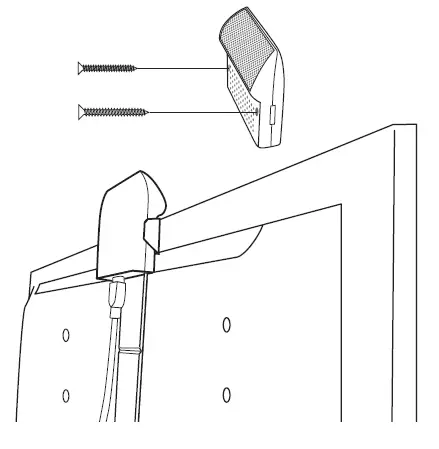
Receiver Mounting
Wall mount – use standard drywall screws and mount the receiver directly to drywall right through the holes in the case. Ceiling mount – break off both tabs from bracket and using drywall screws mount bracket to ceiling. Then clip receiver into bracket with mesh facing down and toward transmitter. Back of TV mount – If your TV is on a hinged arm, use the included Wall/TV mounting bracket and the adhesive pads to position the receiver as shown. Break off extra bracket tab for smaller TVs. Using 2 pads is recommended.
Transmitter Mounting
Transmitter can be mounted to a wall/ceiling directly using drywall screws or placed on top of a bluray or AVR. Unit should be placed with the DVDO logo rightside up. For best performance, transmitter and receiver mesh faces should point at each other or at a nearby surface for a bounced signal. (ceiling, wall
Technical Specifications
- 60GHz band – 2 independent channels available
- Beam forming technology prevents interference between nearby units and maximizes range
- Low Latency for Gaming
- Max throughput 4Gbps
- WiHD® Certified
- HDCP Support
- Range: up to 10M
Supports up to 1080p/3D and 8ch PCM/192KHz/HD Audio For multiple transmitter/receiver installations and troubleshooting see online FAQs at www.DVDO.com
FCC
Legal Notices and Safety Instructions
This equipment has been tested and found to comply with the limits for a class B digital device pursuant to Part 15 of the FCC Rules. These limits are designed to provide a reasonable protection against harmful interference in a residential installation. This equipment generates, uses and can radiate radio frequency energy, and if not installed and used in accordance with the instruction, may cause harmful interference to radio communications. However, there is no guarantee that interference will not occur in a particular installation. If this equipment does cause harmful interference to radio or television reception, which can be determined by turning the equipment off and on, the user is encouraged to try to correct the interference by one or more of the following measures:
- Reorient or relocate the receiving antenna.
- Increase the separation between the equipment and receiver.
- Connect the equipment into an outlet on a circuit different from that to which the receiver is connected.
- Consult the dealer or an experienced radio/TV technician for help.
FAQS
How do I make my HDMI TV wireless?
The best ways to transmit video wirelessly are by using a wireless HDMI transmitter/receiver or through a streaming stick like Chromecast or Roku.
Can HDMI signal be transmitted wirelessly?
Sometimes it’s not convenient, or even feasible, to run an HDMI video cable between your video player and your TV or projector
How does a wireless HDMI streaming adapter work?
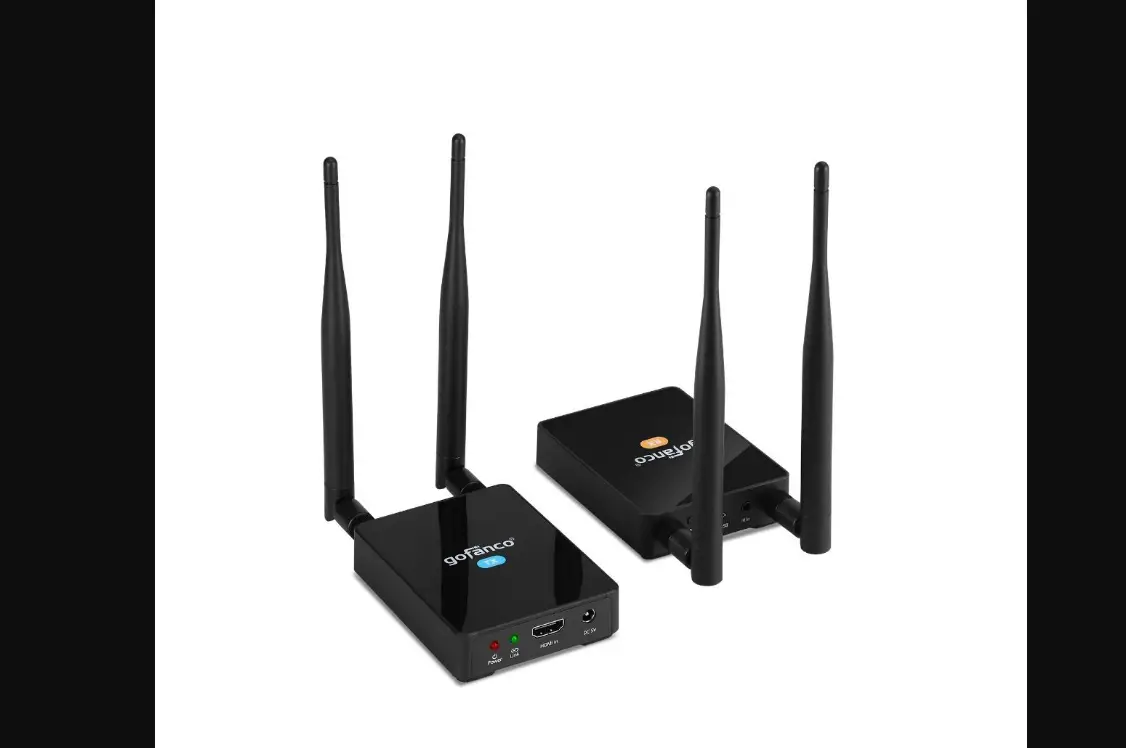
Transmitter – The wireless video HDMI transmitter connects to the video or audio source device.
How can I convert regular TV to wireless?
To connect a Non-Smart TV to Wi-Fi, use a streaming device, an HDMI cable, a Blu-Ray player, a gaming console, or even Mirroring/Screencasting from another device.
How do I connect my home theater to my TV without HDMI?
You can use any RCA audio cables, a composite video cable, a 5-cable component RCA video cable, or an HDMI converter that matches the input option you have available
How do I transfer my TV signal to another room?
So if you wanted to connect your cable box to two TVs, you’d need to connect the box’s HDMI out port to the wireless transmitter to send the signal to the TV in a different room and use one of the other connection cables
What is a wireless transmitter?
Wireless Transmitters means stand-alone transmitters and/or receivers which use electromagnetic waves
How do I run HDMI from one room to another?
One way to extend HDMI is with Ethernet cables. The same type of Ethernet Cat5, 5e, 6, and Cat7 cables used to connect devices to an internet router or home/office
Can I run 2 TVs off 1 HDMI port?
HDMI Splitters: All You Need To Know. An HDMI Splitter is used to take a single source (such as a BlueRay Player, Cable Box, or Satellite box) and distribute that HDMI signal to multiple TVs
Does HDMI splitter weaken signal?
HDMI Splitters do not automatically reduce quality because they are copying a digital signal. But using lower quality hardware or a non-powered HDMI Splitter is less of a guarantee.
How many HDMI ports should a TV have?
In most cases, you should look for an HDTV that has at least three HDMI inputs, but four is preferred for additional flexibility. No matter the setup, the number of HDMI inputs should equal the number of devices you have.
Why won’t my HDMI splitter work on my TV?
Overall, the main reason why your HDMI splitter isn’t working is likely to be that it isn’t in a fully HDCP compliant setup.
Do HDMI splitters work on TVs?
If you have one source, and want to send that source’s signal to multiple TVs, you need an HDMI splitter
What are the three types of HDMI?
HDMI connectors are available in three sizes: standard, mini and micro.
What is a HDMI splitter for TV?
A HDMI Splitter will split the signal from a single source device to facilitate simultaneous connection to multiple displays