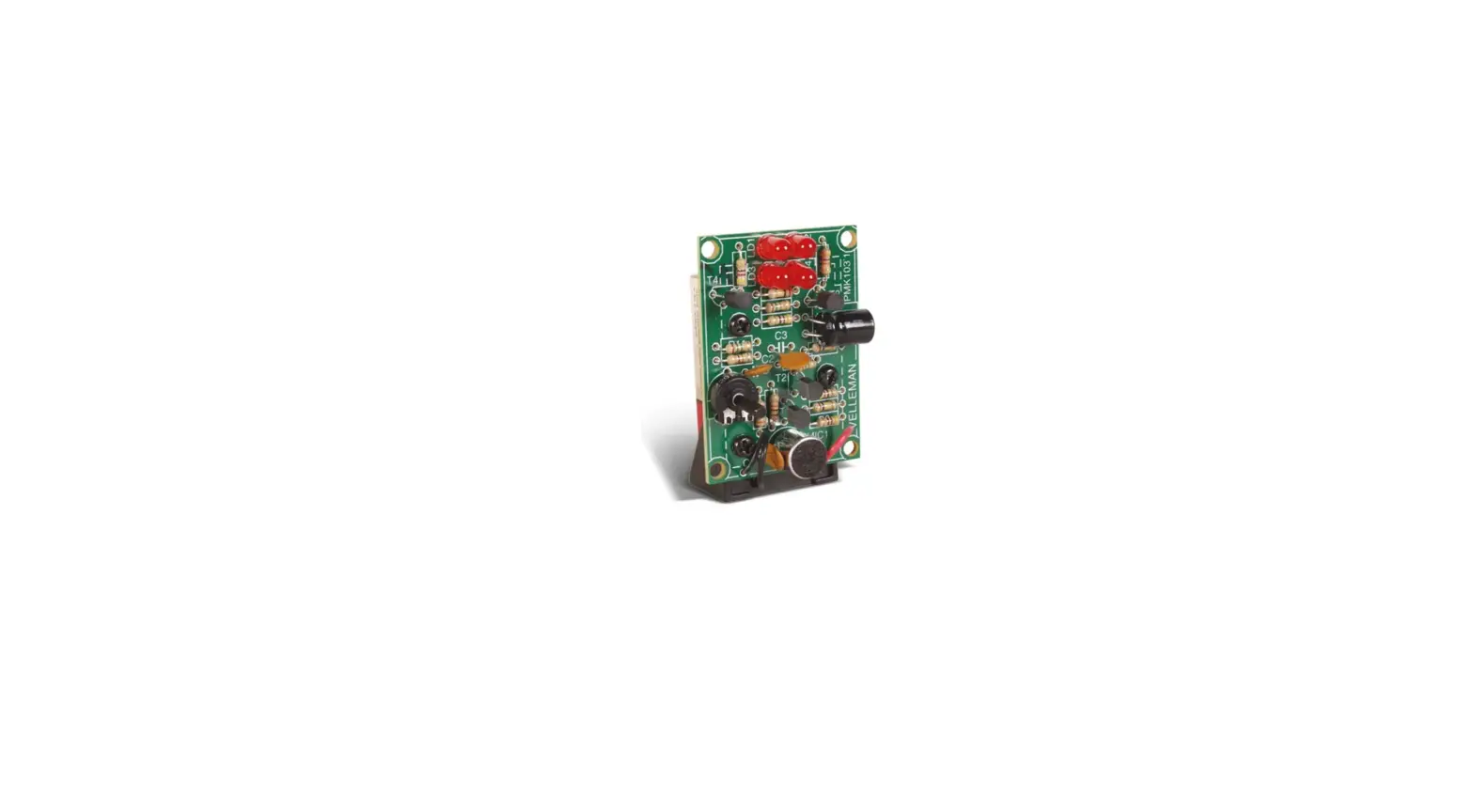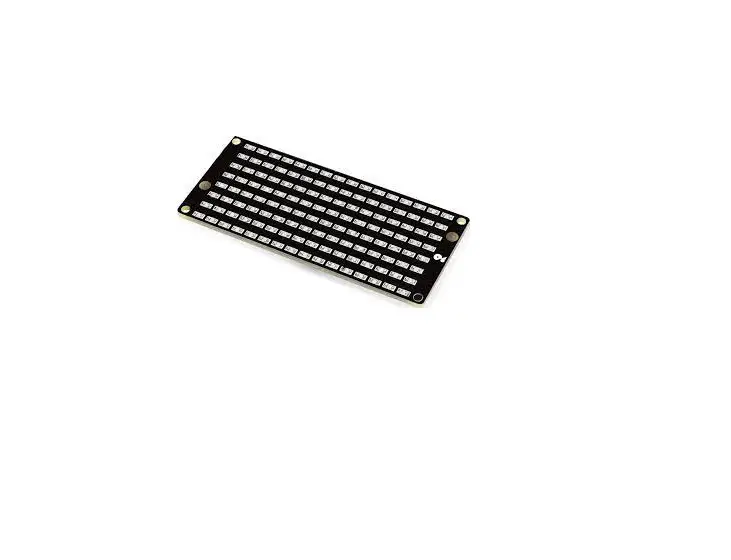
velleman MK155 Magic Message
User Manual
ON : push button briefly while shaking unit – OFF : lay down unit
MESSAGE SELECT : Push button repeatedly while shaking
ENTER PROGRAM MODE :
- Turn ON unit
- Push button 2s and release while shaking
SELECT CHARACTER : Push repeatedly while shaking
NEXT CHARACTER : Push 2s and release while shaking
STORE MESSAGE : Choose  and press button 2s while shaking
MINIKIT

NOTE MK155