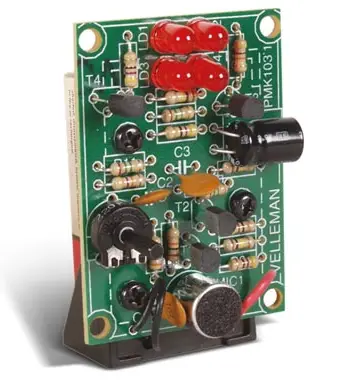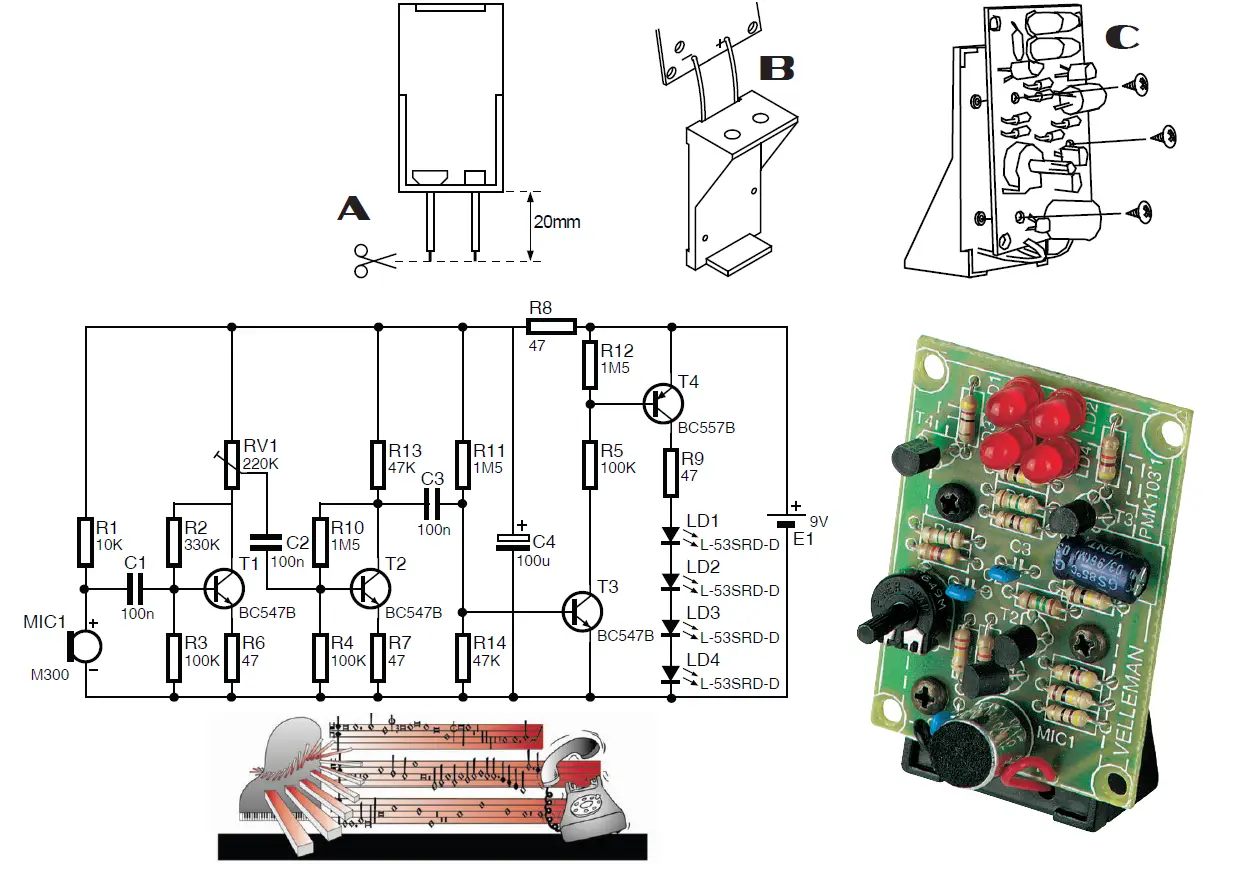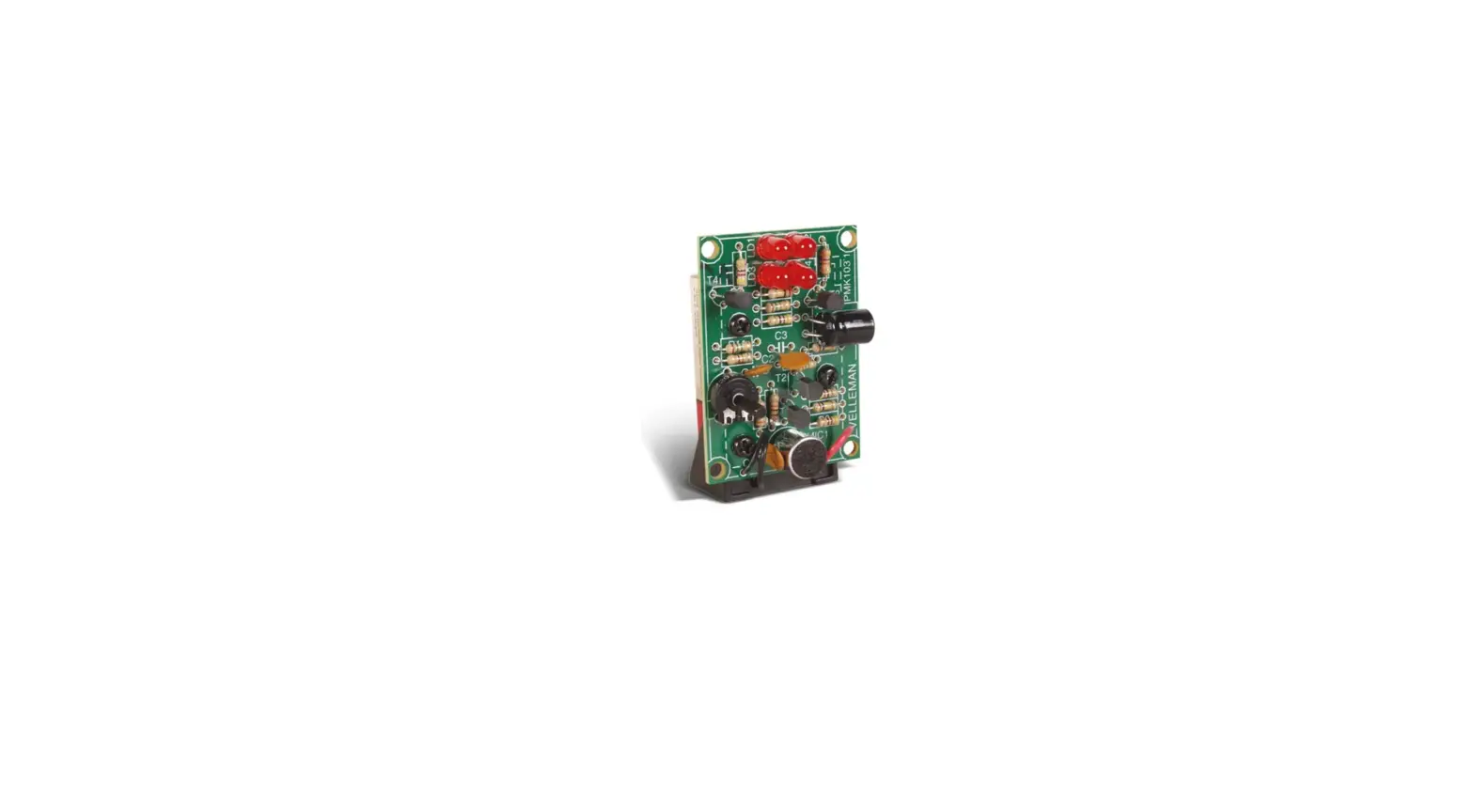

Velleman Mk103 Sound-to-light Unit User Manual

Velleman Mk103 Sound-to-light Unit User Manual

velleman-LOGO

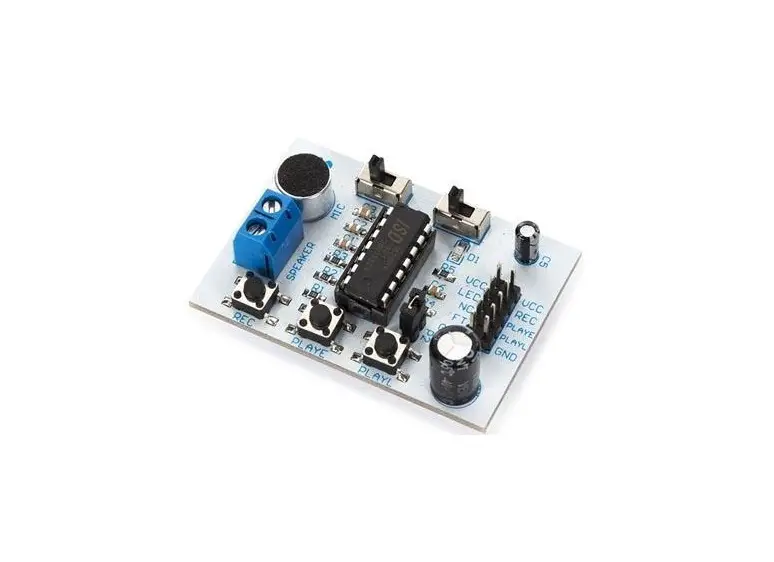
velleman MK103 Sound-To-Light Unitvelleman-MK103-Sound-To-Light-Unit-PRODUCT

MK103

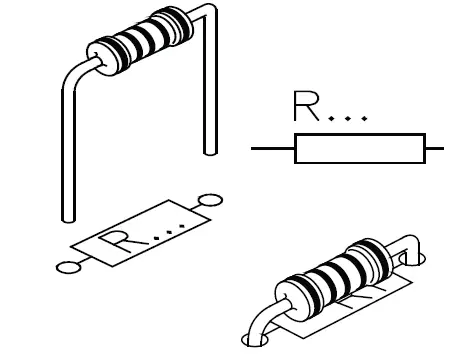
  1. Resistor 
    • RR1: 10K
      • (Brown, Black, Orange)
    • R2: 330K
      • (Orange, Orange, Yellow)
    • R3 … R5 : 100K
      • Brown, Black, Yellow)
    • R6 … R9 : 47E
      • (Yellow, Purple, Black)
    • R10 … R12 : 1M5
      • (Brown, Green, Green)
    • R13, R14 : 47K
      • (Yellow, Purple, Orange)velleman-MK103-Sound-To-Light-Unit-FIG-1
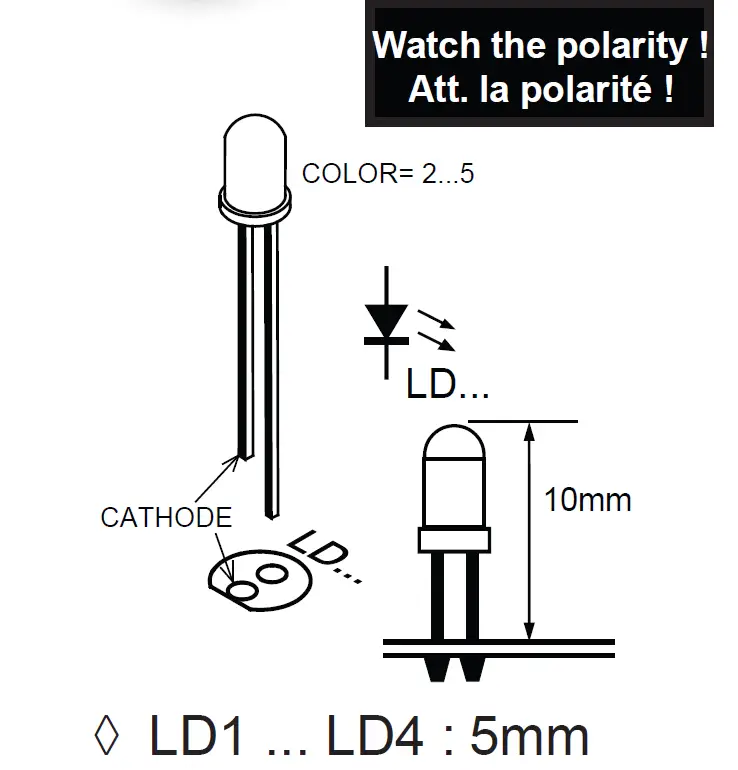
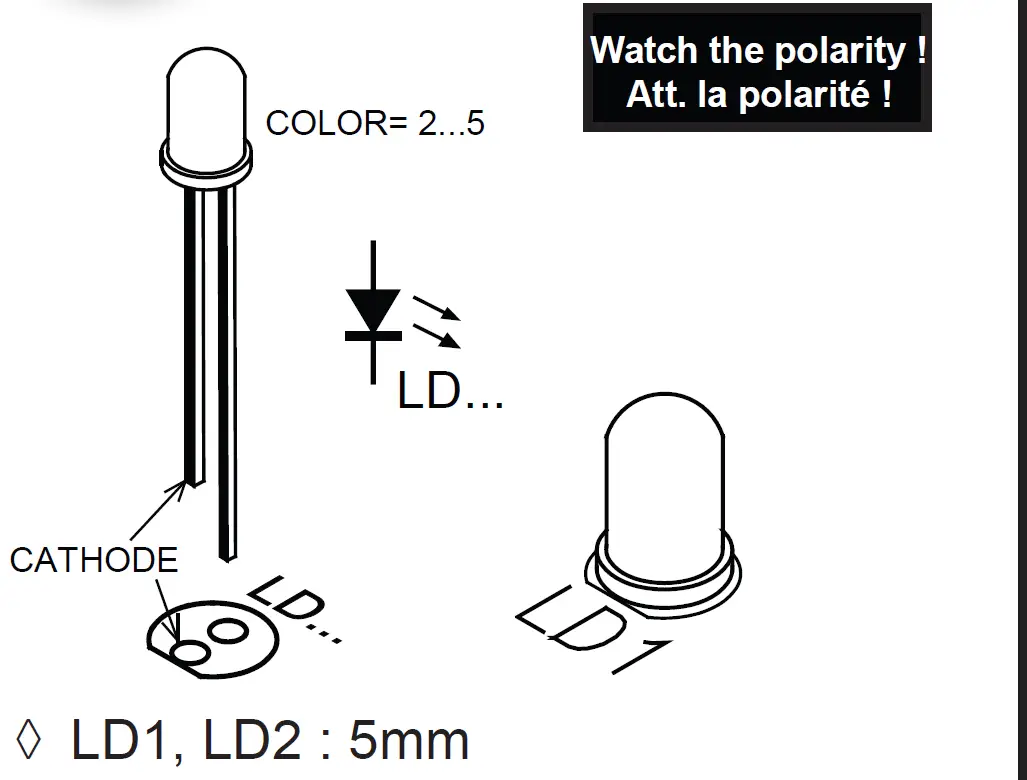
  2. LEDvelleman-MK103-Sound-To-Light-Unit-FIG-2
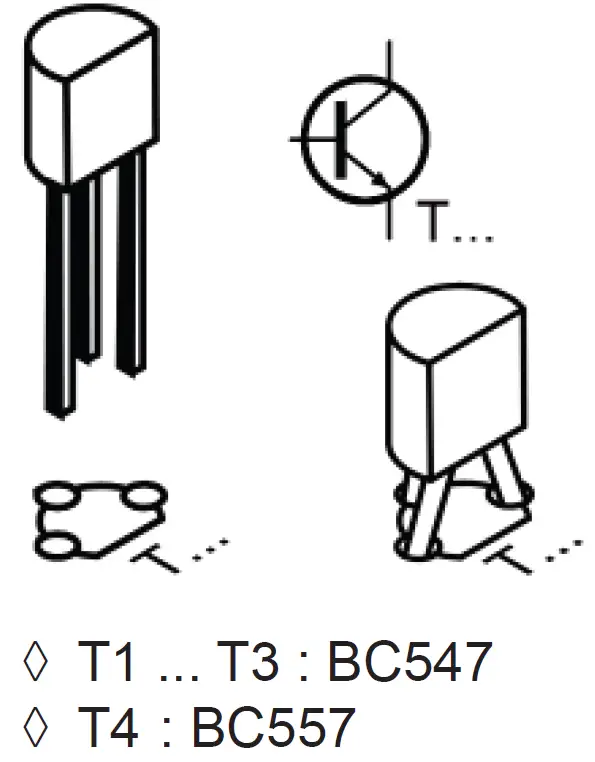
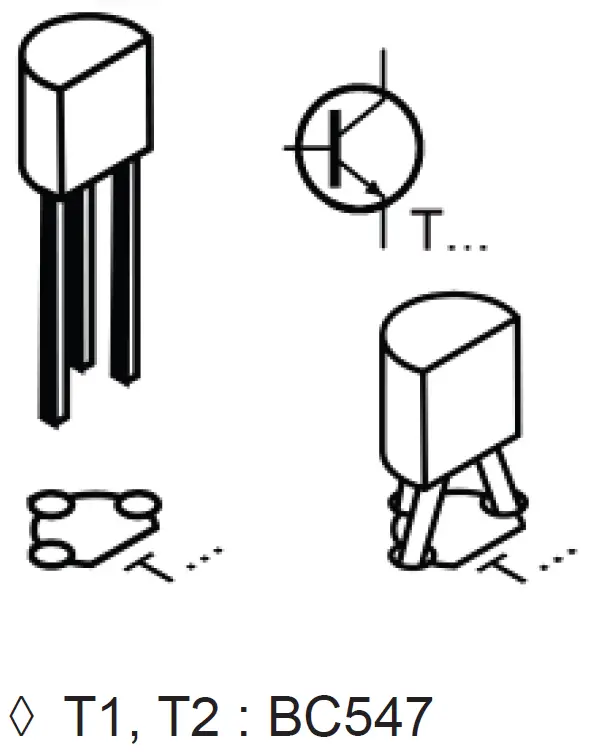
  3. Transistorvelleman-MK103-Sound-To-Light-Unit-FIG-3
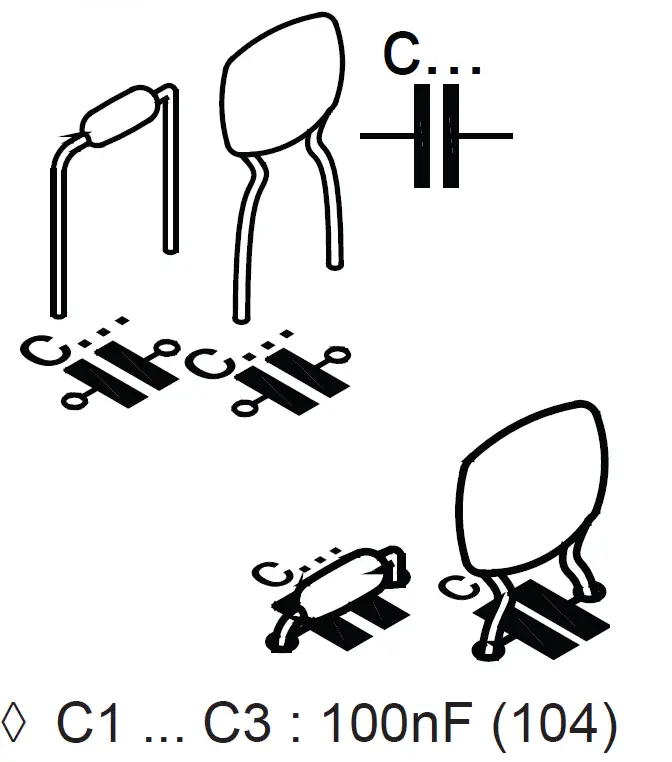
  4. Ceramic capacitorsvelleman-MK103-Sound-To-Light-Unit-FIG-4
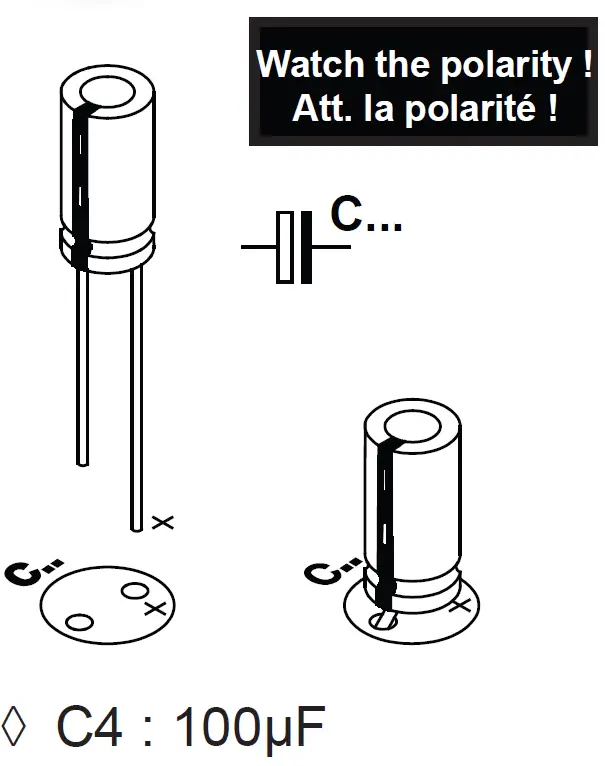
  5. Electrolytic capacitorsvelleman-MK103-Sound-To-Light-Unit-FIG-5
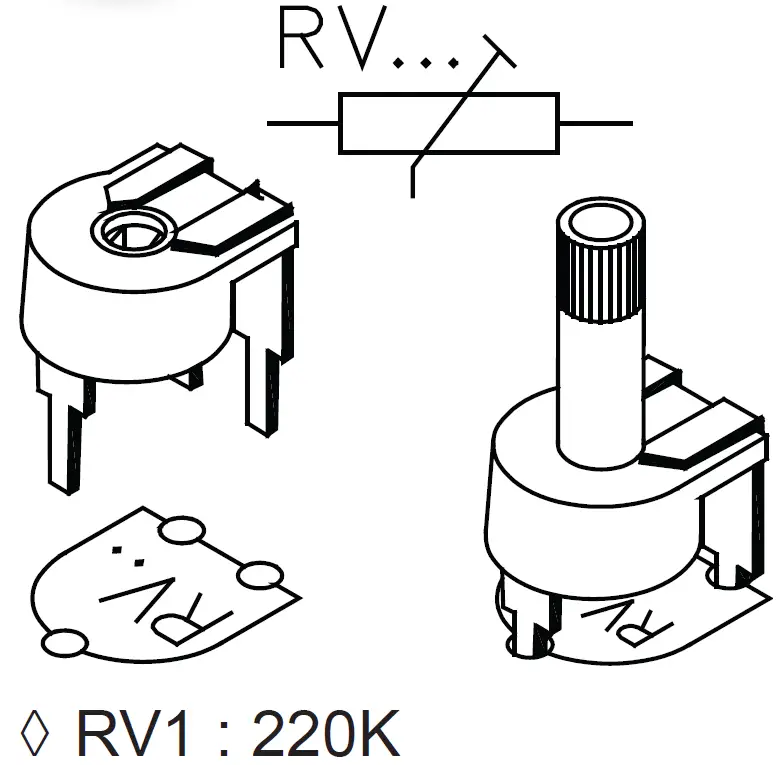
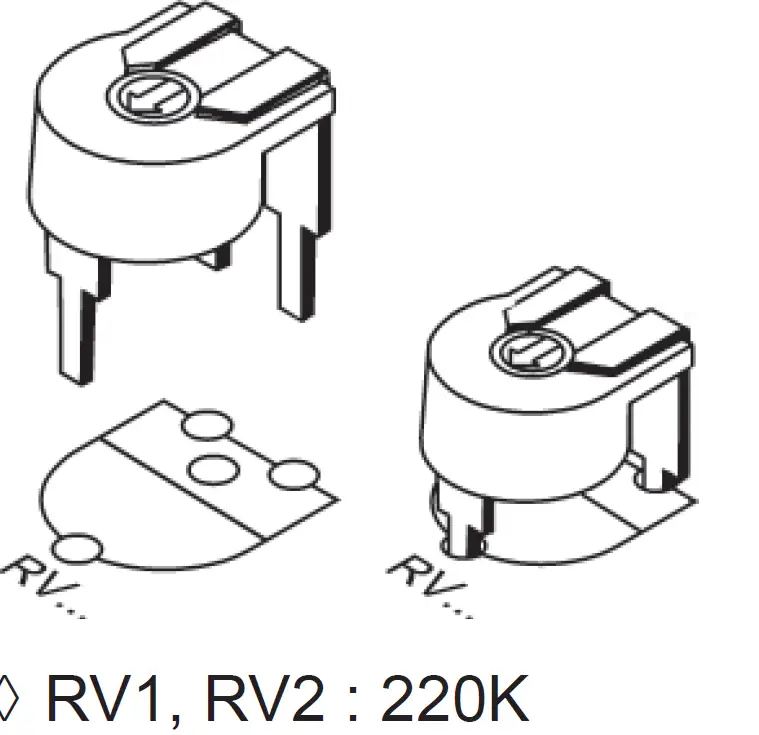
  6. Horizontal Trimmervelleman-MK103-Sound-To-Light-Unit-FIG-6
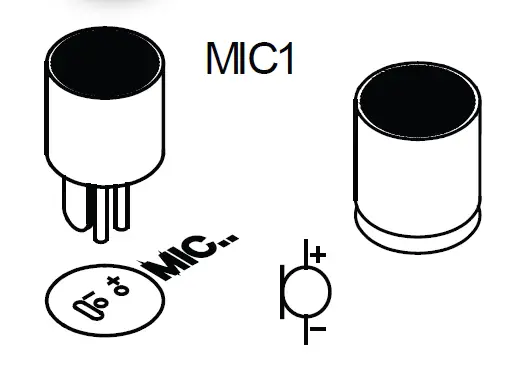
  7. Microphonevelleman-MK103-Sound-To-Light-Unit-FIG-12
  8. velleman-MK103-Sound-To-Light-Unit-FIG-13

MK102

  1. Resistor
    • R1, R2 : 1K
      • (Brown, Black, Red)
    • R3, R4 : 10K
      • (Brown, Black, Orangevelleman-MK103-Sound-To-Light-Unit-FIG-1
  2. Trimmervelleman-MK103-Sound-To-Light-Unit-FIG-7
  3. Transistorvelleman-MK103-Sound-To-Light-Unit-FIG-8
  4. LEDvelleman-MK103-Sound-To-Light-Unit-FIG-9
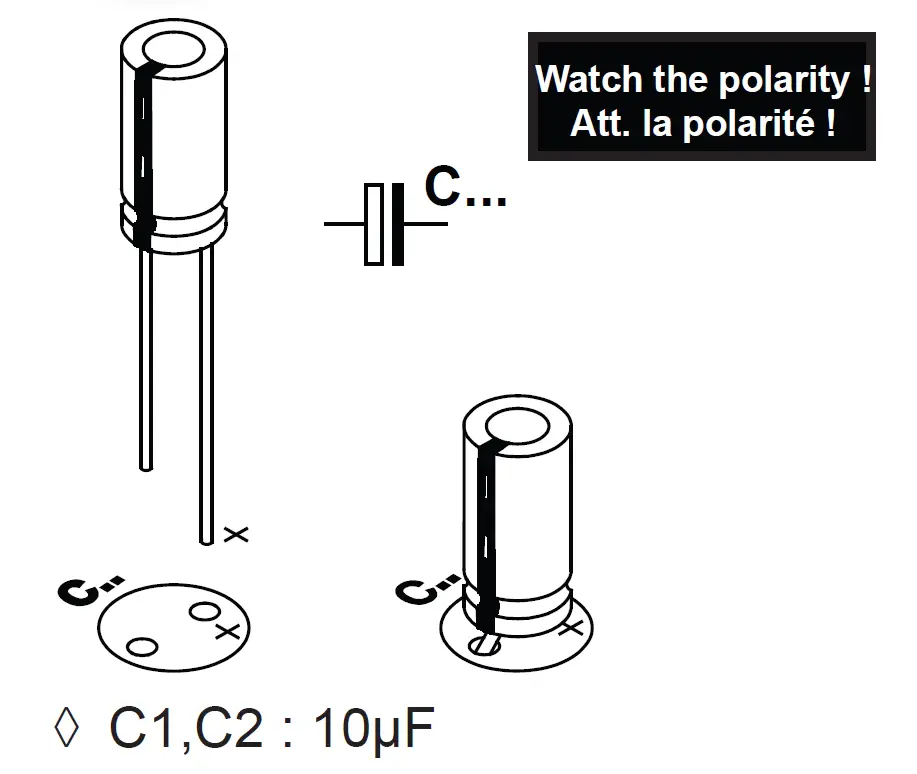
  5. Electrolytic capacitorsvelleman-MK103-Sound-To-Light-Unit-FIG-10
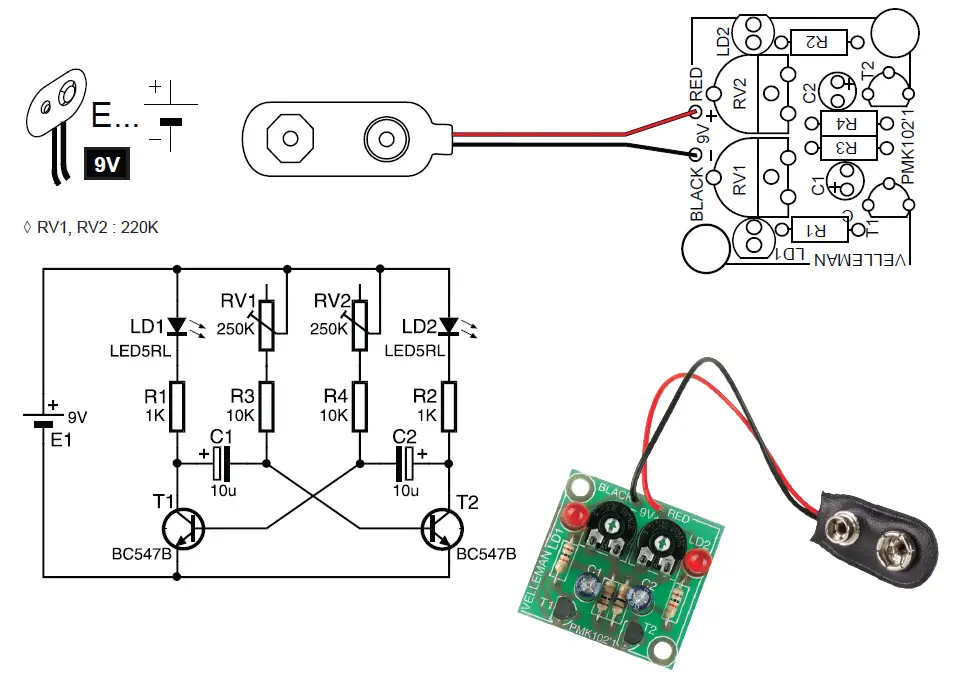
  6. Battery snapvelleman-MK103-Sound-To-Light-Unit-FIG-11

HOW TO SOLDER?

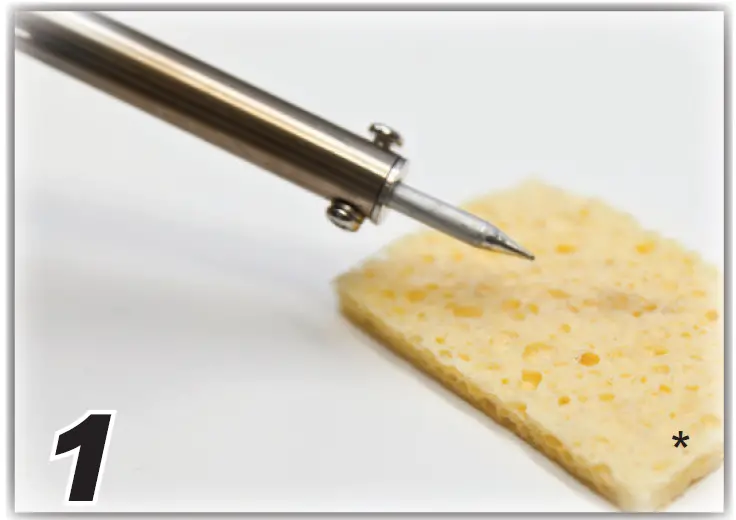
  1. Wipe tipvelleman-MK103-Sound-To-Light-Unit-FIG-14
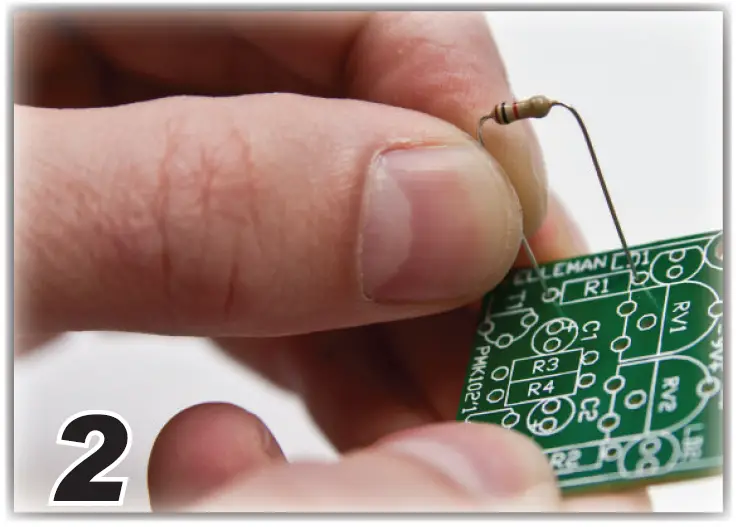
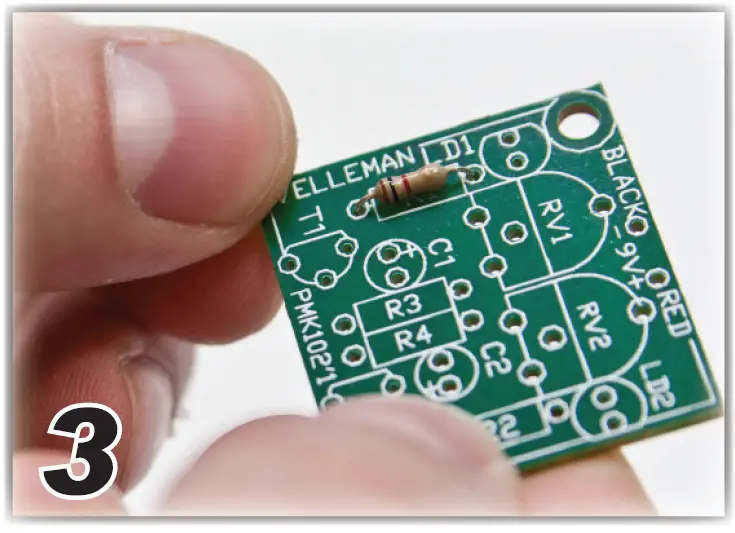
  2. Insert part against PCBvelleman-MK103-Sound-To-Light-Unit-FIG-15
  3. Insert part against PCB velleman-MK103-Sound-To-Light-Unit-FIG-16
  4. Bend leadsvelleman-MK103-Sound-To-Light-Unit-FIG-17
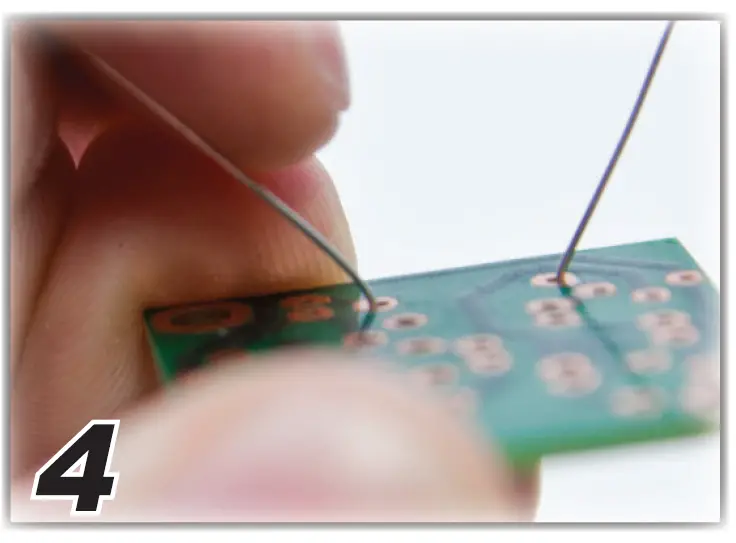
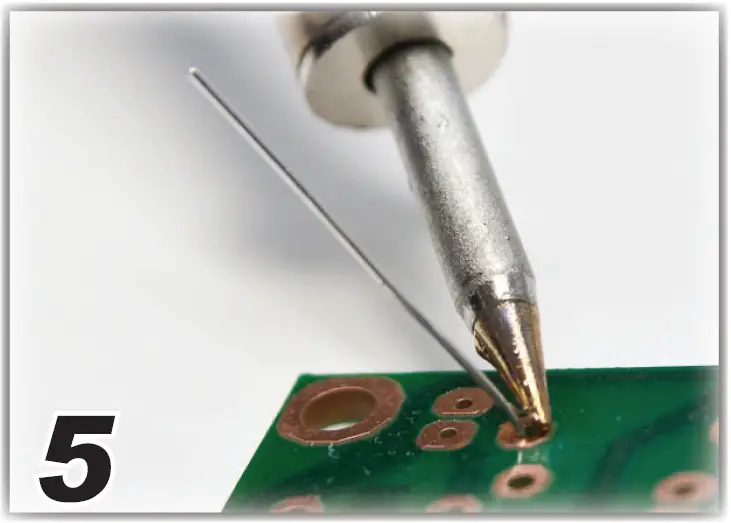
  5. Heat part lead & PCB padvelleman-MK103-Sound-To-Light-Unit-FIG-18
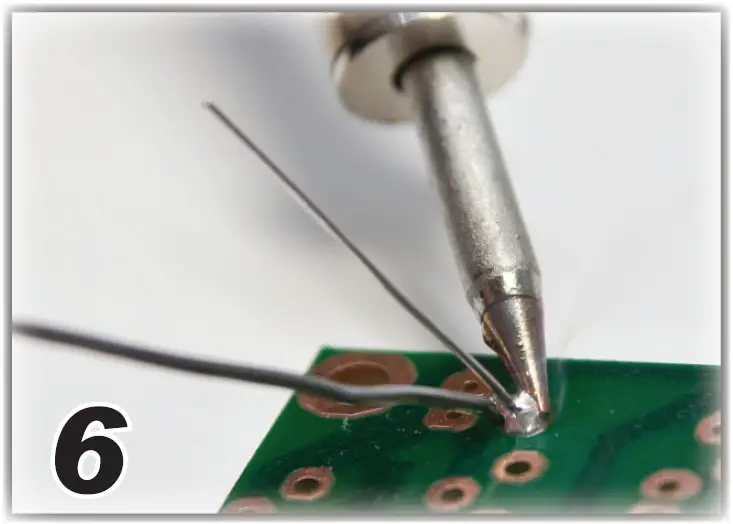
  6. Apply soldervelleman-MK103-Sound-To-Light-Unit-FIG-19
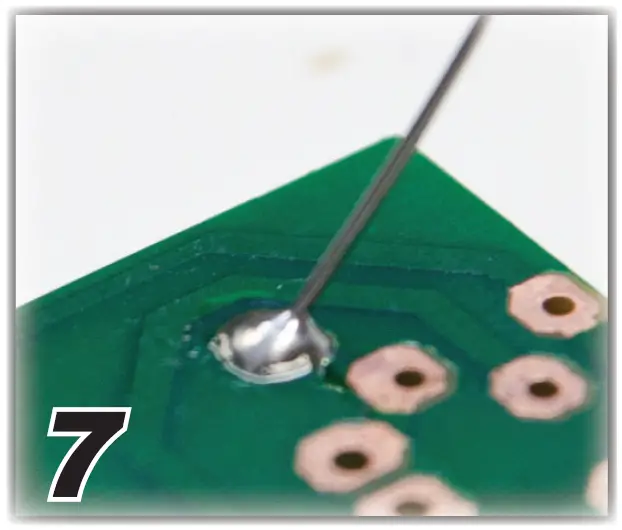
  7. Correct jointvelleman-MK103-Sound-To-Light-Unit-FIG-24
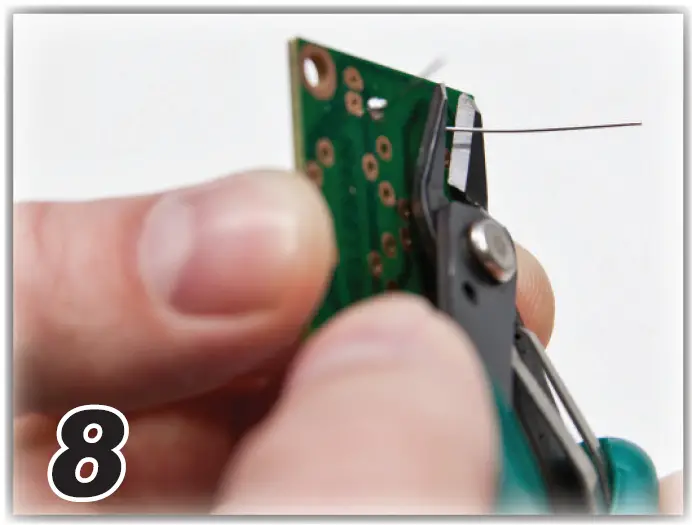
  8. Cut close to PCBvelleman-MK103-Sound-To-Light-Unit-FIG-25
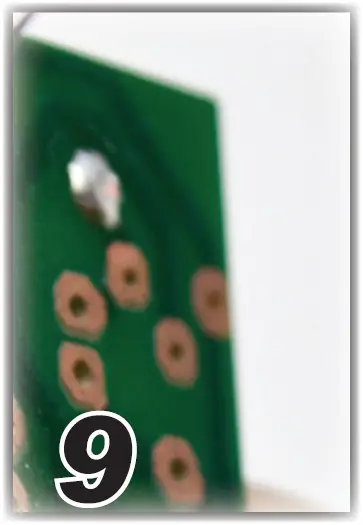
  9. Inspectvelleman-MK103-Sound-To-Light-Unit-FIG-26

Bad solderings

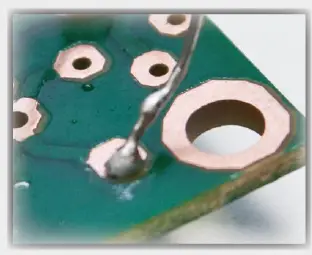
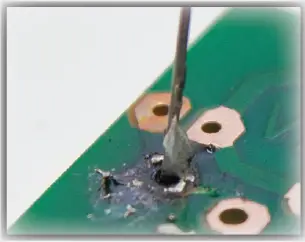
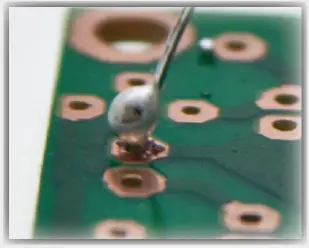
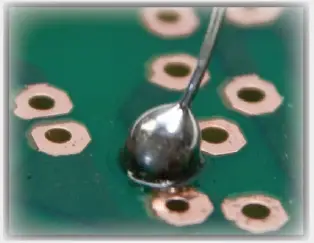
  • Too little solder velleman-MK103-Sound-To-Light-Unit-FIG-20
  • Too much heatvelleman-MK103-Sound-To-Light-Unit-FIG-21
  • Bad contactvelleman-MK103-Sound-To-Light-Unit-FIG-22
  • Too much soldervelleman-MK103-Sound-To-Light-Unit-FIG-23

not included 

Documents / Resouces

Download manual
Here you can download full pdf version of manual, it may contain additional safety instructions, warranty information, FCC rules, etc.


Related Manuals