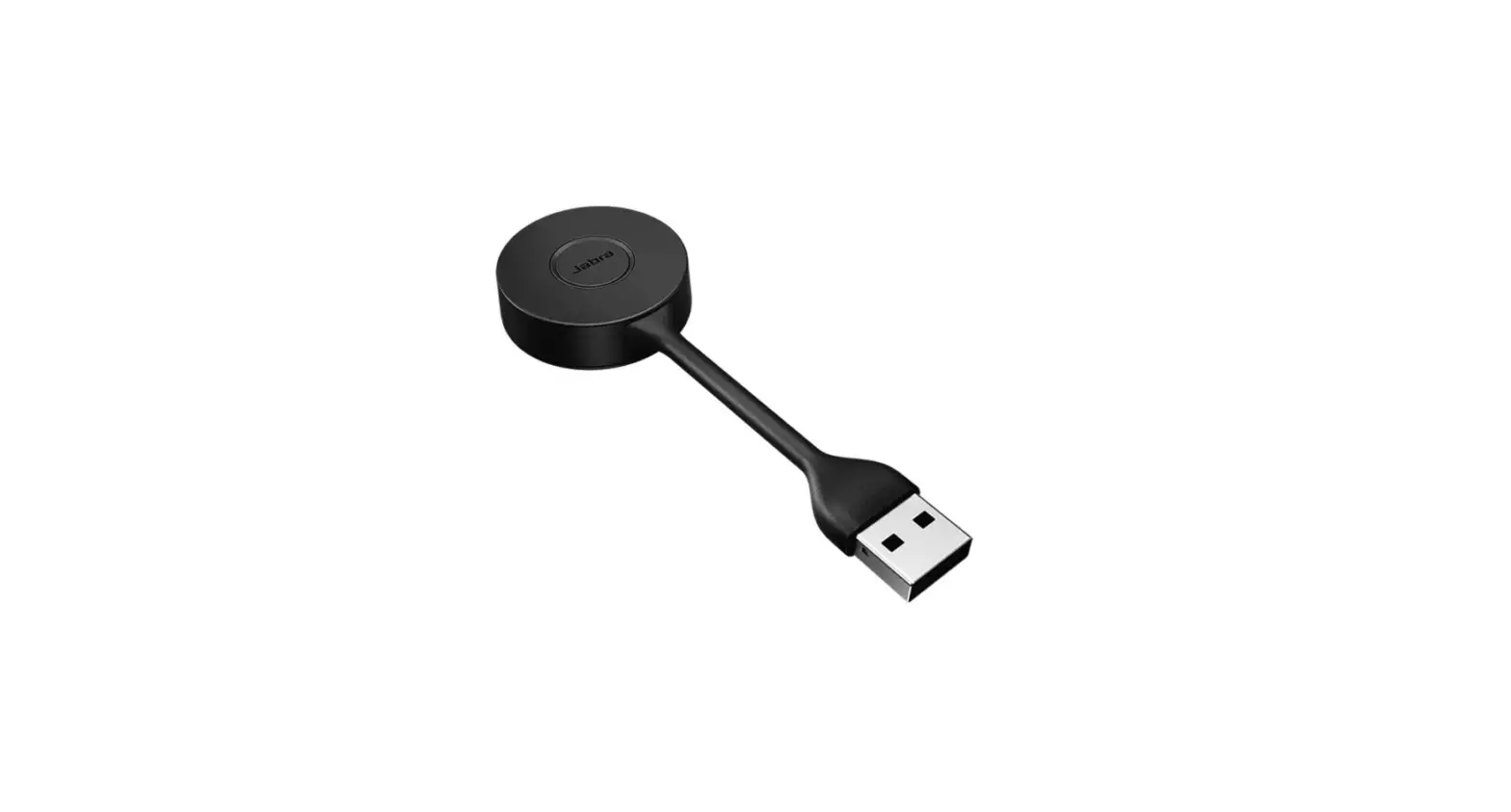
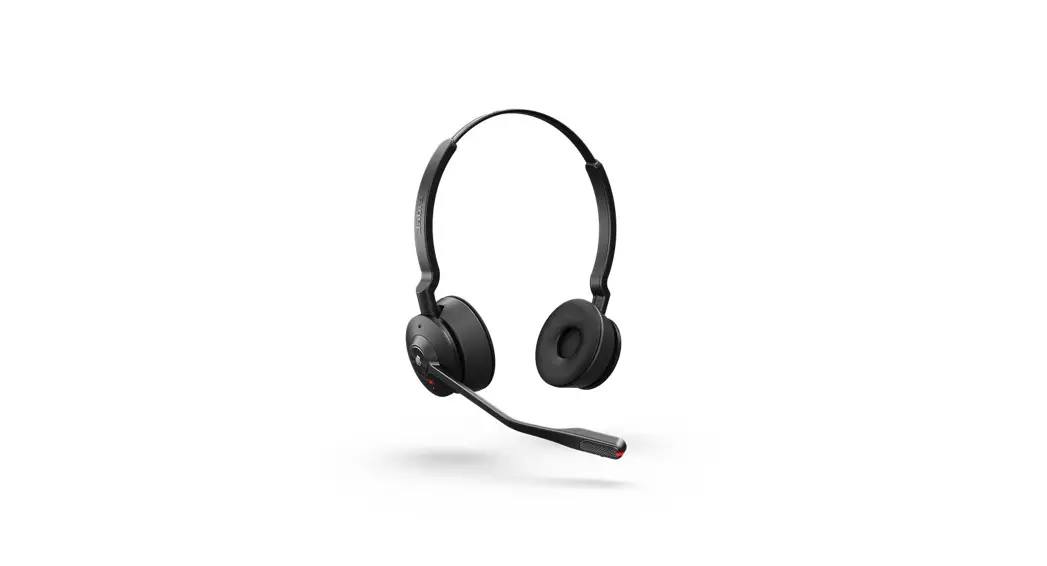
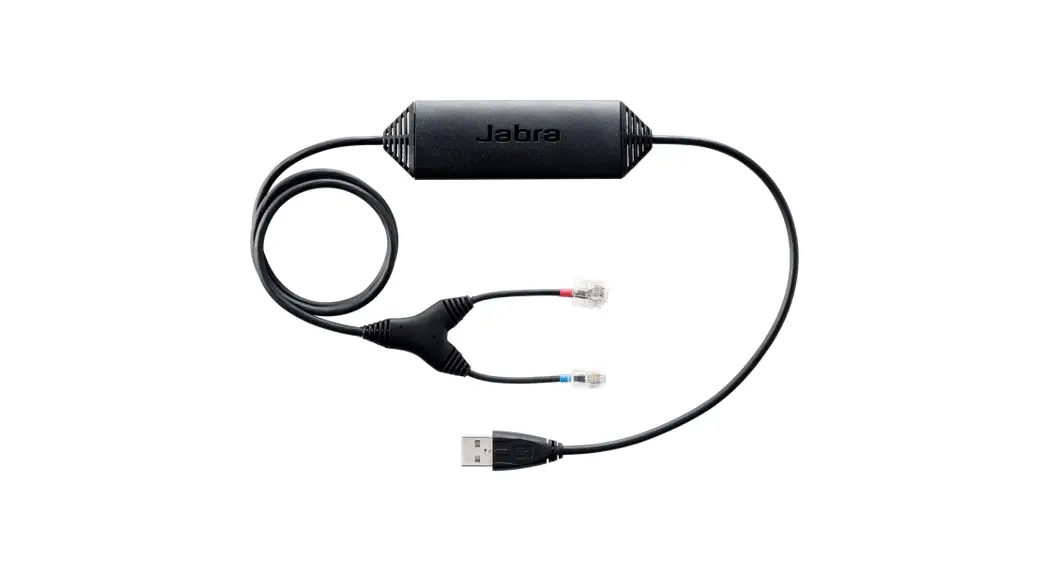
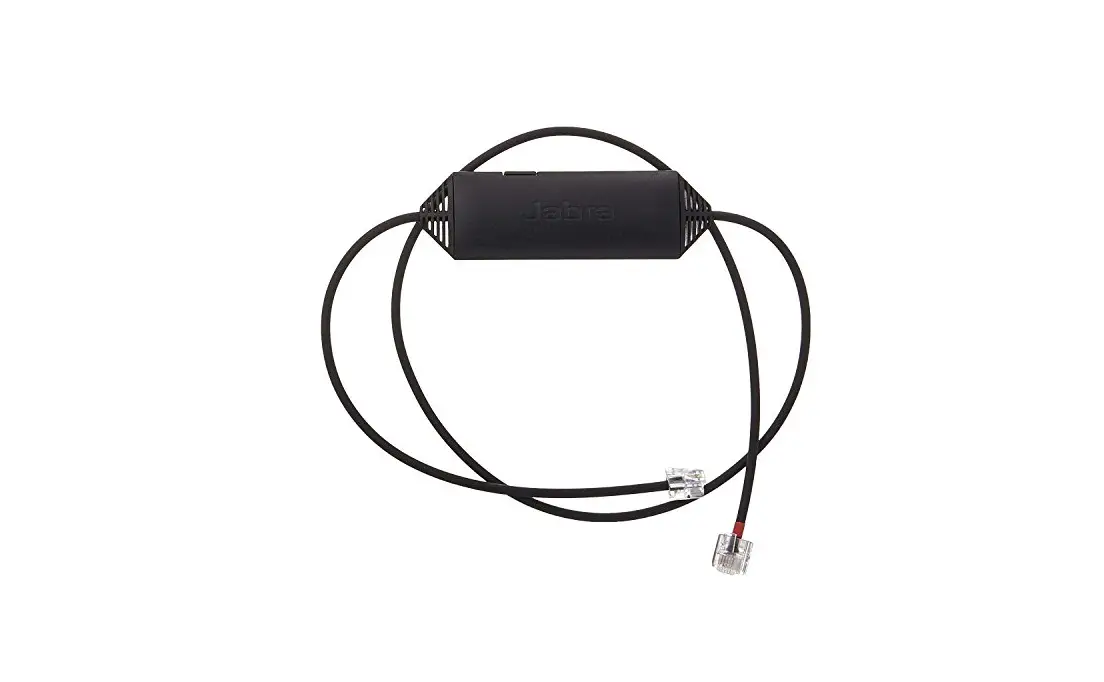
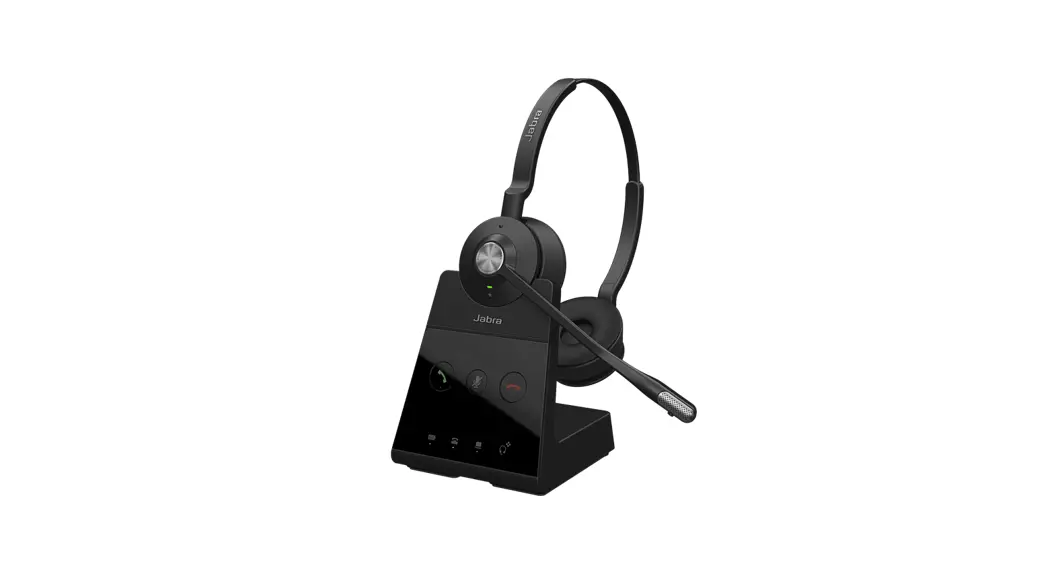
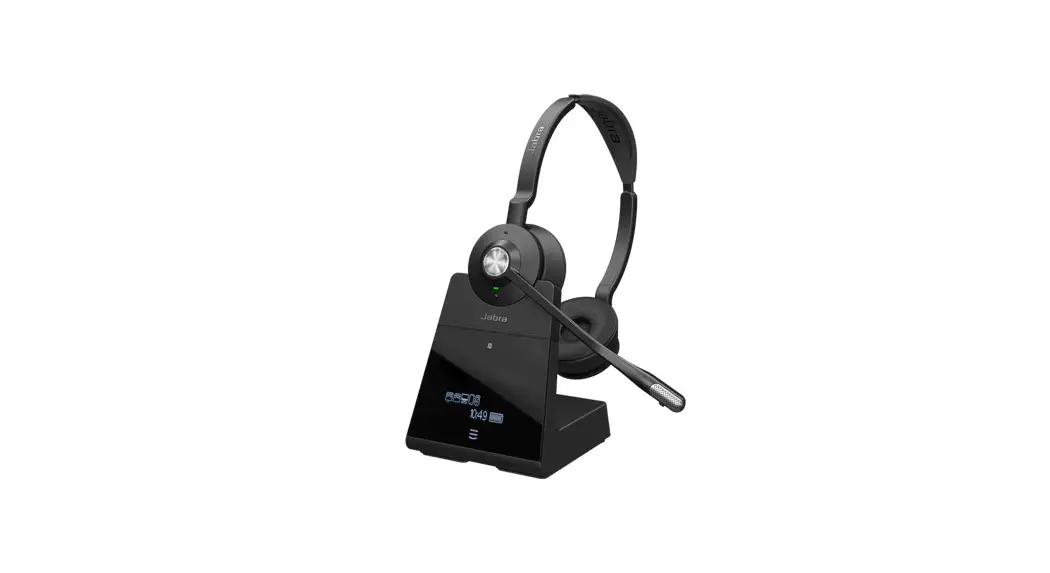
Engage 55 DECT Adapter
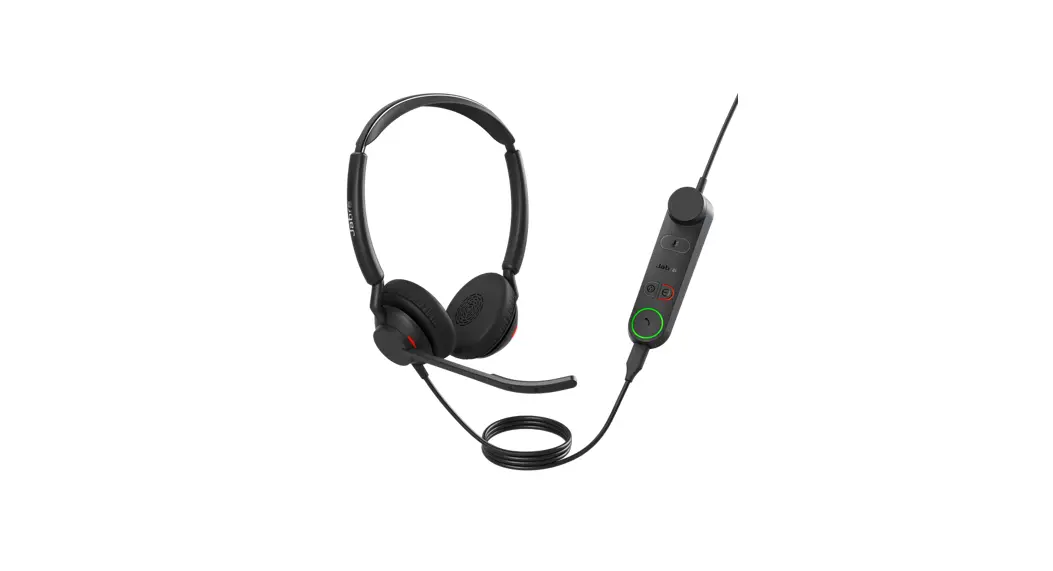
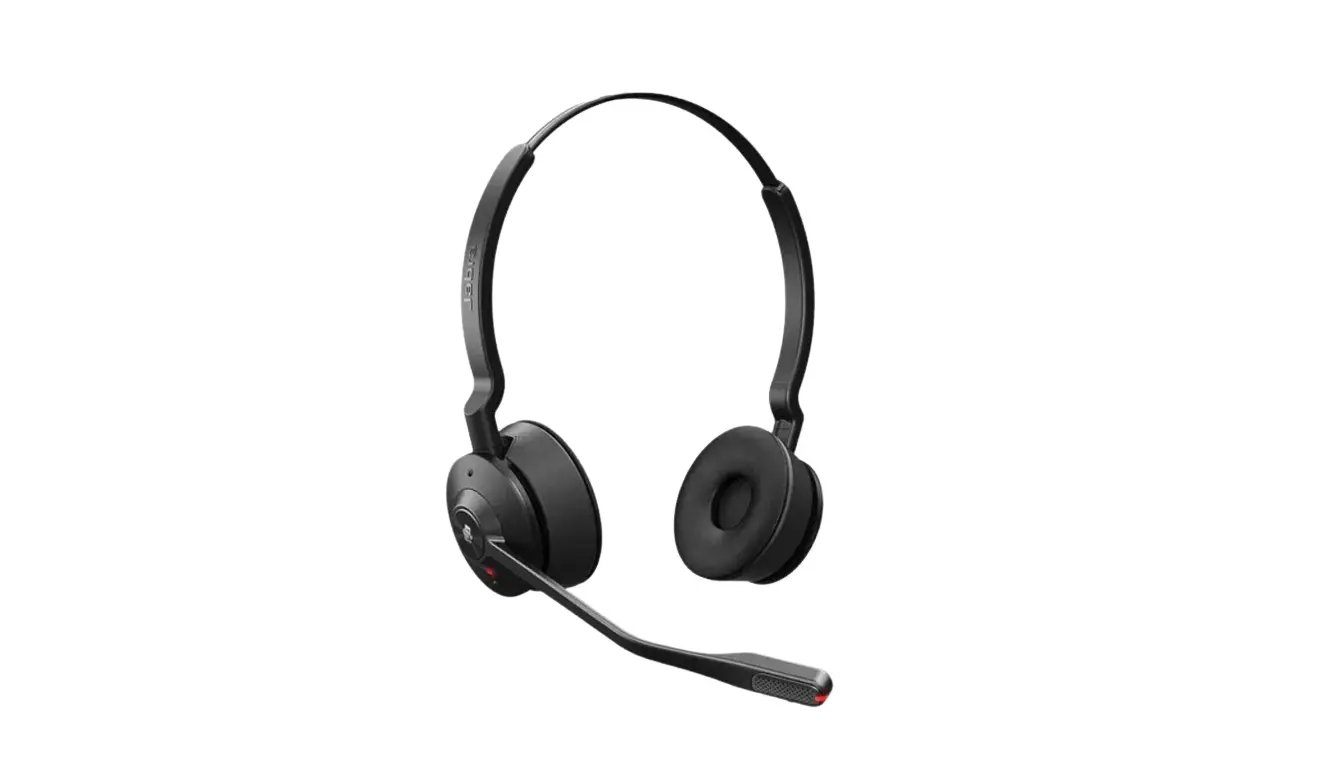
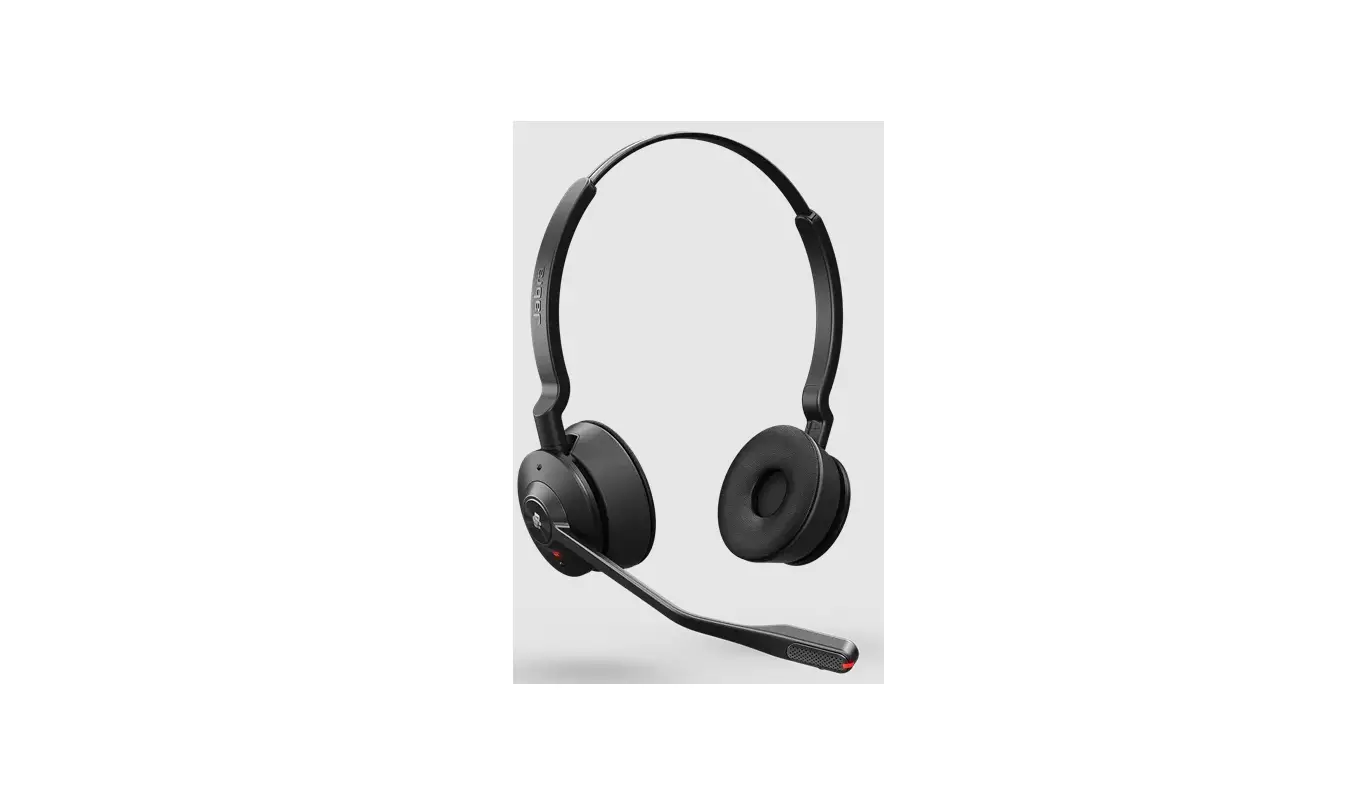
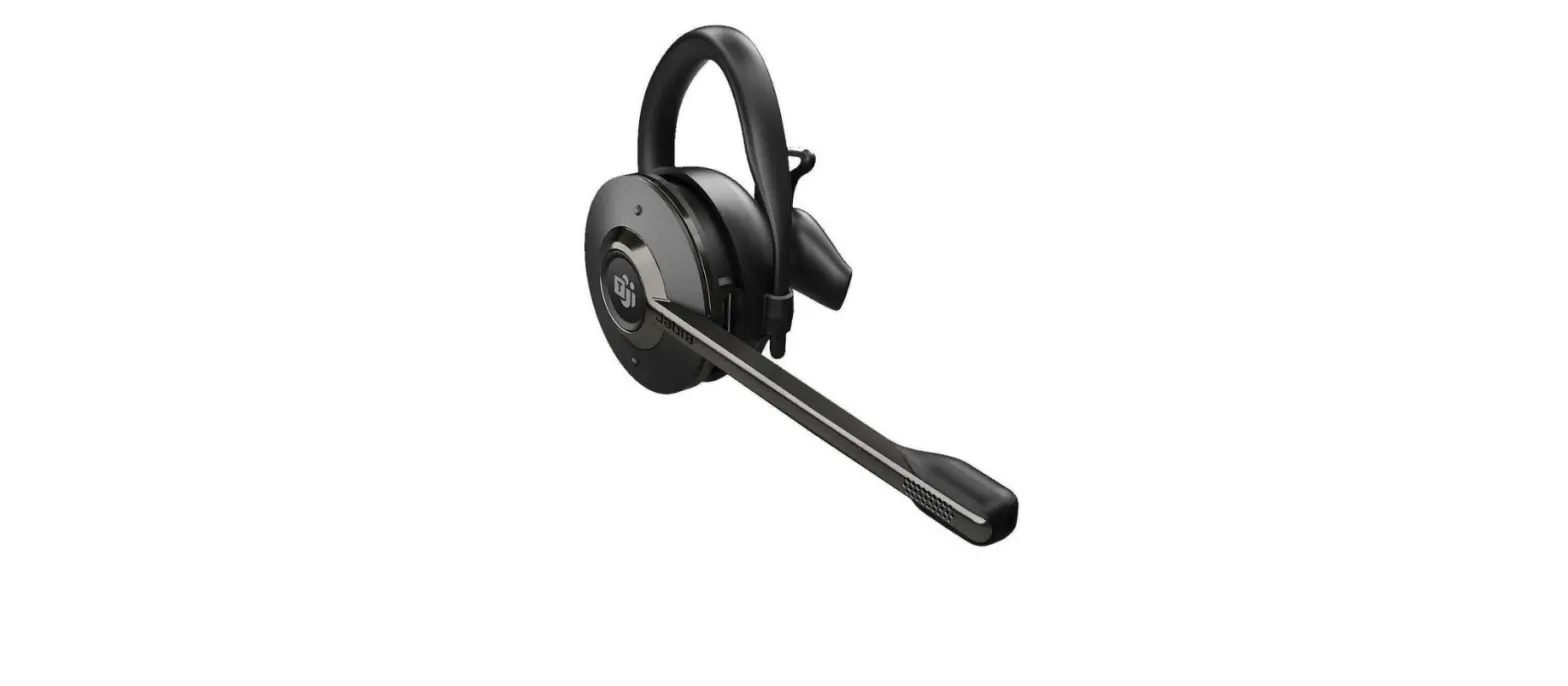
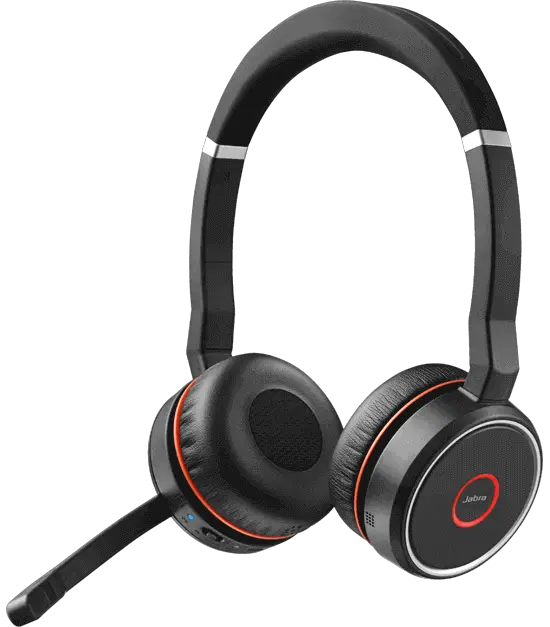
Jabra Engage 55 – USB-C UC Convertible
The Jabra Engage 55 is a USB-C UC convertible headset designed
for professional use. With its advanced noise-cancellation
technology and long battery life, it offers clear, uninterrupted
communication even in noisy environments.
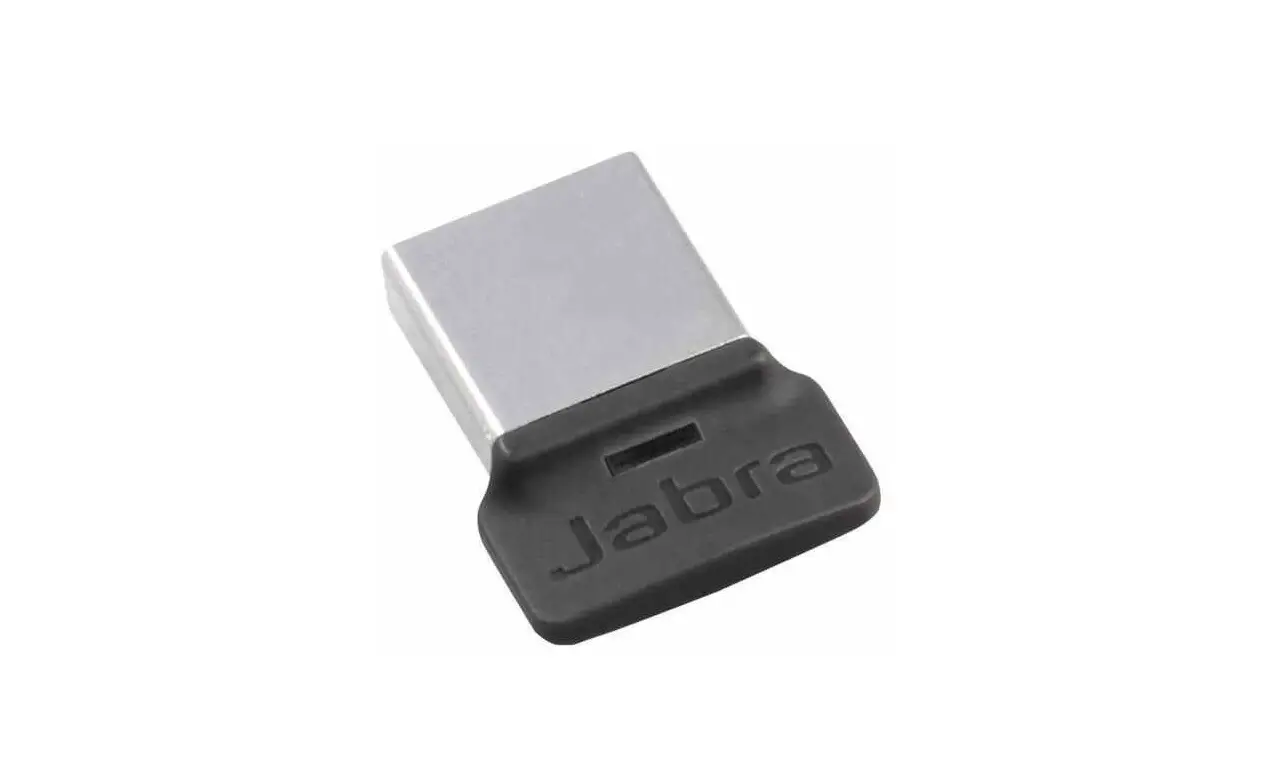
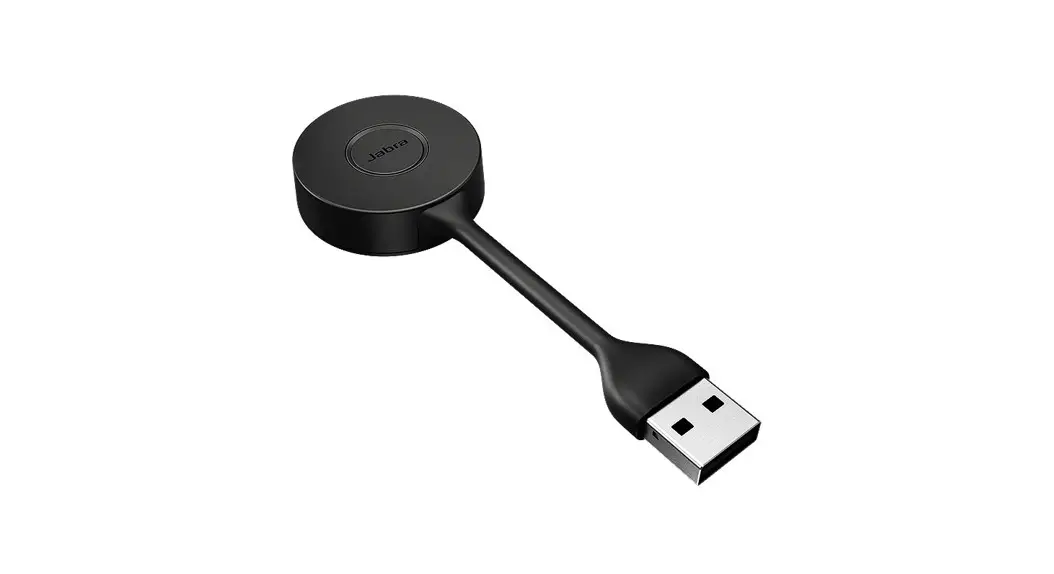
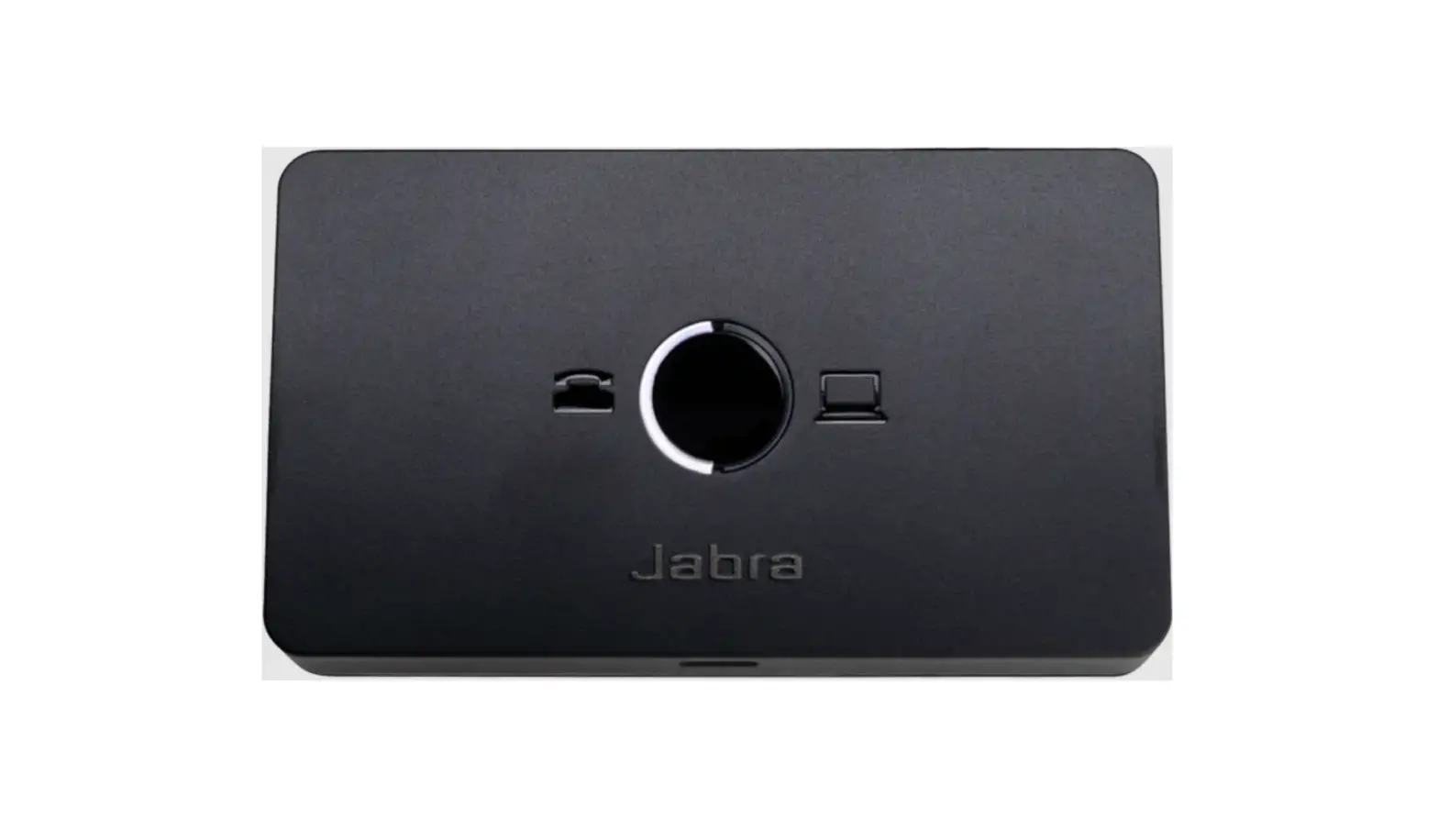
Jabra Link 400 DECT Adapter
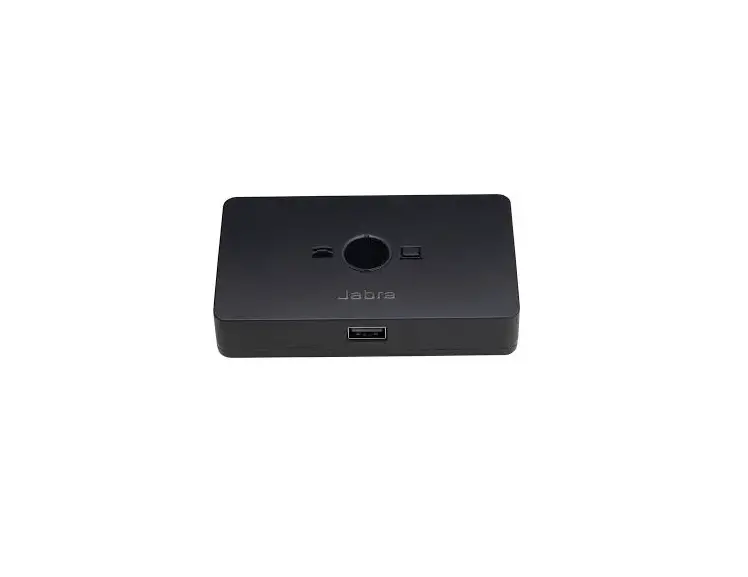
The Jabra Engage 55 comes with a Jabra Link 400 DECT adapter
that provides a wireless connection to your computer or desk phone.
The adapter has LED lights that indicate different statuses:
- Green: The adapter is connected and working
properly. - Flashing green: The adapter is searching for a
device to connect to. - Red: The adapter is not working properly. Try
restarting it or contacting customer support.
Product Usage Instructions
To use the Jabra Engage 55 headset with your computer or desk
phone, follow these steps:
- Insert the Jabra Link 400 DECT adapter into a USB port on your
computer or desk phone. - Turn on the headset by pressing and holding the power button
until the LED light turns on. - Put on the headset and adjust it for comfort.
- If the LED light on the Jabra Link 400 adapter is green, you
are connected and ready to use the headset. If it’s flashing green,
wait a few seconds for it to connect. If it’s red, try restarting
the adapter or contacting customer support.
Once you’re connected, you can make and receive calls using the
headset. Use the controls on the headset to adjust the volume, mute
the microphone, or answer and end calls.
08/03/2023 01:27
Jabra Engage 55 – USB-C UC Convertible
What do the LEDs on the Jabra Link 400 mean?
Here is an overview of the Jabra Link 400 DECT adapter and an explanation of the LED colors and corresponding statuses. The explanation is in English. For translated versions, check the available languages of the user manual in the Product documents section.
https://www.jabra.com.au/supportpages/jabra-engage-55/9555-430-111/faq/ee3e6d0f7a98-432c-81e3-59696eebb95b
Page 1 of 1