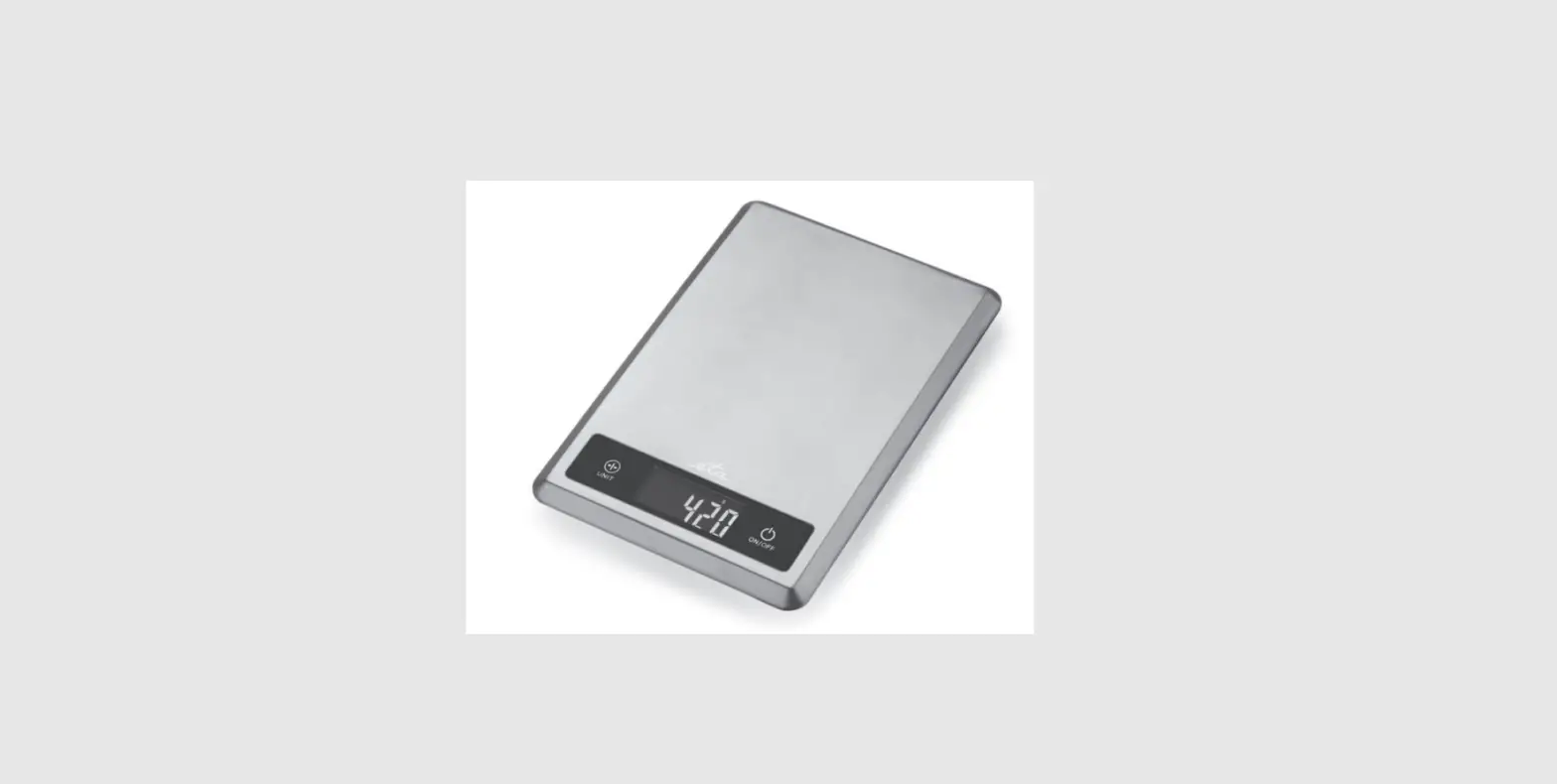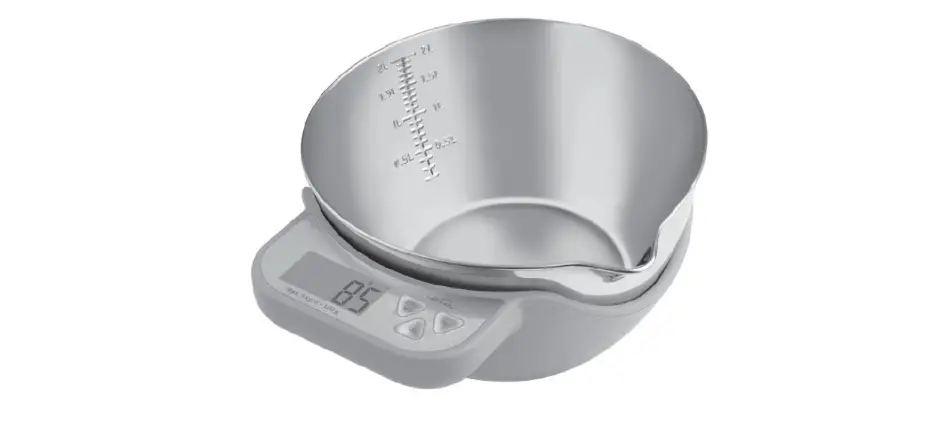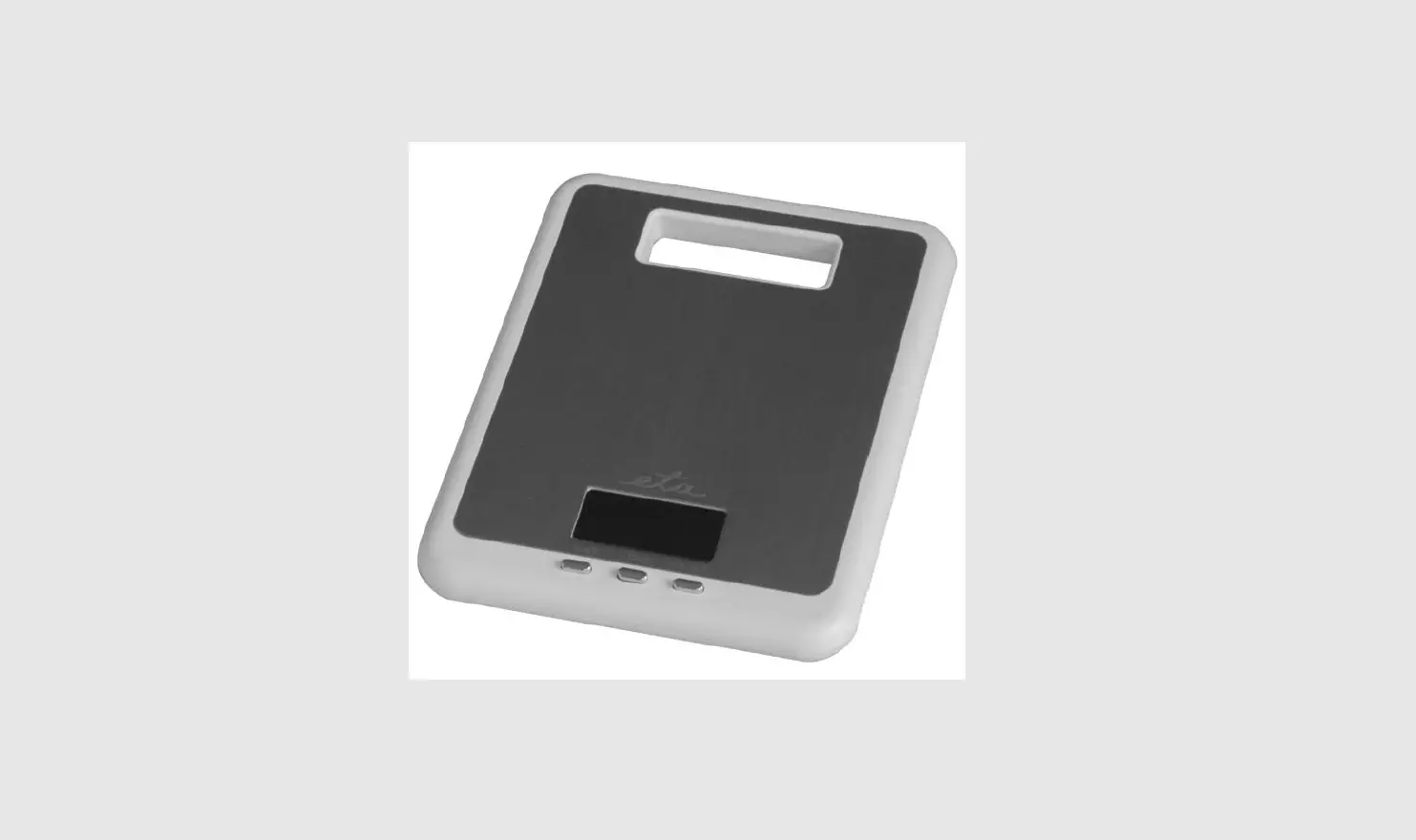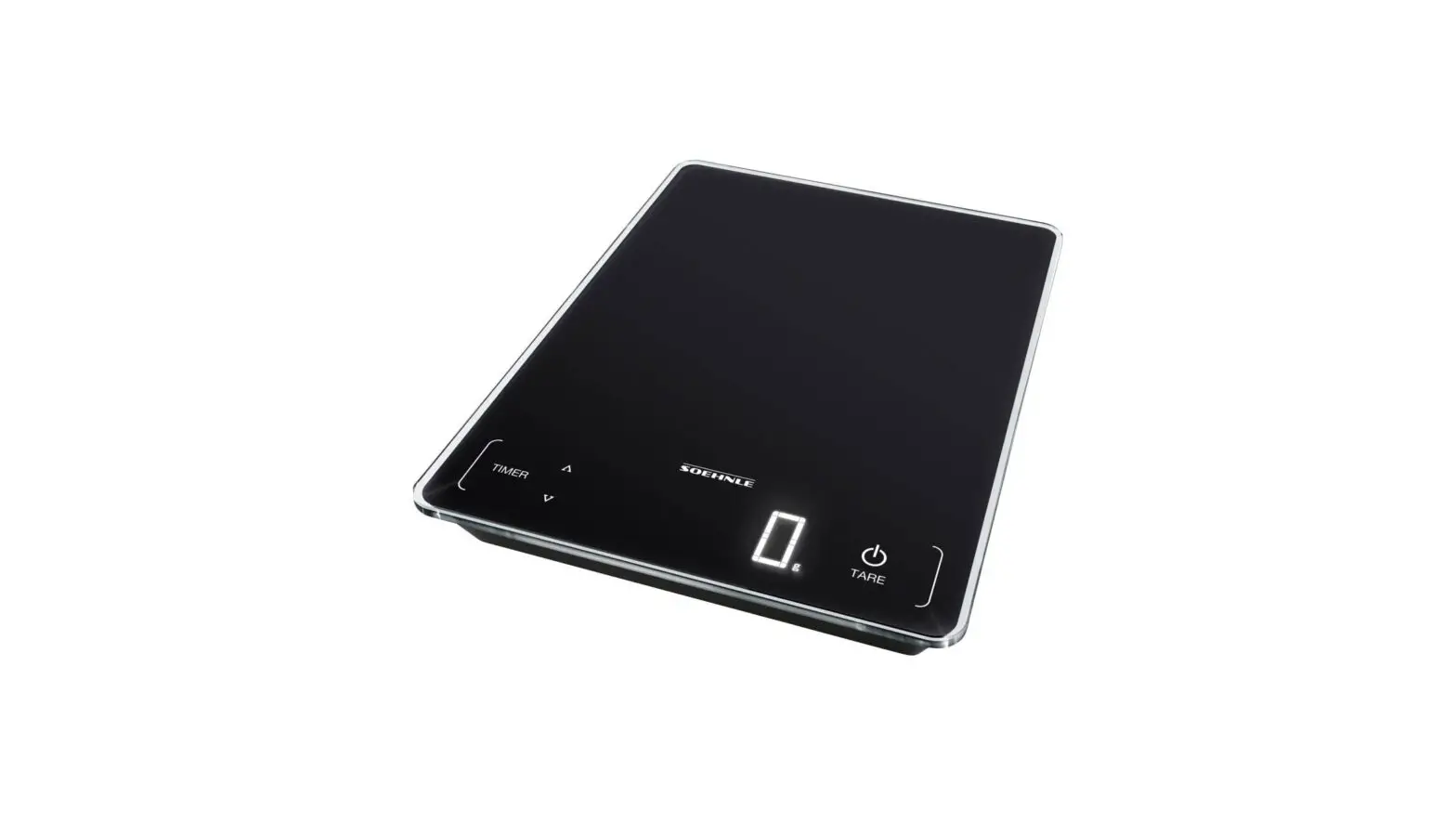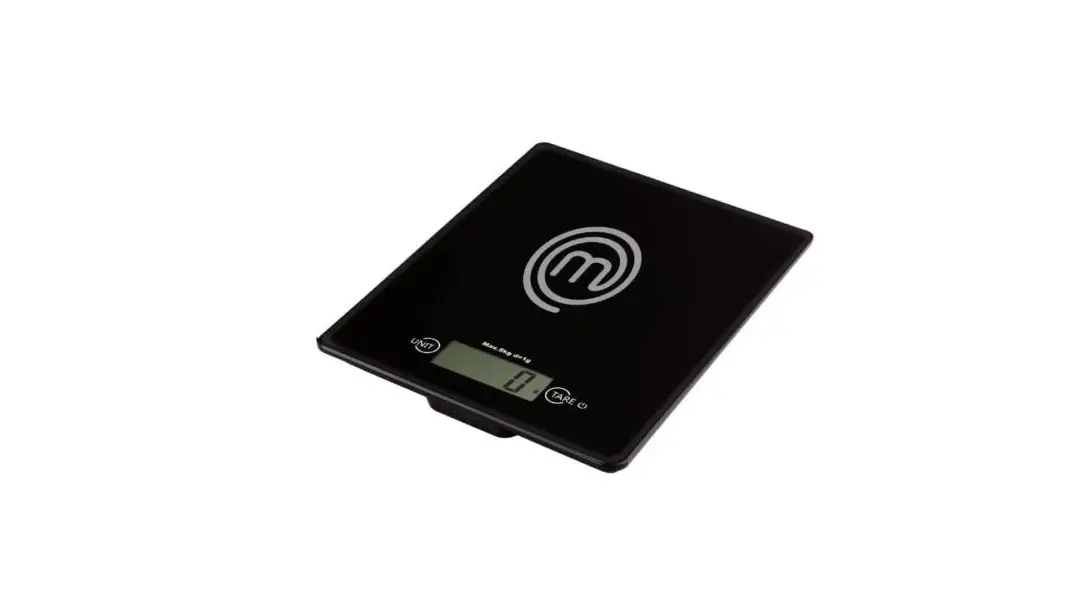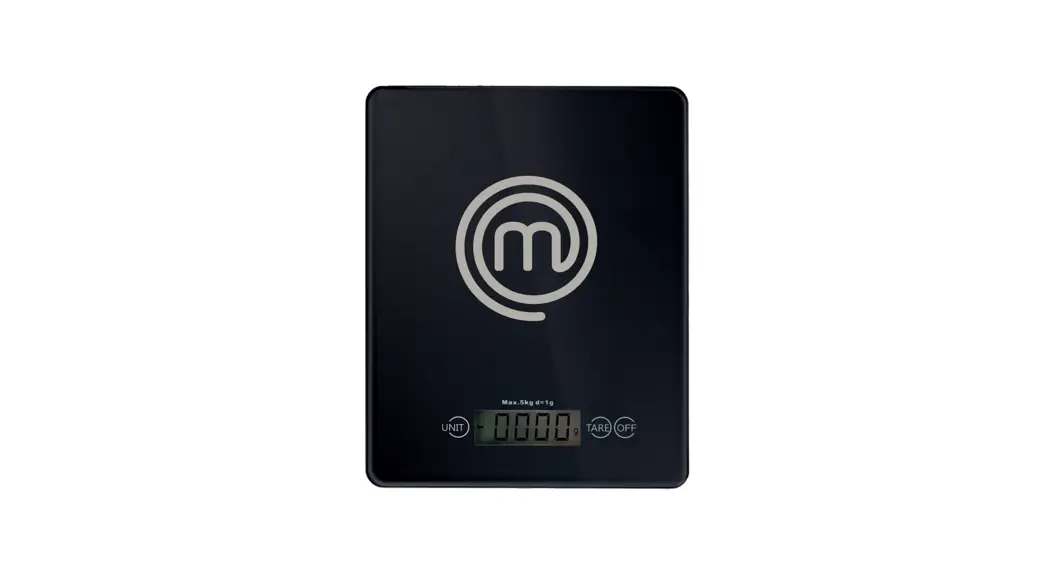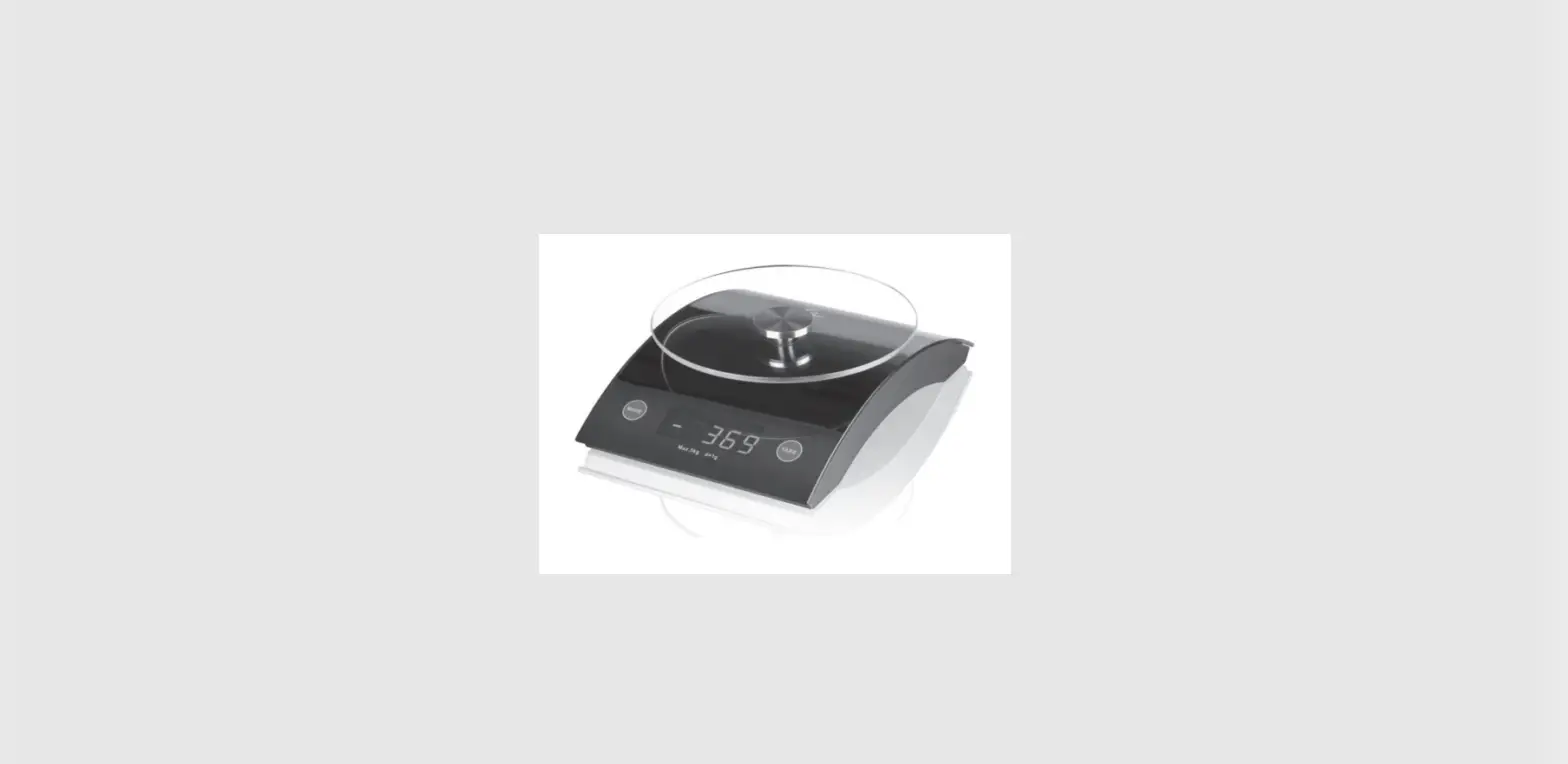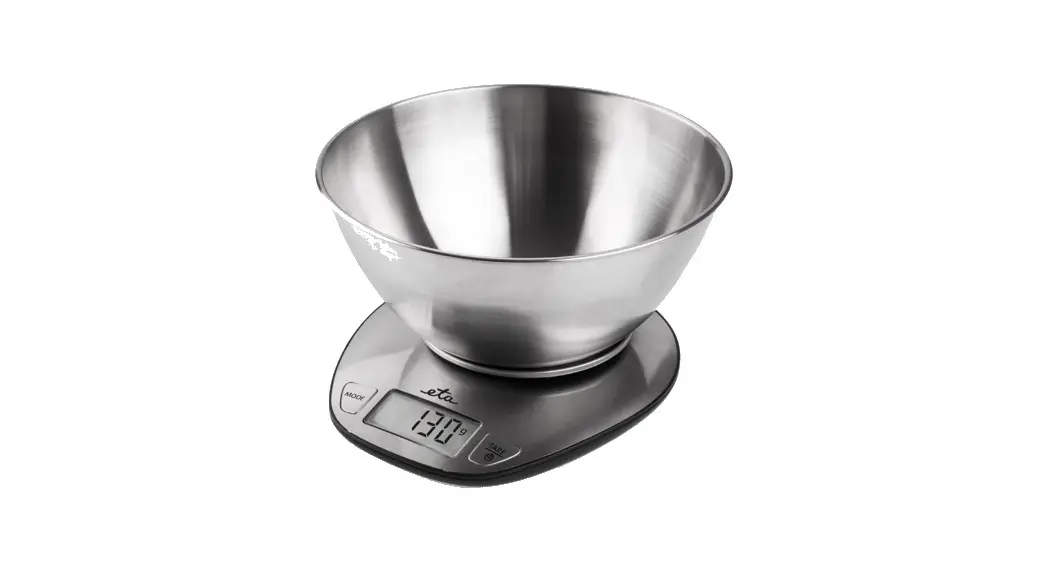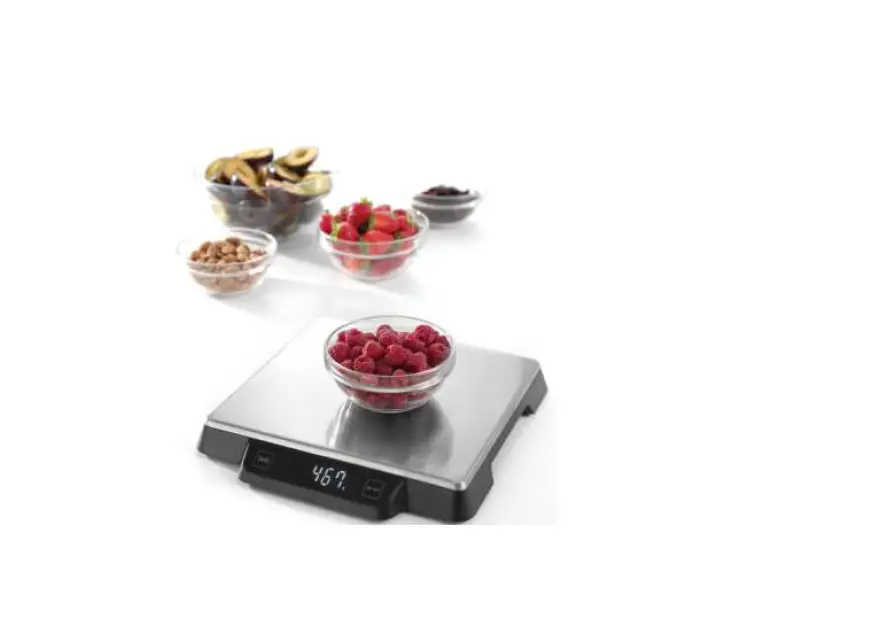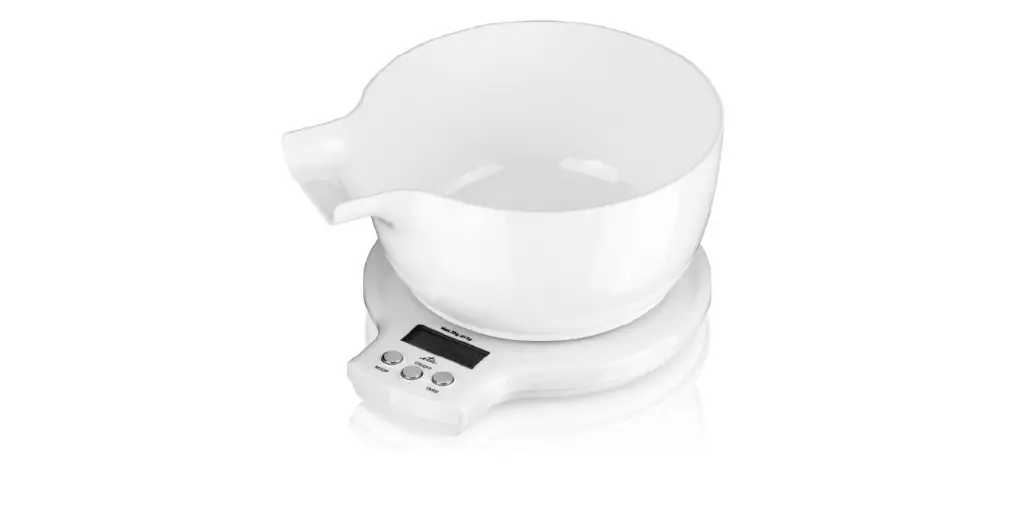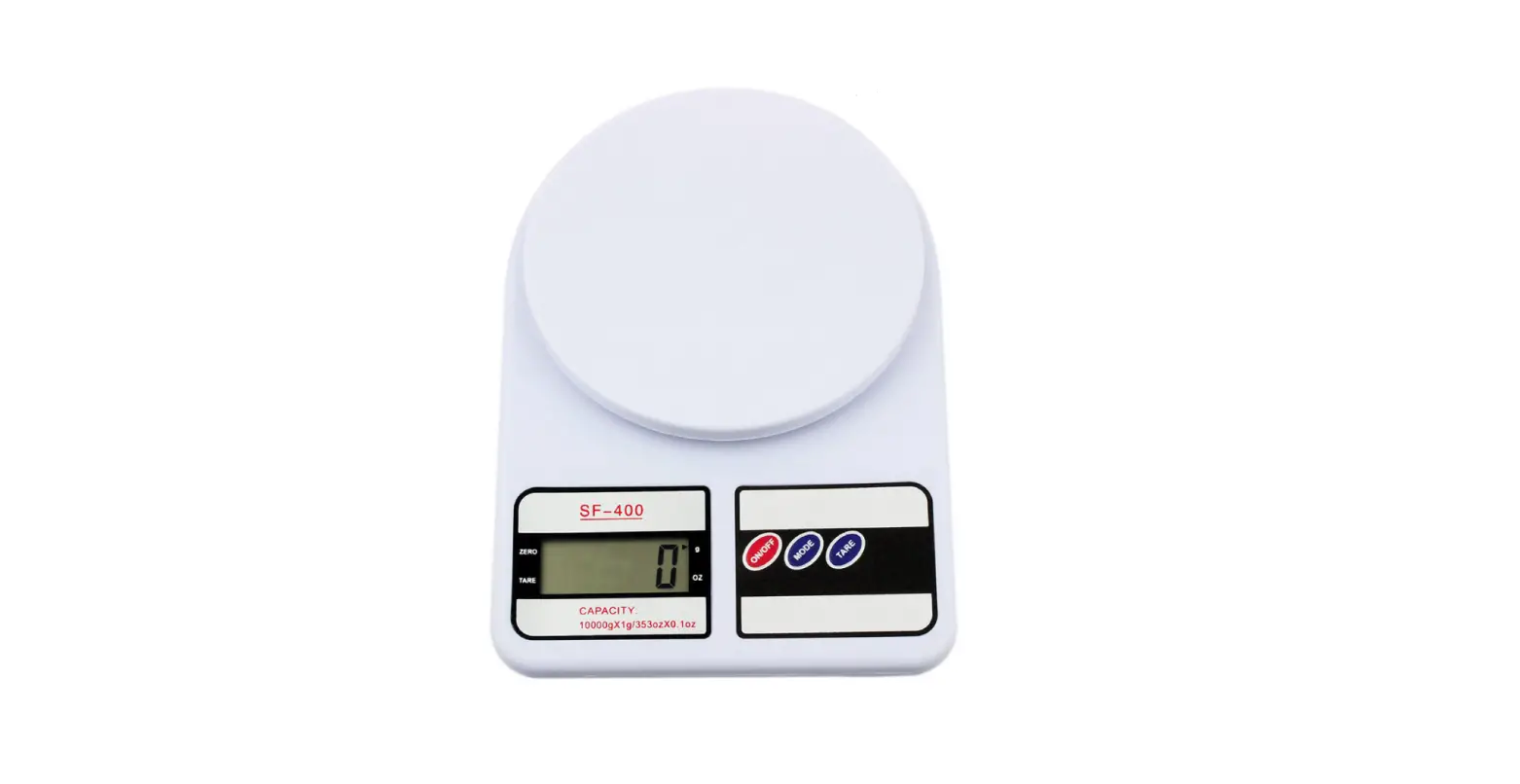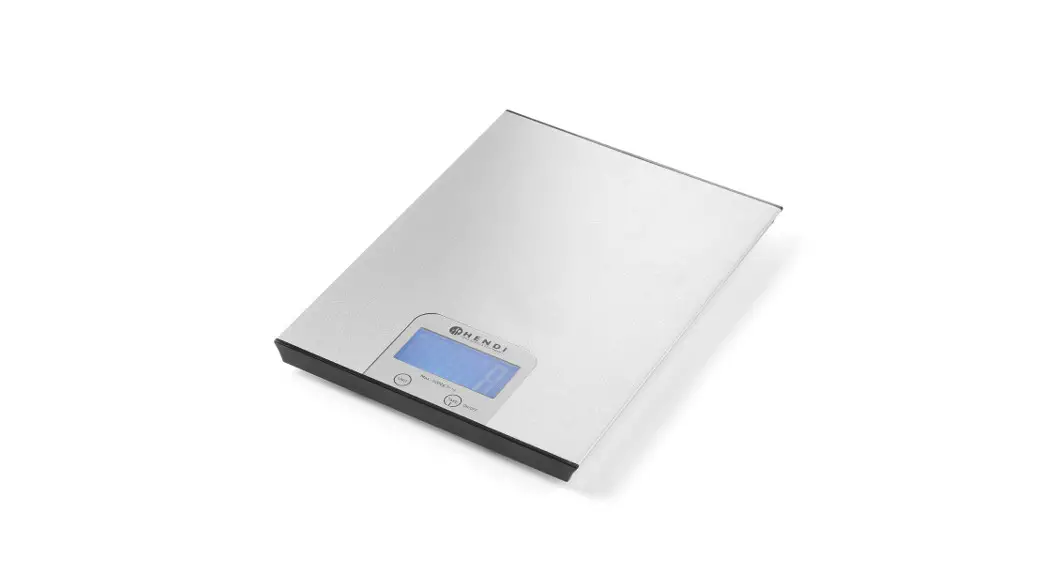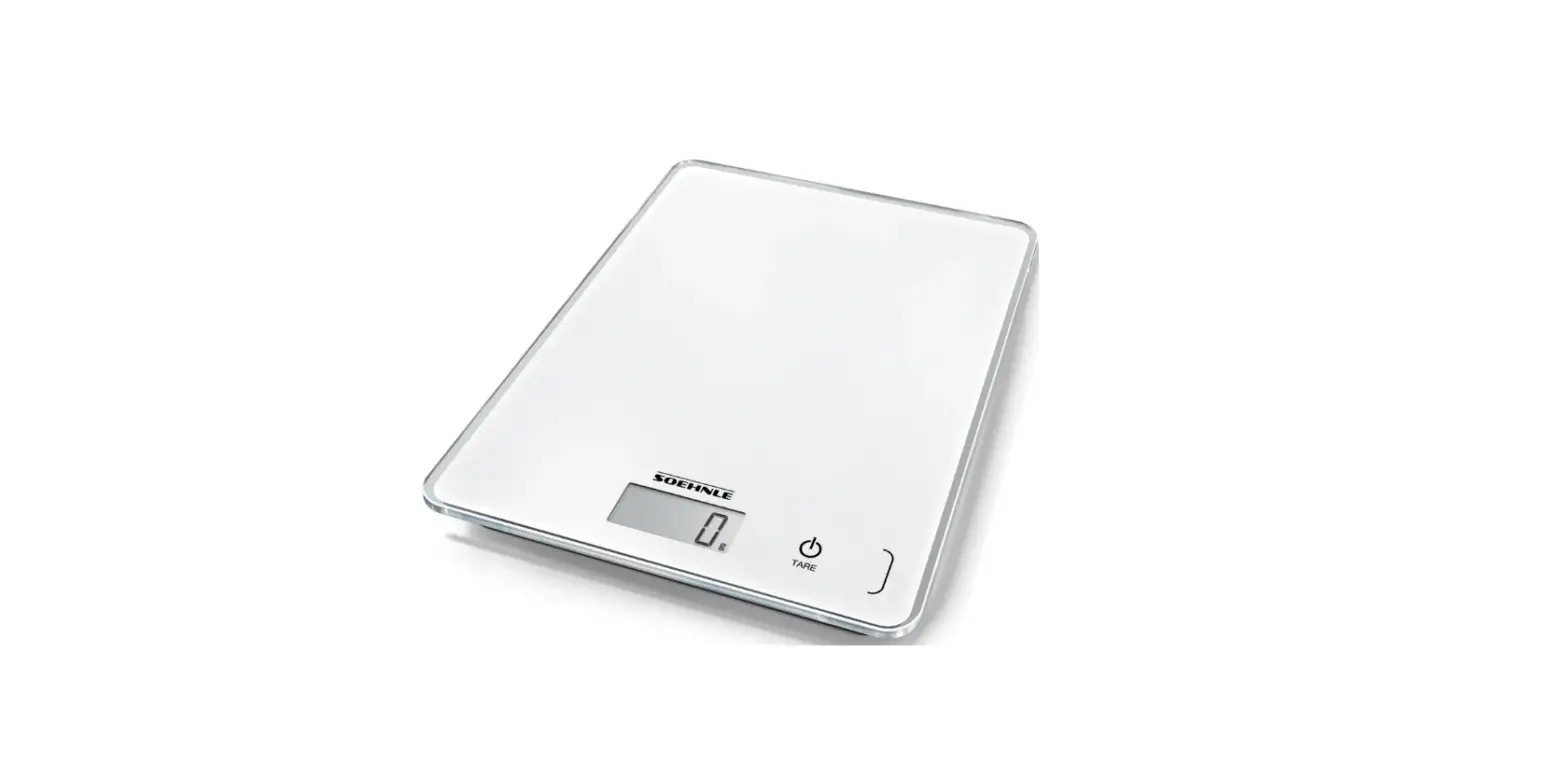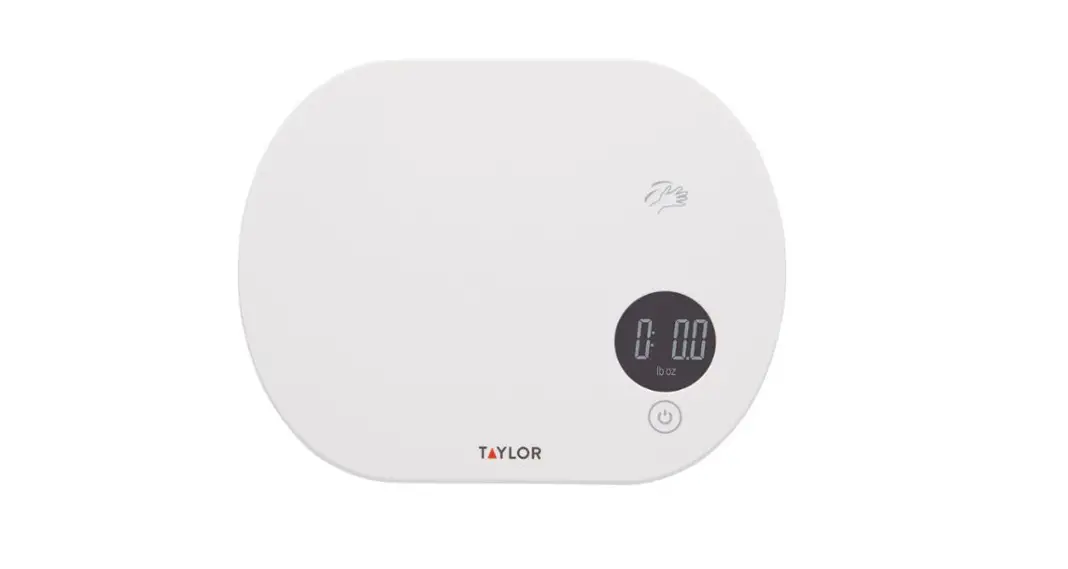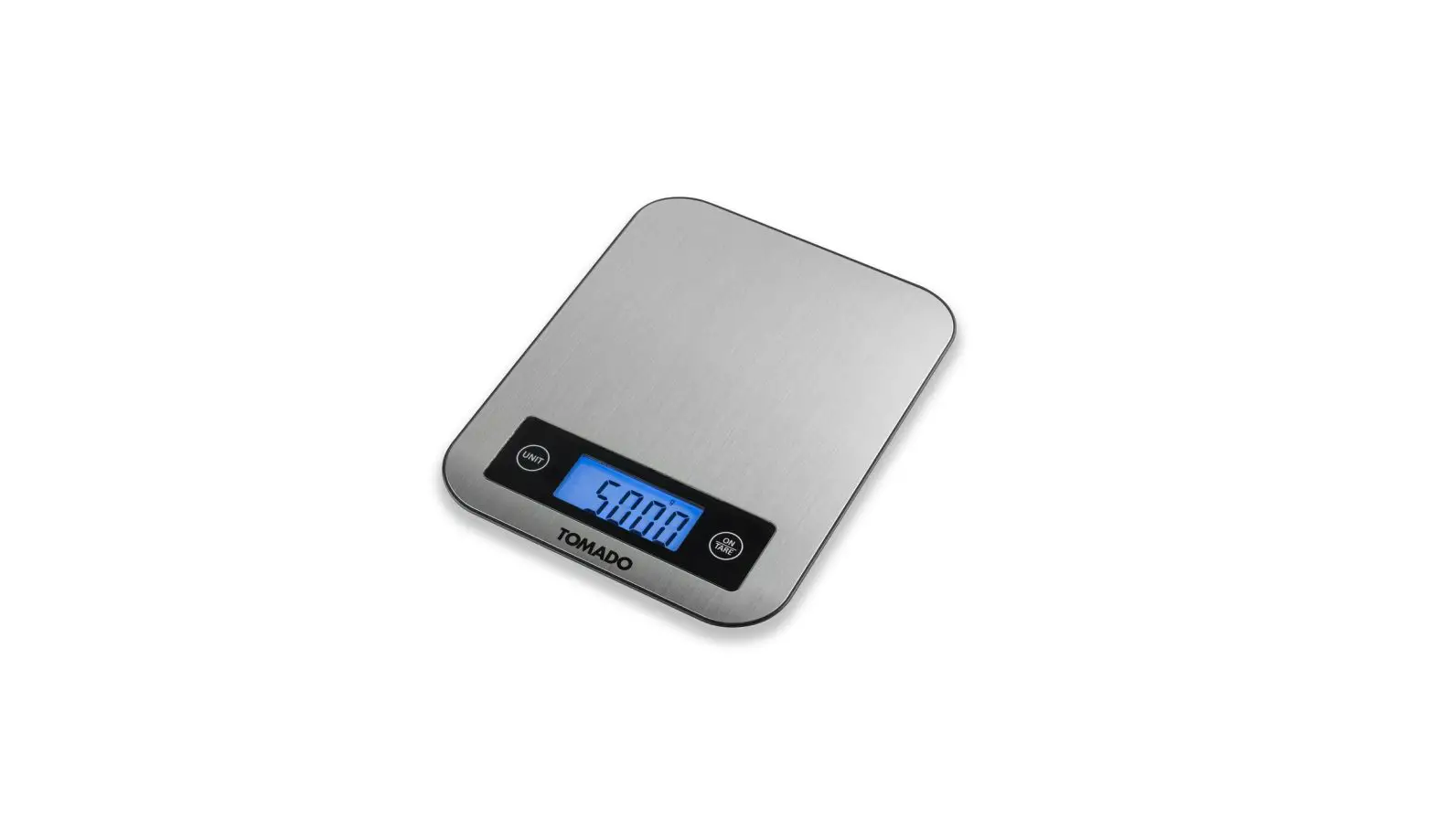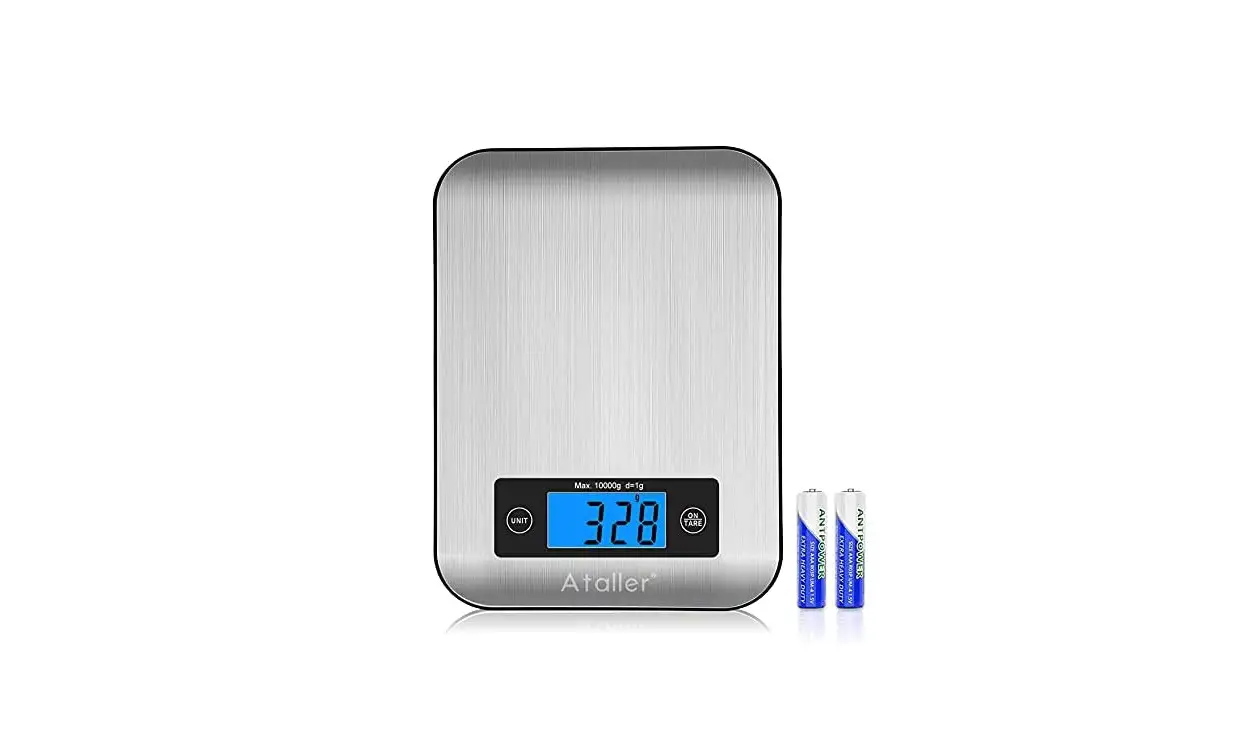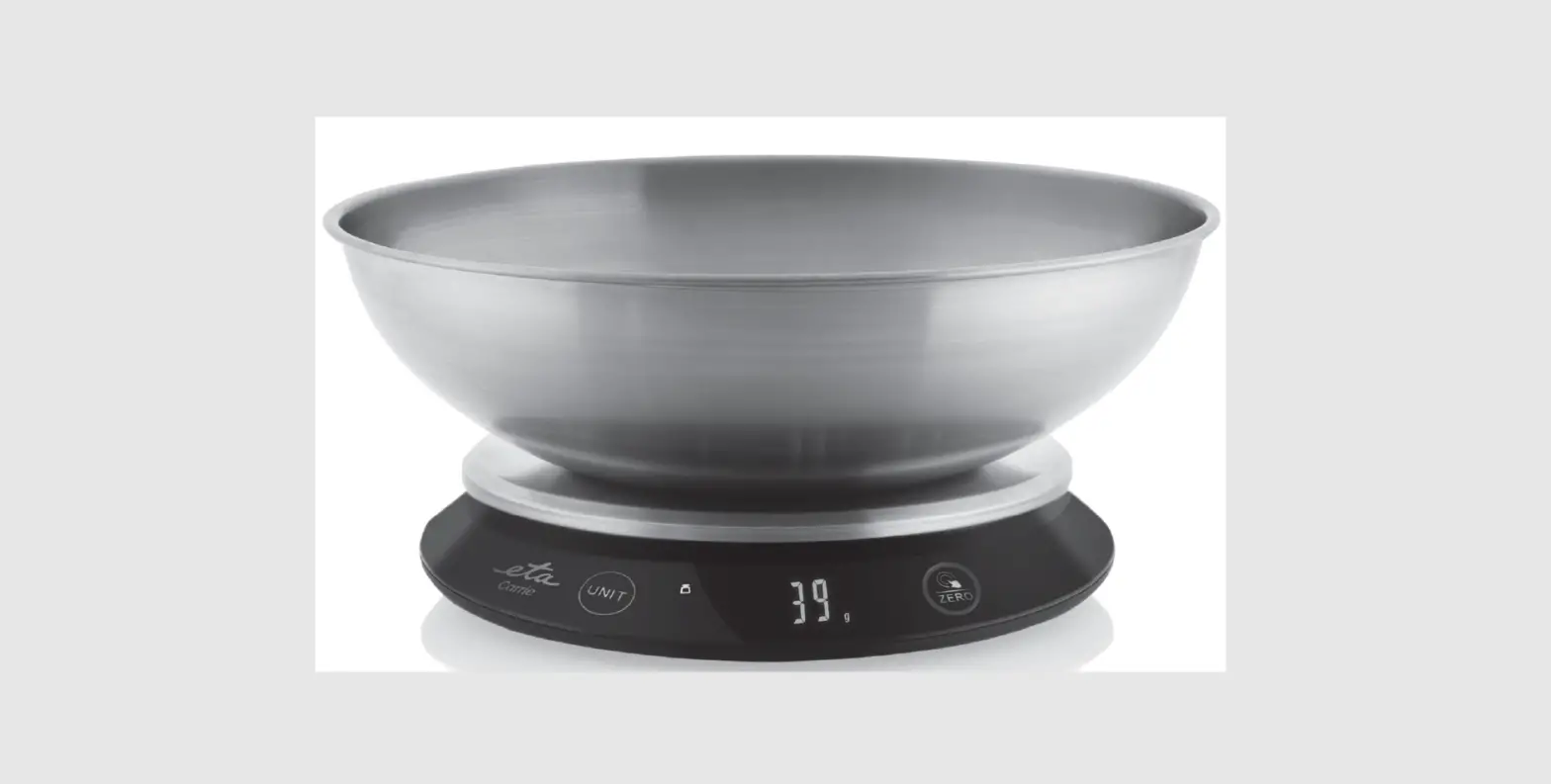

mercury 456.060UK Digital Kitchen Scale
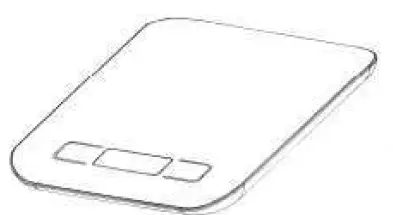
Thank you for choosing our digital kitchen scale. For proper use of this product and ensuring its accuracy and service life, please read this manual carefully before using it
Basic Characteristics
- High – precision sensor
- Weighing range of 5000g/1g 3000g/1g
- Division – 1g
- LCD display with negative white digital
- Automatic zero-point tracking
- Automatic turn off
- Overload prompt
- Unit – conversion switch (oz/ml/lb ’oz/g)
- Power – 3Vdc, 2 x AAA (not included)
Power Supply
This product adopts the environment-friendly design with ultra – low energy consumption. No. 7 battery is assembled for ex-factory. Please remove the isolated thin film of the battery after purchase and then you may use it. When the low voltage prompt appears, please replace the battery.
Operation
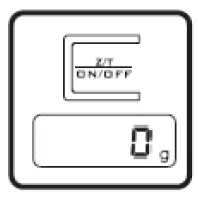
- Put the loading plate (if any) on the scale body
- Press ON button to turn on the scale
- No loading or weighing can be done before the display resets to zero
Unit Conversion
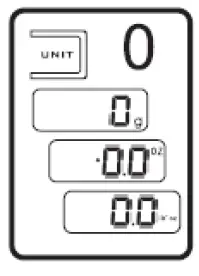
This product is with two units (metric system and British system), which can be converted mutually by pressing UNIT button. This scale can weigh the volume of liquid in the container.
Manual Turn – OFF
Press and hold ON/OFF button to turn the scales OFF.
Zero & Tear function

When using bowl/cup for weighing, place an empty bowl on the scale platform and press “Z/T” button to display “0”. Once “0” displayed then fill the target item in. You can get the net weight of target item.
Overload Prompt
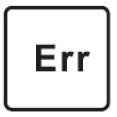
When this prompt sign appears during weighing, it means the current load exceeds the maximum weight of this product. Please take off the object immediately to avoid damage to the scale body.
Low Voltage Prompt

When the battery is low, the left prompt sign will appear on the upper left corner of the display then please replace batteries right away.
Note
- Do not put the product in water or clean with corrosive chemicals.
- When weighing, please put the scale on hard flat surface. Do not put the scale on a carpet or a soft material when using it.
This product is classed as Electrical or Electronic equipment and should not be disposed with other household or commercial waste at the end of its useful life. The goods must be disposed of according to your local council guidelines.
Errors and omissions excepted.
Copyright© 2021 AVSL Group ltd, Unit 2 Bridgewater Park,
Taylor Road, Trafford Park, Manchester. M41 7JQ.
 AVSL
AVSL TCPDF
TCPDF