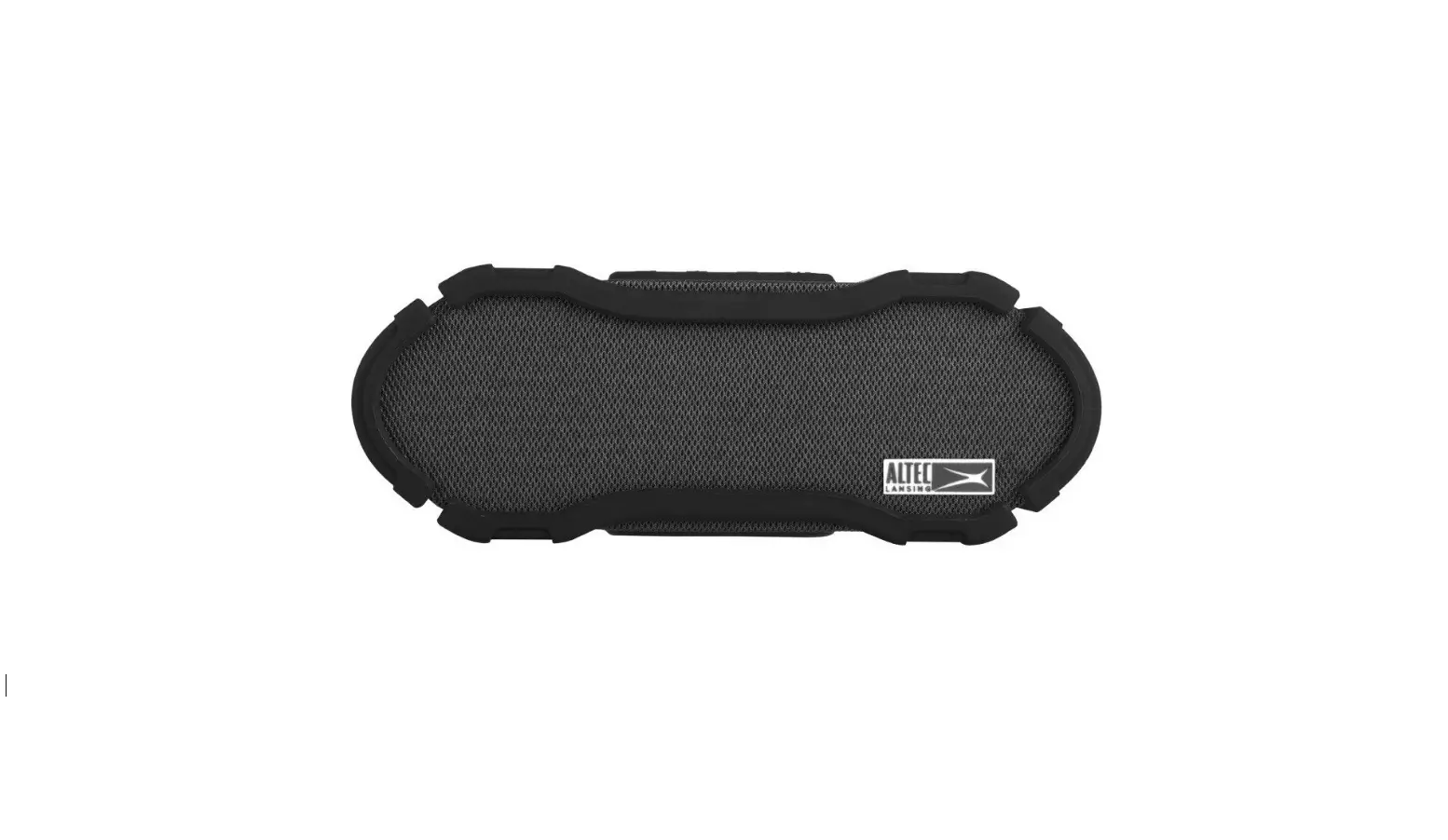

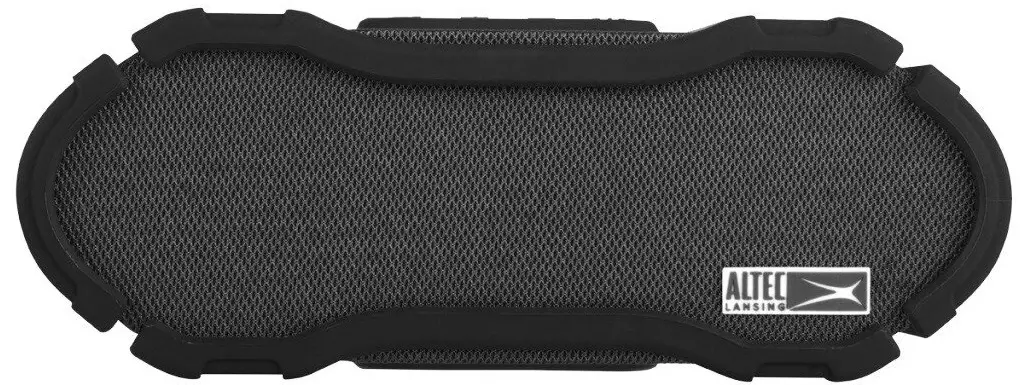
Altec Lansing IMW678-BLK Omni Jacket Speaker
Specification
- Brand Altec Lansing
- Model Name IMW678-BLK OmniJacket
- Speaker Type Outdoor
- Connectivity Technology Bluetooth, Auxiliary, USB, NFC
- Recommended Uses For Product Kitchen, Outdoor, Camping, Indoors, Beach
- Weight 3 pounds
- Dimensions 8.5 x 4.5 x 4.5 inches
- Batteries 1 Lithium Ion batteries are required. (included)
- Color Black
Overview
Altec Lansing IMW678 Omni Jacket NFC Bluetooth Speaker Waterproof Wireless Bluet
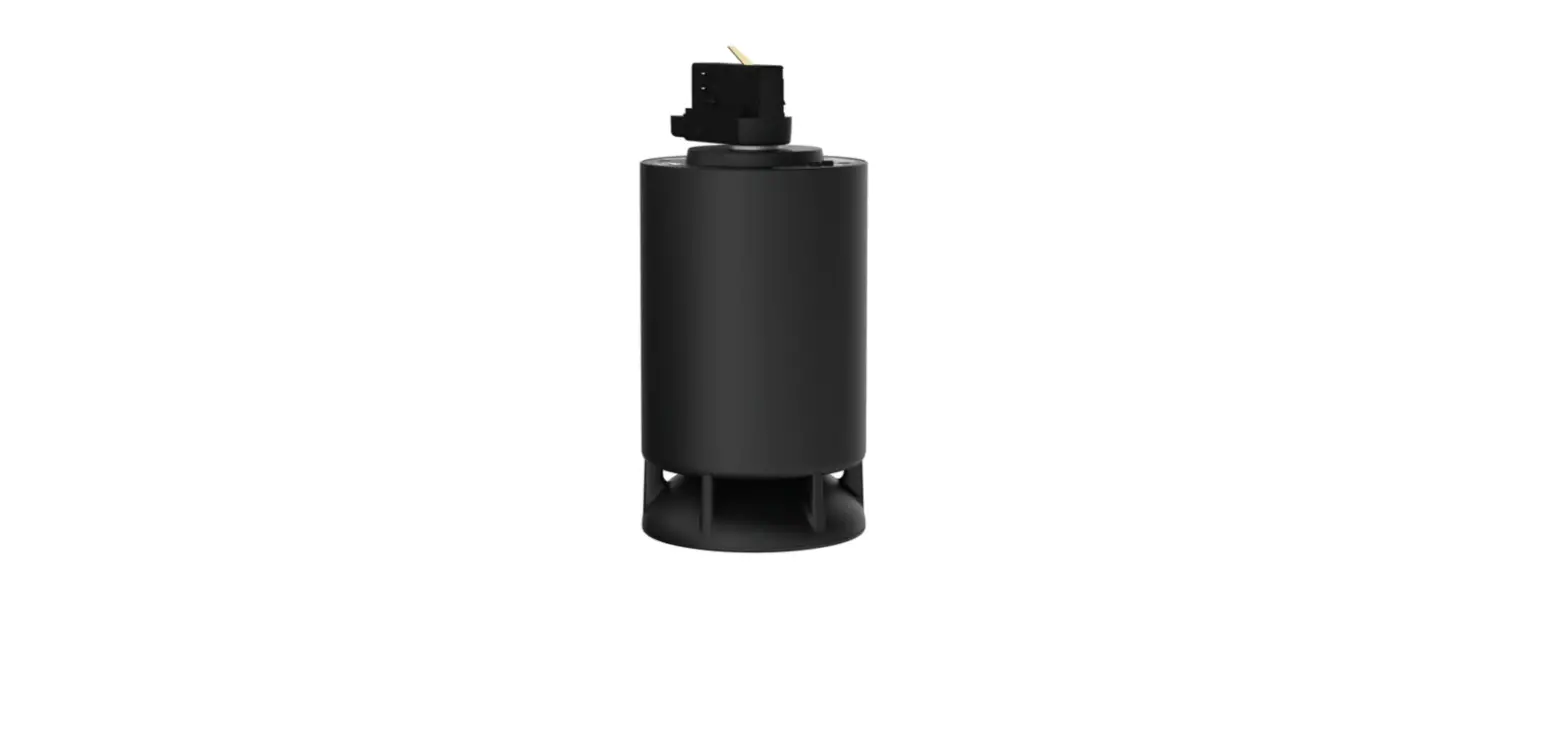
Altec Lansing’s IMW678 Omni Jacket NFC Bluetooth Speaker Waterproof Wireless Bluetooth Speaker is your perfect omnidirectional speaker to keep the music going and the party pumping! Certified IP67 Waterproof rating to withstand all of the elements. Complete with True Wireless Pairing for up to 2 speakers at once for double the sound. The OmniJacket Speaker is the go-to accessory for a great music experience.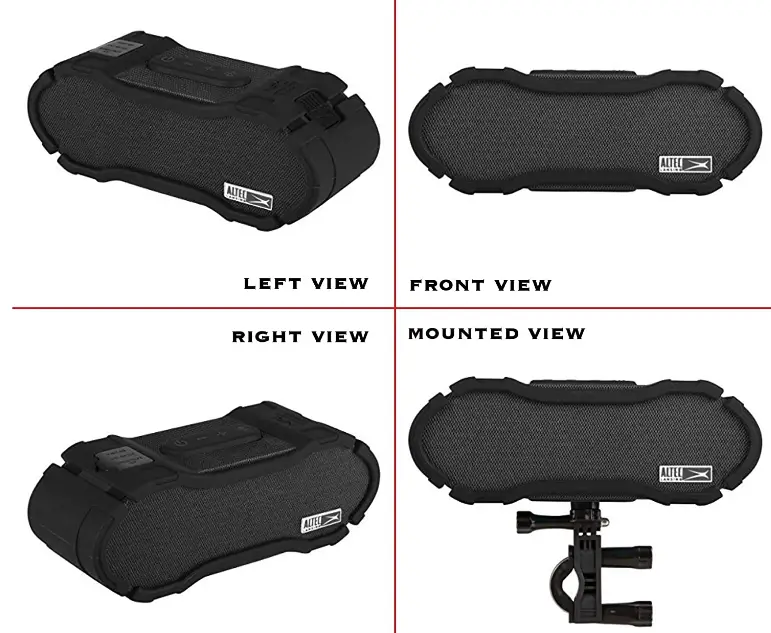
What’s In the Box
Features
More Information
Altec Lansing Superior Sound
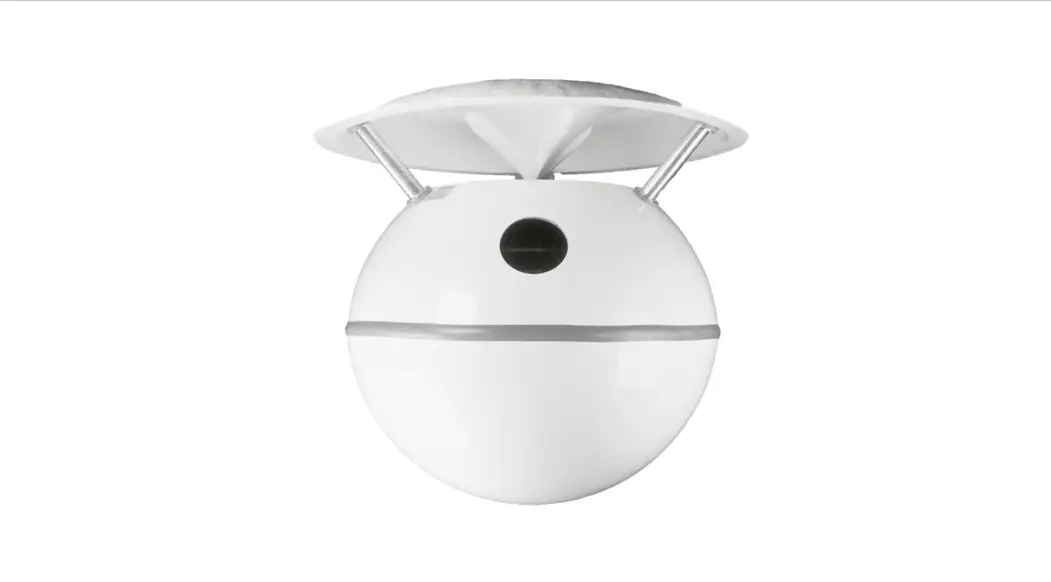
Designed with Omni-Directional sound, immerse yourself into 360-degree room-filling sound for the ultimate listening experience! 
Special Features
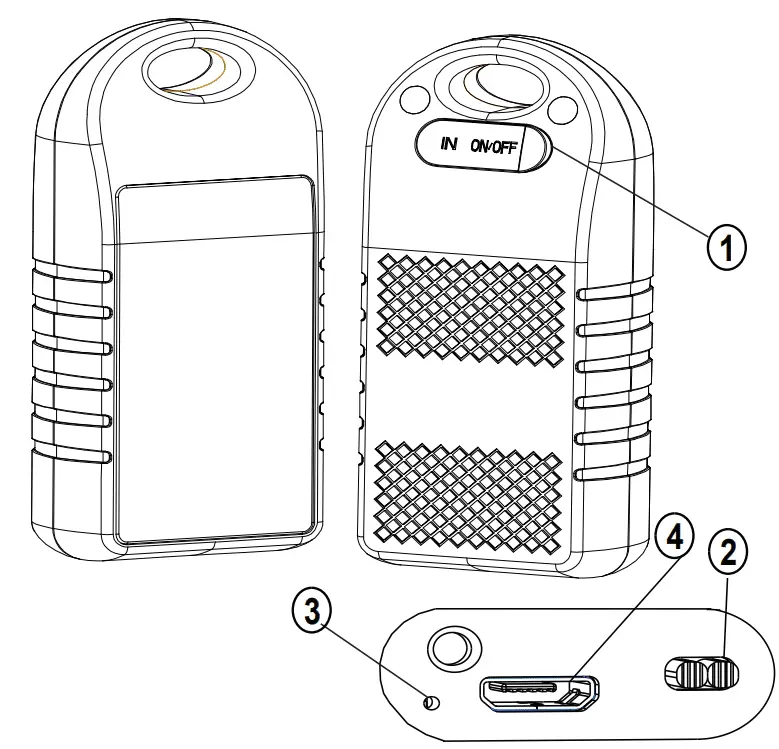
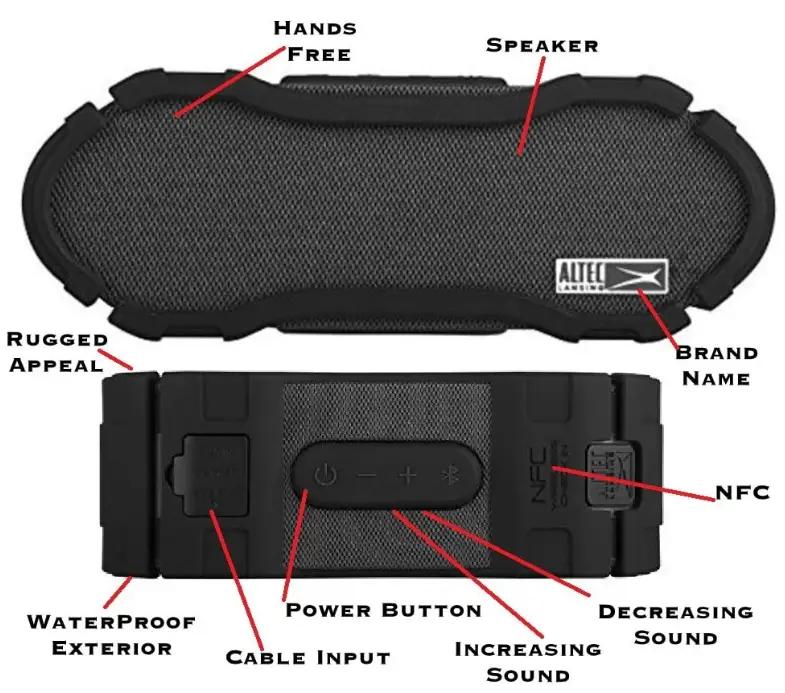
The Altec Lansing IMW678 Omni Jacket NFC Bluetooth Speaker Waterproof Wireless Bluetooth Speaker features a stylish design, true wireless stereo plus pairing for pairing up to 2 OmniJackets together, mounting capability and an On-board microphone for clear, hands-free communication. The OmniJacket is IP67 waterproof, shockproof, and snowproof rated and it floats!
Battery Life
With 50 hours of battery life plus a built-in smartphone charger for remotely charging portable devices and an aux-in port, the Altec Lansing IMW678 Omni Jacket NFC Bluetooth Speaker Waterproof Wireless Bluetooth Speaker is the perfect music companion for wherever you want to go.
Warranty & Support
FAQs
I would take over speaking. My speaker won’t go away. But it might change to a different music. Test the music device’s volume. Computer, phone, or table. after that change speaker volume.
A Standard USB to Micro USB cable is required for the IMW678 Omni Jacket Speaker (just like the kind used to charge an Android phone).
The Altec Lansing iMW678 Omni Jacket Is the Ideal Music Companion for Anywhere You Want to Go. It Has 50 Hours of Battery Life, a Built-in Smartphone Charger for Remotely Charging Portable Devices, and an Aux-in Port.
Restart your computer if your speaker is still unable to establish a Bluetooth connection with a smartphone. Press and hold the volume up and volume down keys on top of the speaker for 5-7 seconds to restart the system. The speaker will then be adjusted to its initial factory settings.
The speaker is charging when a solid red light in the speaker’s centre illuminates. A red light that flashes, however, indicates limited power. After each use, we advise you to charge for a minimum of 4 hours.
Connect the provided charging wire to a power source. A red LED light will be seen on the front of your speaker when it is charging. The LED on your speaker will stop shining after it has fully charged.
Your Altec Lansing Bluetooth speaker’s [Power] button needs to be pressed and held down. Your speaker’s LED indicator should start to rapidly alternate between red and blue to show that pairing mode is active.
The power button on your speaker must first be pressed and held down for a few seconds. Holding it down for three to five seconds turns it on. Once activated, a flashing blue/red light will be seen. You’ll be prompted to start pairing mode with your speaker by a flashing light.
Hold down the power button for about 8 to 10 seconds. Keep pressing the power button until your speaker comes on, then release it when you see it listed as a Bluetooth device that can be paired in the Bluetooth settings menu on your phone. Connect to the device specified after that.
Although Altec Lansing claims a modest 6-hour battery life, your results may vary, largely depending on how loudly you playback your music.
You may pair this speaker with another one. The Altec Connect App does really allow you to couple speakers.
Altec Lansing Technologies was purchased by Plantronics in 2005, Prophet Equity in 2009, and the Infinity Group in 2012—a business that buys faltering businesses.
Press and hold the volume up and volume down keys on top of the speaker for 5-7 seconds to restart the system. The speaker will then be adjusted to its initial factory settings.
Connect the provided charging wire to a power source. A red LED light will be seen on the front of your speaker when it is charging. The LED on your speaker will stop shining after it has fully charged.