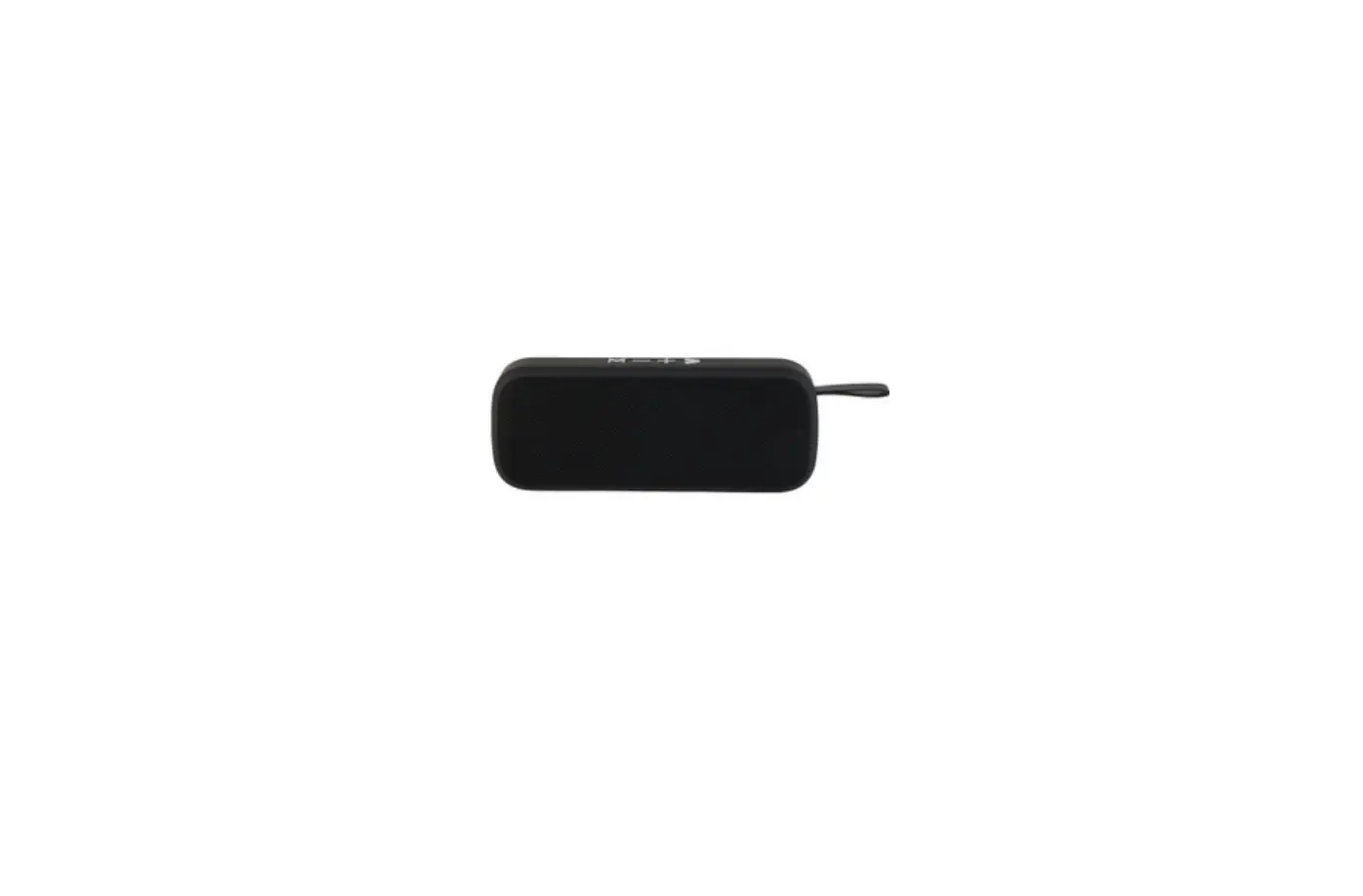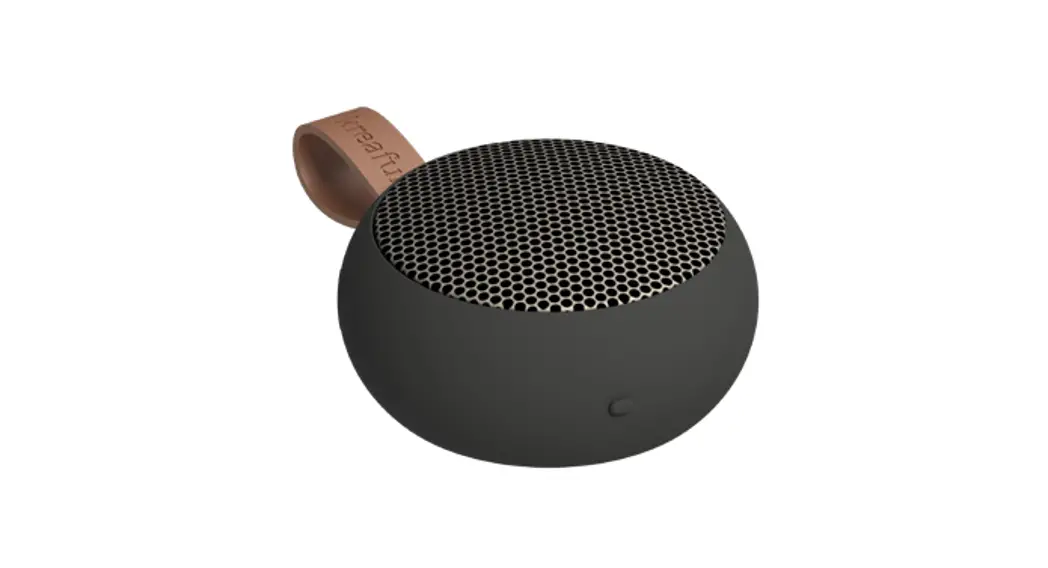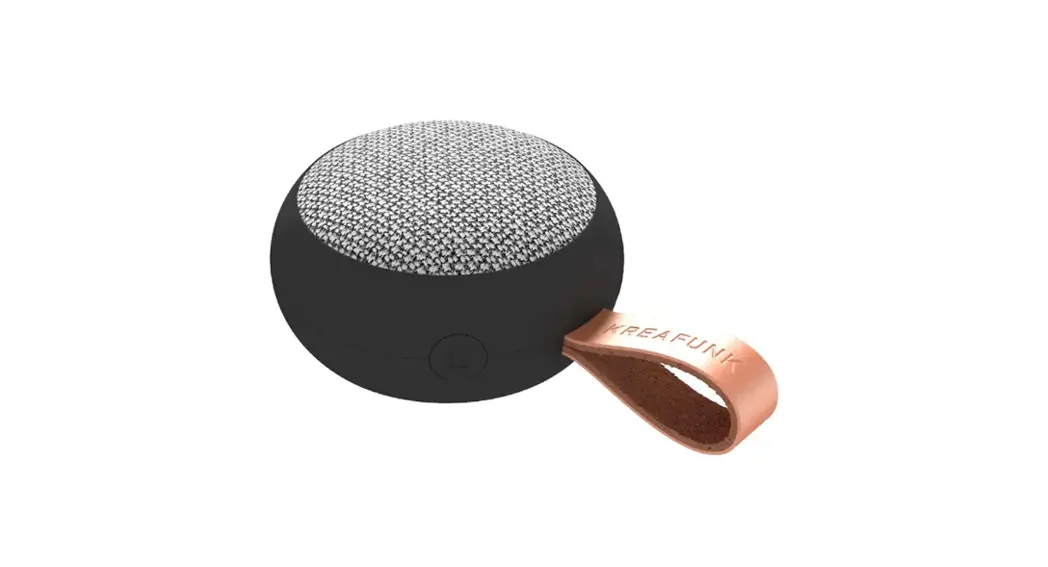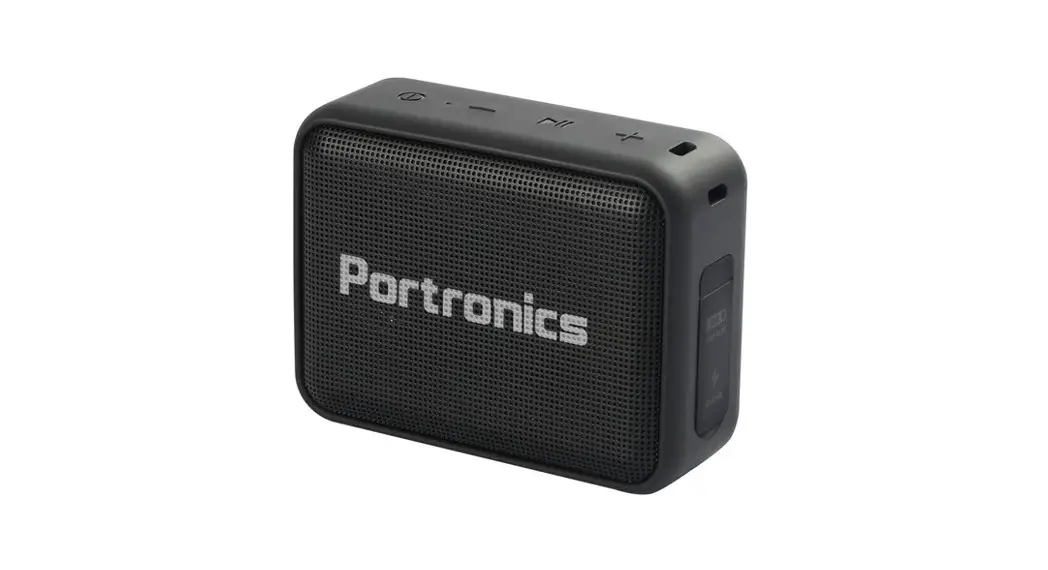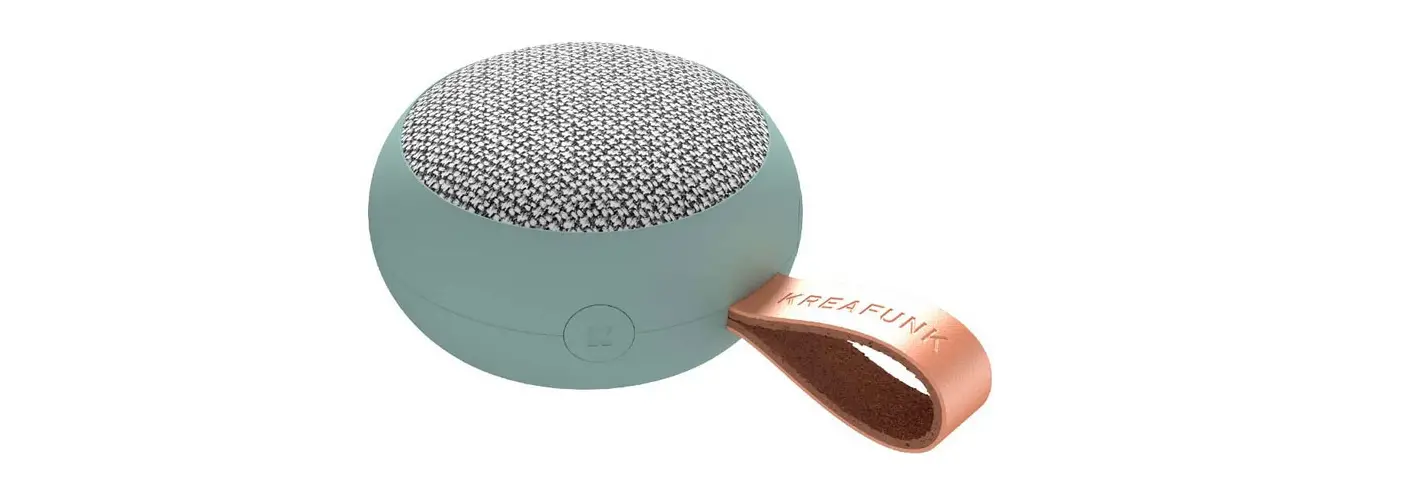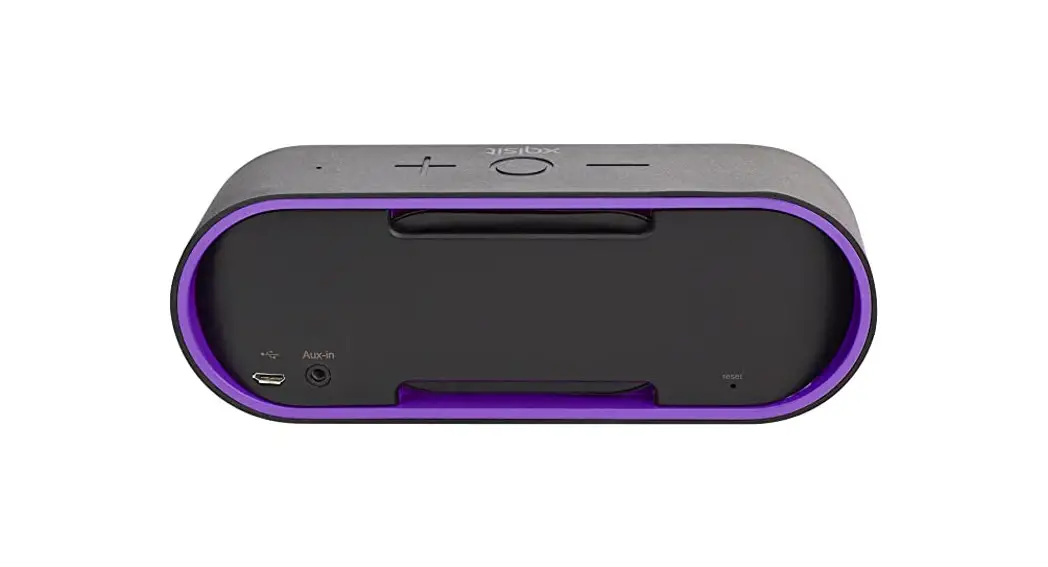

 EE7267BLKACTCO Pulsar Fabric Pocket Speaker
Instruction Manual
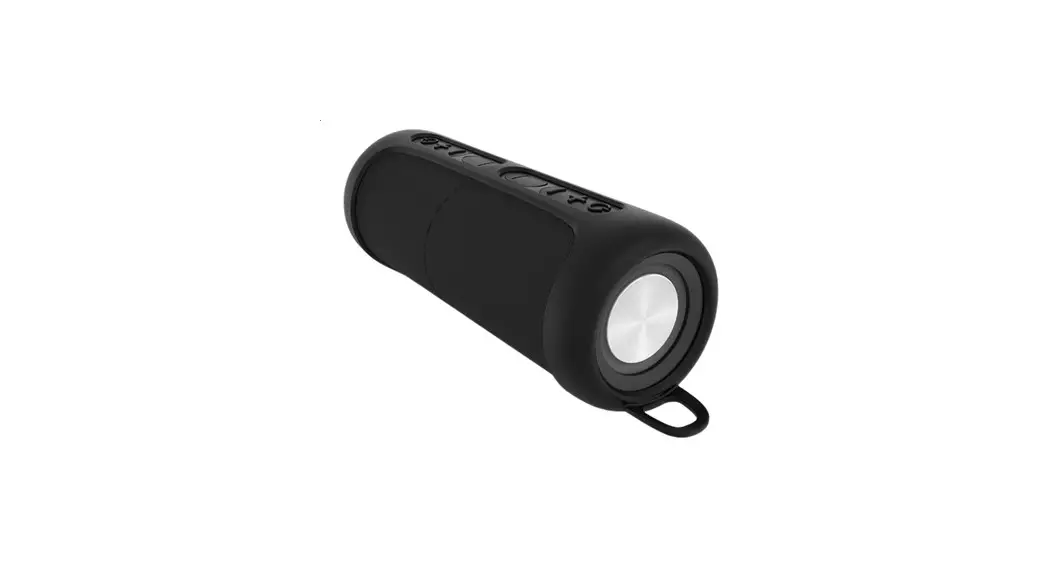
Description of Parts
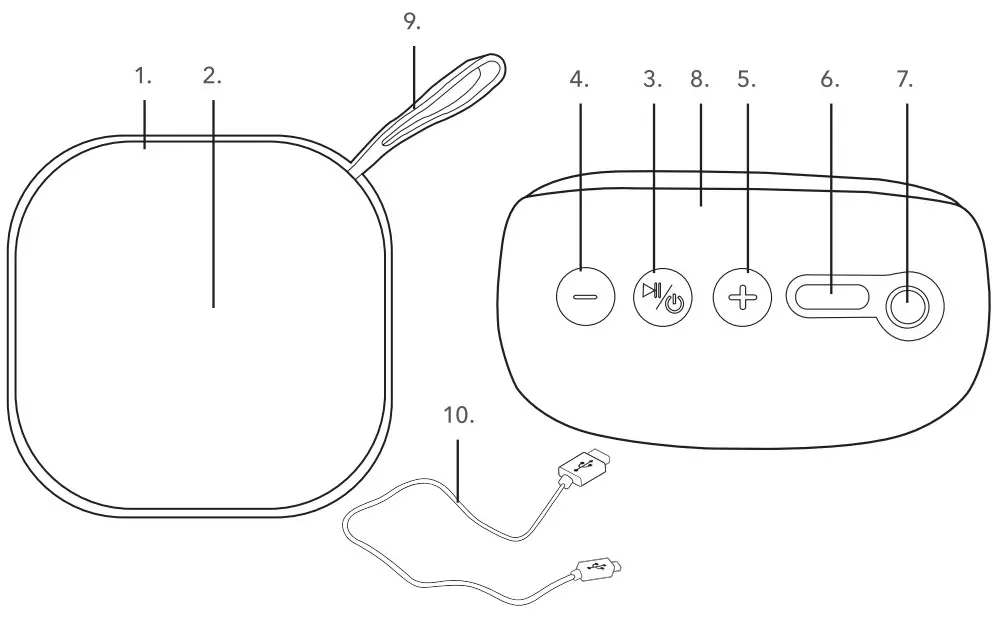
- Bluetooth Fabric Speaker main unit
- Speaker
- Power button(
 )
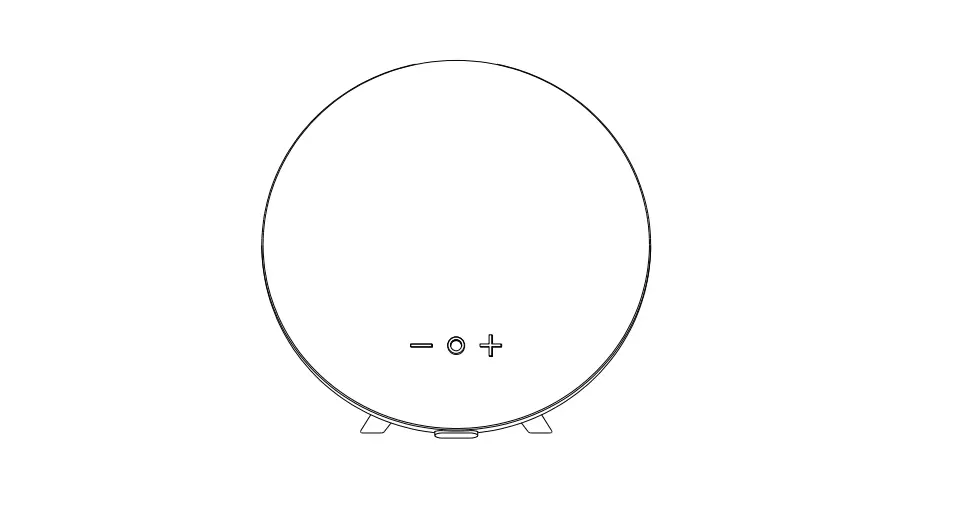
) - Skip/Volume – button(+)
- Skip/Volume + button(–)
- 5V
 Type-Charging port
 - Aux. input port
- Built-in hands-free microphone
- Carry handle
- Type-C charging cable
Please retain instructions for future reference.
Safety Instructions
When using electrical products, basic safety precautions should always be followed.
- Check that the voltage indicated on the rating plate corresponds with that of the local network before connecting the product to the main power supply.
- Keep the product and adaptor out of the reach of children.
- Children aged from 8 years and people with reduced capabilities can use this product, only if they have been given supervision or instruction concerning the safe use of the product and understand the hazards involved.
- This product is not a toy.
This product contains no user-serviceable parts. If the product and any of its accessories are malfunctioning or damaged, recycle the product. - Keep the product away from heat sources, direct sunlight, humidity, water, and any other liquid.
- Ensure the product is well ventilated.
- Do not operate the product with wet hands.
- Do not operate the product if it has been exposed to water, moisture, or any other liquid, to prevent electric shock, explosion, and/or injury to yourself and damage to the product.
- Do not leave the product switched on and connected to the mains power supply while unattended.
- Do not remove the product from the mains power supply by pulling the cord; switch it off at the socket and remove the plug by hand.
- Do not use the product for anything other than its intended use.
- Do not use any accessories other than those supplied.
- Do not put objects into any of the openings.
- It is imperative to unplug the adaptor after the product has been used and before it is cleaned.
- This product is intended for domestic use only. It should not be used for commercial purposes.
 To prevent possible hearing damage, do not listen at high volume levels for long periods of time – this LB may also damage the product
NOTE: It is advised that the product is not used whilst charging, as this could reduce the life of the battery.
 To prevent possible hearing damage, do not listen at high volume levels for long periods of time – this LB may also damage the product
Battery Safety
The supply terminals are not to be short-circuited.
- In the event of a battery and cell leaking, do not allow the liquid to come in contact with the skin or eyes. If contact has been made, wash the affected area with copious amounts of water and seek medical advice.
- Secondary cells and batteries need to be charged before use.
After extended periods of storage, it may be necessary to charge and discharge the cells or batteries several times to obtain maximum performance. - Keep batteries out of the reach of children.
- Do not crush, puncture, dismantle or otherwise damage batteries.
- Do not store above 60 C
- Avoid storage in direct sunlight.
- Do not dispose of exhausted batteries in household waste.
- Do not expose the batteries to heat or fire as they may explode.
- Once the batteries have been exhausted, dispose of the product at a local recycling station.
Contact the local government offices for further details. - This product is fitted with a3.7V 500 mAh Lithium-ion rechargeable battery (non-removable).
Disposal of Waste Batteries and Electrical and Electronic Equipment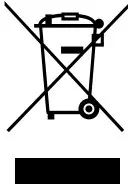 This symbol on the product, its batteries, or its packaging means that this product and any batteries it contains must not be disposed of with household waste. Instead, it is the user’s responsibility to hand this over to an applicable collection point for the recycling of batteries and electrical and electronic equipment. This separate collection and recycling will help to conserve natural resources and prevent potential negative consequences for human health and the environment due to the possible presence of hazardous substances in batteries and electrical and electronic equipment, which could be caused by inappropriate disposal. Some retailers provide take-back services which allow the user to return exhausted equipment for appropriate disposal. It is the user’s responsibility to delete any data on electrical and electronic equipment prior to disposal. For more information about where to drop batteries, electrical and electronic waste off, please contact the local city/municipality office, household waste disposal service, or the retailer.
Declaration of Conformity
UP Global Sourcing UK Ltd. hereby declares that this product is in compliance with the essential requirements and other provisions of directive 2014/53/EU.
The declaration of conformity may be consulted at UP Global Sourcing UK Ltd., Victoria Street, Manchester OL9 ODD. UK. or online at www.upgs.com/pulsarcompliance/. Model No.: EE7267
Care and Maintenance
Wipe the speaker with a soft, lint-free cloth and allow it to dry thoroughly.
DO NOT:
- Use any abrasive cleaning solvents to clean the speaker.
- Expose the speaker to extremely high or low temperatures.
- Drop the speaker.
- Attempt to disassemble the speaker.
- Dispose of the speaking a fire.
Instructions for Use
Charging the Battery
The speaker is fitted with a3.7V 500 mAh Lithium-ion rechargeable battery.
It is recommended that the battery is fully charged before first use; this will take approx. 3 hours.
Connect the Type-C USB end of the USB charging cable to the 5 V charging port on the speaker and the other end to a compatible USB port.
Whilst charging, the LED indicator light will illuminate red. Once the speaker is fully charged, the LED light will switch off.
Carefully disconnect both ends of the USB charging cable and store it safely for future use.
NOTE: Playtime based on 70 % volume.
Using the Bluetooth® Fabric Speaker
Basic Functionality
Turn on the speaker by pressing and holding for approx. 3 seconds.
Pause a track by pressing push it again to resume the track.
Adjust the volume of the speaker using ‘+’ and’-‘, Press and hold ‘+’ to increase the volume; decrease the
volume by pressing and holding-‘.
To switch to the next track, press’+’; play the previous track by pressing’-‘.
Press and hold for approx. 3 seconds to turn the speaker off.
Modes
The speaker must be turned on before using any of the following modes.
Bluetooth Mode
STEP 1: Once the speaker has been turned on, a voice will sound to signal that the speaker is ready to be paired with a Bluetooth-compatible device.
STEP 2: Search for the speaker using a Bluetooth-compatible device. Select ‘EE7267’ to connect and pair.
When a connection has been made, the LED indicator light will flash slowly and the speaker will play a tune to signal that the devices are paired.
STEP 3: To unpair or remove a Bluetooth-compatible device from the speaker, turn off the Bluetooth function on the compatible device. The speaker can now be paired with a new compatible device.
NOTE; Sound can be controlled using either the speaker or the relevant controls on the Bluetooth-compatible device.
Making Phone Calls via a Bluetooth Compatible Device
Once the Bluetooth-compatible device has been paired with the speaker, phone calls can be made.
STEP 1: Using the Bluetooth-compatible device, dial the number to be called and select the Bluetooth/hands-free option. The speaker and its built-in microphone will now act as a hands-free device.
STEP 2: To connect or disconnect a call using the speaker, press.
STEP 3: To redial the last number, press twice.
STEP 4: The volume of the phone call can be controlled using either the speaker or the Bluetooth-compatible device.
STEP 5: To reject an incoming phone call, press, and hold.
Aux. Mode
Connect one end of the line-in Aux. cable to the Aux. input port on the speaker and the other end to an MP3 player or another compatible audio source.
The LED indicator light will slowly flash blue to signal that the speaker is now in Aux. mode.
NOTE: Sound can now be controlled using the relevant controls on the compatible audio source; the speaker cannot be used to skip tracks during Aux mode.
Troubleshooting
The speaker has no power.
The speaker has run out of charge. Charge the speaker following the instructions in the section entitled
‘Charging the Battery.
The speaker has no sound.
The volume level is set too low. Check that the volume level is set at an audible level and adjust accordingly.
The speaker is not paired with a Bluetooth-compatible device. Follow the instructions in the section entitled.
Bluetooth Mode.
The speaker is not connected to a compatible audio source. Follow the instructions in the section entitled
Aux. Mode.
Unable to pair a Bluetooth device with the speaker.
The Bluetooth device is not compatible with the speaker. Check that the Bluetooth device is compatible with the speaker and that the Bluetooth function is switched on.
The charge of the speaker depletes quickly.
The volume level is set too high. Excessive use of the speaker at high volumes will drain the battery quickly.
Charge the speaker following the instructions in the section entitled ‘Charging the Battery’ and listen at a lower volume for better results.
The battery may be reaching the end of its service life and the speaker will need to be disposed of. See the section entitled ‘Battery Safety.
Specifications
| Product code: EE7267BLKACTCO | Working voltage: 3.7 V |
| Bluetooth version: 5.3 | Rechargeable battery: 500 mAh |
| Wireless range: 25 m | Operating frequency: 2.4 GHz |
| Speaker output: 5W | Max RF output: <4 dBm |
| Input: 5V |
Effective range may be reduced due to the presence of obstacles between connected devices.
 Manufactured by
MADE IN CHINA.
Pulsar trademark. All rights reserved.