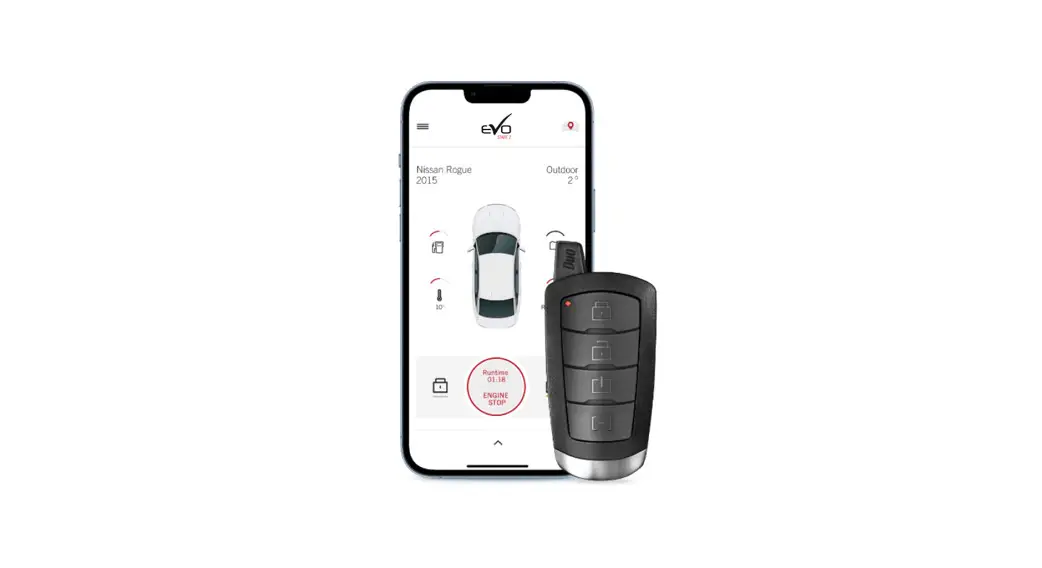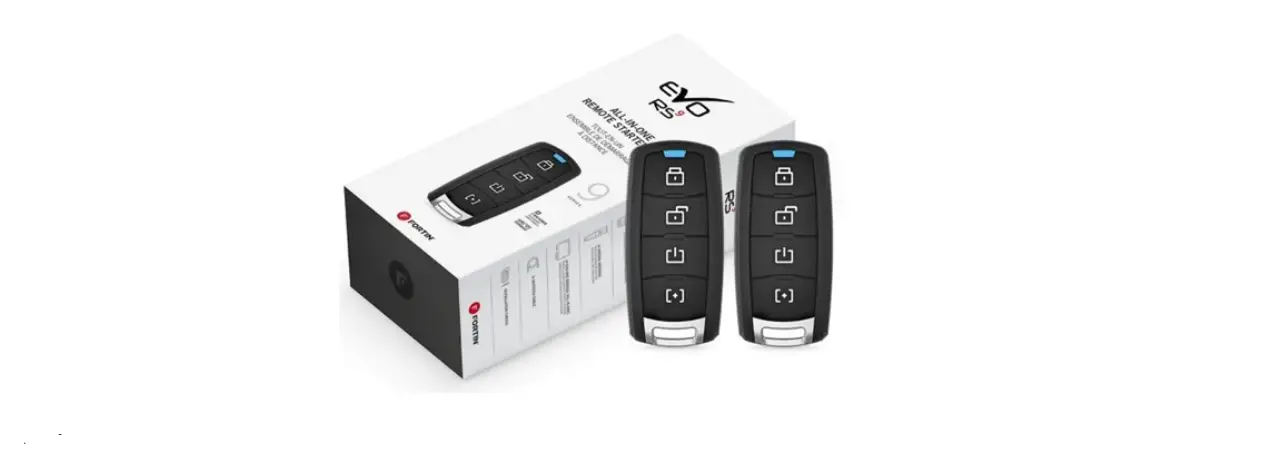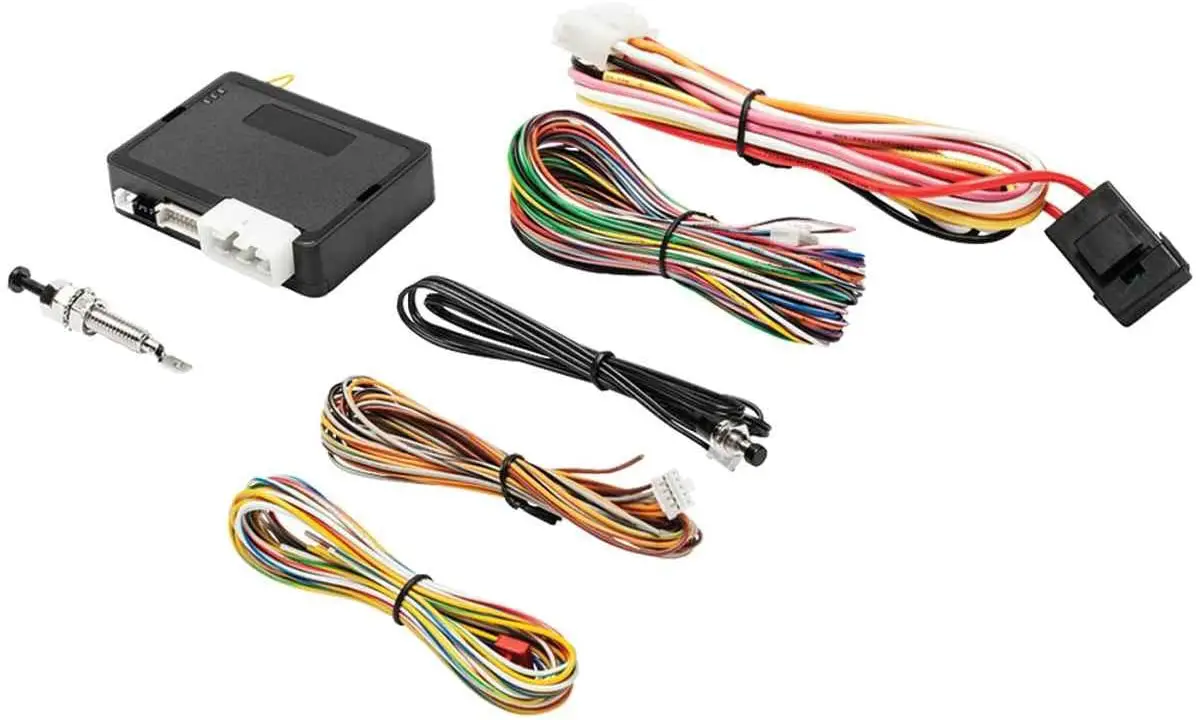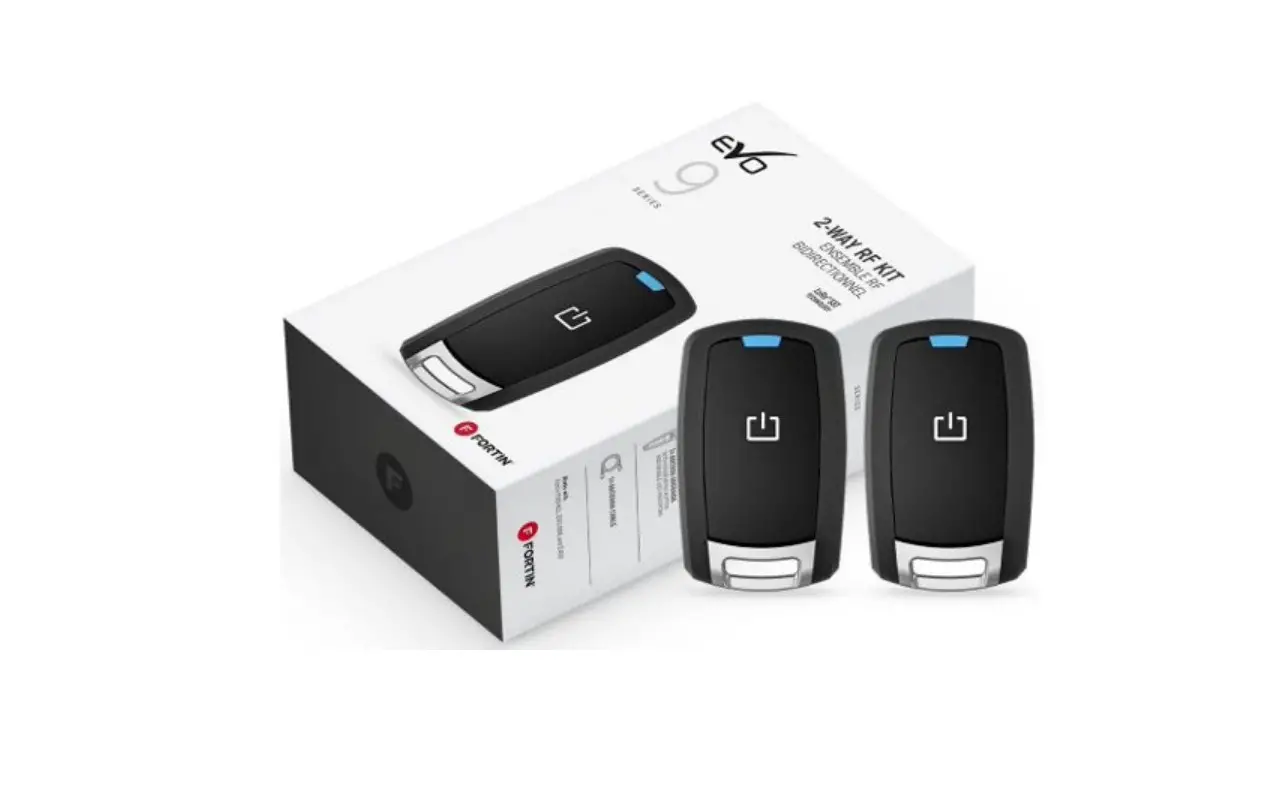
FORTIN EVO-ONE RFK912 Installation Guide
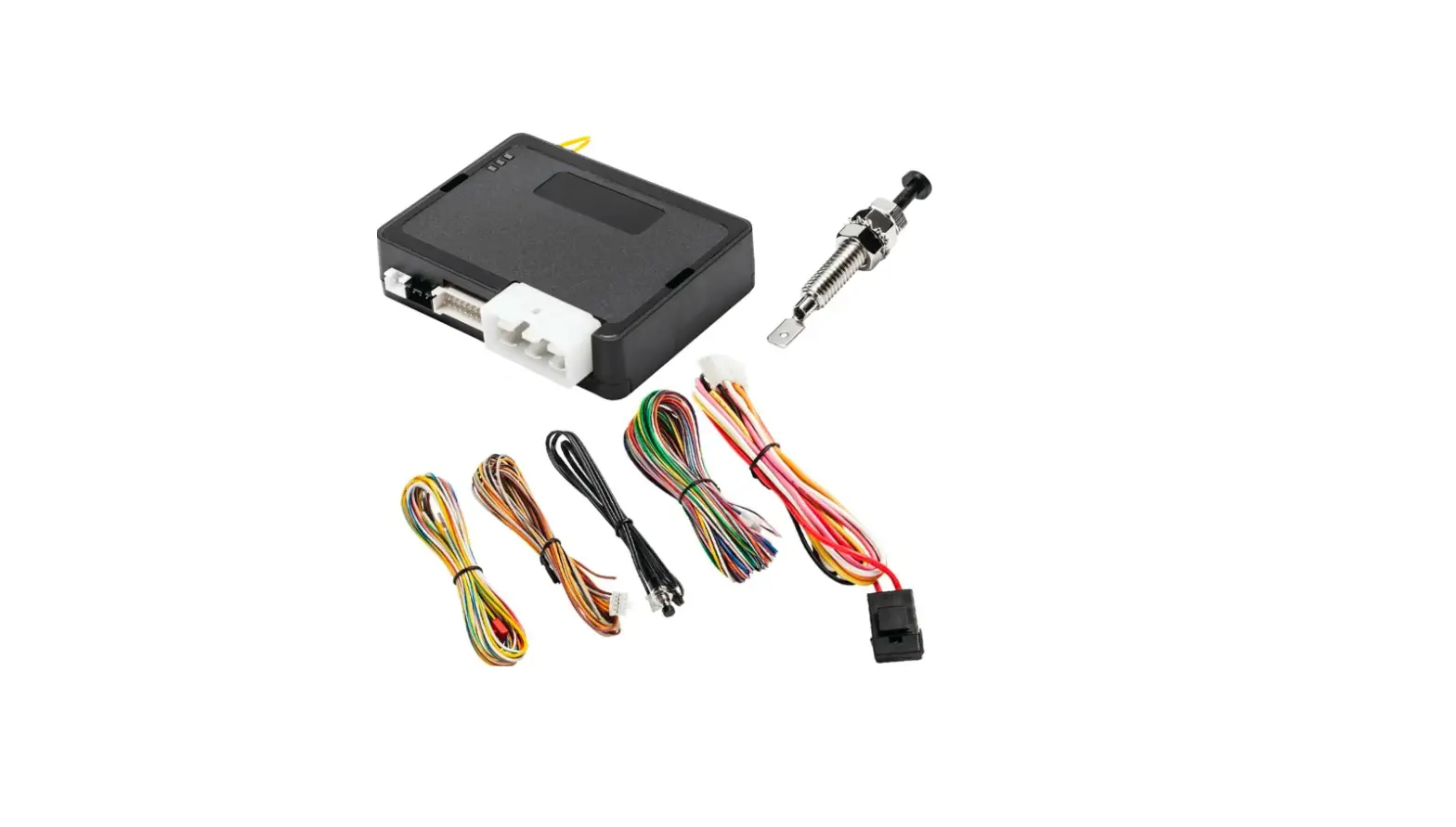
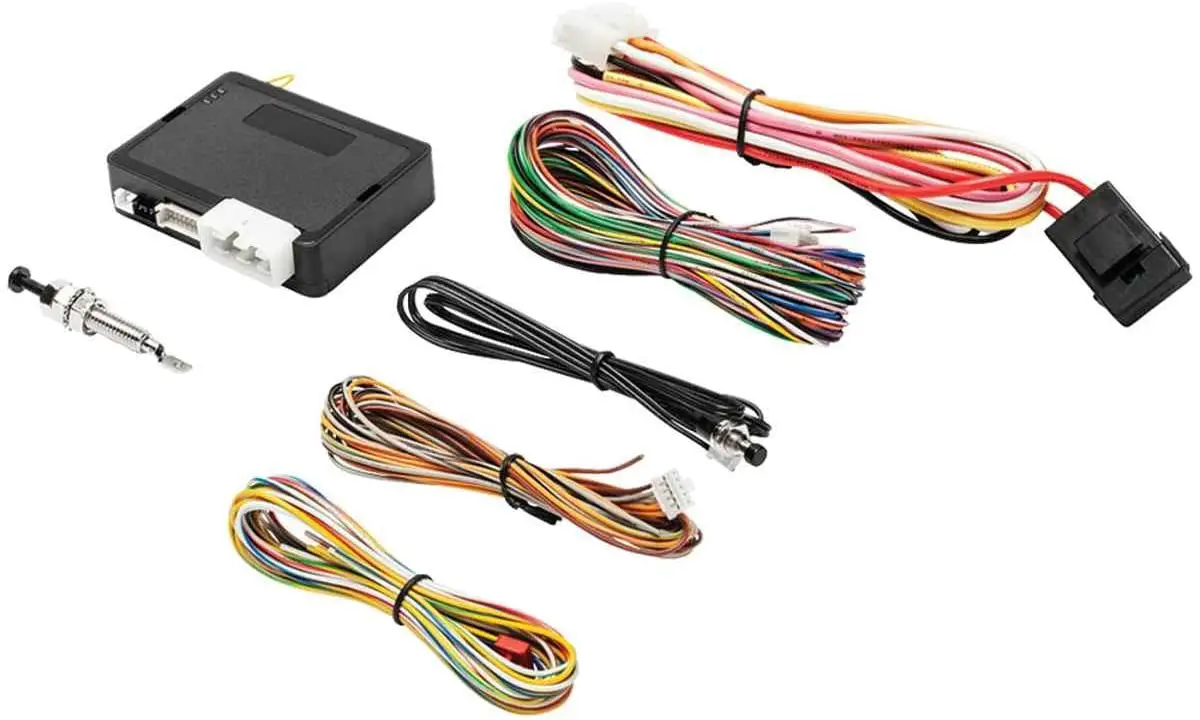
WIRING / CONNECTION GUIDE
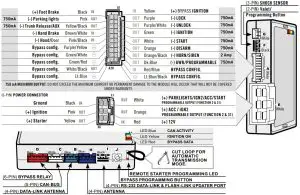
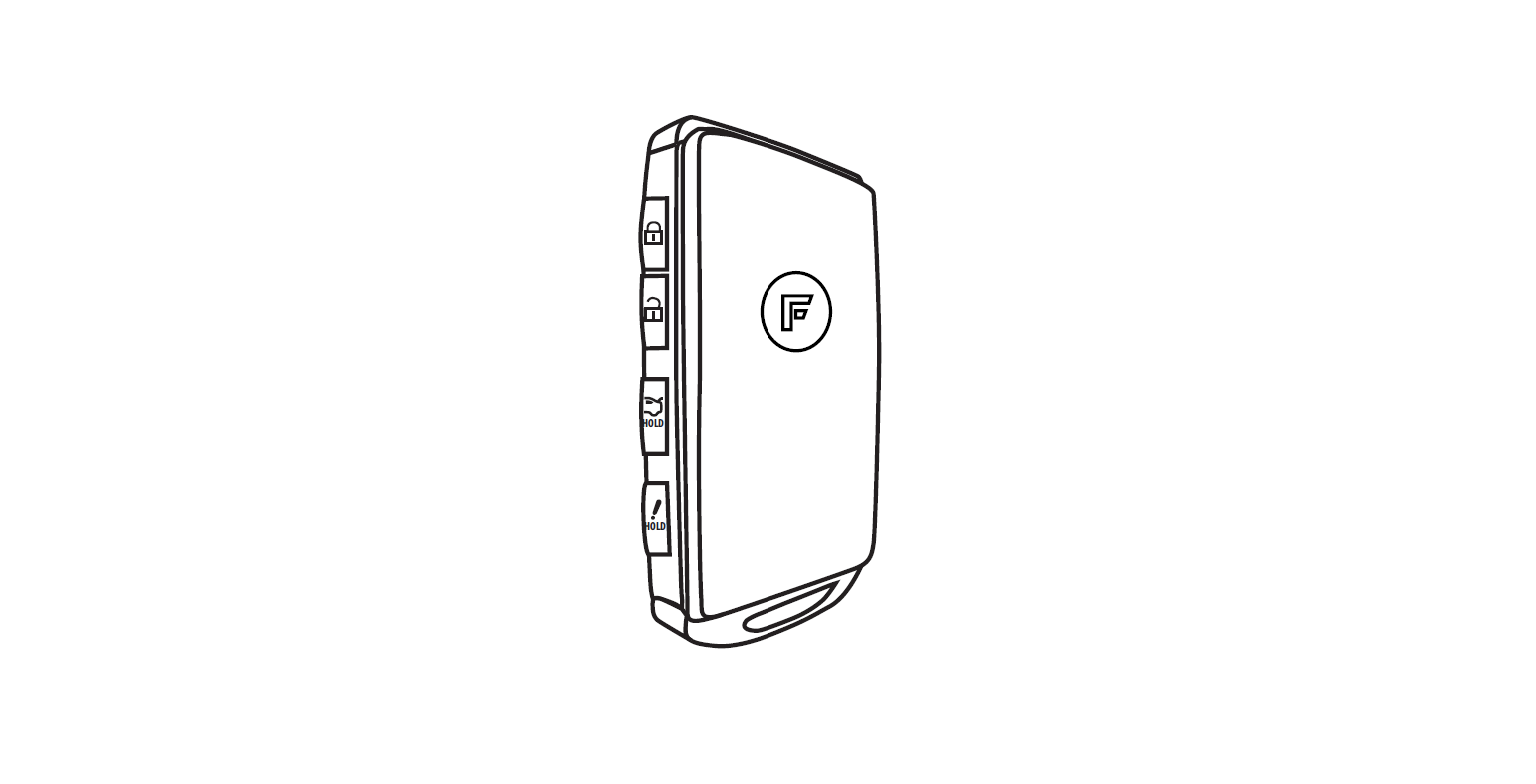
PROGRAMMING REMOTE TRANSMITTER(S)
The system can learn up to a maximum of 4 transmitters.
Any transmitters can be stored in more than 1 memory slot.
When a 5th transmitter is learned the 1st remote is erased (FIFO).
Valet switch sold separately
STEP 1
- Turn the Ignition ON

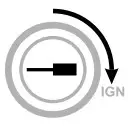
WITH IGNITION SWITCH
STEP 2
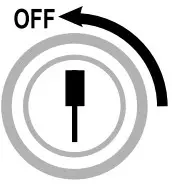
- Turn the Ignition OFF.

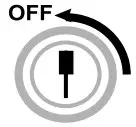
STEP 3
- Turn the Ignition ON.

- The LED will turn ON.

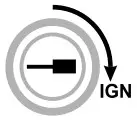
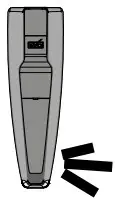
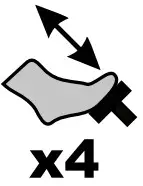
STEP 4
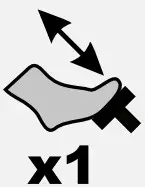
- Press and release the brake pedal four times.

- The LED will flash rapidly

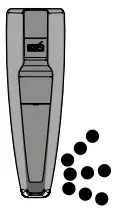
STEP 5
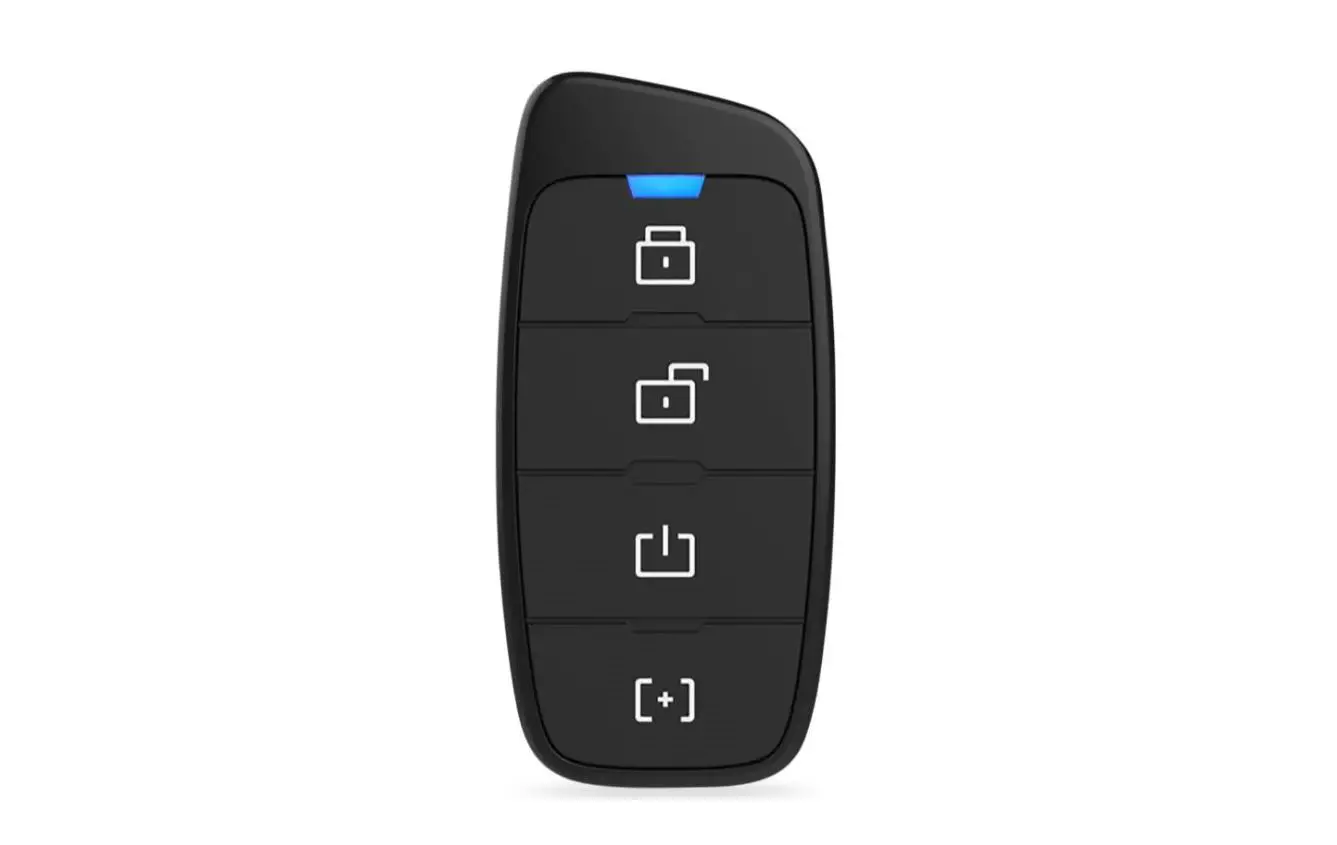
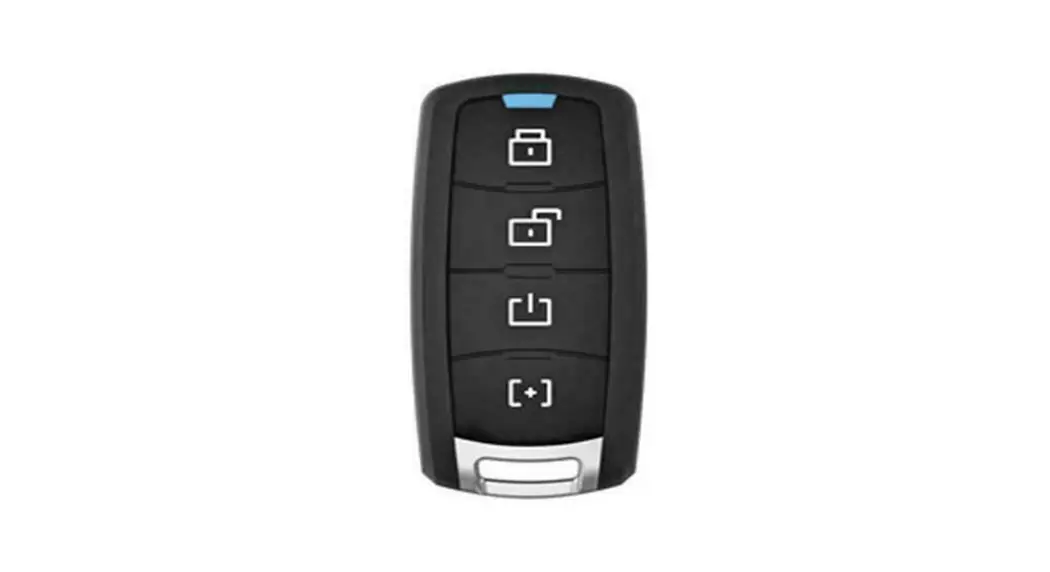
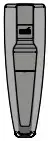
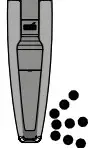
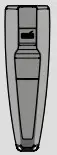
- On each Transmitter Press and HOLD the
 for 12 SECONDS approximatively and WAIT for the Blue LED to TURN OFF then back ON SOLID then release
 for 12 SECONDS approximatively and WAIT for the Blue LED to TURN OFF then back ON SOLID then release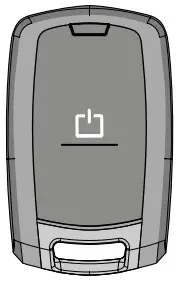
STEP 6
- Turn the Ignition OFF to exit programming.

WITH VALET SWITCH*
- Press and hold the valet switch* until the parking lights turn ON, the horn/ siren will chirp.

- Press and release the valet switch* five time.
The parking lights will flash and the horn/siren will chirp each time to confirm.
- Press and release the brake pedal once.

- The LED will stop flashing for a second confirming programming.



ERASES ALL REMOTES THAT HAVE BEEN PROGRAMMED AND RESETS ALL FUNCTIONS BACK TO DEFAULT
Disarm the system (The antenna led must not be flashing, see enter/ exit valet mode p.6).
STEP 1
- Turn the Ignition ON.
STEP 2
- Press and hold the valet switch* or the antenna button until the Parking lights turn ON, the horn/ siren will chirp.OR
STEP 3
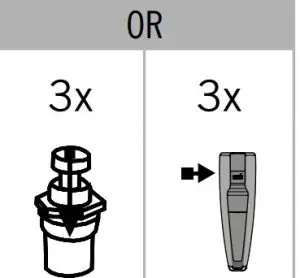
- Press and release the valet switch* or the antenna button 23 TIMES.OR
STEP 4
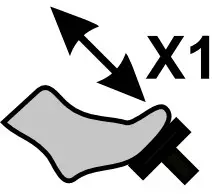
- Press and release the brake pedal once.

STEP 5
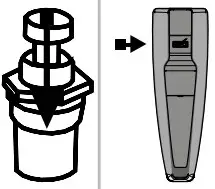
- Press and hold the valet switch* or the antenna button for 5 seconds.
The Parking lights will flash to confirm.
STEP 6
- Turn the Ignition OFF to exit programming.
The Parking lights will flash 4 times.
FUNCTION PROGRAMMING
TO PROGRAM THE REMOTE-STARTER FUNCTION:
- Microsoft Windows Computer with Internet connection*

- Smartphone* (Internet provider charges may apply)

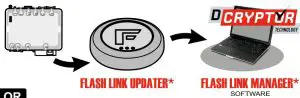
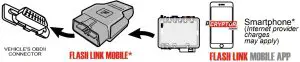
Connect the EVO-ONE to the FLASH LINK UPDATER* and navigate in the Flash-Link Manager*.
*Parts required (not included)
MANUAL TRANSMISSION SEQUENCE FOR COMPATIBLE VEHICLES ONLY
- STEP 1
Make sure that all doors are closed and the transmission is in the NEUTRAL position.
- STEP 2
While the engine is running. Engage the parking brake.
- STEP 3
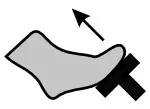
Release the brake pedal.
- STEP 4
Push the START button (3sec.). The Parking lights will flash once and then remain on.
- STEP 5
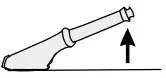
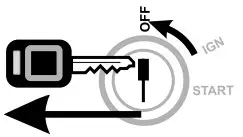
Remove the key from the ignition barrel.The vehicle will remain running with the RemoteStarter.
- STEP 6
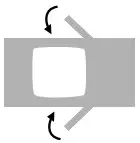
Exit the vehicle and close all of the doors.
The RemoteStarter will stop running once all the doors are closed.
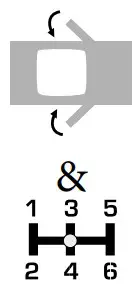

DISARM / ENTER / EXIT VALET MODE
- System armed DEL flash to disarm the system

- System disarmed : LED is OFF to enter and exit valet mode

STEP 1
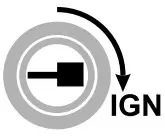
- Insert the key and turn it to the ignition (ON/RUN) position.

STEP 2
- Within 10 seconds press and release the Valet switch or the antenna button 3 TIMES.

System disarmed : LED is OFF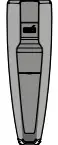
System disarmed and in valet mode : LED is ON.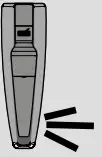
REMOTE START DIAGNOSTICS
Parking Lights flashes (before starting) :
- 3x: Ready mode disabled
- 4x: Valet mode activated (The LED is on)
- 5x: Hood open
Parking Lights flashes (after Shutdown) :
- 1x: Normal stop (Brake, Park Brake)
- 3x: Runtime expired or shut down by transmitter
- 4x: No tachometer signal
- 5x: Hood open
- 6x: Over crank threshold (8 seconds)
ALARM DIAGNOSTICS
Parking Lights flashes (after disarm) :
- 3x: Door open – zone 3
- 4x: Shock sensor – zone 4
- 5x: Hood open – zone 5
- 6x: Trunk open – zone 6
WARNING
NOTICE The manufacturer will accept no responsibility for any electrical damage resulting from improper installation of the product, including either damage to the vehicle itself or to the remote-starter module. This module must be installed by a certified technician including all of the supplied safety devices. Please note that this guide has been written for trained professional technicians, a certain level of skills and knowledge is therefore assumed. Please review the Installation Guide carefully before beginning any work.
WARNING By default this system is setup for vehicles with a manual transmission. For vehicles with an automatic transmission the safety wire loop on the main unit must be cut. Before proceeding to the installation, make sure that the vehicle does not attempt to start when the when the vehicle is in the “drive” or “reverse” position. If an automatic transmission vehicle starts when the transmission is in gear, ensure that the safety wire loop on the unit is not cut. Once the safety wire loop is cut, the system is considered an automatic transmission remote-starter indefinitely. Once a loop is cut all warranties, guaranties, and liability is immediately void if the unit is install on a manual transmission vehicle.Neither the manufacturer or distributor of this module is responsible of damages of any kind indirectly or directly caused by this module, except for the replacement of this module in case of manufacturing defects. This module must be install by qualified technician. This instruction guide may change without notice. To download the installation guide, user guide, or the latest quick installation guide, visit: WWW.FORTIN.CA Technical support: TEL: 514-255-4357 / 1-877-336-7797
 Fortin | Bypass modules, remote starters and alarm systems