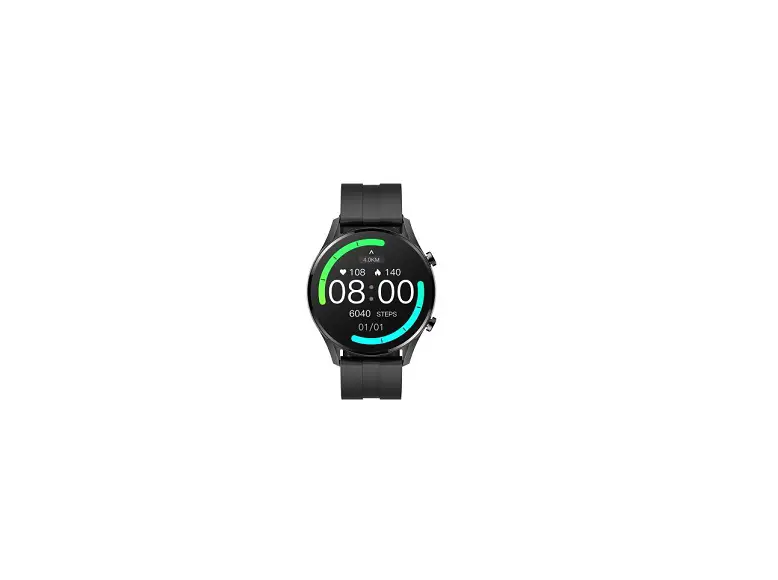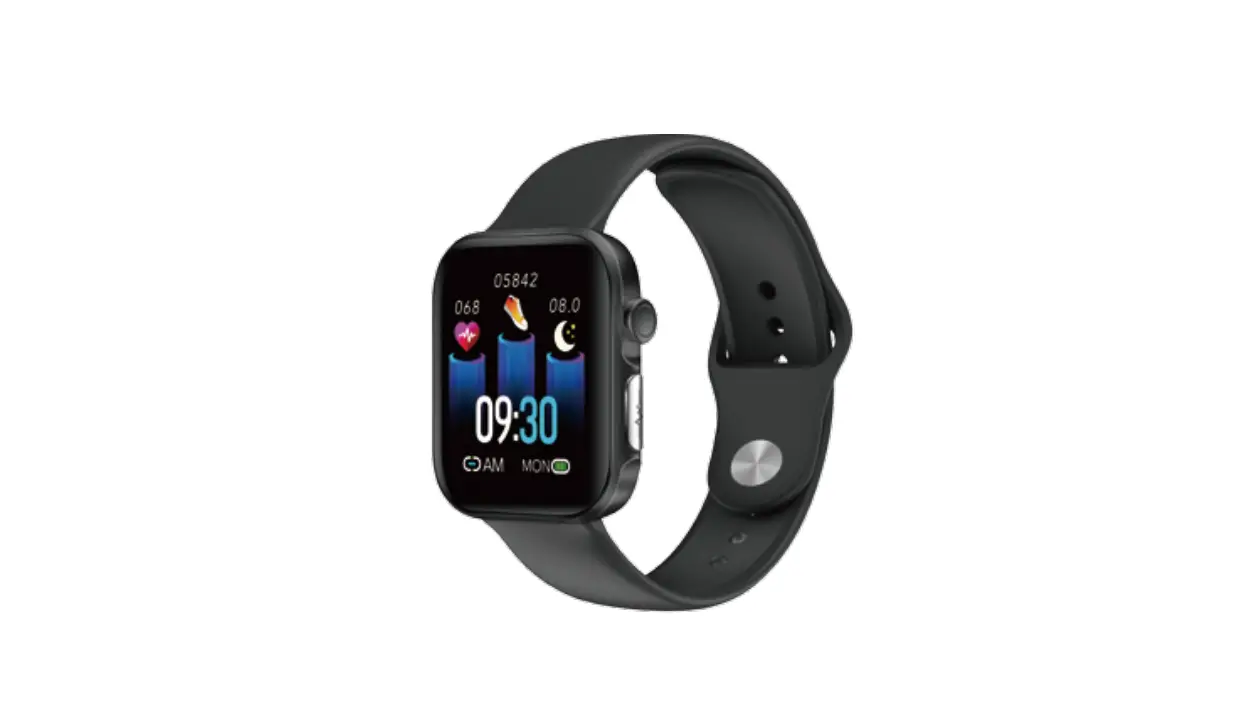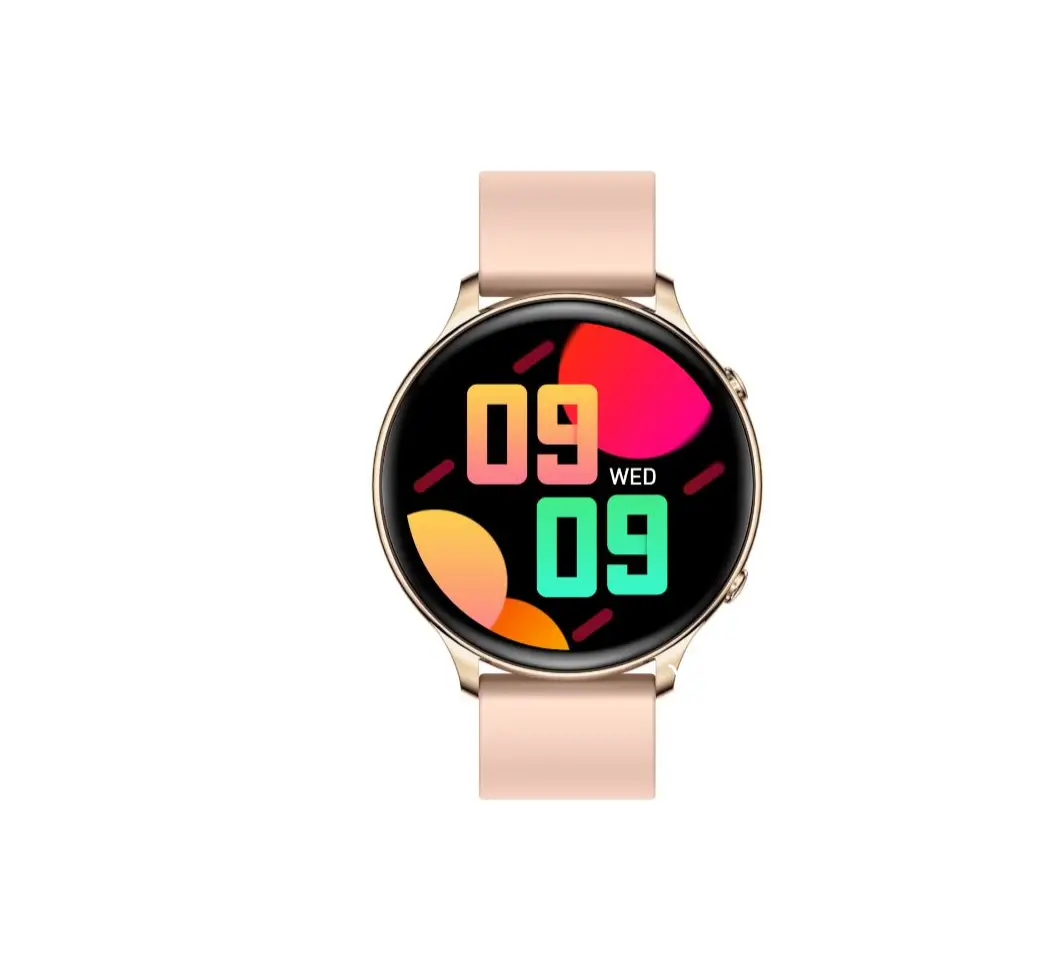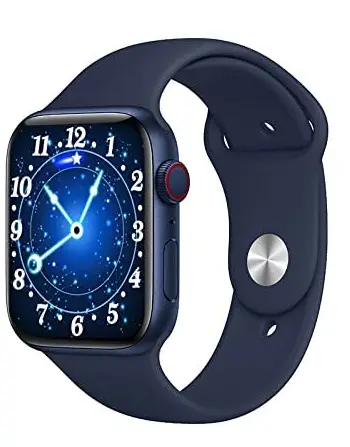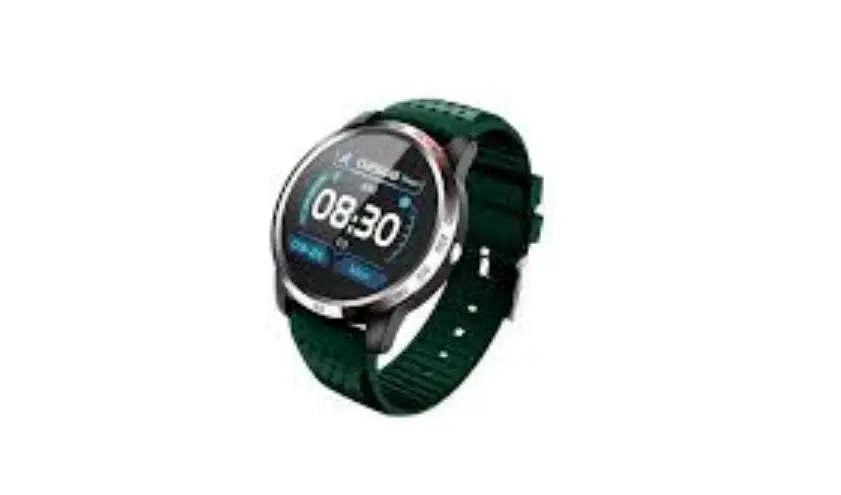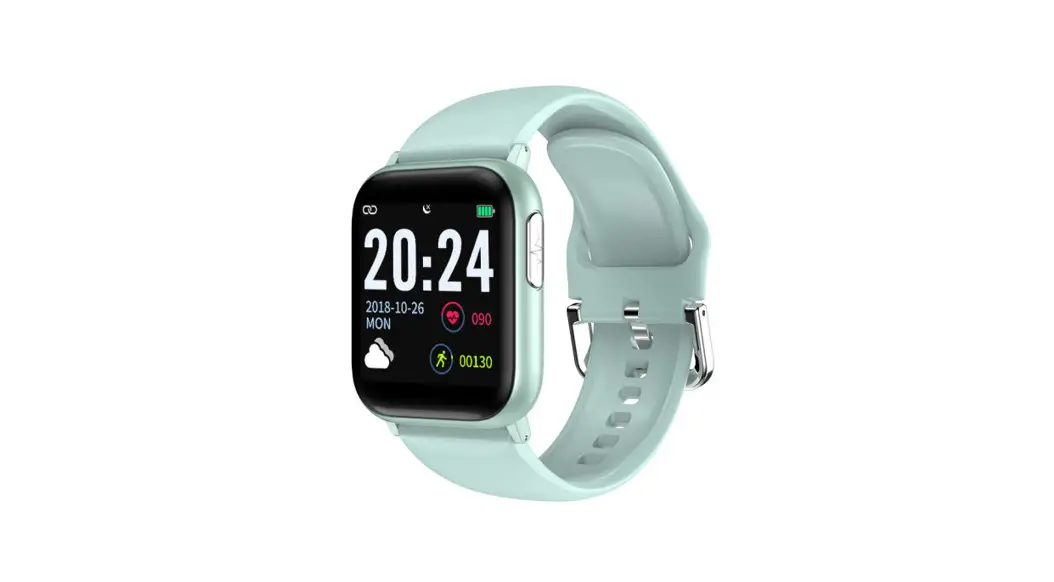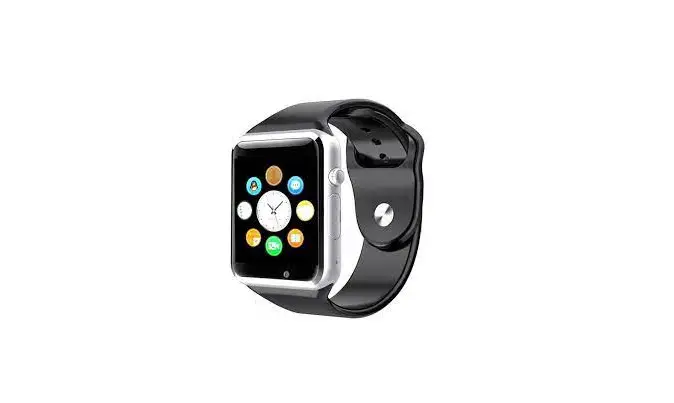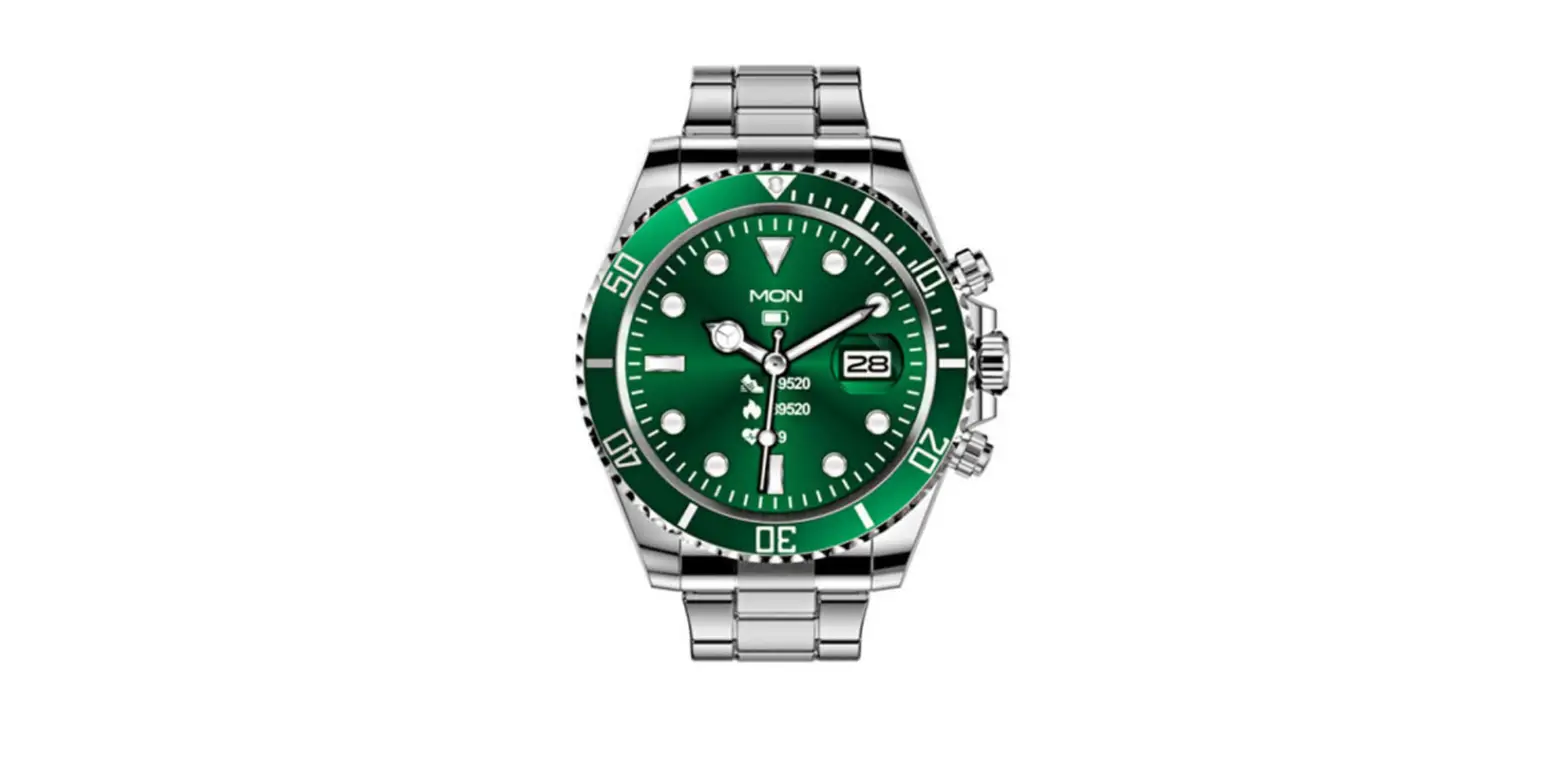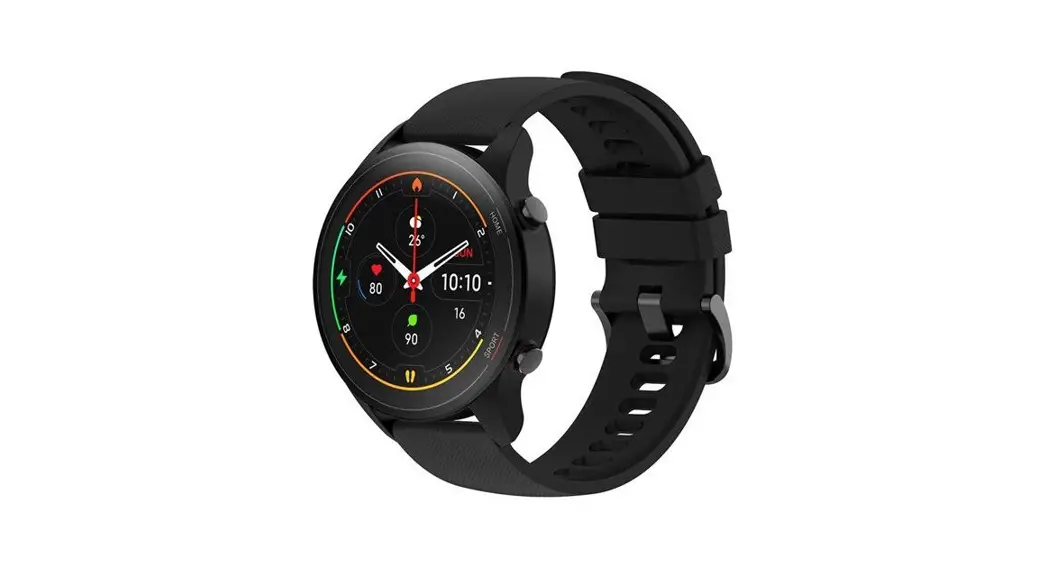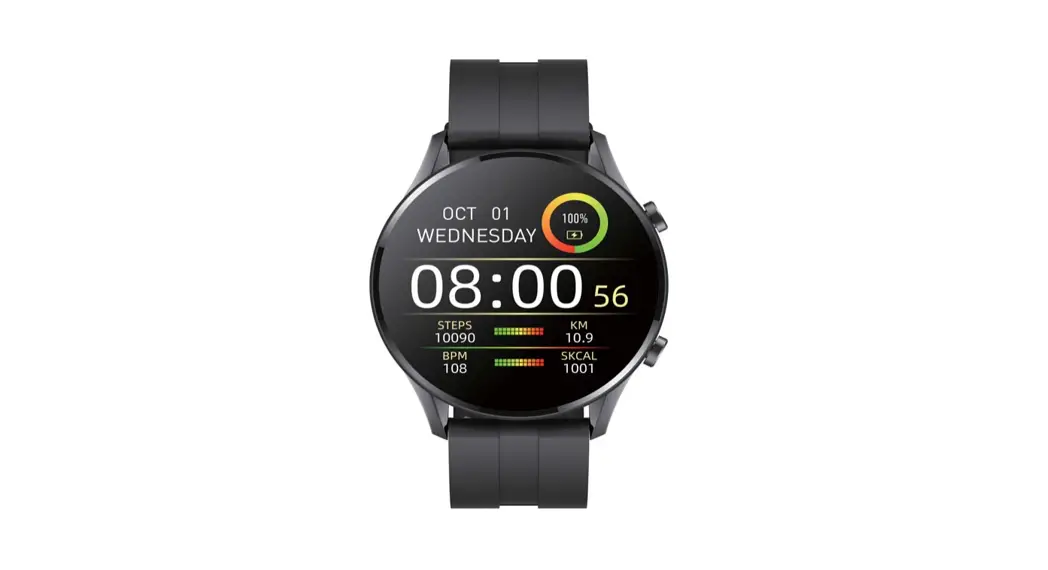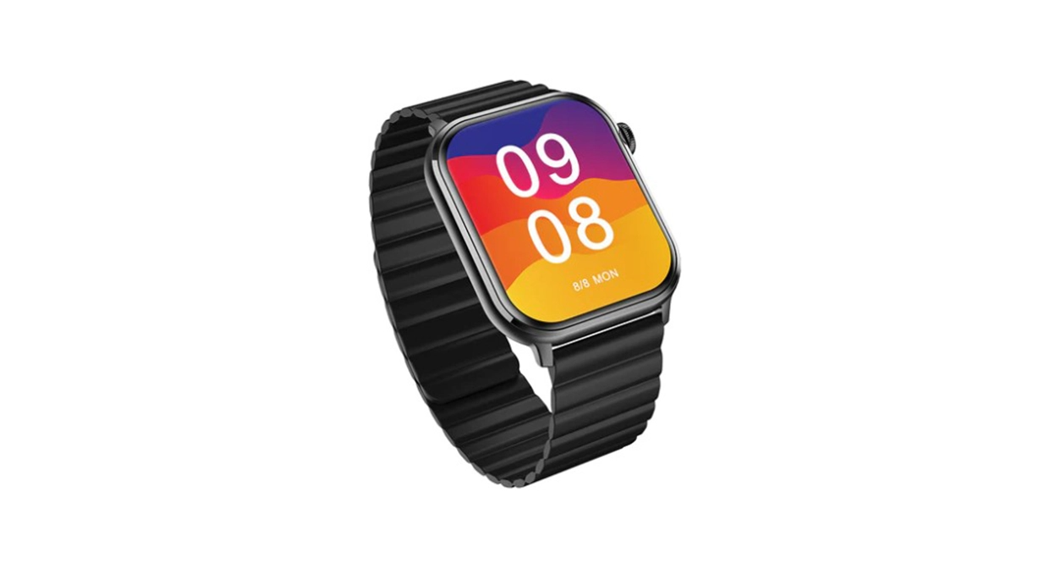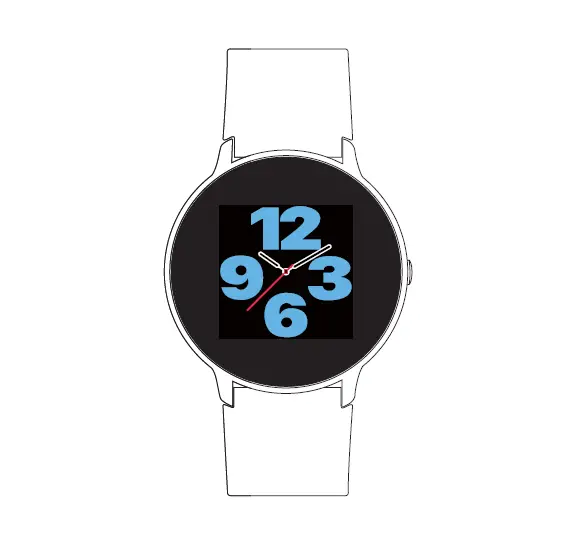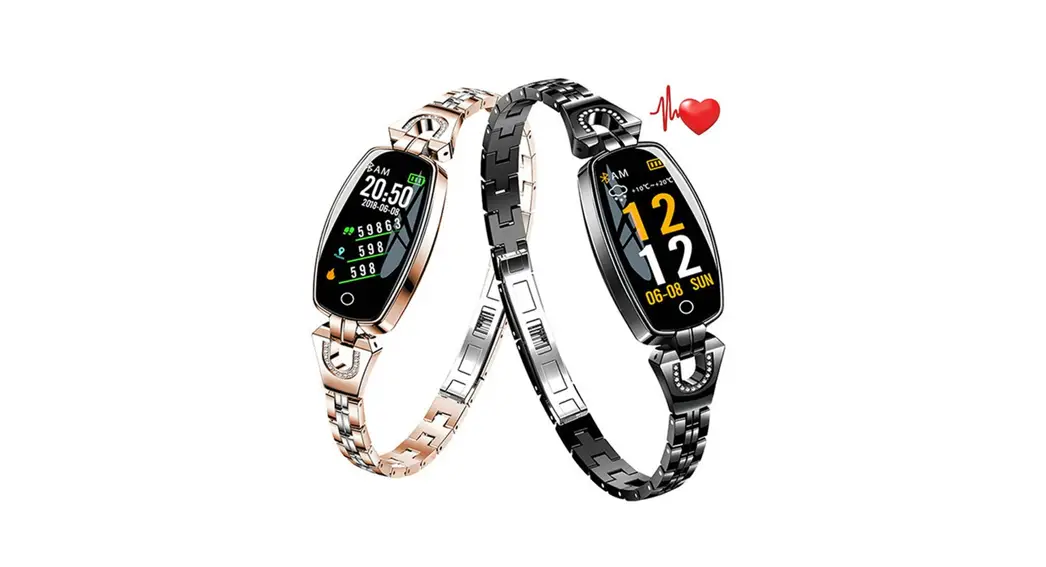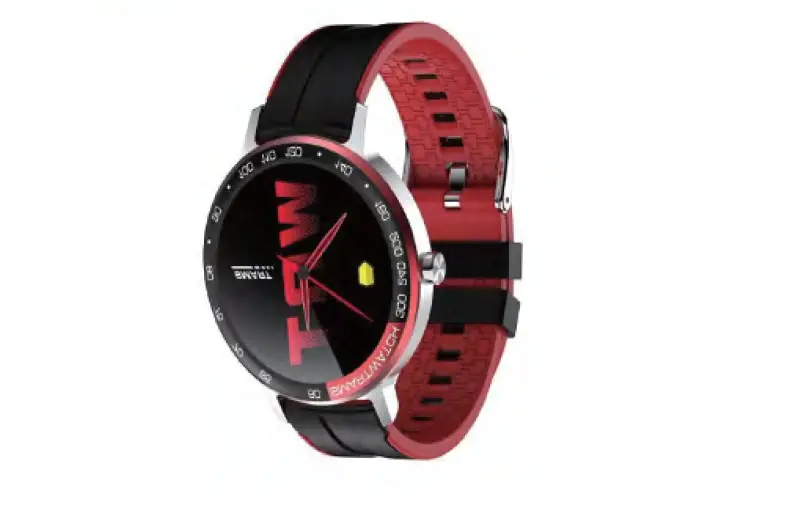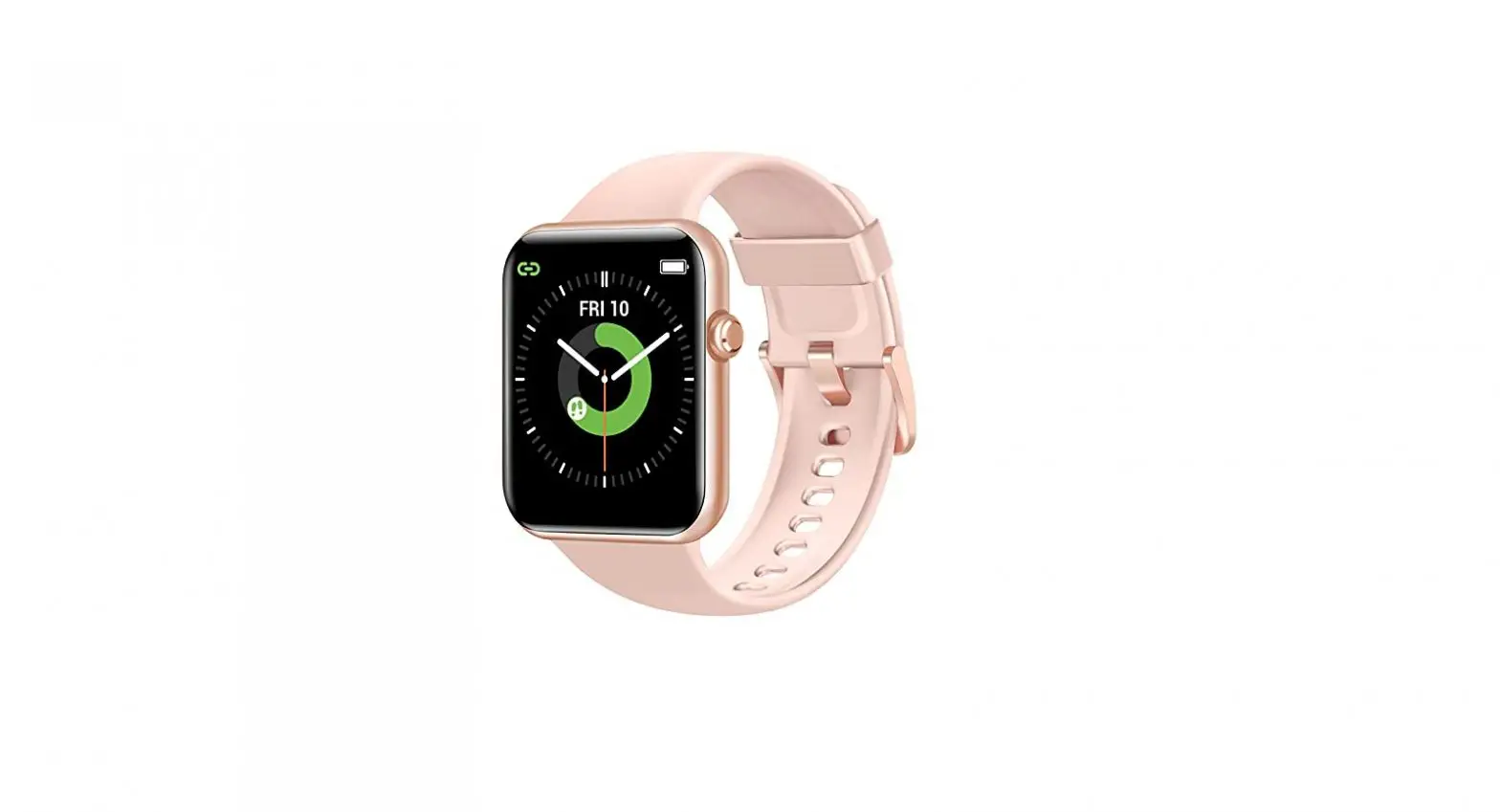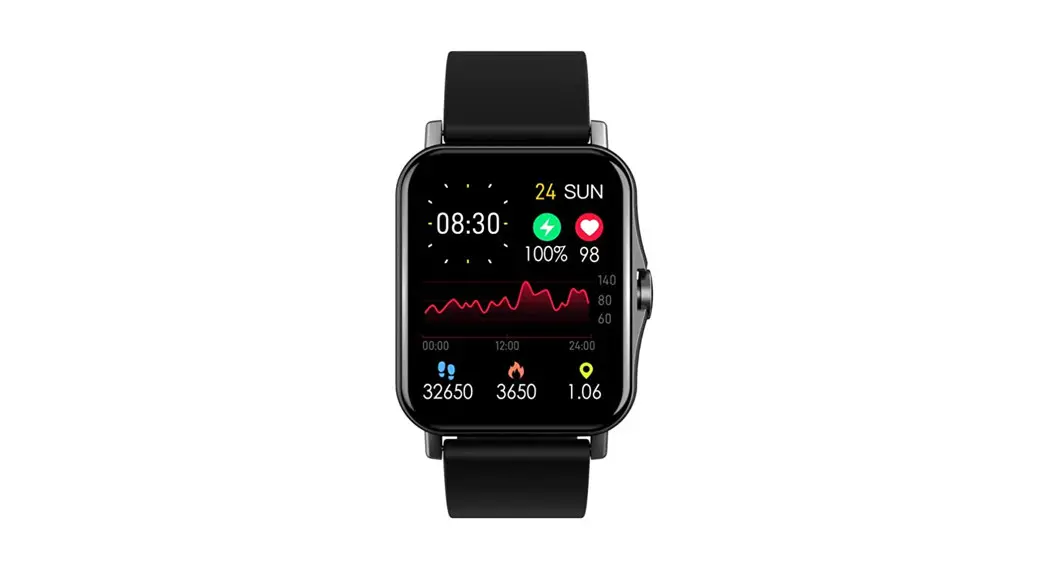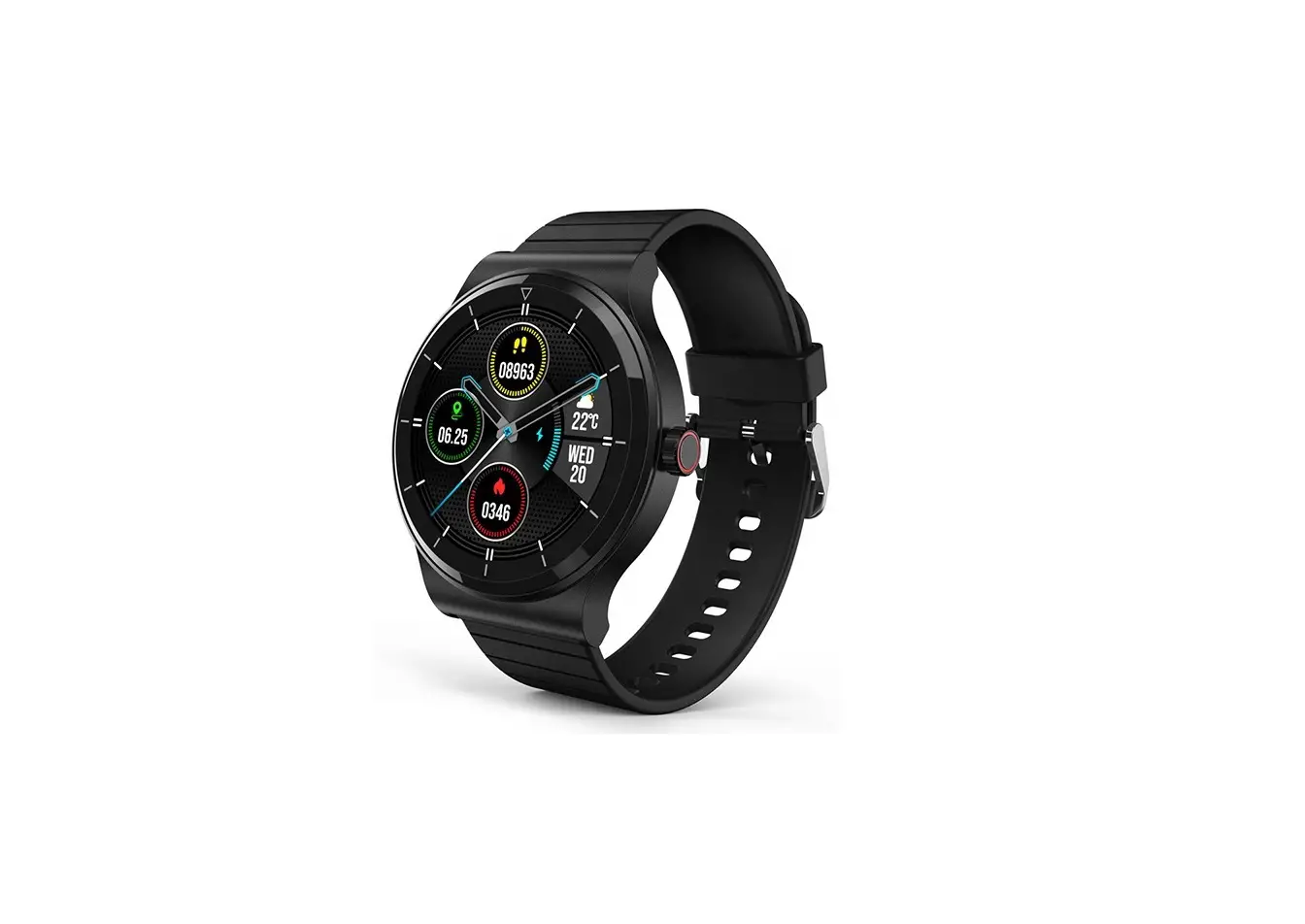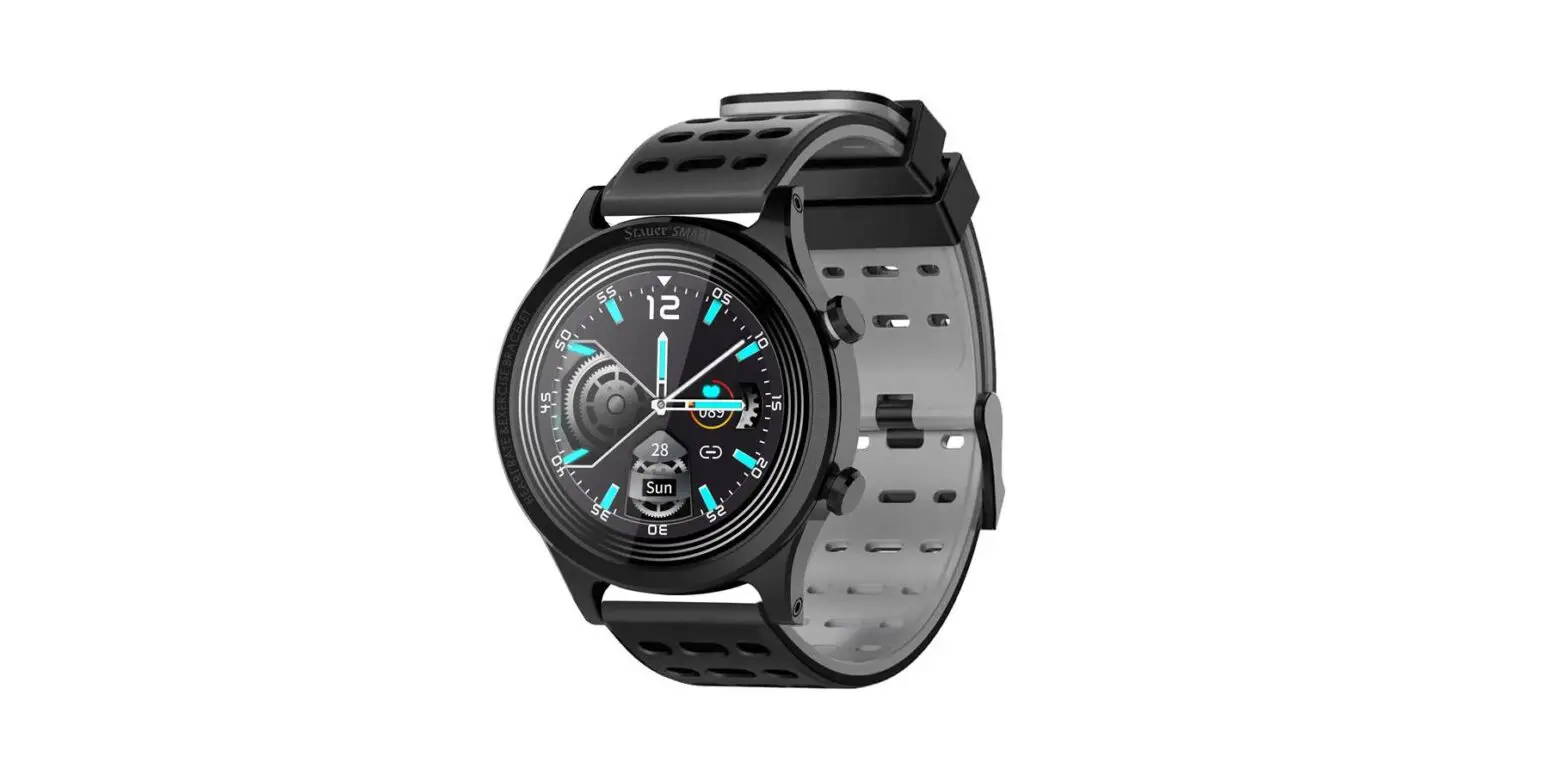
Hiborth Z12 Wearable Technology Smart Watch
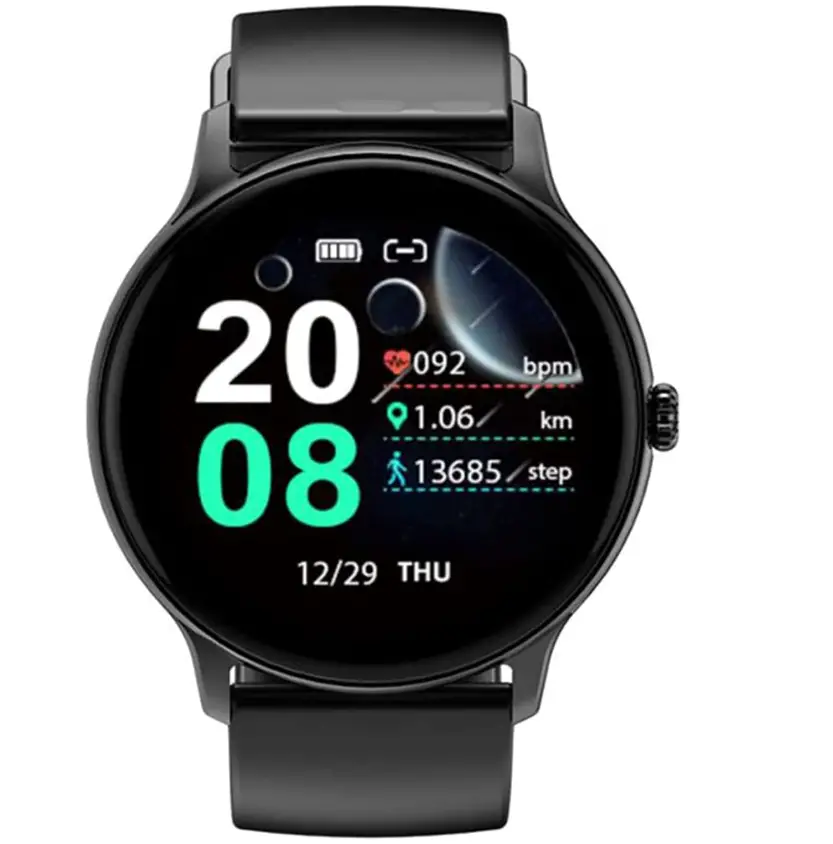
Specifications
- Screen Size 28 Inches
- Shape Round
- Age Range (Description) Kid
- Compatible Devices Smartphone
- Operating System Android,Ios
- Brand Hiborth
Introduction
Hiborth Z12 It is beneficial to get this smart watch since it can automatically monitor your heart rate in real-time, as well as measure your blood pressure and blood oxygen saturation to better understand your physical condition. With a full touch screen design, this smart watch makes it easy to use and adjust. This product is lightweight and incredibly durable because it is made of high-quality ABS plastic. The dial’s thickness is 1 cm, and its diameter is 4.55 cm. Compatible with iOS and Android.
Health Watch
Monitoring your blood pressure and heart rate in real-time can help you more instinctively understand your health and serve as your personal health advisor.
- Never overlook a crucial message. Even when you’re busy, a smart watch can tell you of any critical information you want to know and timely remind you of all of your crucial appointments.
- Sleep Tracker To assist you in modifying your sleeping patterns and improving the quality of your sleep, precise and scientific monitoring of the sleep characteristics of the various sleep stages, light sleep, deep sleep, and rapid eye movement periods is performed.
- Male and female Fitness Tracker Watches Running, fitness, cycling, climbing, yoga, walking, hiking, spinning, and stepping are just a few of the nine workout modes that a waterproof smartwatch can be configured to. It also offers daily health analysis and improvement reference data.
- Modern Monitor A smartwatch that measures blood pressure Blood pressure watch men with the newest built-in optical sensor can measure your blood pressure and track your heart rate in real-time throughout the day. With the help of a Bluetooth smartwatch for iOS and Android, you can monitor your sleep patterns throughout the day and evaluate your sleep patterns (including the amount of deep, light, and waking sleep) to better understand your health and make sensible lifestyle adjustments.
- Data from daily health monitoring An sophisticated algorithm is combined with the built-in choice heart rate sensor. It enables the monitoring of heart rate, blood oxygen levels, and sleep efficiency. To better understand your physical health and make appropriate modifications, you can always access your all-day measurement data in the APP.
Frequently Asked Questions
Navigate to the Bluetooth screen on your phone. Click on Scan Devices or Search for Devices at the bottom of the screen while Bluetooth is turned on. Choose your smartwatch from the list of devices. A new screen will then appear with a code on it.
Numerous pieces of data about you are gathered by smart watches. If your gadget is set up to accept payments, it can be your financial information or your daily step count and travel patterns. Depending on the apps you’ve installed and the personal information you’ve given, the list keeps expanding.
You must first switch on your smartwatch and download the Android Wear app(Opens in a new window) to your smartphone. Put your watch in the charging cradle while the power is connected if it lacks a physical button, like the LG G Watch. Your smartphone should have Bluetooth turned on as well.
If you’re experiencing trouble syncing your watch and phone, check to see if the Wear OS by Google app is up to date and that your phone’s operating system is compatible (Android 6.0+ and iOS 10.0+). Check to see if Bluetooth is enabled on your phone, then turn it off and on again.
You’re good to go as long as the phone is receiving data of some kind, whether it be from Wi-Fi or a mobile data network, and the watch is in a location with a reachable Wi-Fi network.
A USB adaptor, like the one that comes with the majority of contemporary Android smartphones and tablets, is the most popular charging device. When it has been plugged in, the display ought to turn on.
Go to Settings > System > Advanced> Reset Options > Reset Wi-fi, mobile, & Bluetooth on Android devices. For iOS and iPadOS devices, you’ll need to unpair every device first, then restart your phone or tablet by going to Settings > Bluetooth, selecting the info icon, then selecting Forget This Device for each device.
Yes, if you leave your phone at home, your smartwatch will still function. Basic functions like checking the clock and streaming offline music will be possible with it. It can connect to your phone, make calls, and function normally if it is connected to the internet or cellular network.
When choosing a screen cover for your smartwatch, choose tempered glass. Buy a glass screen cover for your smartwatch from an electronics retailer or online if it includes an interactive screen.
Depending on the surroundings, the wireless Bluetooth connection’s range between your phone and smartwatch can change significantly. Generally speaking, you should have connectivity of at least 10 metres (or 30 feet).