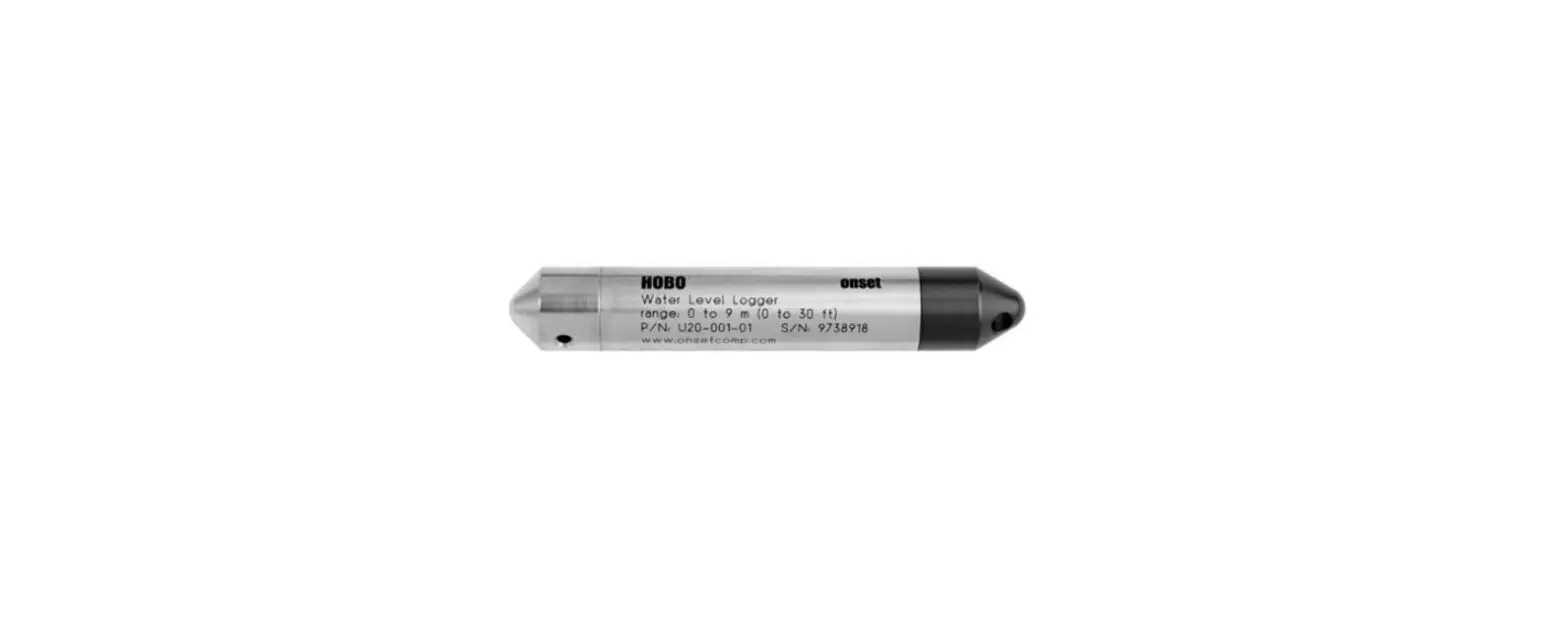
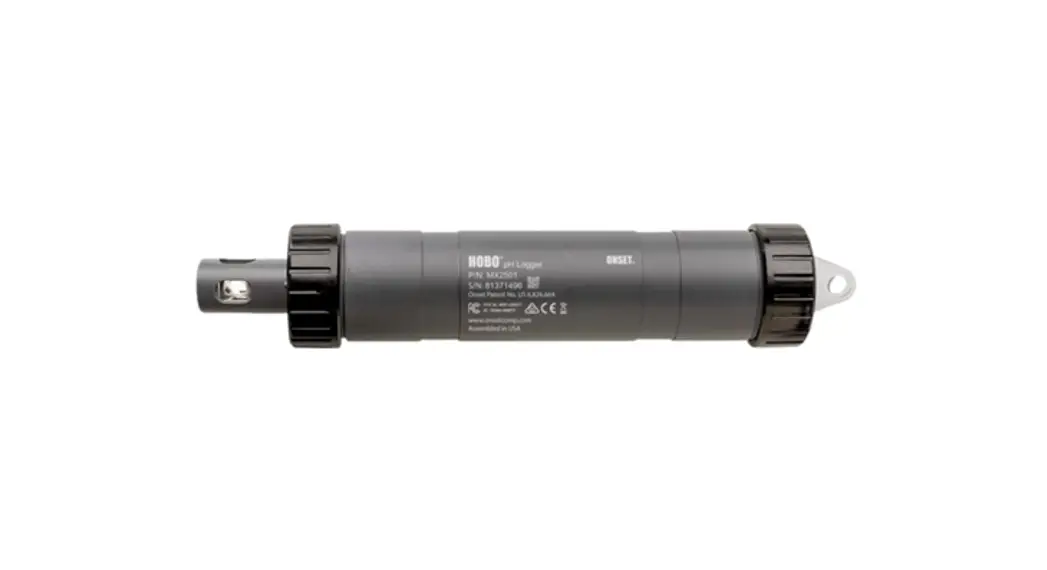
U22-001 Water Temperature Pro v2 Data Logger
Product Information:
The product is a HOBO data logger that is used to measure and
record temperature and humidity. The data logger comes with a
sensor that can be attached to the base station or the waterproof
shuttle. The device can be connected to a computer using the USB
Optic Base Station (BASE-U-4) or HOBO Waterproof Shuttle (U-DTW-1).
The device can be configured using the HOBOware software, which can
be downloaded from www.onsetcomp.com/hoboware-free-download. The
device can be launched from the Device menu and logging will begin
based on the selected settings.
Product Usage Instructions:
- Download and install the latest version of HOBOware software
from www.onsetcomp.com/hoboware-free-download. - Refer to the hardware manual at
www.onsetcomp.com/support/manuals/10366 to attach the USB Optic
Base Station (BASE-U-4) or HOBO Waterproof Shuttle (U-DTW-1) to a
USB port on the computer. - Attach the sensor to the base station or the waterproof shuttle
by aligning the bump on the logger with the groove on the coupler.
Ensure that the coupler lever is engaged if using the HOBO
Waterproof Shuttle. - Launch the device by selecting Launch from the Device menu in
HOBOware software. - Select the logging options and click Start to begin logging
based on the selected settings. - For additional information about the device, scan the code at
left or go to www.onsetcomp.com/support/manuals/10366.
For any sales-related inquiries, contact Onset Computer Corporation
at 1-508-759-9500 or visit www.onsetcomp.com/support/contact. The
device has been manufactured in compliance with Onset’s ISO
9001:2015 Quality Management System.
HOBO® Water Temp Pro v2 (U22-001) Quick Start
1 Open HOBOware software. (Get the latest software at www.onsetcomp.com/hoboware-free-download.)
2 Attach the USB Optic Base Station (BASE-U-4) or HOBO Waterproof Shuttle (U-DTW-1) to a USB port on the computer (refer to the hardware manual at www.onsetcomp.com/support/manuals/10366 for details).
3 Attach the coupler (COUPLER-C) to the base station or shuttle, then insert the logger into the coupler so that the bump on the logger slides into the groove of the coupler. There is also an arrow etched on the logger case showing the direction the logger should be inserted into the coupler. If you are using the HOBO Waterproof Shuttle, make sure it is connected to the USB port on the computer and briefly press the coupler lever to put the shuttle into base station mode. It may take a few seconds for new hardware to be detected by the computer.
Bump on logger Groove on coupler
Sensor
To base station
Communications window
Coupler lever (for use with HOBO Waterproof Shuttle)
4 From the Device menu, select Launch. Select the logging options and click Start. Logging will begin based on the settings you selected.
5 Deploy the logger. Depending on water conditions and desired measurement location, the logger should be appropriately weighted, secured, and protected. Place the included cap over the communications window to protect it from fouling and abrasion or use the optional boot (BOOT-BLK or BOOT-WHT) for high fouling environments and for protection against very cold temperatures (which can make the case brittle and prone to fracture) or repeated pounding and abrasion caused by turbulent flow. See the logger manual at www.onsetcomp.com/support/manuals/10366 for complete deployment details.
6 To read out the logger, remove it from the water. Follow steps 13 and select Read Out from the Device menu in HOBOware or use the Waterproof Shuttle. Refer to the HOBOware Help for complete details on reading out and viewing data.
For more information about this logger, scan the code at left or go to www.onsetcomp.com/support/manuals/10366.
U.S. and International Sales: 1-508-759-9500 www.onsetcomp.com/support/contact
© 20172023 Onset Computer Corporation. All rights reserved. Onset, HOBO, and HOBOware are registered trademarks of Onset Computer Corporation. All other trademarks are the property of their respective companies.
This product has been manufactured by Onset Computer Corporation and in compliance with Onset’s ISO 9001:2015 Quality Management System.
21827-C MAN-U22-QSG
 HOBOware - Software Updates | Onset's HOBO and InTemp Data Loggers