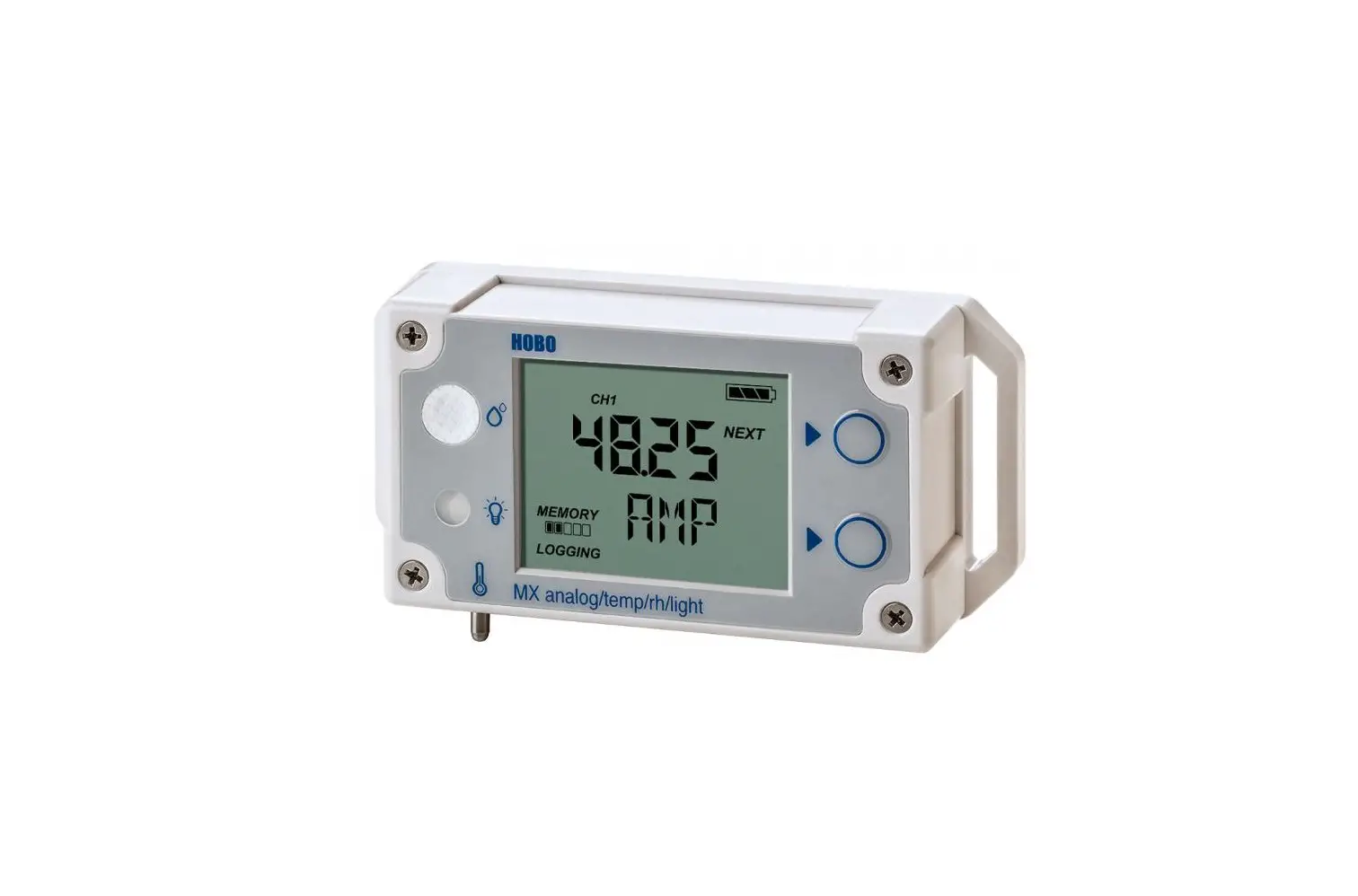
Pro v2 Logger U23-00x
Product Information: HOBO PRO v2 LOGGER
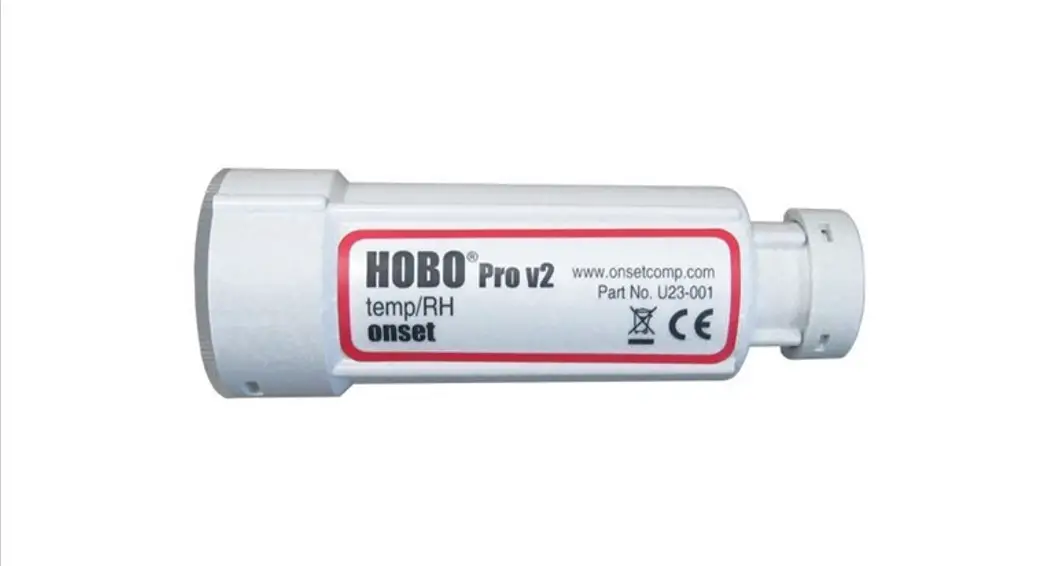
The HOBO PRO v2 LOGGER is a device used for measuring and
recording environmental data such as temperature, humidity, light
intensity, and more. It is equipped with communication LEDs, a
coupler, and can be connected to a computer using a USB Optic Base
Station or HOBO Waterproof Shuttle.
The logger comes with an external sensor for the U23-002 or
U23-002A model, which must be mounted vertically. The U23-001 or
U23-001A model must be mounted horizontally. A solar radiation
shield and UV Protective Cap are included to protect the device
from sunlight. The sensor cable should be protected in conduit if
there are hazards present.
Product Usage Instructions:
- Attach the USB Optic Base Station (BASE-U-4) or HOBO Waterproof
Shuttle (U-DTW-1) to a USB port on the computer. Refer to the
hardware manual at www.onsetcomp.com/resources for details. - Attach the coupler (COUPLER2-E) to the base station or shuttle,
then insert the logger into the coupler with the ridge on the
logger aligned with the ridge on the coupler as shown. If using the
HOBO Waterproof Shuttle, make sure it is connected to the USB port
on the computer and briefly press the coupler lever to put the
shuttle into base station mode. It may take a few seconds for new
hardware to be detected by the computer. - From the Device menu in HOBOware, select Launch. Select the
logging options and click Start. Logging will begin based on the
settings you selected. - Deploy the logger by mounting it on a surface with the
communication window facing up or to the side. Leave about 5 cm (2
inches) of drip loop in the cable where it comes out of the logger
to prevent water from entering the logger housing. A solar
radiation shield is required if the logger with internal sensors or
the external sensors will be in sunlight at any time. If the logger
housing will be in sunlight, slide the included protective cap over
the logger communication window to protect the window against UV
light. - If there are chewing rodents or other cable hazards present,
protect the sensor cable in conduit.
For full deployment and maintenance guidelines, refer to the
manual at www.onsetcomp.com/resources/documentation/10694-man-u23
or scan the QR code provided. For more information about this
logger, refer to the product manual or contact Onset Computer
Corporation’s sales and support team.
HOBO® Pro v2 Logger (U23-00x) Quick Start
1 Open HOBOware® software. (Get the latest software at www.onsetcomp.com/hoboware-free-download.)
2 Attach the USB Optic Base Station (BASE-U-4) or HOBO Waterproof Shuttle (U-DTW-1) to a USB port on the computer (refer to the hardware manual at www.onsetcomp.com/resources for details).
3 Attach the coupler (COUPLER2-E) to the base station or shuttle, then insert the logger into the coupler with the ridge on the logger aligned with the ridge on the coupler as shown. If you are using the HOBO Waterproof Shuttle, make sure it is connected to the USB port on the computer and briefly press the coupler lever to put the shuttle into base station mode. It may take a few seconds for new hardware to be detected by the computer.
HOBO PRO v2 LOGGER
Align ridges
To base station
Sensors
COUPLER
Communication LEDs
Coupler level (for use with HOBO Waterproof Shuttle
4 From the Device menu in HOBOware, select Launch. Select the logging options and click Start. Logging will begin based on the settings you selected.
5 Deploy the logger. When mounting the logger, be sure the logger cable is not being pulled. Also leave about 5 cm (2 inch) of drip loop in the cable where it
comes out of the logger to prevent water from entering the logger housing.
A solar radiation shield is required if the logger with internal sensors or the
UV Protective Cap
Drip Loop
external sensors will be in sunlight at any time. If the logger housing will be in sunlight, slide the included protective cap over the
logger communication window to protect the window against UV light.
Use the included clamp to mount the logger to a surface as shown with the communication window facing up or to the side. This will prevent condensation from pooling on the sensor or cable grommet.
Drip Loop
The U23-001 or U23-001A logger must be mounted horizontally. If the U23-001 or U23-001A logger is being deployed in a solar radiation shield, it must be mounted horizontally.
The external sensor for a U23-002 or U23-002A logger, must be mounted vertically. If the sensor is being deployed in a solar radiation shield, it must be mounted as shown.
If there are chewing rodents or other cable hazards present, the sensor cable should be protected in conduit. For full deployment and maintenance guidelines, see the manual at www.onsetcomp.com/resources/documentation/10694-man-u23.
6 To read out the logger, remove it from the deployment location. Follow steps 13 and select Read Out from the Device menu in HOBOware or use the Waterproof Shuttle. Refer to the HOBOware Help for complete details on reading out and viewing data.
For more information about this logger, refer to the product manual. Scan the code at left or go to www.onsetcomp.com/resources/documentation/10694-man-u23.
U.S. and International Sales: 1-508-759-9500 www.onsetcomp.com/support/contact
© 20172023 Onset Computer Corporation. All rights reserved. Onset, HOBO, and HOBOware are registered trademarks of Onset Computer Corporation. All other trademarks are the property of their respective companies.
This product has been manufactured by Onset Computer Corporation and in compliance with Onset’s ISO 9001:2015 Quality Management System.
22138-D MAN-U23-QSG
 HOBOware - Software Updates | Onset's HOBO and InTemp Data Loggers