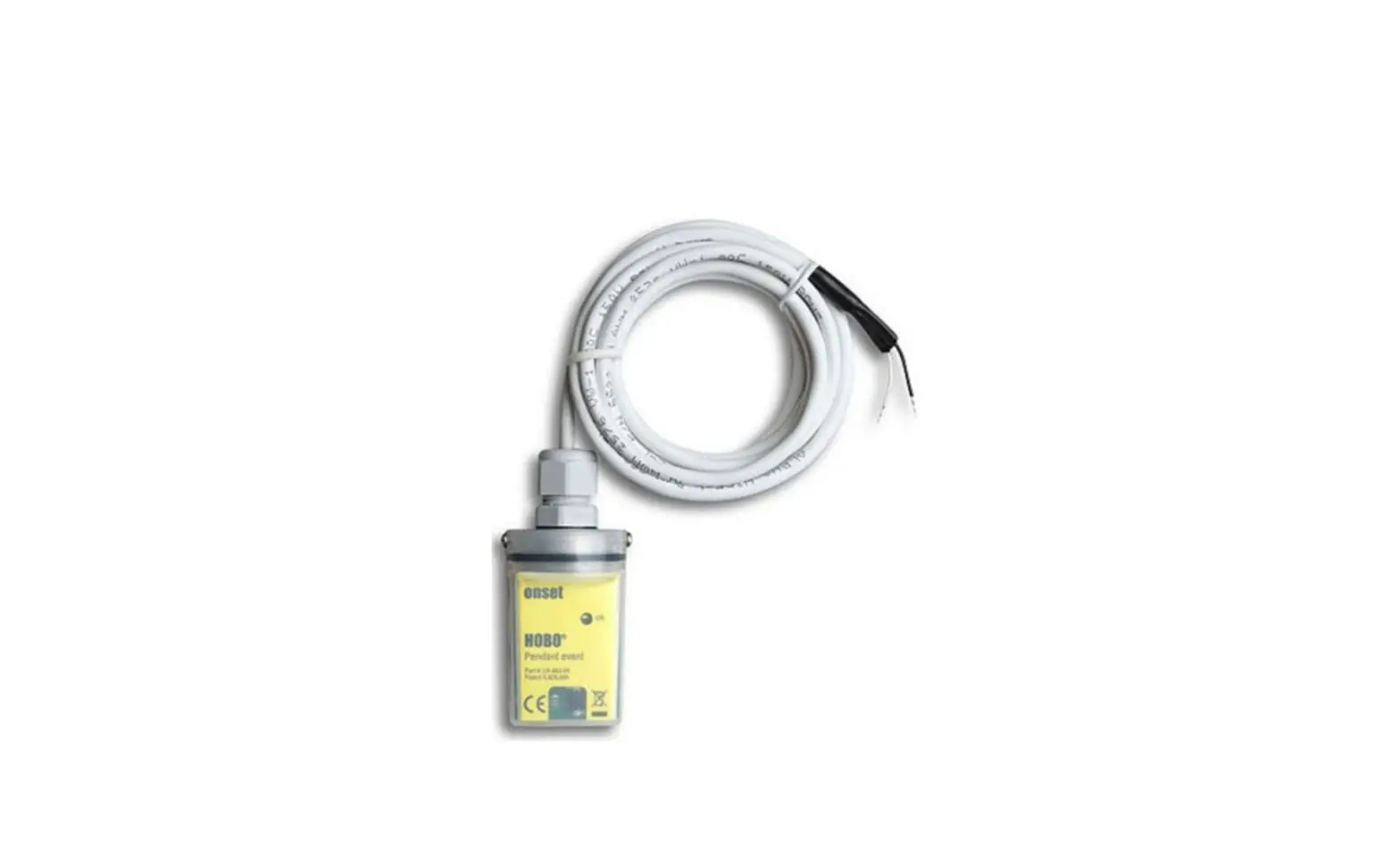
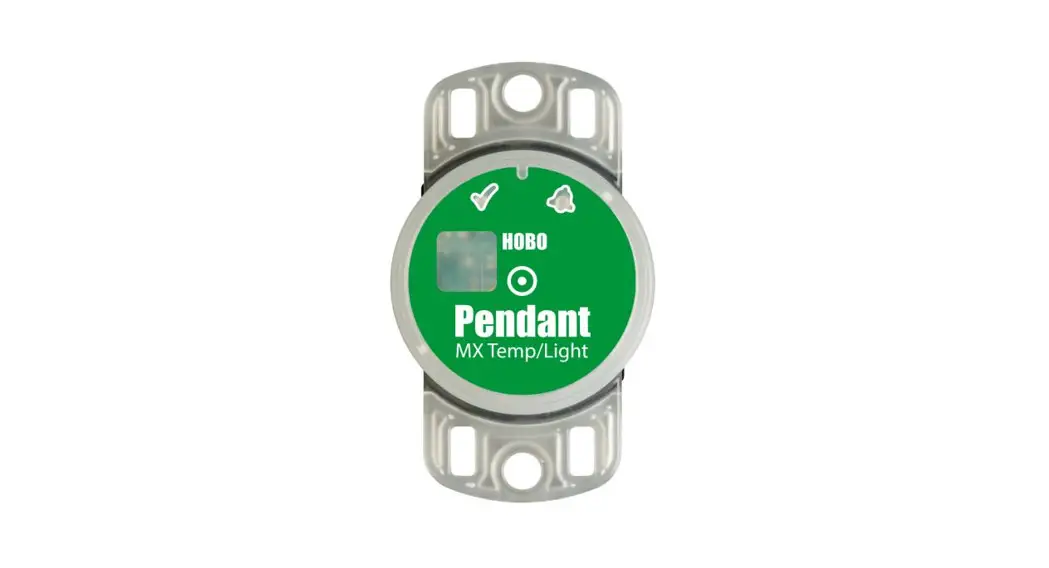
UA-00x Pendant Data Logger
Product Information: Logger Deployment Kit
The Logger Deployment Kit is a set of tools and accessories
designed to deploy a logger, which is a device used to measure and
record environmental data such as temperature, humidity, and light.
The kit includes the following components:
- Pendant Optic USB Base Station & Coupler (BASE-U-1)
- USB Optic Base Station (BASE-U-4)
- HOBO Waterproof Shuttle (U-DTW-1)
- Logger
Usage Instructions:
- Attach one of the following to a USB port on your
computer:
- Pendant Optic USB Base Station & Coupler (BASE-U-1)
- USB Optic Base Station (BASE-U-4)
- HOBO Waterproof Shuttle (U-DTW-1)
Refer to the hardware manual at www.onsetcomp.com/resources for
more details.
shown in the diagrams below:
For BASE-U-1:
Make sure that the logger is inserted in the end of the coupler
that has the magnet, and that the ridges on the base station and
logger are aligned with the grooves in the coupler.

For BASE-U-4 or HOBO Waterproof Shuttle:
Firmly insert the optical end of the base station into the
D-shaped end of the coupler, and make sure that the ridge on the
logger is aligned with the groove in the coupler. If you are using
the HOBO Waterproof Shuttle, briefly press the coupler lever to put
the shuttle into base station mode.

manual, which can be found at www.onsetcomp.com/resources.
manual. Scan the code at left or go to www.onsetcomp.com/resources/documentation/9531-k-man-ua-001.
If you need further assistance with this product, please contact
U.S. and International Sales at 1-508-759-9500 or visit www.onsetcomp.com/support/contact.
This product has been manufactured by Onset Computer Corporation
and is compliant with Onset’s ISO 9001:2015 Quality Management
System. Patent #6,826,664.
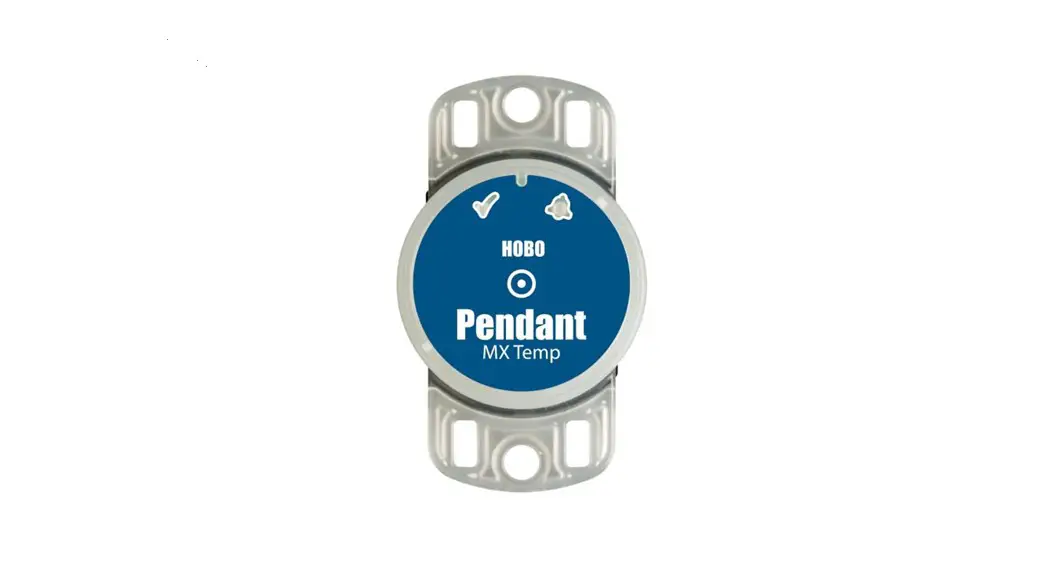
HOBO® Pendant® Data Logger (UA-00x) Quick Start
1 Open HOBOware® software. (Get the latest software at www.onsetcomp.com/hoboware-free-download.)
2 Attach the Pendant Optic USB Base Station & Coupler (BASE-U-1), the USB Optic Base Station (BASE-U-4), or HOBO Waterproof Shuttle (U-DTW-1) to a USB port on the computer (refer to the hardware manual at www.onsetcomp.com/resources for details).
3 Insert the logger and the base station into the coupler, as shown in the following diagrams. If the logger has never been connected to the computer before, it may take a few seconds for the new hardware to be detected.
For BASE-U-1, make sure that the logger is inserted in the end
of the coupler that has the magnet, and that the ridges on the
base station and logger are aligned with the grooves in the
coupler.
BASE-U-1 & COUPLER
Ridge
For BASE-U-4 or the HOBO Waterproof Shuttle, firmly insert the optical end of the base station into the D-shaped end of the coupler, and make sure that the ridge on the logger is aligned with the groove in the coupler. If you are using the HOBO Waterproof Shuttle, briefly press the coupler lever to put the shuttle into base station mode.
To BASE-U-4 or HOBO Waterproof Shuttle
Optical communication window
LOGGER
LOGGER
Magnet
COUPLER2-A
Right side down
Coupler lever (for use with HOBO Waterproof Shuttle)
4 From the Device menu in HOBOware, select Launch. Select the logging options and click Start. For UA-004 models: When choosing launch settings, use Normal mode for applications involving tilt, activity, and inclination. Use Fast mode for applications involving vibration and shock. Note that connecting the logger to the computer or a shuttle when logging in fast mode will stop the logger. Logging will begin based on the settings you selected. To use a magnet to trigger the logger to start logging, launch the logger with Using Coupler selected in HOBOware. Once the software indicates the logger has been successfully launched, remove the logger from the coupler.
5 Deploy the logger using these guidelines. Refer to the logger manual at www.onsetcomp.com/resources for complete deployment details.
· The logger can be damaged if the water depth rating is exceeded. The depth rating is approximately 30 m (100 ft) at temperatures below 20°C (68°F), but is less in warmer water.
· Do not store the logger in the coupler. Remove the logger from the coupler when you are not using it. · If using a triggered start, bring an empty coupler or strong magnet to the deployment location. When you are ready for the logger
to start logging, insert the logger into the empty coupler (or place it next to a strong magnet) and remove it after three seconds. Verify that the logger’s OK LED is blinking at least every four seconds. · For UA-003 models: Connect the black and white input wires to the relay output of most tipping-bucket rain gauges. If your rain gauge has a counter display and battery, disconnect them and attach the Pendant logger instead. Do not touch the logger’s input wires together when connecting or disconnecting the logger while it’s logging as this will record a false event.
6 To read out the logger, remove it from the deployment location. Follow steps 13 and select Read Out from the Device menu in HOBOware or use the Waterproof Shuttle. Refer to the HOBOware Help for complete details on reading out and viewing data.
For more information about this logger, refer to the product manual. Scan the code at left or go to www.onsetcomp.com/resources/documentation/9531-k-man-ua-001.
U.S. and International Sales: 1-508-759-9500 www.onsetcomp.com/support/contact
© 20172023 Onset Computer Corporation. All rights reserved. Onset, HOBO, Pendant, and HOBOware are registered trademarks of Onset Computer Corporation. All other trademarks are the property of their respective companies.
This product has been manufactured by Onset Computer Corporation and in compliance with Onset’s ISO 9001:2015
Quality Management System.
Patent # 6,826,664
22136-C MAN-UA-QSG
 HOBOware - Software Updates | Onset's HOBO and InTemp Data Loggers