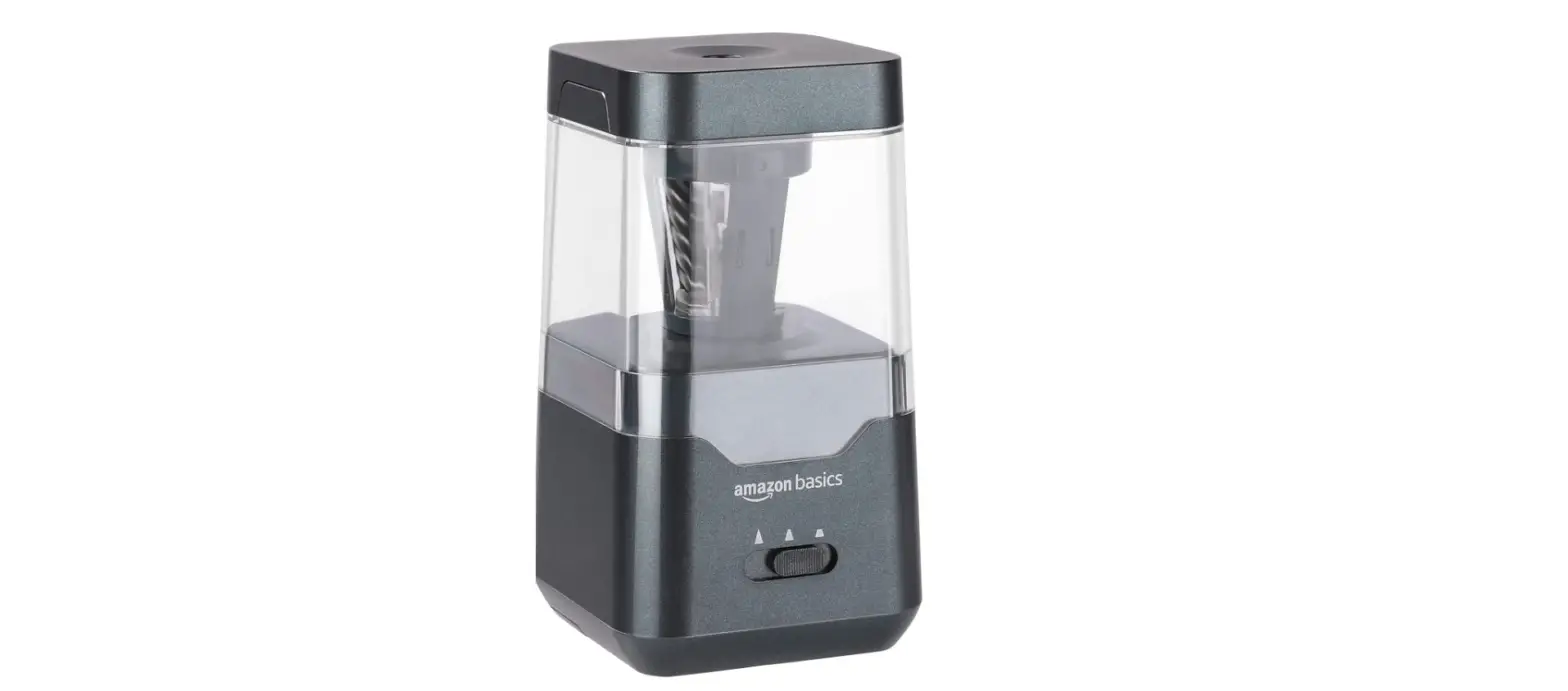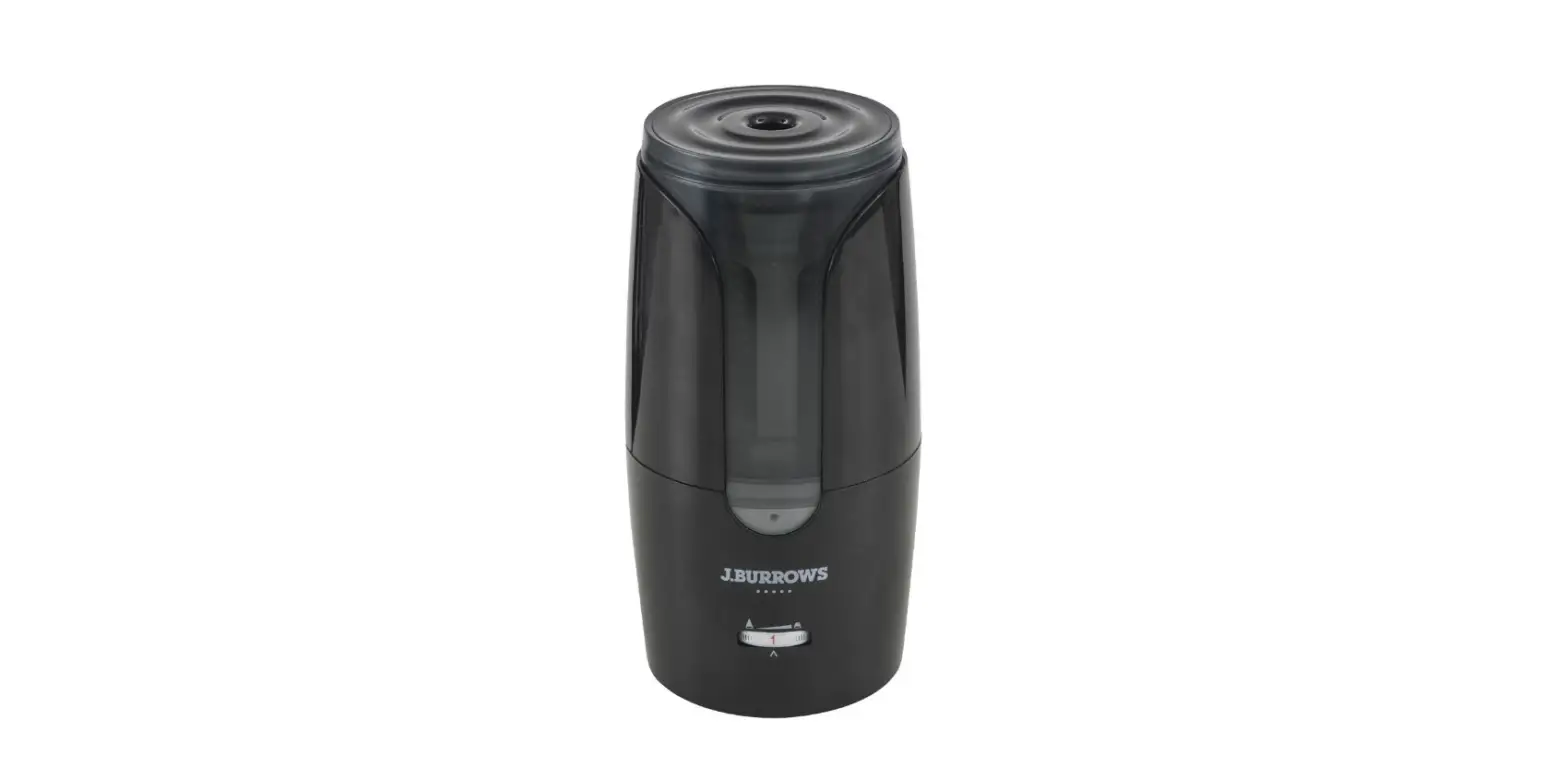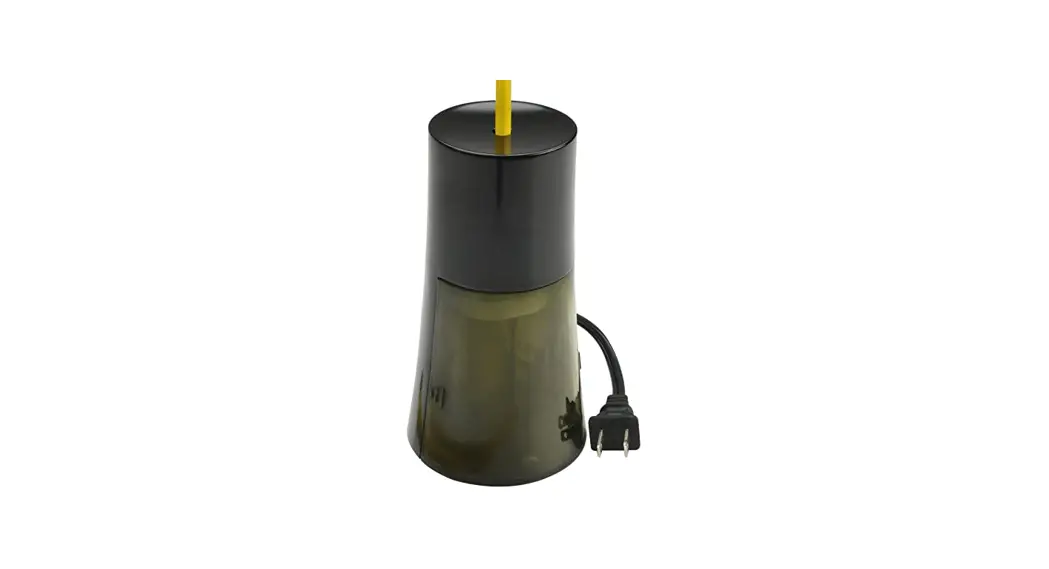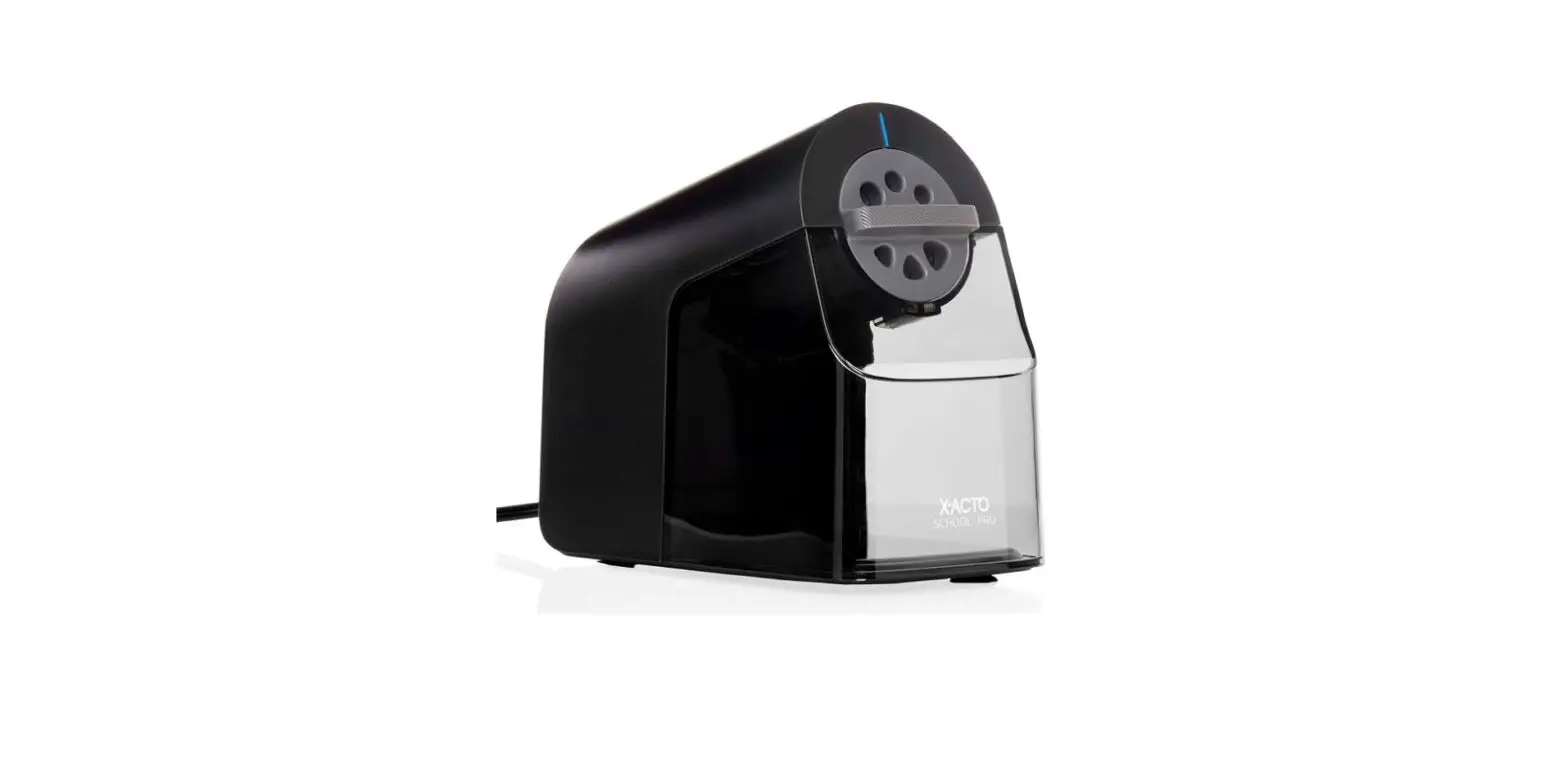

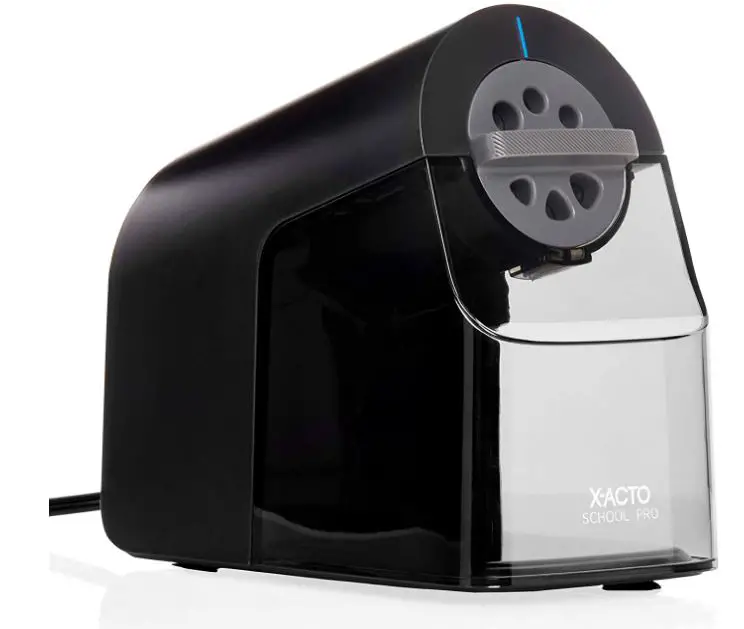
X-ACTO 1670X SchoolPro Electric Pencil Sharpener
Product Description
Electrical Specifications
- 120 volts, 60 Hz,2.0 Amps
Thank you for purchasing the X·ACTO- School Pro Electric Pencil Sharpener. This is the first electric pencil sharpener specifically designed for high-volume classroom usage. We at Newell Office Brands toke pride in both our company and the quality products we offer to the home, school, ort, and office markets. To ensure optimal performance from your School Pro• electric sharpener, please take the time to review these instructions.
School Pro• Features
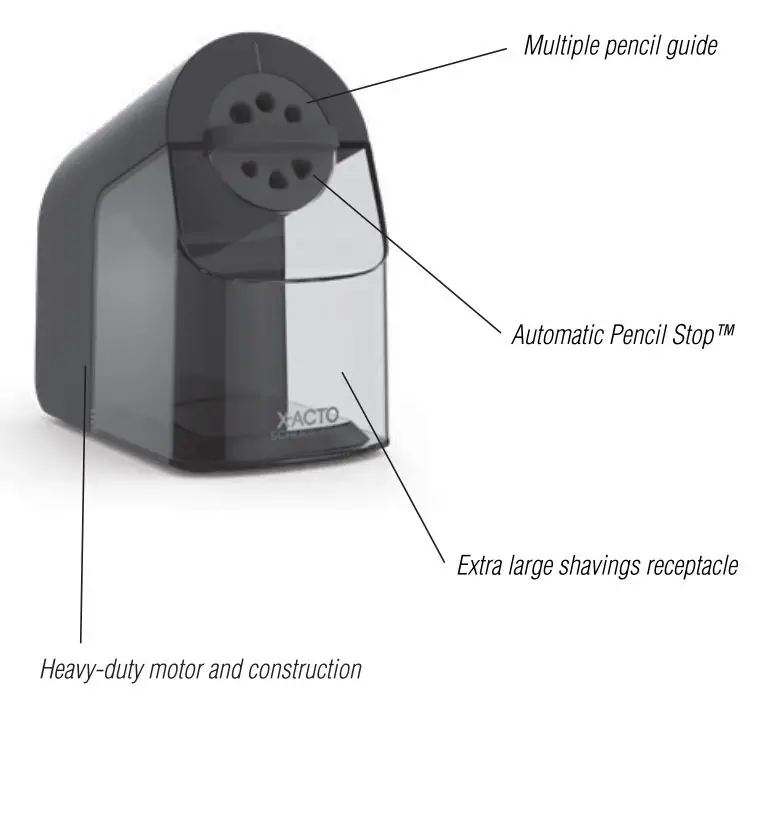
- Heavy-duty motor and construction will withstand high-volume classroom usage.
- Quiet operation means less classroom disruption.
- Automatic Pencil Stop™ prevents students from oversharpening their pencils.
- Sharpens wood, composite and recycled pencils.
- An extra large, see-through shavings receptacle makes it easy to know when the School Pro· needs emptying.
- Multiple-diameter dial fits regular or thick children’s pencils.
- The extra-sturdy cover stands up to rough handling.
Special Safety Features
- Will not operate if the receptacle is removed
- Auto-Reset™ motor shut-off prevents overheating due to excessive and continuous use.
- Suction cup feet hold the sharpener securely on any smooth surface.
How to Ilse
- Insert the AC plug into the nearest, easily-accessible 120-volt outlet.
- After selecting the correct opening for your pencil, gently but firmly insert the pencil · do not force. A motor will start automatically.
- When the pencil is sharpened, the automatic Pencil Stop shifts the cutters away from the sharpened point.
Note
The motor does not shut off when the pencil is sharpened. - Remove sharpened pencil
Maintenance & Safety Instructions
To ensure smooth, trouble-tree sharpening:
- Make sure the receptacle is in place and tightly closed before operating your sharpener.
- The pencil sharpener will not operate properly when full or when shavings are obstructing the cutters.
- Always unplug the sharpener before cleaning or emptying the receptacle.
- Writing Instruments such as crayons, chalk, or soft waxy pencils will clog your sharpener’s cutters. Do not use this machine to sharpen them.
- Do not force or shove the pencil into the sharpener, as too much pressure may cause the motor to jam. If this happens, simply reduce the pressure until the motor operates normally again.
- If the Auto-Reset™ shuts off the motor, allow the sharpener to cool for approximately 20-30 minutes before resuming operation.
- Never submerge your sharpener in water.
- Never pull on the cord to turn the sharpener off. Instead, take hold of the plug and pull it slowly out of the outlet.
- As with all electrical appliances, keep out of the reach of small children.
To Clear the Cutters
- If shavings are allowed to become clogged around the cutters, poor sharpener performance and off-center sharpening could result. To remedy this situation: First, unplug your sharpener and remove and empty the receptacle. Next, using a pencil clear any shavings obstructing the discharge chute and surrounding the cutters. Caution: Cutters are sharp so avoid touching them. Do not apply grease or abrasive cleaners.
Frequently Asked Questions