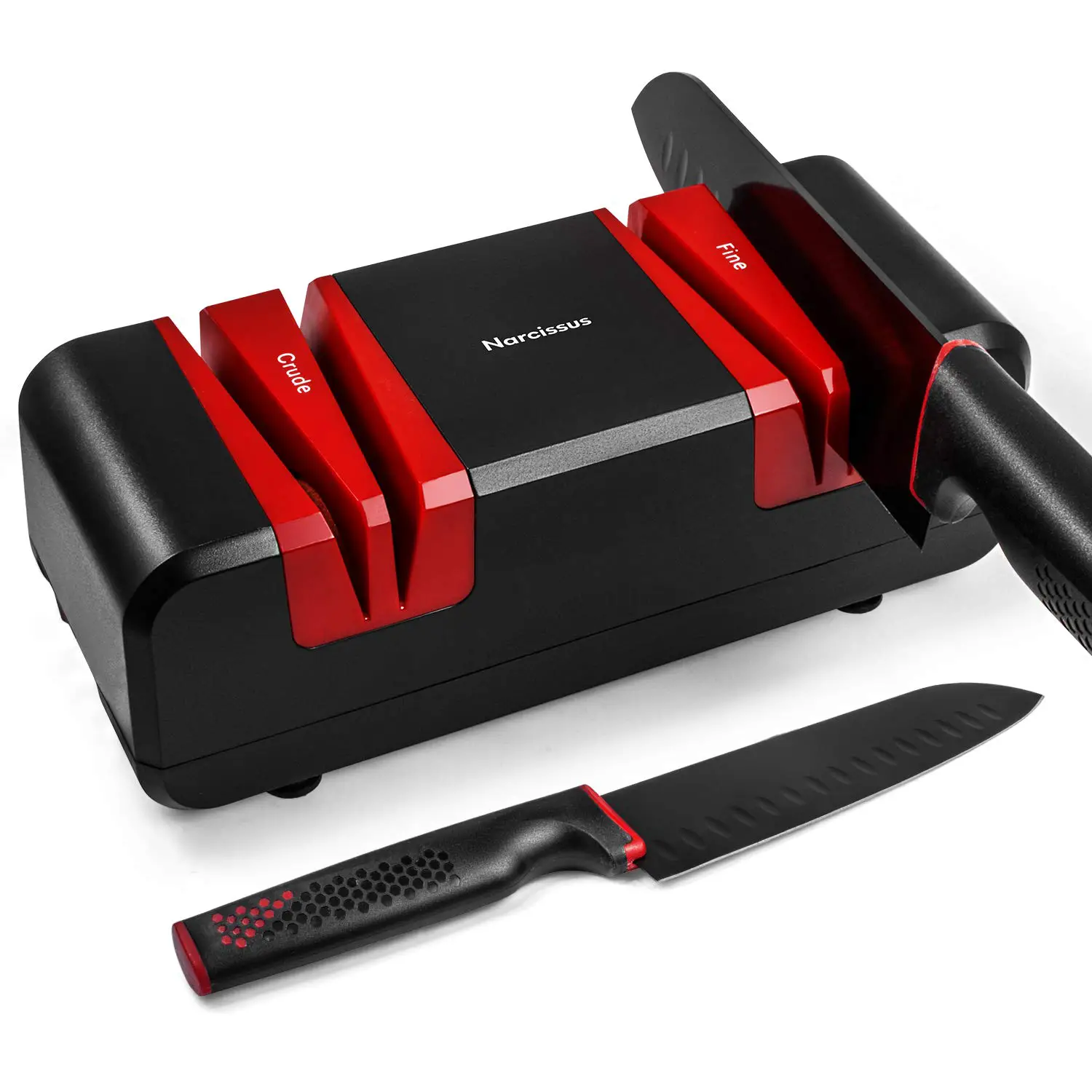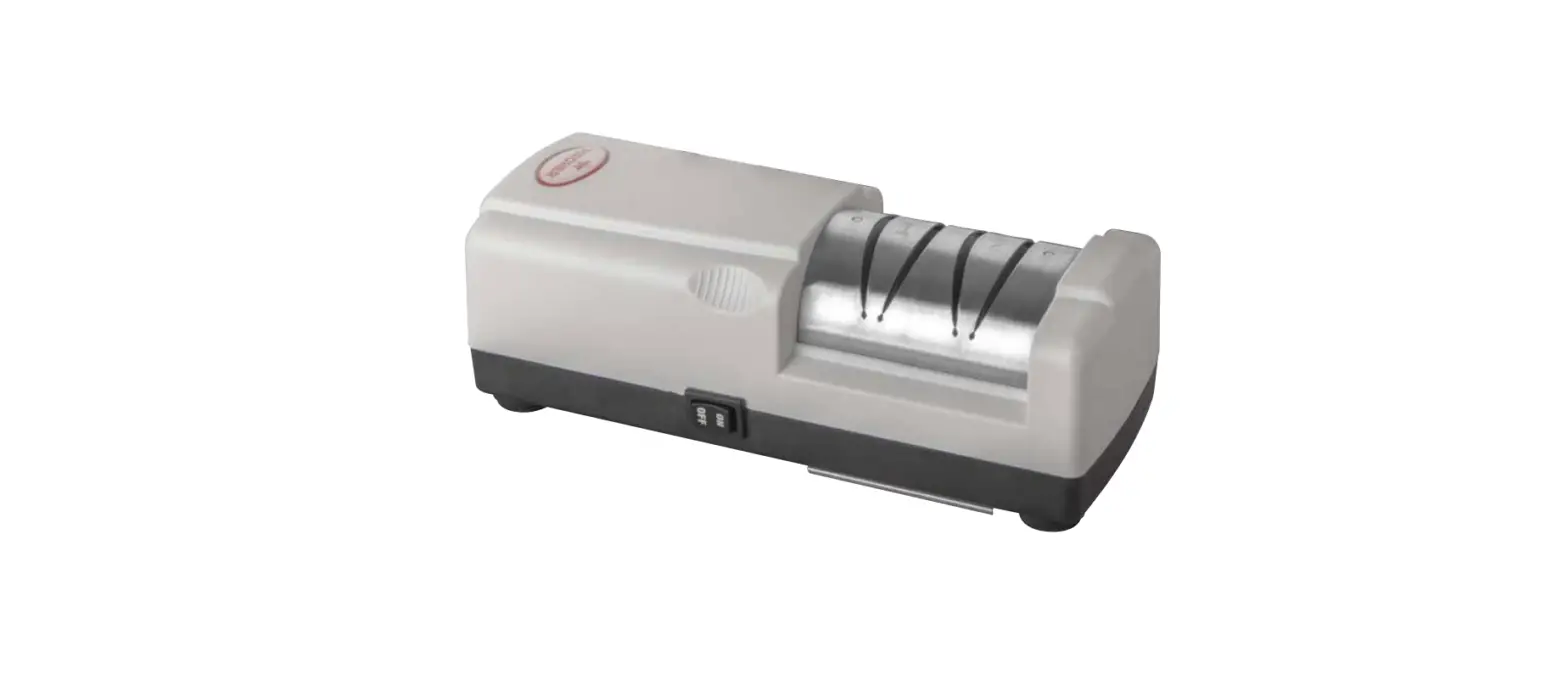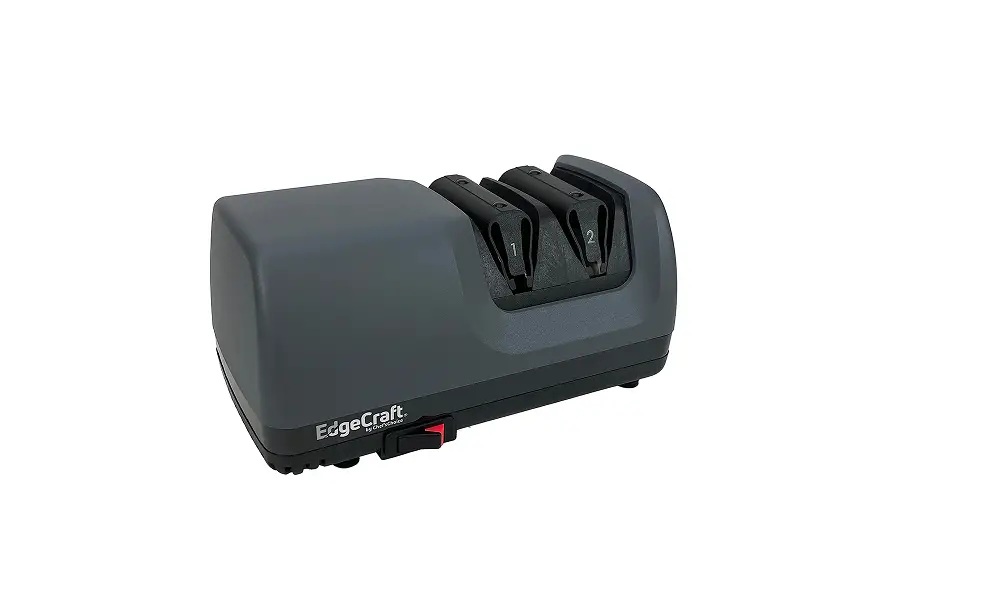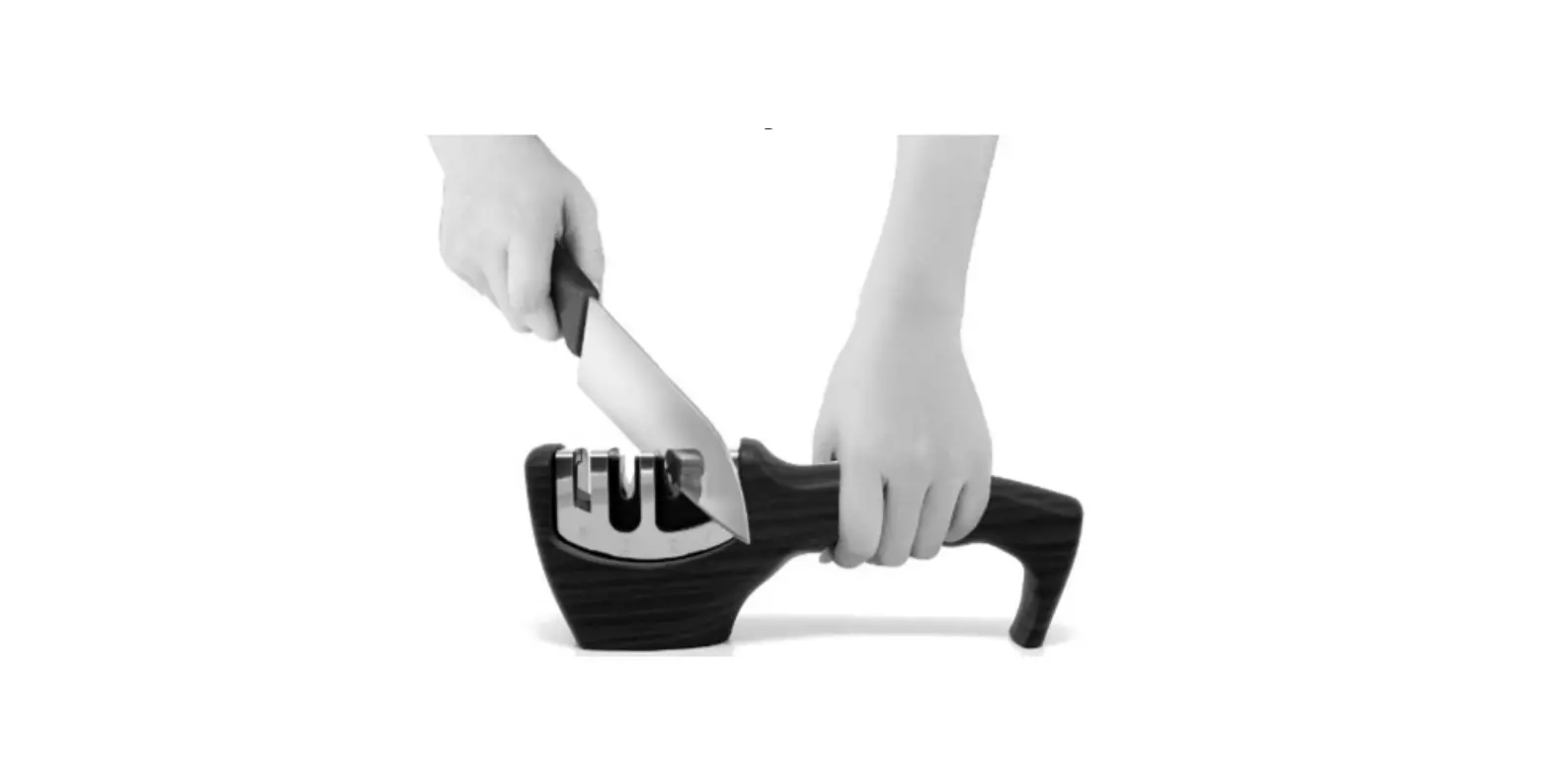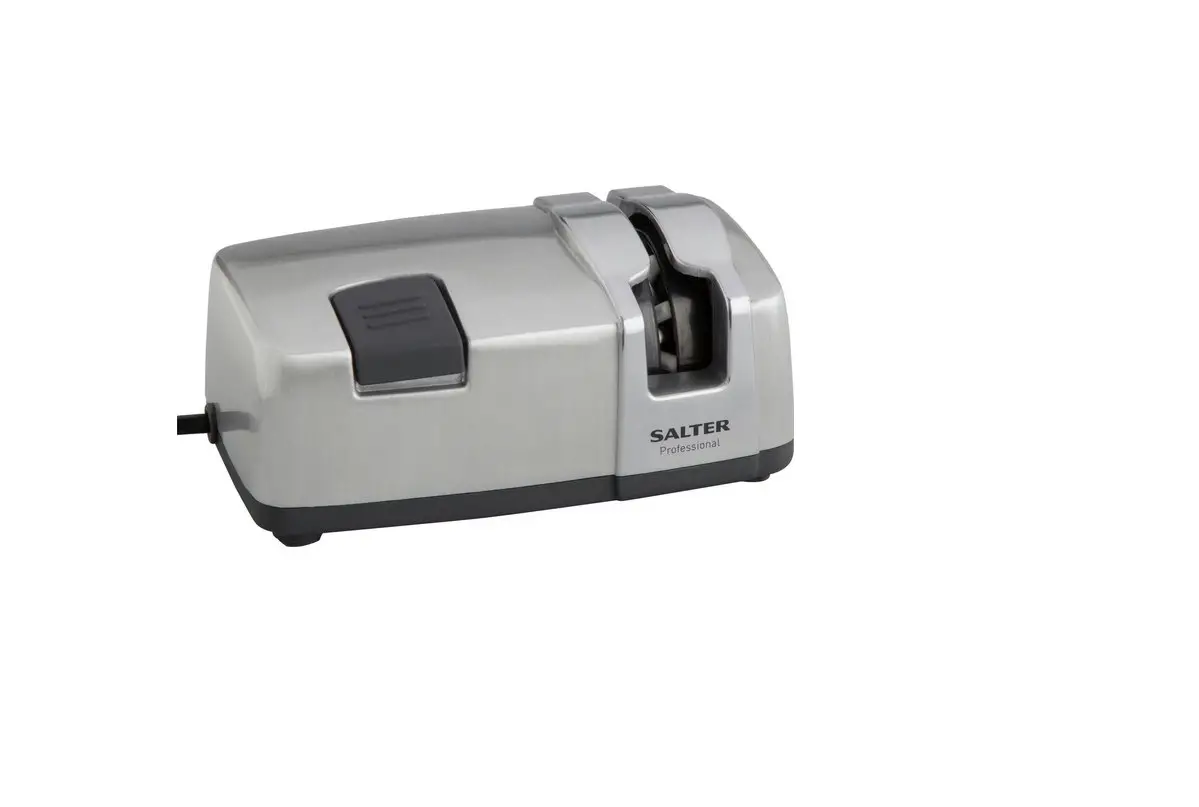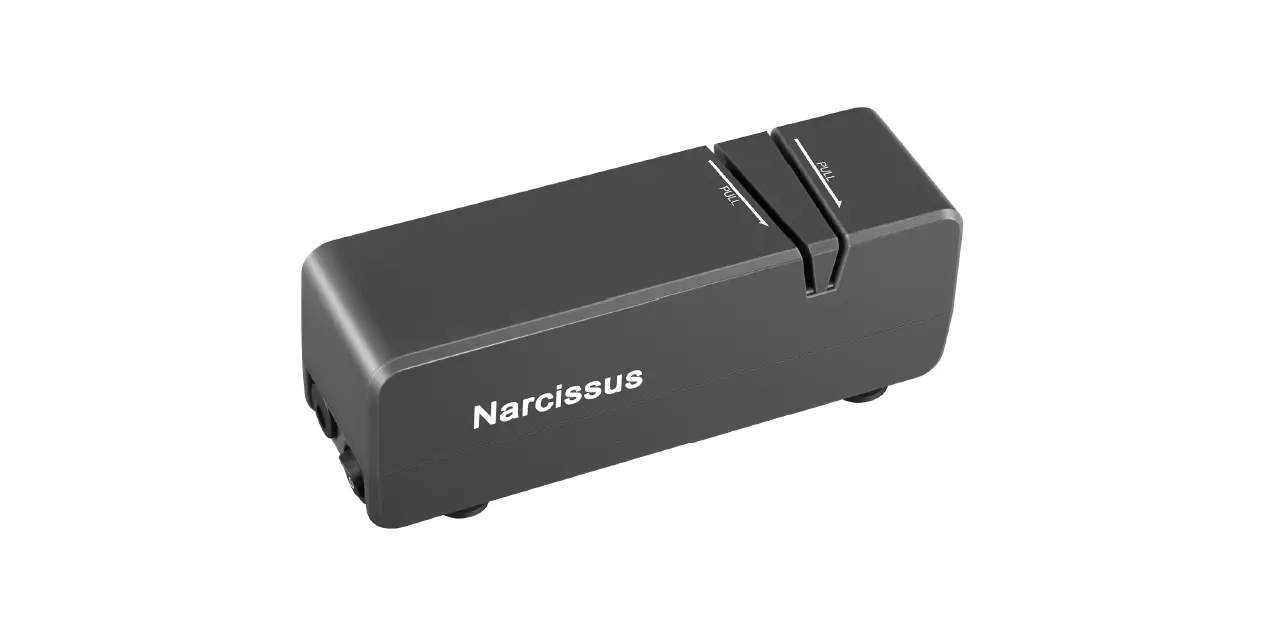

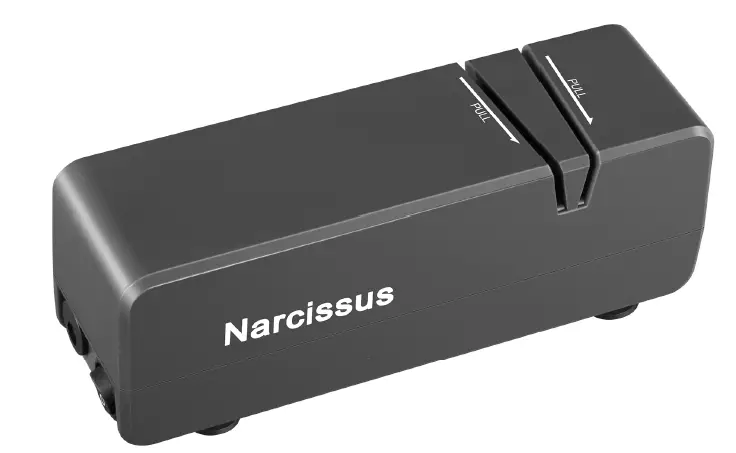
Narcissus S861 Electric Knife Sharpener
Preparation
Steps
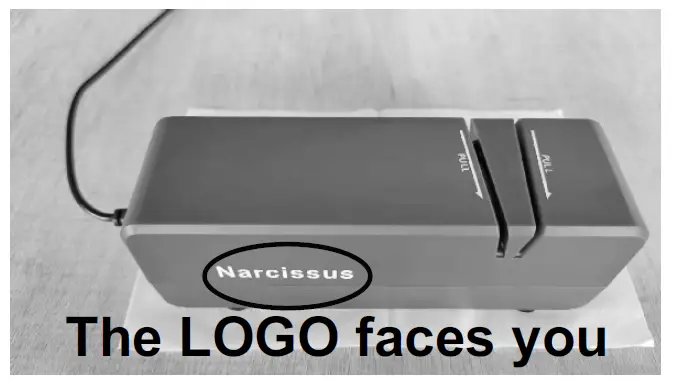
- Place a piece of paper on the countertop to collect debris.
- Put the sharpener on the paper. The Narcissus LOGO must face you.
- Clean and dry the knives.
- Connect the power supply and the sharpener to the adapter.
- Turn on the switch on the left.
Tips
- The sharpener must be placed in the correct direction.
- Use the sharpener with the specific voltage of 110-240V ~50/60Hz.
Sharpen the Knife & Remove the Burrs
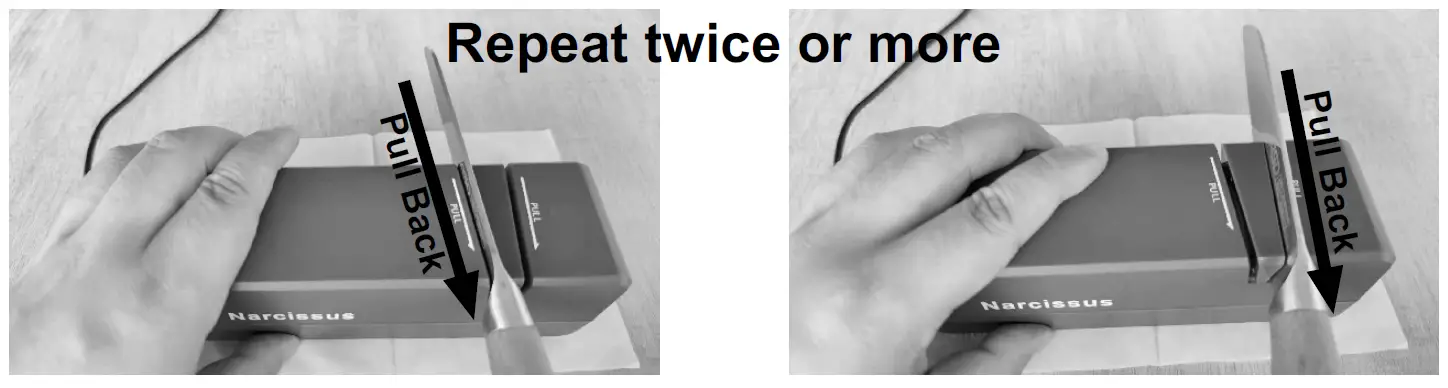
Steps
- Hold the left side of the sharpener with your hand. Put the knife into one of the grinding grooves. Pull back about 1 inch/sec until the blade completely passes through.
- Change the knife to another grinding groove. Following the same method explained above, sharpen the other side of the blade.
- Repeat the two steps above twice or more to make the knife sharp enough.
- Quickly pass the knife through the two grooves to remove the burrs on the blade.
Tips
- Don’t push knives forward to avoid damage to knives.
- Don’t use your body to test whether the blade is sharp.
- The sharpener is unsuitable for grinding thick, ceramic, curved, or zigzag tools.
Precautions
- Use the sharpener with the specific voltage of 110-240V~50/60Hz.
- Remove grease and water from knives before sharpening.
- Don’t add water, oil, or other substances when sharpening knives to avoid danger.
- The sharpener is unsuitable for grinding thick, ceramic, curved, or zigzag tools.
- Don’t allow water to flow into the sharpener to avoid damage.
- If knives stop the grinding wheel, remove knives immediately to avoid damage to the sharpener.
- Prevent children from using or touching to avoid accidents.
- The sharpener must be kept in a dry area and away from high temperatures.
- The sharpener sometimes gives off a pungent smell. Also, there will be sparks when sharpening. Kindly rest assured that this is normal.
Cleaning and Maintenance
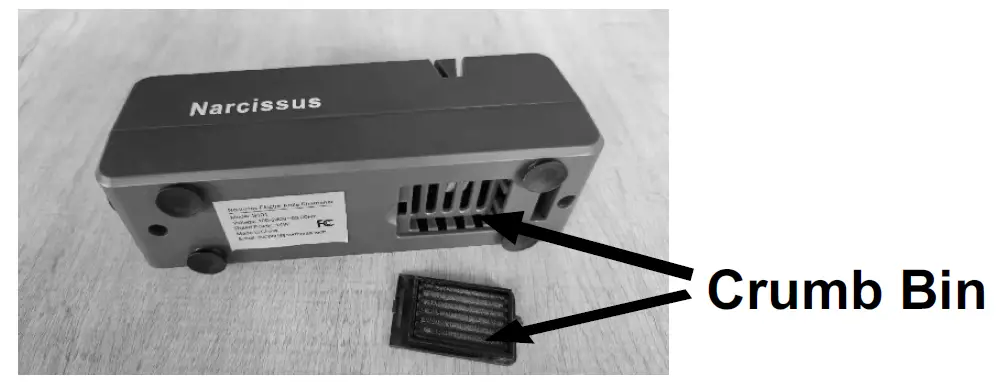
- Open the crumb bin at the bottom and wipe the crumbs after each use.
- Unplug before cleaning.
- Wipe the surface with a clean soft cloth.
- Don’t immerse the sharpener in water.
- Store the sharpener in a dry and ventilated place.
Troubleshooting
| Problem | Possible Reason | Solution |
| Can’t Sharpen the Knife | Not Enough Grinding | Grind more times. Drag slowly. |
| Wrong Direction | The Narcissus LOGO must face you. Pull back instead of pushing forward. | |
| Unsuitable Knives | Unsuitable for thick, ceramic, curved, zigzag knives. | |
| Blocked While Sharpening | The Knife is Curved | Flatten the knife before sharpening. |
| Wheel Deviation | Contact Narcissus for a free replacement. | |
| Knife Scratch | Debris in the Grooves | Clean the debris before sharpening. |
| Not Working | No Power | Check the power supply. |
| Motor Overheat | Wait 15 minutes before using again. | |
| Product Problem | Contact Narcissus for a free replacement. | |
| Blade Chipped | Over-grinding | Don’t let the knife stands still. |
| Asymmetric Blade | Different Intensity | Don’t squeeze the wheel hard. |
Warranty
Thanks for choosing and supporting Narcissus. Narcissus provides all customers with 12 months of free product replacement services. If there is any quality problem, please contact us via email at [email protected]. We will provide you with a satisfying solution. Thank you for understanding!
Specification
- Model: S861
- Rated Voltage: 110-240V~50/60Hz
- Rated Power: 10W
- Gross Weight: 0.72 lbs
- Package Size: 7.1*2.8*3.9 in
- Official Email: [email protected]
- Manufacturer: Foshan Taobei Technology Co., Ltd.
- Address: No.1 Guizhou Avenue West, Foshan, GD,
China Made in China