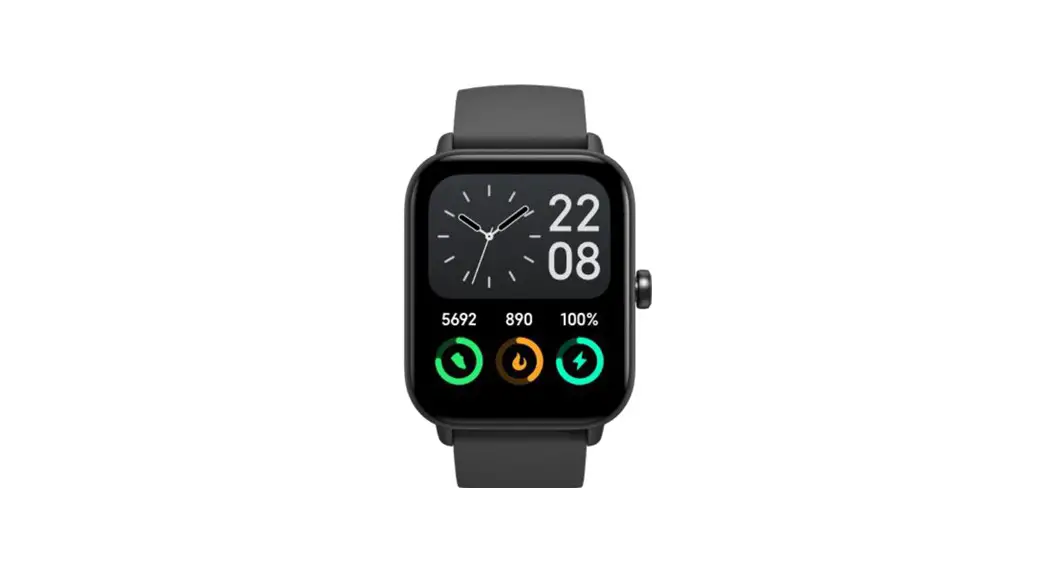
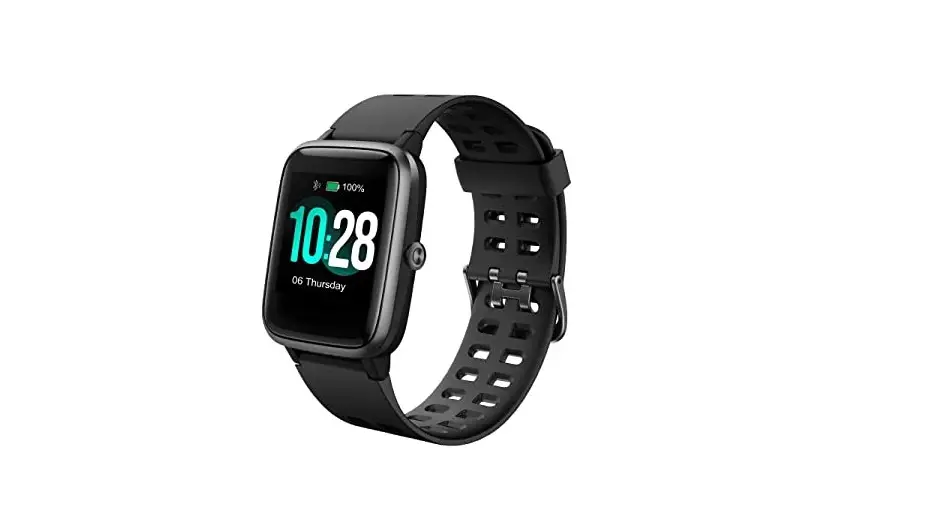
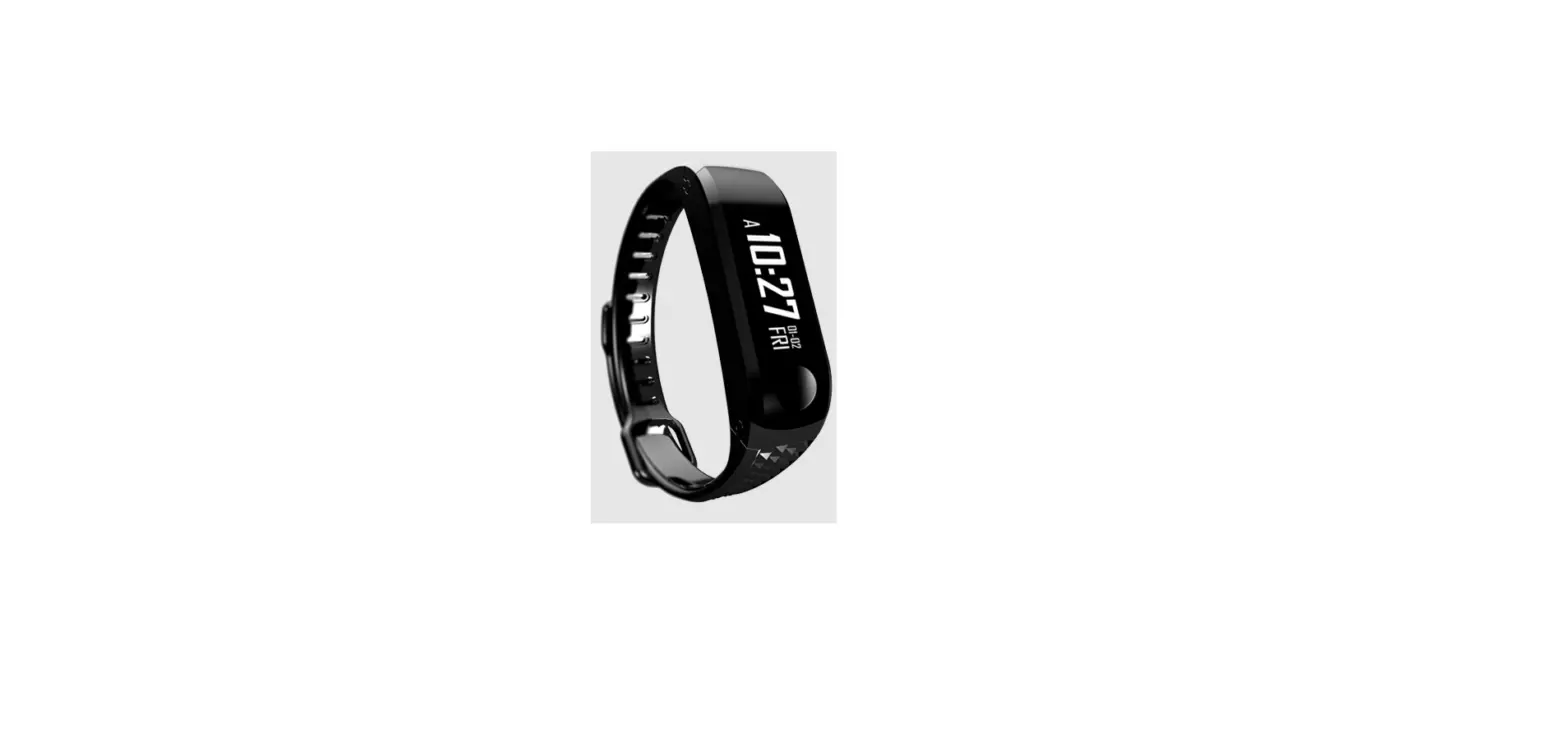
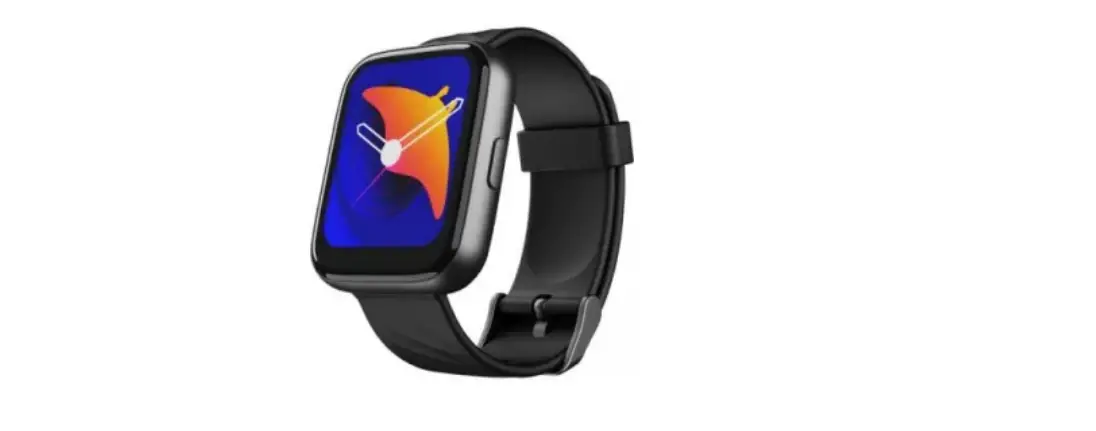
FW101 Smartwatch and Fitness Tracker
Product Information: Fitness Tracker FW101
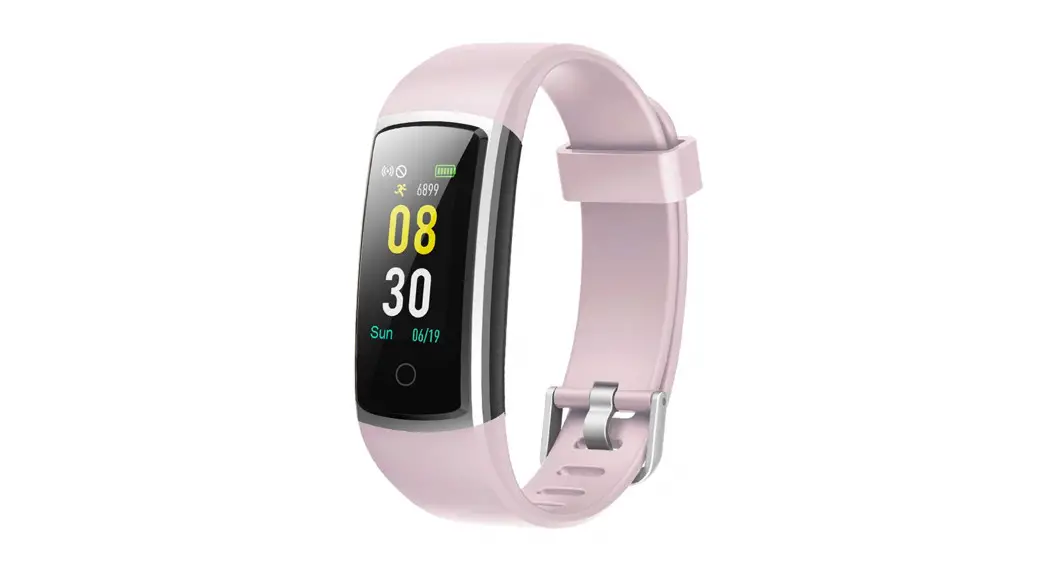
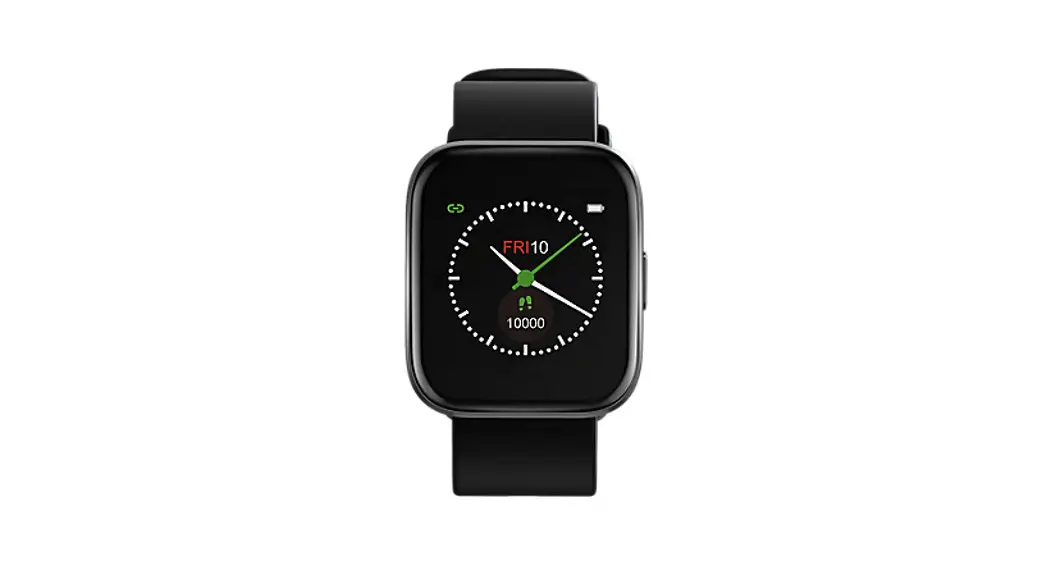
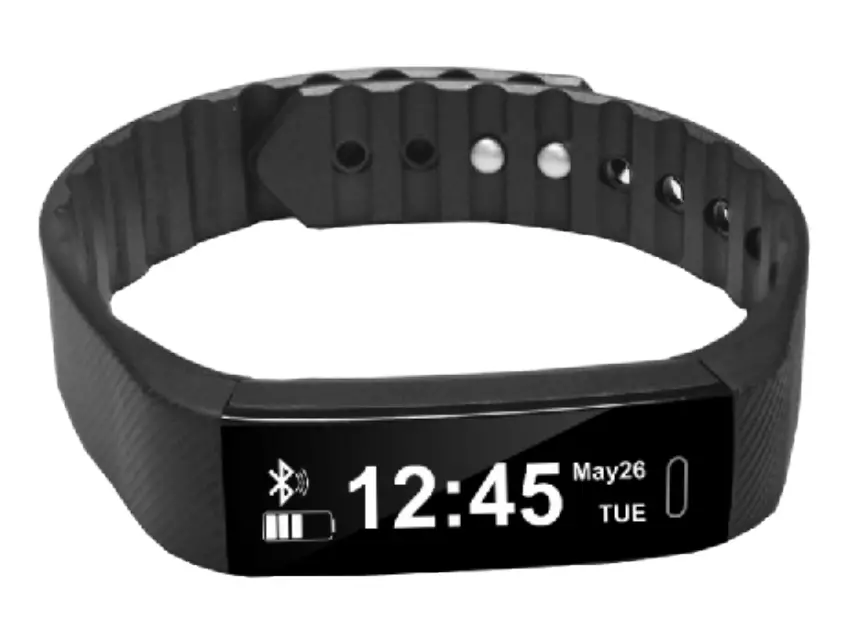
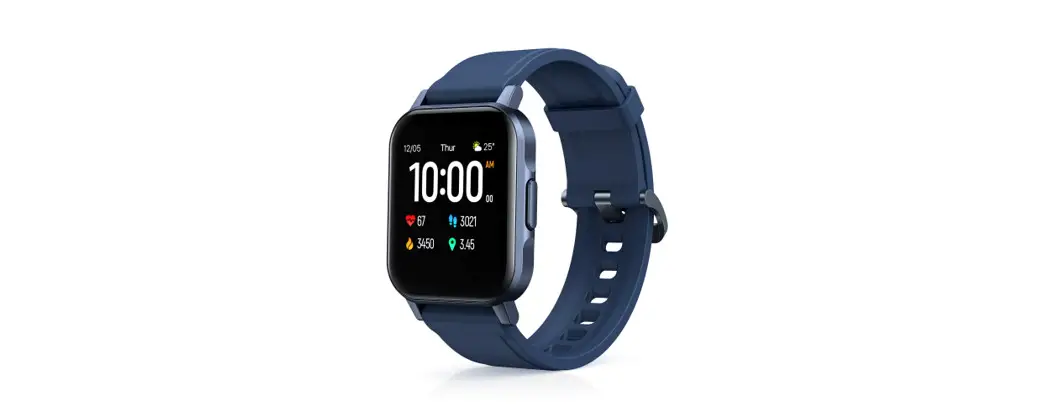
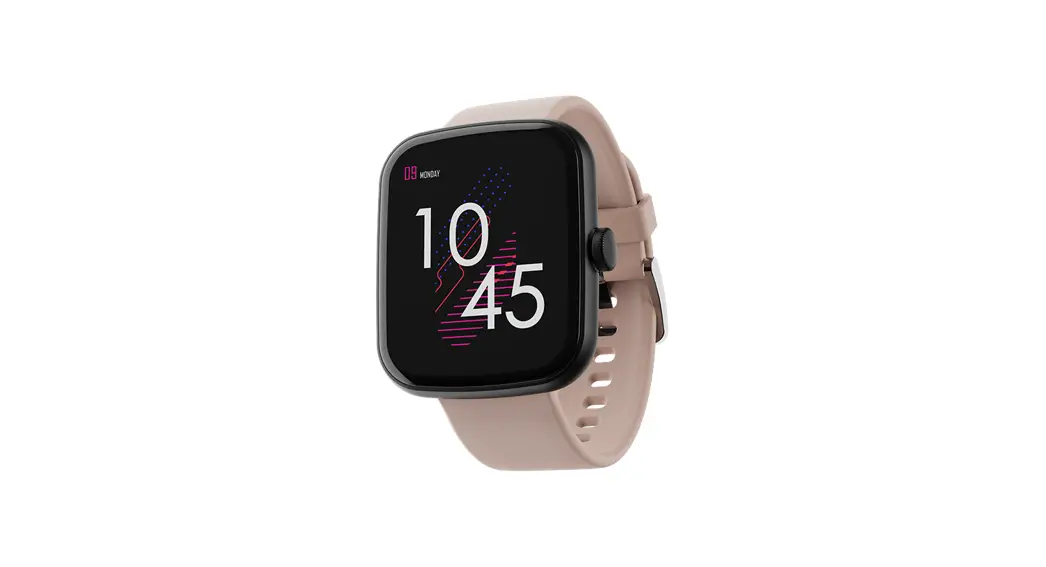
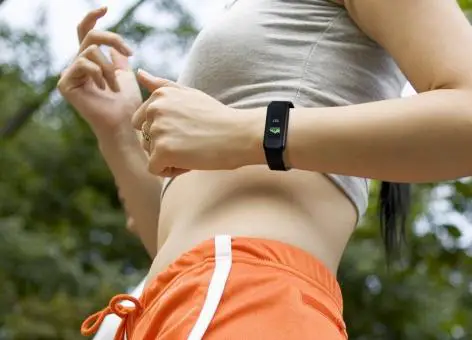
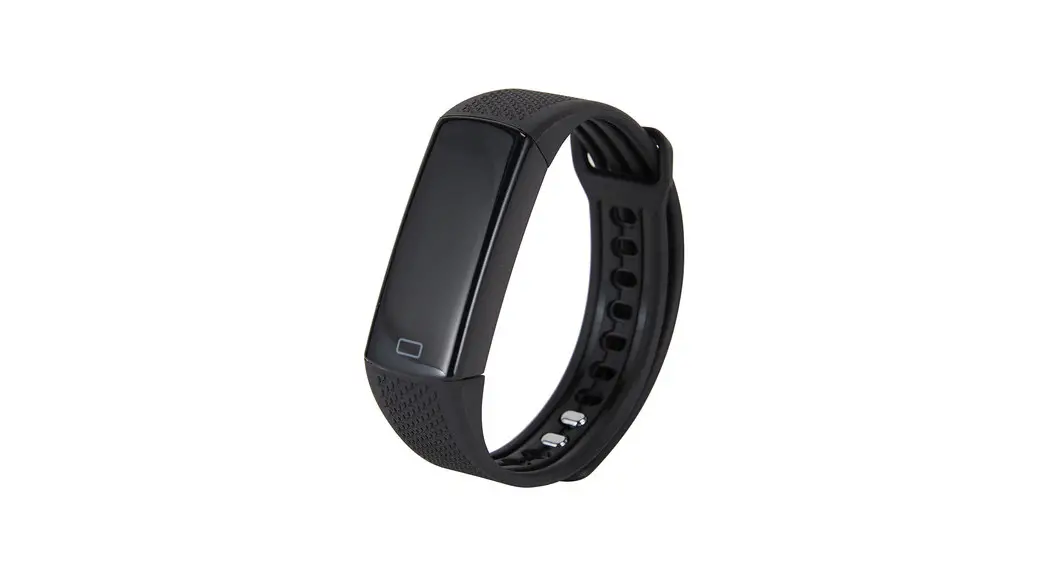
The Fitness Tracker FW101 is a wearable device designed to help
users monitor their fitness and health. It comes with a 1.57-inch
display screen, a watch band, and a charger cable. The device has a
rotary encoder home button, on/off button, wristband, watch buckle,
and an adjusting hole. It is compatible with iOS 8.2 and above and
Android 5.1 and above smartphones.
Box Contents:
- 1 Fitness Tracker
- 1 Watch Band
- 1 Charger Cable
- 1 User Manual
Instructions for Usage:
Power On/Off:
To power on the device, charge it or long-press the side key. To
power off, select the shutdown interface from the drop-down menu
and click to shut down or long-press the side key.
To Charge:
Easily absorb the watch by its powerful magnet and snap it into
place automatically. Plug the charging cable into the USB port and
fully charge the device for 1 to 2 hours.
To Start:
Download the FitCloudPro app on your smartphone to start using
the device. Scan the QR code provided in the user manual to
download the app.
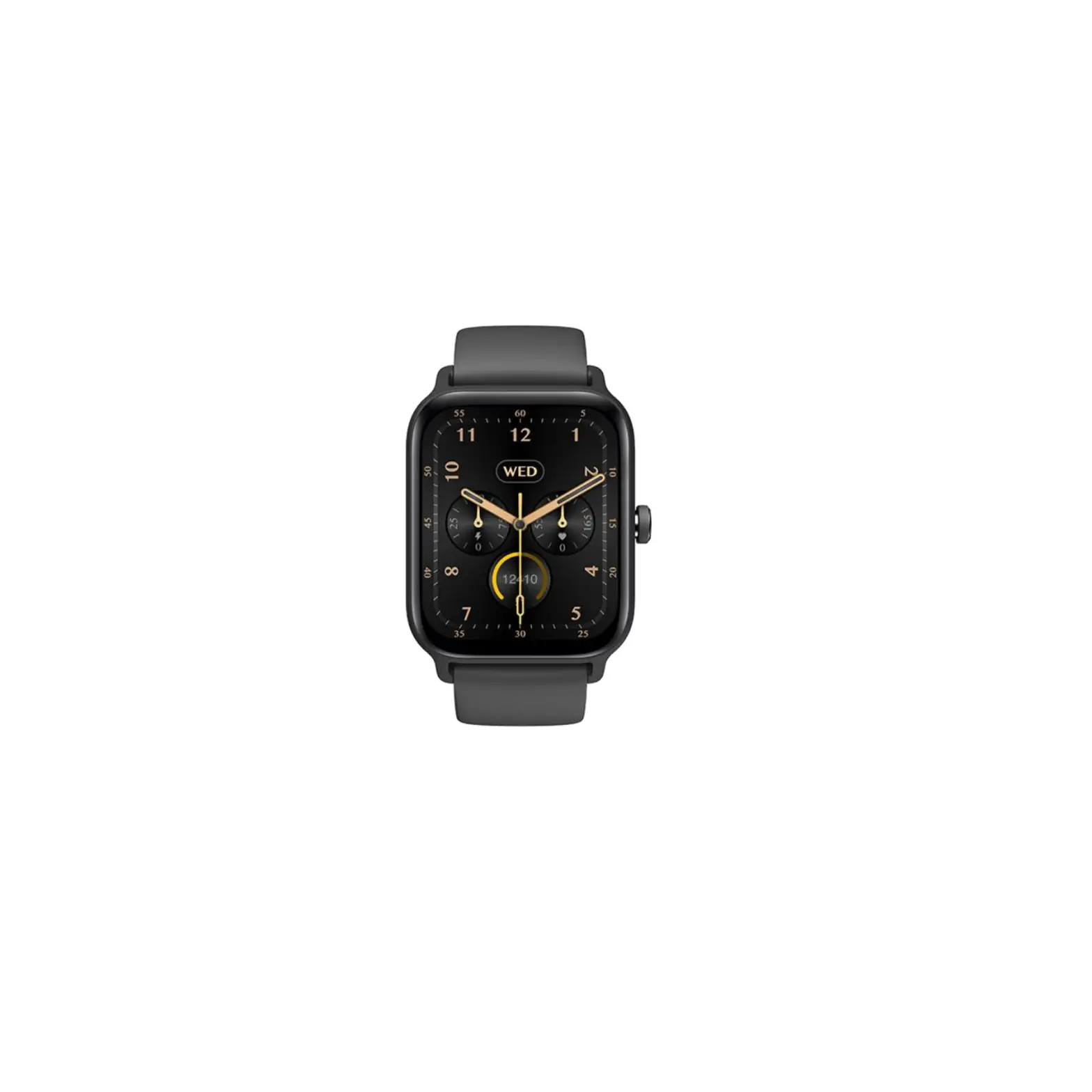
Clock Dial:
The device has five main interfaces on the watch. You can switch
them using the rotary encoder button or by long-pressing for 3
seconds on the watch’s main interface, sliding left or right and
tapping to switch. You can also customize your watch face on the
app by going to FitCloudPro APP => Device => Watchface and
picking your preferred style picture.
Track Your All-Day Activities:
Slide the screen to the left to enter the step counting status
interface and view your current number of steps, distance, and
calories. The device can synchronize your walking steps to the app
for further analysis.
See Your Health Data:
The fitness tracker measures the user’s heart rate, blood
pressure, and blood oxygen levels in the heart rate/blood
pressure/blood oxygen interface. Wait for 30 to 60 seconds for the
results to display.
Monitor Your Sleep:
Wear the device to bed to automatically track your sleep time.
The bracelet will automatically judge whether you are in sleep
monitoring mode, detect your sleep duration, and calculate your
sleep quality. Note that data will only be calculated when you wear
the bracelet to sleep.
Sport Modes:
The device has 19 sport modes, including walking, running,
cycling, hiking, rope skipping, yoga, basketball, treadmill,
football, tennis, baseball, rugby, hula hoop, golf, long jump,
strength training, sit-ups, workout, and free training. To access
the sport mode, slide right from the main interface, rotate the
side button to Workout and tap on a sport to enter.
Notification Function:
When your phone and the fitness tracker are within range, you
will get notified of incoming calls and messages. To receive
notifications, keep the fitness tracker connected to your
smartphone, go to FitCloudPro APP => Device => Push
notifications => Turn on the software that you want to receive
messages.
Lift Assistant:
Turn on smart reminder on FitCloudPro APP to remind you to drink
water or be active regularly. The device encourages you to develop
good health habits. You can set up to 5 alarms and customize the
alarm name and repeating date. The bracelet will vibrate if you
remain inactive for 1 hour, reminding you to move. The default
reminder interval for drinking water is 30 minutes, but you can
customize it in the app.
User Manual
Fitness Tracker FW101
BOX CONTENTS
Package Include: 1 * Fitness Tracker 1 * Watch Band 1 * Charger Cable 1 * User Manual
INSTRUCTIONS IN DETAILS
Rotary Encoder Home Button On / Off
Wristband
Watch Buckle
1.57″ Display Screen
Adjusting Hole
POWER ON/OFF
1. When the bracelet is off, charge or long press the side key to start
the bracelet;
2. When the bracelet is powered on, select the shutdown interface
from the drop-down menu, and click ”
” to shut down; Or
long press the side key to shut down.
TO CHARGE
Easily absorb your watch by powerful magnet and snap into place automatically. Plug the charging cable into the USB port. Please fully charge your new device (1~2 hours).
SMARTPHONE COMPATIBILITY:
IOS 8.2 & above
Android 5.1 & above
Tips: Not Support: Windows / Amazon Kindle / Amazon Fire / PC /
Tablet / iPad / Samsung J1/J2/J3/J5/J7
TO START: Download the APP
Scan the QR code on the instruction manual or search for “FitCloudPro” at App Store or Google Play store to download it. (Please turn on the permissions when initial setting) Pair with the phone 1.Make sure your phone bluetooth is ON. Please don’t pair the watch from bluetooth list diretly. 2.Go to “FitCloudPro” APP=>Register a FitCloudPro account (If you don’t want to register, you can log in via third party software)=>Fill in your personal information=>Device=>Add peripheral Now => Choose model “FW101” to connect. A bluetooth request will pop up during paring, pls make sure to click pair.
Scan to download
CLOCK DIAL
There are 5 main interfaces on the watch. 1. Rotary encoder button to switch. 2. Long press 3s on watch main interface=>slide left or right=>
tap to switch.
Also support you to DIY watch face on APP. Go to “FitCloudPro” APP => Device => Watchface, then pick up your style picture there.
TRACK YOUR ALL-DAY ACTIVITIES
Slide the screen to the left to enter the step counting status interface, and you can view the status of the current number of steps, distance and calories.
According to the current walking steps, it can be synchronized to the APP to view the motion data.
SEE YOUR HEALTH DATA
The fitness tracker will messaure the heart rate & blood pressure & blood oxygen of the user in the heart rate / blood pressure / blood oxygen interface. Please wating for 30~60s with patience, the result will be displayed.
Heart Rate Blood Pressure Blood Oxygen
MONITOR YOUR SLEEP
Wear the fitness tracker to bed to automatically track your time asleep, and the bracelet will automatically judge whether you enter sleep monitoring mode, automatically detect your sleep duration and calculate your sleep quality. Note: The data will be calculate only when you wear a bracelet to sleep.
SPORT MODES:
The fitness tracker has 19 sport modes, including walking, running, cycling, hiking, rope skipping, yoga, basketball, treadmill, football, tennis, baseball, rugby, hula hoop, golf, long jump, strength training, sit-ups, workout, free training.
How to get in: Slide right from main interface => Rotate side button to Workout => Tap Workout=> Choose a sport and tap to enter
NOTIFICATION FUNCTION:
When your phone and the fitness tracker are wihtin range, you will get notified when there’s incoming call and messages. Steps: 1.Keep the fitness tracker connet with your smartphone. 2.Go to “FitCloudPro” APP => Device => Push notifications => Turn on the software that you want to receive messages.
LIFT ASSITANT:
Turn on smart reminder on FitCloudPro APP to inform you drink water or active regularly. Encourages you to develop good health habits.
Alarms: Total 5 alarms are allowed, and you could customize the alarm name & repeating date. Sedentary Reminder: If you remain inactive for 1 hour, the bracelet will vibrate to remind you to move. Drink Water Reminder: The default reminder interval is 30 minutes, you can customize the time interval in APP.
MULTIPLE FUNCTIONS
BASIC PARAMETERS:
Product Type
Smart Watch Battery Type
Display Size
1.57″
Battery Model
Weight
36g
Battery Capacity
Watch Size 48.8*30.5*10.5mm
Charging Voltage
Waterproof Level
IP68
Battery Power
Lithium polymer 502020 180mAh DC 5V
0.666Wh
Wristband Material
RUBBER
Package Contents
Smartwatch, User manual, charging cable
SCAN TO DOWNLOAD FitCloudPro