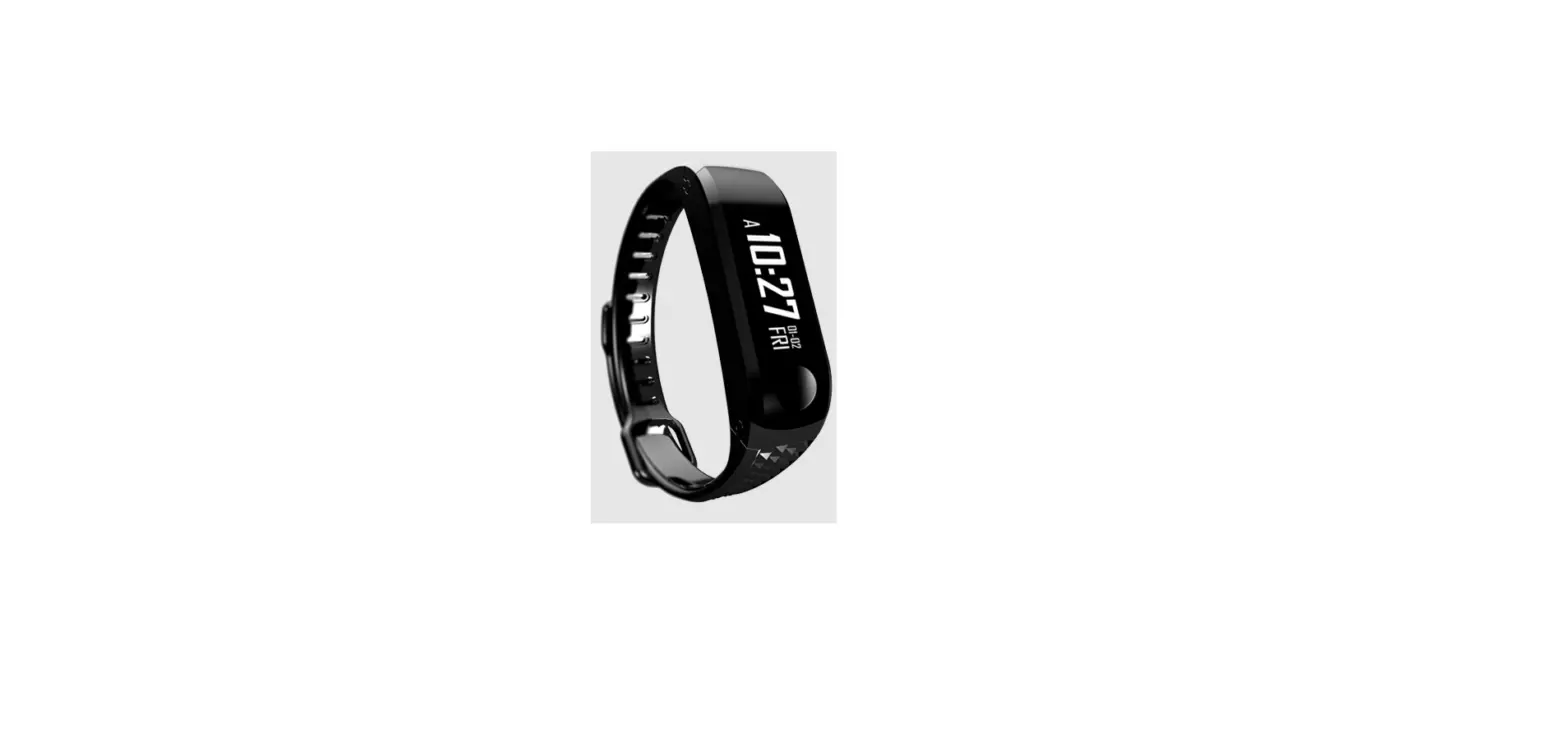
INITIAL SETUP
Please note: hardware and software specifications should meet these requirements:
|  |  |
Search and download “VeryFitPro” from the Apple Store or Android App store.


|   |
Pull the strap gently, and pick the device out of the strap.
Connect the device to the USB charger (5V/500mA) and fully charge the battery before initial use.
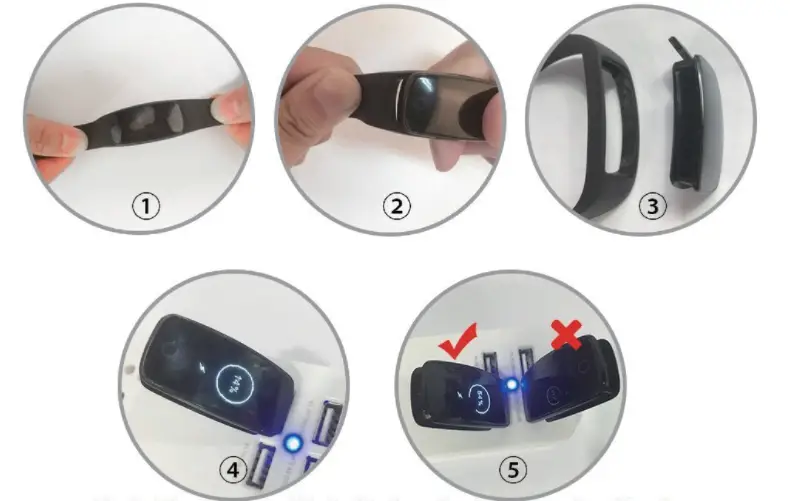
- ONLY IF you insert into the correct direction, the device will vibrate once, and the charge ratio will be displayed.
- Note: both direction of the charging plug can fit into the USB charger, only one direction works!
Fitness Rx provide multipoints touchscreen technology instead of singlepoint touchscreen as most of the fitness trackers on the market. Please use the correct gesture to control the device:
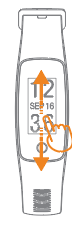 | Slide up/down to wake up the screen | 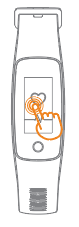 | Tape the screen to Switch type or confirm. |
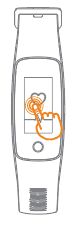 | Touch the home button to return to the main interface. | 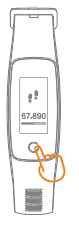 | Press and hold for 3 seconds to get into one Sport Mode. |
Search and download “VeryFitPro” from the Apple Store or Android App store.
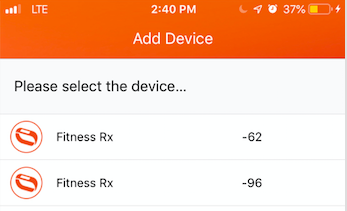 |
|
Fitness Rx provides multisports mode in the training section, including Hike, workout, basketball, badminton, walk, run, bike, treadmill.
When you are doing exercise, make sure you enter one sport mode by press that mode for 3 seconds so that the device will accurately record your data when you are doing different exercises.
Don’t rely on the daily activity tracker (default on 24/7) when you are exercising. That may impact your data accuracy.
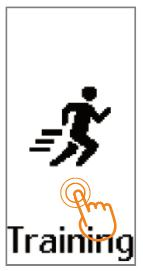 | Tap the screen to choose one sport mode | 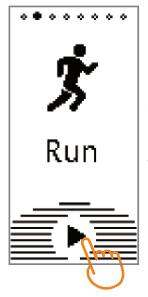 | Long press the start button for 3 seconds to enter the sport mode.. |
- Once your device is successfully sync with the app, the time on your device will be automatically sync with your smartphone.
- You can’t change the time on the device.
KNOW YOUR DEVICE
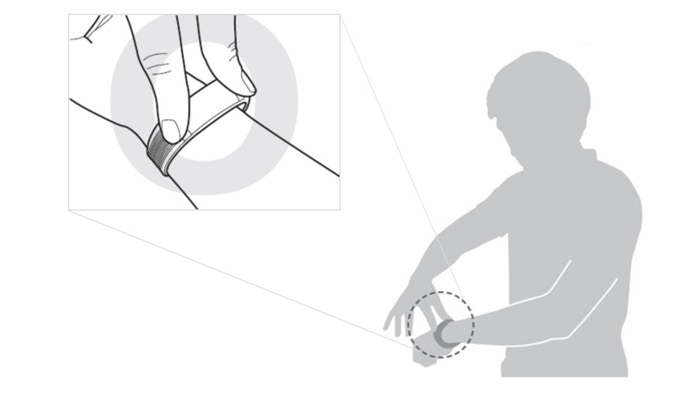
Wear the device on your wrist horizontally, the same method as wearing watches.
Default heart-rate zones are calculated using your estimated maximum heart rate.
Fitness Rx calculates your maximum heart rate with the common formula of 220 minus your age.
| Zone | Calculation | Description |
|---|---|---|
| Basic Tracking Exercise | 50% – 69% of maximum heart rate | Good Recovery rate, body fat consumption, sugar consumption in general. |
| Cardiopulmonary Exercise | 70% to 84% of your maximum heart rate | This zone is moderate to high intensity exercise interval. |
| Peak Exercise | Greater than 85% of your maximum heart rate | High intensity exercise zone. Improve tolerance of an aerobic exercise capacity and muscle. |
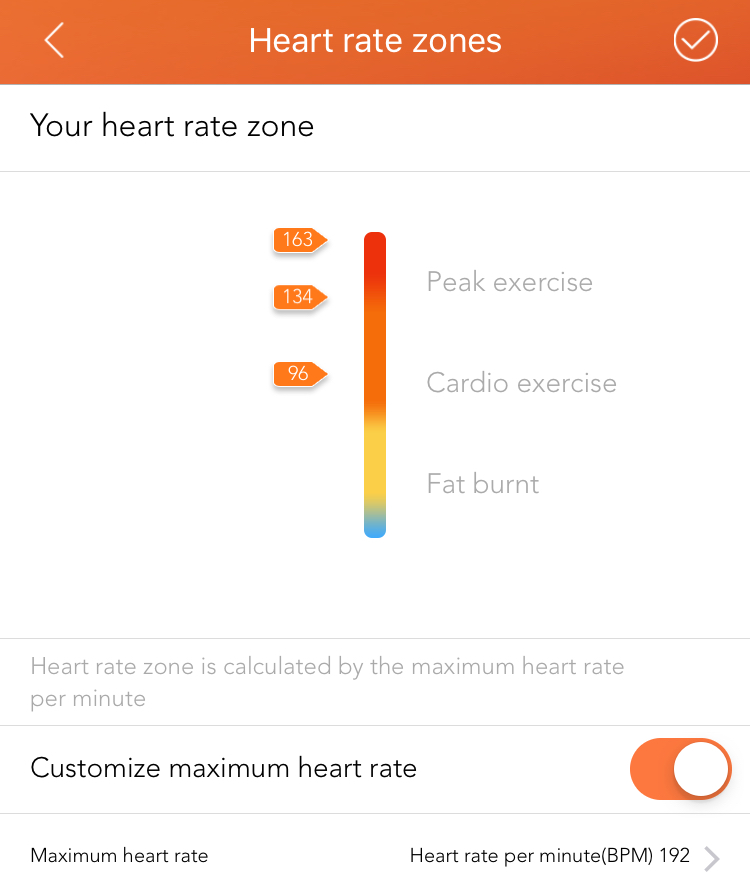 | If you’d like to customize your heart rate zone, open “VeryFitPro” app home page, select the “More” option under “Device”, then click “Heart rate zones”, and click “customize maximum heart rate”. |
Your fully charged Fitness Rx has a battery life of up to 7 days. Battery life and charge cycles vary with use and other factors; actual results will vary.
You can find the following interface on Fitness Rx.
Please swipe up and down to find different interface; tap the screen to get into the function and click home button to go back to the main menu.
Please note: Weather, message alert, music control won’t show up on the device unless they are enabled in the app.
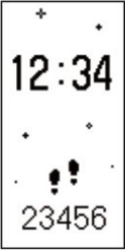 | Screen Protection Interface | 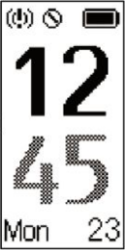 | Main Interface |  | Mind Training | 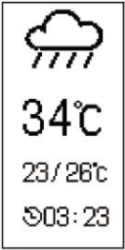 | Weather |
 | Multi-Sport Mode | 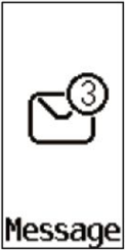 | Message Alert | 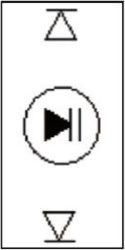 | Music Control | 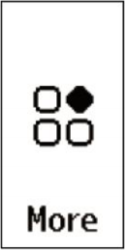 | Function Menu |
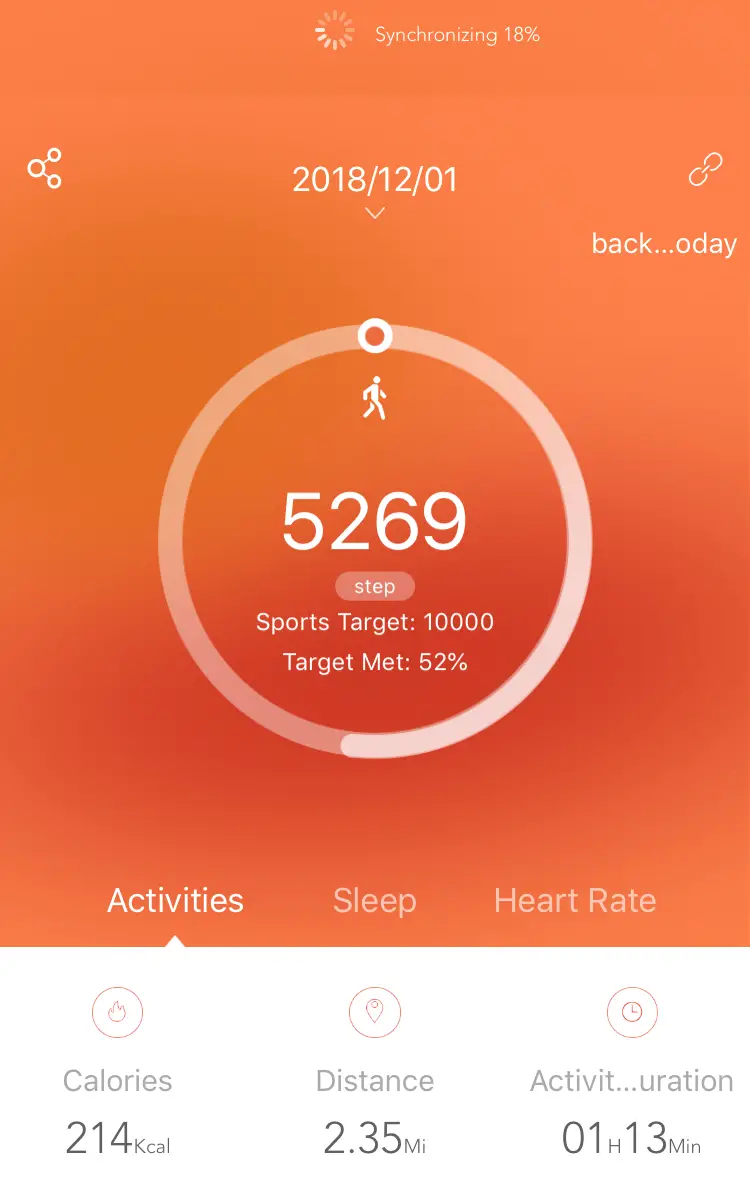 | Bind the bracelet and enter the App home page for automatic sync. (For follow-up synchronization, pull down the main interface). |
Fitness Rx provides multi-sports mode in the Training Section, including Workout, Basketball, Badminton, Walking, Running, Biking, Treadmill, Hiking.
When you are doing exercise, MAKE SURE you enter one sport mode by press that mode for 3 seconds to enter the selected mode to accurately track your dynamic heart rate. A complete summary of the workout will be provided at the end of your exercise.

HIGHLIGHTED FEATURES
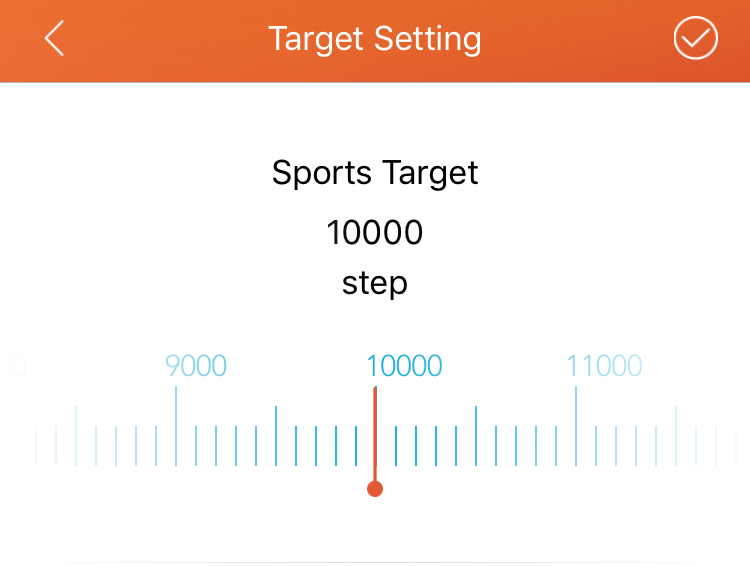 | By default your goal is 10,000 steps per day, but you can change the goal in the app. Open “VeryFitPro” app, click “User”, “Target Setting” to change your daily step target. |
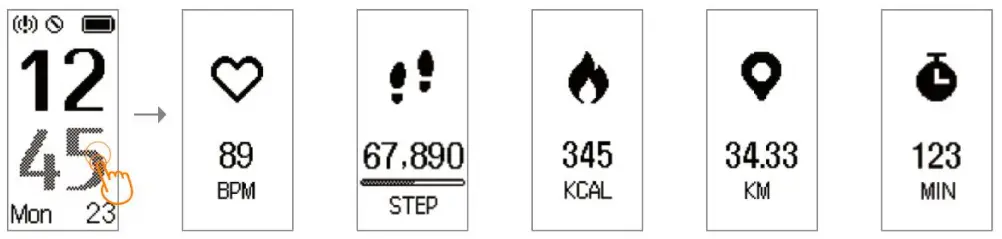
Swipe up the screen to show the main interface, then tap the screen to check heart rate, steps, calories, distance and workout duration.
Fitness Rx provides multi-sports mode in the Training Section, including Hike, Workout, Basketball, Badminton, Walk, Run, Bike, Treadmill, Hike.
When you are doing exercise, make sure you select one sport mode by pressing that mode for 3 seconds so that the device will accurately record your dynamic data when you are doing different exercises.
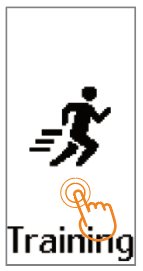 | Tap the screen to choose one sport mode | 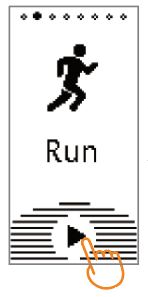 | Long press the start button for 3 seconds to enter the sport mode. |
| Once entered one sport mode, tap the screen to check heart rate, steps, calories, pace, time and distance. | |||
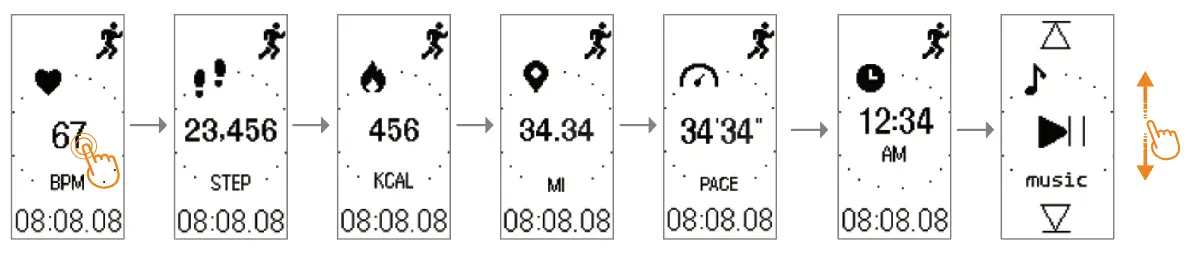 | |||
| Tap the home button to the Sport-pause mode. | 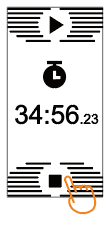 |
| Press and hold stop button for 3 seconds to end the mode. | |
PLEASE Note: To record GPS track movement, click the navigation bar [ ] at the bottom of the app to enter the page, then click the GPS icon to start GPS tracker. ] at the bottom of the app to enter the page, then click the GPS icon to start GPS tracker. | |
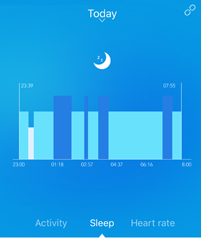 | Wear your Fitness Rx to bed to automatically track both your time spent asleep and your sleep quality. Deep, light and wake sleep will be display the next time the data is synchronized. To see your sleep information, sync your tracker with VeryFitPro APP: go to app Mainpage, pull down the page to update data. Sleep tracker helps to learn about your sleep habits. |
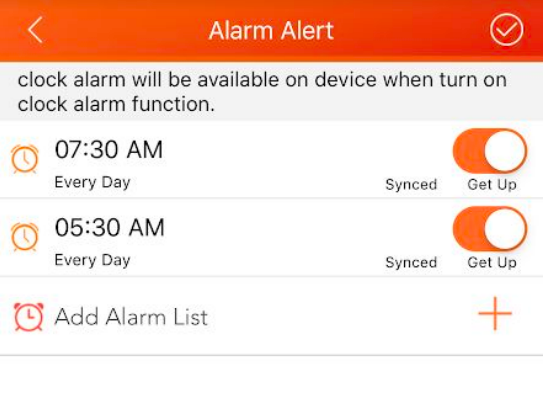
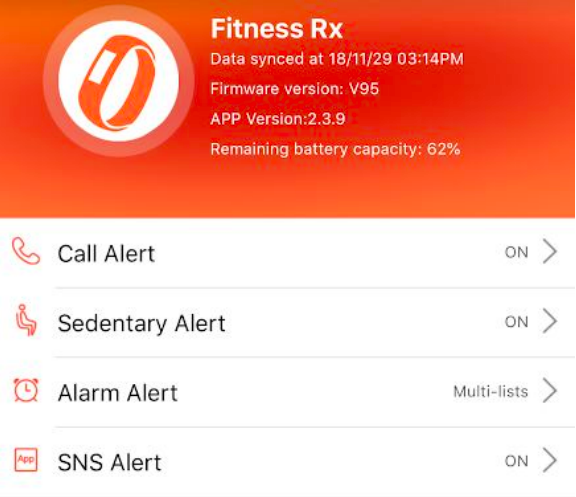 | Fitness Rx allows to set up alerts of incoming phone call, test message, alarm and sedentary alert in the app. |
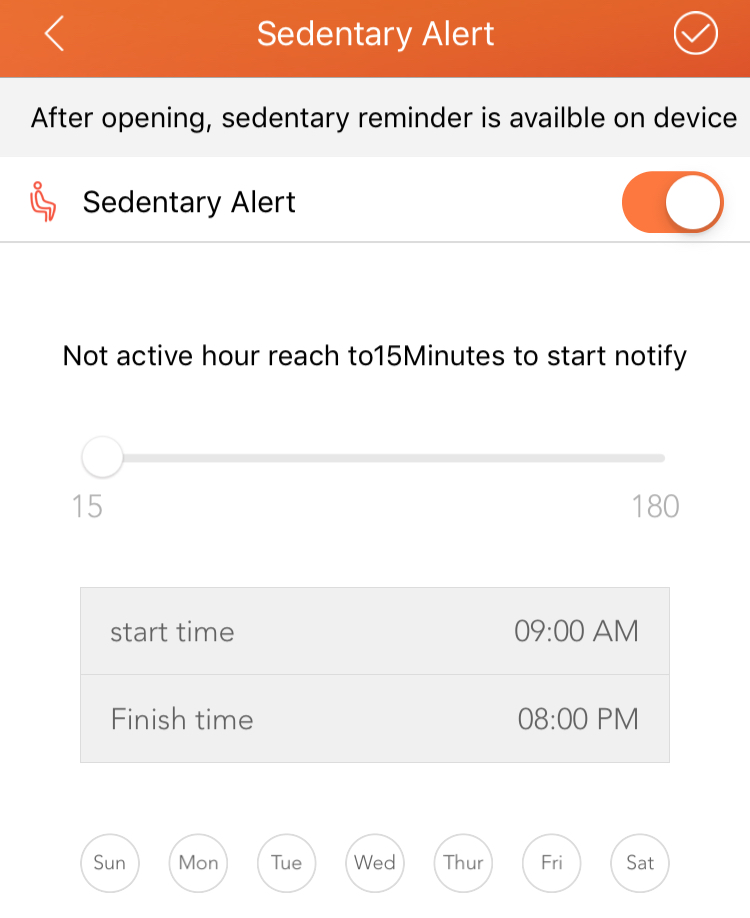 | Set up alert to remind yourself when you have been sedentary for too long |
 |
. |
Fitness Rx support message notification from various apps, including:
|
|
- Enter SNS Alert in the app.
- Turn on “Allow notification” button.
- Turn on the apps you’d like to receive notification.
- Click Save button on the Right top of the page.
- To check the message on your device,
 | Tap the screen to enter the view details mode in the information display page “click on the screen” view information flip. |
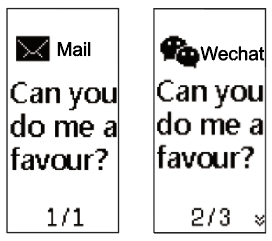 | In the information display page, “scroll up and down” to view the next message. |
Deep breathing practice draws more oxygen in to our lungs, which increases our cardiovascular capacity. It also triggers our parasympathetic nervous system, neutralizes stress and elicits a calming feeling.
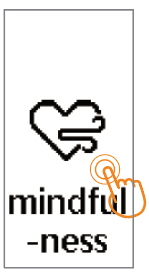
To do deep breath exercise, tap “Mindfulness Training” on the device:
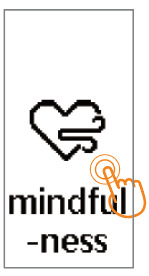 | Tap the screen to enter the mind training | 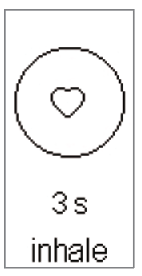 | Deep inspiration 3s (at the beginning, the motor is very slight shock) |
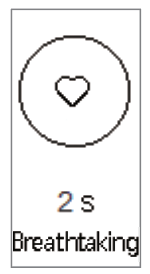 | Press 2s (at the beginning, the motor is very slightly shocked) | 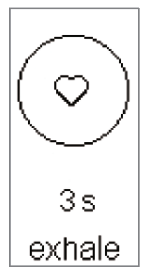 | Deep breath 3s (at the beginning, the motor very little shock), cycle 5 times, the display has been lit. |
Open “VeryFitPro” app home page, Under “Device” select “More”, enable “Weather forecast” function.
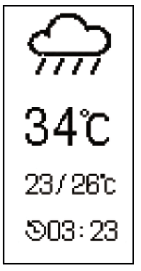 | Tap the screen to switch among future weather information. Screen vibrates when there is no weather information, and will not enter this mode. |
Note:
- No weather information display on the device screen when this switch is “OFF” in the App.
- Further weather information only will be updated when this switch is “ON” after connecting with Bluetooth. No weather data display on device when there is no further weather information within 24 hours in the App.
- Phone needs internet to obtain weather information.
- At the App side switch between degrees Fahrenheit (℉) and degrees Celsius (℃).
Enable Music Control function in the app.
Once the function is enabled, the following interface will show in the device,
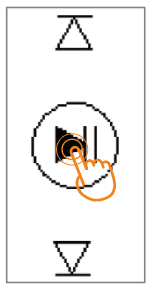 | Click  to Start/Pause the music, motor vibrates slightly. to Start/Pause the music, motor vibrates slightly. |
Note:
|  |
Below are all the alerts and reminders the Fitness RX is equipped with:
 | Incoming call reminder | 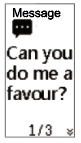 | Information reminder | 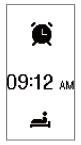 | Alarm clock alert | 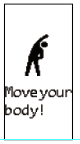 | Sedentary reminder |
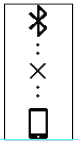 | Anti-lost reminder | 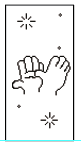 | Complete the target reminder | 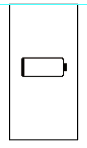 | Low battery reminder | 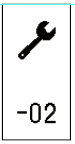 | Device exception reminder |
MORE FUNCTIONS & SETTINGS
| Tap “More” interface on the device to find more functions |
 | DO NOT DISTURB MODE: click this button to enter DO NOT DISTURB mode. |
 | STOPWATCH MODE: turn the fitness tracker into a stopwatch when needed. |
 | CAMERA SHOOT MODE: to use this function, make sure your smartphone isn’t locked; click the button on the fitness tracker to take a photo using your smartphone. NOTE: The Fitness RX does not have an internal camera. |
 | TIME DISPLAY SWITCH MODE: Fitness Rx provide 5 display modes. Click to select the display mode you like. |
 | SHAKE WRIST TO DISPLAY MODE: if you don’t want to swipe up every time to wake up the screen, turn on this function in the device. You can also turn on this function in the App – “Lift the wrist bright screen”. |
 | ALAMS: See different alarms you’ve set up. Display 10 alarms maximum. To change alarm setting, please do it in the app. |
 | HEART RATE MONITOR ON/OFF SWITCH: you can choose to turn on or off the heart rate monitor here. If you don’t see your heart rate data, check the function to see if it was accidently turned off. |
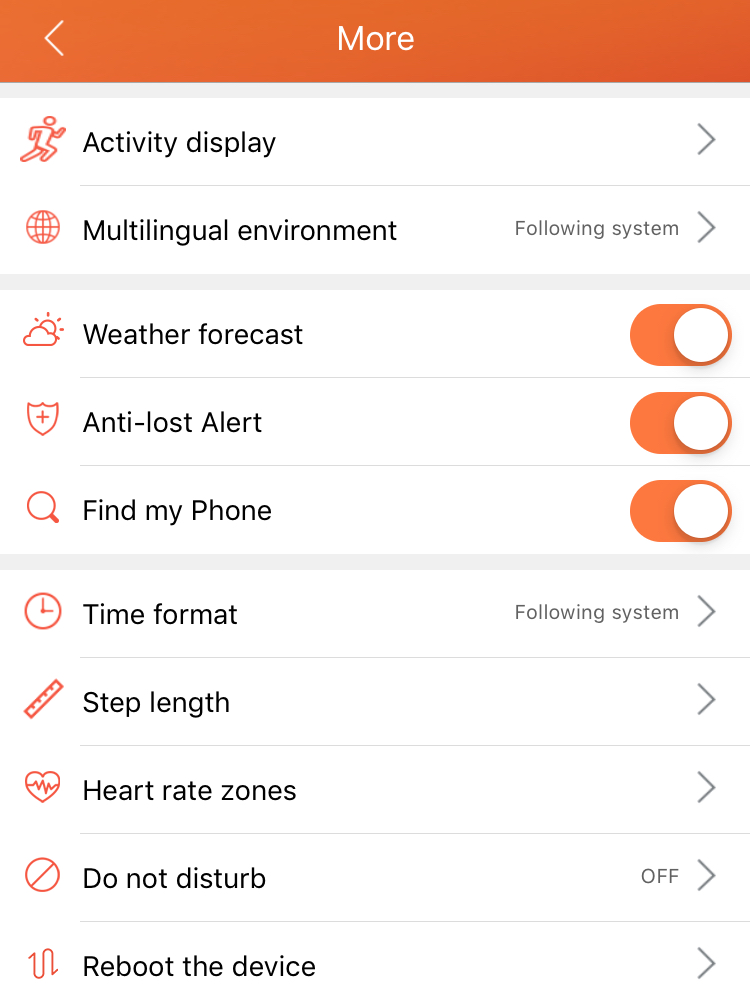
You can find more functions in the app by click “Device” > “More”.
 |
There are 8 activity mode in Fitness Rx: walking, running, riding, hiking, badminton, fitness, treadmill, basketball. The first 4 activity modes have GPS tracker. You MUST have your smartphone with you for this feature to work.
Fitness Rx provide seven languages for your selection, including English, Chinese, French, German, Italian, Spanish and Japanese.

Enable the weather forecast function in the app so that the Weather will be displayed on the device.
| Once this function is enabled, the device will vibrate when it lost connection with your smartphone. |
Enable this function in the app, then you can find a [ ] icon in the fitness tracker, “More” tab.
Click [ ] on your fitness tracker, your smart phone will ring if it is nearby.
Please note: if your smart phone is muted, the software can’t make it ring.
You can select 12h mode or 24h mode in this function.
Please note: you can’t set up time in the fitness tracker. Once the device is synchronized with the smartphone, time will be automatically updated.
If you know your step length, please input the value so that Fitness Rx can more accurately record distance.
You can find heart rate zone description in this section.
In this function, you can customize your maximum heart rate, which will customize your heart rate zone accordingly.
You can either choose to turn on and off this function in the app or in the device
Reboot the device if necessary.
| Model No. | Fitness Rx |
| Battery Capacity | 65mAh |
| Working Voltage | 3.7V |
| Host Weight | About 30g |
| Sync | Bluetooth 4.0 |
| Working Temperature | 14℉ – 113℉ |
| Waterproof | IP67 |
| Working Time | About 7 days |
| Frequency Bands | 2402 – 2480 MHz |
| Maximum Output Power | odBm |
Microtella warrants to the original purchaser that your Microtella-branded device and Microtella-branded device accessories (collectively, the “Product”) shall be free from defects in materials and workmanship under normal use for a period of one (1) year from the date of purchase(the “Warranty Period”). Warranty area is limited in the United States of America. For more details of the warranty policy, please check https://microtella.com.
Our products are designed for you to wear throughout the day. So please follow a few brief instructions when you are wearing and maintaining your smart devices. To keep your wristband clean and your skin comfortable, we put forward the following tips:
- Regularly clean your wrist and the smart wristband, especially after sweating in the exercise or being exposed to substances such as soap or detergent which mayattach on the internal side of the wristband.
- Do not wash the wristband with household cleanser. Please use soapless detergent,rinse thoroughly and wipe with a piece of soft towel or napkin.
- For spots or stains that are not easy to remove, scrub with alcohol and then follow the above steps.
TROUBLESHOOTING
HEART RATE SIGNAL MISSING
If you’re not getting a heart rate signal, please make sure you’re wearing your tracker correctly, either moving it higher or lower on your wrist or tightening or loosening the strap. After holding your arm still and straight for a short wait, you should see your heart rate again. It the signal is still missing, check your heart rate setting on the device to make sure it is On.
HEART RATE INACCURATE
Please input your age and weight correctly in the app -> “User” page. Please select one of the sport mode to measure your heart rate when you are exercising. Dynamic heart rate can be inaccurate when you are just using the daily tracker to track heart rate.
Fitness Rx uses multi-point touch screen instead of single point touch screen. To wake up the screen, please swipe up and down. More gestures, please find it in the “Touch Screen” section of the User Manual.
Your fully charged Fitness Rx has a battery life of 5 to 7 days. Battery life and charge cycles vary with use and other factors; actual results will vary. However, if your battery only lasts less than 2 days, please contact [email protected] for technical support.
FAILED TO CONNECT WITH BLUETOOTH OCCASIONALLY?
It may be caused by the abnormality of bluetooth service. Make sure the bluetooth is enabled on both the Fitness RX and your smartphone. If problem persists, reboot the bluetooth service on the smartphone, and try to connect again.
Please find more Questions & Answers on https://microtella.com/faq/. You can also find “How to use videos” on https://microtella.com/videos/ If you still can’t find a solution, please email [email protected]. Our technical support team will reply as soon as possible.