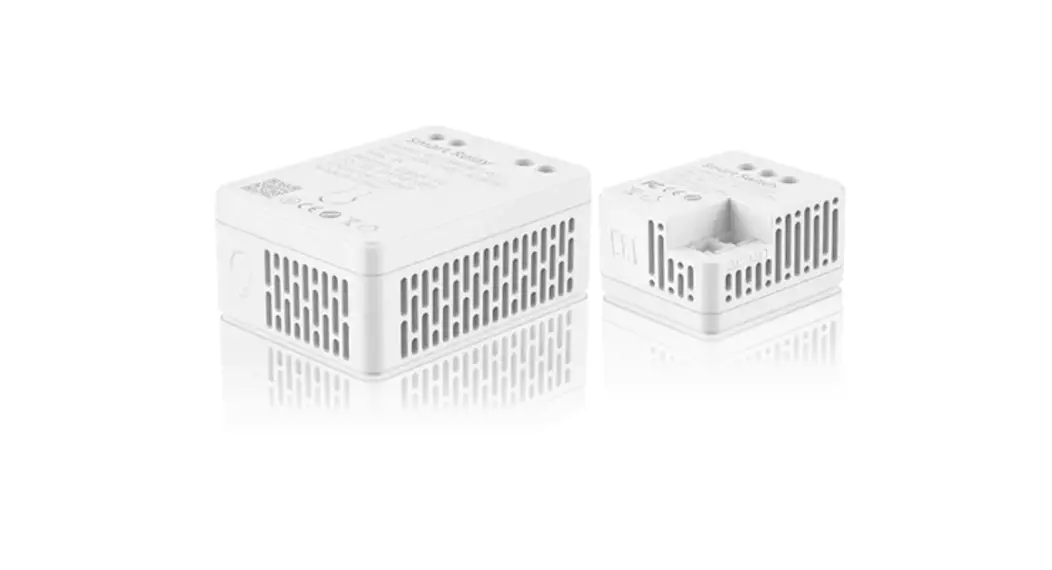
DVN V2 Reversing Camera Switching Relay
Product Information
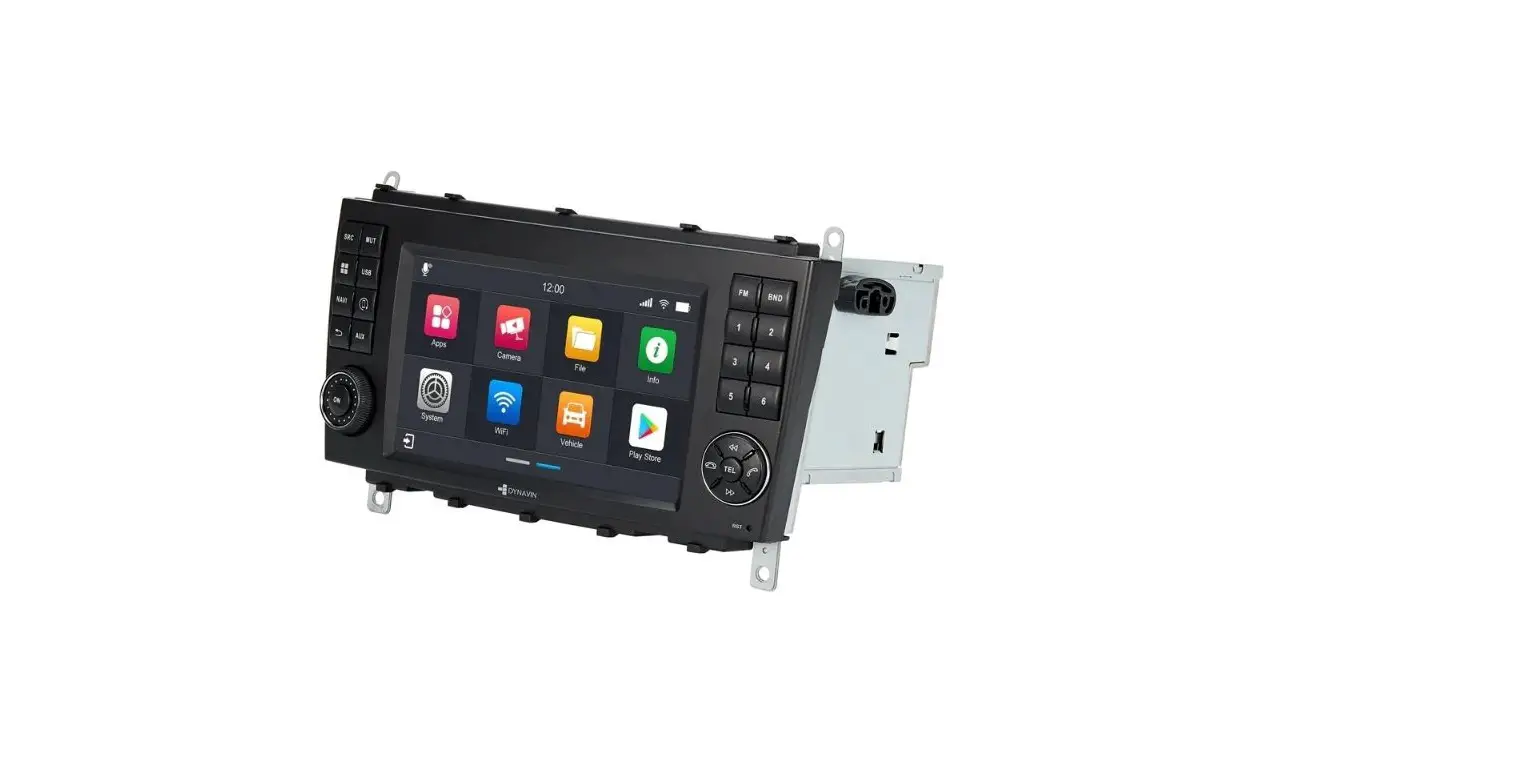
The Dynavin Radio is a multi-functional car stereo system that
supports DAB, FM, and AM radio frequencies. It also features
MDI&CP V-IN and GPS WIFI-BT capabilities. The system comes with
a microphone and a subwoofer for enhanced audio quality.
Additionally, it has AV-IN ports both at the front and rear of the
unit, allowing for easy connectivity to external devices. The
Dynavin Radio also comes with a rear view camera cable for added
convenience.
Product Usage Instructions
To use the Dynavin Radio, follow the steps below:
- Click the Phone icon on the main menu to make calls.
- To make a call, enter #1234562* and tap the green call
icon. - To set the front camera screen time, go to the settings menu
and adjust the time accordingly.
Enjoy using your Dynavin Radio!
DAB FM/AM
MDI&CP V-IN
PHONE
R
R
R
GPS WIFI-BT
MIC
SUB
L
L
L
AV-IN FRONT REAR
Dynavin Radio
DYNAVIN DVN V2 WIRING DIAGRAM
Dynavin rear view camera cable
Dynavin DVN V2
After the DVN-V2 is installed, you need to set it in the front camera setup menu and the Dynavin radio must be upgraded to the firmware after 2023-03. Nachdem das DVN-V2 installiert ist, müssen Sie die Frontkamera einstellen, im Menü unter Frontkamera-Einstellungen und das Dynavin Radio muss auf die Firmware 2023-03 aktualisiert werden.
Click the “Phone” icon in the main menu.
Enter #1234562* and tap the green call icon.
Set front camera screen time.