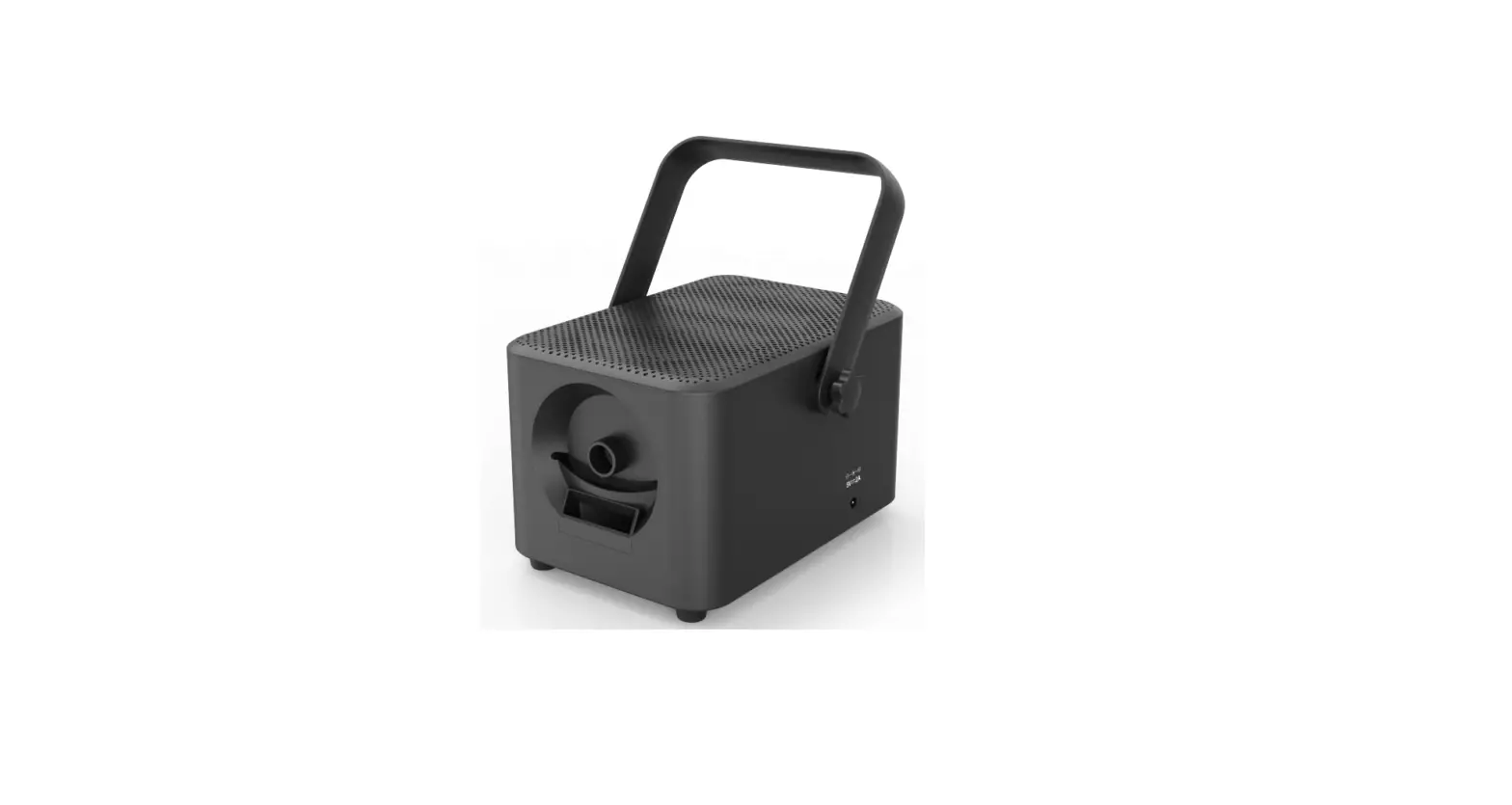
2340 CoComelon Musical Bubble Machine
Product Information
Product Name: CoComelon Musical Bubble Machine #2340
User’s Guide: The user manual provides detailed instructions on
operating and troubleshooting the Bubble Machine.
Manufacturer: Enabling Devices
Technical Support: Contact the Technical Service Department
Monday through Friday, 9 a.m. to 5 p.m. (EST) at 1-800-832-8697 or
email [email protected]
Address: 50 Broadway Hawthorne, NY 10532
Contact Number: Tel. 914.747.3070 / Fax 914.747.3480
Toll-Free Number: 800.832.8697
Website: www.enablingdevices.com
Product Usage Instructions
- Powering the Bubble Machine:
- The Bubble Machine requires 3 AA batteries (not included).
- Use alkaline batteries only (e.g., Duracell or Energizer
brand). Do not use rechargeable batteries or any other type of
batteries. - Open the battery compartment located on the side of the bubble
blower using a Phillips head screwdriver. - Install 3 AA batteries, ensuring proper (+) and (-) battery
polarity. - Secure the battery compartment cover with the screws.
- Filling the Bubble Machine:
- Unscrew the top of the included bubble solution bottle and
remove the seal. - Unscrew the solution reservoir on the bottom of the Bubble
Machine. - Fill the reservoir with bubble solution, making sure the tubes
go into the opening and are not pinched when screwing it to the
base.
- Unscrew the top of the included bubble solution bottle and
- Using the Bubble Machine:
- The Bubble Machine can be used with or without an external
switch. - The ON/OFF Ladybug switch is located in the front of the
unit. - If using an external capability switch, set the ON/OFF switch
to the OFF position. - Connect your external capability switch (not included) to the
1/8 jack located at the back of the Bubble Machine’s base. - Ensure the switch is plugged in all the way with no gaps.
- Actuate your external capability switch to start producing
bubbles. The bubbles will stop when you release the switch. - To prevent battery drain, turn off the Bubble Machine when
finished playing.
- The Bubble Machine can be used with or without an external
- Care of Unit:
- If you will not be using the Bubble Machine for an extended
amount of time, it is recommended to remove the batteries. - The Bubble Machine can be wiped clean with any household
multi-purpose cleaner and disinfectant. - Do not submerge the unit, as it may damage the contents and
electrical components. - Avoid using abrasive cleaners, as they can scratch the surface
of the unit.
- If you will not be using the Bubble Machine for an extended
Troubleshooting
Problem: The Bubble Machine does not function correctly.
- Action #1: Check that all the batteries are installed
correctly, following the proper (+) and (-) polarity. Also, ensure
that the batteries are fresh. - Action #2: Replace the batteries, paying close attention to the
proper (+) and (-) battery polarity. - Action #3: Make sure there is enough bubble solution in the
solution bottle. The bubble solution should cover the tube enough
to syphon the solution. - Action #4: Try your switch with another switch-operated
toy/device to rule out your switch as the source of the
problems.
Action #6: Try your switch with another switch operated toy/device in an effort to rule out your switch as the source of the problems.
Care of Unit: If you will not be using the Bubble Machine for an extended amount of time, we recommend removing the batteries.
The Bubble Machine can be wiped clean with any household multi-purpose cleaner and disinfectant.
Do not submerge the unit, as it will damage the contents and the electrical components.
Do not use abrasive cleaners, as they will scratch the surface of the unit.
CoComelon Musical Bubble Machine #2340
USER’S GUIDE
For Technical Support: Call our Technical Service Department Monday through Friday, 9 a.m. to 5 p.m. (EST)
1-800-832-8697 [email protected]
50 Broadway Hawthorne, NY 10532 Tel. 914.747.3070 / Fax 914.747.3480 Toll Free 800.832.8697 www.enablingdevices.com
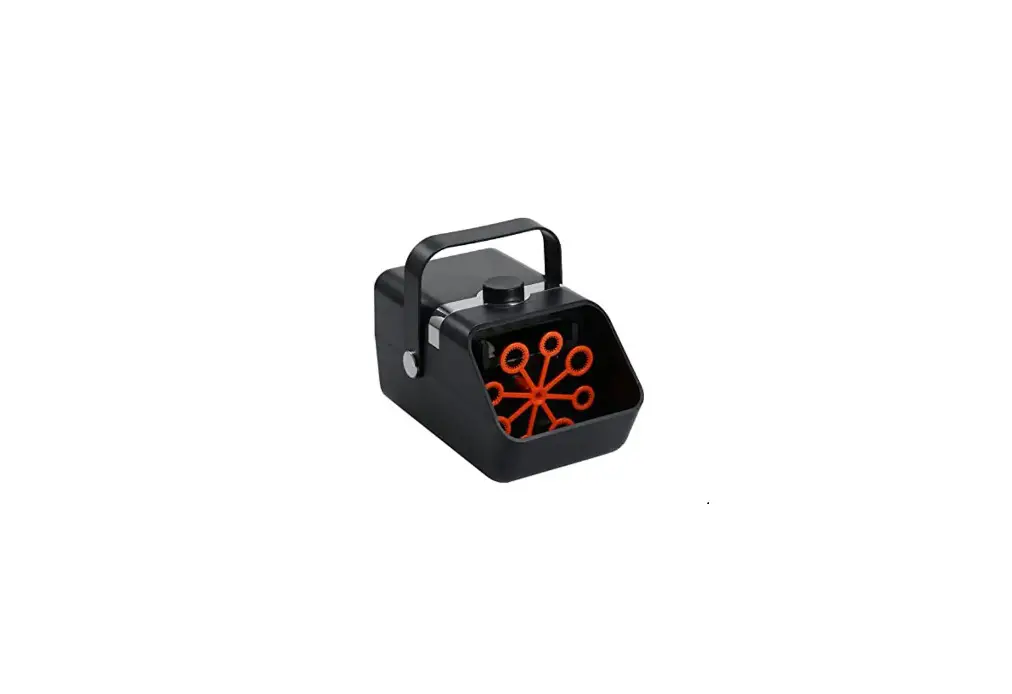
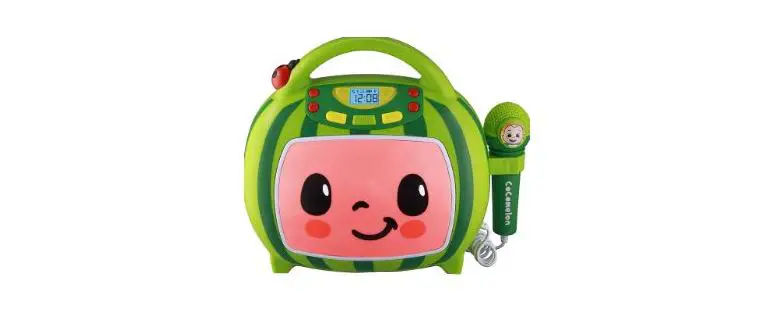
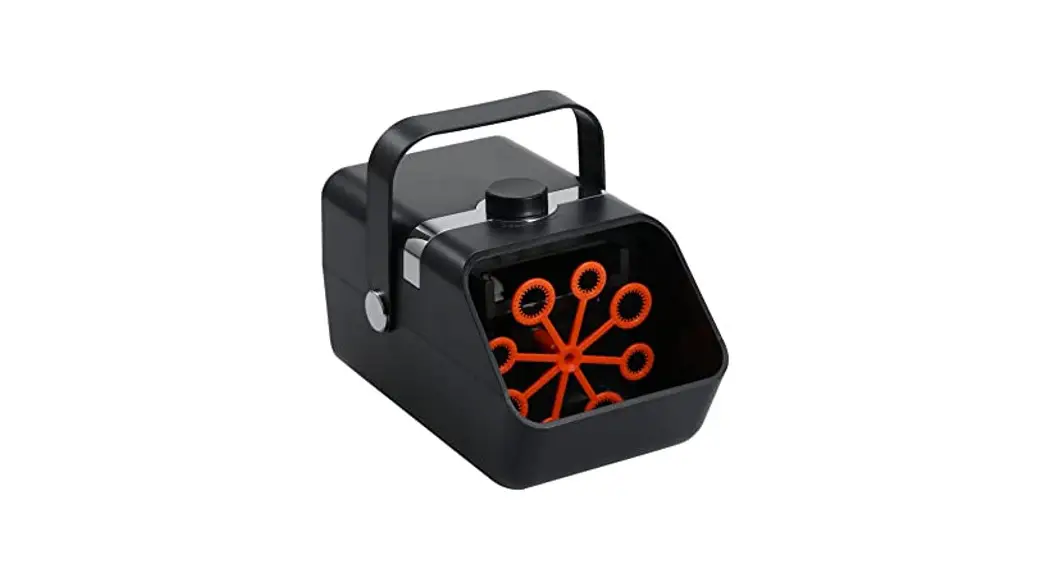
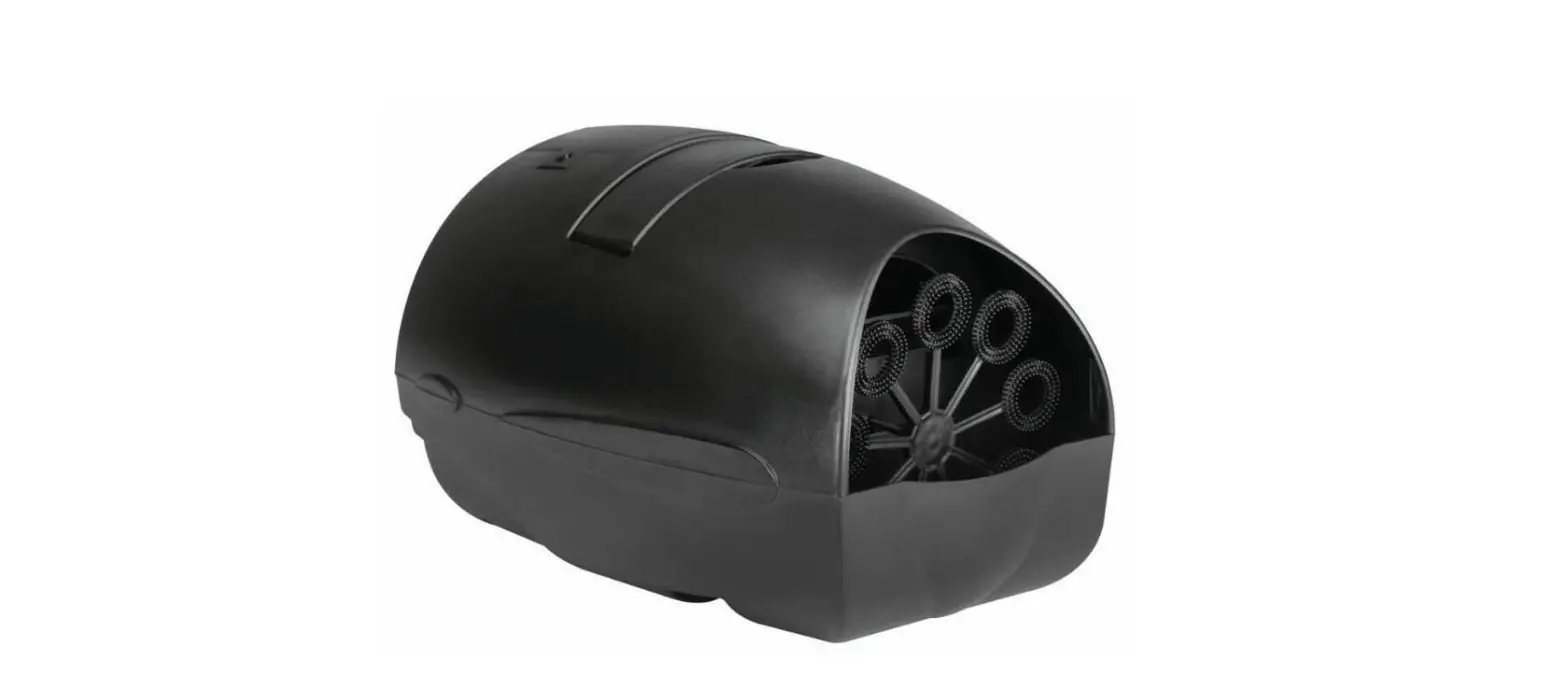
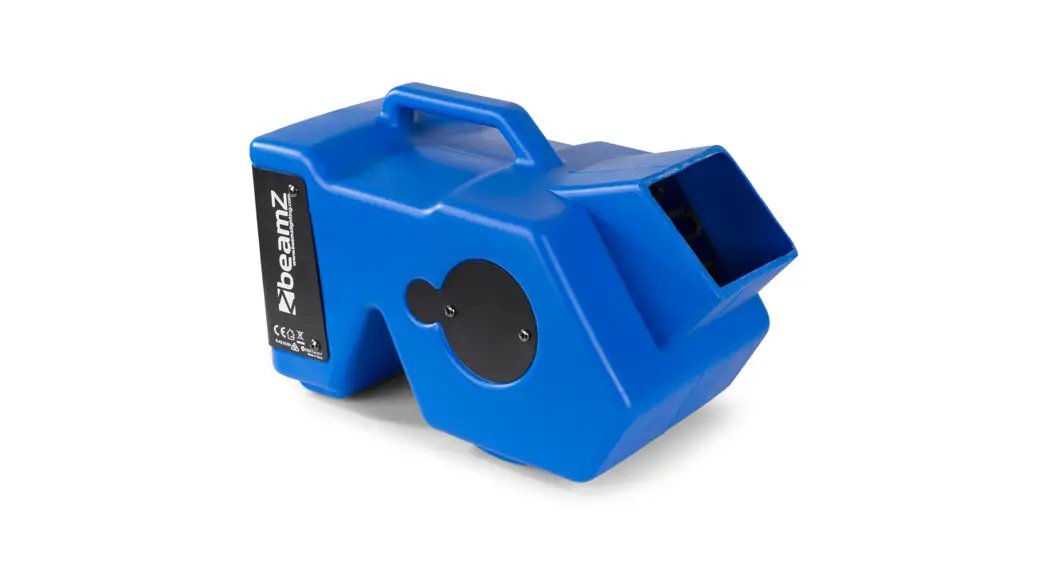
You don’t have to be a fan on CoComelon to love this bubble Machine! Use sustained pressure on your external capability switch (not included) or the ladybug on/off switch for a continuous stream of bubbles. No-spill reservoir holds 3+ ounces of bubble solution (included). For music, just move the ladybug switch down and you’ll hear “The Wheels on the Bus” as bubbles float into the air. (External capability switch does not activate music.) Size: 6½”D x 7¾”H. Requires 3 AA Batteries. Weight: 1 lb.
Operation: 1. CoComelon requires 3 AA batteries (Not included) to operate.
Use alkaline batteries only (e.g. Duracell or Energizer brand). Do not use rechargeable batteries or any other type of batteries because they supply lower voltage and the unit will not perform properly. Never mix old and new batteries together or different brands or types together.
2. The battery compartment is located on the side of the bubble blower. Turn the bubble blower to reveal the battery compartment cover. Using a Phillips head screwdriver unscrew the cover and install 3 AA batteries, paying close attention to proper (+) and (-) battery polarity.
3. Replace the battery compartment cover and secure with the screws. Connect to any external capability switch (not included) via the cord jack located at the back of the Bubble Machine’s base. CoComelon Bubble Machine is equipped with a 1/8 jack for use with external capability switches with a 1/8 plug. Make sure you have your switch plugged in all the way. There should be no gaps.
4. To fill the Bubble Machine, unscrew the top of the included bubble solution bottle. Next remove the seal on the top of the bottle. Unscrew the solution reservoir on the bottom of CoComelon. Fill with bubble solution. Make sure the tubes go into the opening of the reservoir and are not pinched when screwing it to the base.
5. The Bubble Machine can be used with or without an external
switch. The ON/OFF Ladybug switch is located in the front of the unit. When using an external capability switch, the ON/OFF switch needs to be set in the OFF position. Actuate your external capability switch and the bubbles will start to flow! Once you release your switch the bubbles will stop.
6. When finished playing with Bubble Machine turn OFF to prevent battery drain.
Please Note: External capability switch does not activate music with bubbles mode.
Troubleshooting:
Problem: The Bubble Machine does not function correctly.
Action #1: Check that all the batteries are installed, following proper (+) & (-) polarity. Also check that all batteries are fresh.
Action #2: Replace the batteries paying close attention to proper (+) and (-) battery polarity.
Action #3: Make sure you have enough Bubble solution in the solution bottle. The Bubble solution should cover the tube enough to syphon the solution.
Action #4: Clean the tubes with warm water. Place the tubes in warm water and turn the bubble Machine on. Let the bubble Machine run for 2 or 3 minutes to allow the water to flush out the bubble solution.
Action #5: Make sure that the connection between the external capability switch and the jack is TIGHT. There should be NO gaps.
(continued on the back page of this guide.)
Rev 4/7/17
 Products For People With Special Needs | Enabling Devices