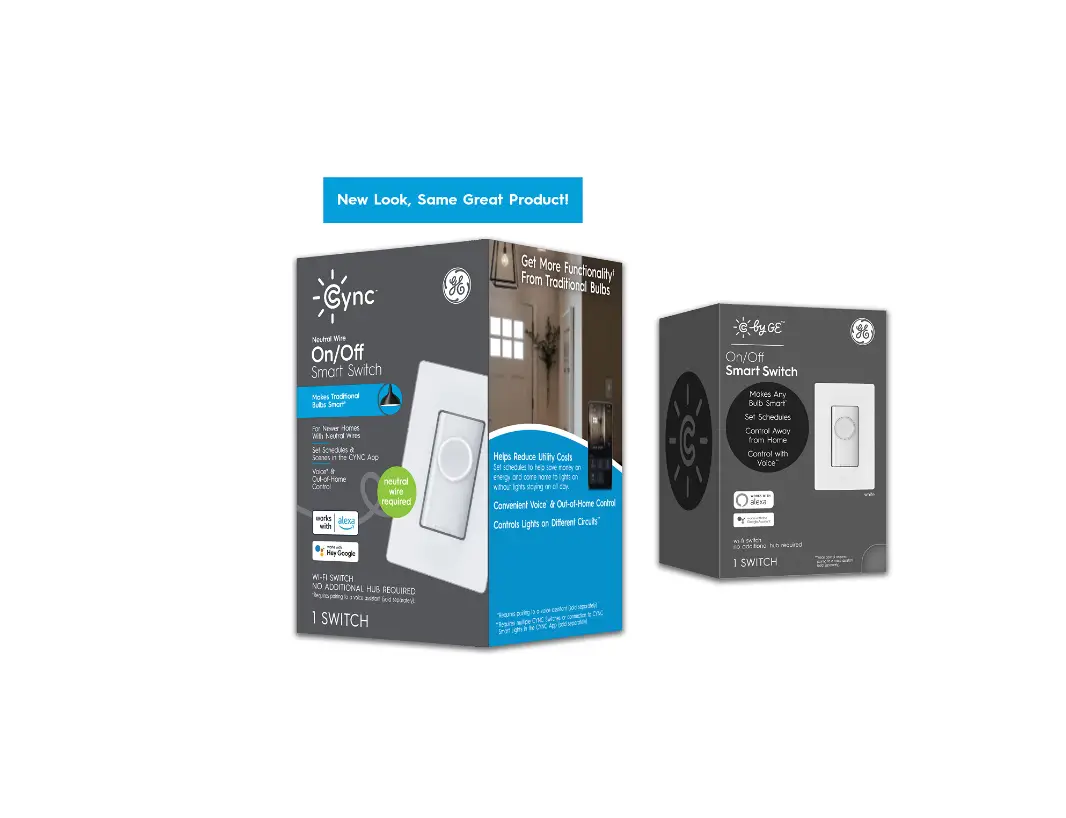
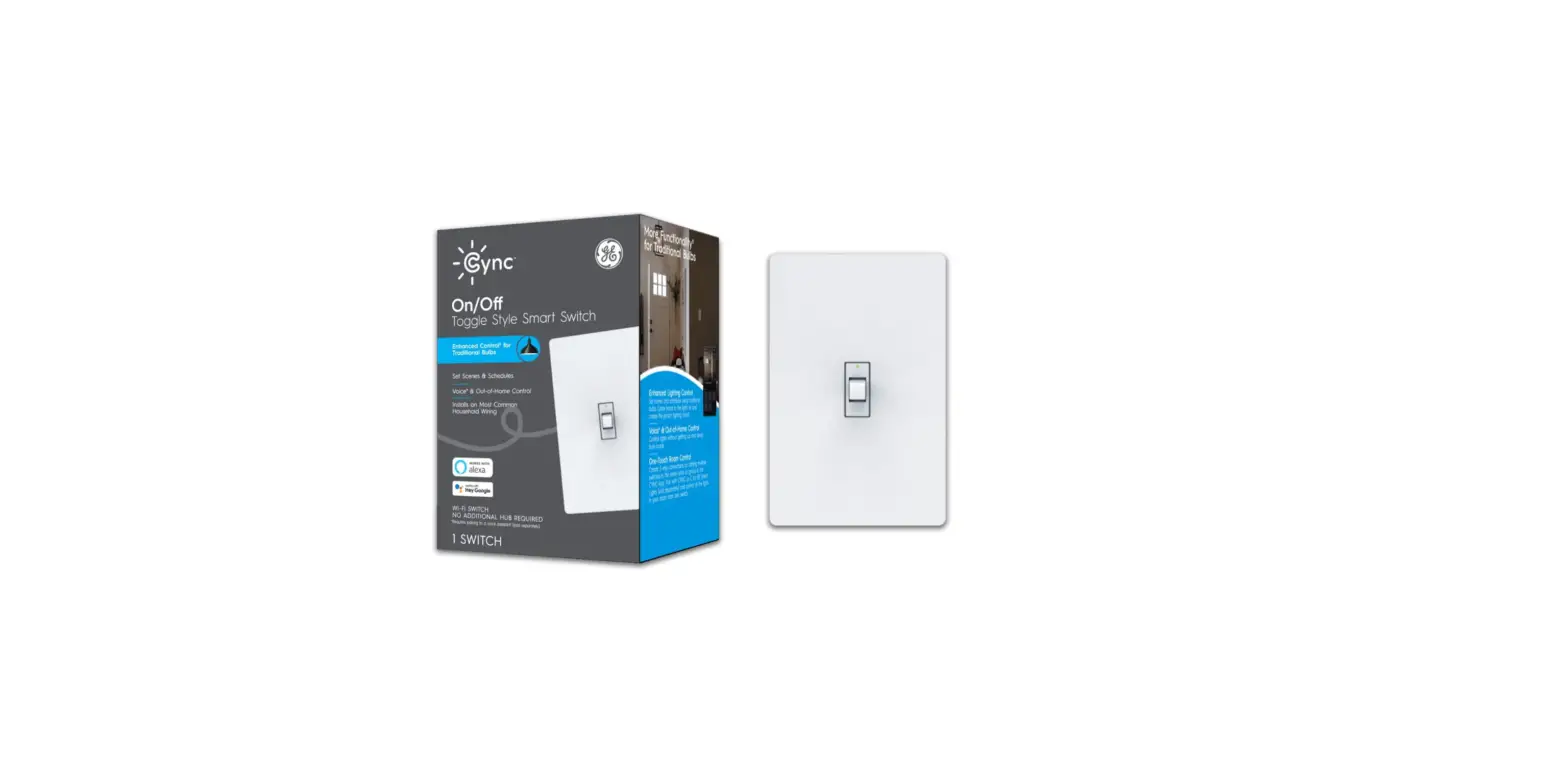
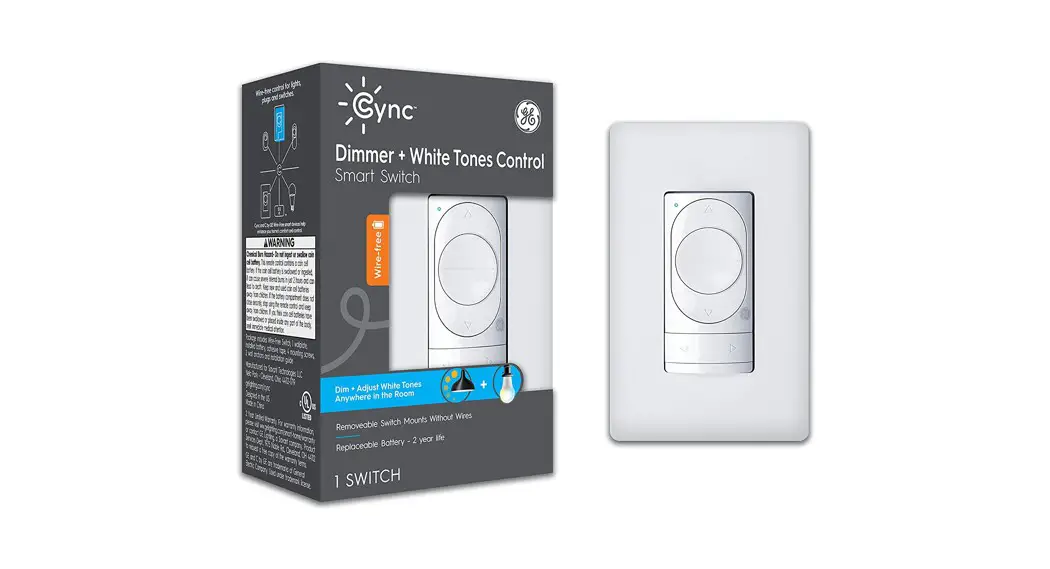
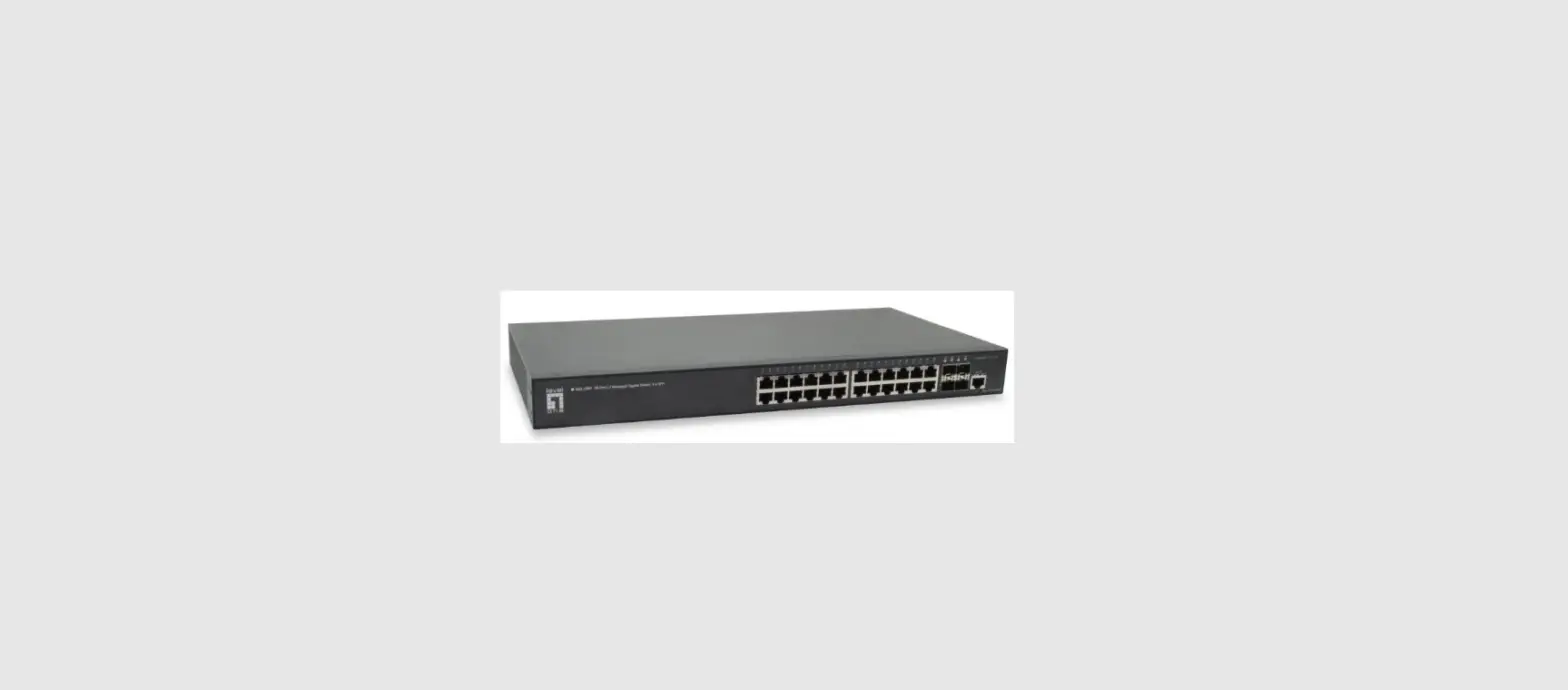
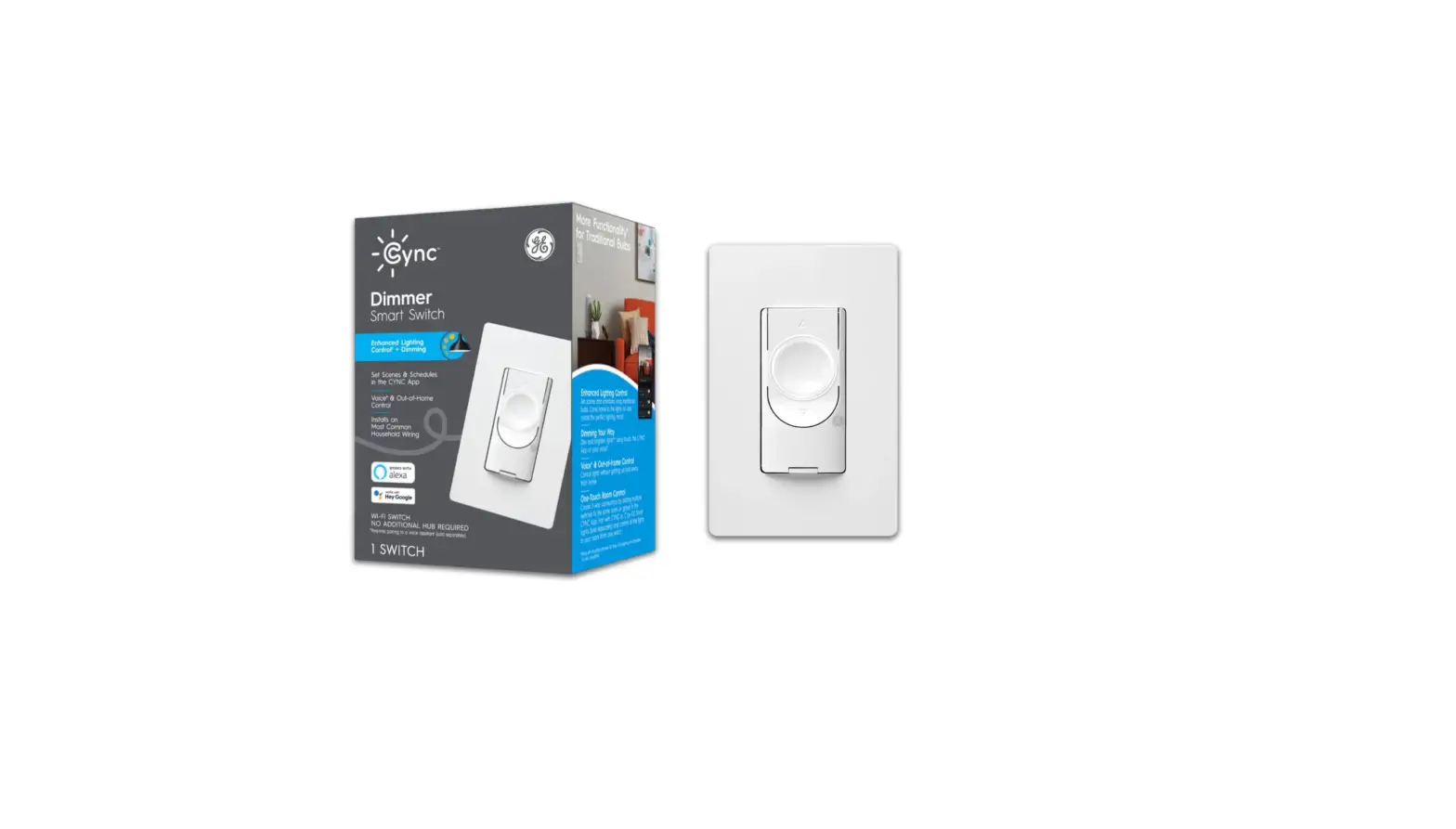
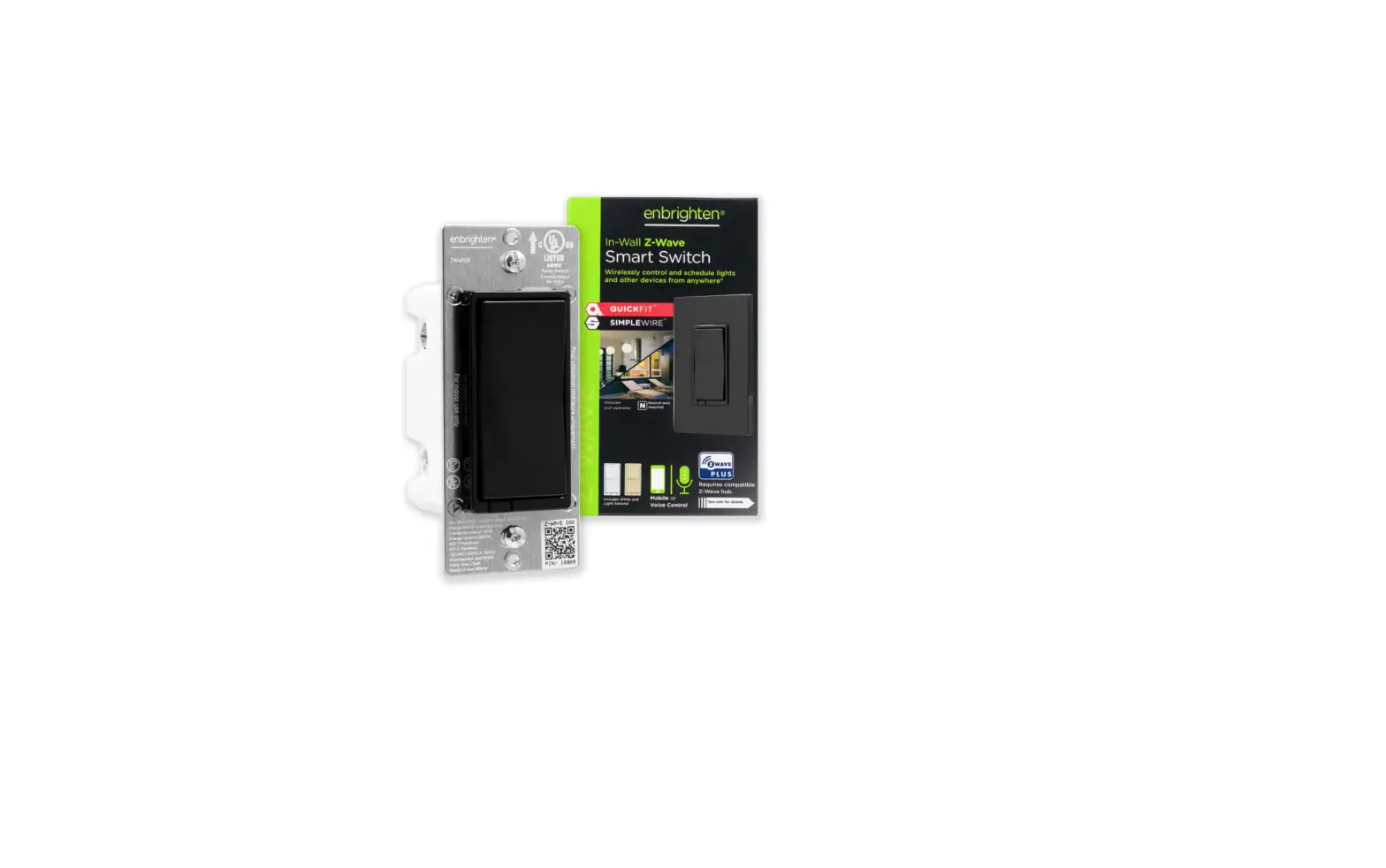
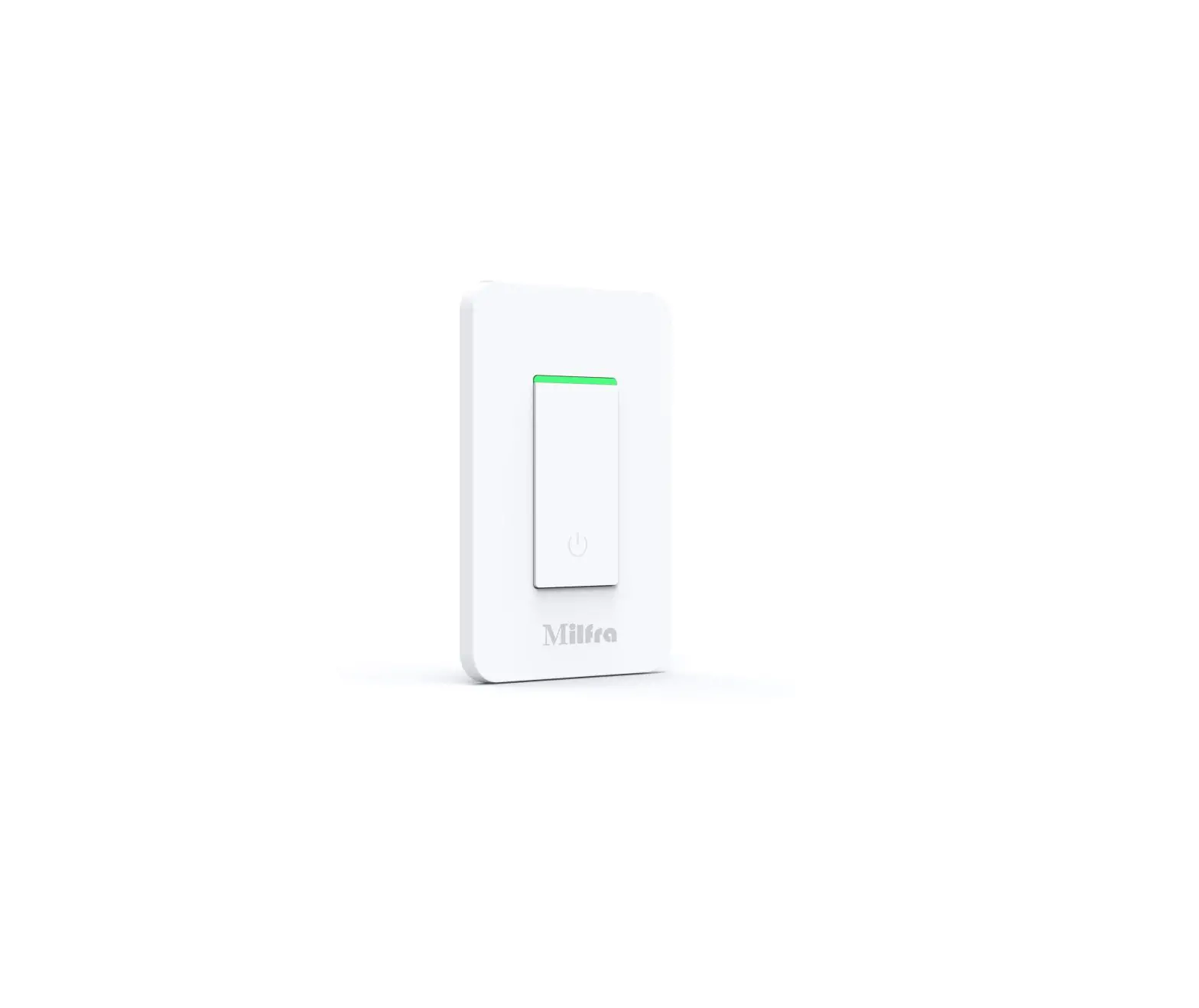
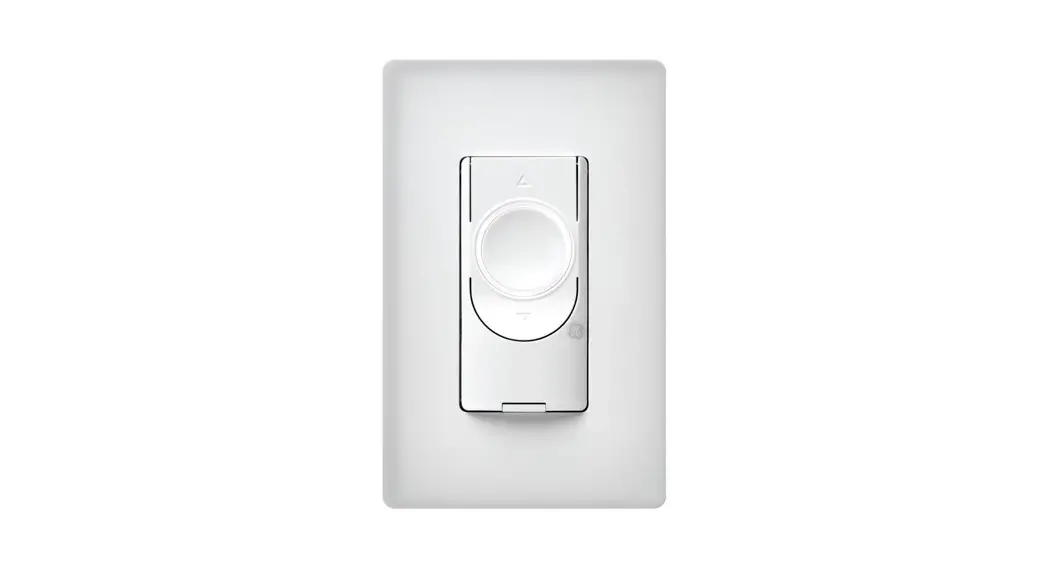
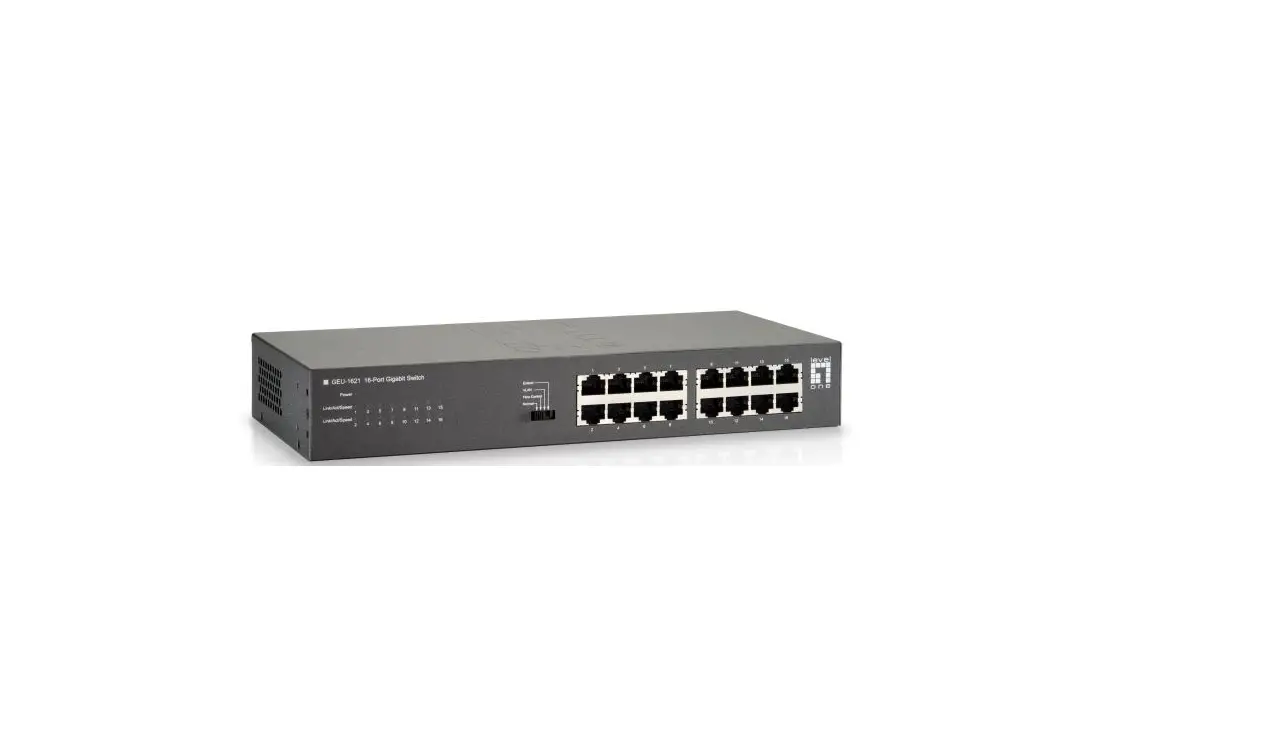
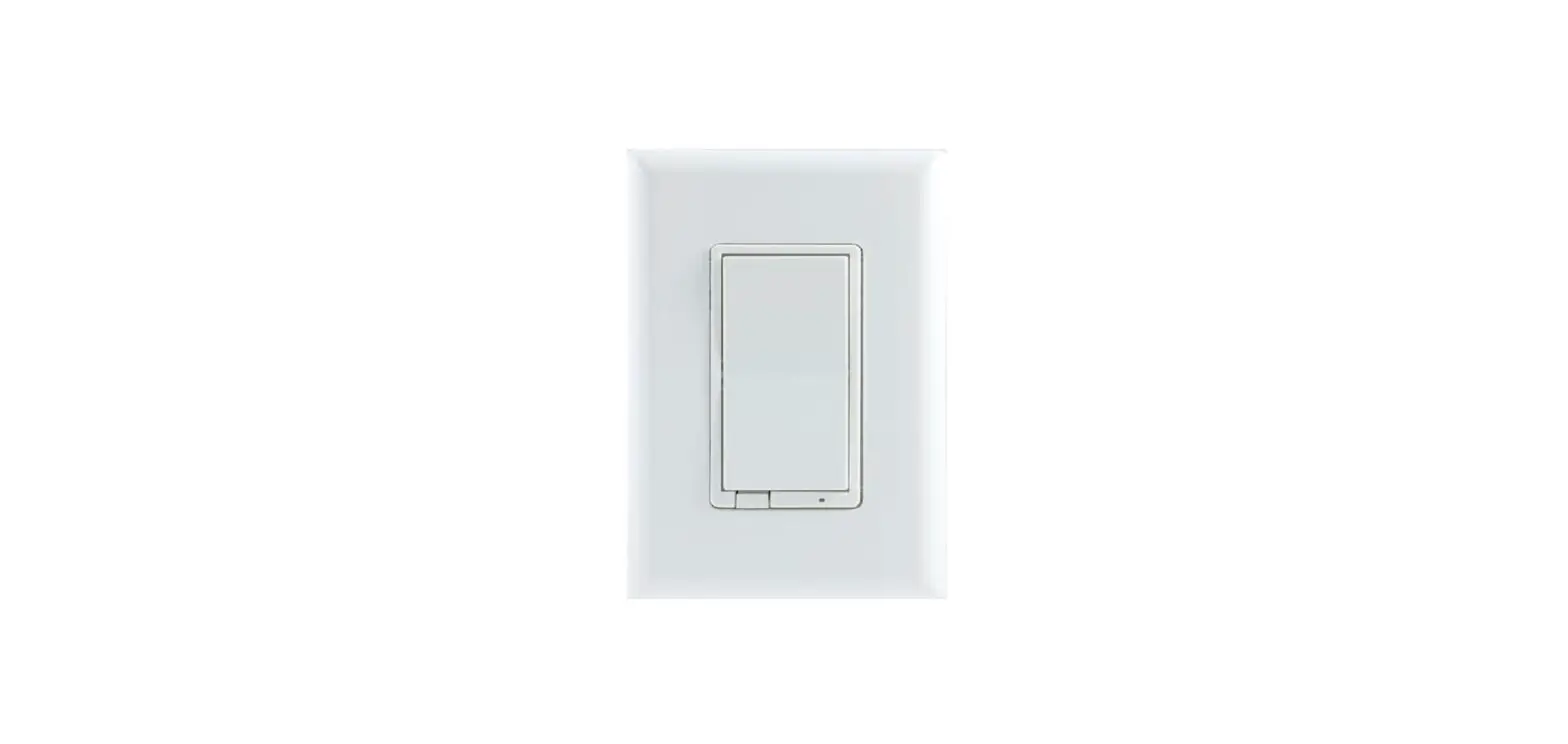
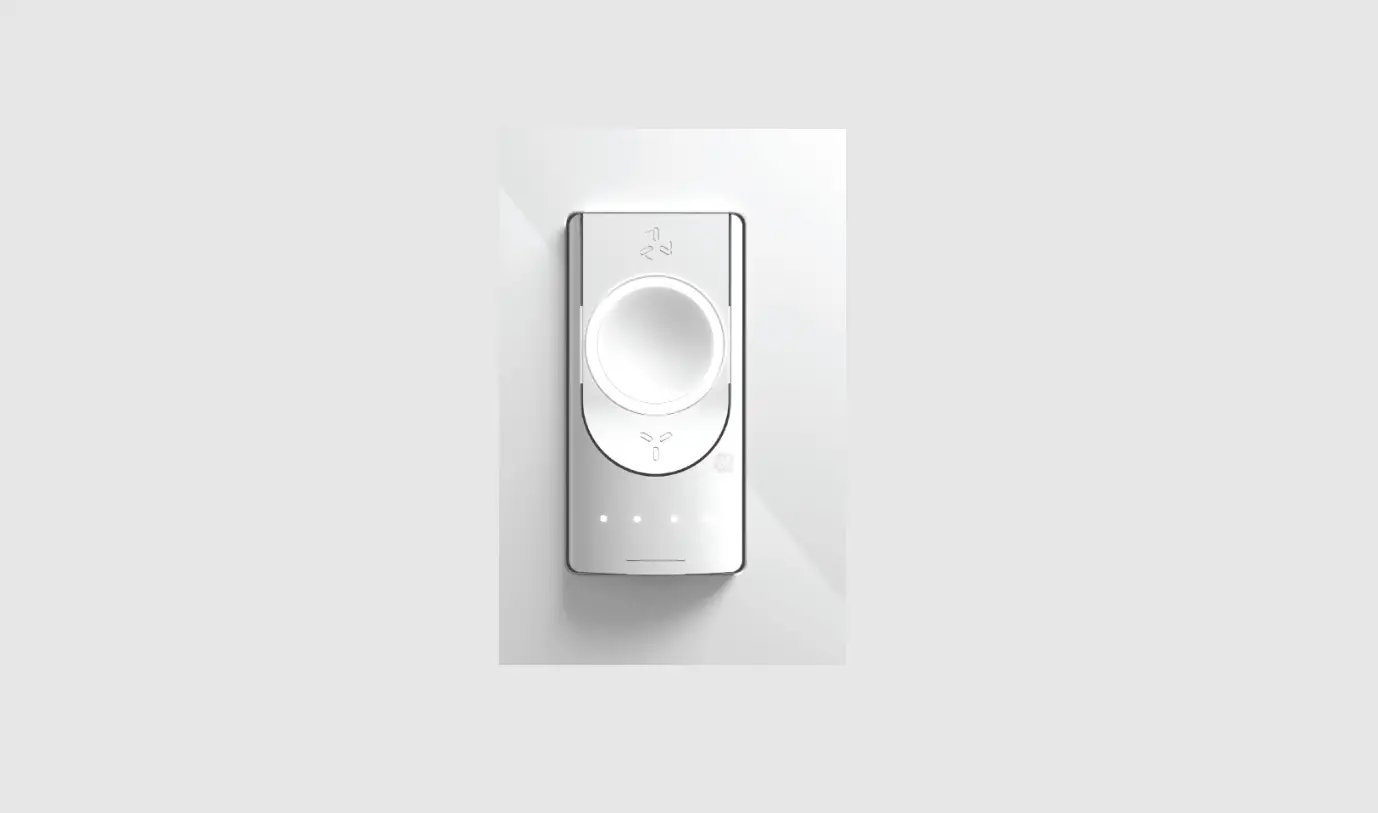
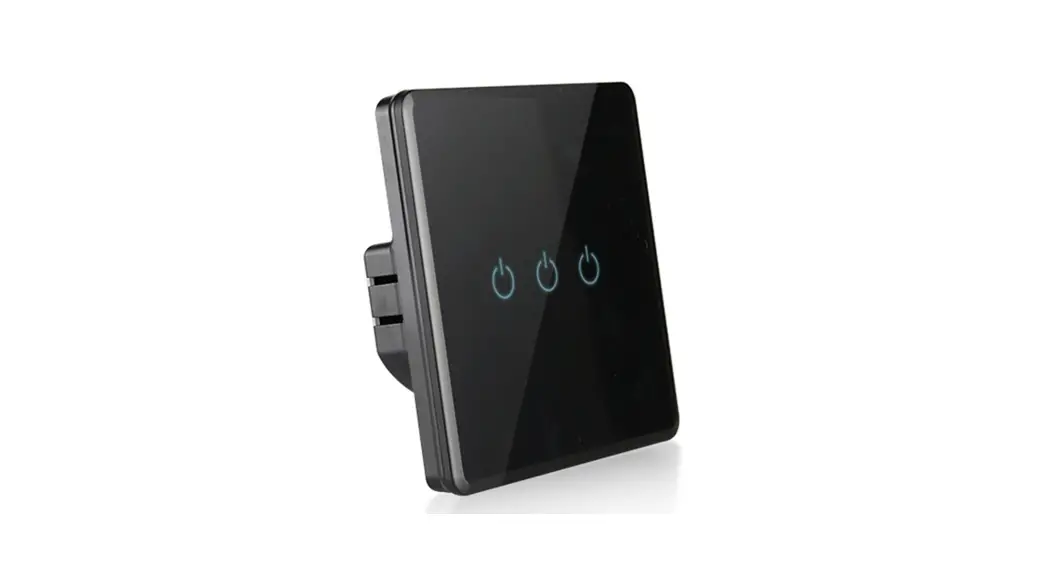
GES-2108 Smart Light Switches
Product Information
The Hilbert Smart Lite Switches are digital switches
manufactured by Digital Data Communications GmbH. They are designed
for digital data communication and provide advanced networking
capabilities. The switches can be easily installed and configured
using the provided user manual and quick installation guide.
Contact Information
Manufacturer: Digital Data Communications GmbH
Address: Im Defdahl 10 F, 44141 Dortmund, Germany
Email: [email protected]
Product Usage Instructions
Logging on to the equipment (Windows)
- Connect the RJ-45 interface cable of a switch with a computer
using a network cable. - Set the TCP/IP properties of the computer:
- Click Start –> Control Panel –> Network and Internet
–> Network and Sharing Center –> Change adapter settings,
right click Local connection and select Properties. - Double-click Internet Protocol 4 (TCP/IPv4).
- Set the computer’s IP address to any one of the following free
IP addresses: 192.168.1.2 ~ 192.168.1.253, and then click OK. - To return to the previous page, click OK.
- Open a browser and type 192.168.1.1 in the address bar, and
then press Enter. - In the pop-up login interface, enter the factory logon username
admin, password admin, and click OK.
Logging on to the equipment (macOS)
- Click the Apple icon, from the Apple drop-down list, select
System Preferences. - Click the Network icon.
- Select the Ethernet (for wired connection), from the Configure
IPv4 drop-down list, select Manually. - Set the computer’s IP address to any one of the following free
IP addresses: 192.168.1.2 ~ 192.168.1.253, Subnet Mask
255.255.255.0, and then click Apply. - Logging on to the equipment:
- Open a browser and type 192.168.1.1 in the address bar, and
then press Enter. - In the pop-up login interface, enter the factory logon username
admin, password admin, and click OK.
Running the Application
The Hilbert Smart Lite Switches can be used with the LevelOne IP
Locator software, which is a switch discovery tool. Follow the
steps below:
- Scan the Setup code, download the LevelOne IP Locator from
http://level1.info/iplocator and launch it. - Execute the application LevelOne IP Locator.exe.
- The LevelOne IP Locator Utility will search all Hilbert series
switches based on the connected network interface card (NIC) and
provide information about forgotten IP addresses and other
details. - To configure a device, simply click on its IP address in the
device list. On the displayed login screen, enter the factory
username admin and password admin, then click Sign in. - A settings box will appear where you can instantly set the IP
address and other information.
Explanation of Symbols
The symbol with the exclamation mark in the triangle is used to
indicate important information in these operating instructions.
Always read this information carefully.
Disposal
Dispose of the product at a recycling point. Do not dispose
together with household waste. Incorrect storage/disposal can harm
the environment and/or cause injury.
Safety Instructions
Read the operating instructions carefully and especially observe
the safety information. If you do not follow the safety
instructions and information on proper handling in this manual, we
assume no liability for any resulting personal injury or damage to
property. Such cases will invalidate the warranty/guarantee.
Quick Installation Guide
( Hilbert Smart Lite Switches )
– 1 –
Content
English ………………………………………………………………….3 Deutsch……………………………………………………………………..8 Français ………………………………………………………………13 Español ……………………………………………………………….18 Italiano ……………………………………………………………………23 Português ……………………………………………………………….28
This Quick Installation Guide only describes the most basic situations and settings. All detailed information is described in the user manual.
Digital Data Communications GmbH Im Defdahl 10 F, 44141 Dortmund, Germany Email : [email protected]
– 2 –
English
Logging on to the equipment
l Connect the RJ-45 interface cable of a switch with a computer using a network cable.
l Set the TCP/IP properties of the computer.
Windows
1. Click Start–> Control Panel–> Network and Internet–> Network and Sharing Center–> Change adapter settings, right click Local connection and select Properties.
2. Double-click Internet Protocol 4 (TCP/IPv4) 3. Set the computer’s IP address: The computer’s IP address should be any one of the following
free IP addresses 192.168.1.2 ~ 192.168.1.253, and then click OK, to return to the previous page, click OK.
– 3 –
4. Logging on to the equipment: Open a browser and type 192.168.1.1 in the address bar, and then press Enter; in the pop-up login interface, enter the factory logon username “admin”, password “admin” and click OK.
macOS
1. Click the Apple icon, from the Apple drop-down list, select System Preferences.
2. Click the Network icon.
3. Select the Ethernet (for wired connection), from the Configure IPv4 drop-down list, select Manually.
4. Set the computer’s IP address: The computer’s IP address should be any one of the following free IP addresses 192.168.1.2 ~ 192.168.1.253, Subnet Mask 255.255.255.0, and then click Apply.
5. Logging on to the equipment: Open a browser and type 192.168.1.1 in the address bar, and then press Enter; in the pop-up login interface, enter the factory logon username “admin”, password “admin” and click OK.
– 4 –
Running the Application
Can be matched with the latest LevelOne IP Locator, the software is the easiest to use switch discovery tool, it can search all Hilbert series switches, instantly know the forgotten IP and other info. Compatible with mainstream Windows and Mac operating systems. 1. Scan the Setup code, download the LevelOne IP Locator and launch it. http://level1.info/iplocator
2. Execute the application “LevelOne IP Locator.exe”.
3. The LevelOne IP Locator Utility will search all Hilbert series switches based on the connect network interface card (NIC), instantly know the forgotten IP address and other info.
4. Simply click with the mouse on the device’s IP address in the device list for configuration. On the displayed login screen, enter the factory username “admin” and password “admin”, then click “Sign in”.
– 5 –
5. A settings box will appear, can instantly set IP address and other info. – 6 –
Explanation of symbols
The symbol with the exclamation mark in the triangle is used to indicate important information in these operating instructions. Always read this information carefully.
Disposal
WEEE: Dispose the product at a recycling point. Do not dispose together with household waste. Incorrect storage/disposal can harm the environment and/or cause injury.
Safety instructions
Read the operating instructions carefully and especially observe the safety information. If you do not follow the safety instructions and information on proper handling in this manual, we assume no liability for any resulting personal injury or damage to property. Such cases will invalidate the warranty/ guarantee.
a) General information · The device is not a toy. Keep it out of the reach of children and pets. · Do not leave the packaging material lying around carelessly. This may become dangerous playing
material for children. · Protect the appliance from extreme temperatures, direct sunlight, strong jolts, high humidity, moisture,
flammable gases, steam, and solvents. · Do not place the product under any mechanical stress. · If it is no longer possible to operate the product safely, take it out of operation and protect it from any
accidental use. Safe operation can no longer be guaranteed if the product: – is visibly damaged, – is no longer working properly, – has been stored for extended periods in poor ambient conditions or – has been subjected to any serious transport-related stress. · Please handle the product carefully. Jolts, impacts, or a fall, even from a low height, can cause
damage to the product. · Consult an expert when in doubt about the operation, safety, or connection of the appliance. · Maintenance, modifications, and repairs must only be completed by a technician or an authorized
repair center. · If you have questions that remain unanswered by these operating instructions, contact our technical
support service or other technical personnel.
b) People and product · Never use the product immediately after it has been brought from a cold room into a warm one. This
can cause condensation to form, which may lead to irreparable damage. Allow the product to reach room temperature before connecting it and putting it to use. This may take several hours.
Care and cleaning
· Disconnect the product from the mains before cleaning. · Do not use any aggressive cleaning agents, rubbing alcohol, or other chemical solutions as they can
cause damage to the housing and functioning of the product. · Clean the product with a dry, fiber-free cloth.
– 7 –
Deutsch
Am Gerät anmelden
l Verbinden Sie den RJ-45-Anschluss am Switch über ein Netzwerkkabel mit einem Computer.
l Stellen Sie die TCP/IP-Eigenschaften des Computers ein: Windows
1. Klicken Sie auf Start –> Systemsteuerung (W10/11: Einstellungen) –> Netzwerk und Internet –> Netzwerk- und Freigabecenter (W10/11: Status) –> Adaptereinstellungen ändern, rechtsklicken Sie auf LAN-Verbindung und wählen Sie Eigenschaften;
2. Doppelklicken Sie auf Internetprotokoll 4 (TCP/IPv4); 3. IP-Adresse des Computers einrichten: Die IP-Adresse des Computers sollte eine der folgenden
freien IP-Adressen 192.168.1.2 bis 192.168.1.253 sein; klicken Sie dann zum Zurückkehren zur vorherigen Seite auf OK und dann nochmals OK um das Fenster zu schließen.
– 8 –
4. Am Gerät anmelden: Öffnen Sie einen Browser und geben Sie 192.168.1.1 in die Adresszeile ein, drücken Sie anschließend Enter; geben Sie am eingeblendeten Anmeldebildschirm den werkseitigen Benutzernamen ,admin’ und das Kennwort ,admin` ein, klicken Sie dann auf OK.
macOS
1. Klicken Sie auf das Apple-Symbol, wählen Sie in der Apple-Dropdown-Liste Systemeinstellungen aus.
2. Klicken Sie auf das Symbol Netzwerk.
3. Wählen Sie Ethernet (für kabelgebundene Verbindung) und in der Dropdown-Liste IPv4 konfigurieren die Option ,Manuell` aus.
4. IP-Adresse des Computers einrichten: Die IP-Adresse des Computers sollte eine der folgenden freien IP-Adressen 192.168.1.2 bis 192.168.1.253 sein; Subnet Mask 255.255.255.0, klicken Sie dann auf Übernehmen.
5. Am Gerät anmelden: Öffnen Sie einen Browser und geben Sie 192.168.1.1 in die Adresszeile ein, drücken Sie anschließend Enter; geben Sie am eingeblendeten Anmeldebildschirm den werkseitigen Benutzernamen ,admin’ und das Kennwort ,admin` ein, klicken Sie dann auf OK.
– 9 –
Applikation ausführen
Mit dem neuen LevelOne IP Locator, der einfachen Switch Discovery Software, können alle HilbertSerie Switches gesucht werden und Informationen über den Switch und die IP-Konfiguration angezeigt werden. Sie ist kompatibel mit den gängigsten Windows- und Mac-Betriebssystemen. 1. Scannen Sie den Setup-Code, laden Sie den LevelOne IP Locator herunter und starten Sie ihn.
http://level1.info/iplocator
2. Führen Sie die Applikation ,,LevelOne IP Locator.exe” aus.
3. Die LevelOne IP Locator Utility durchsucht das Netzwerk an der angeschlossenen Netzwerkkarte (NIC) nach allen Hilbert-Switches und erkennt sofort die vergebene oder vergessene IP-Adresse und andere Informationen.
4. Klicken Sie einfach mit der Maus auf die IP-Adresse des Gerätes in der Geräteliste zur Konfiguration. Geben Sie am eingeblendeten Anmeldebildschirm den werkseitigen Benutzernamen ,admin` und das Kennwort ,admin` ein, klicken Sie dann auf ,,Sign in”.
– 10 –
5. Ein Einstellungsfeld wird angezeigt, in dem die IP-Adresse und andere Informationen sofort eingestellt werden können.
– 11 –
Symbol-Erklärung
Das Symbol mit dem Ausrufezeichen im Dreieck weist auf wichtige Informationen in dieser Bedienungsanleitung hin. Lesen Sie diese Informationen immer aufmerksam.
Entsorgung
Hinweise zur Entsorgung: Entsorgen Sie das Produkt bei einer Recyclingstelle. Entsorgen Sie es nicht über den Hausmüll. Unsachgemäße Lagerung/Entsorgung kann der Umwelt schaden und/oder Verletzungen verursachen.
Sicherheitshinweise
Lesen Sie sich die Bedienungsanleitung sorgfältig durch und beachten Sie insbesondere die Sicherheitshinweise. Sollten Sie die in dieser Bedienungsanleitung aufgeführten Sicherheitshinweise und Informationen für einen ordnungsgemäßen Gebrauch nicht beachten, übernehmen wir keine Haftung für daraus resultierende Personen- oder Sachschäden. Darüber hinaus erlischt in solchen Fällen die Gewährleistung/Garantie. a) Allgemein · Das Produkt ist kein Spielzeug. Halten Sie es von Kindern und Haustieren fern. · Lassen Sie das Verpackungsmaterial nicht achtlos liegen. Dieses könnte andernfalls für Kinder zu einem
gefährlichen Spielzeug werden. · Schützen Sie das Produkt vor extremen Temperaturen, direkter Sonneneinstrahlung, starken
Erschütterungen, hoher Feuchtigkeit, Nässe, brennbaren Gasen, Dämpfen und Lösungsmitteln. · Setzen Sie das Produkt keiner mechanischen Beanspruchung aus. · Sollte kein sicherer Betrieb mehr möglich sein, nehmen Sie das Produkt außer Betrieb und schützen Sie
es vor unbeabsichtigter Verwendung. Der sichere Betrieb ist nicht mehr gewährleistet, wenn das Produkt – sichtbare Schäden aufweist, – nicht mehr ordnungsgemäß funktioniert, – über einen längeren Zeitraum unter ungünstigen Umgebungsbedingungen gelagert wurde oder – erheblichen Transportbelastungen ausgesetzt wurde. · Gehen Sie stets vorsichtig mit dem Produkt um. Stöße, Schläge oder sogar das Herunterfallen aus
geringer Höhe können das Produkt beschädigen. · Wenden Sie sich an eine sachkundige Person, sollten Sie Zweifel in Bezug auf die Arbeitsweise, die
Sicherheit oder den Anschluss des Geräts haben. · Lassen Sie Wartungs-, Änderungs- und Reparaturarbeiten ausschließlich von einer Fachkraft bzw. einer
zugelassenen Fachwerkstatt ausführen. · Sollten Sie noch Fragen haben, die in dieser Bedienungsanleitung nicht beantwortet wurden, wenden Sie
sich an unseren technischen Kundendienst oder anderes Fachpersonal. b) Personen und Produkt · Verwenden Sie das Produkt niemals unmittelbar nachdem es von einem kalten in einen warmen Raum
gebracht wurde. Das dabei entstandene Kondenswasser könnte zu irreparablen Schäden am Produkt führen. Lassen Sie das Produkt zuerst Zimmertemperatur erreichen, bevor es angeschlossen und verwendet wird. Dies können u.U. mehrere Stunden dauern.
Pflege und Reinigung
· Trennen Sie das Produkt vor jeder Reinigung von der Stromversorgung.
· Verwenden Sie keine aggressiven Reinigungsmittel, Alkohol oder andere chemische Lösungsmittel, da diese zu Schäden am Gehäuse und zu Fehlfunktionen des Produkts führen können.
· Verwenden Sie zum Reinigen des Produkts ein trockenes, faserfreies Tuch.
– 12 –
Français
Connexion à l’équipement
l Raccordez le câble d’interface RJ-45 d’un commutateur à un ordinateur avec un câbleréseau.
l Définissez les propriétés TCP/IP de l’ordinateur:
Windows
1. Cliquez sur Démarrer–> Panneau de configuration–> Réseau et Internet–> Centre réseau et partage–> Modifier les paramètres de l’adaptateur, faites un clic droit sur Connexion locale et sélectionnez Propriétés.
2. Double-cliquez sur Internet Protocole version 4 (TCP/IPv4). 3. Définir l’adresse IP de l’ordinateur: L’adresse IP de l’ordinateur doit être l’une des adresses IP
libres suivantes 192.168.1.2 à 192.168.1.253, puis cliquez sur OK, pour retourner à la page précédente, cliquez sur OK.
– 13 –
4. Connexion à l’équipement: ouvrez un navigateur et saisissez 192.168.1.1 dans la barre d’adresse, puis appuyez sur l’entrée; dans l’interface contextuelle de connexion, saisissez le nom d’utilisateur de connexion d’usine « admin », le mot de passe « admin » et cliquez sur OK.
macOS
1. Cliquez sur l’icône Apple, dans la liste déroulante Apple, sélectionnez Préférences Système.
2. Cliquez sur l’icône réseau.
3. Sélectionnez Ethernet (pour une connexion filaire), dans la liste déroulante Configurer IPv4, sélectionnez Manuellement.
4. Définissez l’adresse IP de l’ordinateur: l’adresse IP de l’ordinateur doit être l’une des adresses IP libres suivants 192.168.1.2 ~ 192.168.1.253, masque de sous-réseau 255.255.255.0, puis cliquez sur Appliquer.
5. Connexion à l’équipement: ouvrez un navigateur et saisissez 192.168.1.1 dans la barre d’adresse, puis appuyez sur l’entrée; dans l’interface contextuelle de connexion, saisissez le nom d’utilisateur de connexion d’usine « admin », le mot de passe « admin » et cliquez sur OK.
– 14 –
Exécuter l’application
Peut-être associé au dernier localisateur IP LevelOne, le logiciel est l’outil de découverte de commutateurs le plus facile à utiliser, il peut rechercher tous les commutateurs de la série Hilbert, connaître instantanément l’adresse IP oubliée et d’autres informations. Compatible avec les principaux systèmes d’exploitation Windows et Mac. 1. Scannez le code de configuration, téléchargez le LevelOne IP Locator et lancez-le.
http://level1.info/iplocator
2. Exécutez l’application « LevelOne IP Locator.exe ».
3. L’utilitaire LevelOne IP Locator recherchera tous les commutateurs de la série Hilbert en fonction de la carte d’interface réseau (NIC) connectée, connaîtra instantanément l’adresse IP oubliée et d’autres informations.
4. Pour accéder à l’appareil, utilisez simplement la souris pour cliquer sur la liste des appareils. dans l’interface de connexion contextuelle, entrez le nom d’utilisateur de connexion d’usine “admin”, le mot de passe “admin” et cliquez sur Se connecter.
– 15 –
5. Une boîte de paramètres apparaîtra, peut définir instantanément l’IP et d’autres informations.
– 16 –
Explication des symboles
Le symbole avec le point d’exclamation dans un triangle sert à indiquer les informations importantes présentes dans ce mode d’emploi. Veuillez lire attentivement ces informations.
Élimination des déchets
WEEE: jetez le produit à un point de recyclage. Ne le jetez pas avec les déchets ménagers. Un stockage ou une élimination incorrects peuvent nuire à l’environnement et/ou provoquer des blessures.
Consignes de sécurité
Lisez attentivement le mode d’emploi et respectez en particulier les consignes de sécurité. Nous déclinons toute responsabilité en cas de dommages corporels ou matériels résultant du non-respect des consignes de sécurité et des informations relatives à la manipulation correcte contenues dans ce manuel. De tels cas entraînent l’annulation de la garantie.
a) Informations générales · Cet appareil n’est pas un jouet. Il doit rester hors de portée des enfants et des animaux domestiques. · Ne laissez pas traîner le matériel d’emballage sans précaution. Celui-ci peut se révéler dangereux si
des enfants le prennent pour un jouet. · Protégez l’appareil contre les températures extrêmes, la lumière directe du soleil, les secousses
intenses, l’humidité élevée, l’eau, les gaz inflammables, les vapeurs et les solvants. · N’exposez pas le produit à des contraintes mécaniques. · Si une utilisation du produit en toute sécurité n’est plus possible, arrêtez de l’utiliser et protégez-le de
toute utilisation accidentelle. Un fonctionnement sûr ne peut plus être garanti si le produit : – est visiblement endommagé, – ne fonctionne plus correctement, – a été stocké dans des conditions ambiantes défavorables pendant une longue durée ou – a été soumis à d’importantes contraintes pendant le transport. · Manipulez le produit avec précaution. Les chocs, les impacts ou même une chute d’une hauteur
modérée peuvent endommager le produit. · Consultez un spécialiste en cas de doute sur le fonctionnement, la sécurité ou le raccordement de
l’appareil. · Les opérations d’entretien, les modifications et les réparations doivent impérativement être confiées à
un professionnel ou à un centre de réparation agréé. · Si des questions restent sans réponse après avoir lu ce mode d’emploi, contactez notre service
technique ou un autre technicien.
b) Personnes et produit · N’utilisez jamais le produit immédiatement après l’avoir déplacé d`une pièce froide à une pièce
chaude. L’eau de condensation qui en résulte pourrait causer des dommages irréparables au produit. Laissez le produit atteindre la température ambiante avant de le brancher et de l’utiliser. Cela peut prendre plusieurs heures selon les circonstances.
Entretien et nettoyage
· Avant le nettoyage, débranchez le produit de l’alimentation électrique. · N’utilisez aucun produit de nettoyage agressif, d’alcool à brûler ou toute autre solution chimique, car
ils peuvent endommager le boîtier et affecter le bon fonctionnement du produit. · Nettoyez le produit à l’aide d’un chiffon sec non pelucheux.
– 17 –
Español
Iniciar sesió n en el equipo
l Conecte el cable de interfaz RJ-45 de un conmutador con un equipo mediante un cable de red.
l Establezca las propiedades TCP/IP del equipo.
Windows
1. Haga clic en Inicio–> Panel de control –> Redes e Internet –> Centro de redes y recursos compartidos –> Cambiar configuración del adaptador, haga clic con el botón derecho en Conexión local y seleccione Propiedades;
2. Haga doble clic en Protocolo de Internet 4 (TCP/IPv4). 3. Establezca la dirección IP del equipo: la dirección IP del equipo debe ser cualquiera de las
siguientes direcciones IP disponibles: 192.168.1.2 ~ 192.168.1.253. A continuación, haga clic en Aceptar para volver a la página anterior y, por último, haga clic en Aceptar.
– 18 –
4. Iniciar sesión en el equipo: abra un explorador y escriba 192.168.1.1 en la barra de direcciones y, a continuación, presione entrar. En la interfaz de inicio de sesión desplegable, introduzca el nombre de usuario de inicio de sesión de fábrica (“admin”), la contraseña (“admin”) y haga clicen Aceptar.
macOS
1. Haga clic en el icono de Apple, en la lista desplegable de Apple, seleccione Preferencias del sistema.
2. Haga clic en el icono Red.
3. Seleccione Ethernet (para conexión por cable), en la lista desplegable Configurar IPv4, seleccione Manualmente.
4. Establezca la dirección IP de la computadora: la dirección IP de la computadora debe ser cualquiera de las siguientes direcciones IP gratuitas 192.168.1.2 ~ 192.168.1.253, máscara de subred 255.255.255.0 y luego haga clic en Aplicar
5. Abra un explorador y escriba 192.168.1.1 en la barra de direcciones y, a continuación, presione entrar. En la interfaz de inicio de sesión desplegable, introduzca el nombre de usuario de inicio de sesión de fábrica (“admin”), la contraseña (“admin”) y haga clicen Aceptar.
– 19 –
Ejecutar la aplicación
Puede combinarse con el último Localizador de IP de LevelOne, el software es la herramienta de detección de interruptores más fácil de usar, puede buscar todos los interruptores de la serie Hilbert, conocer al instante la IP olvidada y otra información. Compatible con los principales sistemas operativos Windows y Mac. 1. Escanee el código de configuración, descargue LevelOne IP Locator y ejecútelo.
http://level1.info/iplocator
2. Ejecute la aplicación “LevelOne IP Locator.exe”.
3. La utilidad de localización de IP de LevelOne buscará todos los conmutadores de la serie Hilbert en función de la tarjeta de interfaz de red (NIC) de conexión, conocerá instantáneamente la IP olvidada y otra información.
4. Para acceder al dispositivo, simplemente use el mouse para hacer clic en la lista de dispositivos. en la interfaz de inicio de sesión emergente, ingrese el nombre de usuario de inicio de sesión de fábrica “admin”, la contraseña “admin” y haga clic en Iniciar sesión.
– 20 –
5. Aparecerá un cuadro de configuración, puede configurar instantáneamente IP y otra información.
– 21 –
Explicación de los símbolos
El símbolo con el signo de exclamación en el triángulo se utiliza para indicar información importante en estas instrucciones de funcionamiento. Siempre lea atentamente esta información.
Desecho
WEEE: Deseche el producto en un punto de reciclaje. No desechar junto con la basura doméstica. El almacenamiento o la eliminación incorrectos puede dañar el medioambiente o provocar lesiones.
Instrucciones de seguridad
Lea atentamente las instrucciones de uso y tenga especialmente en cuenta la información de seguridad. Si no sigue las instrucciones de seguridad y la información sobre el manejo adecuado de este manual, no asumimos ninguna responsabilidad por cualquier lesión personal o daño a la propiedad resultante. Tales casos invalidarán la garantía/garantía.
a) Información general · El dispositivo no es un juguete. Manténgalo fuera del alcance de los niños y las mascotas. · No deje el material de embalaje tirado sin cuidado. Esto puede convertirse en material de juego
peligroso para los niños. · Proteja el aparato de temperaturas extremas, luz solar directa, fuertes sacudidas, alta humedad,
humedad, gases inflamables, vapor y solventes. · No someta el producto a esfuerzos mecánicos. · Si ya no es posible utilizar el producto de forma segura, póngalo fuera de servicio y protéjalo de
cualquier uso accidental. Ya no se puede garantizar un funcionamiento seguro si el producto: – está visiblemente dañado, – ya no funciona correctamente, – se ha almacenado durante períodos prolongados en malas condiciones ambientales o – se ha sometido a cualquier estrés grave relacionado con el transporte. · Manipule el producto con cuidado. Las sacudidas, los impactos o una caída, incluso desde poca
altura, pueden dañar el producto. · Consulte a un experto cuando tenga dudas sobre el funcionamiento, la seguridad o la conexión del
aparato. · El mantenimiento, las modificaciones y las reparaciones solo deben ser realizadas por un técnico o un
centro de reparación autorizado. · Si tiene preguntas que no han sido respondidas por estas instrucciones de funcionamiento,
comuníquese con nuestro servicio de soporte técnico u otro personal técnico.
b) Personas y producto · Nunca utilice el producto inmediatamente después de haberlo llevado de una habitación fría a una
cálida. Esto puede provocar la formación de condensación, lo que puede provocar daños irreparables. Deje que el producto alcance la temperatura ambiente antes de conectarlo y ponerlo en uso. Esto puede llevar varias horas.
Cuidado y limpieza
· Desconecte el producto de la red eléctrica antes de limpiarlo. · No utilice productos de limpieza agresivos, alcohol isopropílico u otras soluciones químicas, ya que
pueden dañar la carcasa y el funcionamiento del producto. · Limpiar el producto con un paño seco y sin fibras.
– 22 –
Italiano
Accesso al dispositivo
l Collegare il cavo di interfaccia RJ-45 di uno switch ad un computer utilizzando un cavo di rete.
l Impostare le proprietà TCP/IP del computer.
Windows
1. Fare clic su Start –> Pannello di controllo –> Rete e Internet –> Centro connessioni di rete e condivisione –> Modifica impostazioni scheda, fare clic col tasto destro del mouse su Connessione locale e selezionare Propriet
2. Fare doppio clic su Protocollo Internet 4 (TCP/IPv4); 3. Impostare l’indirizzo IP del computer: L’indirizzo IP del computer deve essere uno dei seguenti
indirizzi IP liberi 192.168.1.2 ~ 192.168.1.253, fare clic su OK per tornare alla pagina precedente, quindi fare clic su OK.
– 23 –
4. Accesso al dispositivo: Aprire un browser ed inserire 192.168.1.1 nella barra degli indirizzi, quindi premere Enter (Invio); nell’interfaccia di accesso, inserire il nome utente predefinito “admin”, la password “admin” e fare clic su OK.
macOS
1. Fare clic sull’icona Apple, selezionare Preferenze di Sistema dall’elenco a discesa Apple.
2. Fare clic sull’icona Rete.
3. Selezionare Ethernet (per connessione cablata) e selezionare Manuale dall’elenco a discesa Configura IPv4.
4. Impostare l’indirizzo IP del computer: l’indirizzo IP del computer deve essere uno dei seguenti indirizzi IP liberi 192.168.1.2 ~ 192.168.1.253, Subnet Mask 255.255.255.0, quindi fare clic su Applica
5. Accesso al dispositivo: Aprire un browser ed inserire 192.168.1.1 nella barra degli indirizzi, quindi premere Enter (Invio); nell’interfaccia di accesso, inserire il nome utente predefinito “admin”, la password “admin” e fare clic su OK.
– 24 –
Esecuzione dell’applicazione
Può essere abbinato all’ultimo localizzatore IP LevelOne, il software è lo strumento di rilevamento degli switch più facile da usare, può cercare tutti gli switch della serie Hilbert, conoscere immediatamente l’IP dimenticato e altre informazioni. Compatibile con i principali sistemi operativi Windows e Mac. 1. Scansiona il codice d’installazione, scarica LevelOne IP Locator e avvialo.
http://level1.info/iplocator
2. Eseguire l’applicazione “LevelOne IP Locator.EXE”.
3. L’utility LevelOne IP Locator cercherà tutti gli switch della serie Hilbert in base alla scheda d’interfaccia di rete (NIC) di connessione, conoscendo immediatamente l’IP dimenticato e altre informazioni.
4. Per accedere al dispositivo è sufficiente utilizzare il mouse per fare clic sull’elenco dei dispositivi. nell’interfaccia di accesso ha comparsa, inserire il nome utente di accesso di fabbrica “admin”, la password “admin” e fare clic su Accedi.
– 25 –
5. Apparirà una finestra delle impostazioni, può impostare istantaneamente IP e altre informazioni.
– 26 –
Spiegazione dei simboli
Il simbolo con il punto esclamativo nel triangolo viene utilizzato per indicare informazioni importanti in queste istruzioni per l’uso. Leggere sempre attentamente queste informazioni.
Disposizione
WEEE: smaltire il prodotto in un punto di riciclaggio. Non smaltire insieme ai rifiuti domestici. La conservazione/lo smaltimento non corretto può danneggiare l’ambiente e/o causare lesioni.
Istruzioni di sicurezza
Leggere attentamente le istruzioni per l’uso e osservare in particolare le informazioni sulla sicurezza. Se non si seguono le istruzioni di sicurezza e le informazioni sulla corretta gestione in questo manuale, non ci assumiamo alcuna responsabilità per eventuali lesioni personali o danni alla proprietà che ne derivano. Tali casi invalideranno la garanzia/garanzia.
a) Informazioni generali · Il dispositivo non è un giocattolo. Tenerlo fuori dalla portata di bambini e animali domestici. · Non lasciare il materiale d’imballaggio incustodito. Questo può diventare materiale di gioco
pericoloso per i bambini. · Proteggere l’apparecchio da temperature estreme, luce solare diretta, forti scosse, elevata umidità,
umidità, gas infiammabili, vapore e solventi. · Non sottoporre il prodotto a sollecitazioni meccaniche. · Se non è più possibile utilizzare il prodotto in sicurezza, metterlo fuori servizio e proteggerlo da
qualsiasi uso accidentale. Il funzionamento sicuro non può più essere garantito se il prodotto: – è visibilmente danneggiato, – non funziona più correttamente, – è stato immagazzinato per lunghi periodi in condizioni ambientali sfavorevoli o – è stato sottoposto a gravi sollecitazioni dovute al trasporto. · Si prega di maneggiare il prodotto con cura. Scosse, urti o una caduta, anche da un’altezza ridotta,
possono causare danni al prodotto. · Consultare un esperto in caso di dubbi sul funzionamento, la sicurezza o il collegamento
dell’apparecchio. · La manutenzione, le modifiche e le riparazioni devono essere eseguite solo da un tecnico o da un
centro di riparazione autorizzato. · In caso di domande che non trovano risposta in queste istruzioni per l’uso, contattare il nostro
servizio di assistenza tecnica o altro personale tecnico.
b) Persone e prodotto · Non utilizzare mai il prodotto subito dopo che è stato portato da una stanza fredda a una calda. Ciò
può causare la formazione di condensa, che può causare danni irreparabili. Lasciare che il prodotto raggiunga la temperatura ambiente prima di collegarlo e metterlo in funzione. Questo potrebbe richiedere diverse ore.
Cura e pulizia
· Scollegare il prodotto dalla rete elettrica prima della pulizia. · Non utilizzare detergenti aggressivi, alcol denaturato o altre soluzioni chimiche in quanto possono
danneggiare l’alloggiamento e il funzionamento del prodotto. · Pulire il prodotto con un panno asciutto e privo di fibre.
– 27 –
Português
Iniciar sessão no equipamento
l Ligue o cabo de interface RJ-45 do comutador ao computador.
l Defina as propriedades TCP/IP do computador.
Windows
1. Clique em Iniciar–> Painel de Controlo–> Rede e Internet–> Centro de Rede e Partilha– > Alterar definições da placa, clique com o botão direito do rato em Ligação local e selecione Propriedades.
2. Faça duplo clique em Protocolo de Internet 4 (TCP/IPv4). 3. Defina o endereço IP do computador: O endereço IP do computador deve estar entre o seguinte
intervalo de endereços IP livres 192.168.1.2 ~ 192.168.1.253. Clique em OK. Para voltar para a página anterior, clique em OK.
– 28 –
4. Iniciar sessão no equipamento: Abra um browser, digite 192.168.1.1 na barra de endereços e depois prima Enter. Na janela de início de sessão introduza o nome de utilizador “admin” e a palavra-passe “admin” predefinidos e clique em OK.
macOS
1. Clique no ícone Apple, na lista suspensa Apple, selecione Preferências do Sistema.
2. Clique no ícone Rede.
3. Selecione Ethernet (para conexão com fio), na lista suspensa Configurar IPv4, selecione Manualmente.
4. Defina o endereço IP do computador: O endereço IP do computador deve ser qualquer um dos seguintes endereços IP gratuitos 192.168.1.2 ~ 192.168.1.253, Subnet Mask 255.255.255.0 e clique em Aplicar
5. Iniciar sessão no equipamento: Abra um browser, digite 192.168.1.1 na barra de endereços e depois prima Enter. Na janela de início de sessão introduza o nome de utilizador “admin” e a palavra-passe “admin” predefinidos e clique em OK.
– 29 –
Executar a aplicação
Pode ser combinado com o mais recente localizador de IP LevelOne, o software é a ferramenta de descoberta de switch mais fácil de usar, pode pesquisar todos os switches da série Hilbert, saber instantaneamente o IP esquecido e outras informações. Compatível com os principais sistemas operacionais Windows e Mac. 1. Escaneie o código de configuração, baixe o LevelOne IP Locator e inicie-o.
http://level1.info/iplocator
2. Execute a aplicação “LevelOne IP Locator.exe”.
3. O LevelOne IP Locator Utility pesquisará todos os switches da série Hilbert com base na placa de interface de rede conectada (NIC), saberá instantaneamente o IP esquecido e outras informações.
4. Para acessar o dispositivo, basta usar o mouse para clicar na lista de dispositivos. na interface pop-up de login, insira o nome de usuário de login de fábrica “admin”, a senha “admin” e clique em Entrar.
– 30 –
5. Uma caixa de configurações aparecerá, pode definir instantaneamente o IP e outras informações.
– 31 –
Explicação dos símbolos
O símbolo com o ponto de exclamação no triângulo é usado para indicar informações importantes nestas instruções de operação. Leia sempre estas informações com atenção.
Disposição
WEEE: Elimine o produto num ponto de reciclagem. Não proceda à sua eliminação juntamente com o lixo doméstico. O armazenamento/eliminação incorreto pode ser prejudicial para o ambiente e/ou provocar ferimentos.
Instruções de segurança
Leia atentamente as instruções de operação e observe especialmente as informações de segurança. Se você não seguir as instruções de segurança e as informações sobre o manuseio adequado neste manual, não assumimos qualquer responsabilidade por qualquer ferimento pessoal ou dano à propriedade resultante. Tais casos invalidarão a garantia/garantia.
a) Informações gerais · O dispositivo não é um brinquedo. Mantenha-o fora do alcance de crianças e animais de estimação. · Não deixe o material de embalagem espalhado sem cuidado. Isso pode se tornar um material de jogo
perigoso para crianças. · Proteja o aparelho de temperaturas extremas, luz solar direta, solavancos fortes, alta umidade,
umidade, gases inflamáveis, vapor e solventes. · Não submeta o produto a nenhuma tensão mecânica. · Se não for mais possível operar o produto com segurança, retire-o de operação e proteja-o de
qualquer uso acidental. A operação segura não pode mais ser garantida se o produto: – está visivelmente danificado, – não está mais funcionando corretamente, – foi armazenado por longos períodos em más condições ambientais ou – foi submetido a qualquer estresse grave relacionado ao transporte. · Manuseie o produto com cuidado. Os solavancos, impactos ou quedas, mesmo de baixa altura,
podem causar danos ao produto. · Consulte um especialista em caso de dúvida sobre o funcionamento, segurança ou conexão do
aparelho. · Manutenção, modificações e reparos devem ser realizados apenas por um técnico ou um centro de
reparo autorizado. · Se você tiver dúvidas que não foram respondidas por estas instruções de operação, entre em contato
com nosso serviço de suporte técnico ou outro pessoal técnico.
b) Pessoas e produtos · Nunca use o produto imediatamente após ter sido transferido de uma sala fria para uma quente. Isso
pode causar a formação de condensação, o que pode levar a danos irreparáveis. Deixe o produto atingir a temperatura ambiente antes de conectá-lo e colocá-lo em uso. Isso pode levar várias horas.
Cuidados e limpeza
· Desligue o produto da rede elétrica antes de limpá-lo. · Não use agentes de limpeza agressivos, álcool isopropílico ou outras soluções químicas, pois podem
causar danos ao invólucro e ao funcionamento do produto. · Limpe o produto com um pano seco e sem fibras.
– 32 –
 level1.info/iplocator