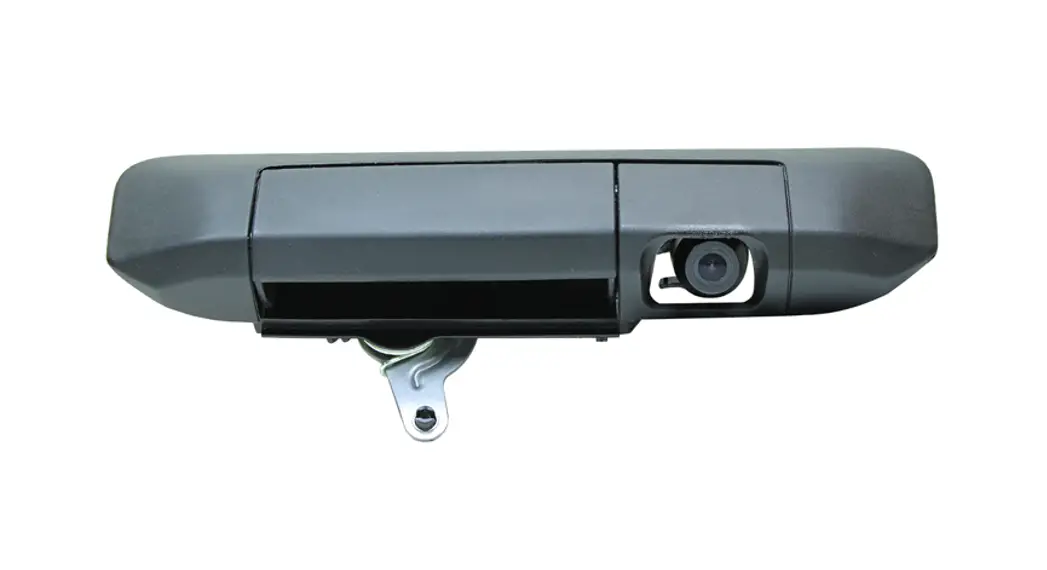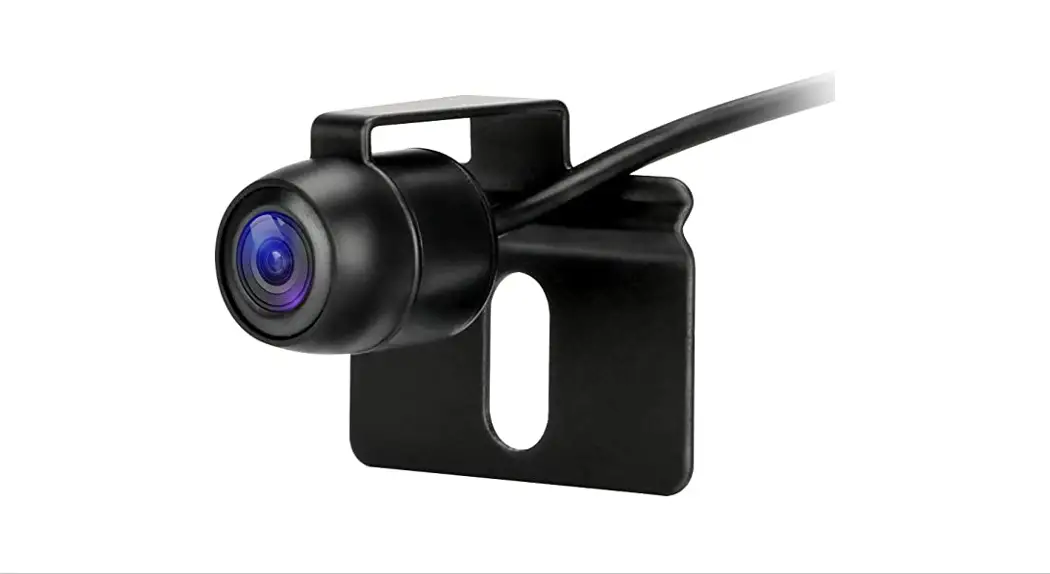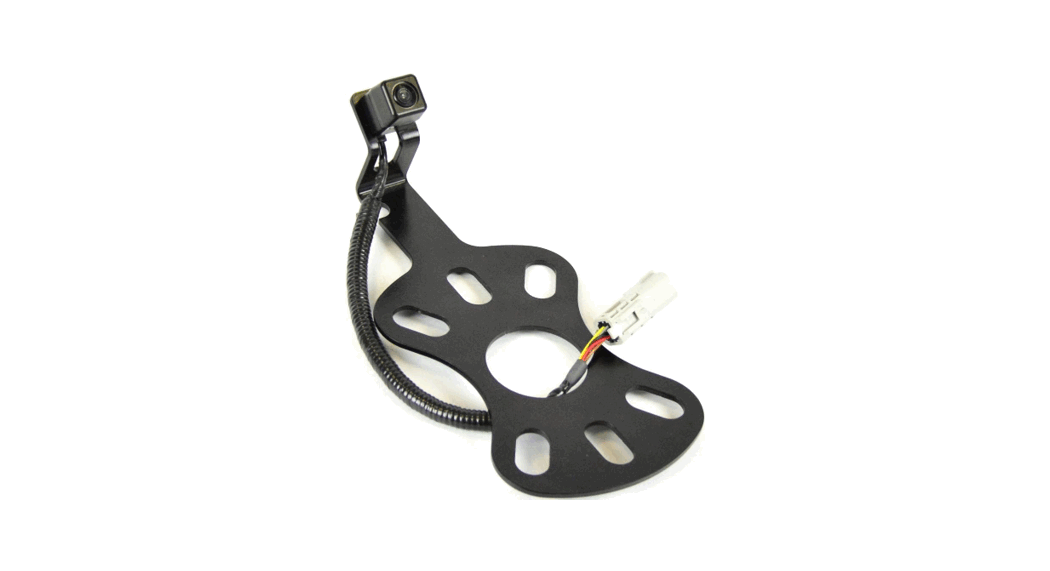

 The “Down Tailgate” Camera
Installation Guide
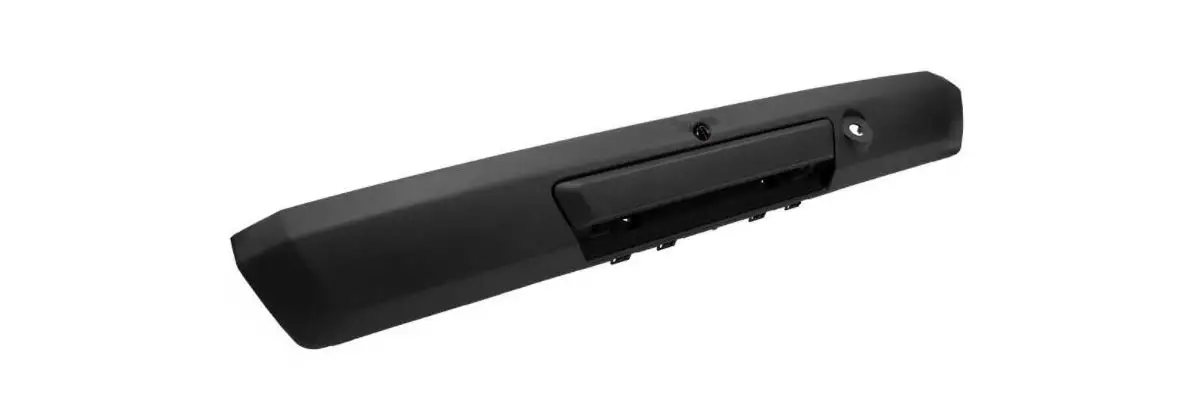
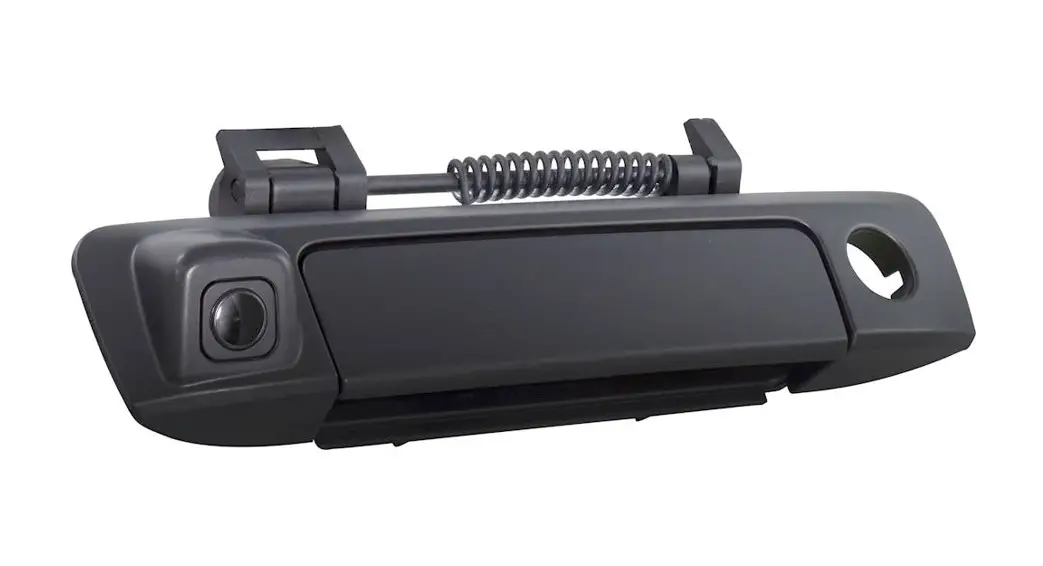
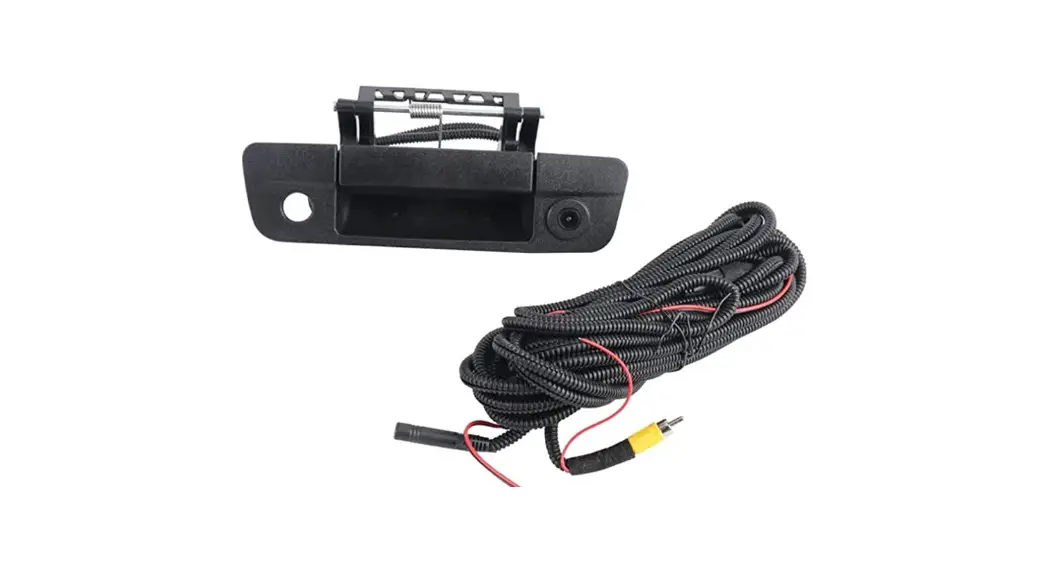
SwitchBack SOLO Down Tailgate Camera
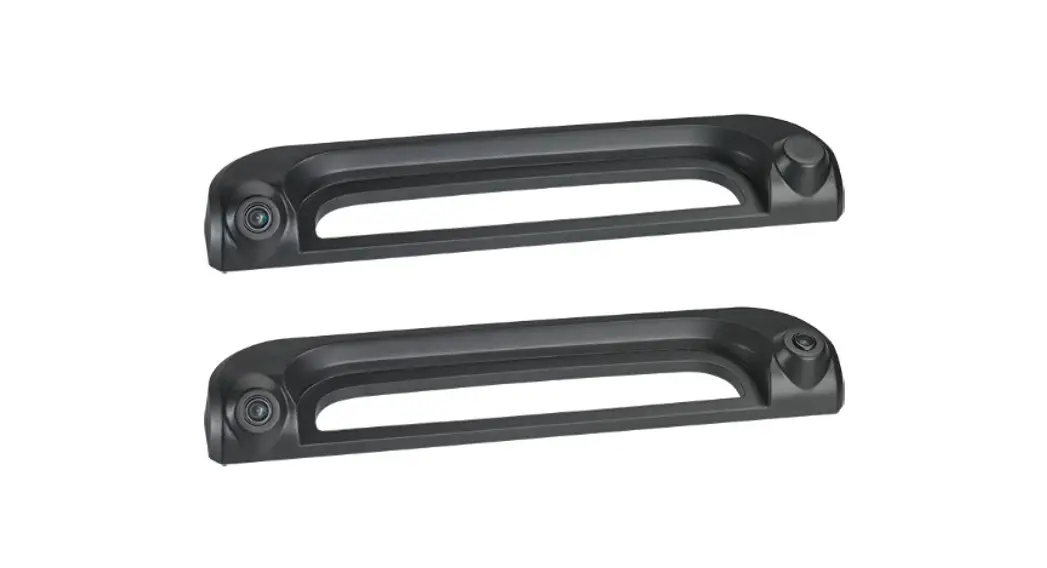
Choose your installation type: “Drill In” version (preffered) or “License Tag” version
 Installation Video
https://www.switchbacksolo.com/pages/installation
“Drill In” Version (preffered)
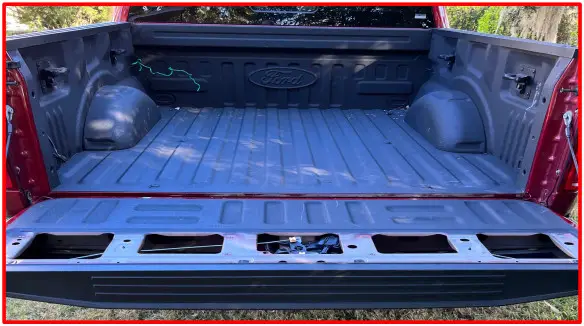
- Open your tailgate and remove the access panel

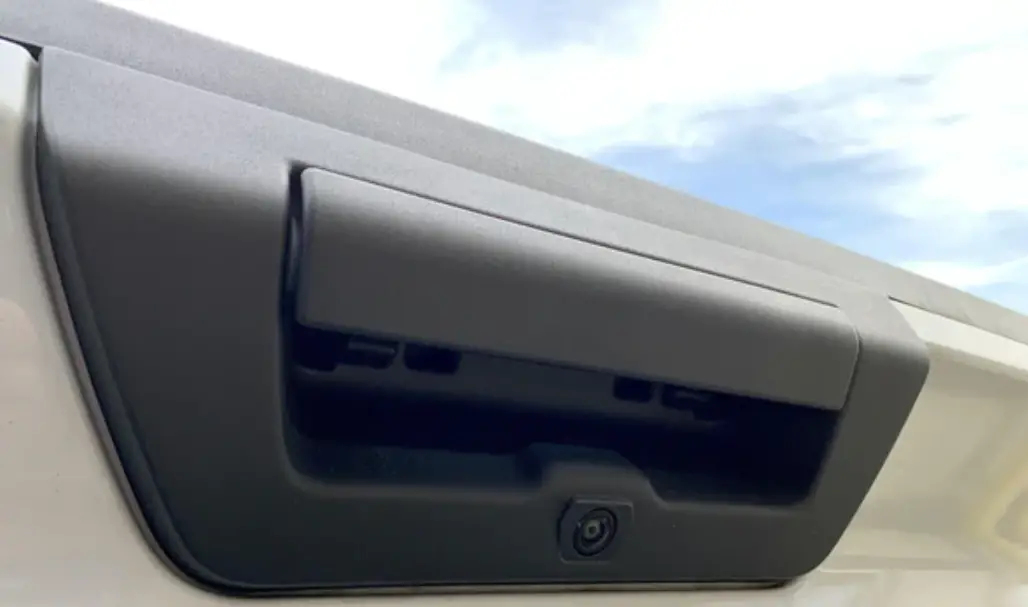
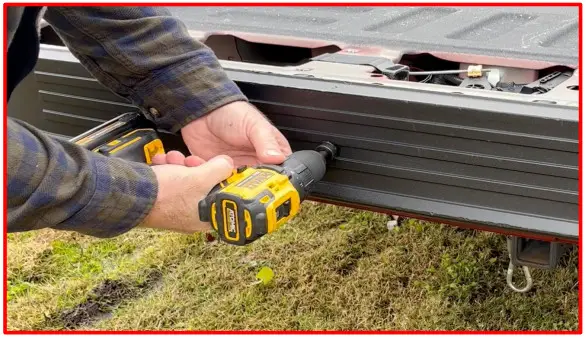
- Look inside the tailgate for a location that has no metal under the plastic top cap. Drill the camera hole into the top cap with the provided bit.
If there is metal under the cap change to a ¾ hole saw bit for metal (not provided)
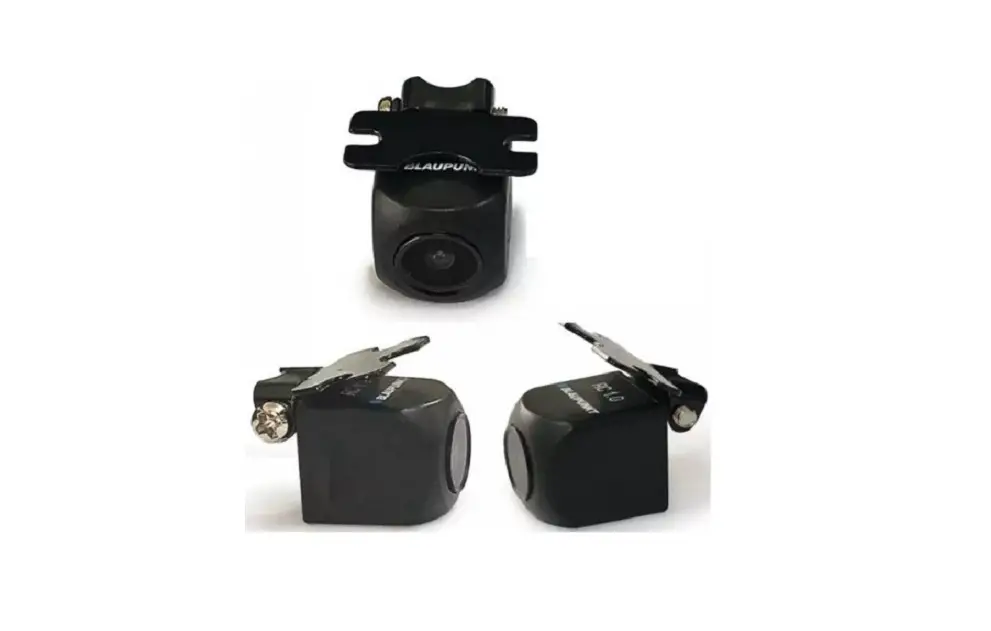
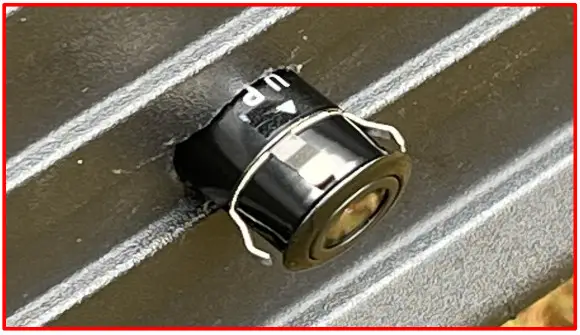
- Insert the camera with the “UP” label on top. Leave it out a bit in case you need to make final adjustments.

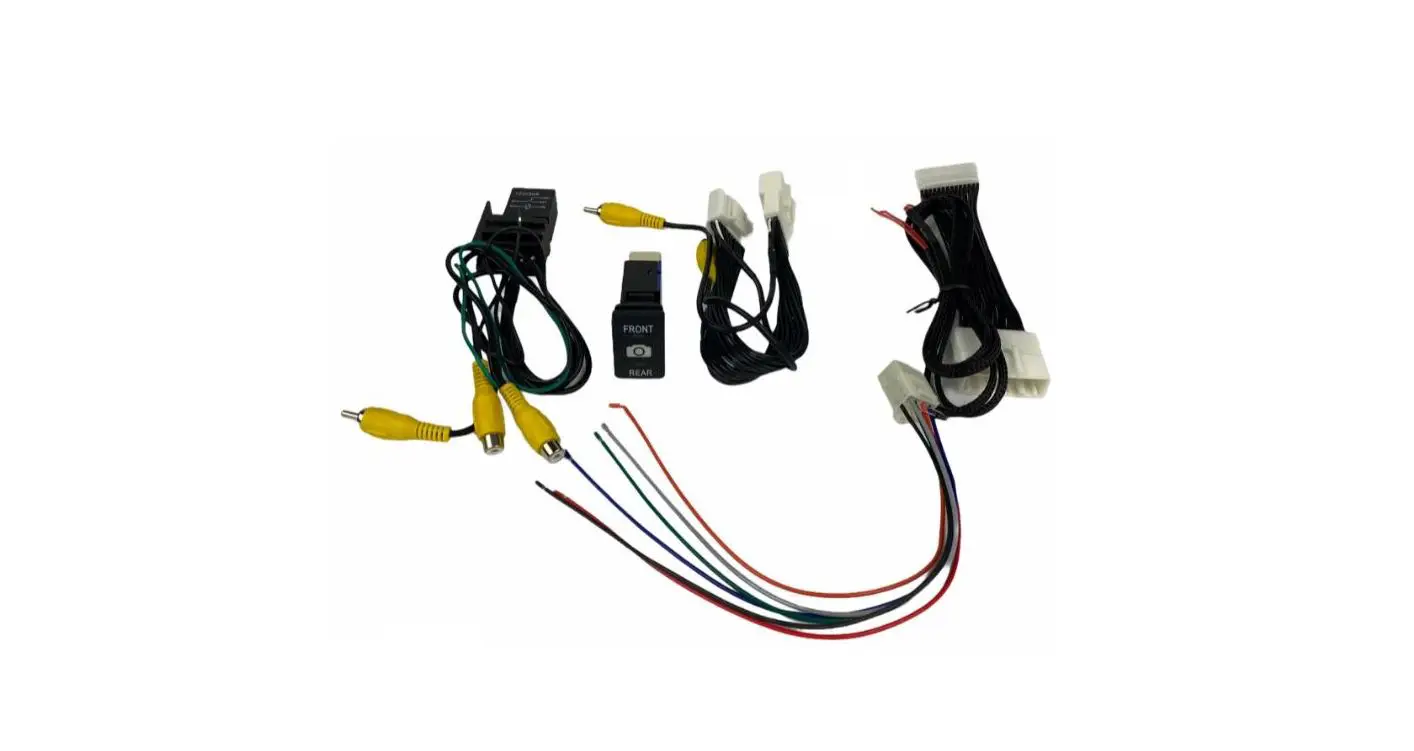
- “Fish” the SOLO harness, camera wires & connectors through the access hole at the bottom of the tailgate.

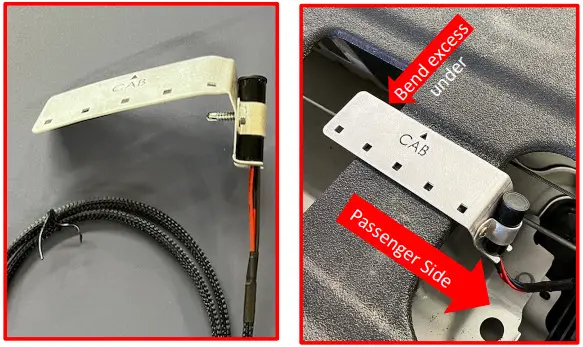
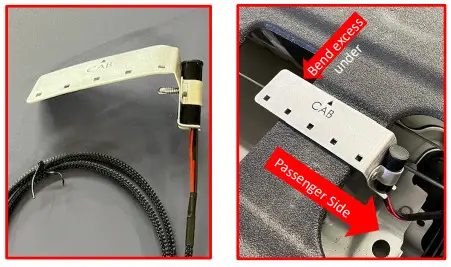
- Bend the long edge of the clip down to create a 90-degree angle. Mount the clip to a rib of the tailgate.
Make sure the tube faces the passenger side of the truck. CAB arrows point to the front of the truck.
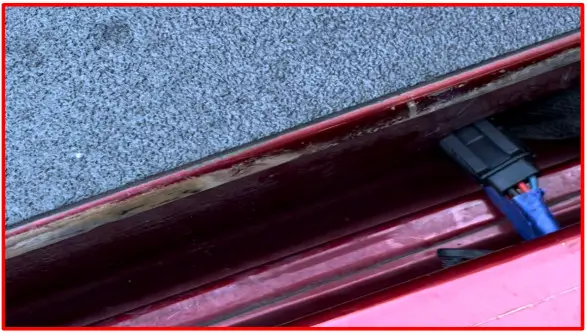
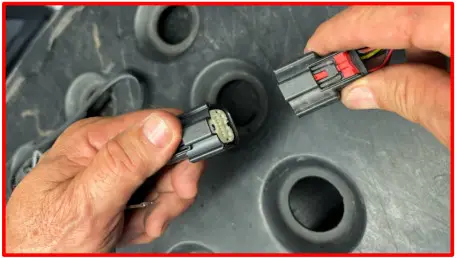
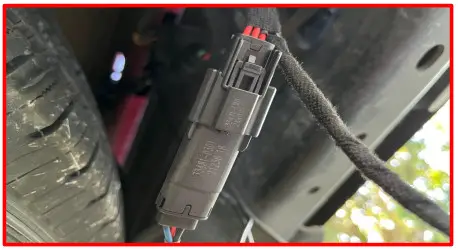
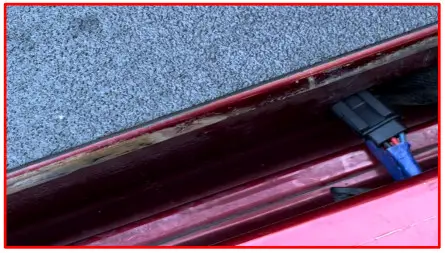
- From under the truck disconnect your tailgate harness from the truck side harness

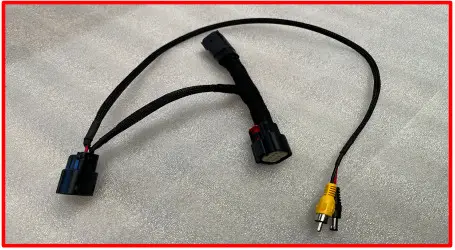
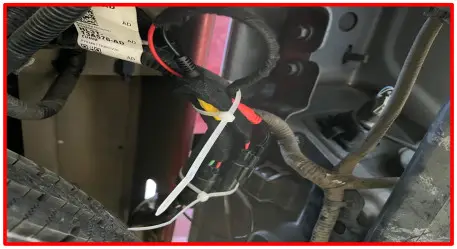
- Install the inline harness between the tailgate side and truck side harnesses

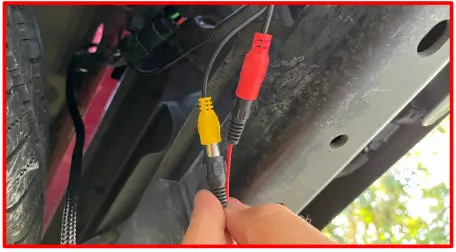
- Connect the camera to the inline harness. Secure with electrical tape.

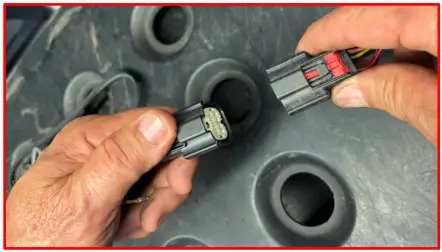
- Connect the SOLO harness to the inline harness clip until it clicks.

- Test installation by putting truck in reverse and checking each camera.
Once SwitchBack camera is centered, push it the rest of the way in.
- Tidy up. Use cable ties to secure the wires. Replace tailgate access panel.

“License Tag” version
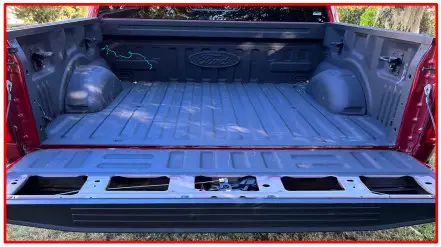
- Open your tailgate and remove the access panel

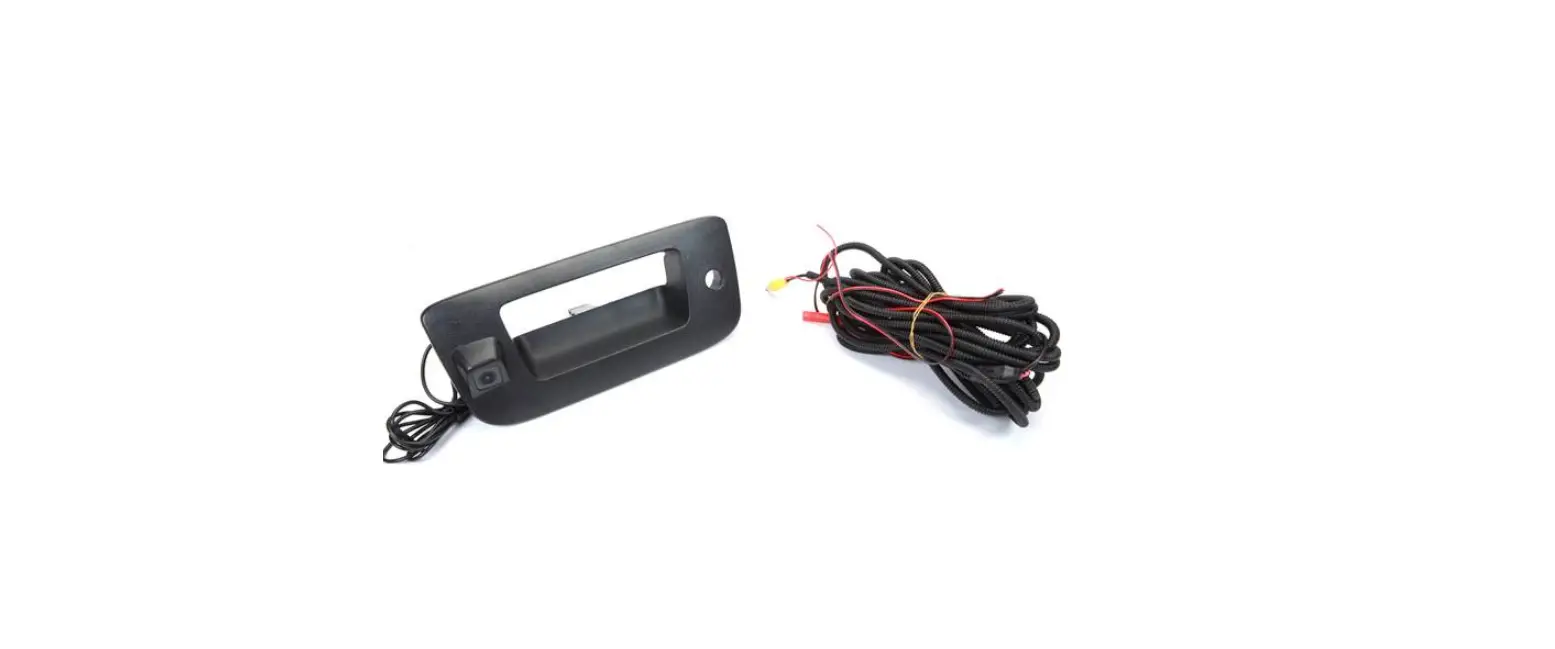
- “Fish” the SOLO Block harness & connector through the access hole at the bottom of the tailgate.

- Bend the long edge of the clip down to create a 90-degree angle
Mount the clip to a rib of the tailgate. Make sure the tube faces the passenger side of the truck. CAB arrows point to the front of the truck
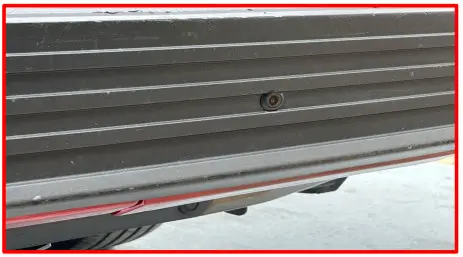
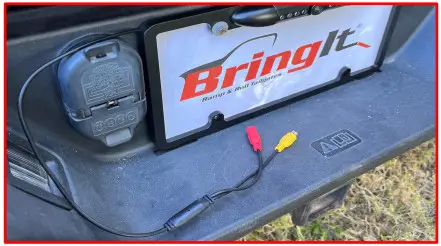
- Attach the Camera/Frame.Run connectors over bumper cover.

- From under the truck disconnect your tailgate harness from the truck harness

- Install the inline harness between the tailgate side and truck side harnesses

- Connect the Camera connections to the inline harness. Secure with electrical tape.

- Connect the SOLO harness to the inline harness until it clicks.

- Tidy up. Use cable ties to secure the wires. Replace tailgate access panel.

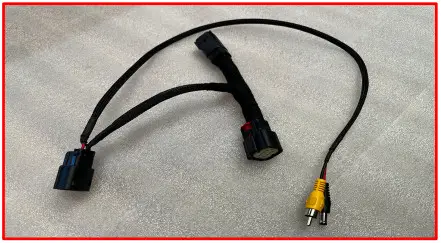
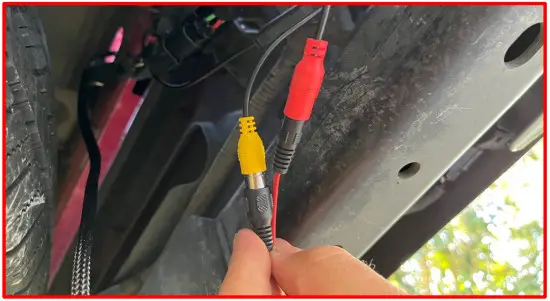
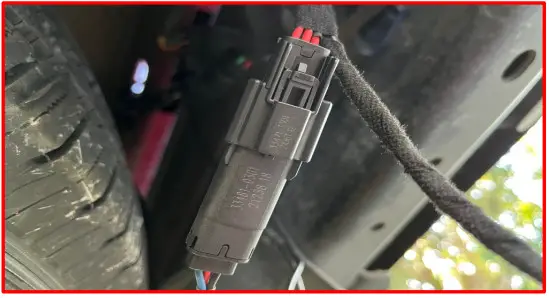
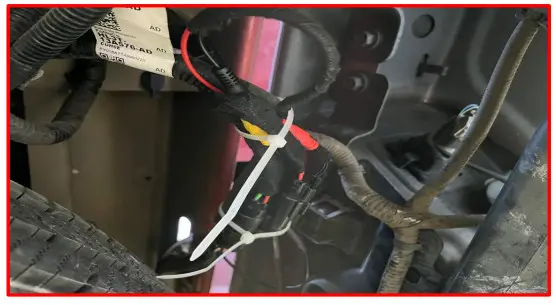
Check the installation:
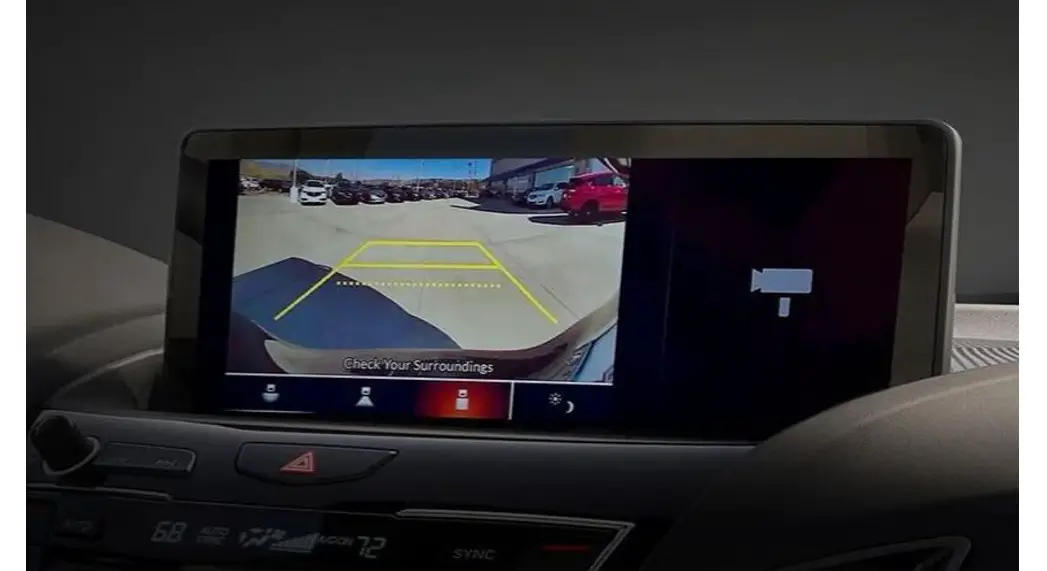
With your tailgate up and the truck in reverse you should see your factory camera view
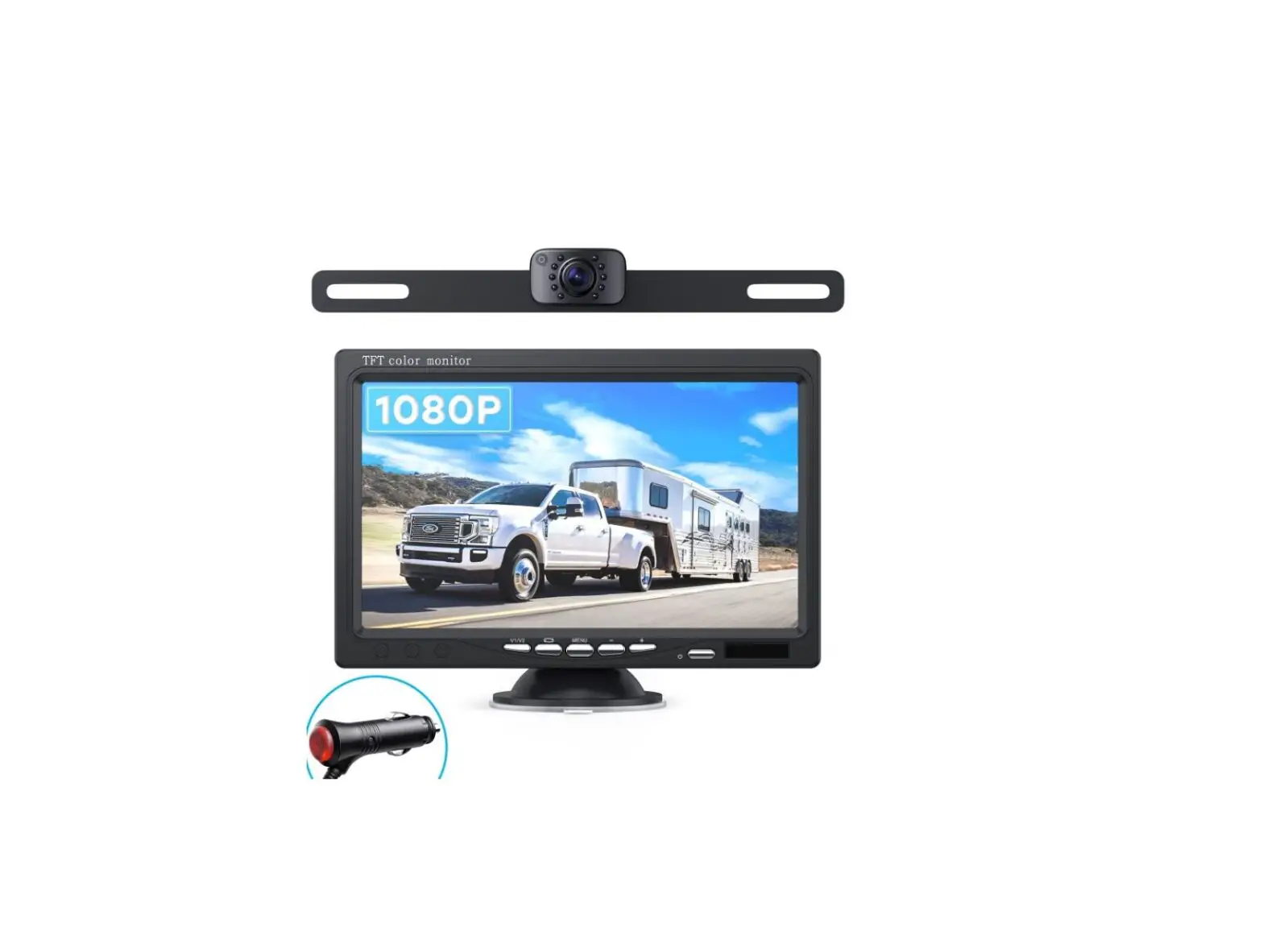
With your tailgate down and the truck in reverse you should see the license tag view
SwitchBackSOLO.com
BringItTailgates.com
 BringIt Tailgates – Extend your bed. Ramp your rig.
 SwitchBack SOLO – SwitchBackSOLO