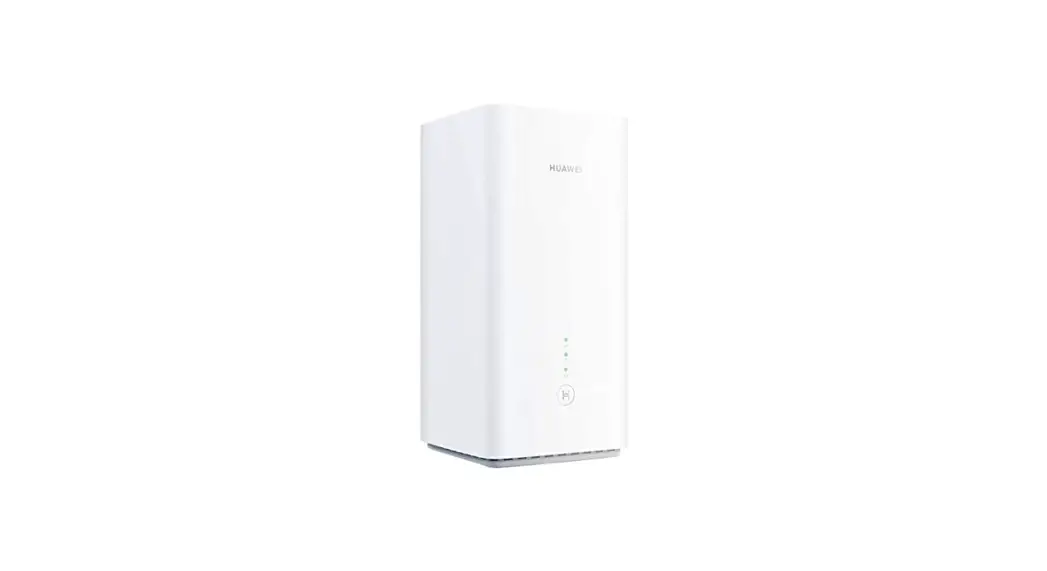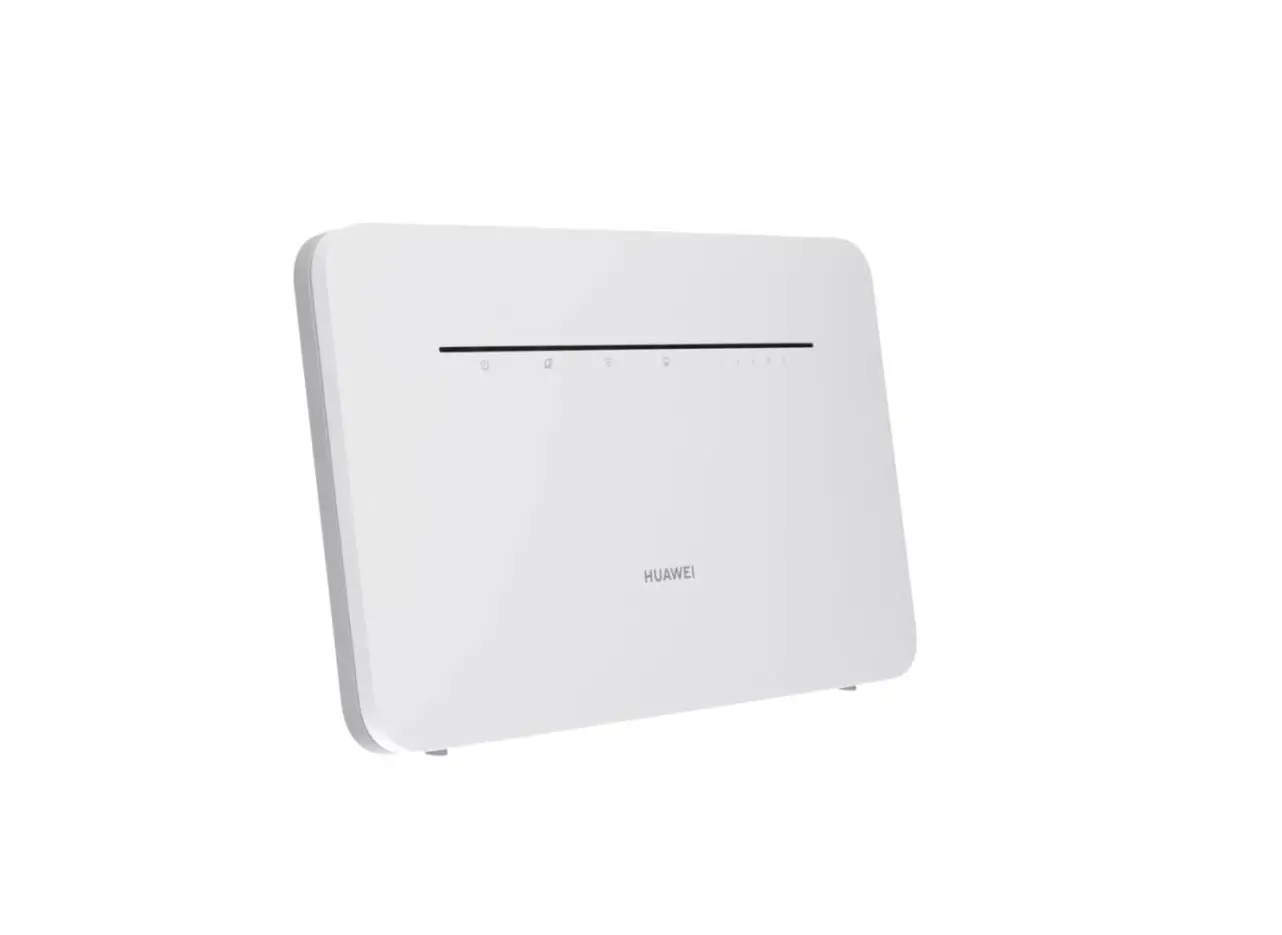
 Outdoor CPE B2368 CAT12 LTE Router with Antenna
User Guide 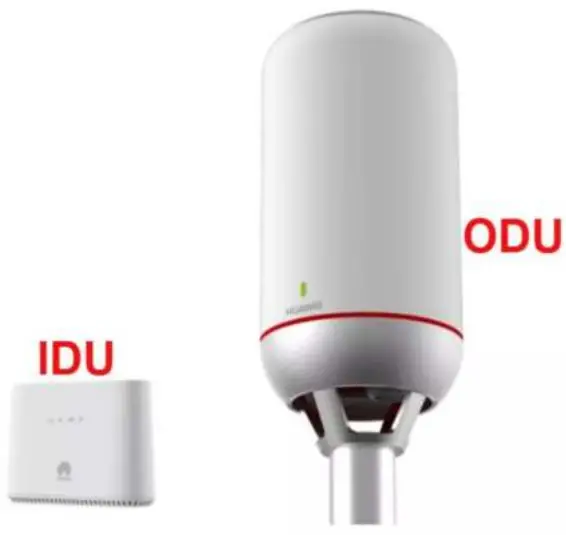 B2368- User Guide
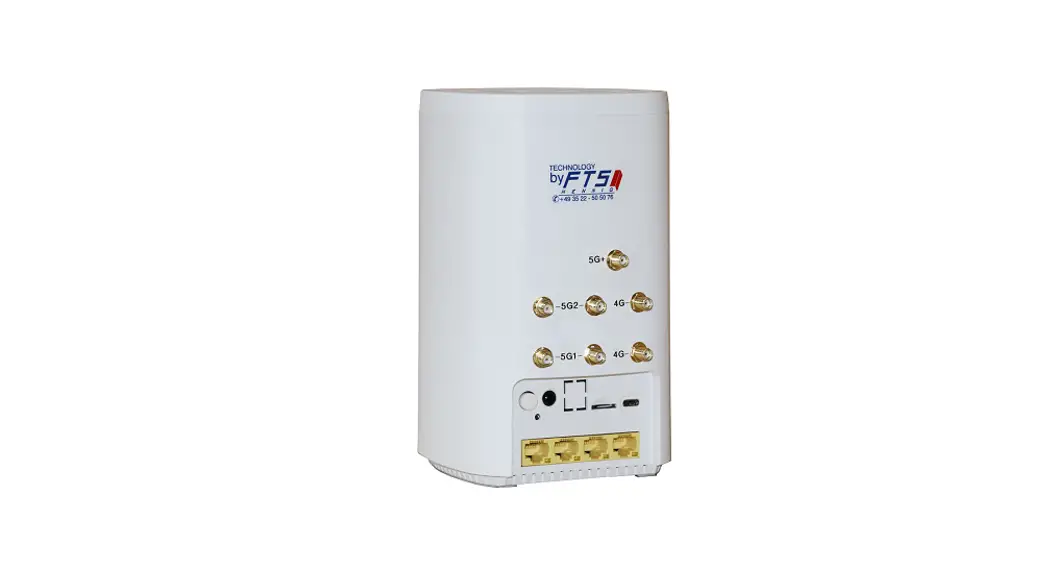
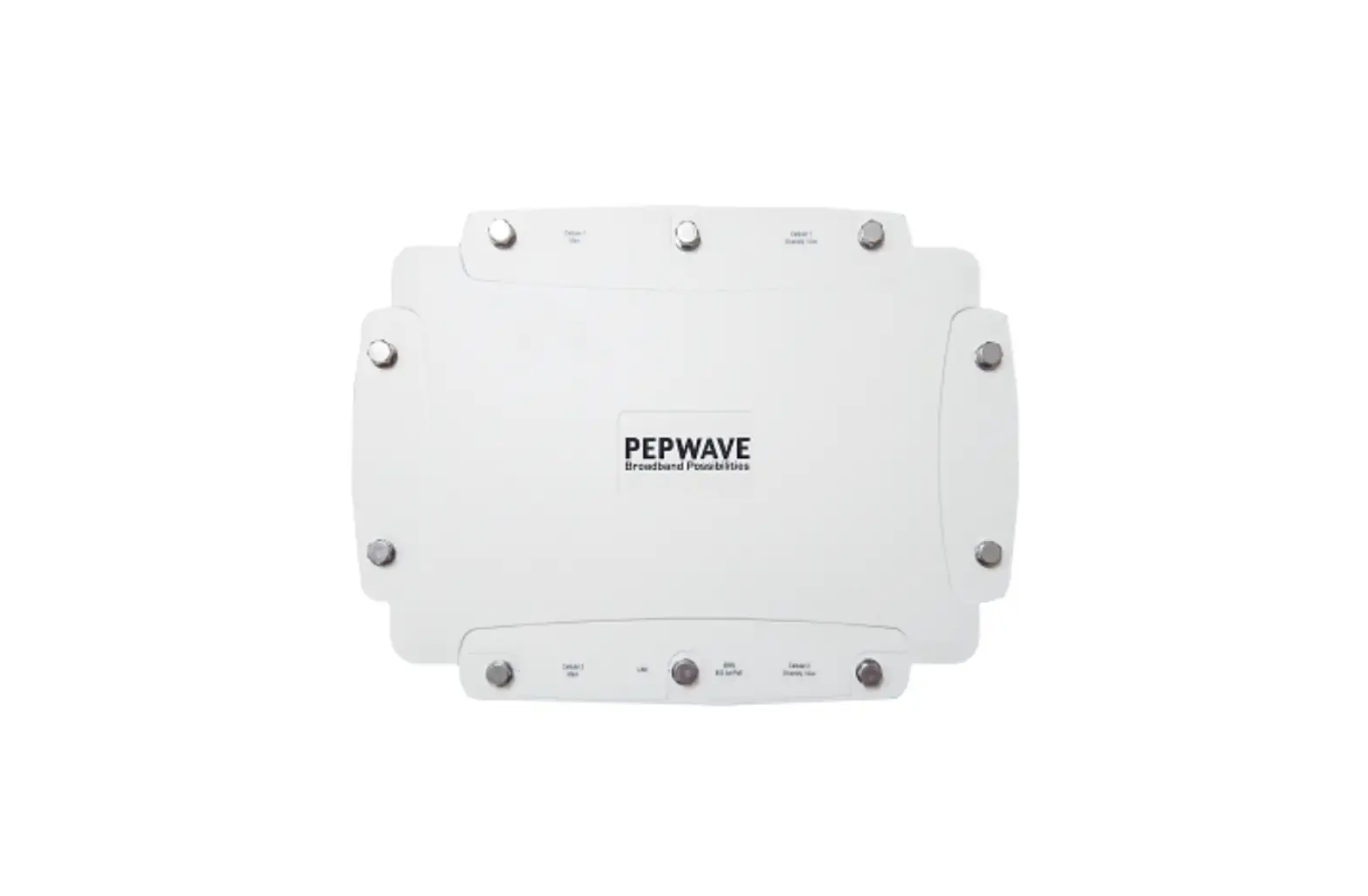
Hardware Description
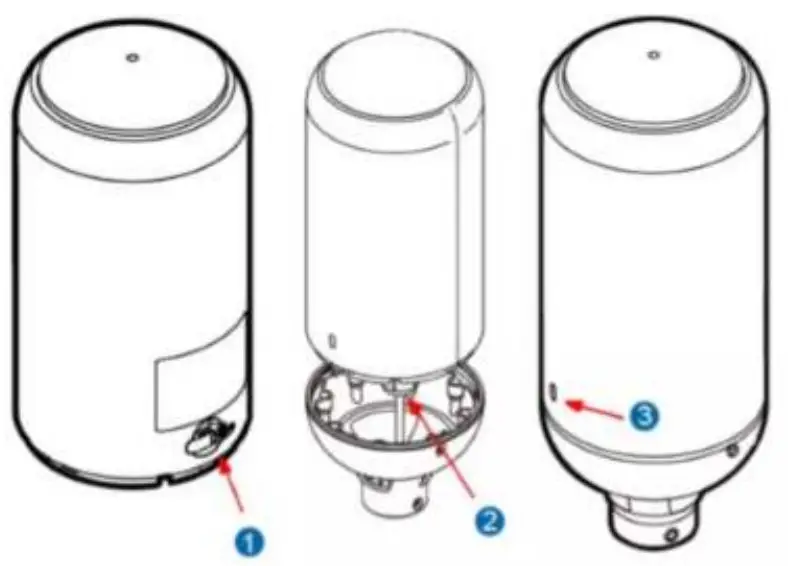
- One slot for one SIM card (3FF Micro-SIM is supported)
- One RJ-45 connector for connecting to the IDU PoE port
- LED indicator
ODU LED Indicators
| Color | LED Behavior | – Status Indication |
| OR | Power Of | |
| Rod | Steady ON | Errol-, tnalfunctson, or no SLR |
| Shaul; | Upgrading | |
| Grin | Blinking | Booting up |
| Steady ON | Strong LTE signal SIN’R a 10 dB | |
| Blue | Steady ON | Medium LTE signal 10 dB > SINR a 4 dB |
| Orange | Steady ON | Weak LTE signal SINR < 4 dB |
| Blinking | No LTE signal, sorbing, or disconnected |
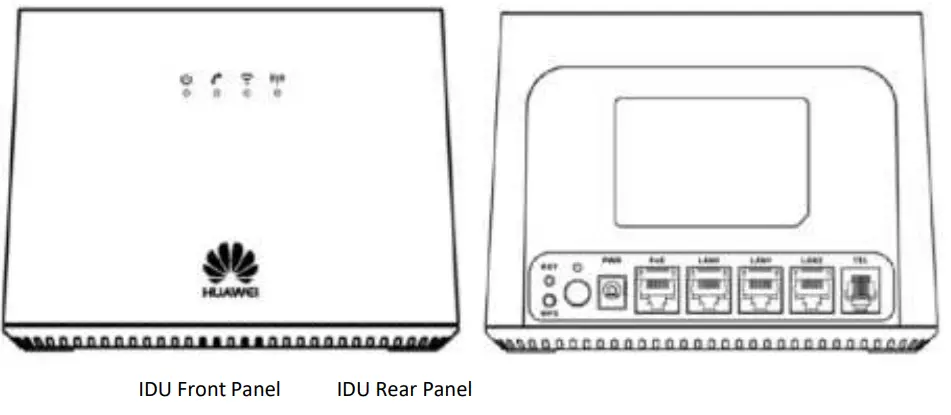
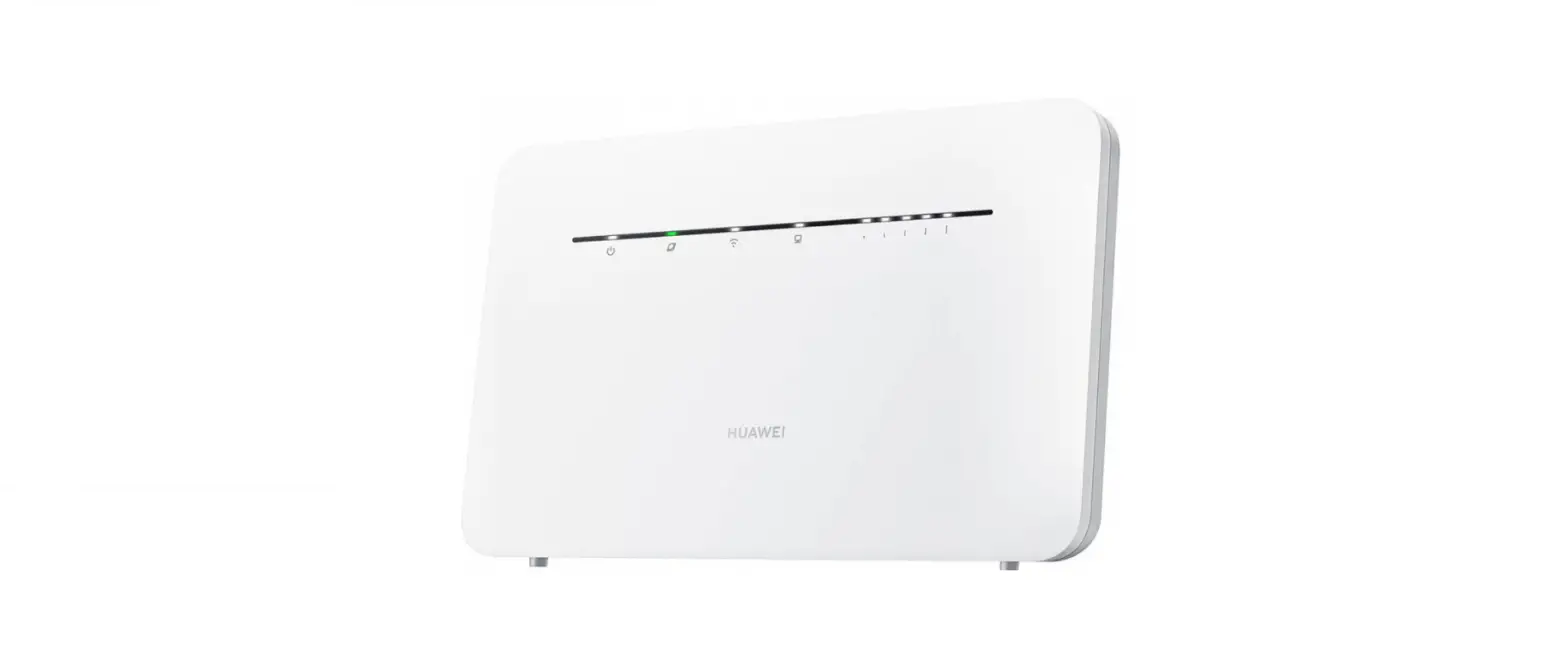
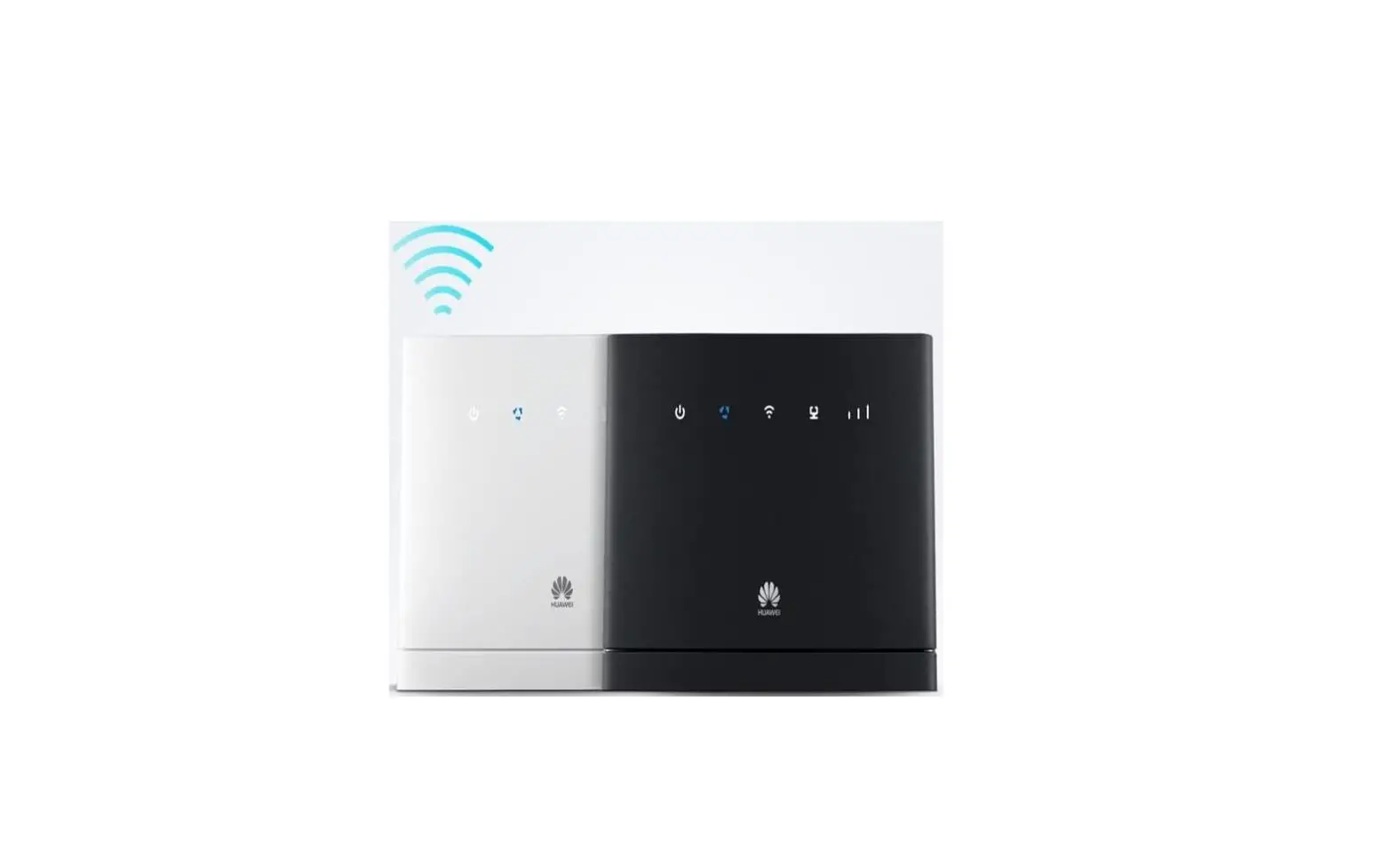
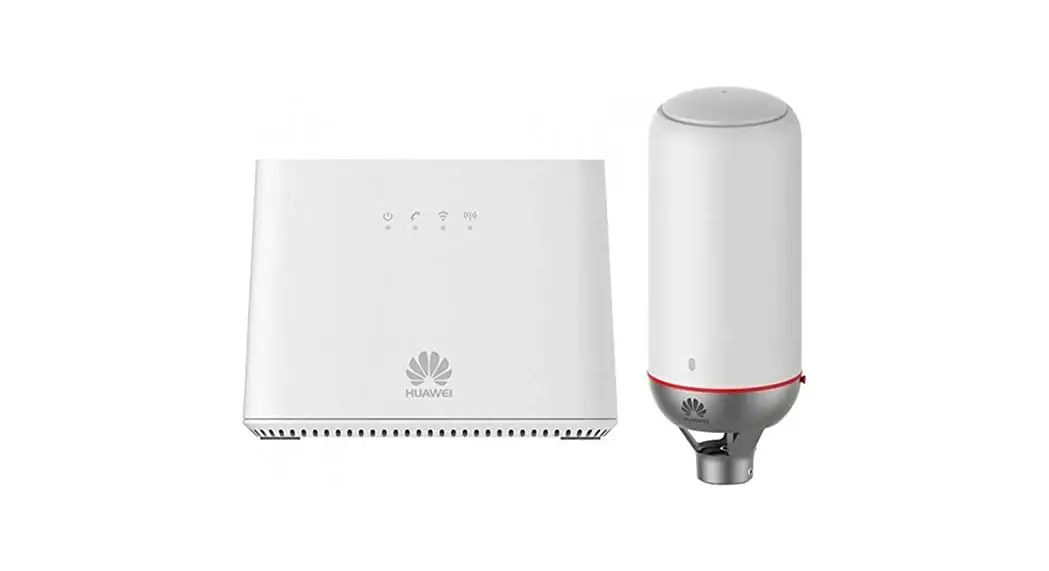
IDU LED Indicators description (from left to right)
| LED | COLOR | STATUS | Description |
PWR S YS | Green | On | The LTE Devxe a recen-mg power and ready to use |
| Shaft | The LTE Device a booting up. | ||
| Rrd | On | ||
| The LTE Device detected so star sittle telltestmt or then a a device toalfroctice or oo SIM card | |||
| Minions | The LTE Device as upgrading the fotoware | ||
| Off | The LTE Device a not remittal power | ||
PHONE | Green | On | A SIP account is tepstered for the phone port |
| Blinking | A telephone connected to the phone port has its recerter off of the hook or there is an =cam, call | ||
| Yellow | On | A SIP account is repstered for the phone port and there is a voice message m the catiespoodakr SIP account | |
| Blinking | A telephone connected to the phone port has in rem% a off of the book and that is a voice menage in the cortesponding SIP account | ||
| Off | The chase port does not have a SDP account registered | ||
WRS/Wi-FI | Green | On | Either IEEE 802 llbcsa or SO: !lac is acuvated |
| Blmlang | The LTE Device is communicating with w ueless chain | ||
| Yellow | Blanking | The LIE Device is setting up a UPS cameos:xi | |
| Of | The wireless network is not actuated | ||
| LET Signal Strength  | Green | On | Strong LIT signal SLNR > 10 dB |
| Blue | On | Malcom LTE signal 10 dB > SLNR > 4 dB | |
| Orange | On | Vs’eak LTE signal SINK c 4 dB | |
| Blmkmg | No LTE signal. searching. a disconnected | ||
| LAN 0.2 | Yellow (Gin Ethernet ) | On | The LTE Device has a successful 1000 Mbps Ethernet connection with a device as the Local Area Network (LAN) |
| Blang | The LTE Device as sending or receiving data to from the LAN at 1000 Mbps | ||
| Green (Fast Ethernet) | On | The LTE Device has a successful 10 100 leaps Ethernet connection with a device as the Local Area Nenwork (LAN) | |
| Blinking | The LTE Device is sending a rectum data to ftom the LAN at 10 100 Mbps | ||
| Off | The LTE Device does not hr. e as Ethernet connection voids the LAN | ||
Step 6. The Connection Status screen appears 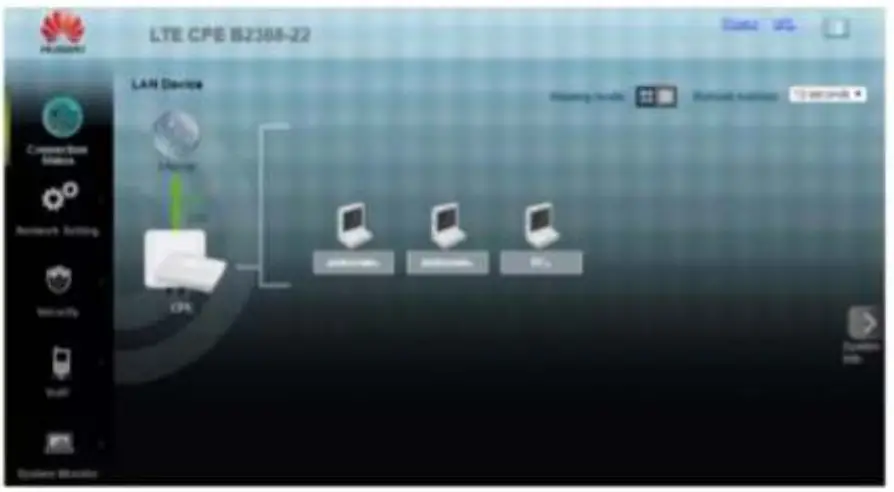
Accessing the web configuration
Step 1. Make sure all hardware is properly connected
Step 2. Launch your web browser
Step 3. Type 192.168.1.1 as the URL
Step 4. The Web Configurator password screen displays.
•For user access, type “user” as the default username and “LTE@Endusr” as the default password.
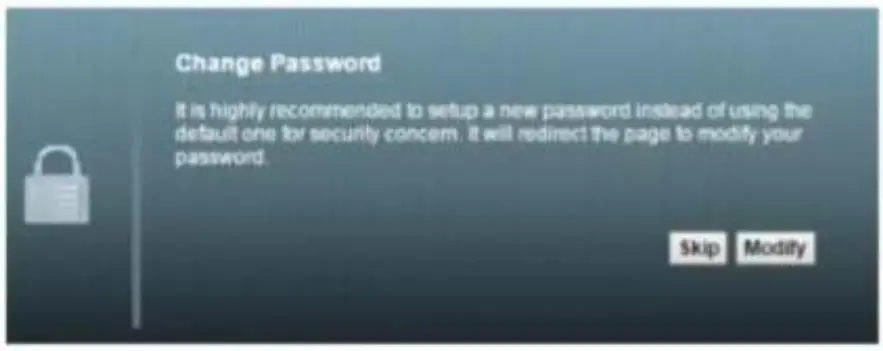
Click login. If you have changed the password, enter your own password and click Login. 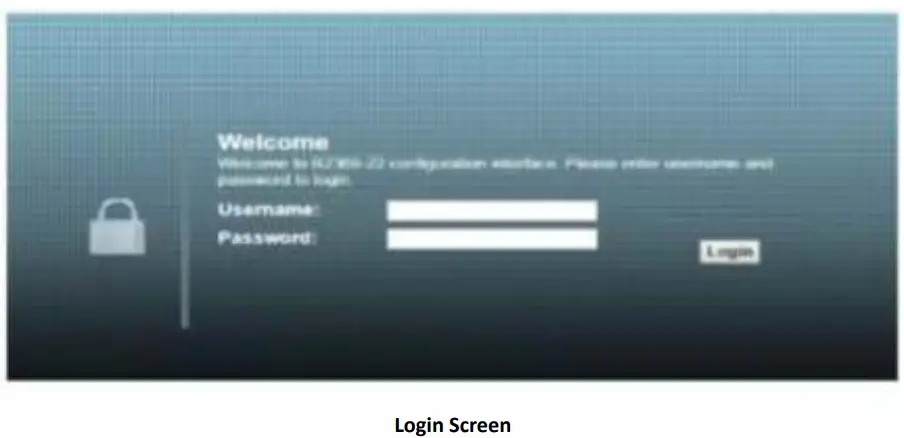 Step 5. The following screen displays if you have not yet changed your password. It is strongly recommended you change the default password. Enter a new password, retype it to confirm and click Modify; alternatively click Skip to proceed to the main menu if you do not want to change the password now.