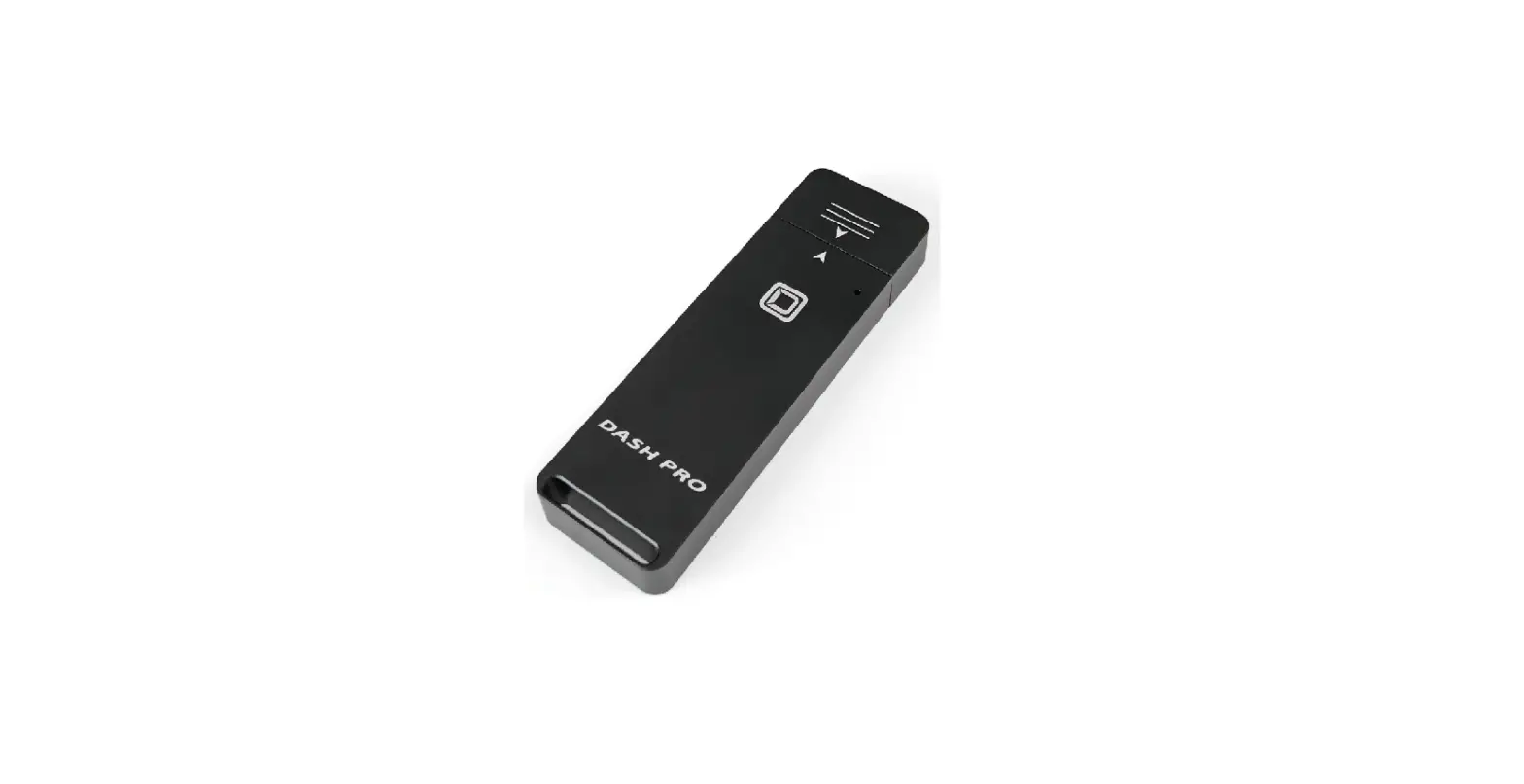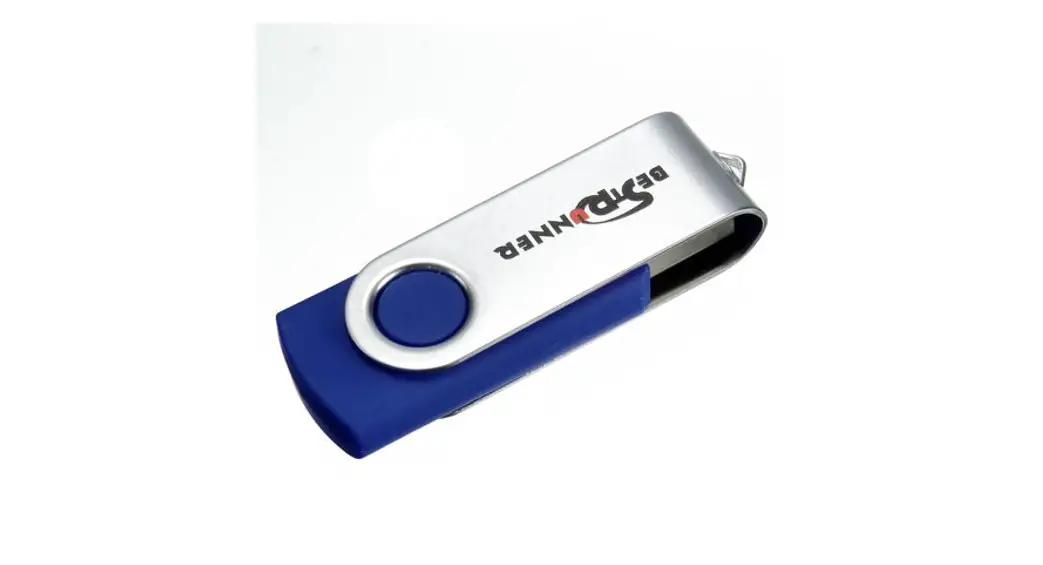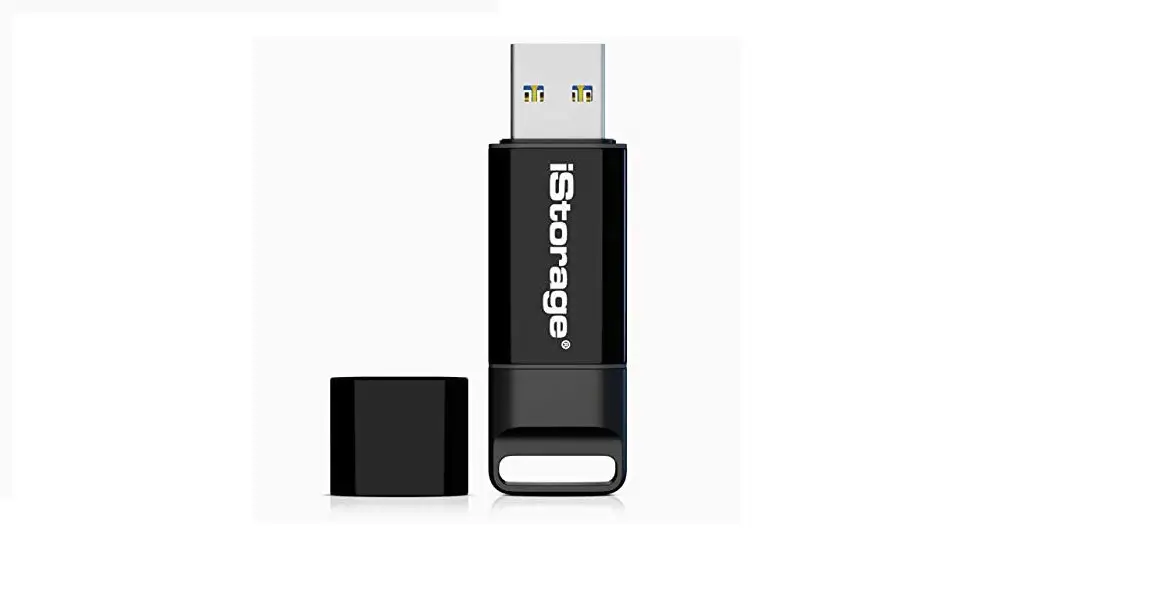

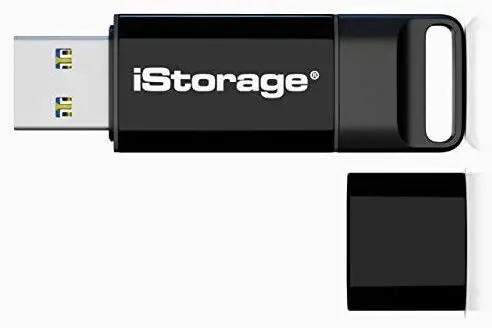
iStorage 11223344 QSG Flash Drives
CHARGING
The device may need to be charged before use for 30-60 minutes by inserting into a powered USB port.
PIN
Your device ships with the following default User PIN: 1 1 2 2 3 3 4 4
FOR SECURITY, CHANGE THE DEFAULT PIN! PIN can NOT contain consecutive or repetitive numbers e.g. 1 2 3 4 5 6 7 or 3 3 3 3 3 3 3
How to unlock the drive
- Press the
 button
all LEDs will flash together once and then the
  LED will blink.
 - Whitin 10 seconds enter the User PIN (default PIN: 1 1 2 2 3 3 4 4) and press button.LED will be solid for approxi-mately 2 seconds and then change to solid
 LED.
LED. - Connect your device into a USB port within 30 seconds.LED will remain solid,
 LED will flicker and turn to solid.
 - The device can now be accessed as any other USB storage device.
- To lock the device, save all data and safely eject the drive.
All indicators will turn off and the drive is now locked.
 button
 will flash together once and then the
  LED will blink.
 LED.
LED. LED will flicker and turn to solid.
How to change User PIN
- Press the button.
all LEDs will flash together and then the LED will blink. - Enter User PIN (default PIN: 1 1 2 2 3 3 4 4) and press button.LED will be solid for approx-imately 2 seconds then change to solid LED.
- Press the button twice.LED will blink.
- Within 10 seconds enter New User PIN (7-15 digit) and press button twice.
LED will blink. - Re – enter New User PIN and press the button twice.LED will illuminate and then change to solid LED if PIN entries match.LED will be solid if PIN entries not matched.