

Z-Wave Protocol Implementation Conformance Statement
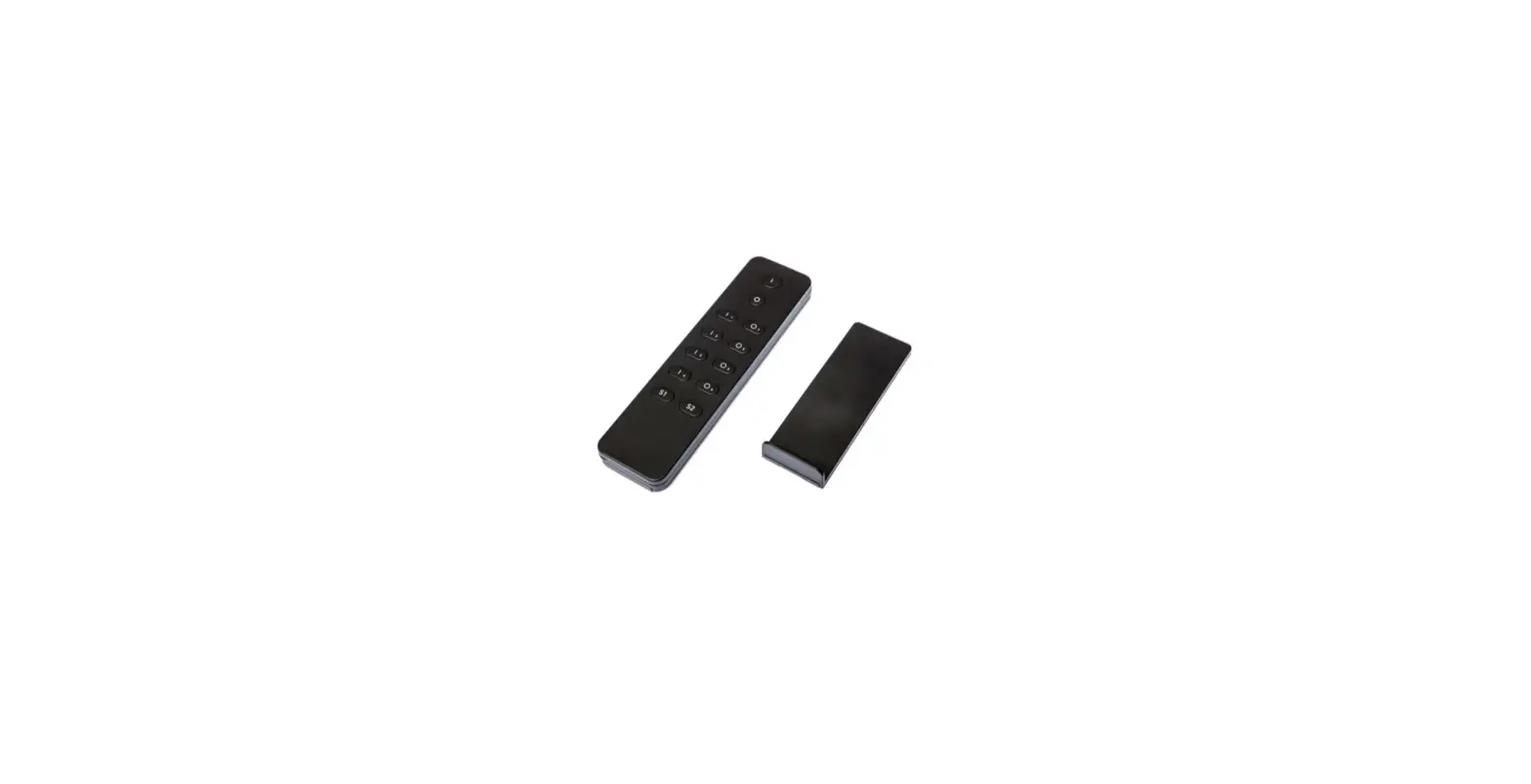
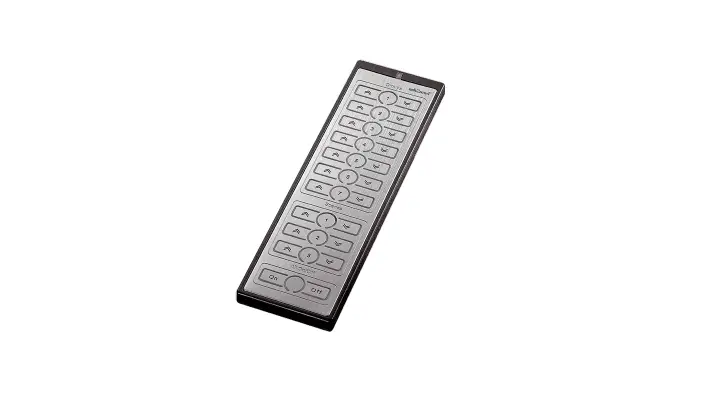
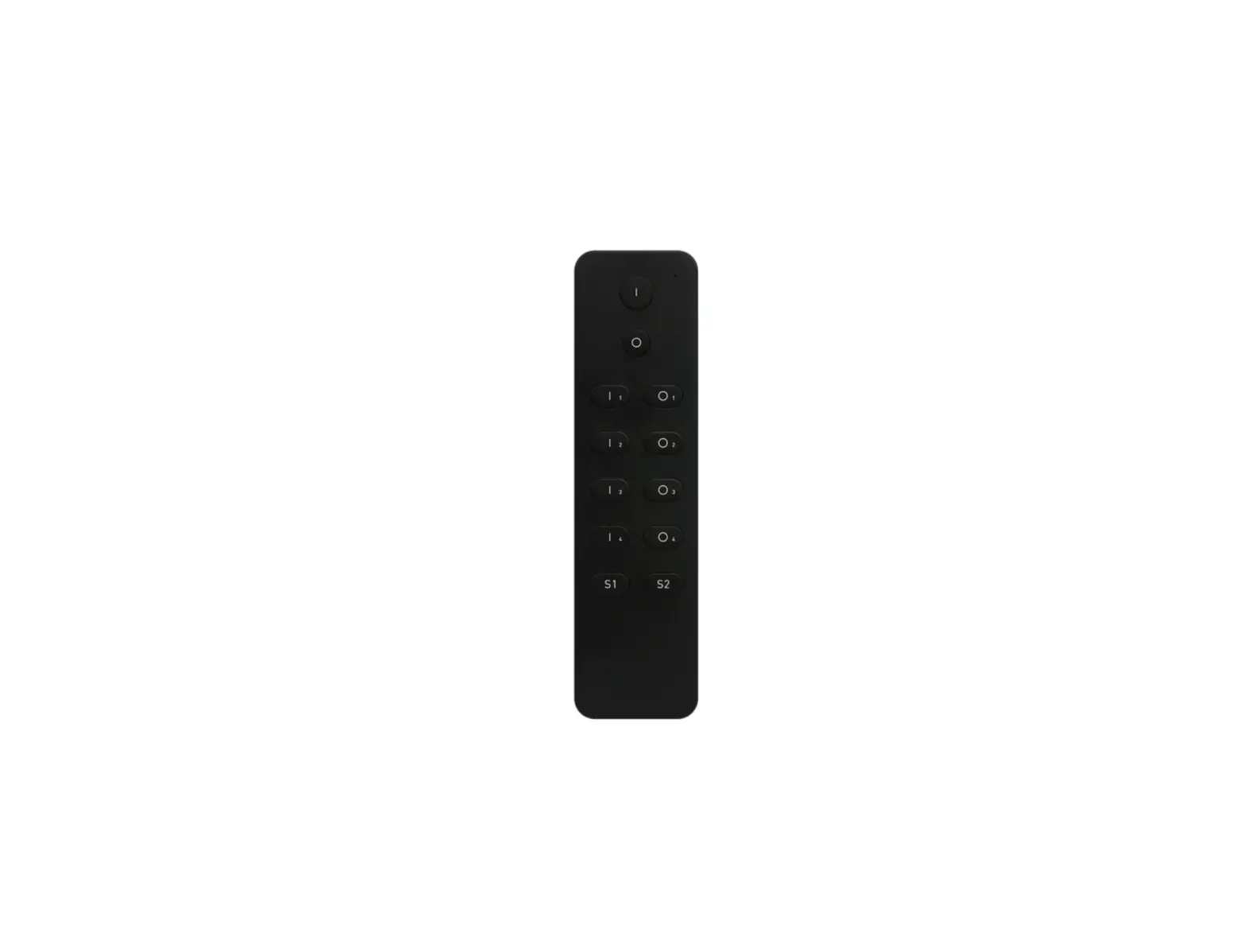
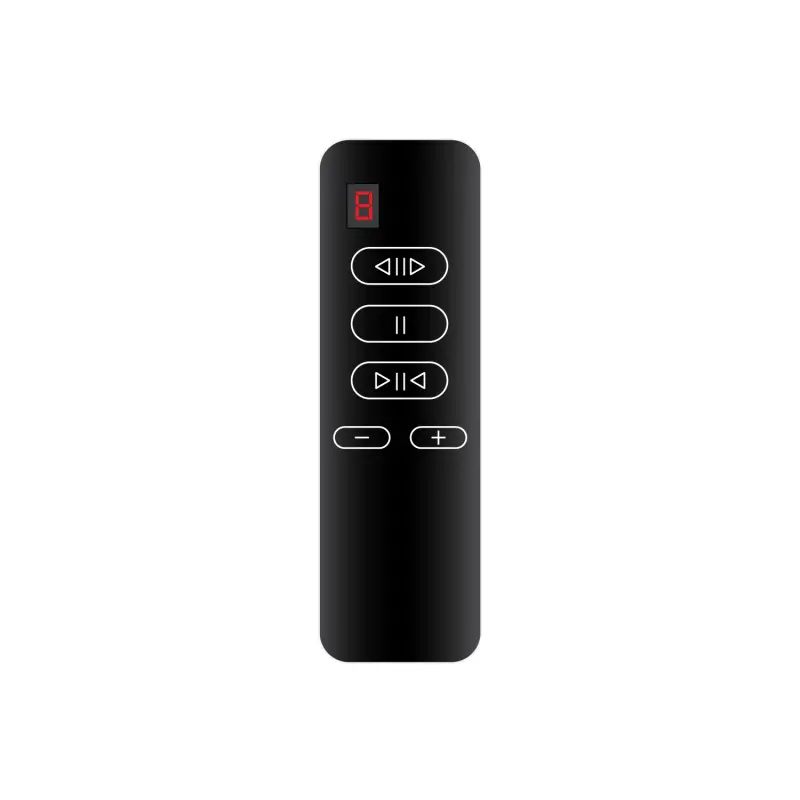
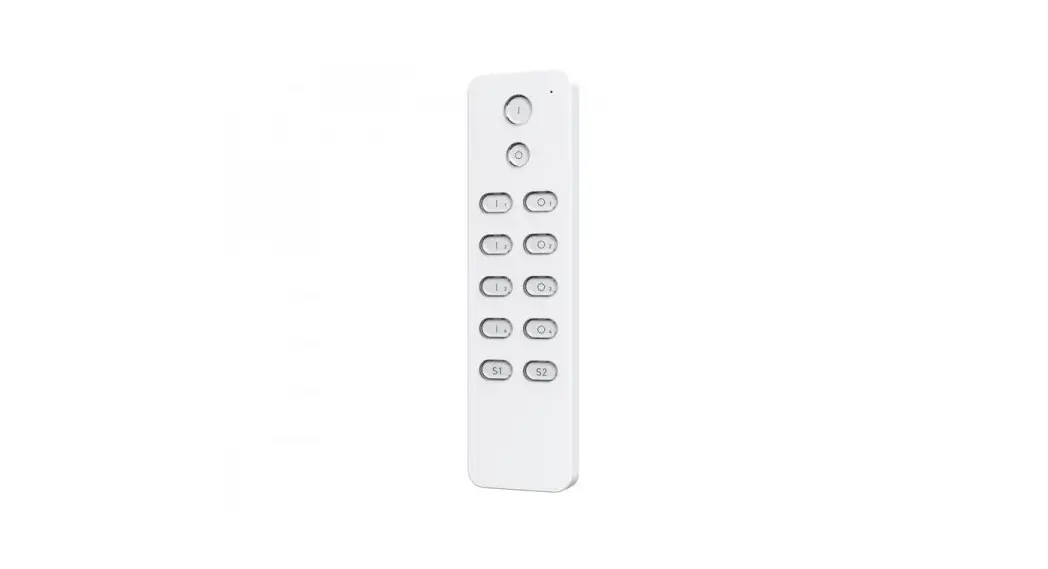
Z-Wave Dim Remote Control
General Information
| Product Identifier: | SR-ZV9001K12-DIM-Z4 |
| Brand Name: | Sunricher |
| Product Version: | HW: 1 FW: 1.26 |
| Z-Wave Certification #: | ZC10-20066927 |
Product Features
| Battery Quantity | 2 |
| Battery Type | CR2450 |
| Firmware Updatable | Updatable by Consumer by RF |
| Z-Wave Scene Type | Central Scene |
Z-Wave Product Information
| Supports Z-Wave Beaming Technology? Supports Z-Wave Network Security? | No |
| Supports Z-Wave AES-128 Security S0? Supports Security S2? | Yes |
| SmartStart Compatible? | Yes |
| Supports Z-Wave Beaming Technology? Supports Z-Wave Network Security? | Yes: S2 Unauthenticated |
| Supports Z-Wave AES-128 Security S0? Supports Security S2? | No |
Z-Wave Technical Information
| Z-Wave Frequency: | CEPT (Europe) |
| Z-Wave Product ID: | 0xb302 |
| Z-Wave Product Type: | 0x0300 |
| Z-Wave Hardware Platform: | ZM5101 |
| Z-Wave Development Kit Version: | 6.71.03 |
| Z-Wave Library Type: | Enhanced 232 Slave |
| Z-Wave Device Type / Role Type: | Wall Controller / Portable Slave |
Association Group Information
Group # / Max Description
Nodes
| 1 / 5
| 1. Send Command Class “Device Reset Locally Notification V1” to associated devices of this group to report factory reset information when the factory reset the remote control. 2. When remote control battery power value changes, send Command Class “Battery Report V1” to associated devices of this group to report power value information. 3. Short press or press and hold down any button to send scene activation command to the associated devices of this group using Command Class “Central Scene Notification V3” |
| 2 / 5
| 1. Short press the I1 / O1 button of Group 2 to send the ON/OFF command to associated devices of this group using Command Class “Basic Set V2”. 2. Press and hold down I1 / O1 button of Group 2 to send light intensity increase/decrease command to associated devices of this group using Command Class “Multilevel V4”. 3. Short press Scene button S1/S2, direct control of associated devices using Scene Activation Set, Scene ID = 0x10 / 0x20. 4. Press and hold down Scene button S1/S2, direct control of associated devices using Scene Conf Set, Scene ID = 0x10 / 0x20. |
| 3 / 5
| 1. Short press I2 / O2 button of Group 3 to send the ON/OFF command to associated devices of this group using Command Class “Basic Set V2”. 2. Press and hold down the I2 / O2 button of Group 3 to send light intensity increase/decrease command to associated devices of this group using Command Class “Multilevel V4”. 3. Short press Scene button S1/S2, direct control of associated devices using Scene Activation Set, Scene ID = 0x10 / 0x20. 4. Press and hold down Scene button S1/S2, direct control of associated devices using Scene Conf Set, Scene ID = 0x10 / 0x20. |
| 4 / 5 | 1. Short press the I3 / O3 button of Group 4 to send the ON/OFF command to associated devices of this group using Command Class “Basic Set V2”. 2. Press and hold down I3 / O3 button of Group 4 to send light intensity increase/decrease command to associated devices of this group using Command Class “Multilevel V4”. 3. Short press Scene button S1/S2, direct control of associated devices using Scene Activation Set, Scene ID = 0x10 / 0x20. 4. Press and hold down Scene button S1/S2, direct control of associated devices using Scene Conf Set, Scene ID = 0x10 / 0x20. |
| 5 / 5 | 1. Short press I4 / O4 button of Group 5 to send the ON/OFF command to associated devices of this group using Command Class “Basic Set V2”. 2. Press and hold down I4 / O4 button of Group 5 to send light intensity increase/decrease command to associated devices of this group using Command Class “Multilevel V4”. 3. Short press Scene button S1/S2, direct control of associated devices using Scene Activation Set, Scene ID = 0x10 / 0x20. 4. Press and hold down Scene button S1/S2, direct control of associated devices using Scene Conf Set, Scene ID = 0x10 / 0x20. |
Supported Command Classes (17):
| Association Group Info | Association V2 |
| Battery | Central Scene V3 |
| Configuration | Device Reset Locally |
| Firmware Update Meta-Data V4 | Manufacturer Specific V2 |
| Multi-Channel Association V3 | Powerlevel |
| Security S0 | Security S2 |
| Supervision | Transport Service V2 |
| Version V2 | Wake Up V2 |
Controlled Command Classes (2): Basic
Switch Multilevel V4
Copyright © 2012-2021 Z-Wave Alliance. All Rights Reserved. All Logos property of respective rights’ holders, no claim intended.
Generated @ August 20, 2021