CITY THEATRICAL 5938 Multiverse Studio Kit User Manual
Compliance
FCC Compliance Statement (United States)
This device complies with Part 15 of the Federal Communications Commission (FCC) Rules.
Operation is subject to the following two conditions:
- This device may not cause harmful interference.
- This device must accept any interference received, including interference that may cause undesired operation.
CAUTION: Changes or modifications to this unit not expressly approved by the party responsible for compliance could void the user’s authority to operate this equipment.
Safety Notices
Please read this entire manual before using your new equipment. Please keep the manual in a safe place so you can refer to it in the future as required.
The Multiverse wireless DMX/RDM System is intended for use only by qualified professionals. Connection, installation, and hanging of this equipment must be performed in accordance with all pertinent local, regional, and national safety codes and regulations.
Do not operate in excessive heat/direct sunlight. Be sure installation provides adequate ventilation.
There are no user-serviceable parts inside! Refer to qualified service personnel!
RF Exposure: The antenna(s) used for this transmitter must be installed to provide a separation distance of at least 20cm from all persons and must not be collocated or operating in conjunction with any other antenna or transmitter.
Introduction
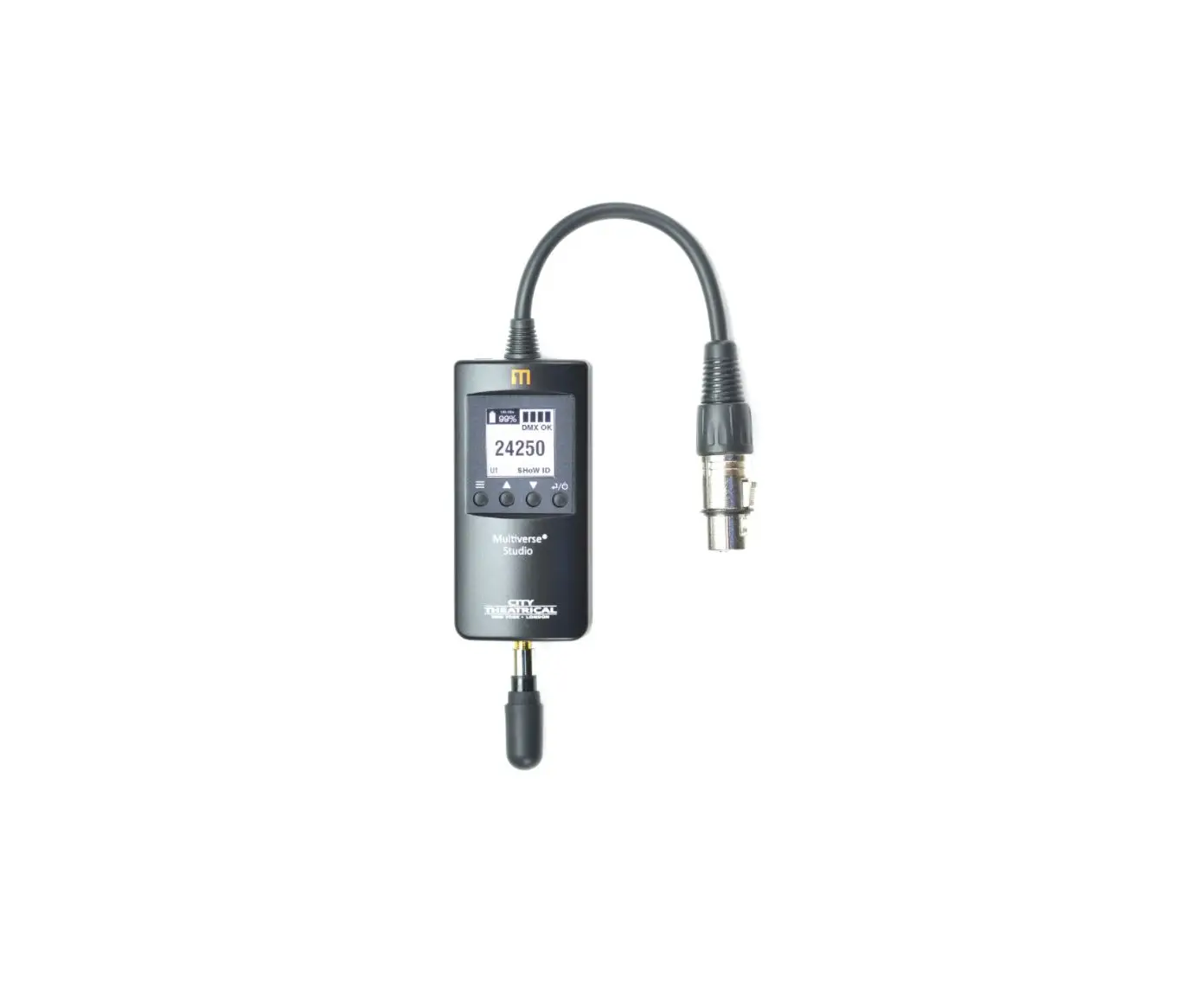
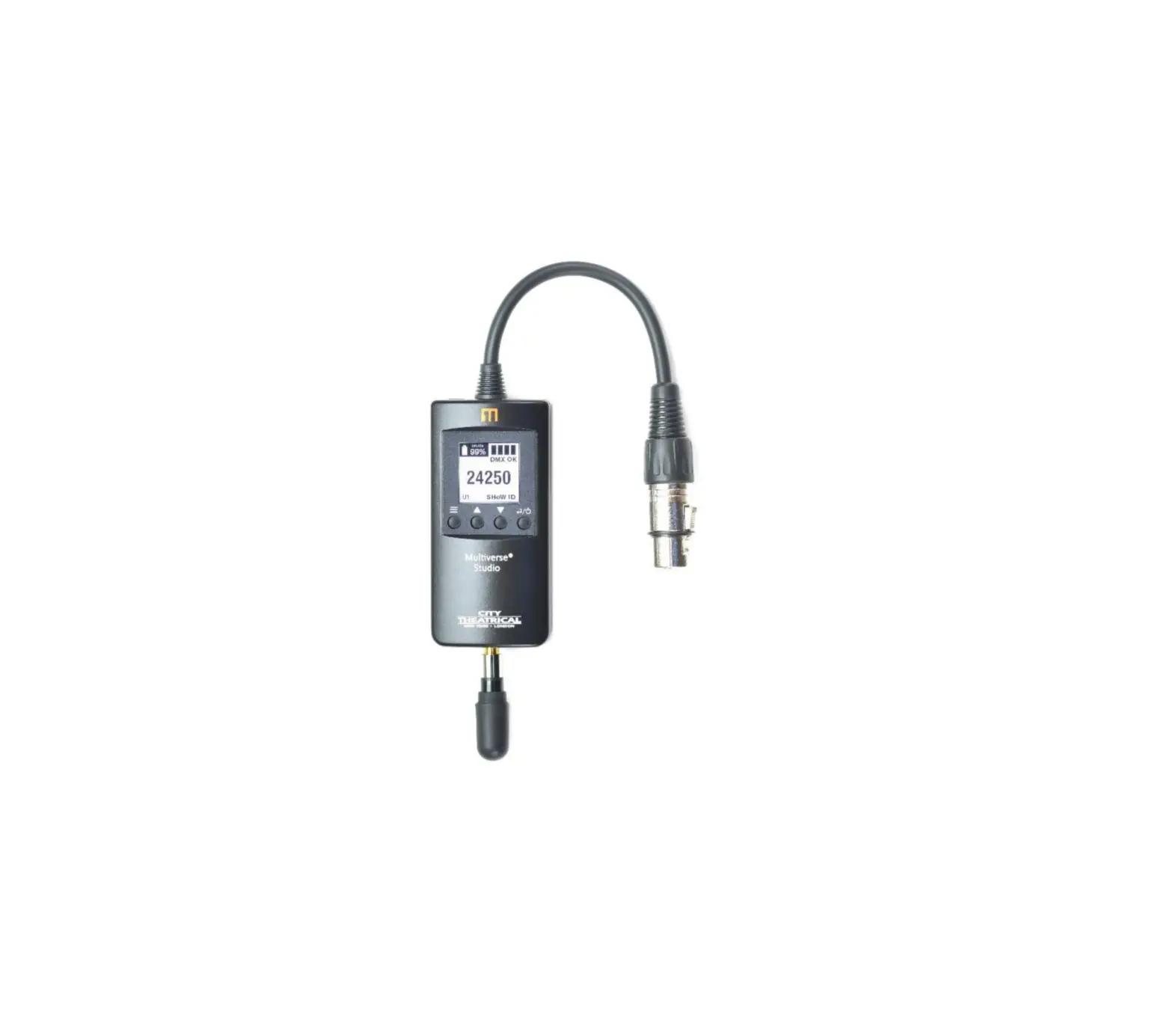
The Multiverse® Studio Kit 900MHz/2.4GHz brings the advanced technology of the dual band Multiverse wireless DMX/RDM system to the film and video world, featuring Receivers with 20 hour battery life and contactless charging in an easy to use kit.
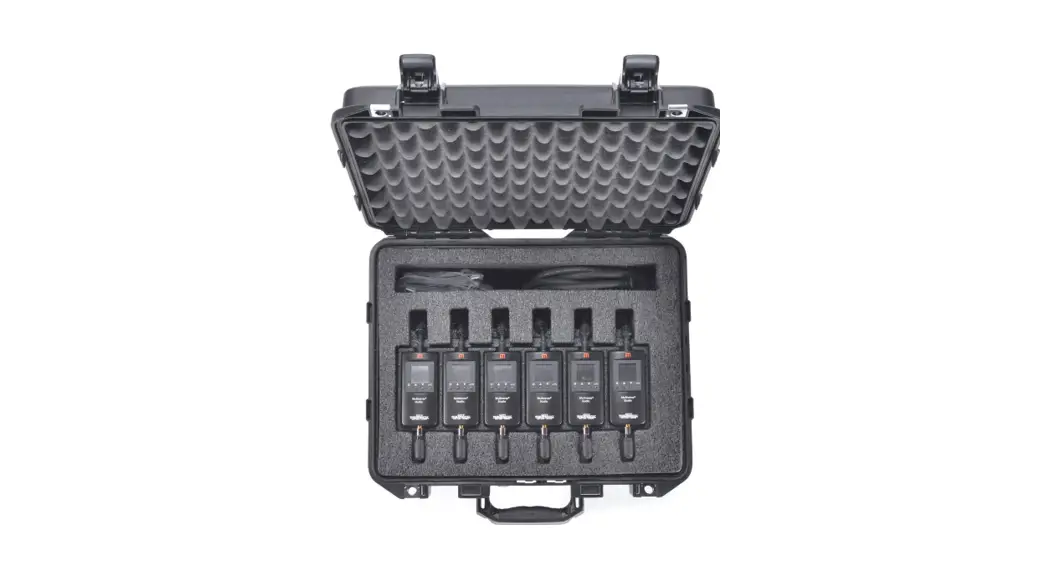
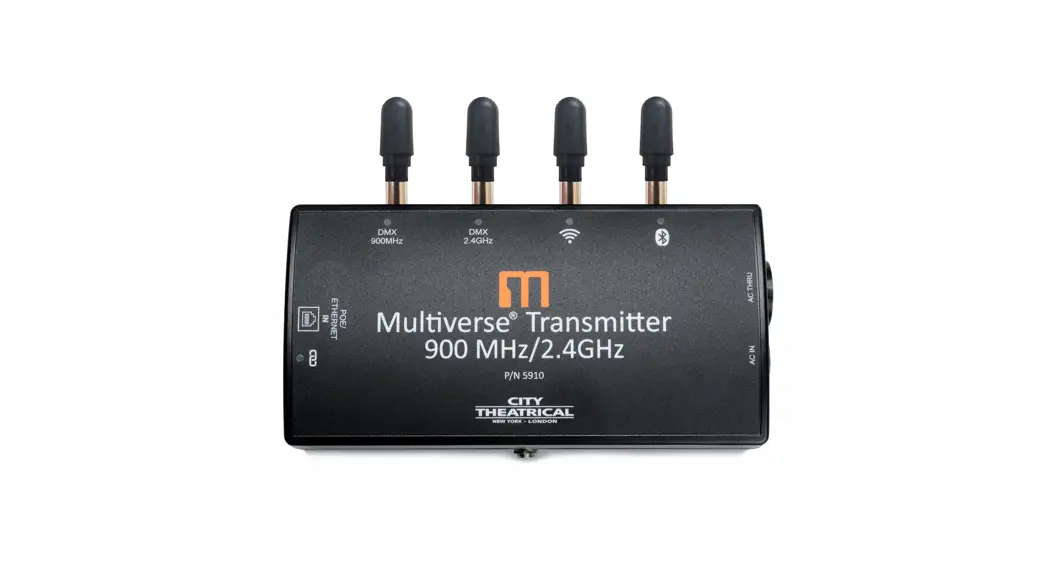
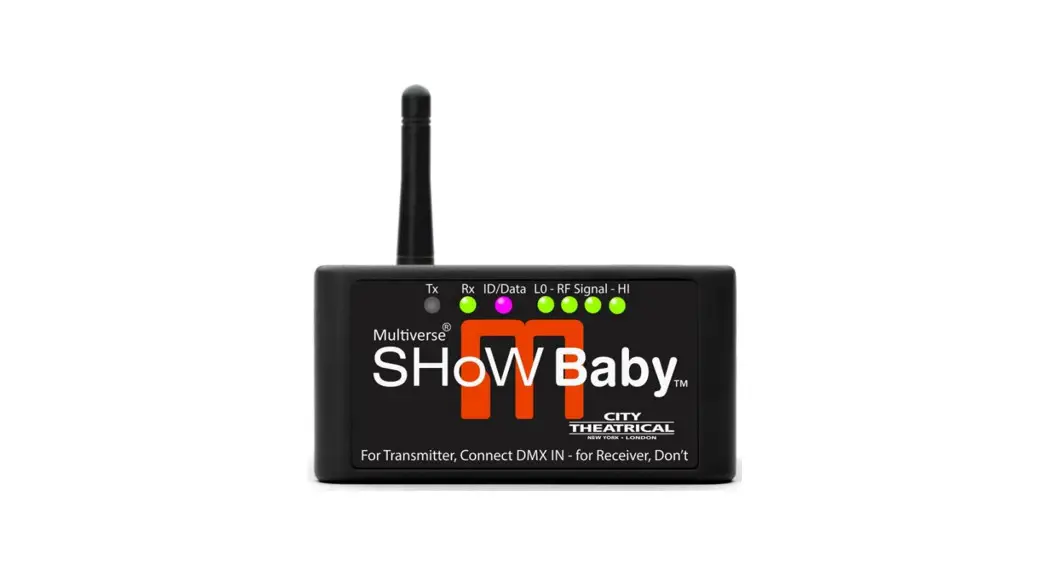
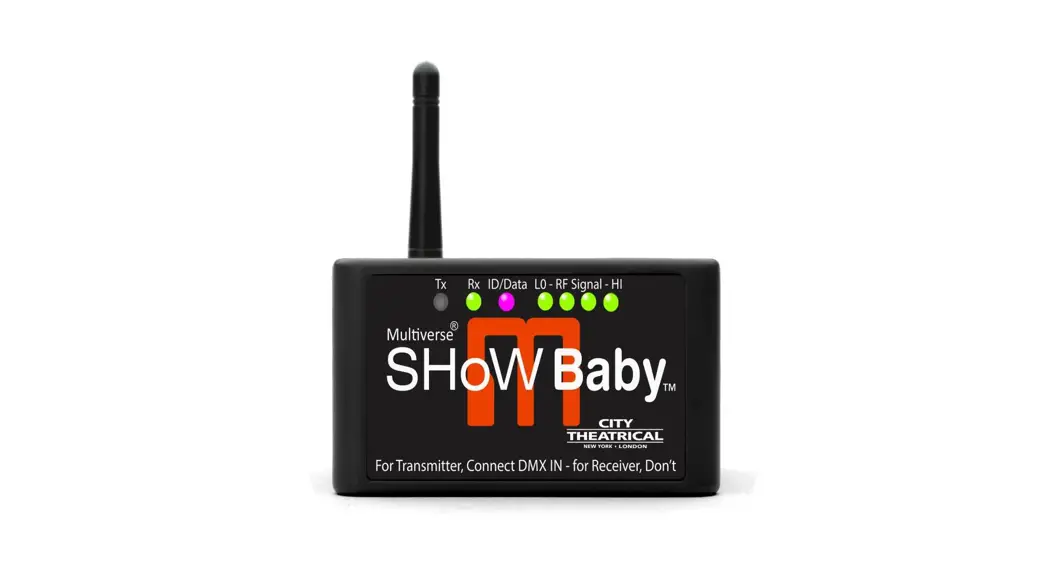
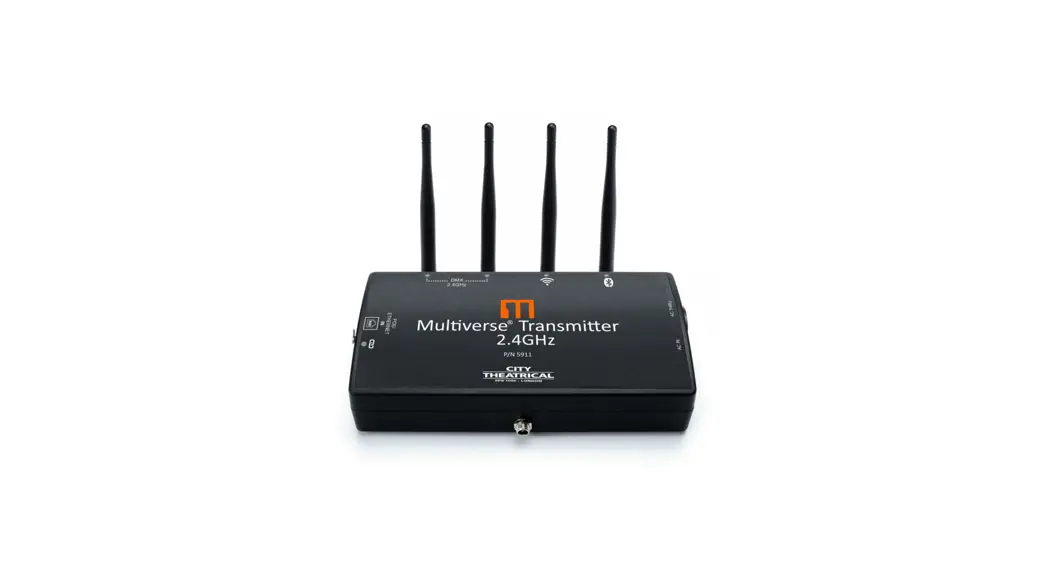
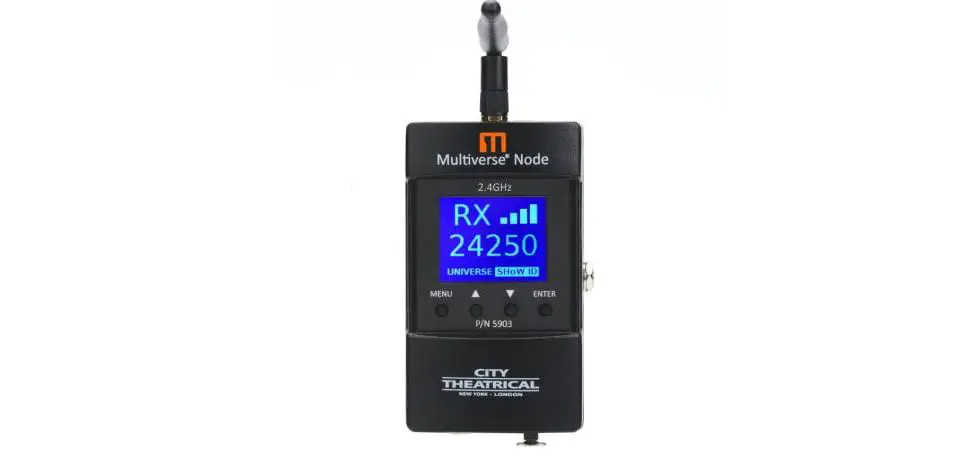
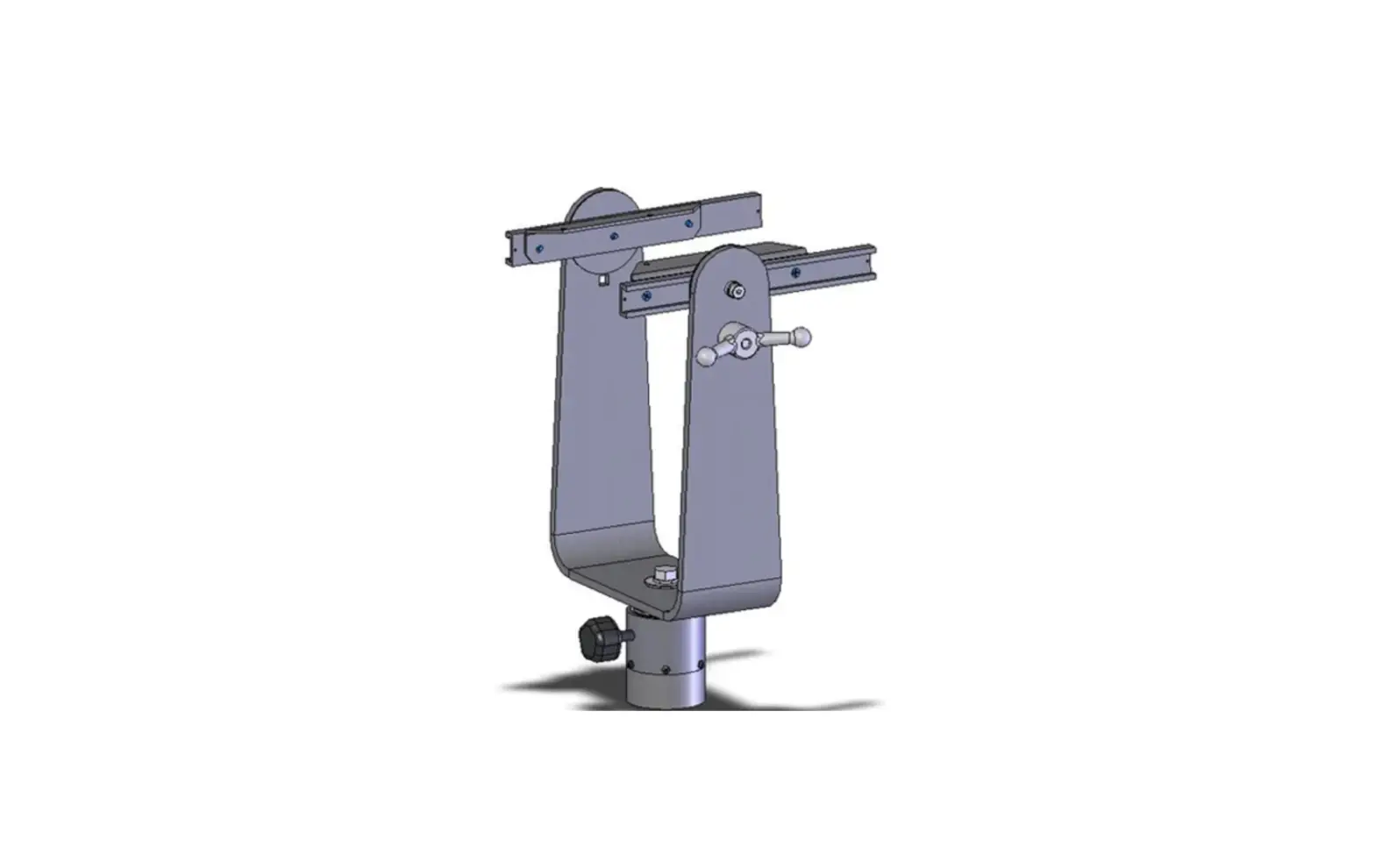
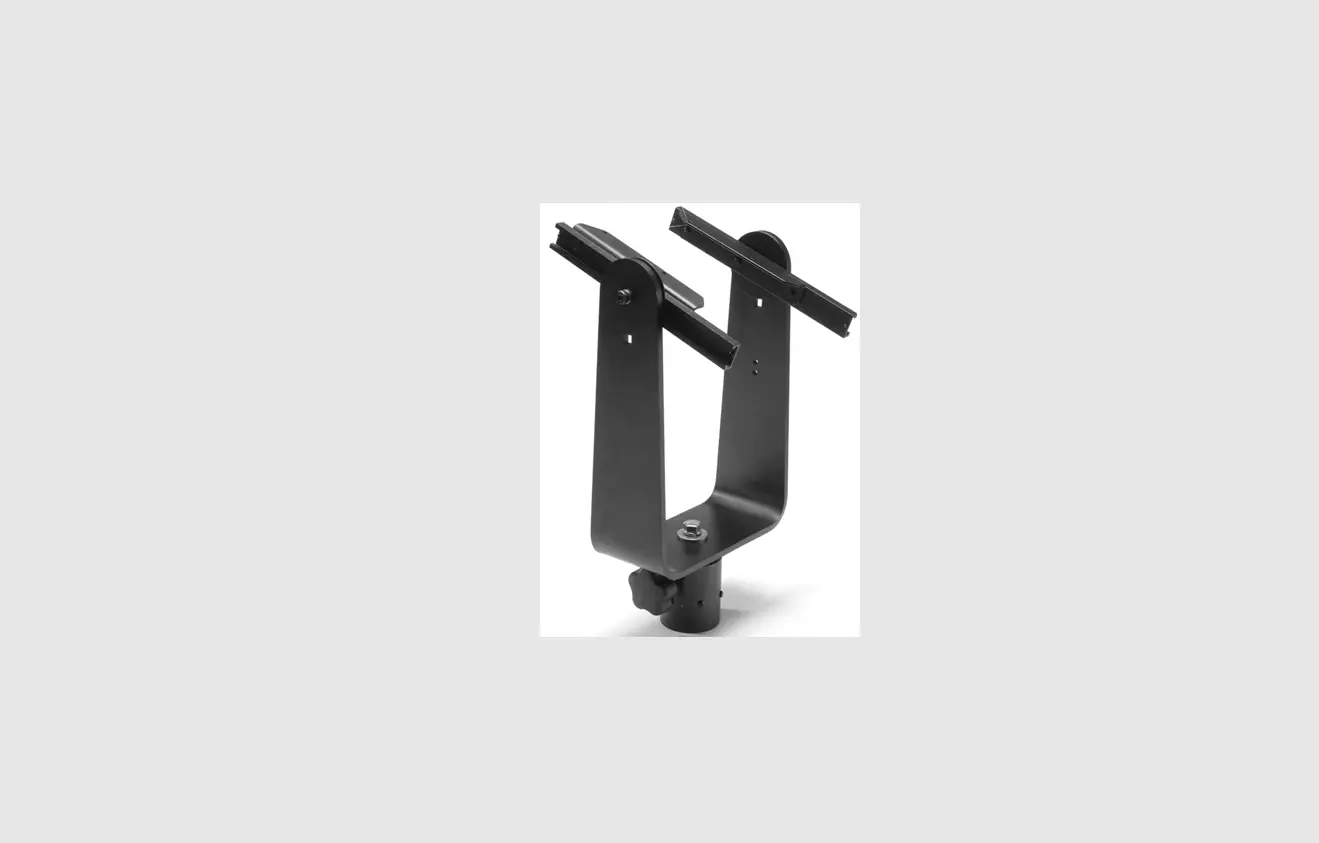
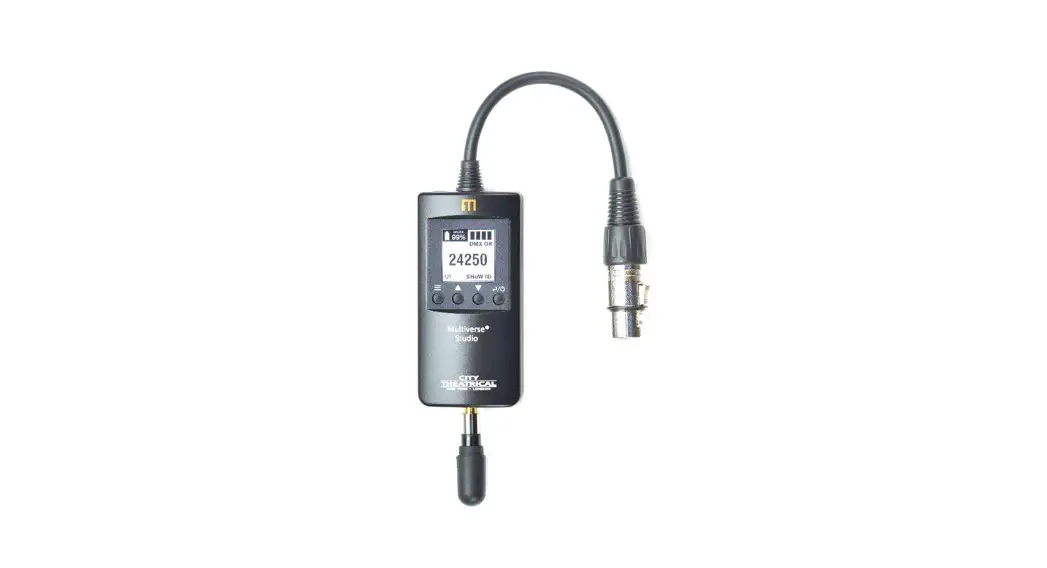
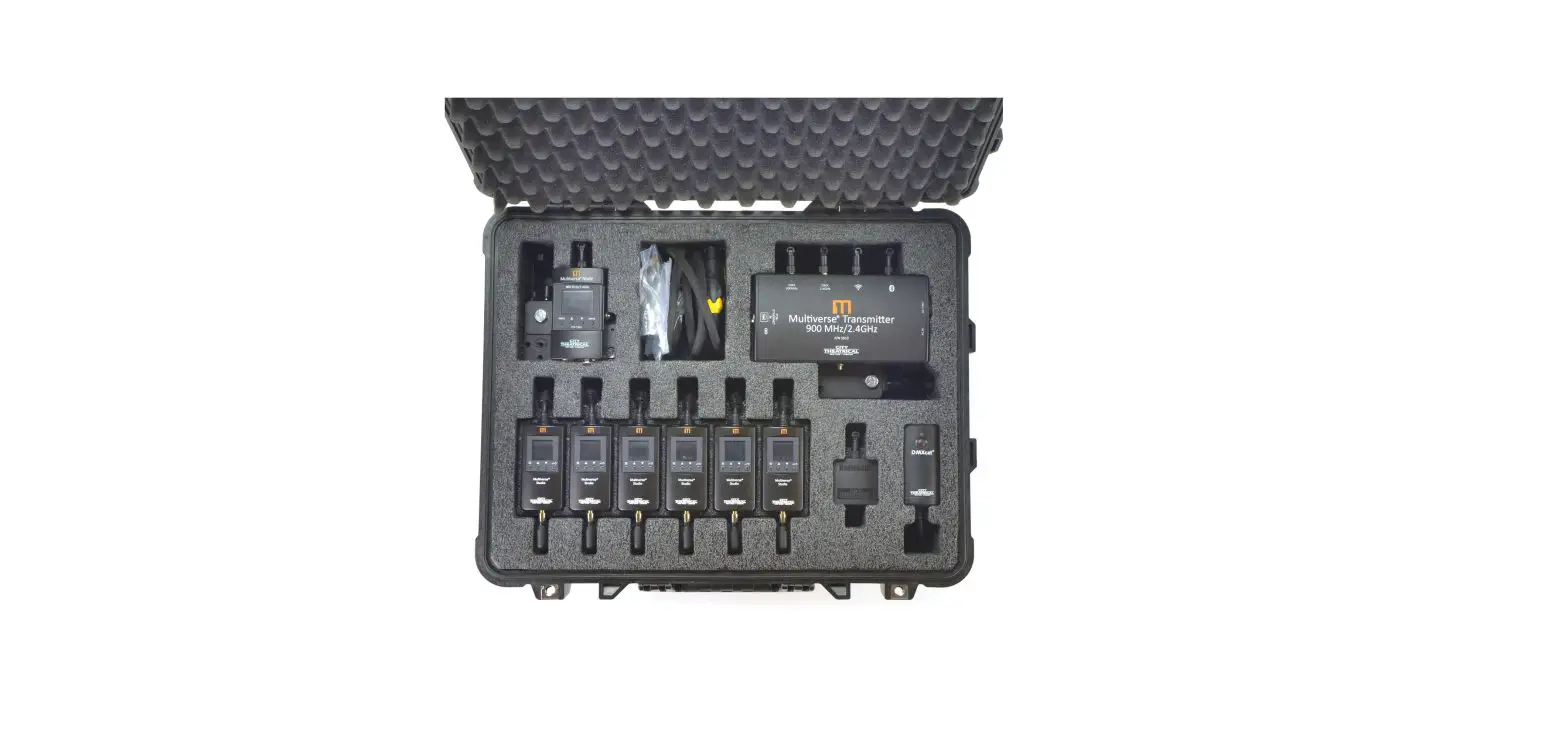
The Multiverse Studio Kit includes: six battery powered Multiverse Studio Receivers, one Multiverse Transmitter with hanging bracket and clamp (for multi universe broadcasts), one Multiverse Node with hanging bracket and clamp (for single universe broadcasts), one DMXcat Multi-Function Test Tool (to turn on and troubleshoot any lighting fixture on set), one RadioScan Spectrum Analyzer (for broadcast planning), and various accessories to keep your equipment organized, mounted, and charged.
The Multiverse Studio Kit provides all the tools lighting technicians need to quickly plan, setup, and operate wireless DMX/RDM on set.
Just drop the Multiverse Studio Receiver onto its slot in the case, and it will begin charging.
Individual chargers and USB cables are also included to enable charging or powering individual units outside the case.
Getting Started
The USB flash drive included with each kit contains the user manual for each product in the kit, software downloads, and other useful information.
Here are basic steps in setting up a system:
- Use the RadioScan Spectrum Analyzer to view the radio activity in the spectrum around you, and choose the area of the spectrum in which you want to broadcast. Use the Multiverse SHoW IDs tab on RadioScan to help choose a SHoW ID.
- Enter the SHoW ID you chose into the Multiverse Transmitter or Multiverse Node you are using, and into each Multiverse Studio Receiver.
- Enter the universe you are broadcasting, and an optional SHoW Key into the Multiverse Transmitter or Multiverse Node you are using, and into each Multiverse Studio Receiver.
Note: SHoW ID, Universe, and SHoW Key (if used) must match on transmitter and all receivers.
For additional information, consult the product manuals of the individual products. They can be found on the USB flash drive in the Multiverse Studio Kit, or on the City Theatrical website on each individual product page.
Charging in The Charging Case
Multiverse Studio Kit 900MHz/2.4GHz utilizes a contactless charging system. Individual chargers and USB cables are also included to enable charging individual units outside the case.
Multiverse Studio Receivers have a run time of 20 hours using the default settings. The setting which most influences run time is the backlight brightness. The default setting is 70%, and run time can be extended by decreasing backlight brightness, or by setting a backlight timeout period which will turn the backlight off after a time period you set. Touching any key will turn the backlight on again for the period you chose. Setting the backlight to 100% will reduce run time to approximately 16 hours.
Always charge with the lid of the case open for ventilation. Charge time from fully discharged to fully charged is 3.5 hours.
Charging may be done with Multiverse Studio Receivers either turned on or off
To charge Multiverse Studio Receivers, plug the charging case into 100-240VAC power using the included power cord with PowerCON True 1 connector. Simply lay the Multiverse Studio Receivers onto the charging tray in their individual slots, making sure they are touching the bottom of the tray. The charging indicator light will be red to indicate that charging is in progress.
If the Multiverse Studio Receiver is on while charging, the battery icon on the user interface will show a lightning bolt when touching the contactless charger, and the percentage of charge will be shown. When fully charged to 100%, the charging indicator light will be green.
Charging Outside the Charging Case
Individual Multiverse Studio Receivers can be charged outside the charging case by using the power supplies and USB-A to USB-C cables included in the kit. Plug the power supply into 100- 240VAC and plug the USB-A to USB-C cable into the power supply and the Multiverse Studio Receiver. Using this method, charge time from fully discharged to fully charged is 2.5 hours.
SHoW ID
Table 1: Selecting Your Multiverse SHoW ID
Multiverse SHoW ID Example: 24302
- Prefix
9 900MHz Multiverse
24 2.4GHz - Data Rate
Faster data rates provide more DMX universes. Slower data rates travel longer distances and provide more immunity to interference.900MHz: Universes Range 1 1 2000’ Outdoor 300’ Indoor
2 2 2000’ Outdoor 300’ Indoor
3 4 500’ Outdoor 300’ Indoor
2.4GHz: Universes Range 1 1 1500’ Outdoor 300’ Indoor
2 2 1500’ Outdoor 300’ Indoor
3 5 1000’ Outdoor 100’ Indoor
- Band
Specifies which sections of the wireless band the frequency hopping
utilizes.- Use full range of 900MHz or 2.4GHz band.
- Use only low band channels.
- Use only mid band channels (available for Data Rate 1 only).
- Use only high band channels
- Use only extreme high band to avoid WiFi (2.4GHz only
- Adaptive hopping.
Avoids busy channels by analyzing spectrum.
- Hop Pattern
If multiple wireless systems need to operate with the same data rate and band this value will change the hopping pattern to minimize overlapping between the two systems. Can be any number from 0 – 9 (not all bands have all Hop Patterns).
Note: Not all combinations of digits are possible and unused numbers are reserved for future use.
Specifications
Table 2: Physical Characteristics
| Product Information | |
| Product Name | Multiverse Studio Kit (900MHz/2.4GHz) |
| Part Number | 5938 |
| Maximum Concurrent Universes | 1 – 9 |
| Frequency Range: | 2400 – 2480 MHz |
| 902 – 928 MHz | |
| Included in the Kit | |
| P/N 5904 | Six Multiverse Studio Receivers, 900MHz/2.4GHz |
| P/N 5910 | One Multiverse Transmitter, 900MHz/2.4GHz with mounting bracket (for multi universe broadcasts) |
| P/N 5902 | One Multiverse Node, 900MHz/2.4GHz with mounting bracket (for single universe broadcasts) |
| P/N 6000 | One DMXcat® Multi-Function Test Tool |
| P/N 5988 | One RadioScan™ Spectrum Analyzer |
| P/N 5987 | Six USB-A to USB-C cable, 1m |
| P/N 5969 | Six Power Supplies, 100-240VAC input, 5VDC output |
| P/N 5840 | Two Power Cord, PowerCON True 1, 8’ long |
| P/N 5932 | Two Mounting Clamps (attached to Multiverse Transmitter and Multiverse Node |
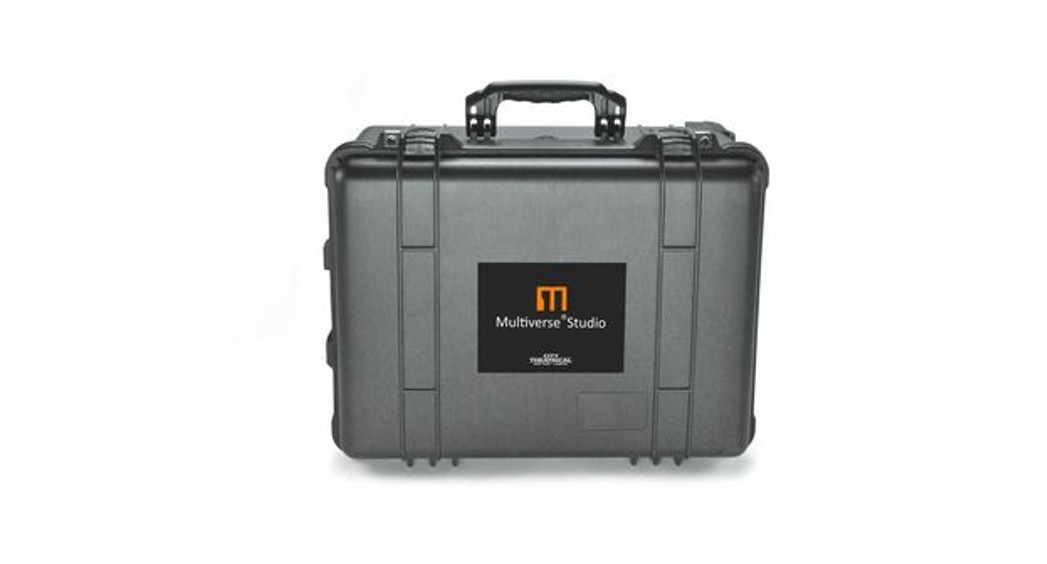
| P/N 5976 | Pelican case with contactless charging |
| NA | USB flash drive with product manuals, software, and other information |
| Power (Kit) | |
| Input Power | 100-240VAC 50-60Hz |
| Max Draw | 0.95A |
| Radio Technology | |
| Latency | 4 ms average |
| RF Sensitivity | -95dBm |
| Loss of Data Behavior | Output stops |
| Broadcast Power | 3.2mW, 10mW, 32mW, 100mW EIRP |
| Broadcast Modes | Adaptive, Full, Low, Mid, High, Max |
| Show IDs | Multiverse: 307; Neo: 70 |
| RDM Features | RDM Proxy, RDM Responder |
| Product Information | |
| IP Rating | IP20 |
| Compliance | Kit: UL 508A |
| Operating Temperature | 0º to 40ºC when charging |
| Warranty | One year |
What’s Included
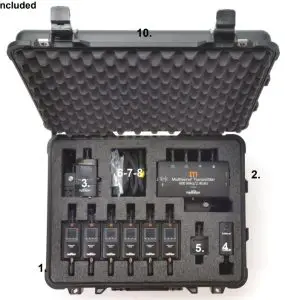
Figure 1: What’s Included
| Label in Figure | P/N | Item Description | Qty. |
| 1 | 5904 | Multiverse Studio Receivers, 900MHz/2.4GHz | 6 |
| 2 | 5910 | Multiverse Transmitter, 900MHz/2.4GHz (for single or multi universe broadcasts) | 1 |
| 3 | 5902 | Multiverse Node, 900MHz/2.4GHz (for single universe broadcasts) | 1 |
| 4 | 6000 | DMXcat® Multi Function Test Tool | 1 |
| 5 | 5988 | RadioScan™ Spectrum Analyzer | 1 |
| 6 | 5987 | USB-A to USB-C cable, 1m | 6 |
| 7 | 5969 | Power Supply, 100-240VAC input, 5VDC output | 6 |
| 8 | 5840 | Power cord, PowerCON True 1, 8’ long | 1 |
| 9 | 5932 | Mounting clamps (attached to Multiverse Transmitter and Multiverse Node) | 2 |
| 10 | 5976 | Pelican case with contactless charging | 1 |
| 11 | N/A | USB flash drive with product manuals and other information | 1 |
Face Panel
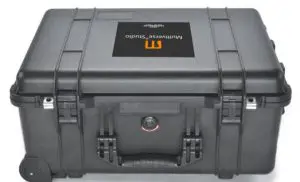
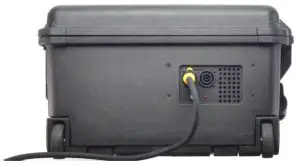
Figure 2: Face & Back Panel
Table 4: Commonly used SHoW DMX Neo SHoW IDs for Use with the 2.4GHz Radio in Single Universe Systems
| SHoW DMX Neo SHoW ID | Broadcast Location |
| 201 | Adaptive hopping |
| 102 | Full bandwidth hopping |
| 117 | Low band hopping |
| 133 | Mid band hopping |
| 149 | High band hopping |
| 165 | Max band hopping |