Out-Front BIKE Mount Installation

WATCH OUR USER GUIDE
http://install.gearlock.com
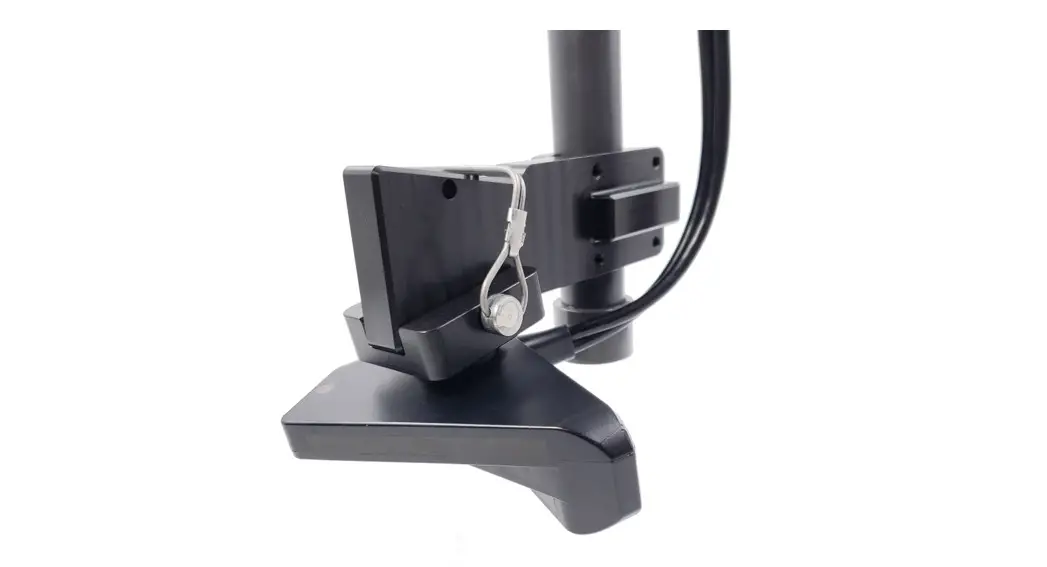
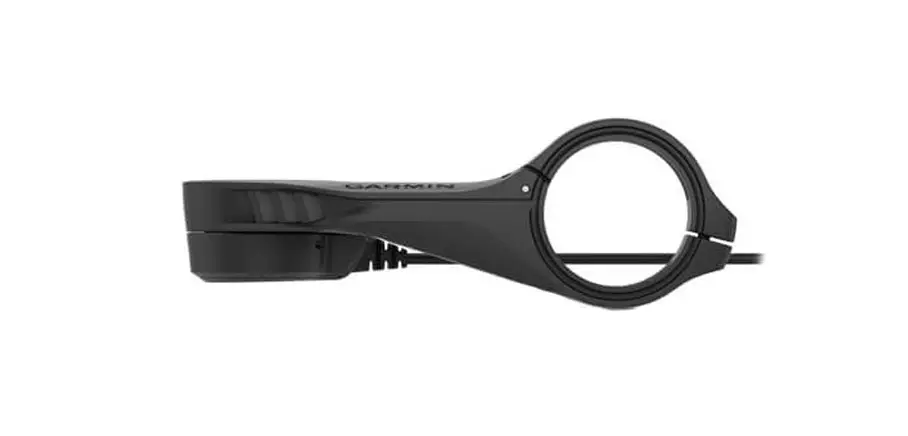
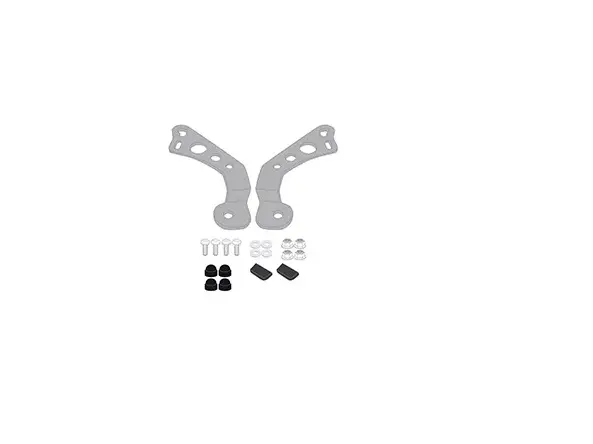
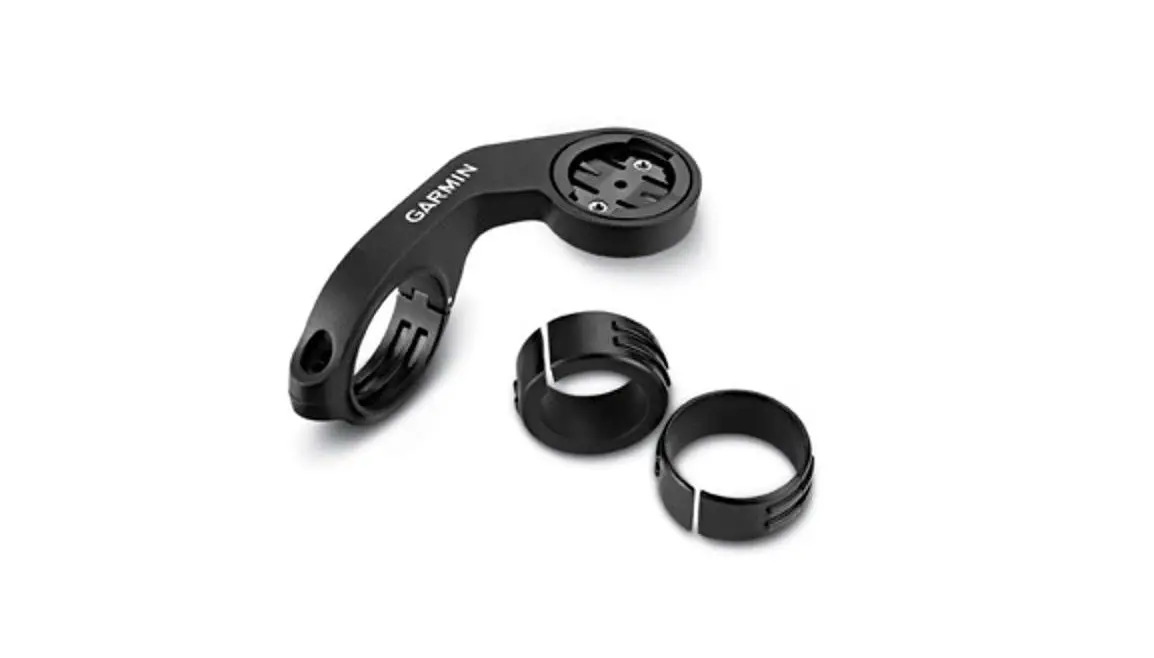
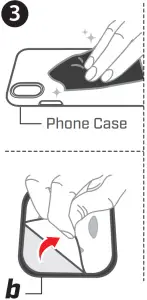
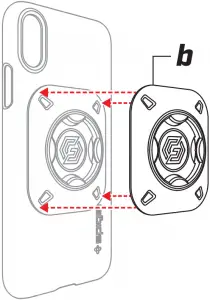
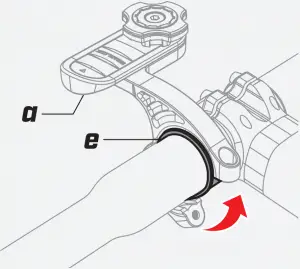
a. Out-Front BIKE Mount b. Universal Mount c. Mounting Bolt d. Hex Key e. Spacer
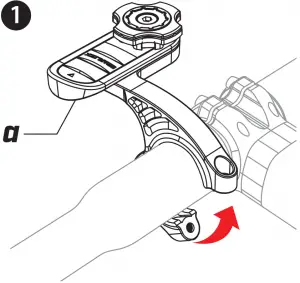
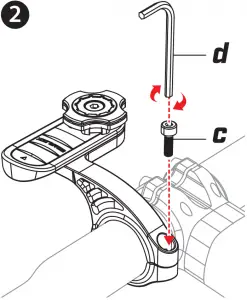
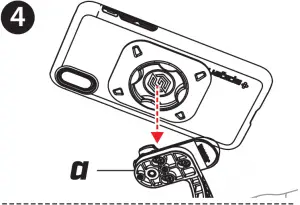
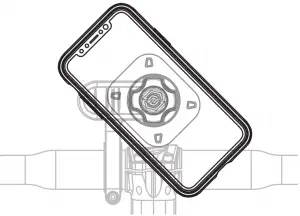
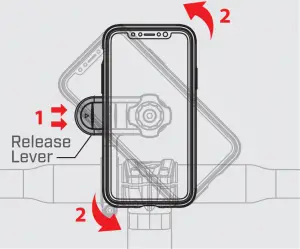
Twist device until a click is heard to ensure a secure lock.
Once locked in place, make sure the mount is secure.
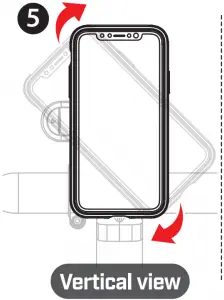
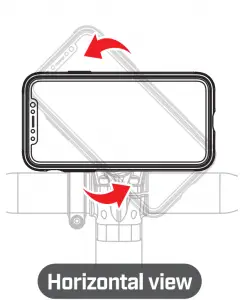
Remove
While pressing the Release Lever, rotate the device 45 degrees to remove.
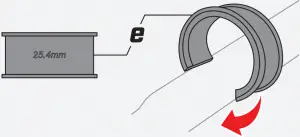
Spacer
(22mm / 25.4mm)
If the size of handle bar is less than 31.8mm, use the included spacer.
1. Check the size of your bike’s handle bar.
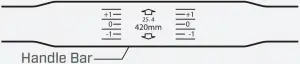
2. Locate the included spacer.
3. If needed, place the spacer on the handle bar.
4. Set the spacer onto the preferred spot on the handle bar.
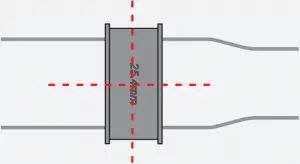
5. Install the out-front mount over the spacer.
 Attention Point
 Attention Point
- Operating mount while bicycle is in motion can be dangerous. Please make adjustments only while stopped.
- When the cross gear is not aligned properly, twist the cross gear to align manually while pressing the release lever.
- When mounting, place the device and the mount horizontally aligned to avoid damaging the product and malfunction.
- Using excessive force to rotate the device while failing to press the release lever may cause damage to the mount.
Universal Mount
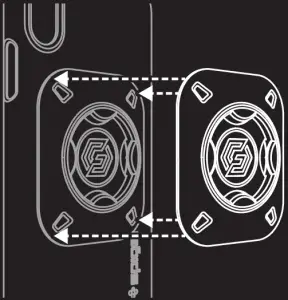
- Attach the universal mount adapter to a polycarbonate case, and not directly to your device. Do not attach mount to TPU, silicon, or any other soft material, as the adhesive may not bond properly.
- The adhesive tape is not reusable. Once it is installed, it may be difficult to remove.
- The adapter works best with plastic materials and may lose adhesive power when attached to soft-surfaced materials such as TPU or silicone.
- Do not attach the mount directly onto the device. It may cause damage on the surface of the device due to a strong adhesion when removing.
 gearlock install
– Spigen Inc
gearlock install
– Spigen Inc