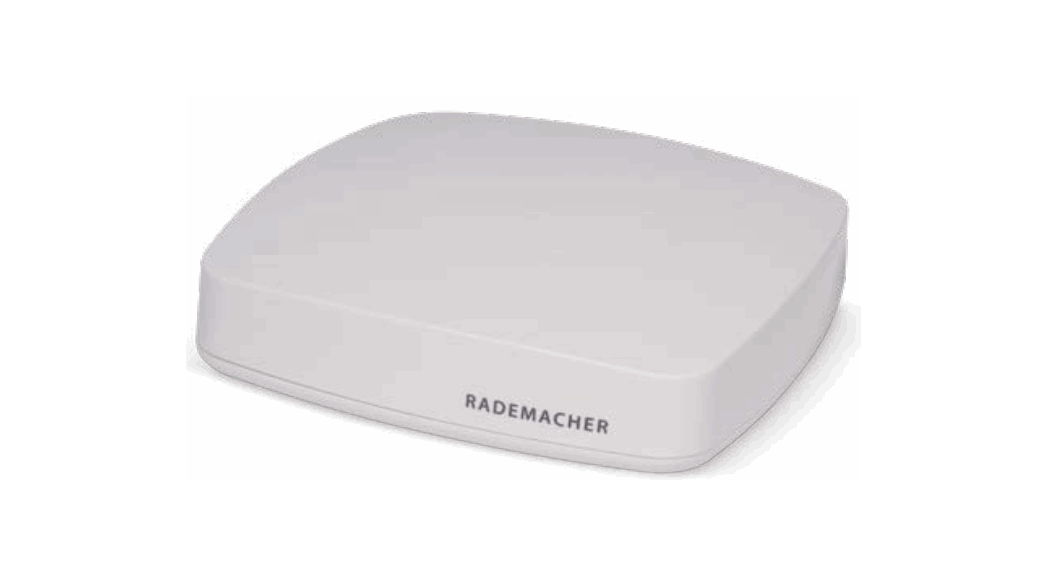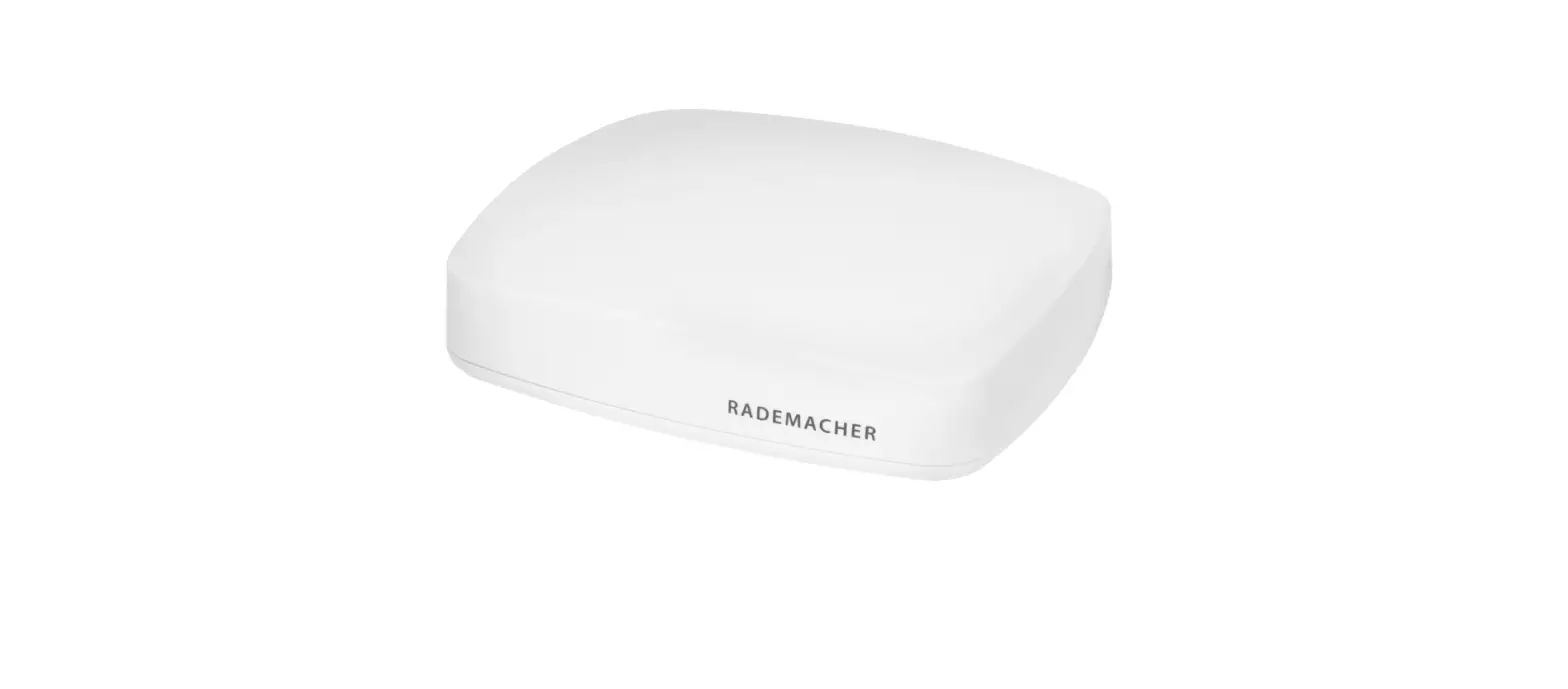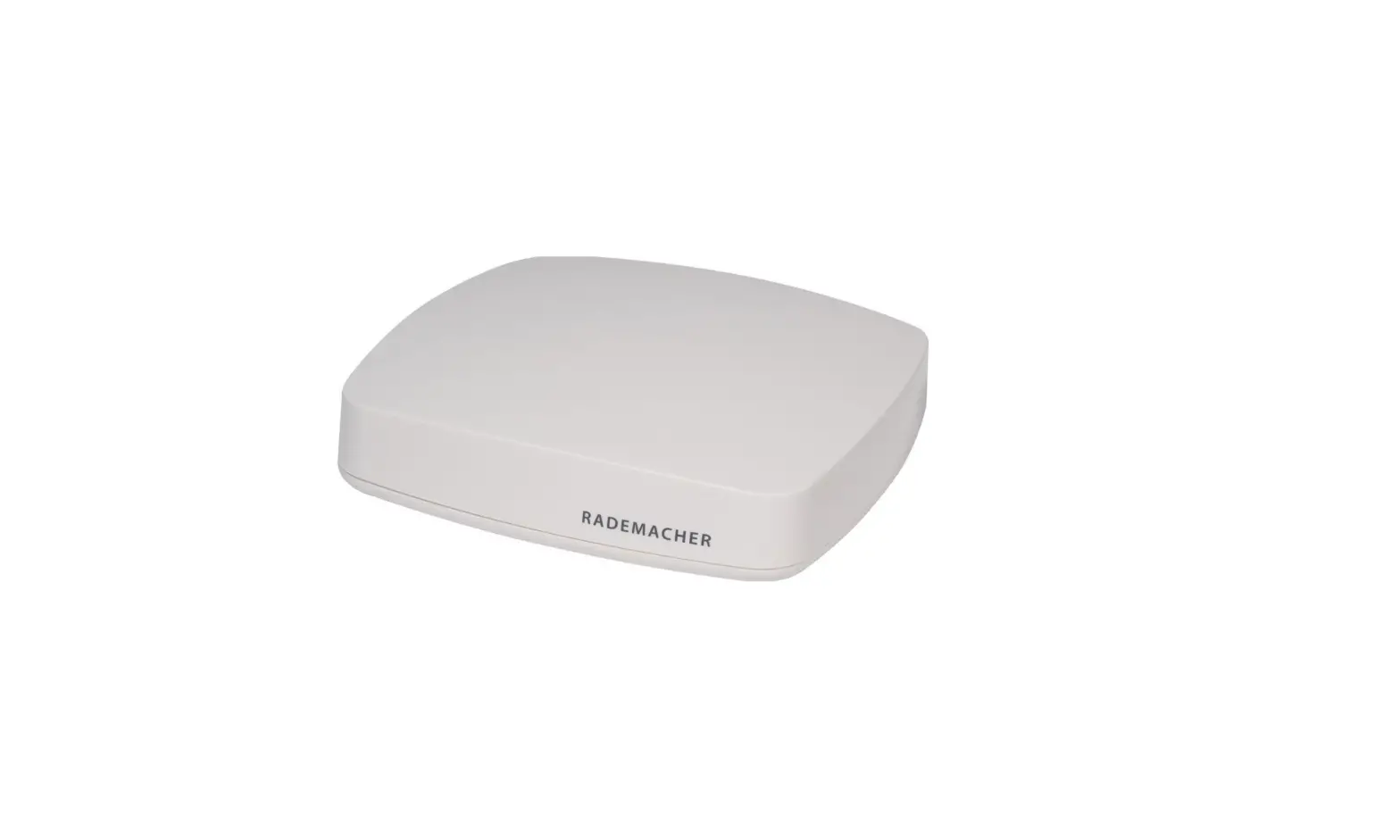

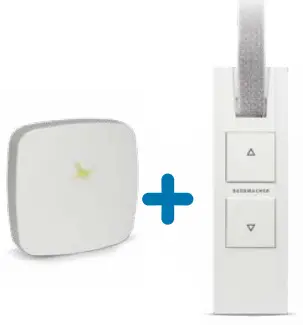
RADEMACHER 30110005 Smart 2 Smart HomePilot Smart Home Center
Install the belt winder
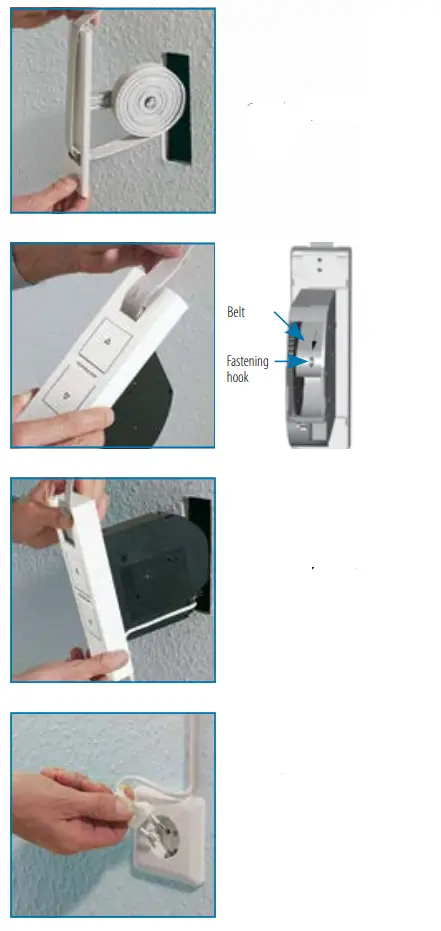
- Remove the manual belt winder.
- Insert the belt into the new belt winder and fix it to the fastening hook.
- Connect the connecting cable to the belt winder and insert the belt winder.
- Now insert the mains plug into a free 230 V / 50 HZ mains socket after connecting to the belt winder.
Set the upper and lower end point: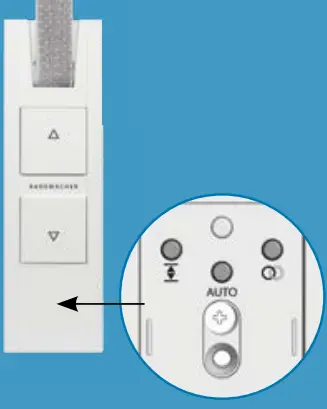 Upper end point: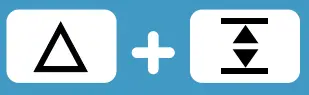
Press these buttons simultaneously and hold them until the desired end point has been reached
Lower end point: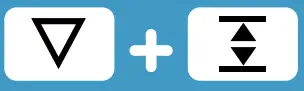
Press these buttons simultaneously and hold them until the desired end point has been reached.
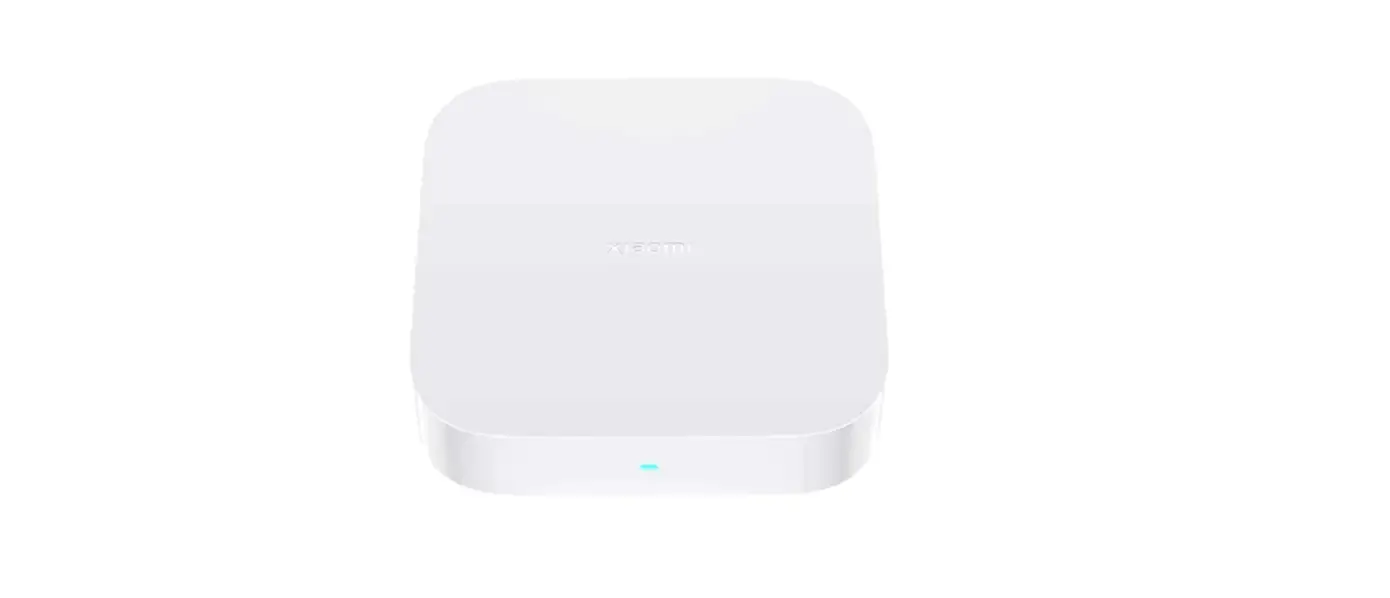
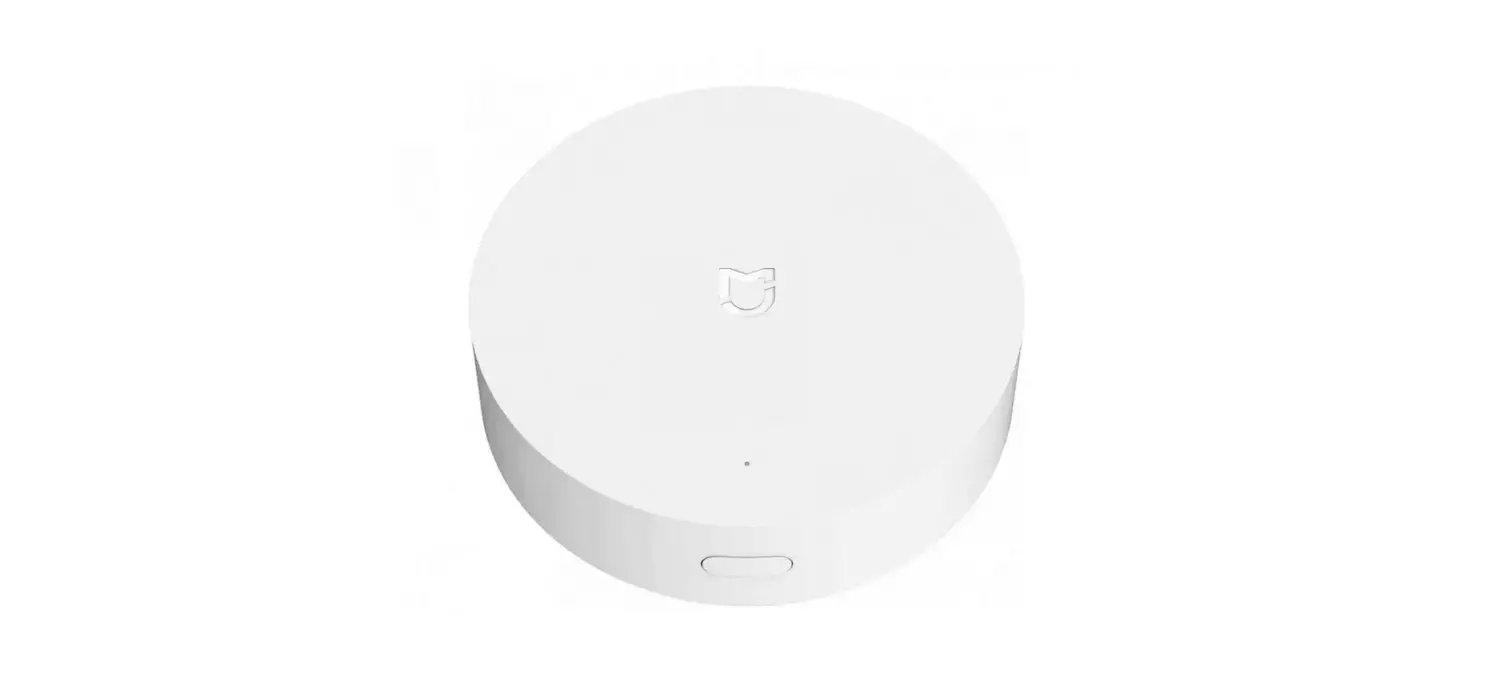
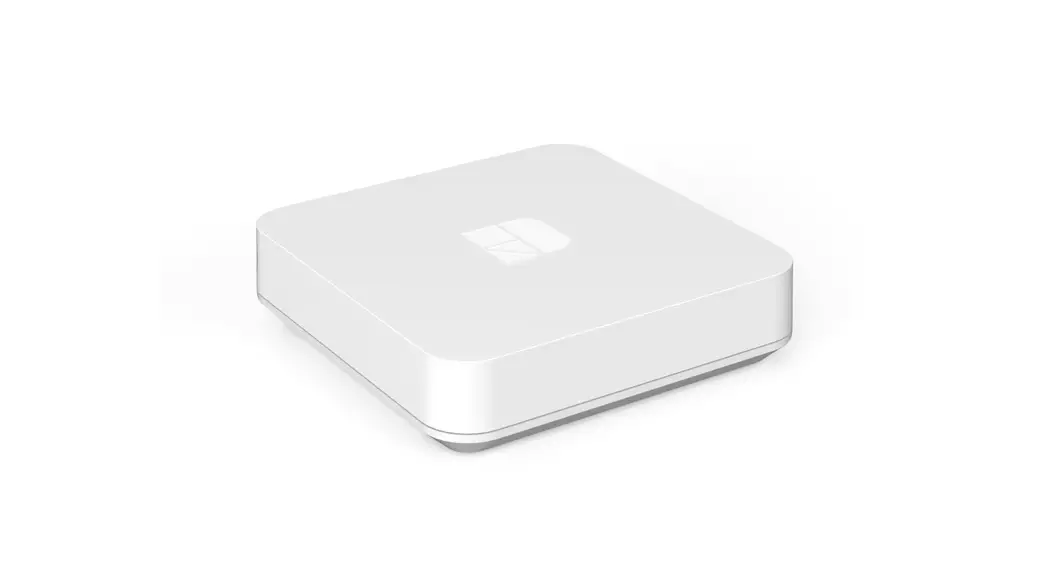
Connect the Bridge
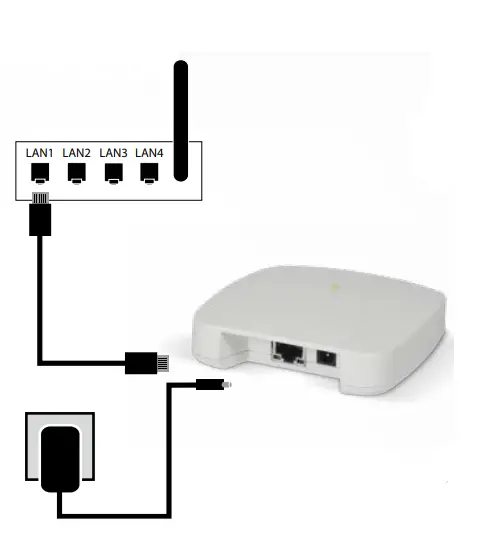
- Connect the Bridge to your router using a LAN cable.
- Insert the mains plug and wait until the LED lights up green continuously
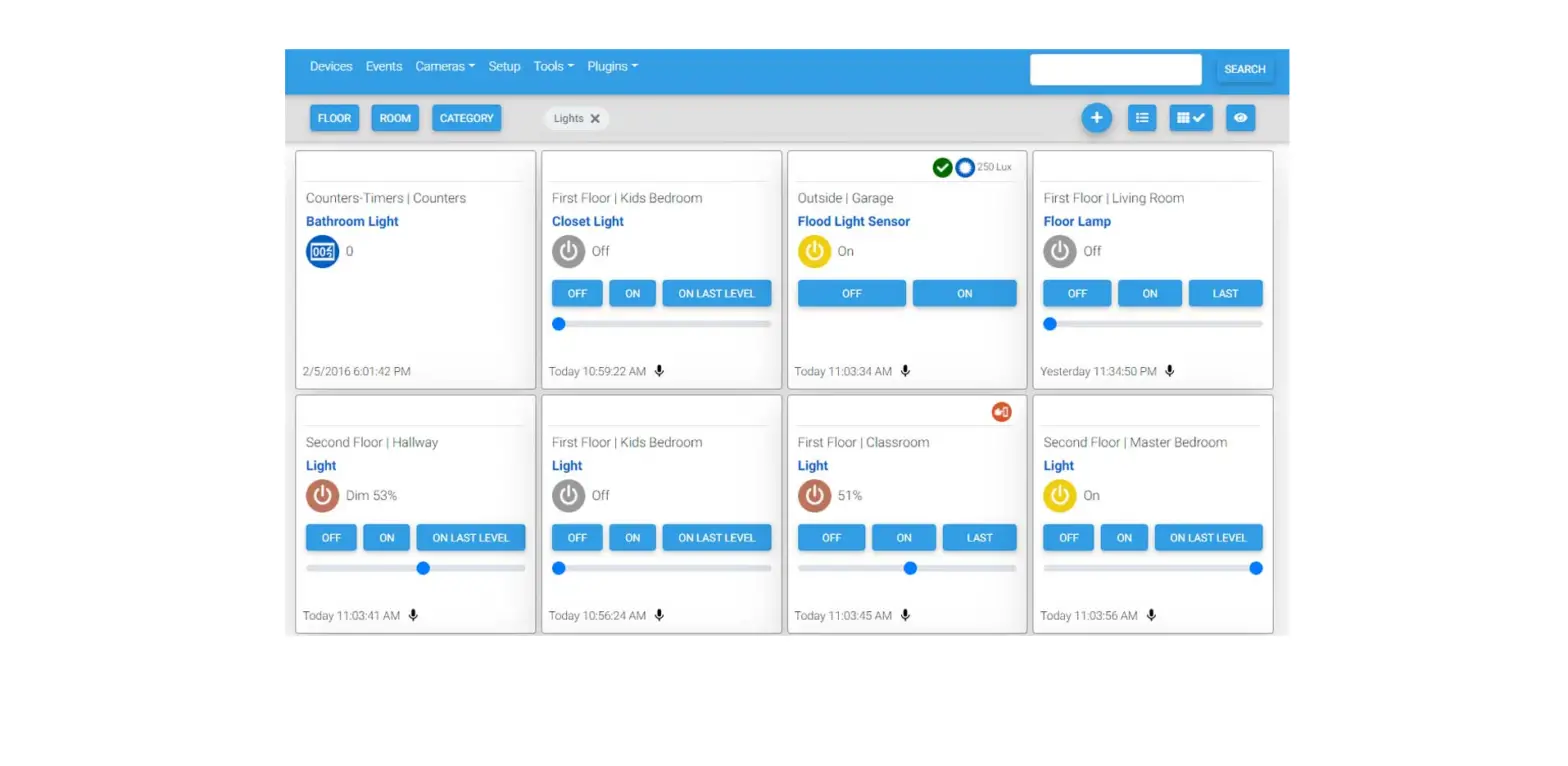
Set up the app
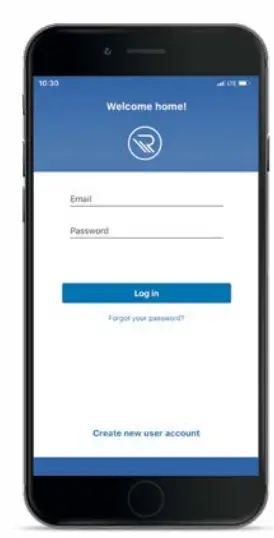
- Download the HomePilot® Smart Home app.
 You can find the HomePilot® Smart Home app in the well-known app stores
 - Create a user account
- Add the Bridge.
Note: Also activate remote access if you want to operate the devices with voice control.
 You can find the HomePilot® Smart Home app in the well-known app stores
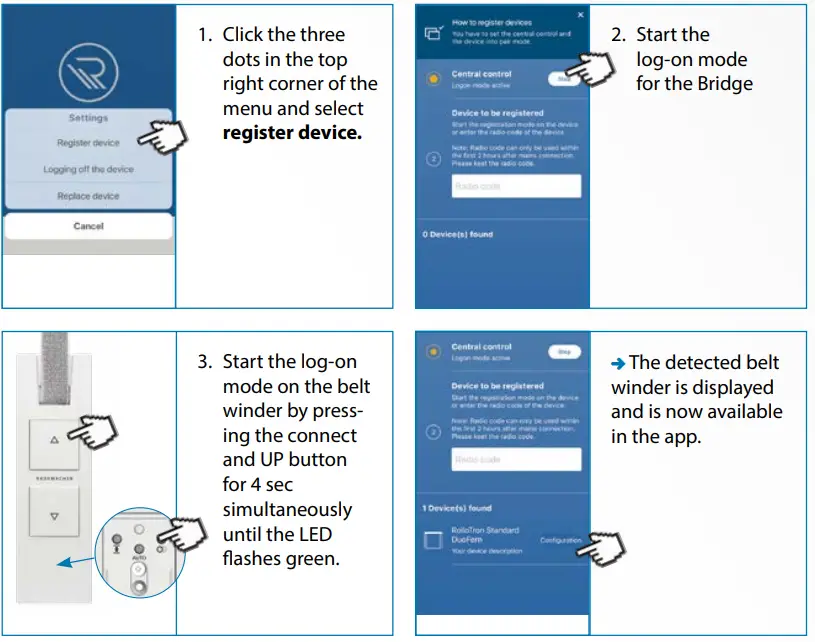
Log on the belt winder

Do you want to use voice control to operate your device?
Amazon Alexa:
- Download the HomePilot®Skill and activate it.
- Enter the access details in the account.
- Click on the “Detect device” menu option or say “Alexa, find my smart devices”
Google Assistant:
- Find and activate the HomePilot® service.
- Enter the access details in the account.
- Click on “Find devices” or say “Hey Google, sync my devices”.
How does it work
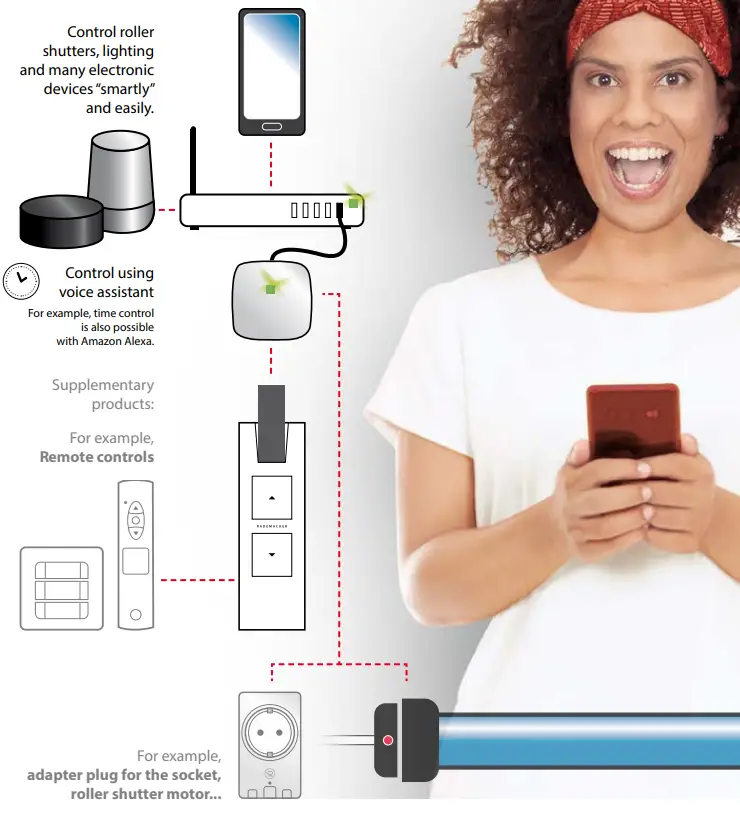
Extension possibilities
Voice control
Works with Amazon Alexa and Google Assistant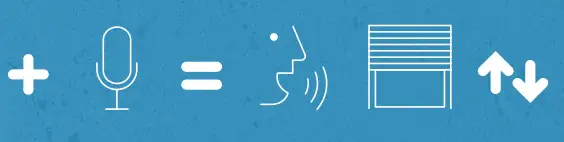
Additional remote controls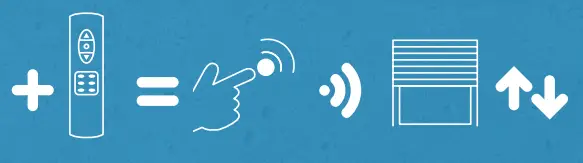 Group control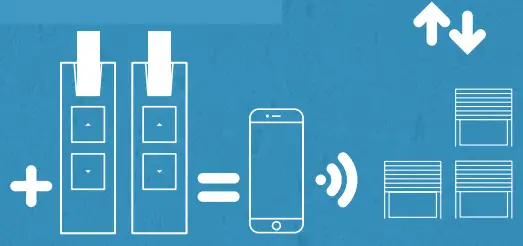
*Further products and inspirations for your individual living situation can be found at: http://info.rademacher.de/start2smart
 Start2Smart - RADEMACHER