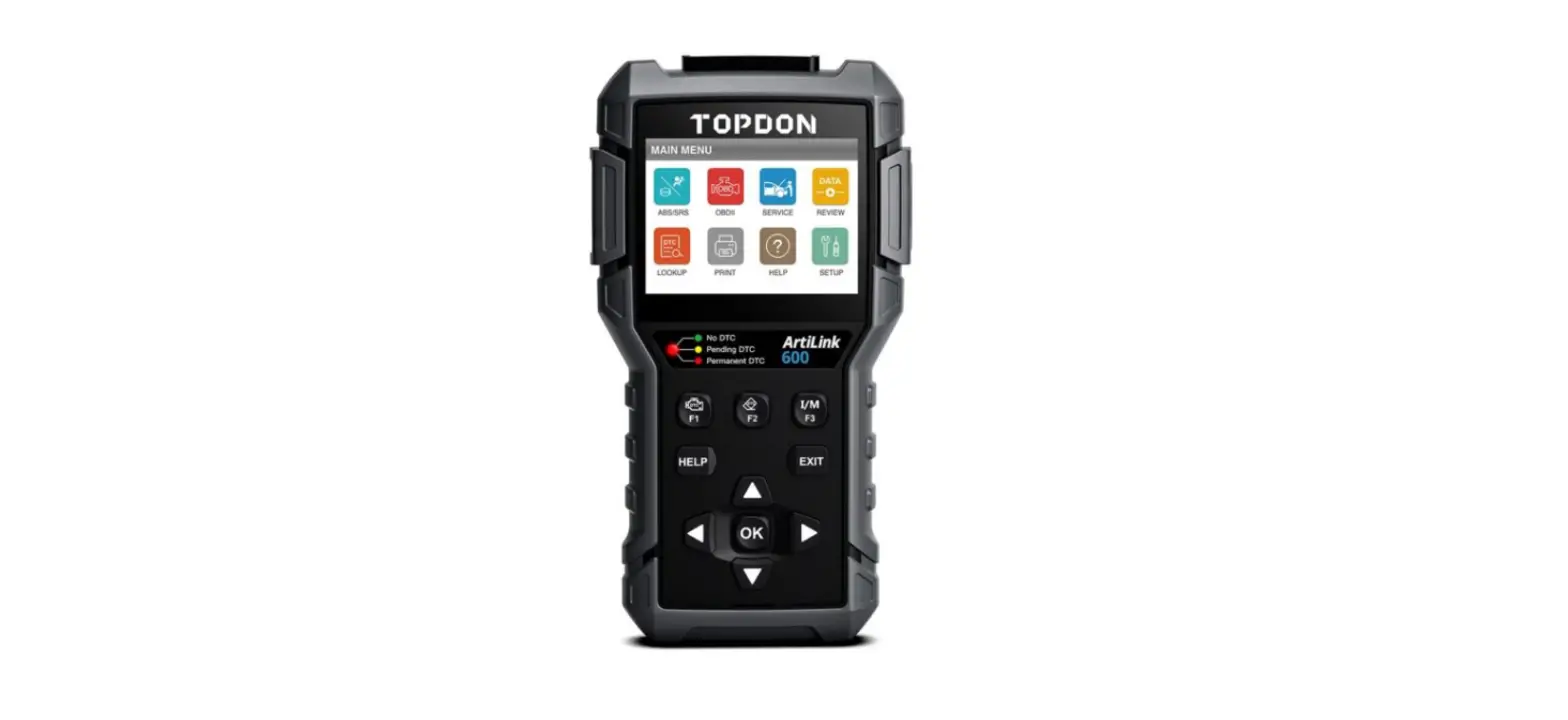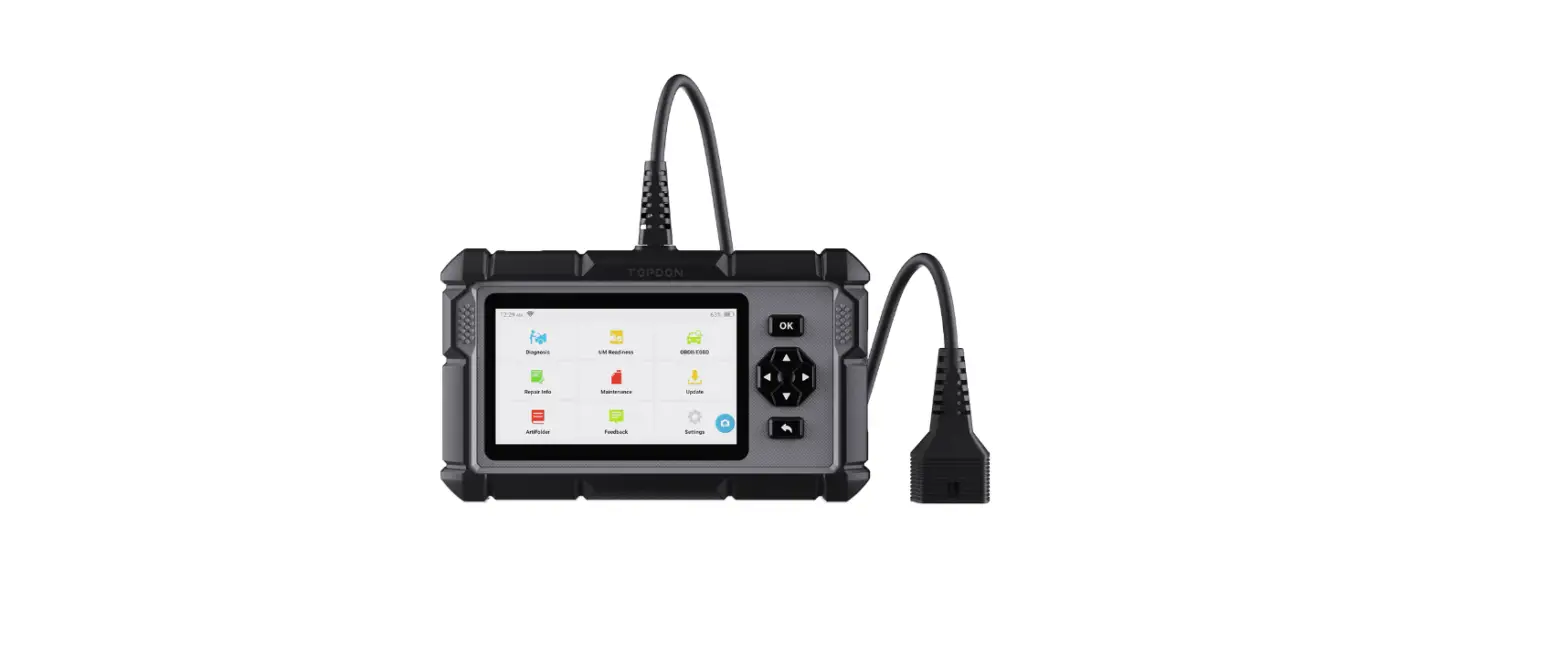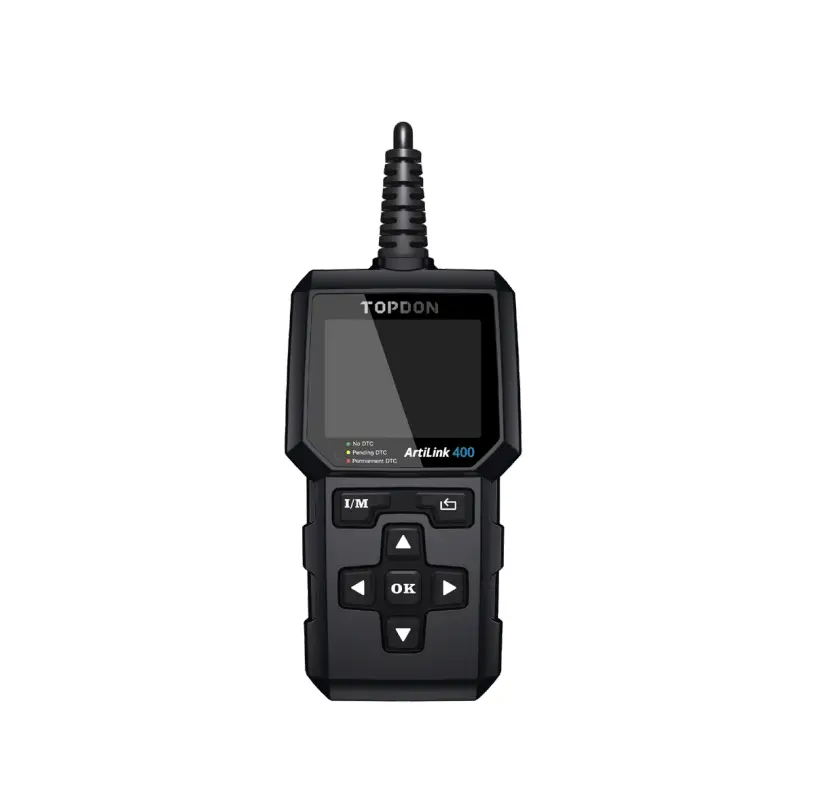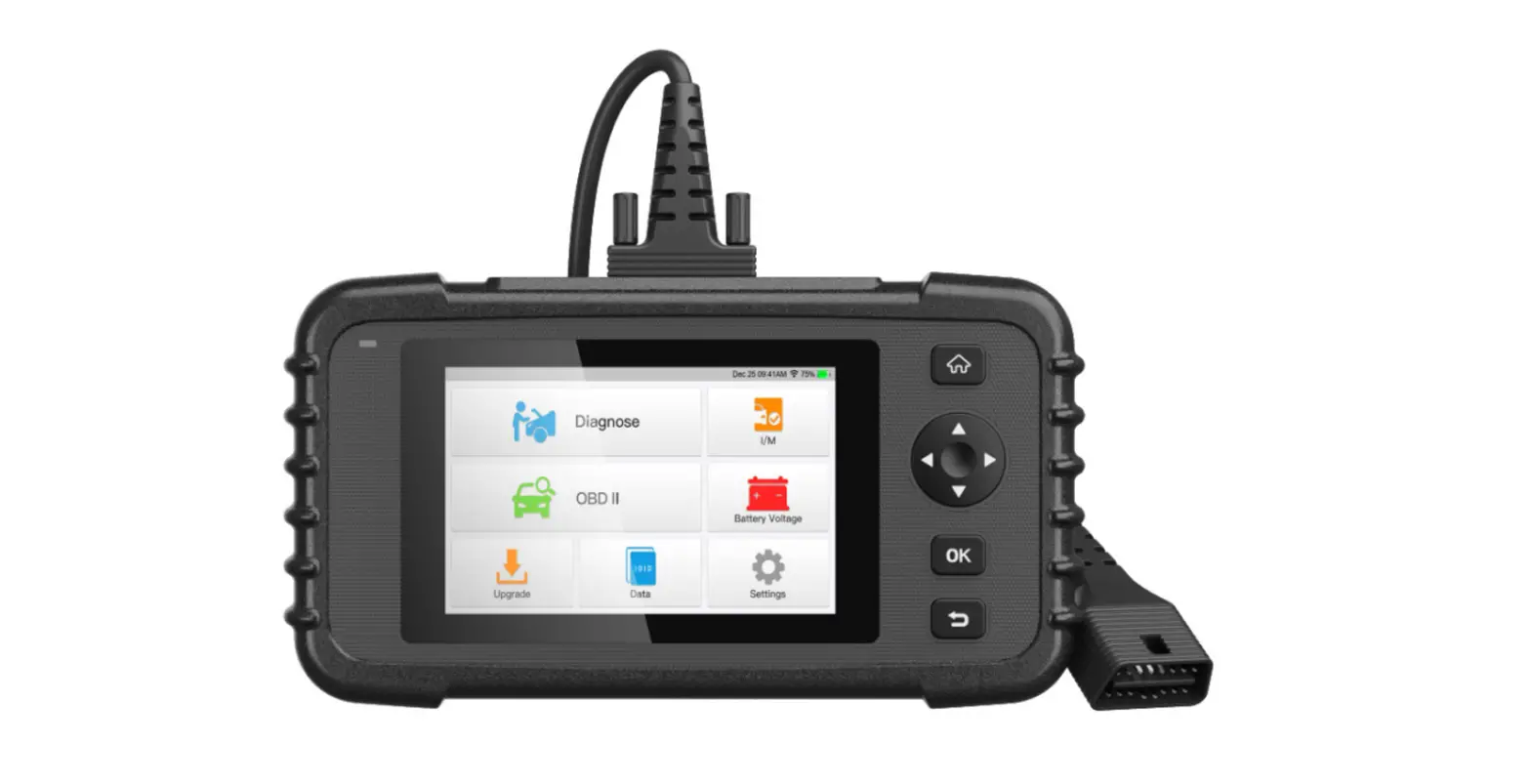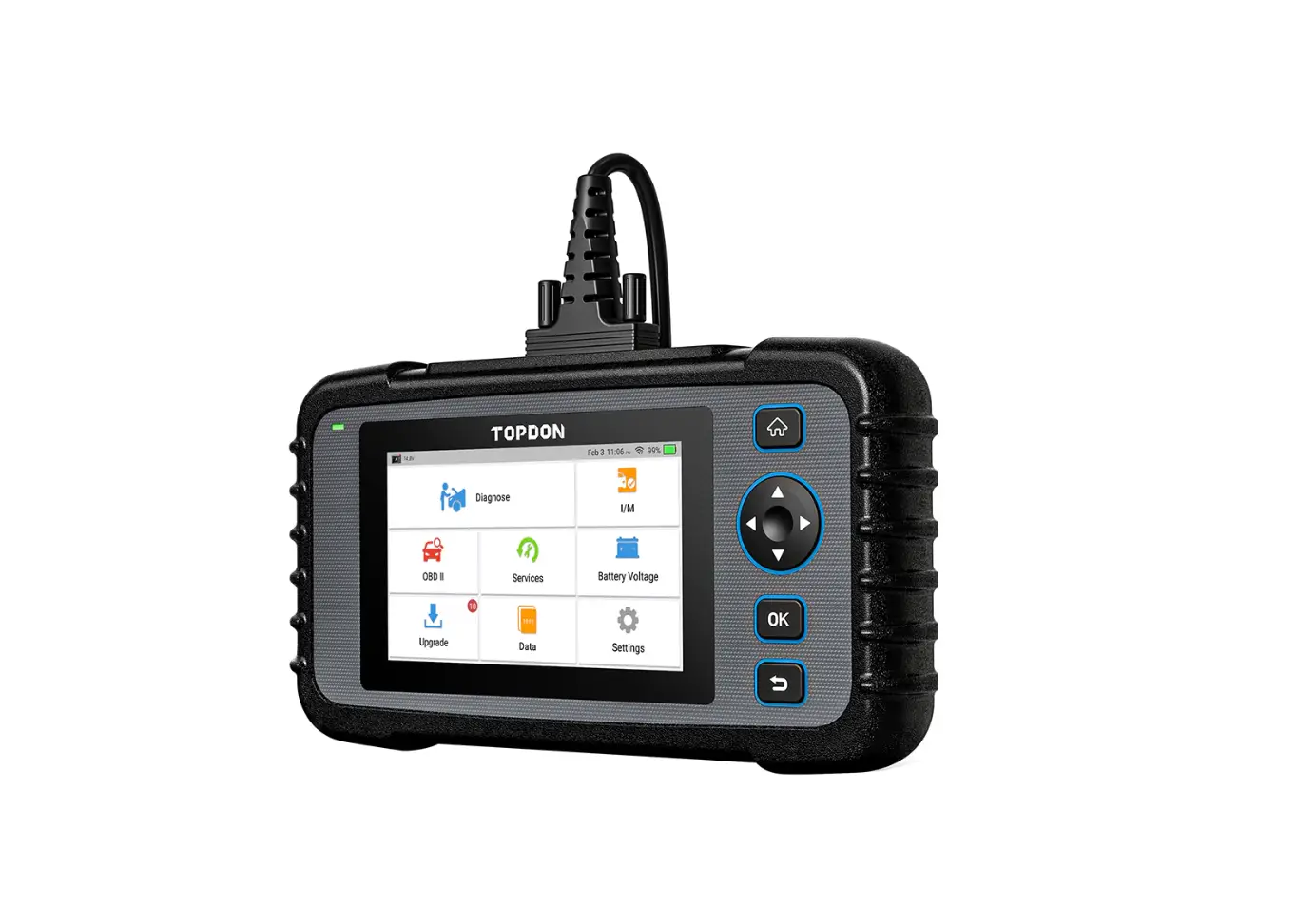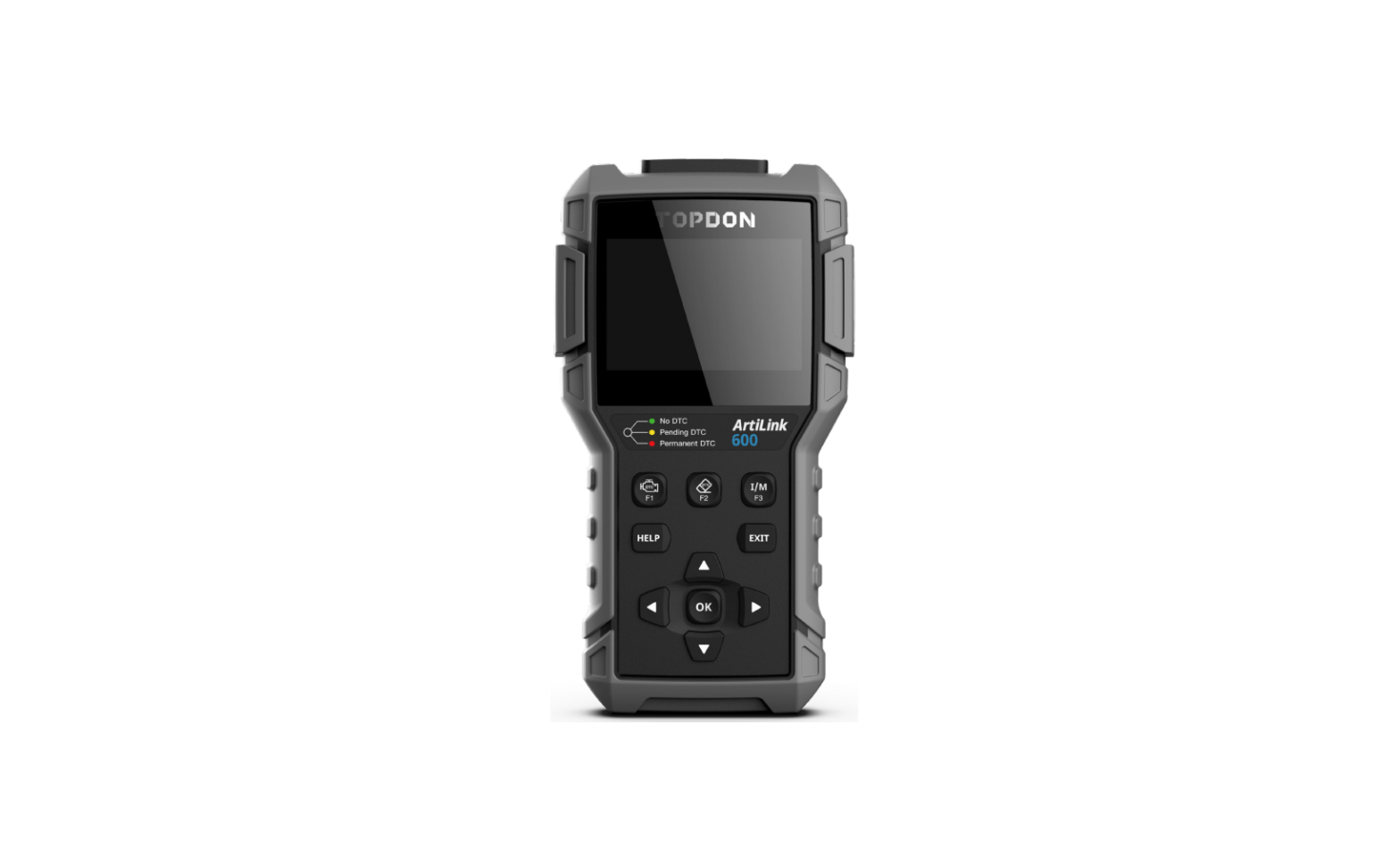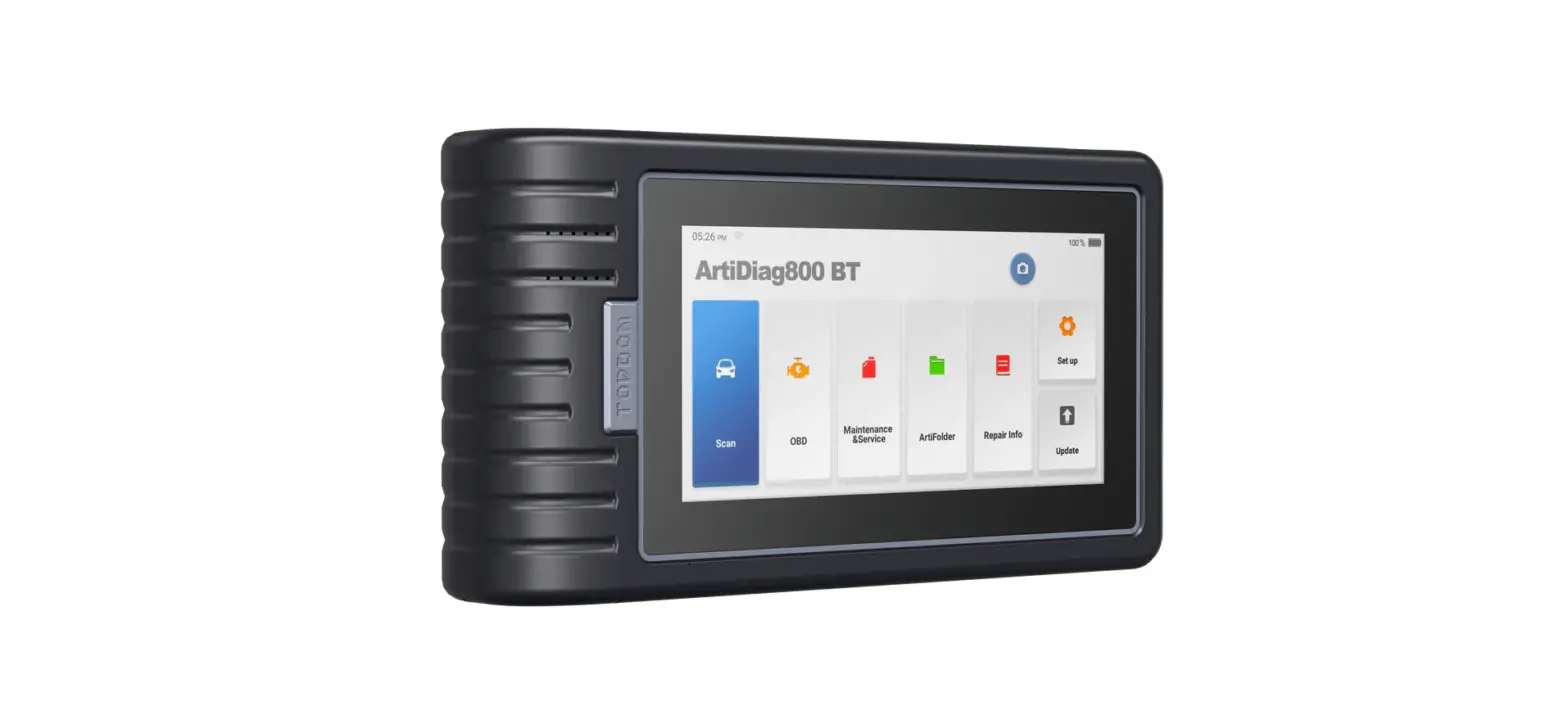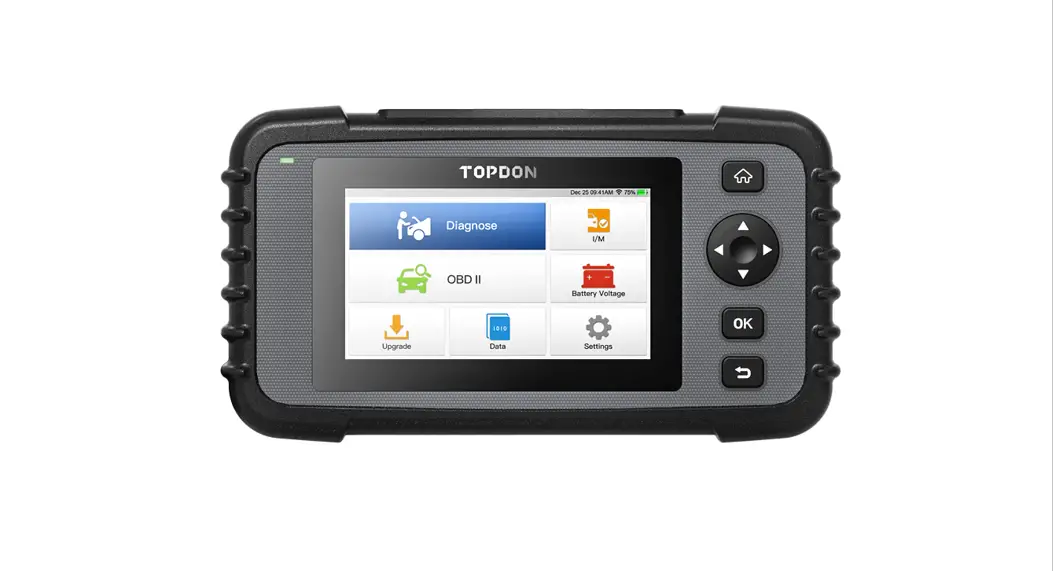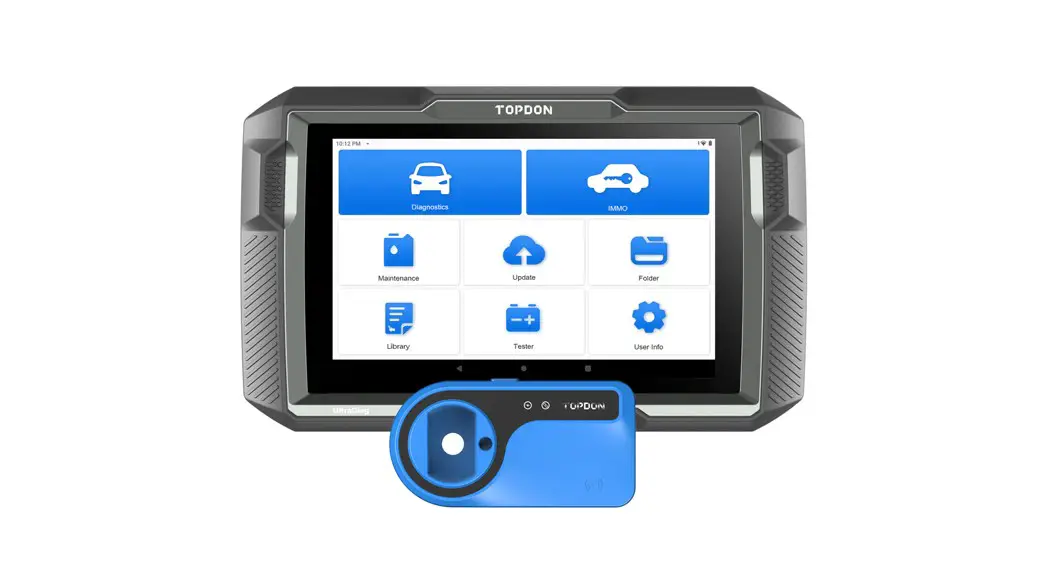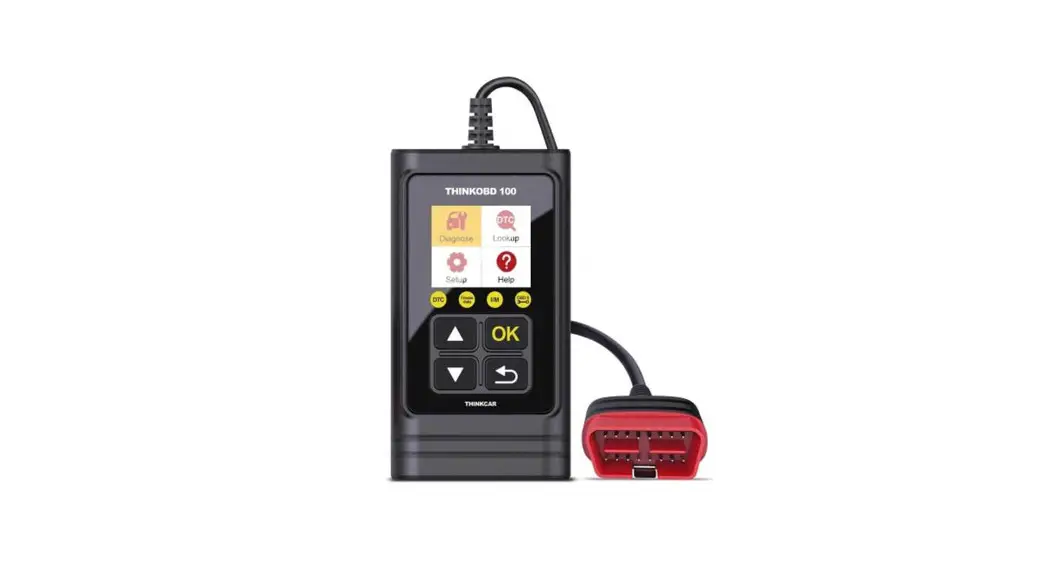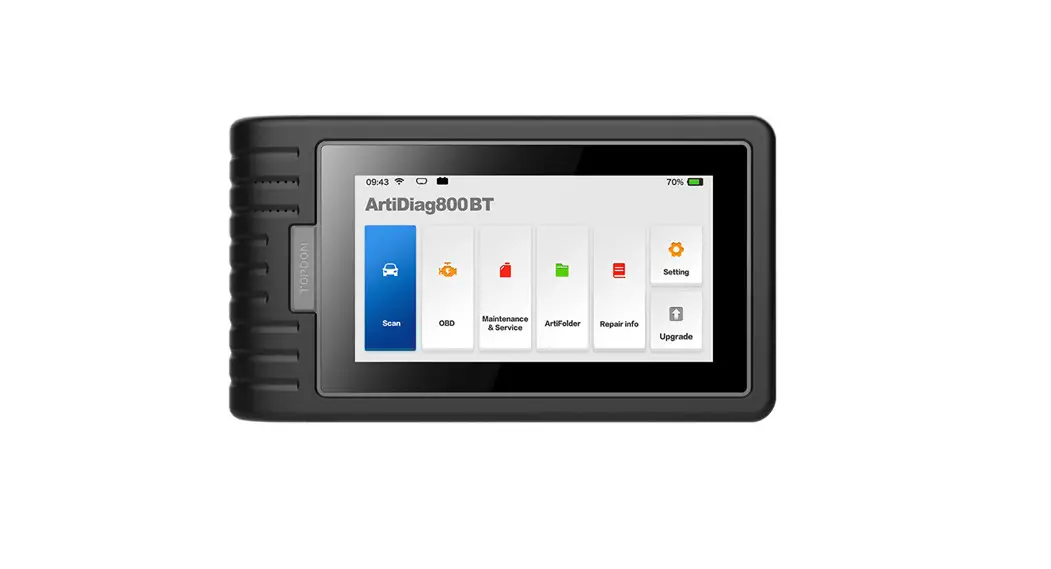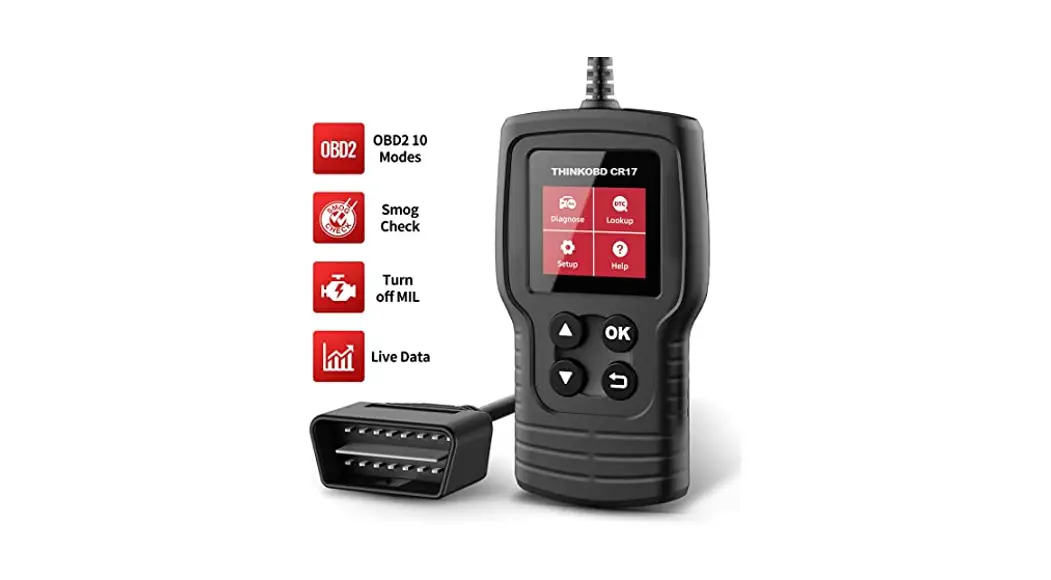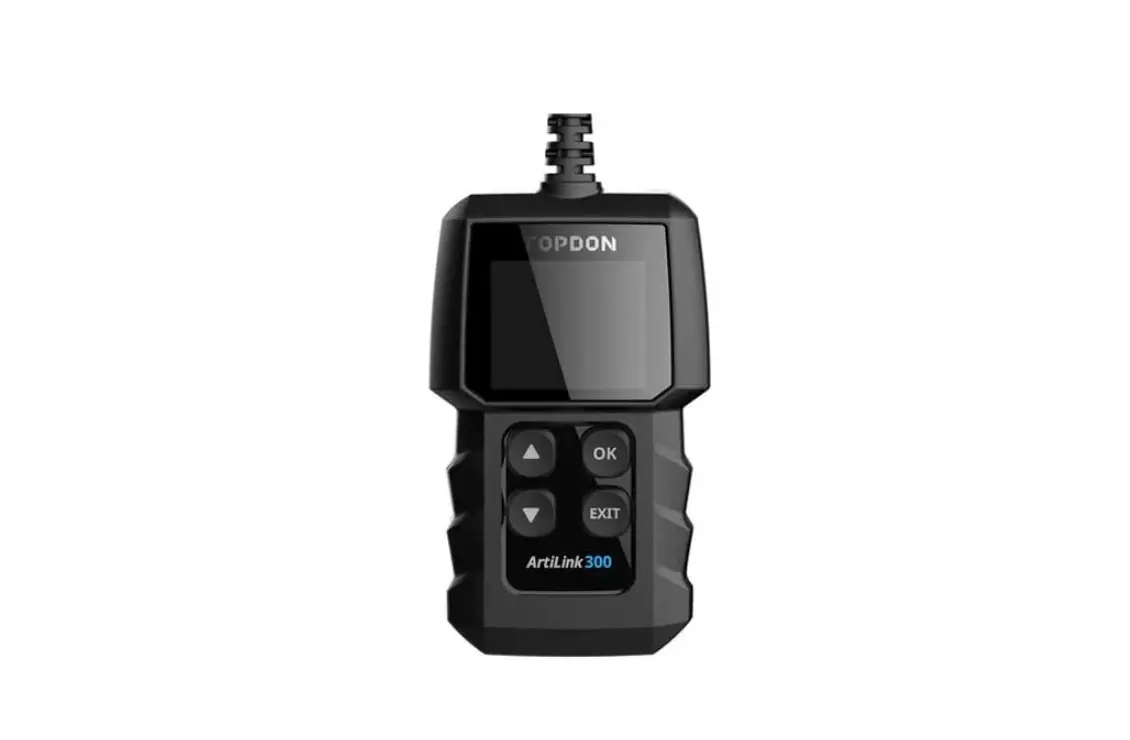
TOPDON ArtiLink 300 Diagnostic Scanner User Guide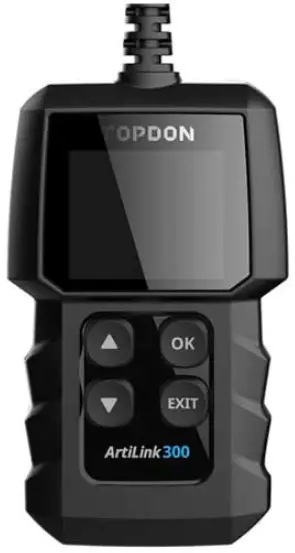
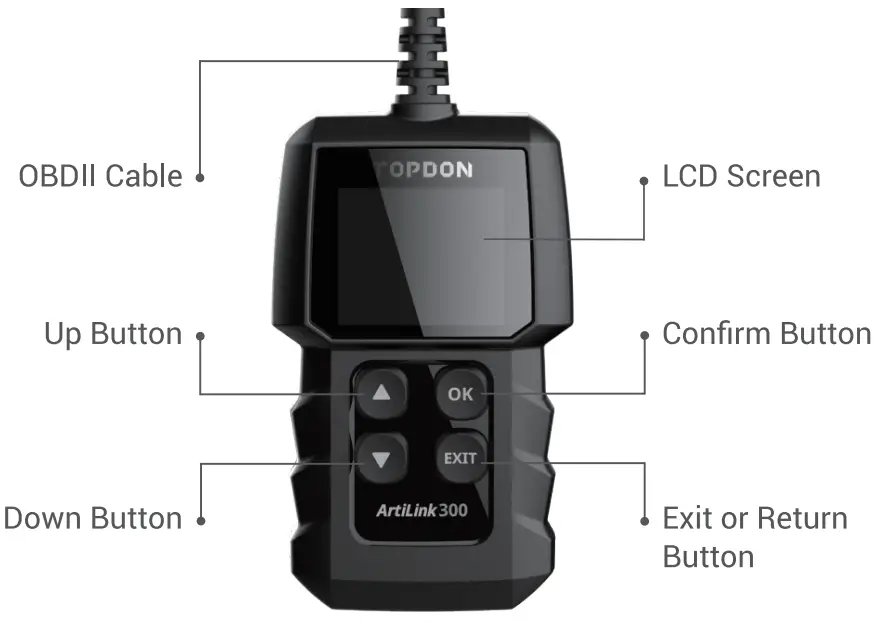
Product Overview
Preparation
- The ignition is turned on.
- The vehicle battery voltage is 9-18volts.
- The throttle is in the closed position.
Start Diagnostics
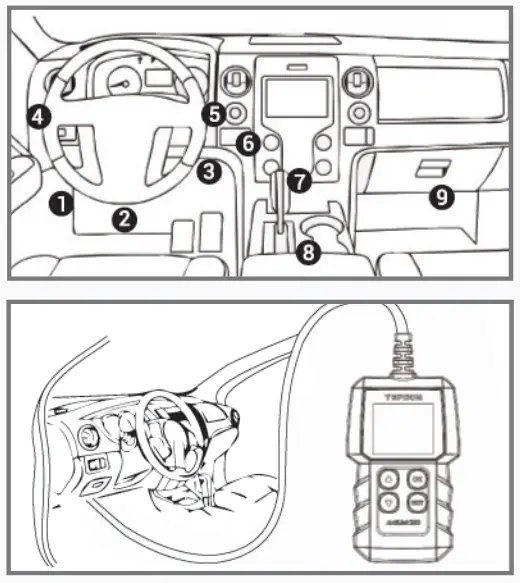
- Locate the vehicle’s DLC port for OBDII connection.
- Connect ArtiLink300’s OBDII cable to the vehicle’s DLC port.
- ArtiLink300 will power on automatically, and be ready to use.

IMPORTANT: Read the instruction carefully and use the unit properly before operating. Fail to do so may cause damage and/or personal injury, which will void the product warranty.
NOTE: This Quick Start Guide is subject to change without written notice.