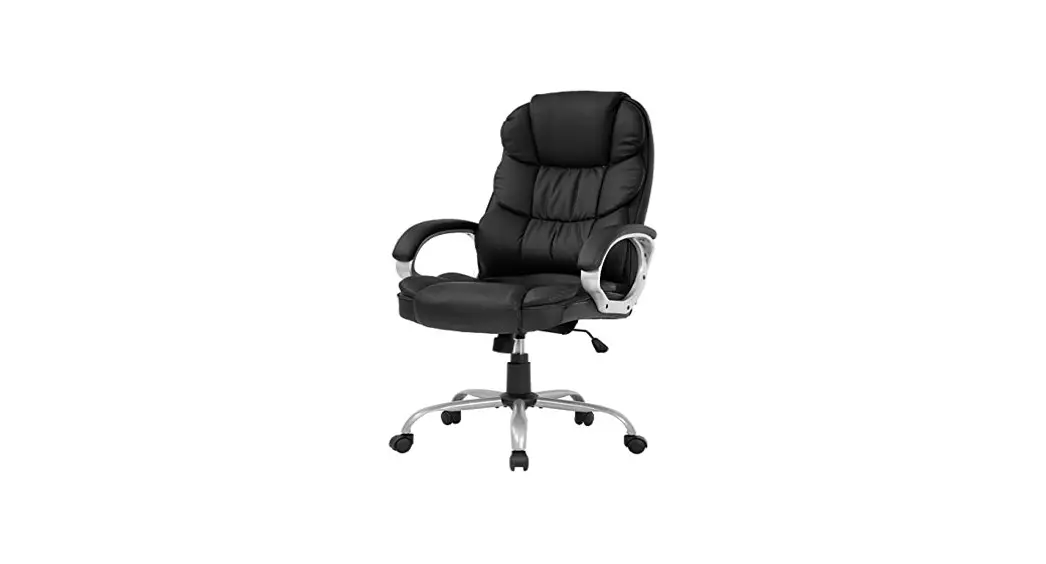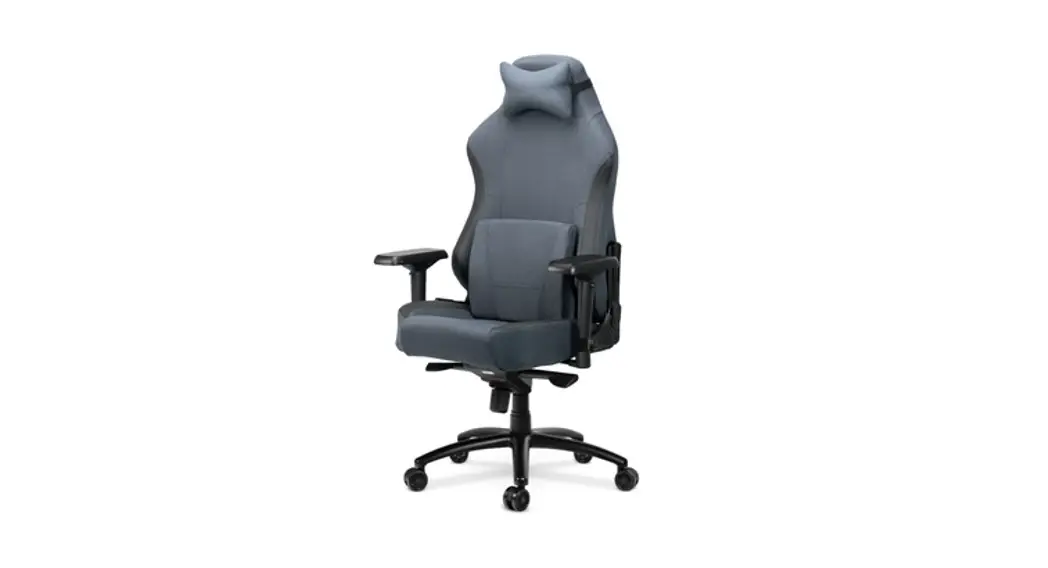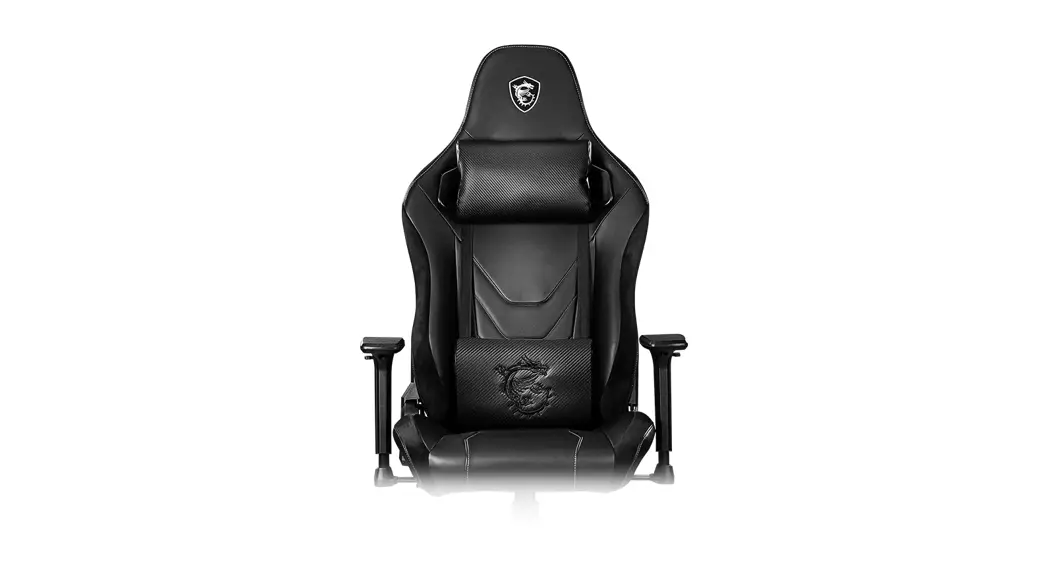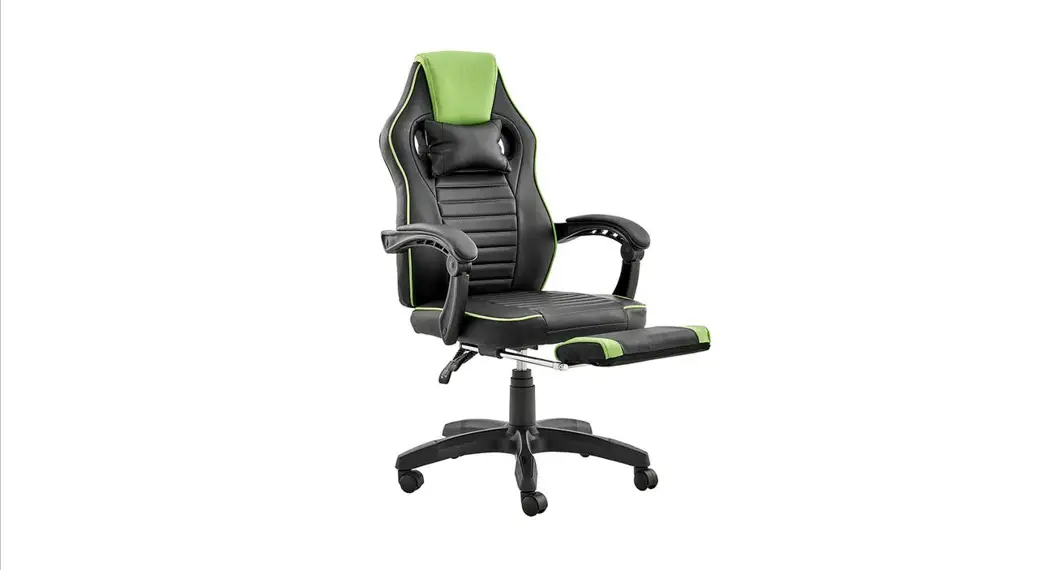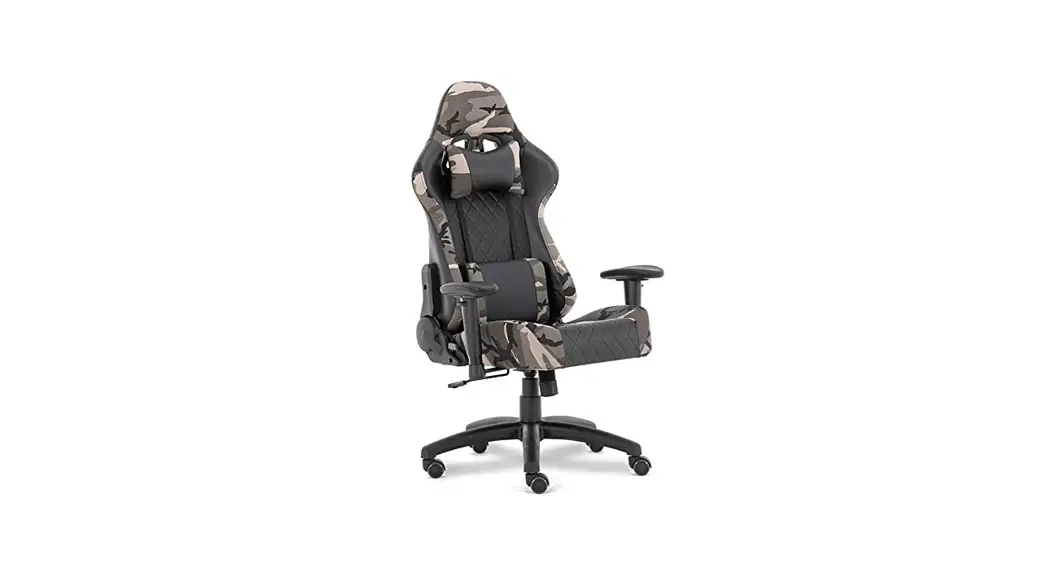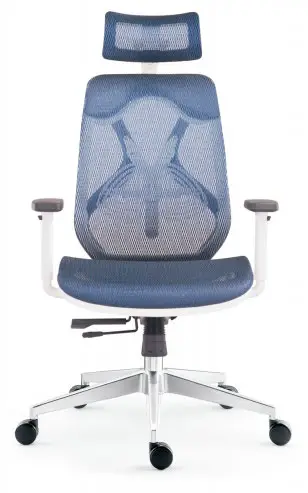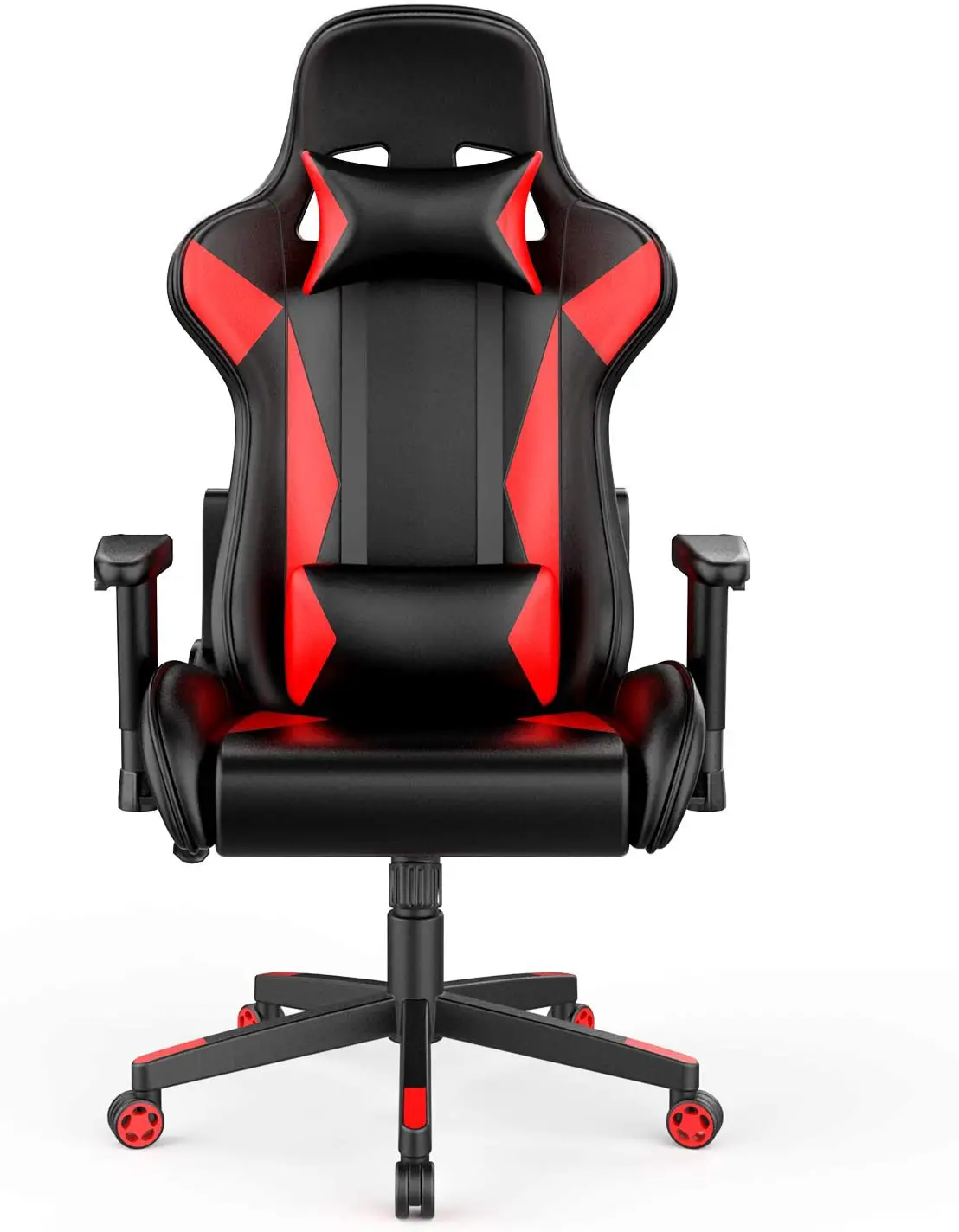
AmazonBasics Gaming Office Chair, Racing Design User Guide
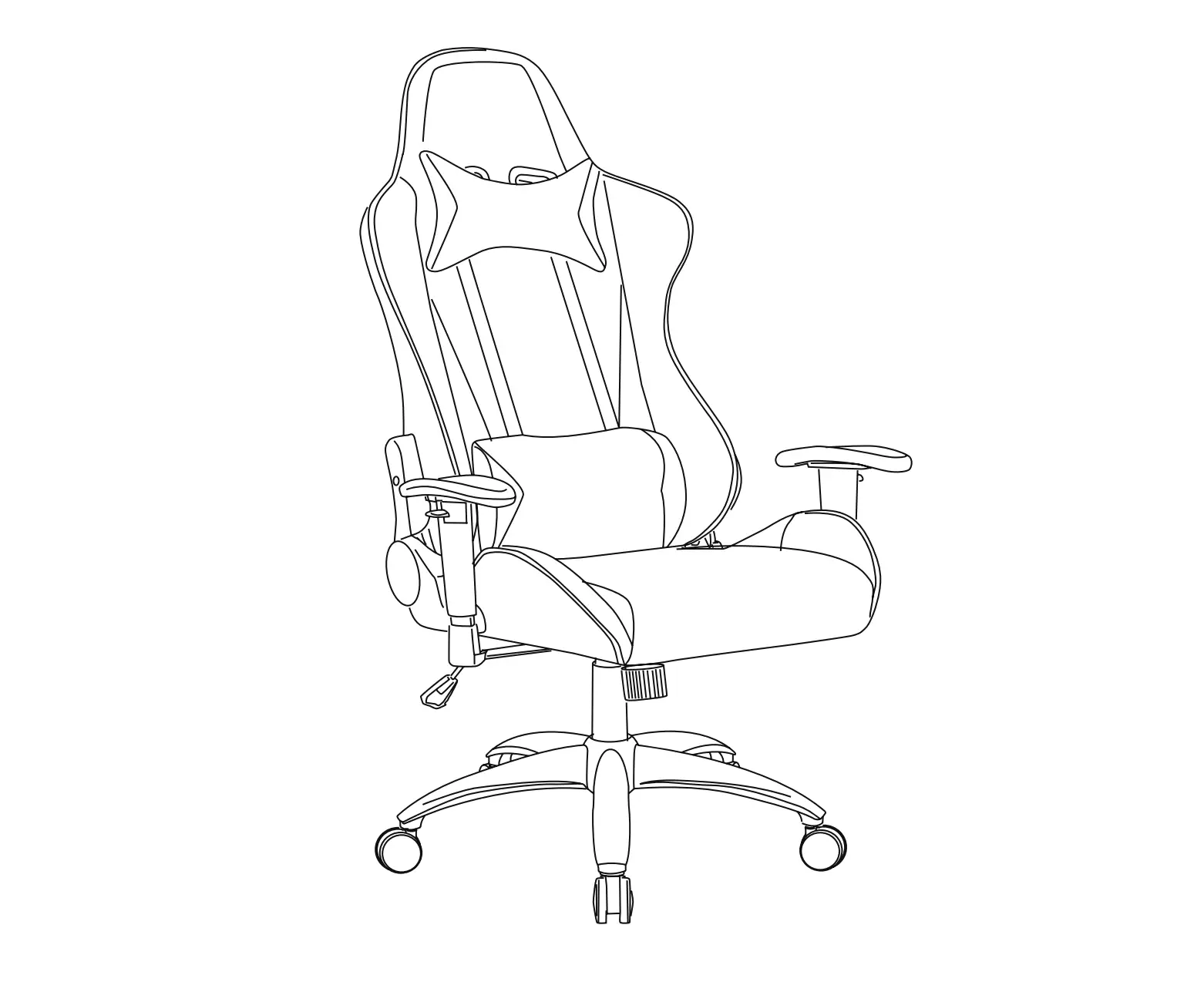
Contents:
Before getting started, ensure the package contains the following components:
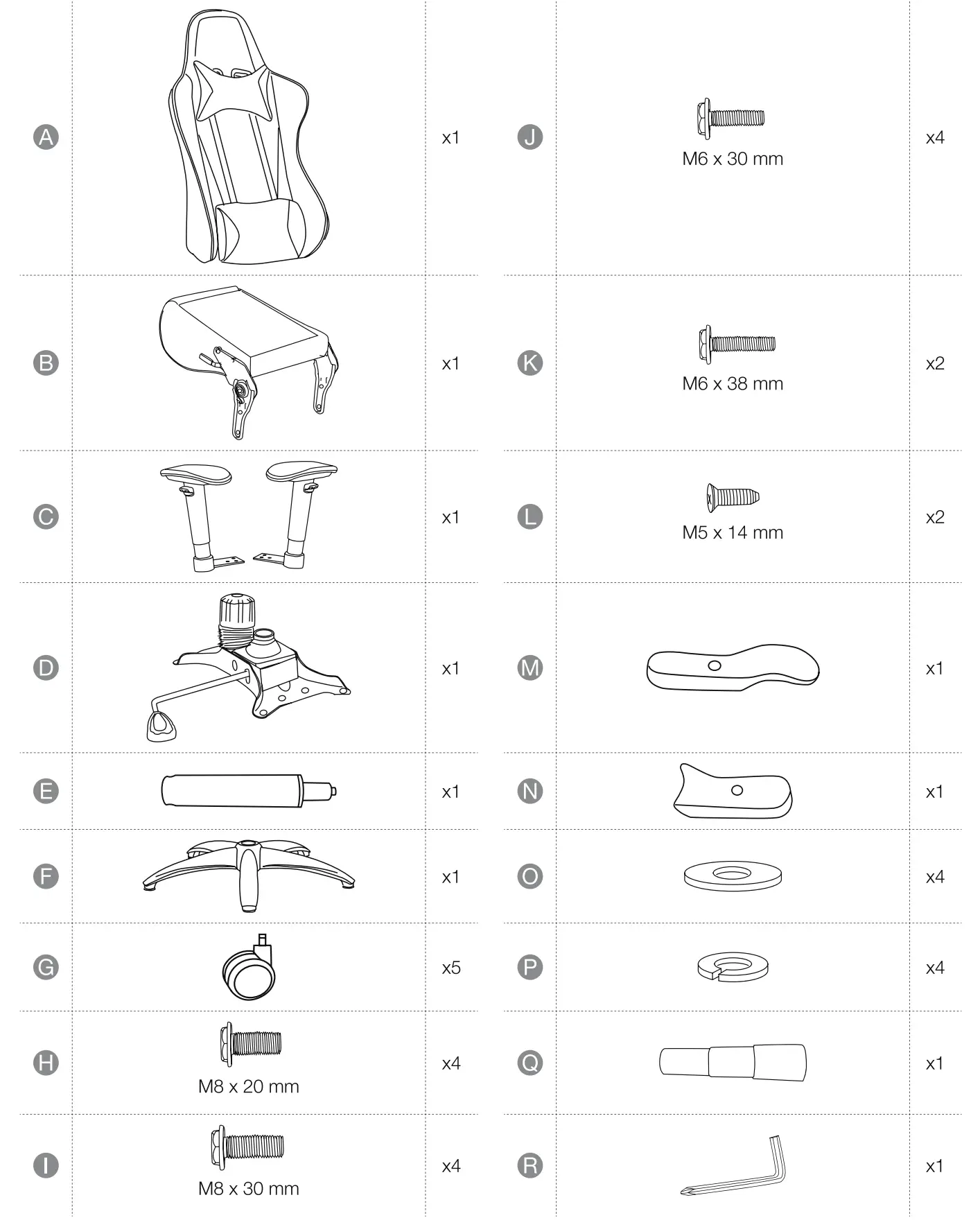
NOTICE The small parts are stored in the folded air lift cover (Q).
IMPORTANT SAFEGUARDS
 Read these instructions carefully and retain them for future use. If this product is passed to a third party, then these instructions must be included.
When using the product, basic safety precautions should always be followed to reduce the risk of injury including the following:
- For domestic and office use only.
- The castors are suitable for carpet floors. Use a suitable base on sensitive or hard floors.
- Always use on firm level ground.
- Do not stand on the seat.
- Do not sit on the armrest.
- Do not let children play with this product.
Before First Use
- Check for transport damages.
 Risk of suffocation! Keep any packaging materials away from children -these materials are a potential source of danger, e.g. suffocation.
Assembly
Step 1:
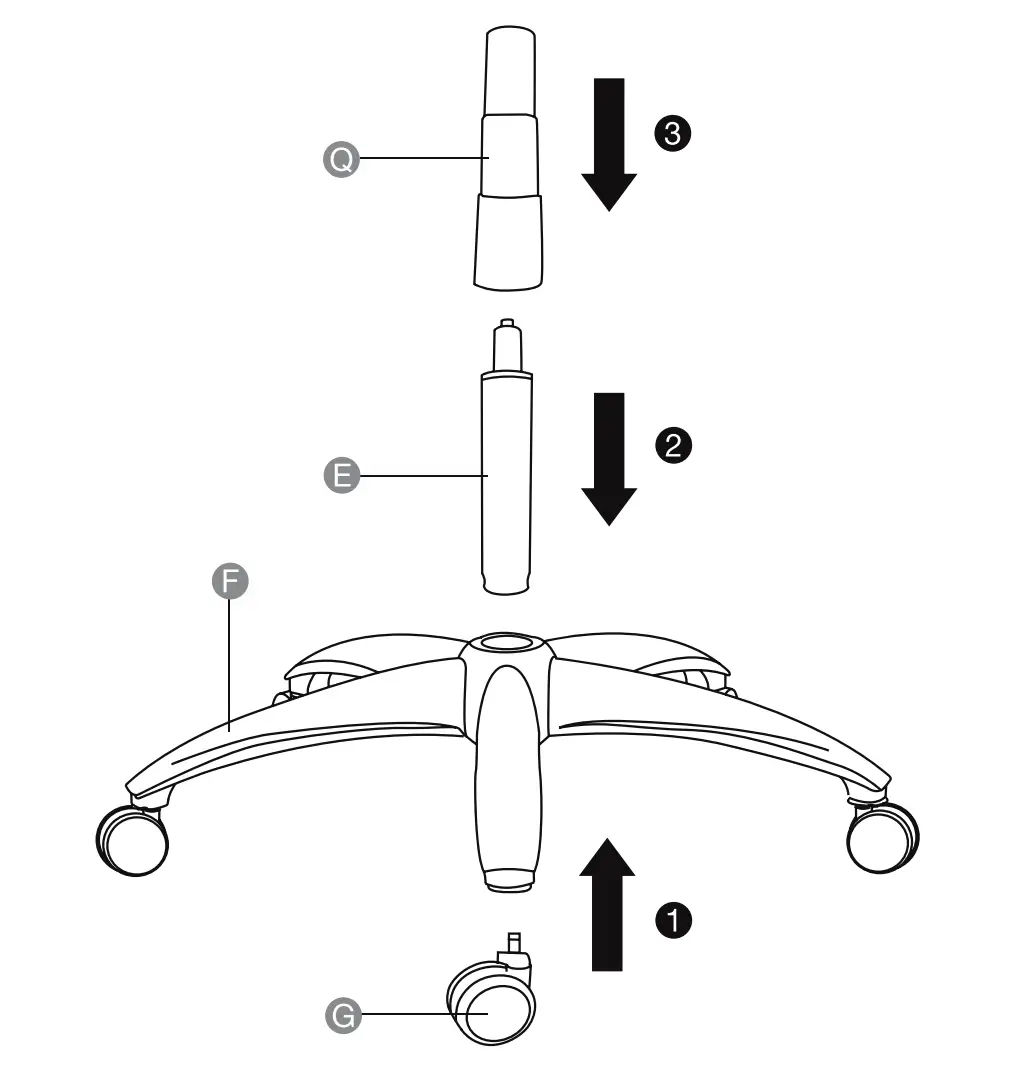
NOTICE The castors (G) can move freely when you sit on the chair. When you stand up, the castors will be locked automatically.
Step 2:
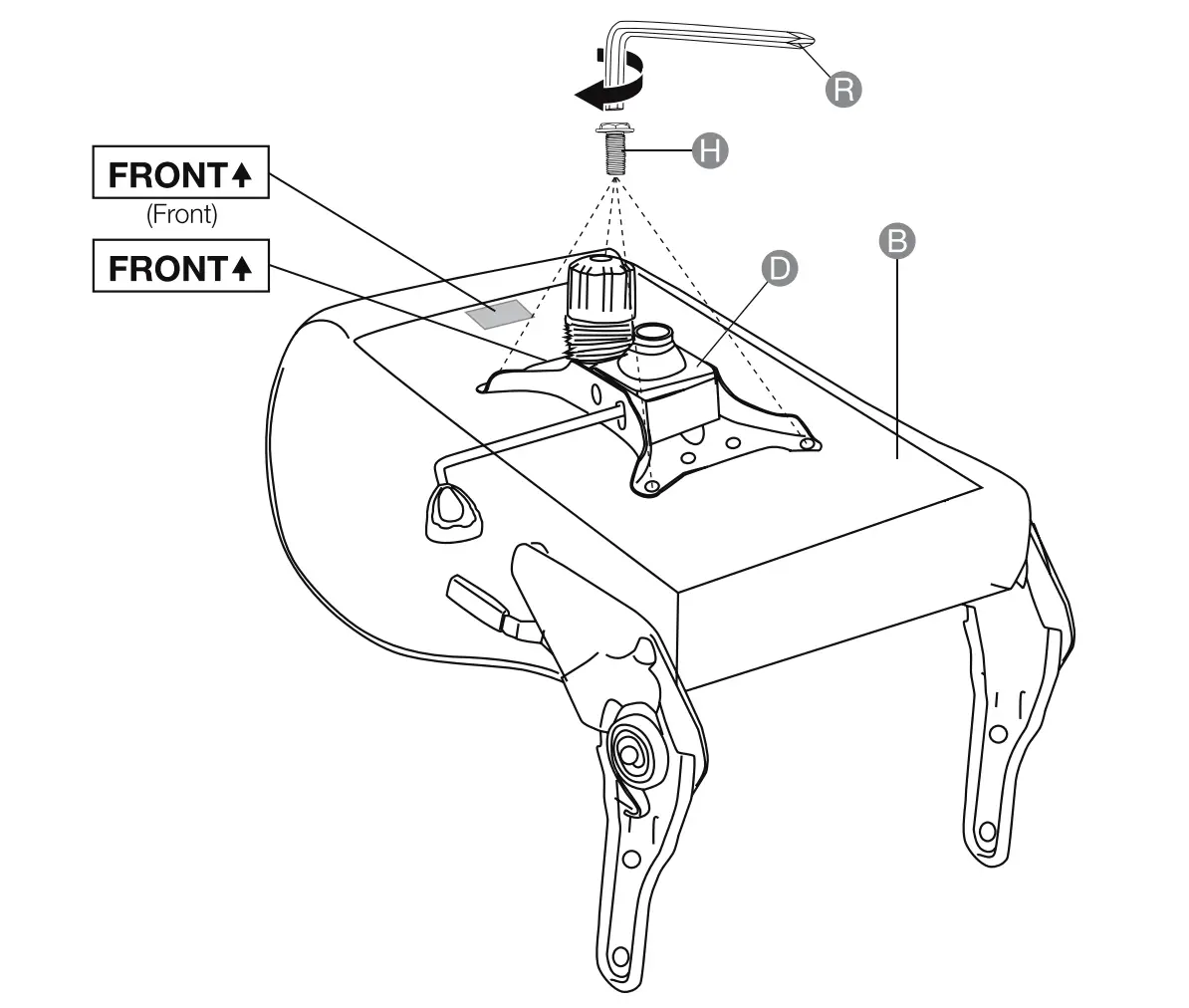
Step 3:
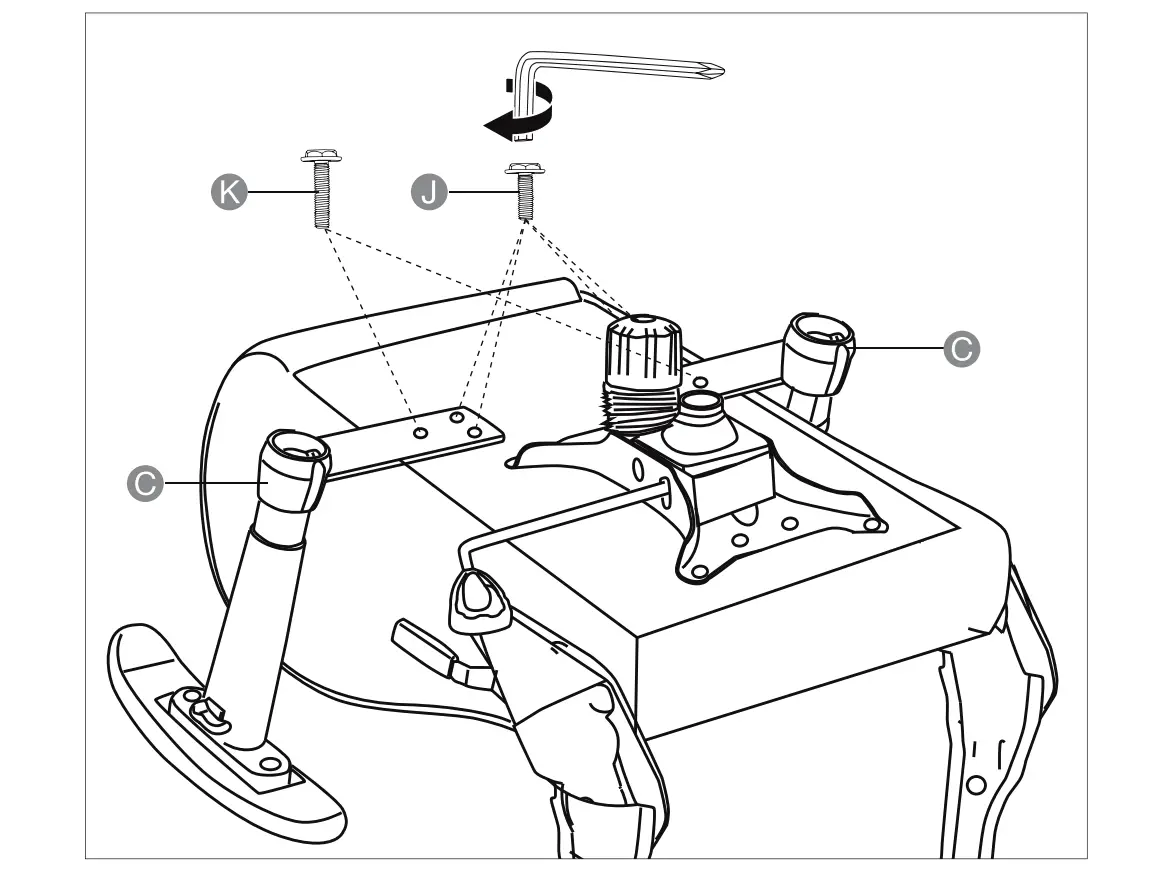
Step 4:
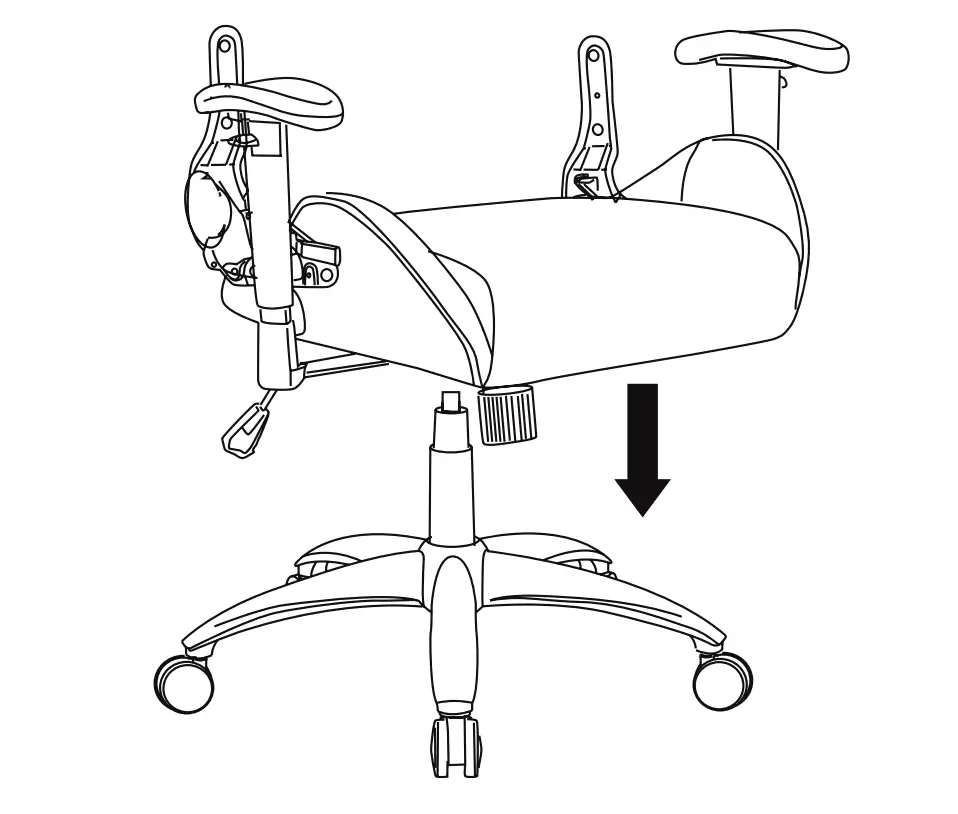
Step 5:
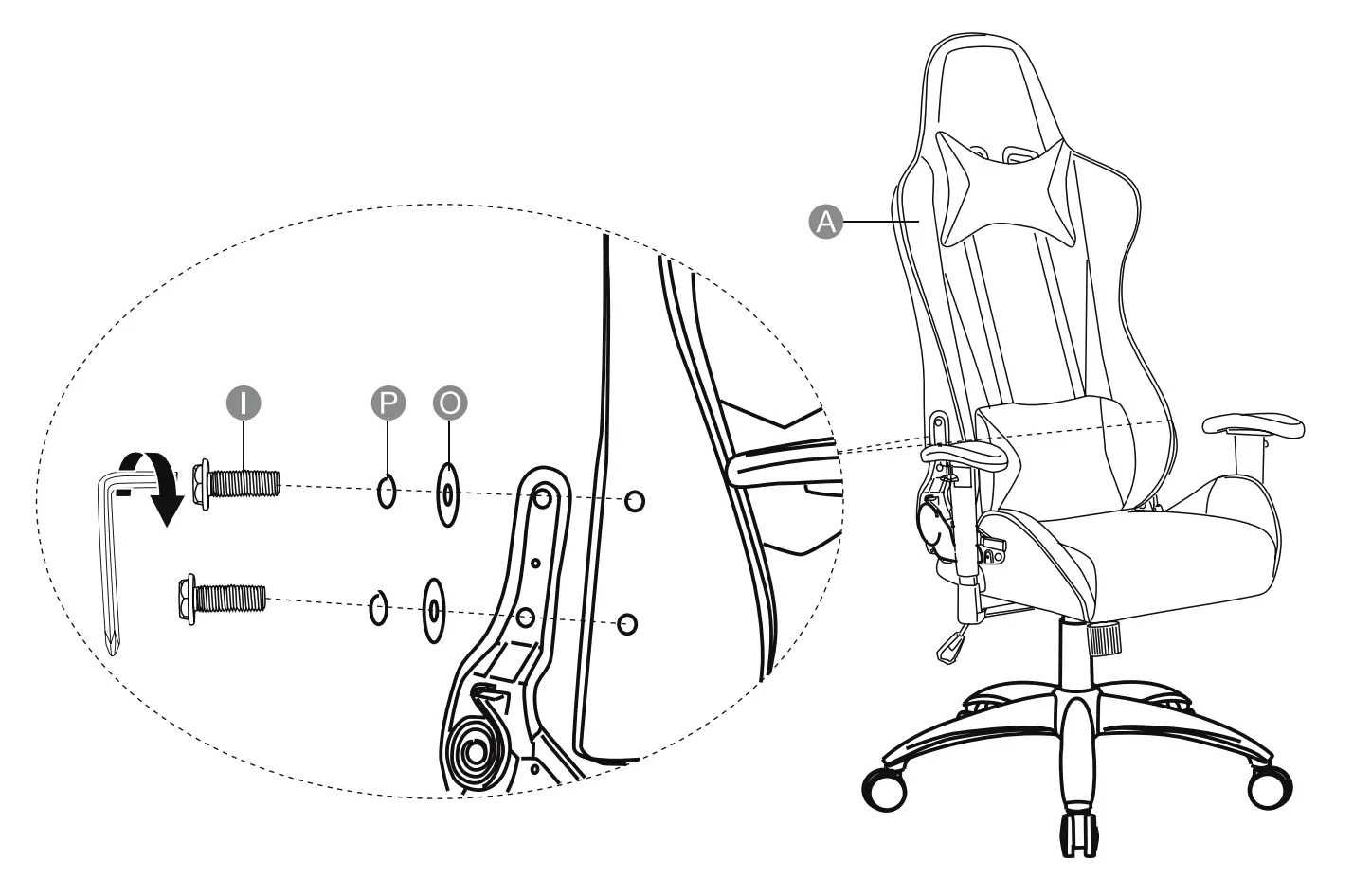
Step 6:
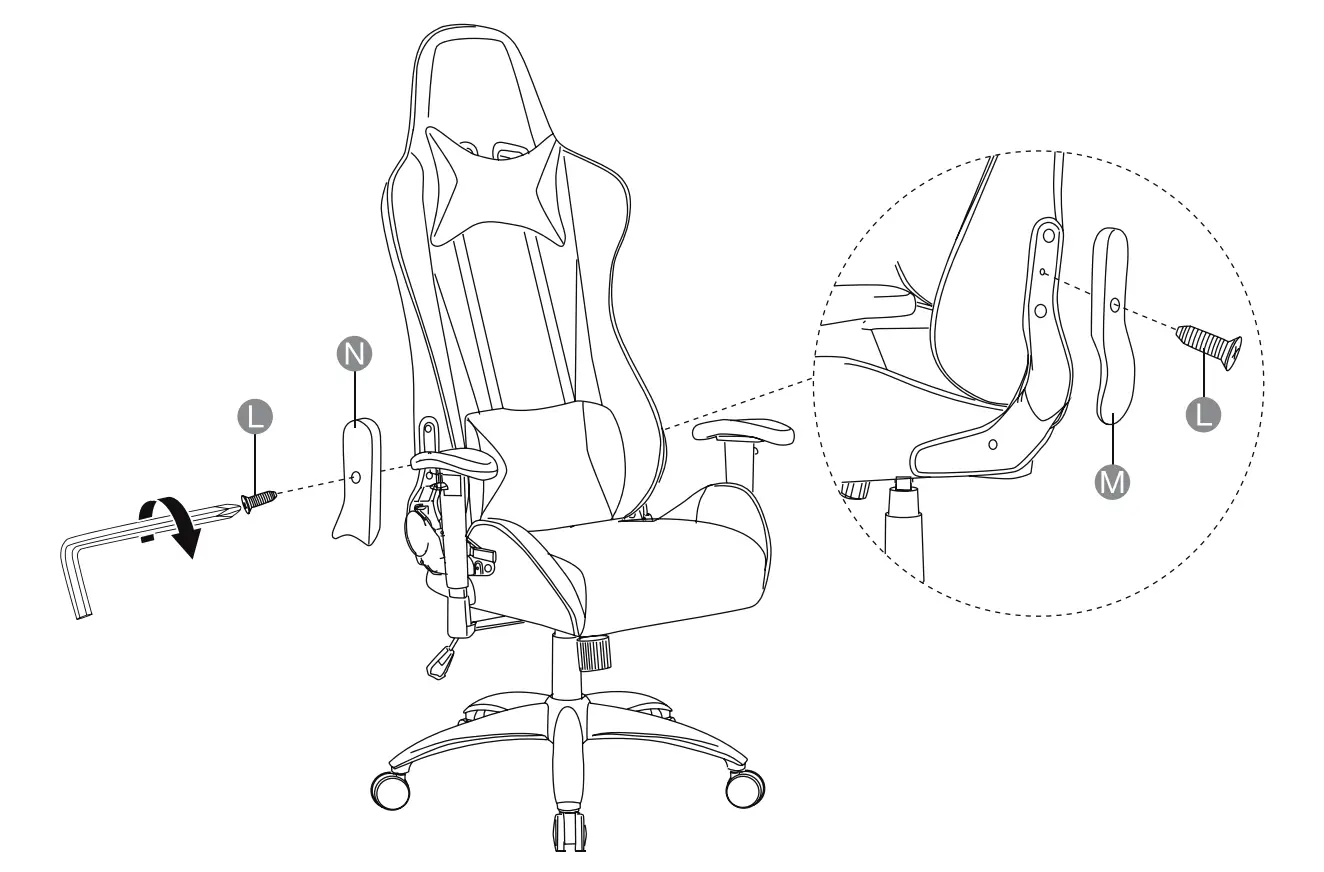
Operation
Tilt tension:
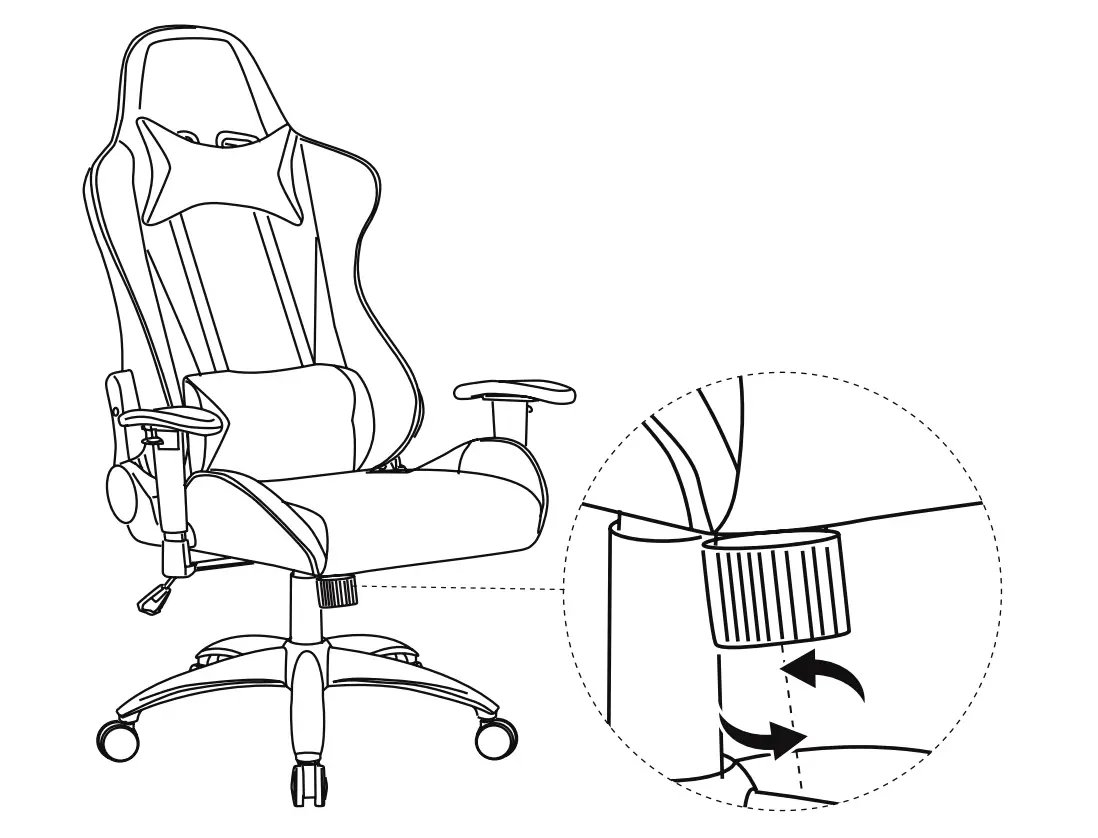
Turn the knob clockwise/counter-clockwise to reduce/increase the tilt tension.
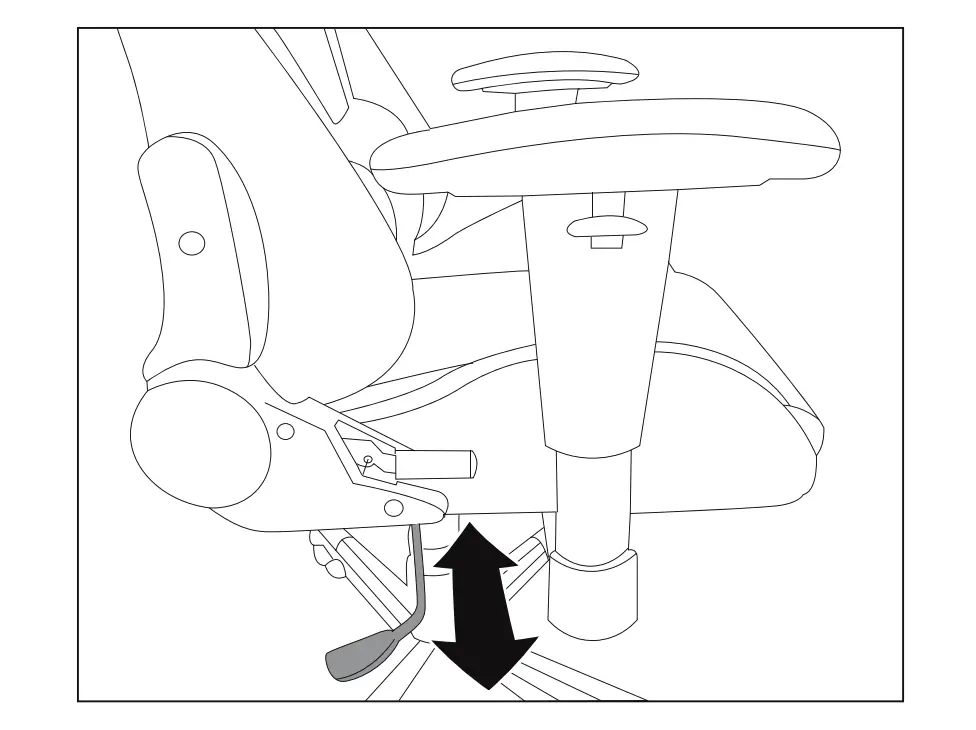
Pull out/push in the handle to unlock/lock the tilt when seated upright.
Adjust the backrest angle:
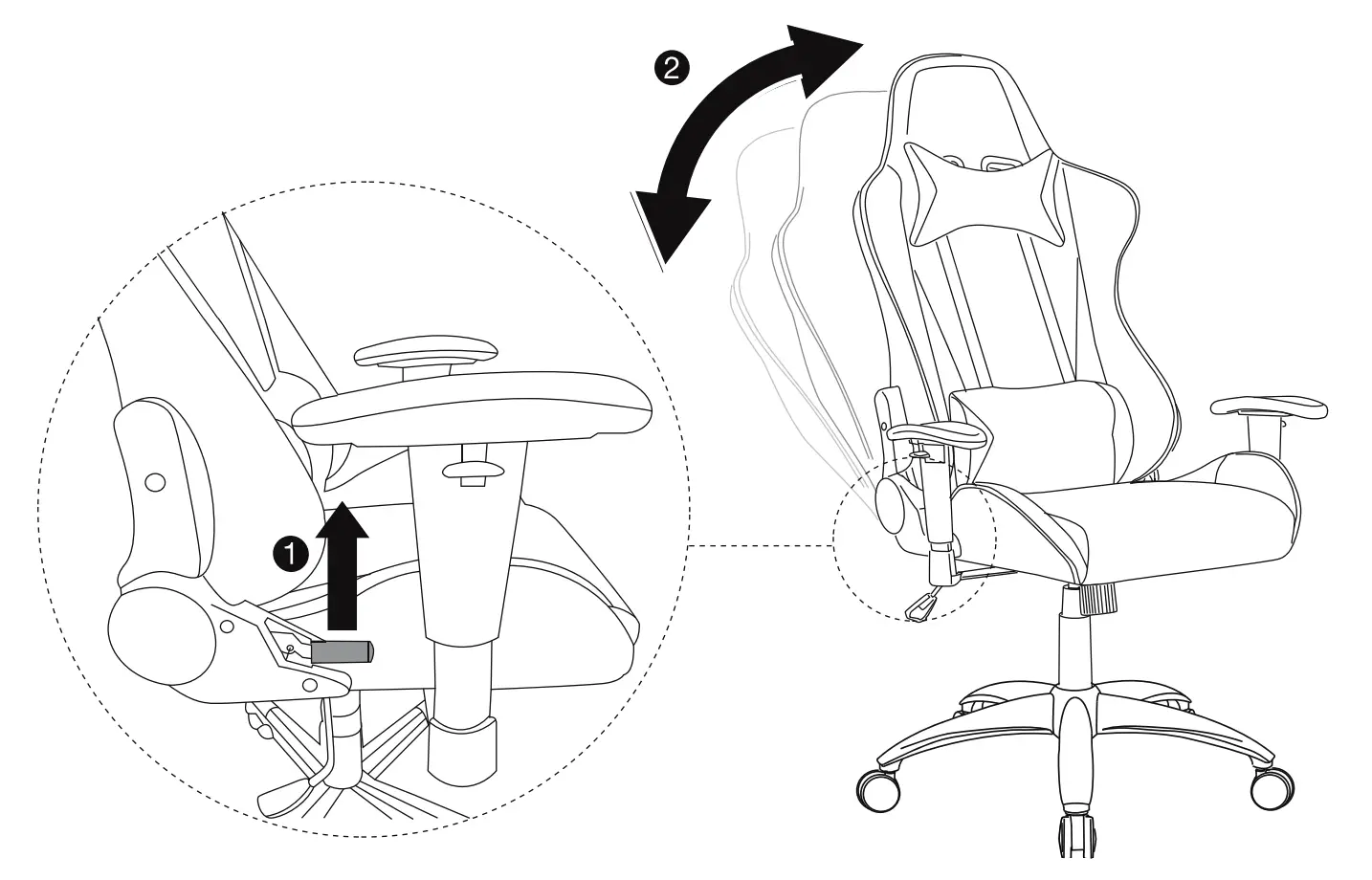
- Pull up the handle as shown.
- Lean back or forward to the intended position.
- Release the handle.
Lift up/down:
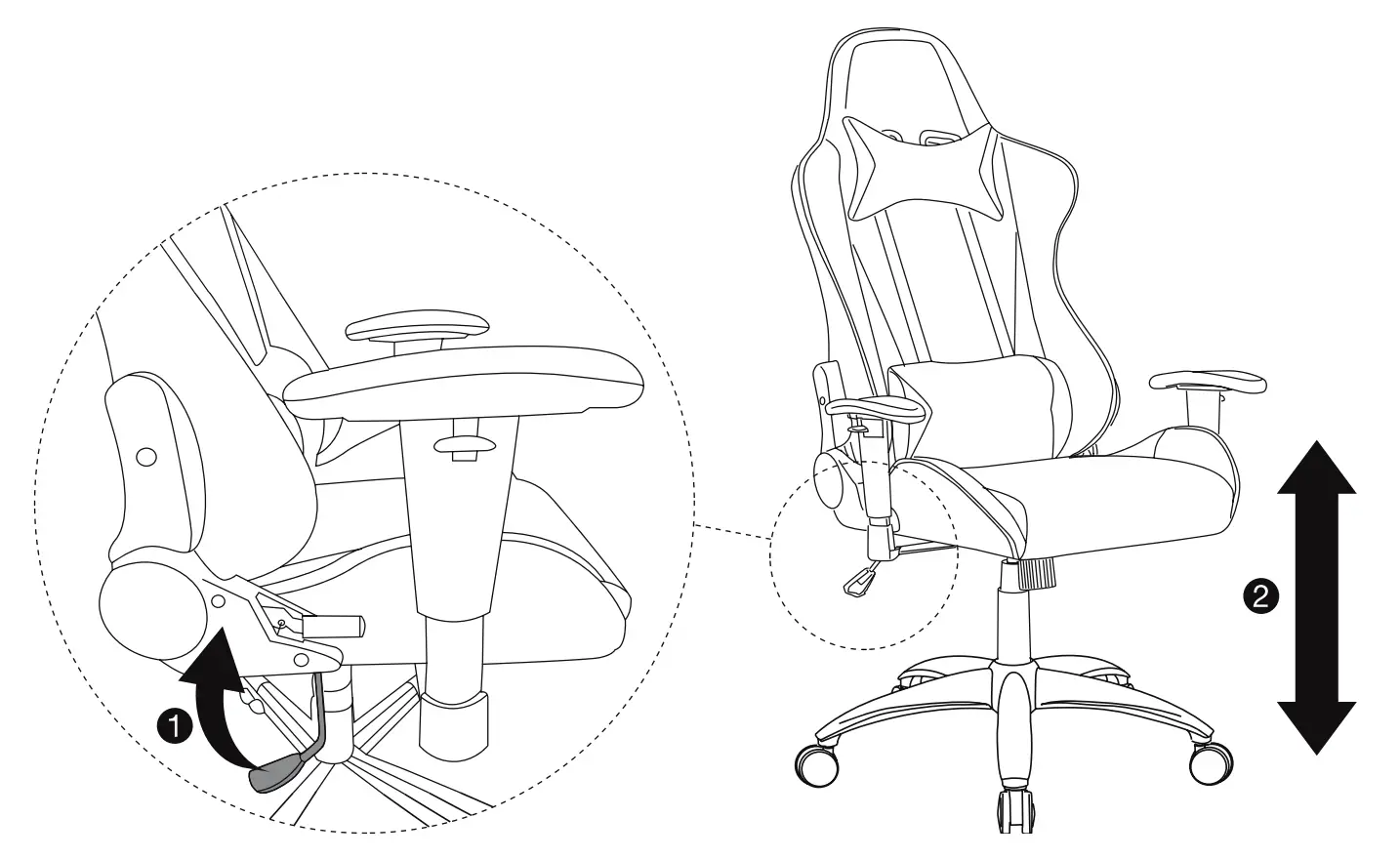
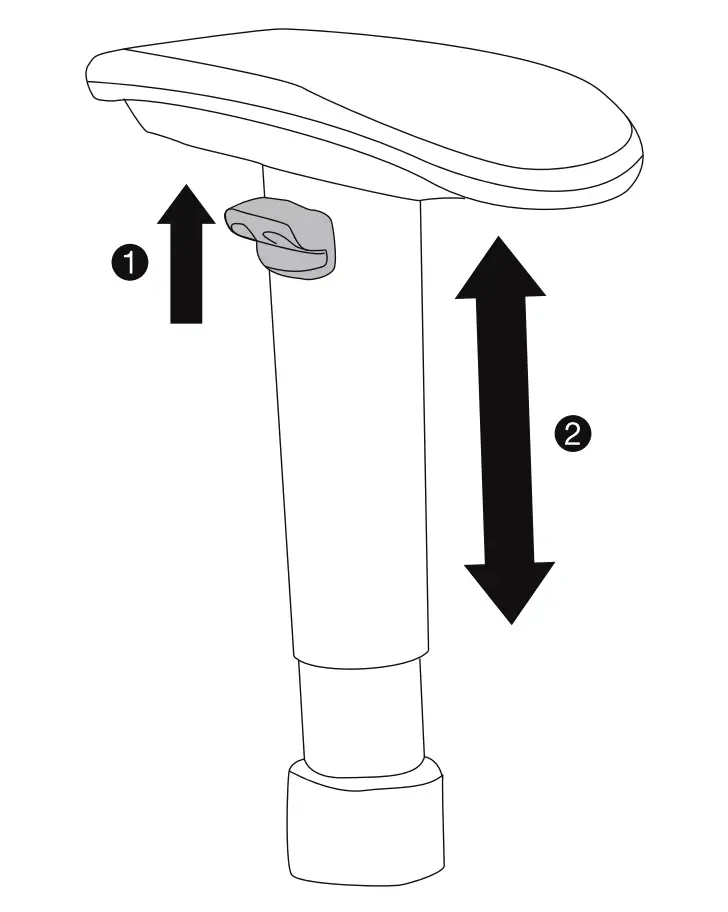
Adjust the armrests:
Adjust lumbar support:
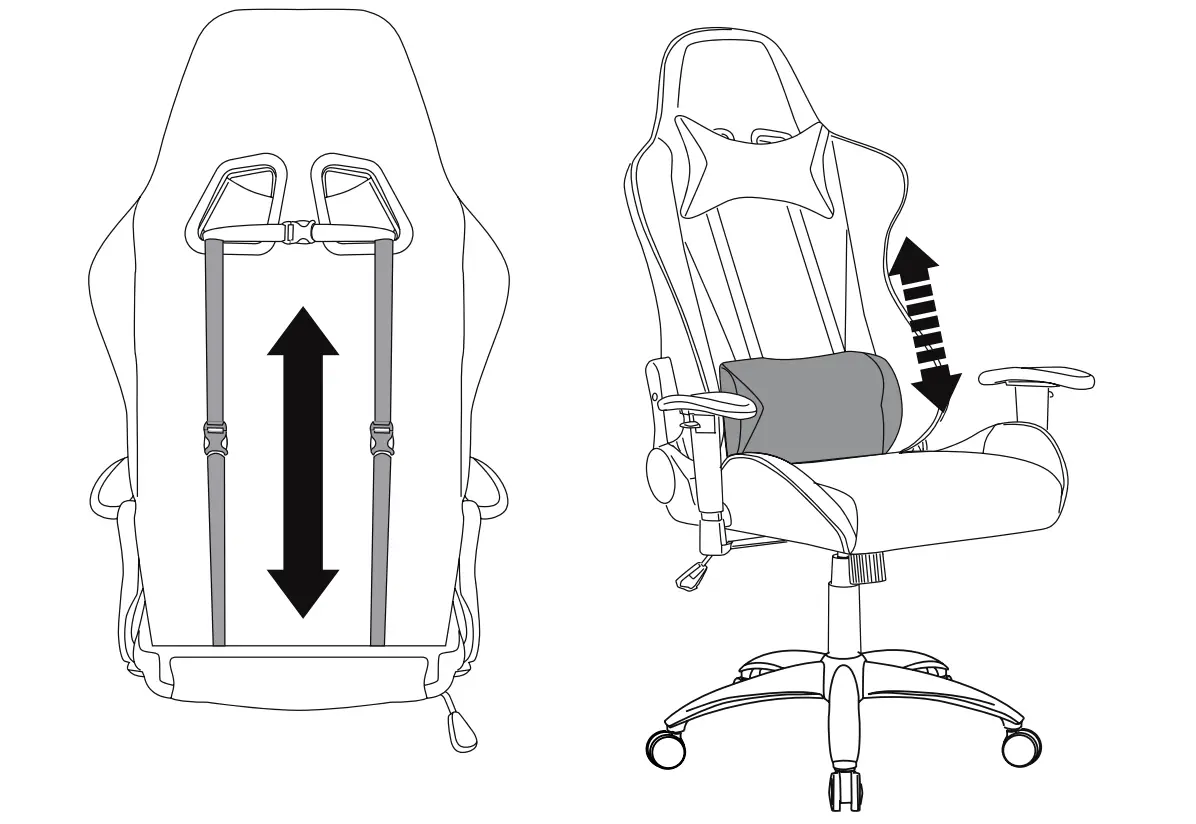
- Pull the straps at the back up or down.
Remove/replace the cushions:
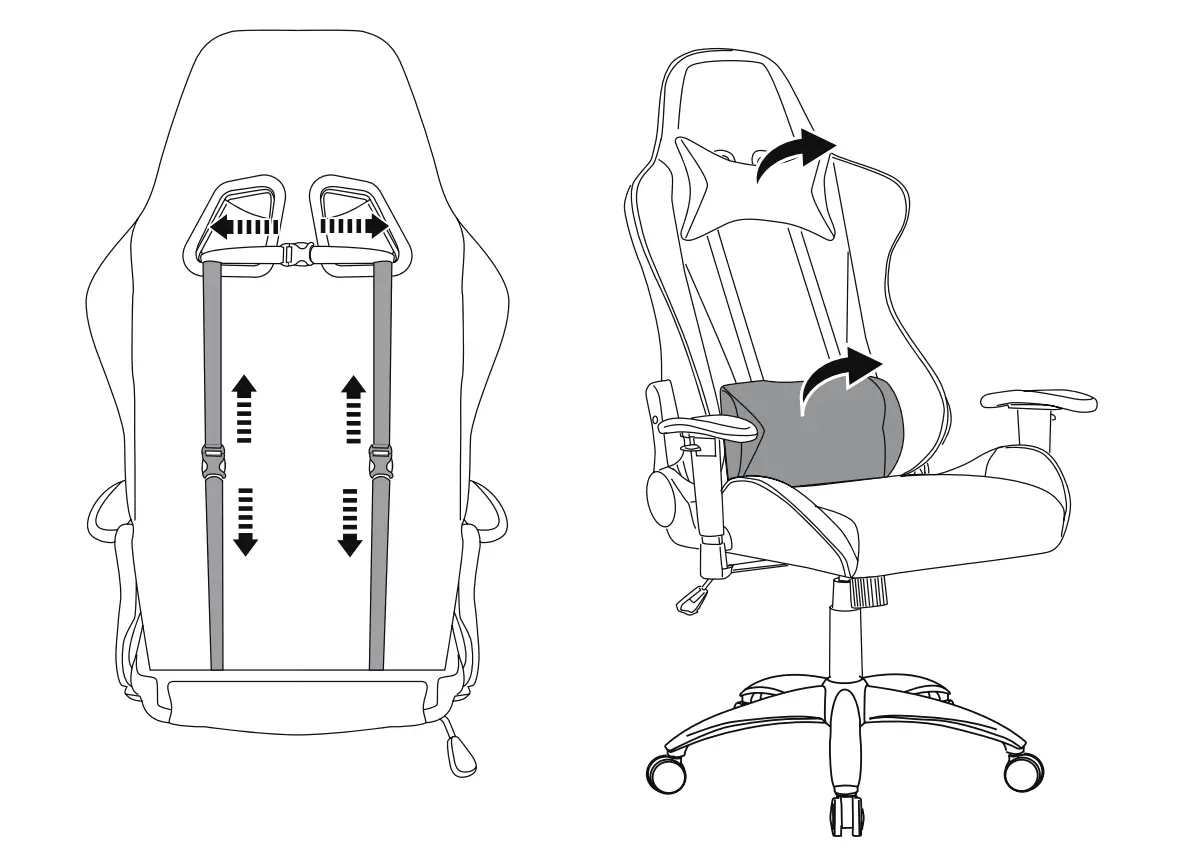
- Open the locks at the back and remove the cushions from the front.
- Replace the cushions in the reverse order.
Cleaning and Maintenance
Cleaning
- To clean, wipe with a soft, slightly moist cloth.
- Never use corrosive detergents, wire brushes, abrasive scourers, metal or sharp utensils to clean the product.
Maintenance
- Check the components regularly to make sure all screws and bolts are tightened.
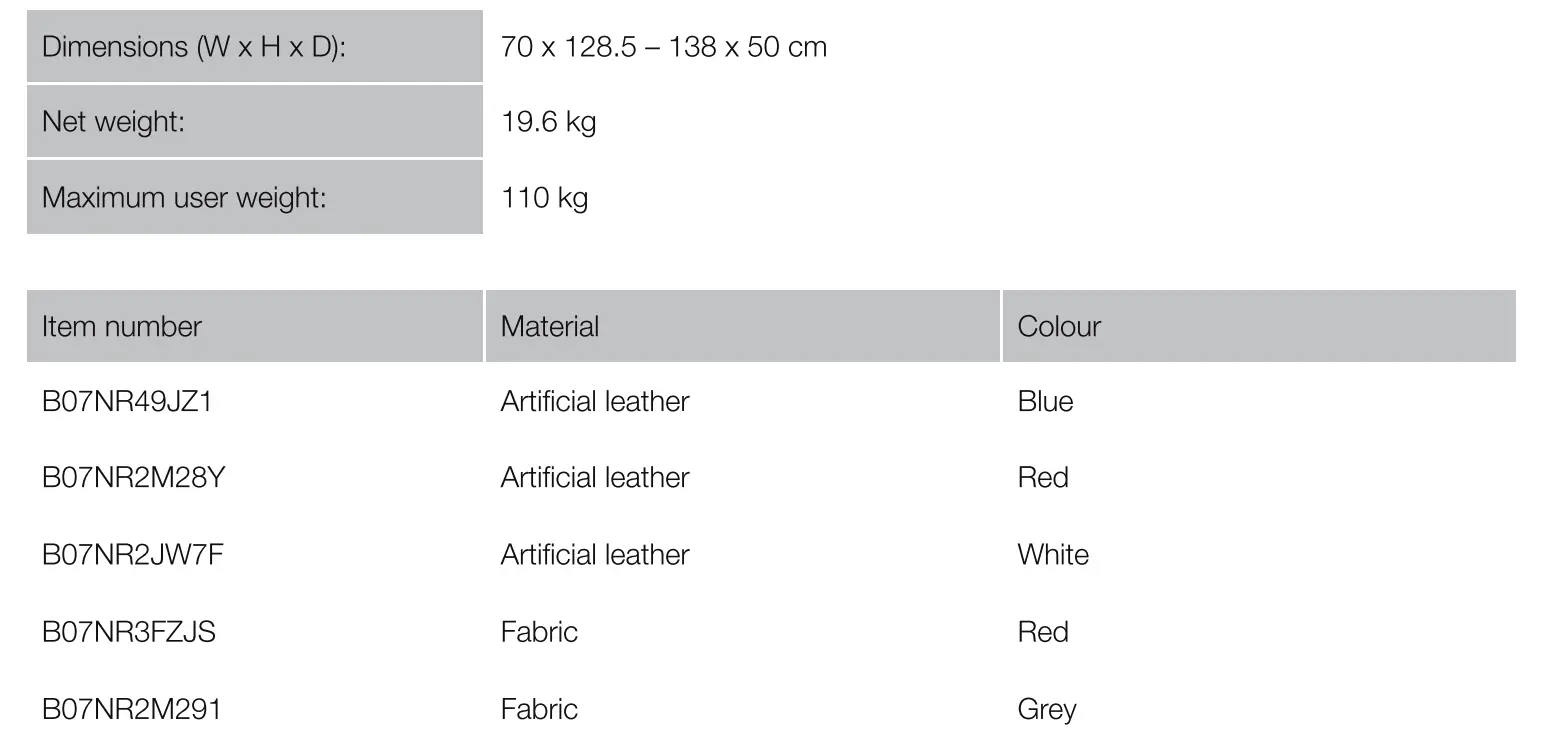
Specifications
Warranty Information
To obtain a copy of the warranty for this product:
 amazon.co.uk/basics-warranty
 +44 (0) 800-279-7234
Feedback and Help
Love it? Hate it? Let us know with a customer review. AmazonBasics is committed to delivering customer-driven products that live up to your high standards. We encourage you to write a review sharing your experiences with the product.
amazon.co.uk/review/review-your-purchases#
amazon.co.uk/gp/help/customer/contact-us
amazon.com/AmazonBasics

MADE IN CHINA