
MAXNOMIC Chair SEAT Office And Gaming
ASSEMBLY INSTRUCTIONS
CASUAL-SPORT PRO-GAMING & OFFICE
Dear Customer
Thank you for purchasing a MAXNOMIC Chair. You have selected a high-quality product and we wish you many years of happy comfort. For smooth assembly of your chair, we ask that you follow the step-by-step instructions, especially the important safety information. Your NEEDforSEAT Team
Before we begin
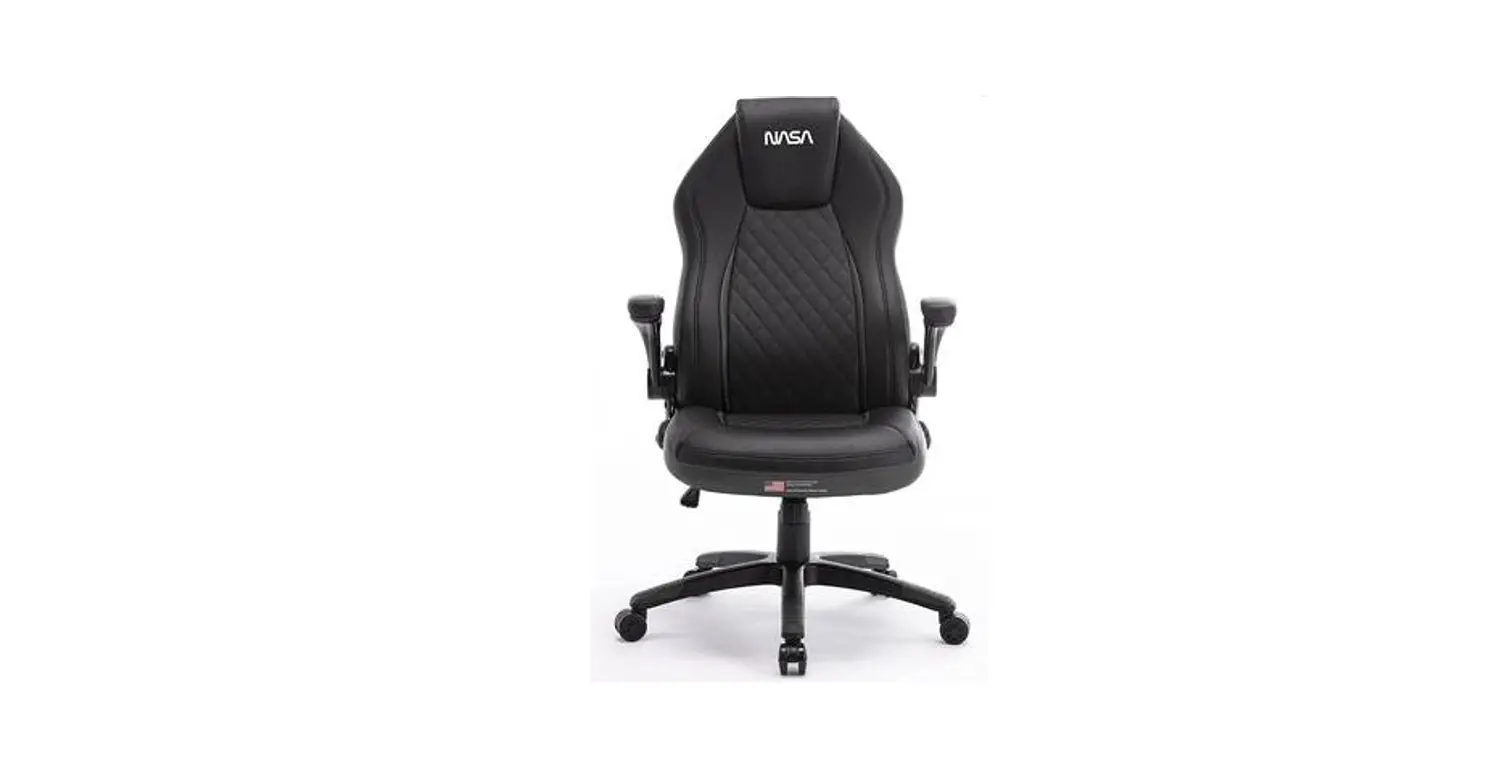
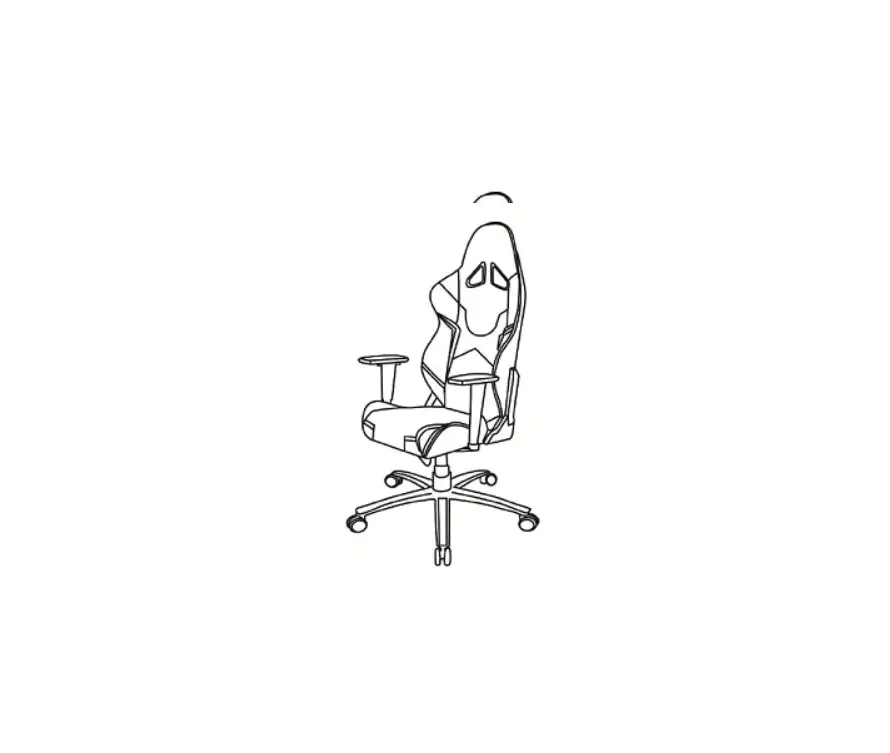
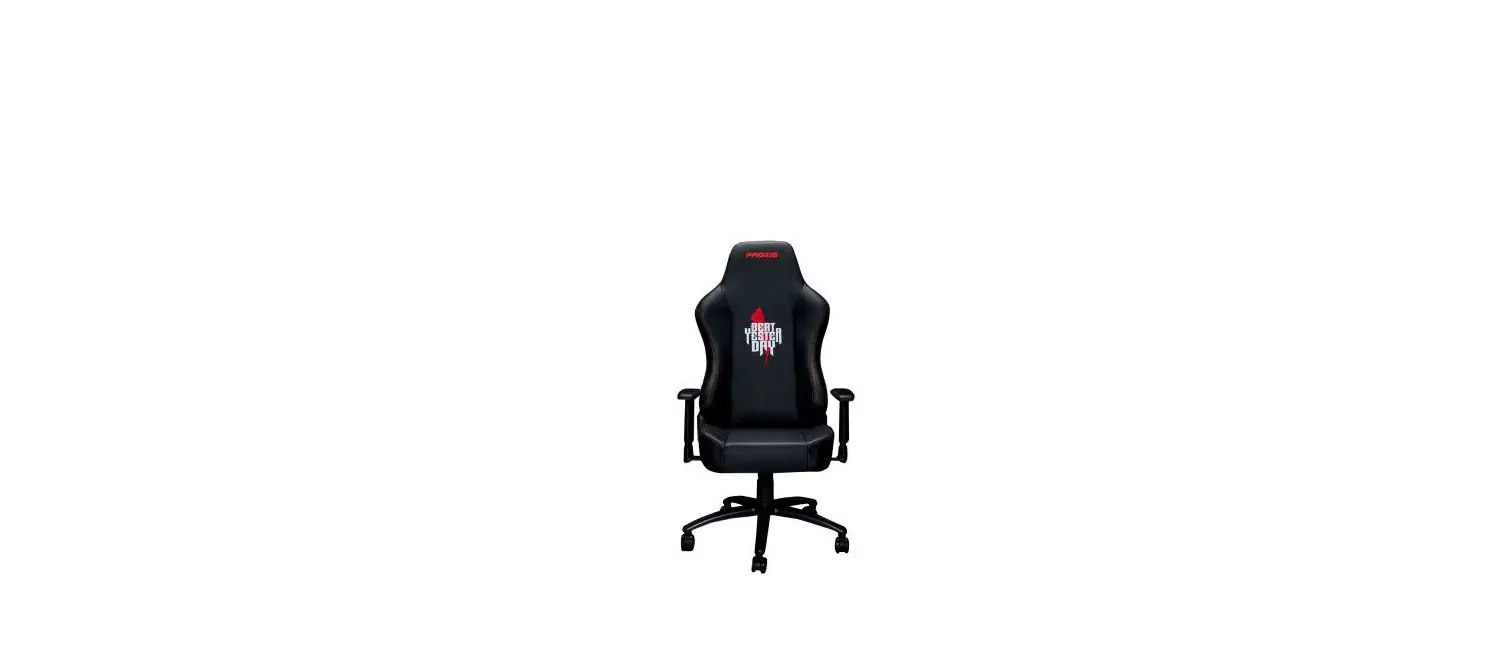
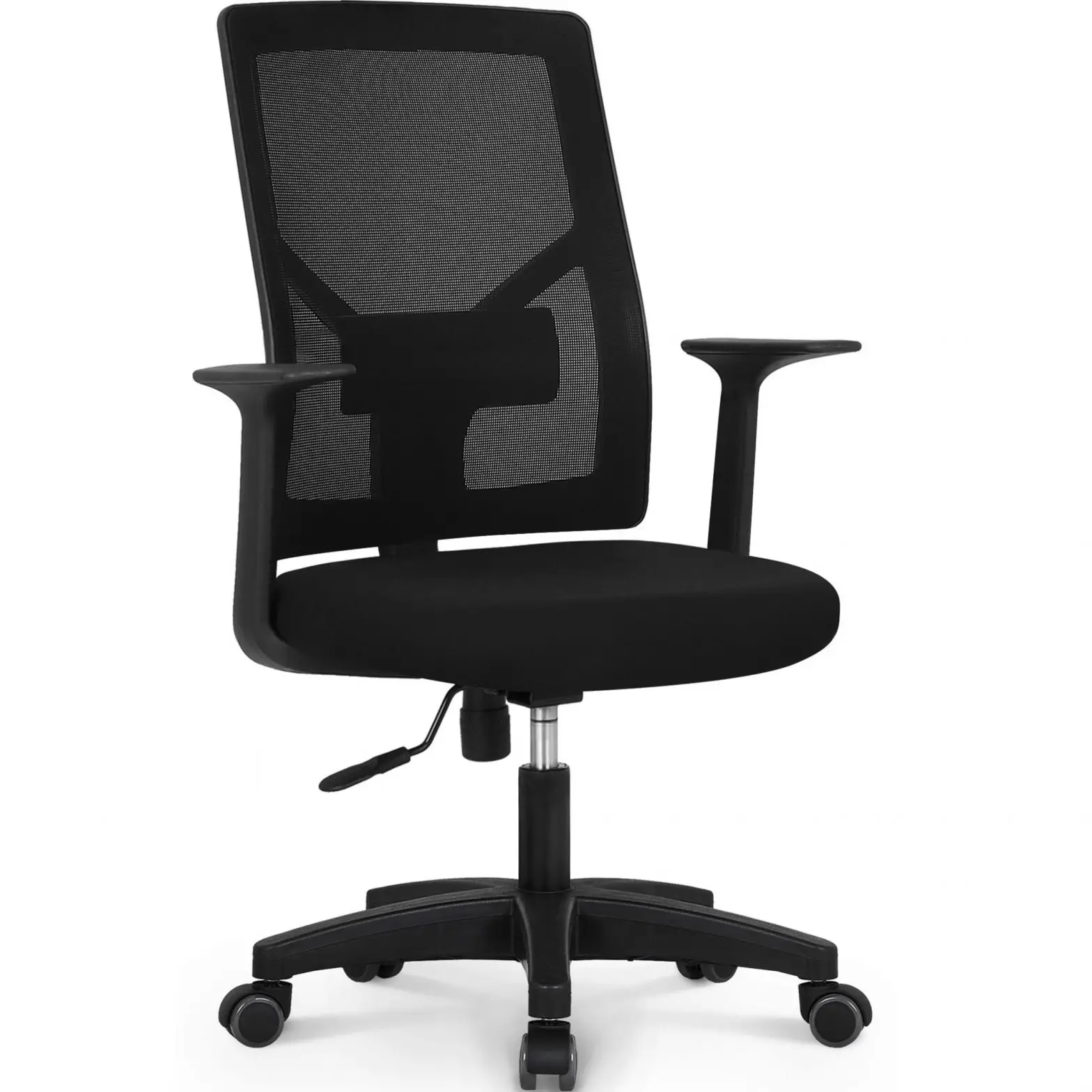
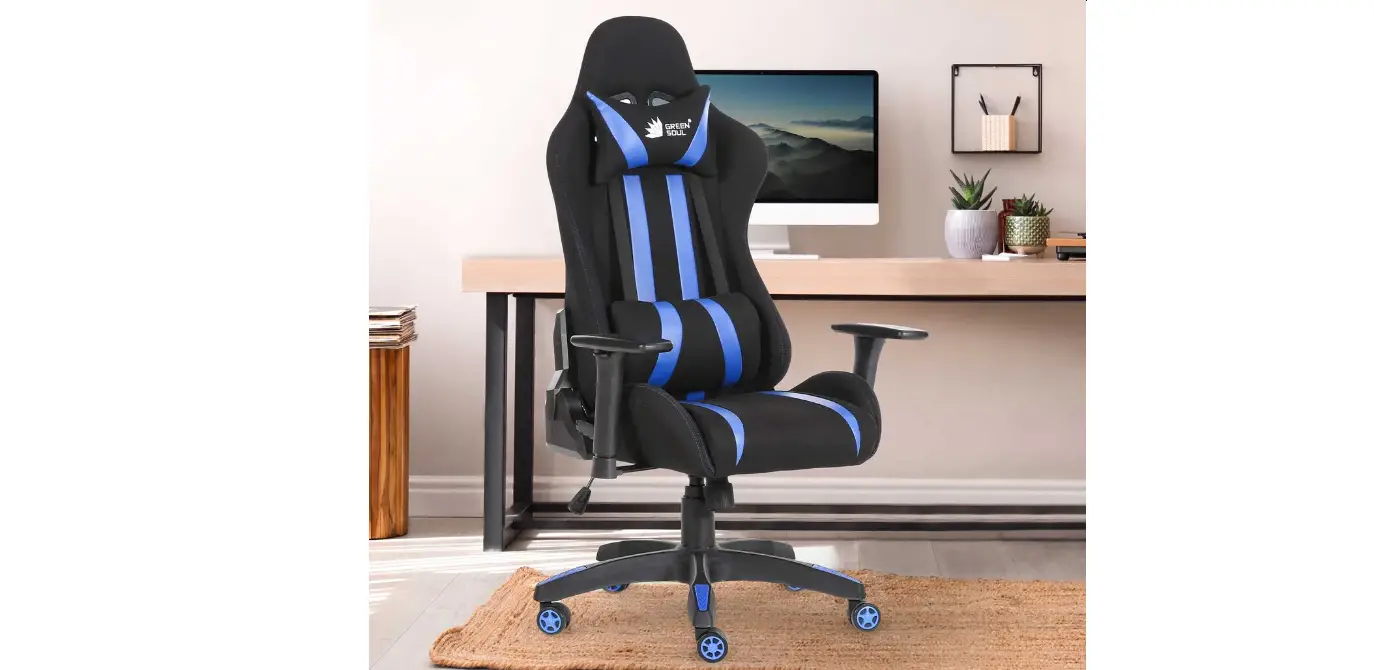
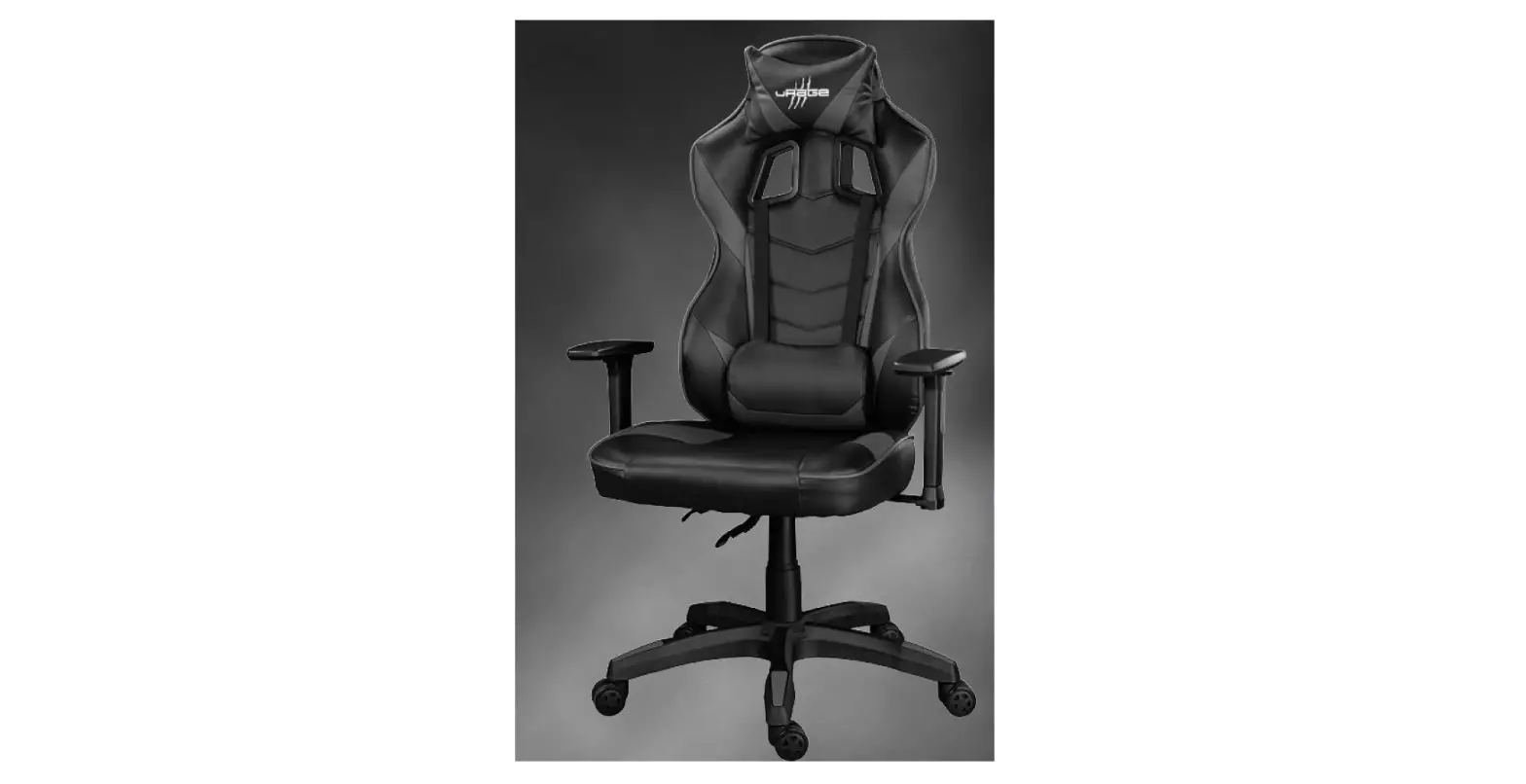
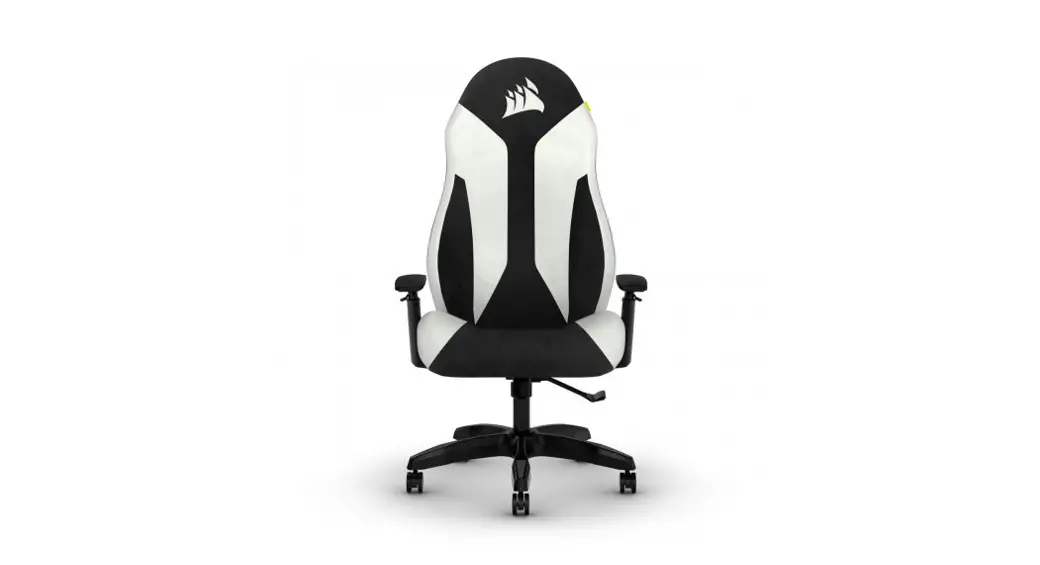
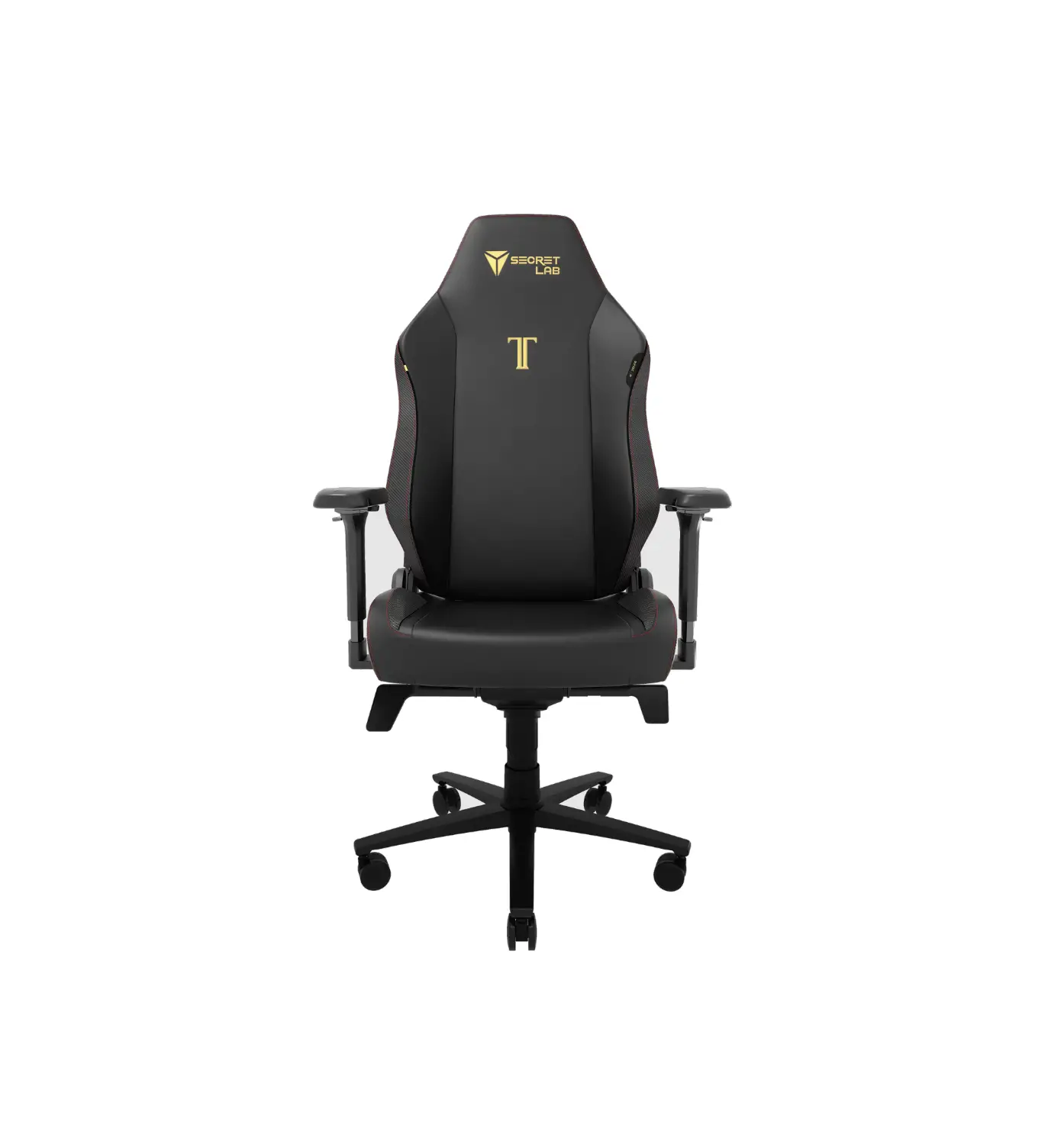
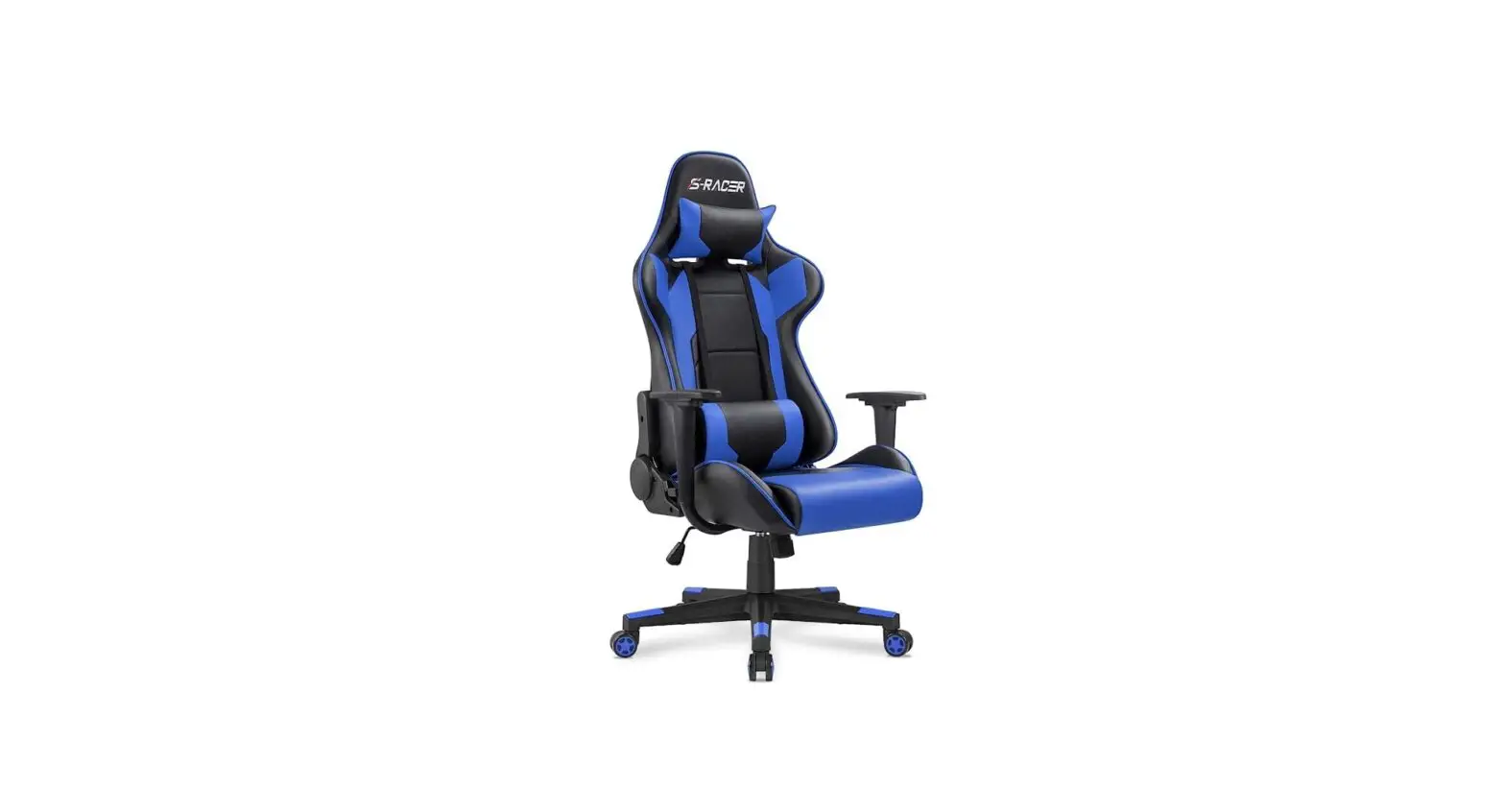
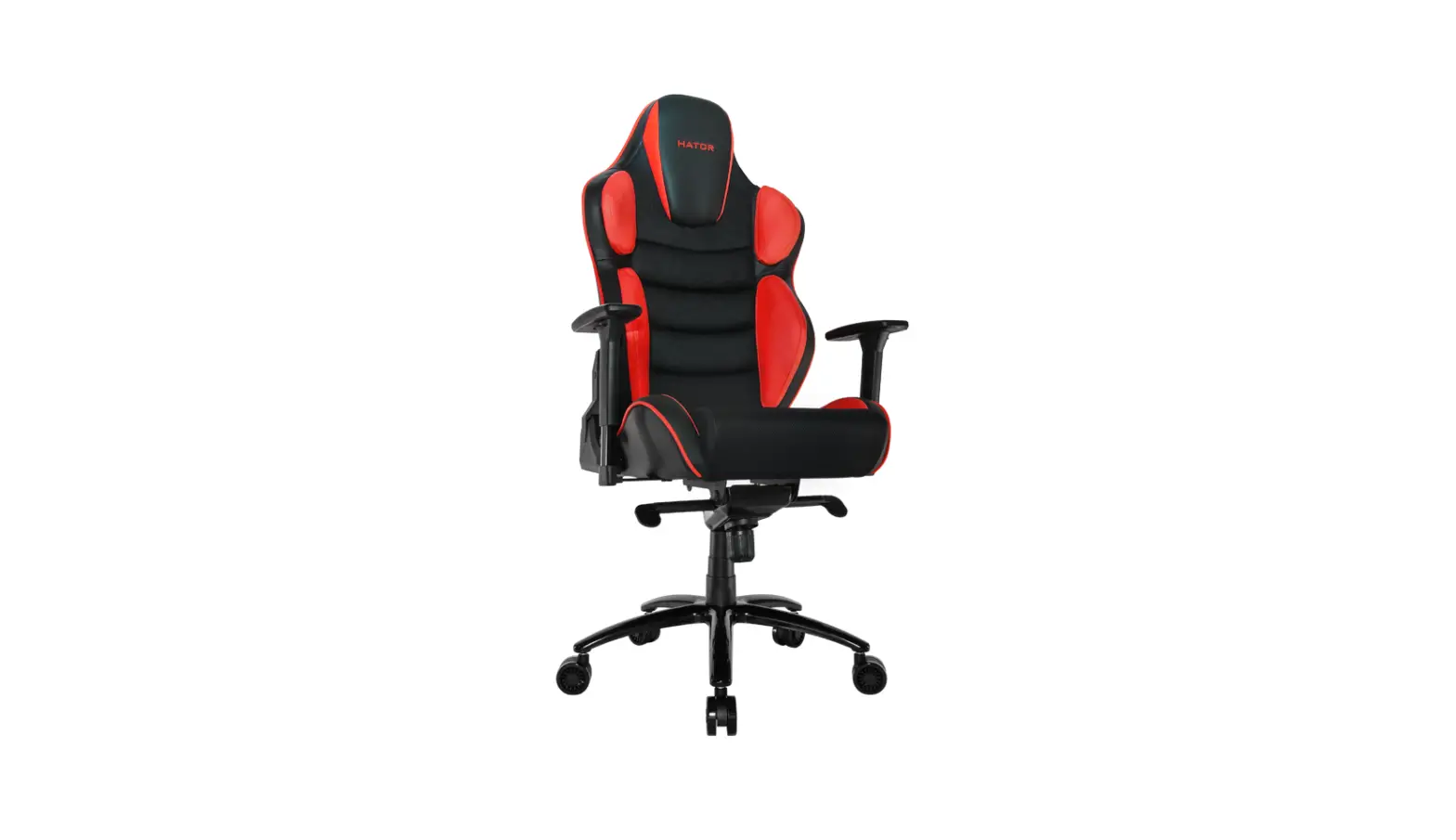
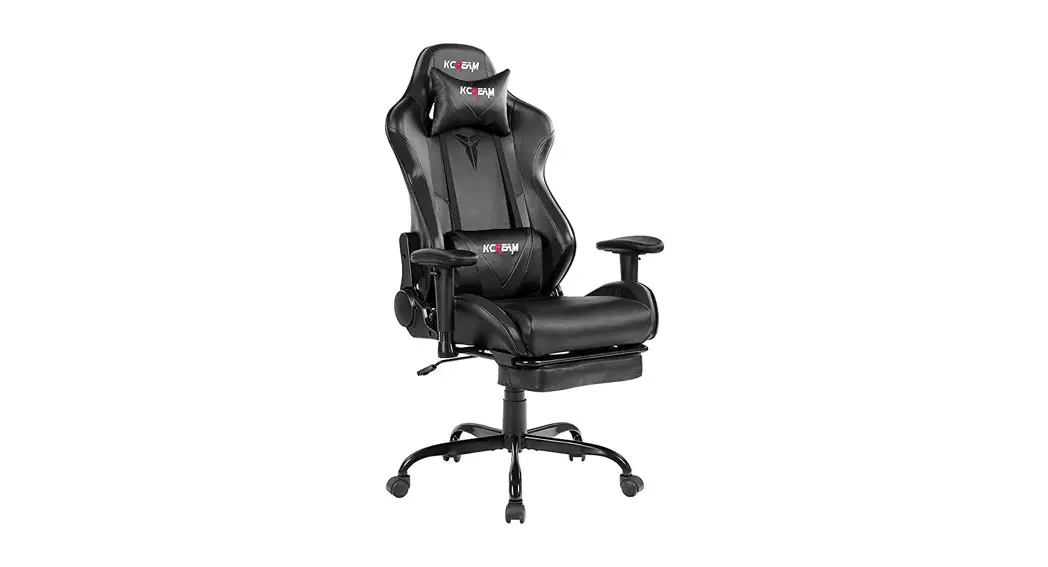
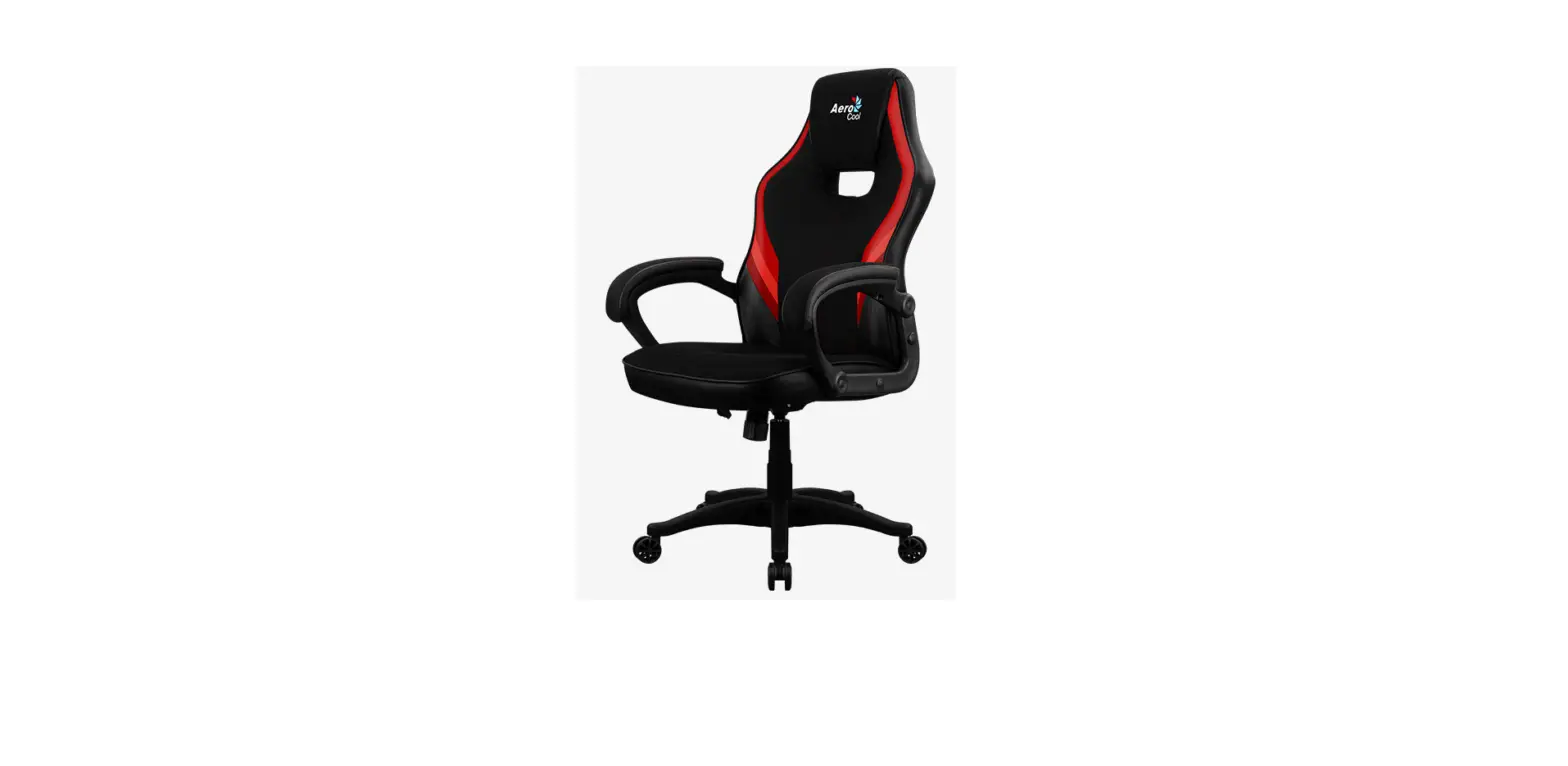
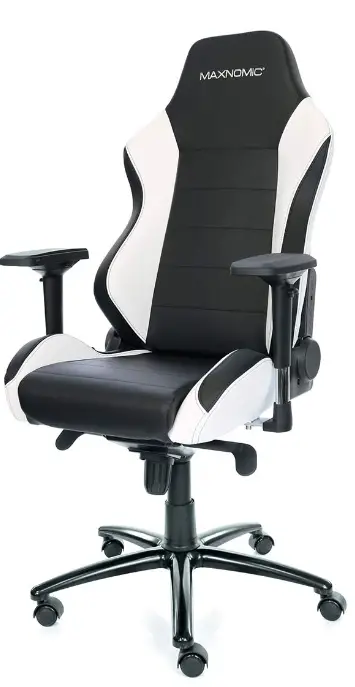
The chair shown in the photos might be a different model, however, assembly is the same for all chairs in this both categories. As you remove your chair from the box you may find the upholstery has slight wrinkles, this is due to the tight packing. However, these wrinkles disappear after a few days, even faster if you begin using your chair after assembly. Now, create yourself a space to unpack the items and organize all of the pieces. A second person to help you is perfect.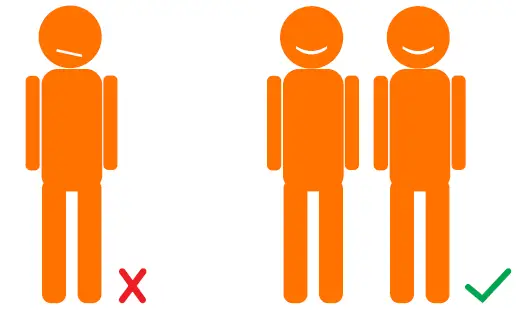
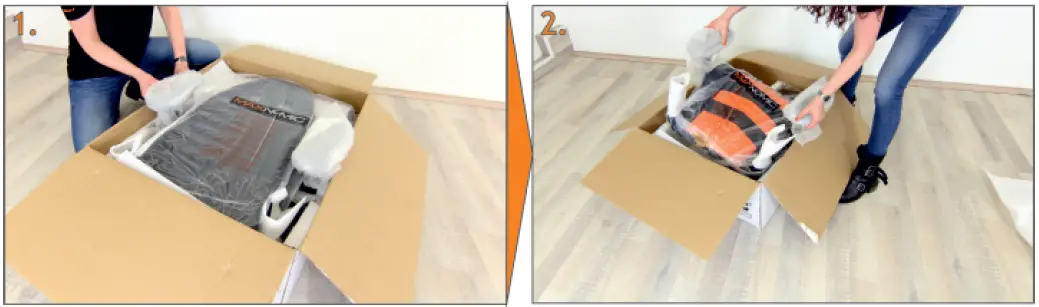
- First, position the armrests to the highest position. This facilitates easy removal of the other parts from the carton.
- Remove all parts from the carton, using the foam packing material to protect your floor (and the seat parts).

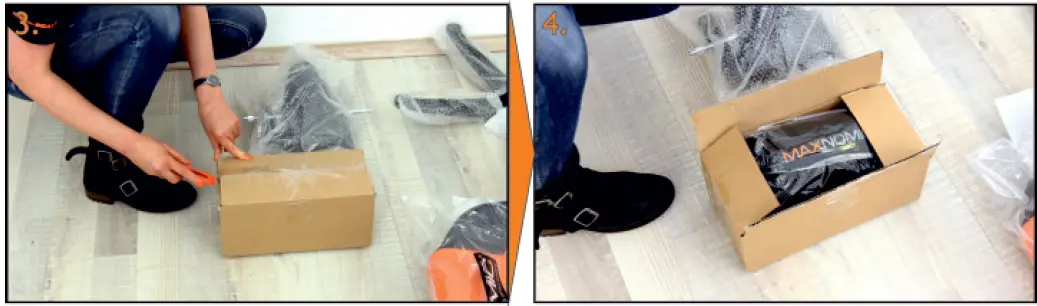
- By cutting the packing tape in an upward motion, carefully open the accessories carton (do not insert the blade into the package or you could damage the contents).
- You’ll find the pillows are packed in the top portion of accessory package – above the other parts.

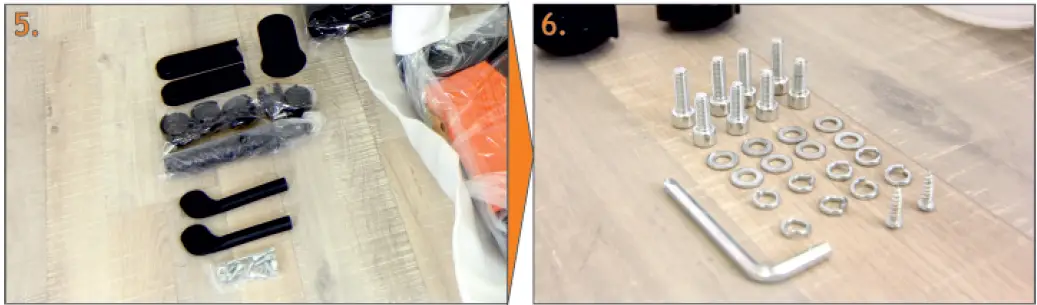
- Contents: 2 handles for tilt mechanism, 2 side covers for the backrest, head pillow, gas lift cylinder, wheels, a bag of screws/ universal tool, telescoping cover
- Inside the bag of screws: 4 M8 35mm screws, 4 M8 30 mm screws, 2 metal screws (Philips’s head), 8 washers (small, self-locking type), 8 washers (large), 1 universal tool

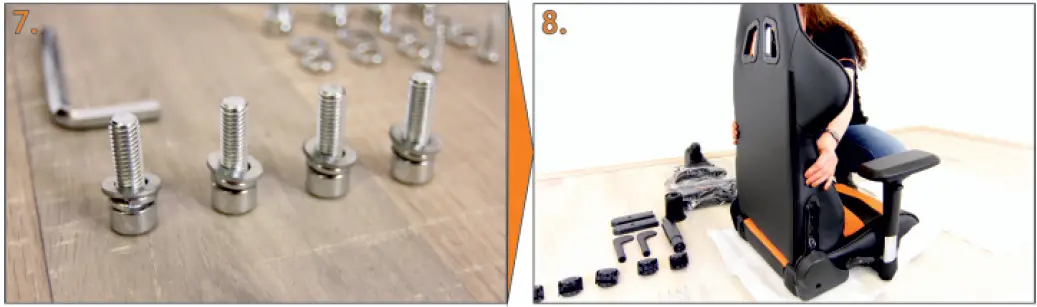
- Prepare the four long M8 screws for mounting, each with a locking washer and a regular washer as shown (locking washer closest to the head of the screw).
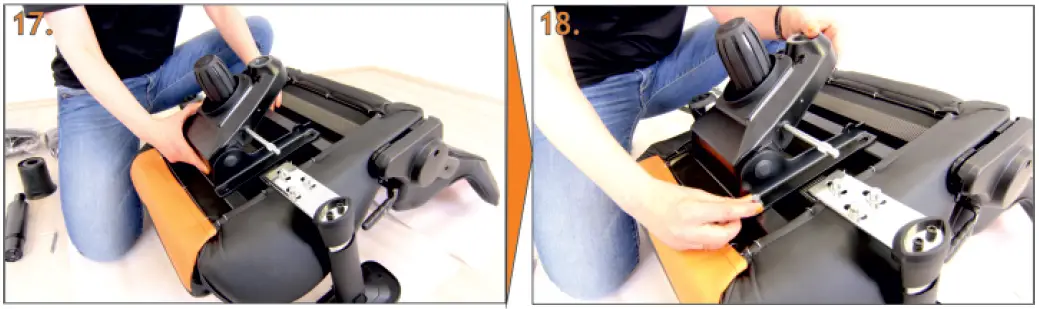
- Carefully position the backrest between the mounts of the seat base.

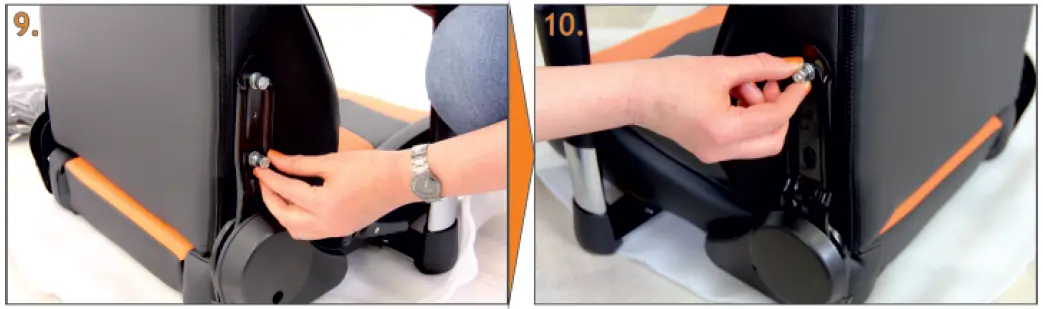
- Beginning with the fixed support side, insert by hand the screws you prepared in step #7. Do NOT mount them firmly just yet.
- Now insert screws into the side with the moving support. For the next step, the orientation of the backrest, a second person is very helpful.

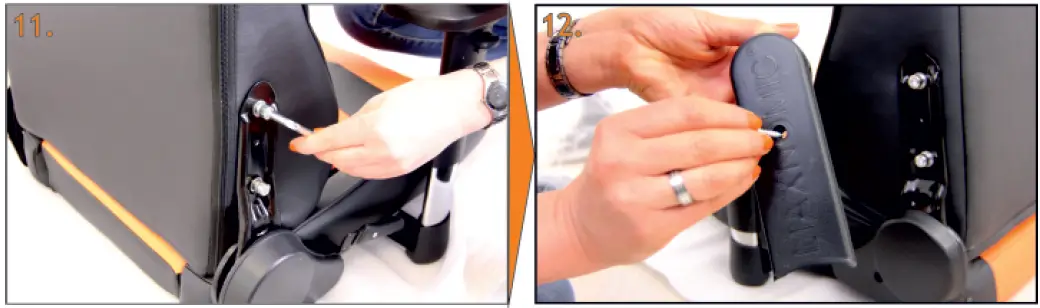
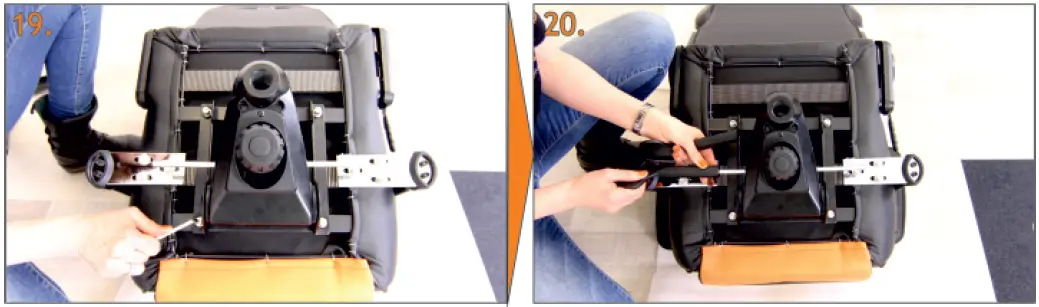
- Using the universal tool, tighten the screws one at a time – first the upper screws on each side, then the two lower ones.
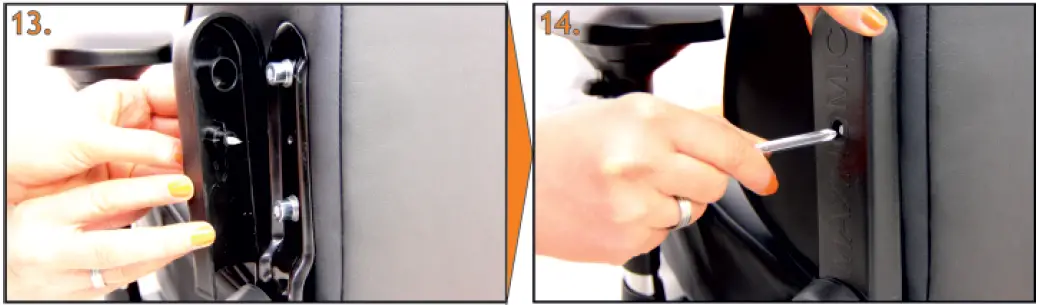
- Prepare the cover and insert the Phillips screw into the hole.

- Position the cover with the screw aimed at the hole. Tighten the side covers using the universal tool with a slight amount of pressure.
- Do not tighten the screws to the covers are only for appearance. Tightening the screw too much may damage the cover.

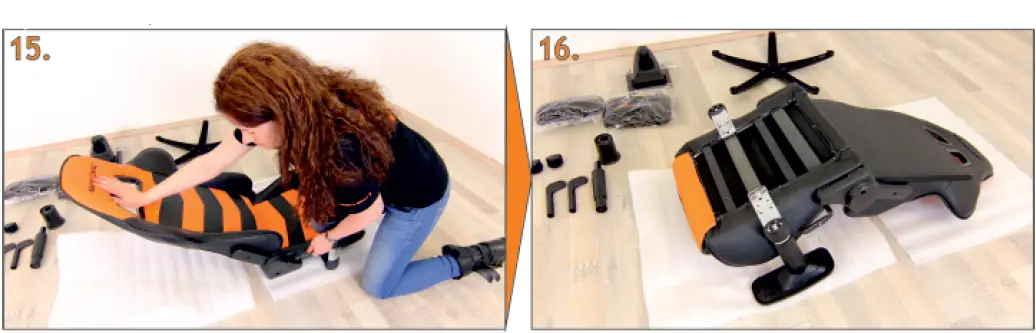
- Pull the adjustment lever on the backrest upwards and gently press the backrest into the lowest position (as shown)
- and then turn the entire seat assembly upside down (still using the packing foam to protect the chair and your floor).

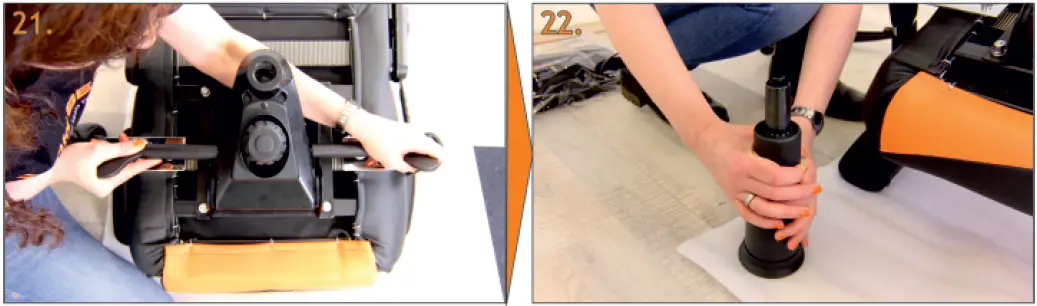
- Place the tilt mechanism over the holes as shown. The adjustment parts need to face the front of the seat.
- Insert the small M8 screws with one locking washer and one regular washer then gently tighten by hand.

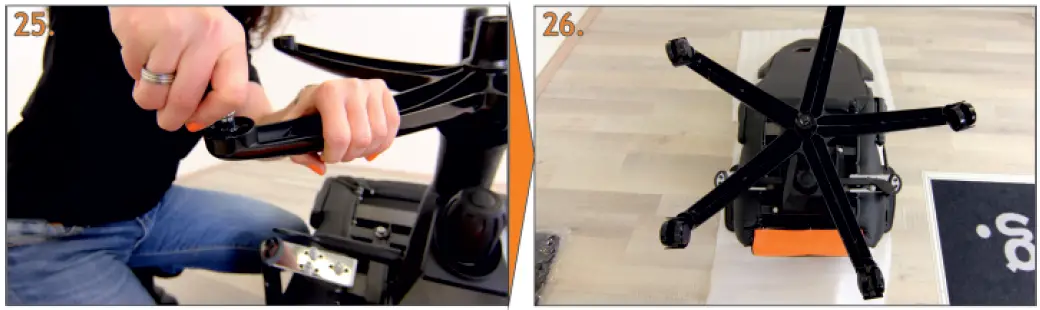
- Align the tilt mechanism as straight as possible and tighten the screws with the universal tool.
- Place the plastic handles over the shafts of the tilt mechanism as shown. The flat portions should point to the front of the seat.
- Once both are in the right direction, push the handles in tightly.
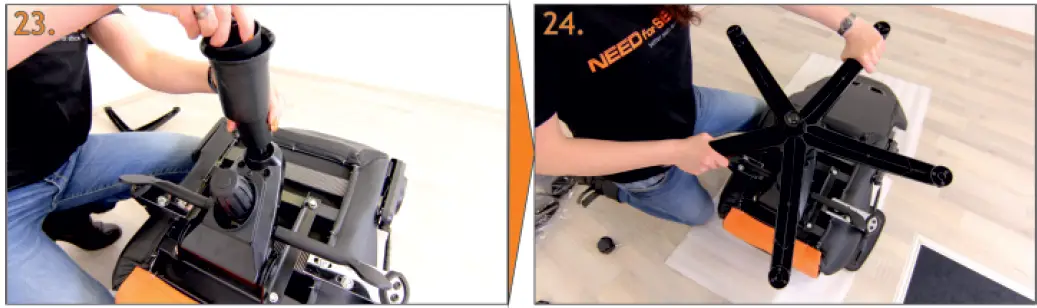
- Place the telescoping cover as shown over the gas lift cylinder. The cylinder should stick out about 2 inches (5cm).

- Place the gas lift cylinder with the telescoping cover into the hole at the base of the tilt mechanism.
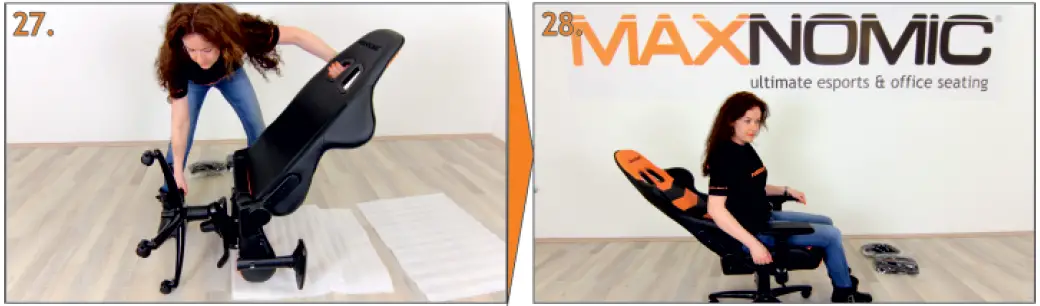
- Now place the base onto the cylinder and firmly press it into place.

- One by one, insert the wheels into the footrest (base). TIP: a little cooking oil or Crisco® (NOT petroleum-based products) helps glide the posts into place..
- You’re almost there…

- Now turn the chair over into the upright position, holding the base and upper portions together.
- Bring the backrest into the upright position by lifting the tilt handle upwards.
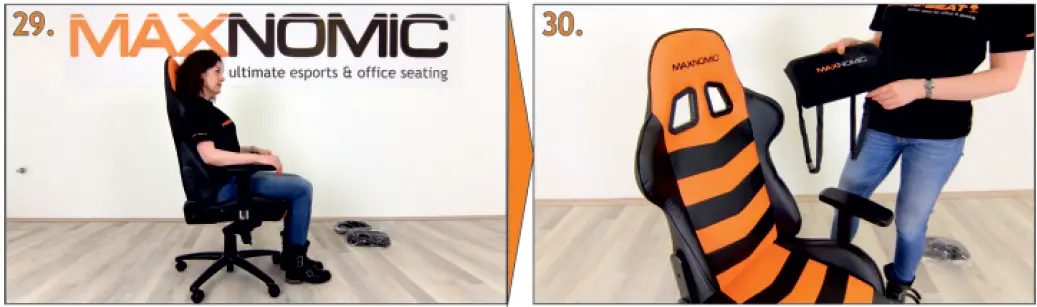
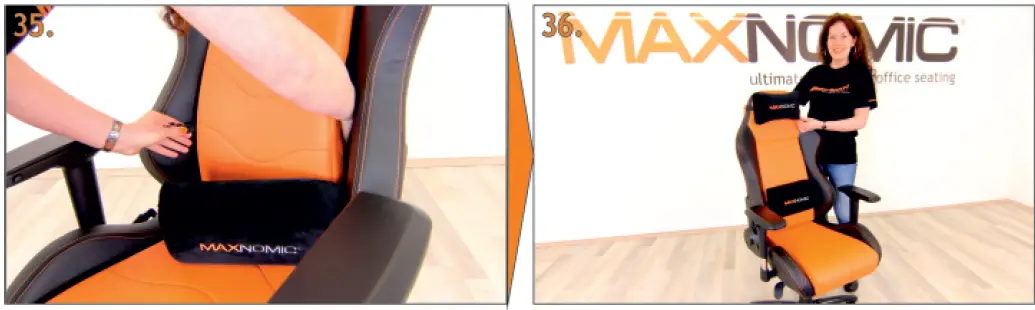
- Perfect! You are almost finished. Now you may position the supplied pillows (use of the pillows is optional and to your preference).
- The next few steps pertain to the Casual Sport series. If you have a Pro-Gaming chair, skip to step #35.
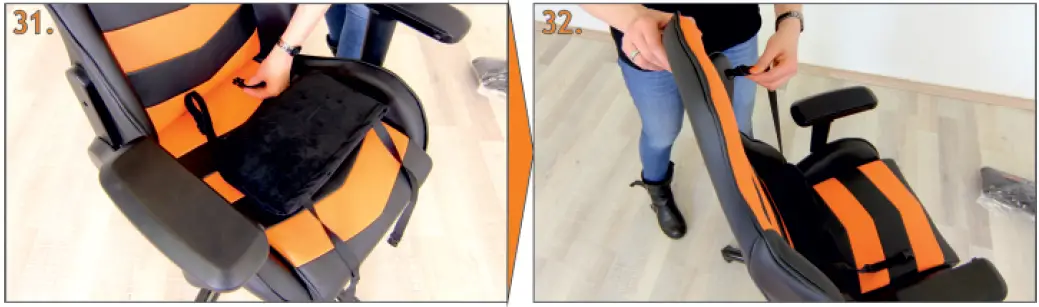
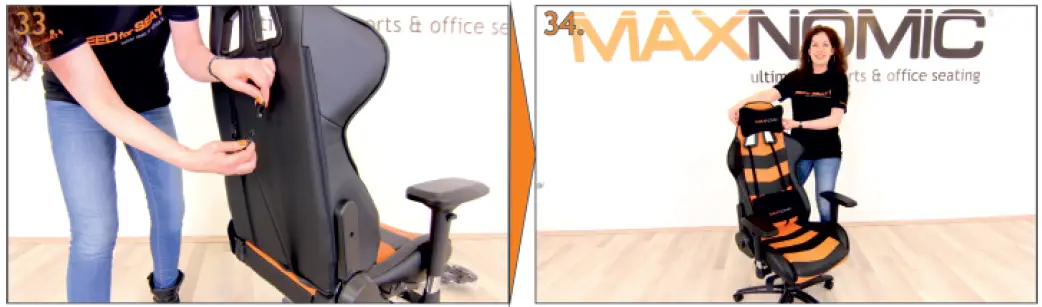
- Insert the straps of the lumbar pillow (a wedge shape) thru the slot at the base of the chair
- Take the other ends of the straps and insert them through the large openings of the backrest.

- Now bring the ends together and snap them into place. The lumbar pillow may be adjusted up or down to your liking.
- Now slide the head pillow into place – FINISHED! Enjoy your new Casual-Sport chair from MAXNOMIC®.

- For PRO-GAMING chairs, slide the long strap through the seat back then connect to the short strap.
- Now slide the head pillow into place – FINISHED! Enjoy your new PRO-GAMING chair from MAXNOMIC®.
ADDITIONAL INSTRUCTIONS
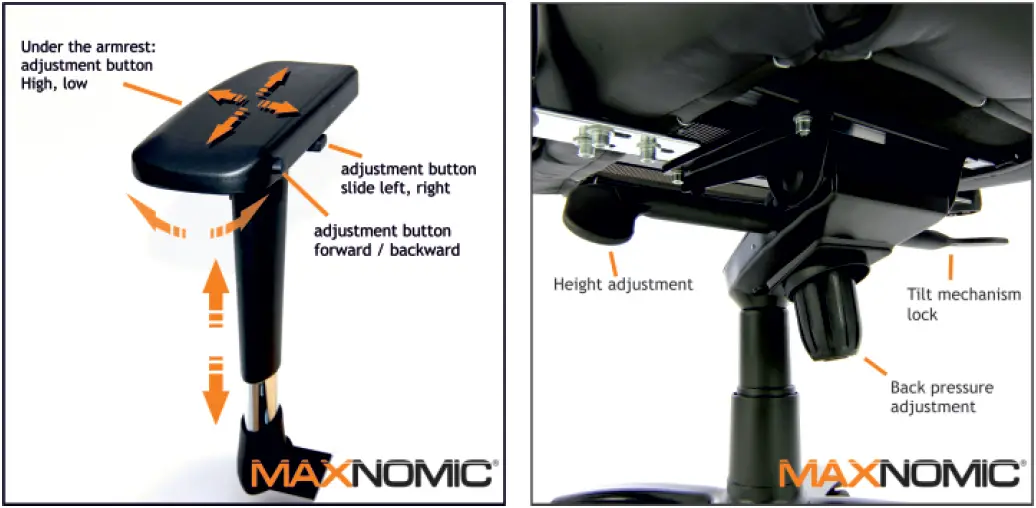
Safety Information: the maximum load/limit of the chair is 150kg (330 pounds). This can be increased to 170kg (375 pounds) with the purchase of an HD base.
PLEASE READ THE SAFETY INFORMATION ON THE LAST PAGE.
IMPORTANT SAFETY INFORMATION
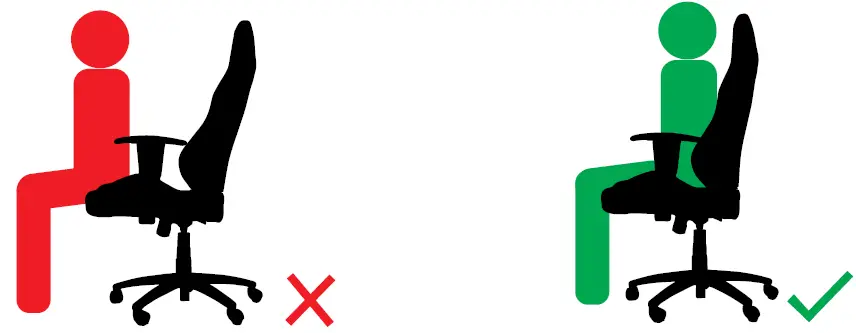
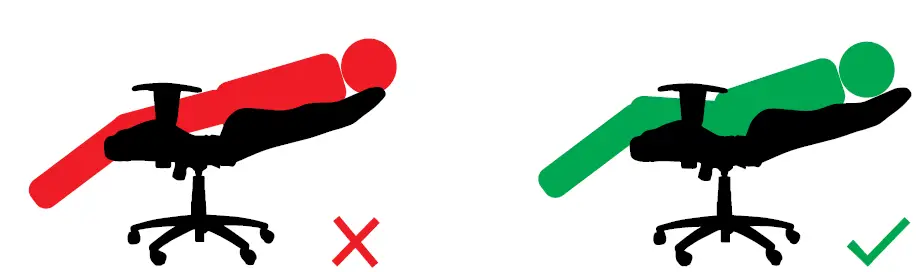
- DO NOT SIT CLOSE TO THE FRONT
- SIT ALL THE WAY TO THE BACK

- DON’T PUT YOUR WEIGHT ON THE BACKREST.
- WEIGHT MUST BE ON THE SEAT ITSELF.

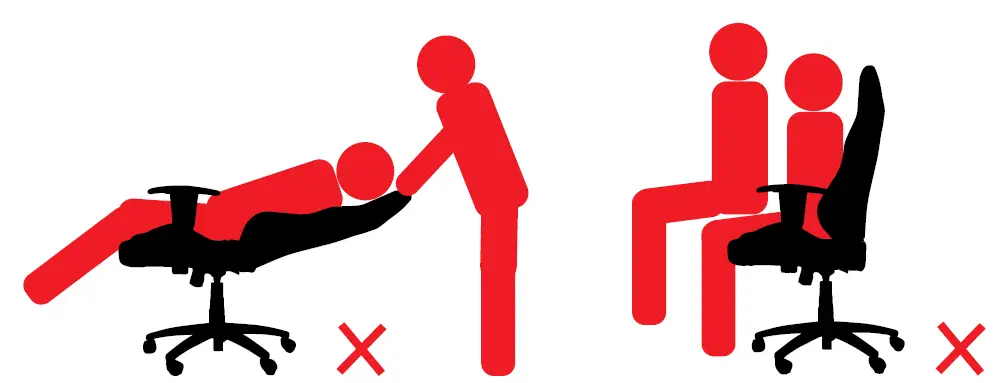
- DON’T LET ANYONE PRESS DOWN ON THE BACKREST WHILE THE SEAT IS IN A LEANING POSITION.
- THE CHAIR IS NOT FOR TWO USERS!
We are not responsible for damage to the chair if these assembly instructions are not carefully followed.
Pictures may differ from your actual chair and are only for demonstration. There may be differences in features and appearance. All rights reserved Copying of materials, even in part, only by written agreement.NEEDforSEAT & MAXNOMIC are registered trademarks in Germany and other countries.
© NEEDforSEAT
- Marco Wörenkämper
- Wiesenstraße 13 B
- 34246 Vellmar
- Germany
- www.needforseat.com