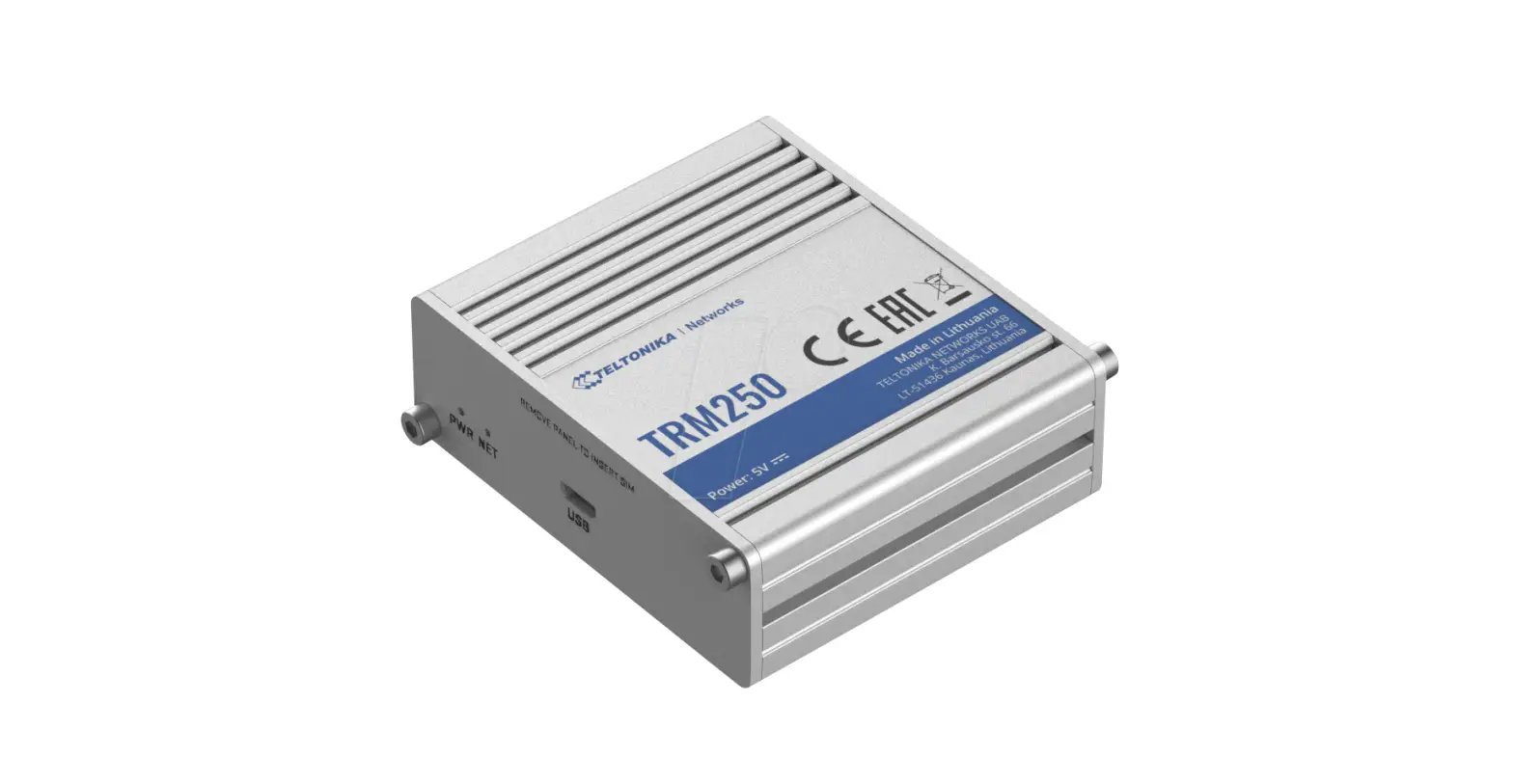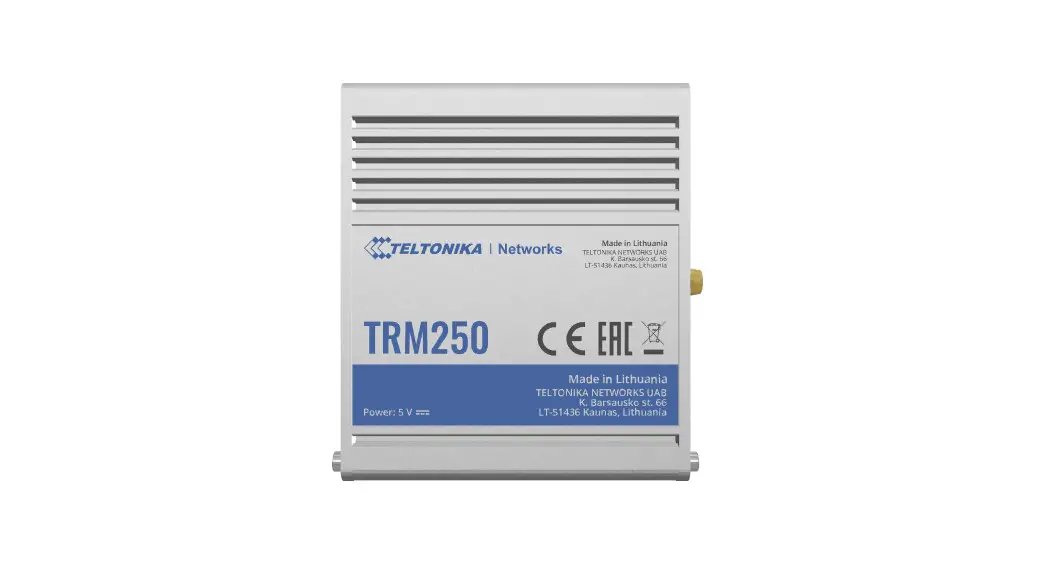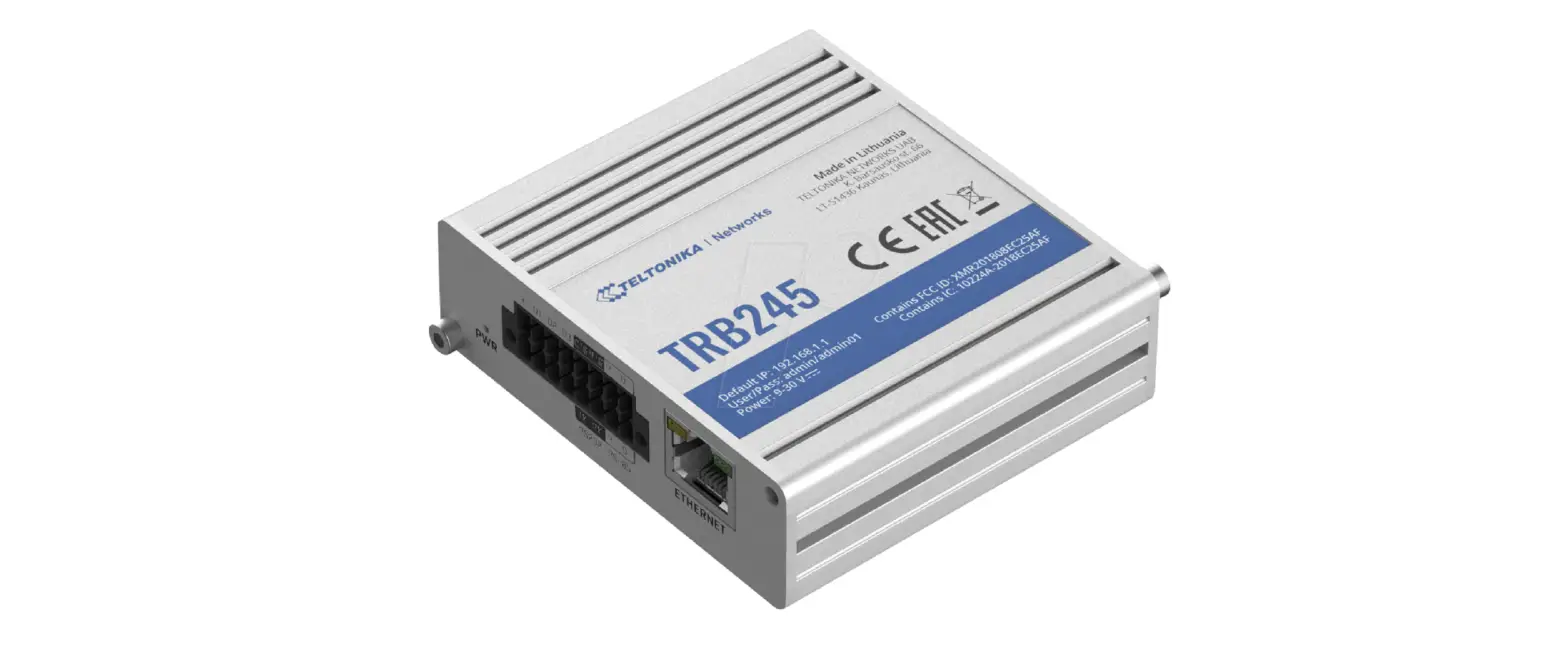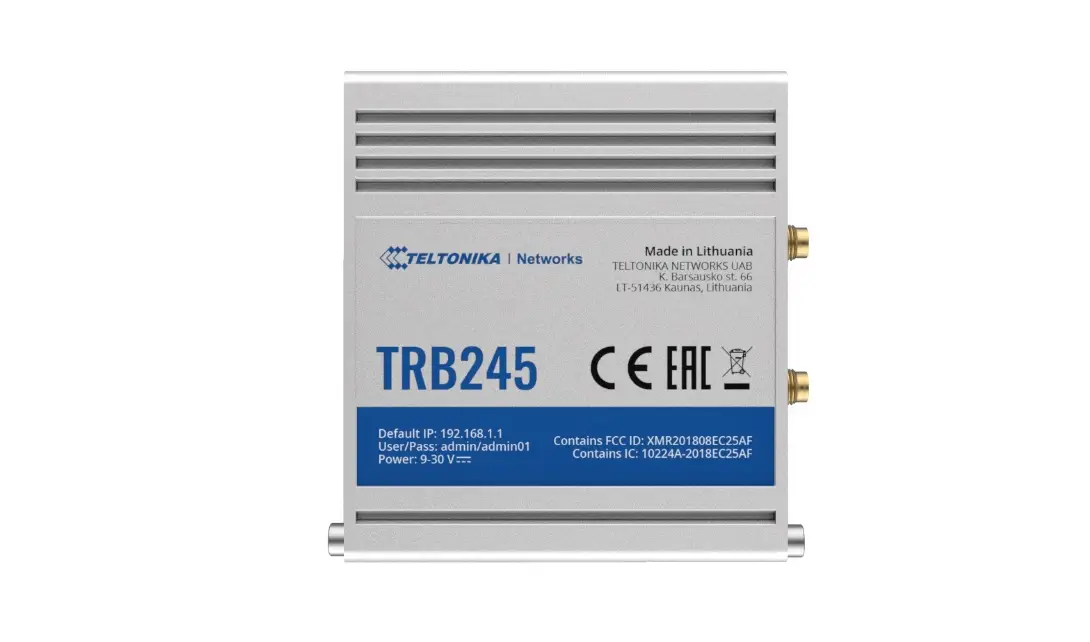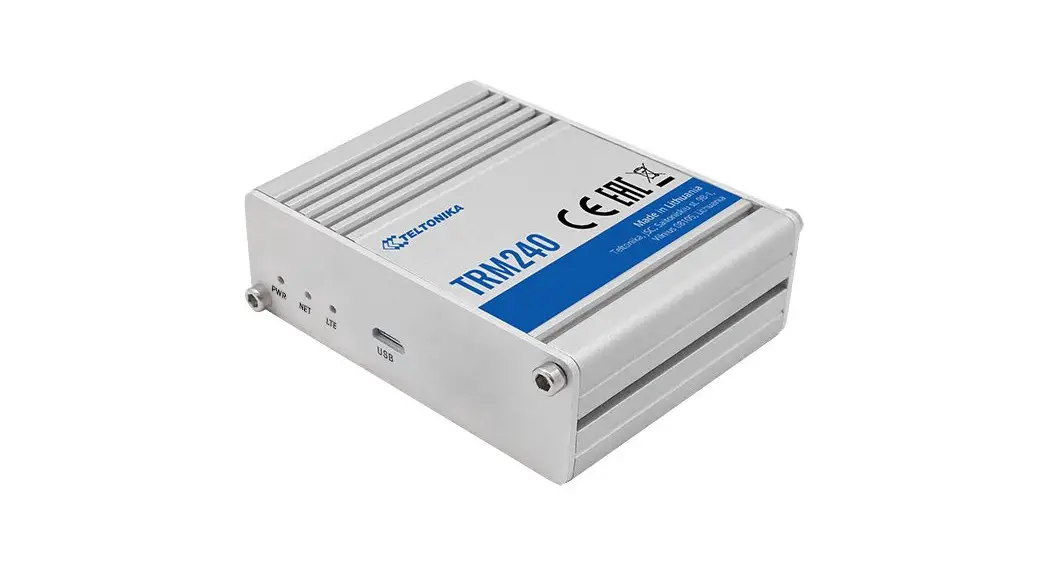
 TRM240
Quick Start Guide v1.1

Wiki knowledge base
https://wiki.teltonika-networks.com/

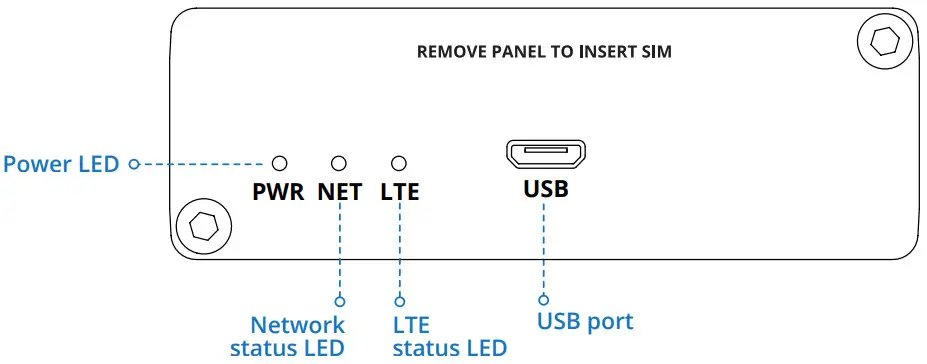
FRONT VIEW
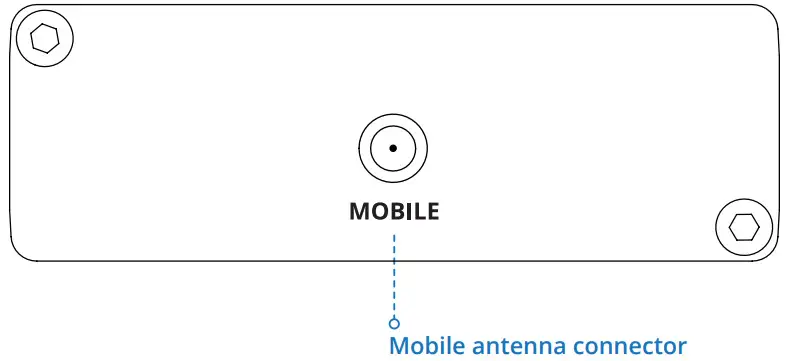
BACK VIEW
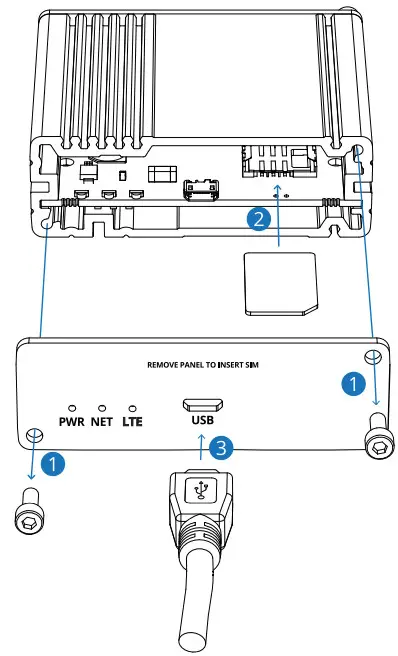
HARDWARE INSTALLATION
- Unscrew two back panel hex bolts using the included hex key.
- Remove the back panel.
- Insert your SIM card into the SIM socket.
- Attach the panel and tighten the hex bolts.
- Attach the mobile antenna (max torque 0.4 N·m / 3.5 lbf·in) and connect the USB cable.
DEVICE CONFIGURATION
- Power on the device by connecting the USB cable to your computer.
- Allow the modem to boot up. This might take up to 30 seconds.
- Install the correct drivers according to the system you are using. You can download the drivers by following the DRIVER DOWNLOAD link below.
- After you have installed the drivers, visit our configuration information page by following the CONFIGURATION link.
- For advanced users you can find all the information about AT commands by following AT COMMANDS link.
 DRIVER DOWNLOAD
https://wiki.teltonika-networks.com/view/TRM240_Downloads
 CONFIGURATION
https://wiki.teltonika-networks.com/view/TRM240_Configuration_Examples
 AT COMMANDS
https://wiki.teltonika-networks.com/view/TRM240_AT_Commands
TECHNICAL INFORMATION
| Radio specifications | |
| RF technologies | 2G, 3G, 4G (LTE Cat1) |
| Max RF power | 33 dBm@GSM, 24 dBm@WCDMA, 23 dBm@LTE |
| Bundled accessories specifications* | |
| Mobile antenna | 698-960/1710-2690 MHz, 50 a VSWR<3, gain** 3 dBi, omnidirectional, SMA male connector |
*Order code dependent.
**Higher gain antenna can be connected to compensate for cable attenuation when a cable is used. The user is responsible for compliance with the legal regulations.
SAFETY INFORMATION
TRM240 modem must be used in compliance with any and all applicable national and international laws and with any special restrictions regulating the utilization of the communication module in prescribed applications and environments.
Hereby, TELTONIKA declares that this TRM240 is in compliance with the essential requirements and other relevant provisions of
Directive RED.
Instruction Manual: Power on the device by connecting the USB cable to your computer. Install the drivers. For more information visit
https://wiki.teltonika-networks.com/
 This sign means that all used electronic and electric equipment should not be mixed with general household waste.
 This sign means that the product meets the requirements of the applicable EU directives.
For more information visit www.teltonika-networks.com
www.teltonika-networks.com
The full text of the EU declaration of conformity is available at the following internet address:
https://wiki.teltonika-networks.com/view/TRM240_CE/RED
© 2020 Teltonika
 Teltonika Networks - LTE Routers, Gateways & Modems for IoT
 wiki.teltonika-networks.com/