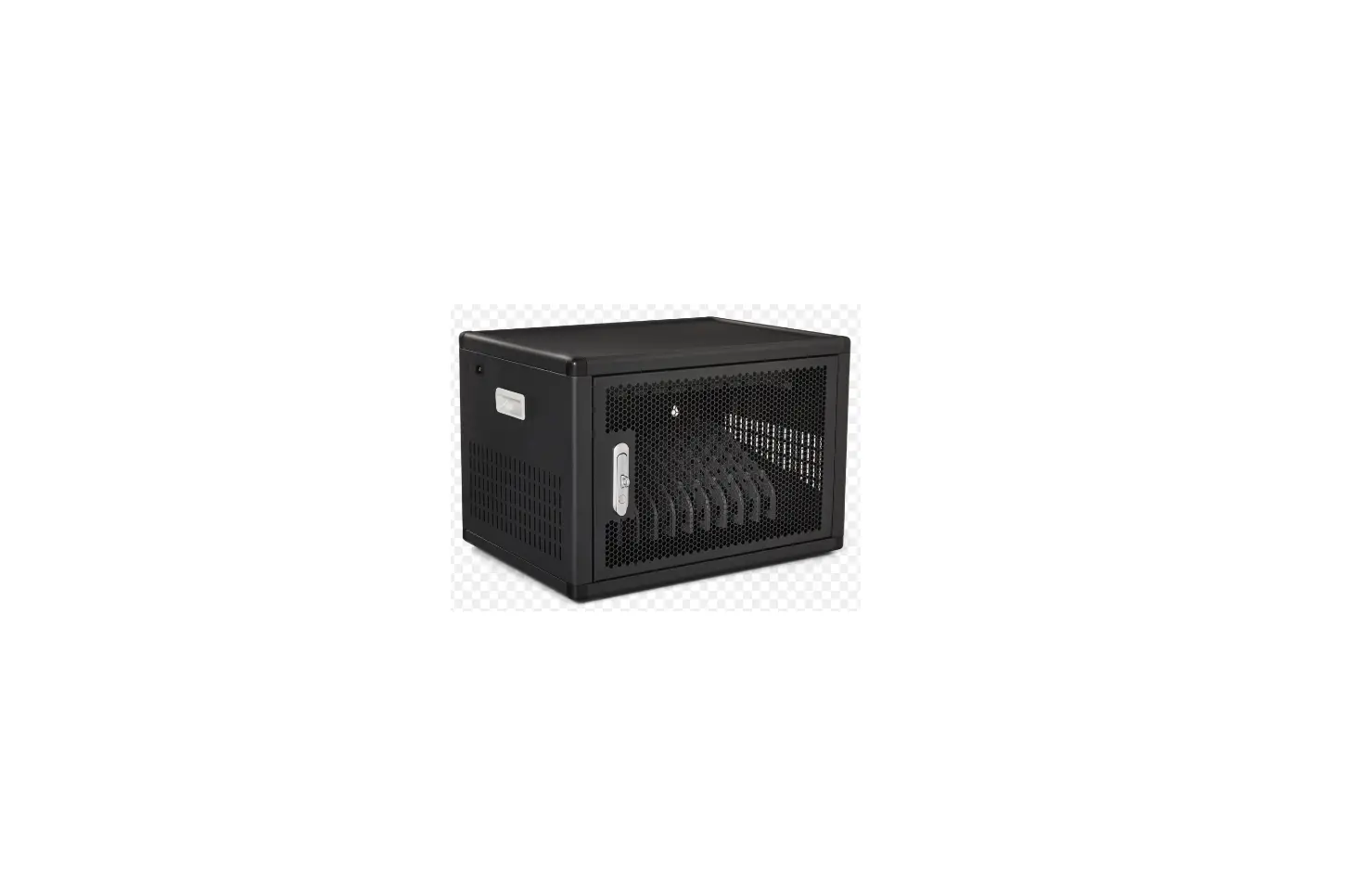
CHG 404 Charging Bay
Product Information: Charging Bay CHG 404
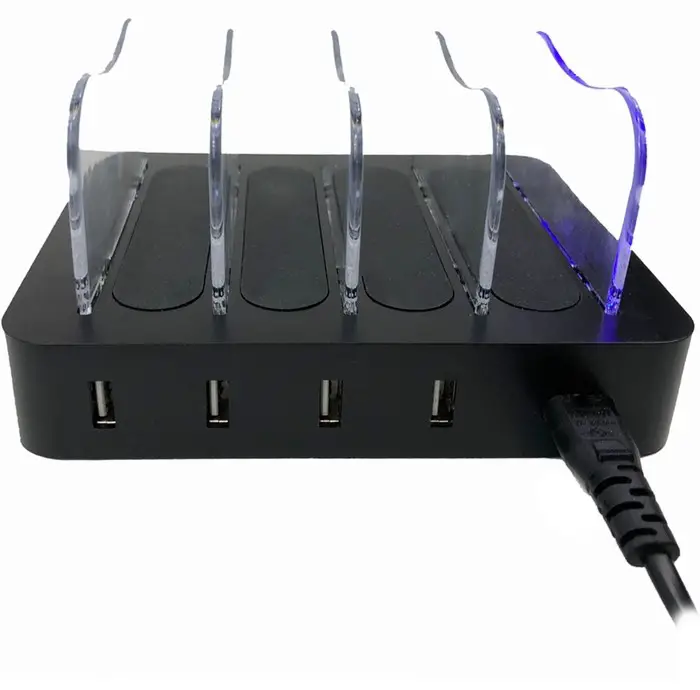
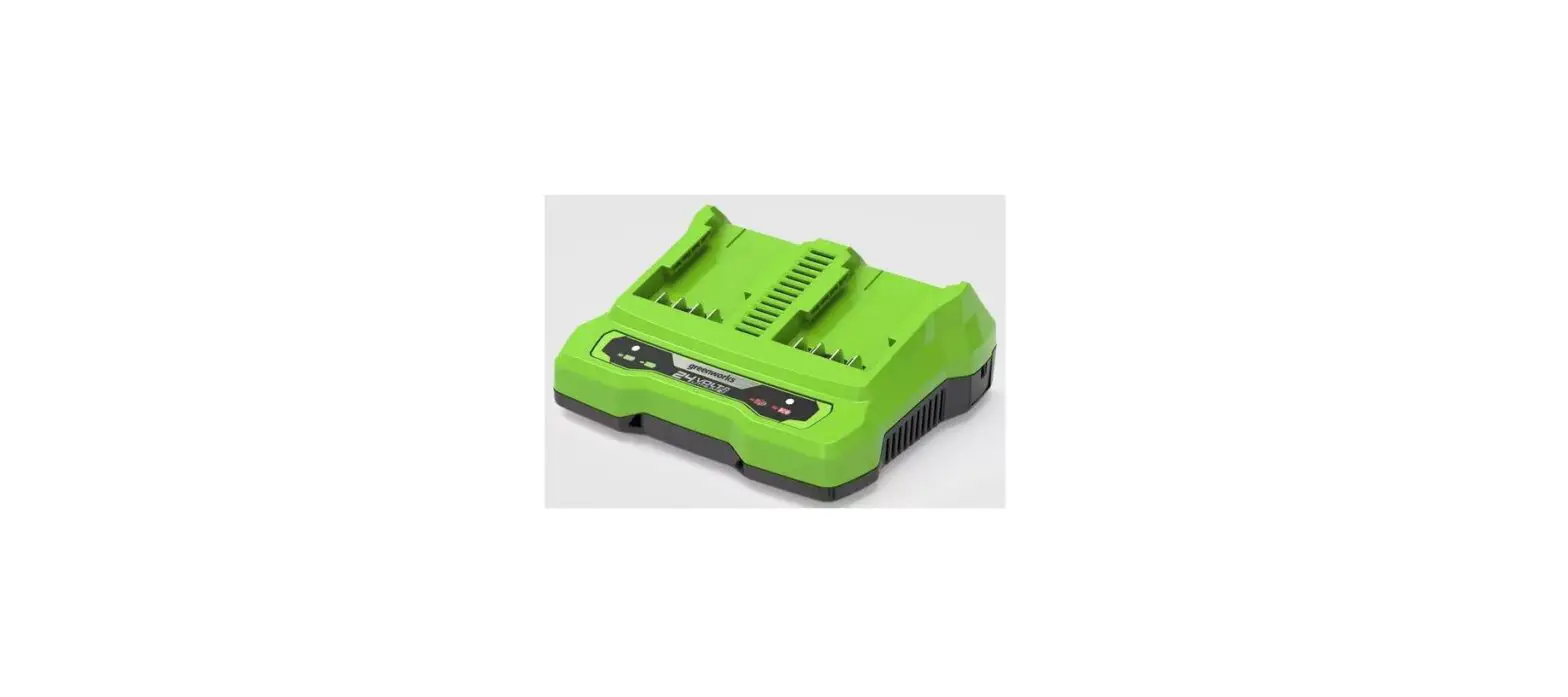
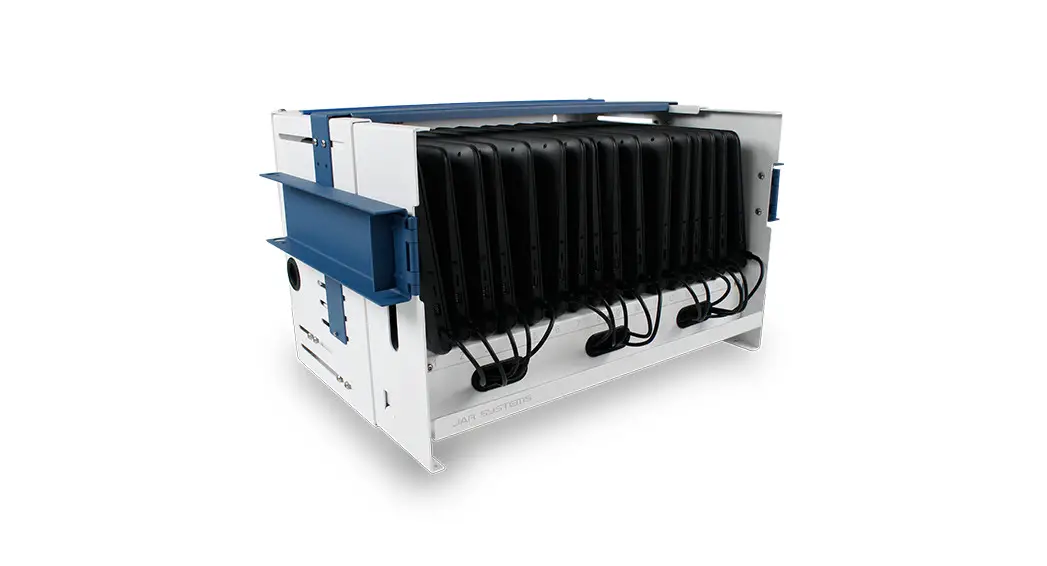
The CHG 404 charging bay is designed to charge WaveCAST
Receivers and Digi-Wave DLT 400 and DLR 400 RCH devices. The
package includes a charger base, 5 plastic dividers, a power
supply, and 4 USB cables. The charger has USB ports on the side of
the device to connect the USB cables provided with the charger. The
LED lights indicate charging status, and the switch can toggle the
LED lights on/off.
Product Usage Instructions
- Assembling the Charger:
- Insert the plastic dividers into the slots at the top of the
charger base. - Insert the power supply cord into the charger on the side of
the device next to the USB ports. - Connect the power supply plug to an outlet.
- Connect the USB cables provided into the USB ports on the side
of the device.
- Insert the plastic dividers into the slots at the top of the
- Charging Devices:
- Plug the correct USB cable into the bottom of your device.
- Make sure the cable is also plugged into the base of the
charger. - Set the device being charged into one of the slots on the
charger. The slots only hold the device in place, and require no
direct connection to the device. - If the LED lights are enabled, they will blink as the device
charges.
- USB Cables for Various Products:
- The WaveCAST Receiver uses a USB micro-B cable to charge, and
Digi-Wave products use a USB-C cable to charge. Both cable types
can be used with this charger. - Additional cables can be ordered from Williams AV, or a generic
cable of the correct type can be purchased. - The Williams AV part numbers are: MAN 258A
- The WaveCAST Receiver uses a USB micro-B cable to charge, and
- Important Note on the LED On/Off Switch:
- The switch does NOT affect the power flow to charging
devices. - It is a light switch that toggles whether the blue LED lights
blink during charging. - Turning the switch off will disable all the blue LED
lights. - If the charger is plugged into a live outlet, your devices are
charging. The LED lights do not need to be lit to indicate
charging.
- The switch does NOT affect the power flow to charging
- Recycling Instructions:
- Help Williams AV protect the environment!
- Please take the time to dispose of your equipment
properly. - Please Recycle
- Please do NOT dispose of your equipment in the household
trash. - Please take the equipment to an electronics recycling center
for proper disposal.
- Warranty:
- The CHG 404 charger is covered by a 1-Year factory
warranty. - Any included cables or other accessories are covered for 90
days. - If you experience difficulty with your charger, call toll-free
for customer assistance: 1-800-843-3544 (U.S.A.) or 1-952-943-2252
(Outside the U.S.A.) - If it is necessary to return the charger for service, your
customer service representative will give you a Return
Authorization Number (RA) and shipping instructions.
- The CHG 404 charger is covered by a 1-Year factory
Charging Bay
CHG 404
INSTALLATION INSTRUCTIONS
WaveCAST Receivers and Digi-Wave DLT 400 and DLR 400 RCH can be charged in the CHG 404.
Assembling the Charger
Some minor assembly is needed before the charger can be used. The package includes the charger base, 5 plastic dividers, a power supply, and 4 USB cables.
1. Insert the plastic dividers into the slots at the top of the charger base. The smooth, curved long edge of the plastic divider should face outward, with the clips on the bottom long edge holding the barrier firmly in place.
2. Insert the power supply cord into the charger on the side of the device next to the USB ports. 3. Connect the power supply plug to an outlet. The unit is now powered (see “Important Note on the LED On/Off
Switch” on page 1). 4. Connect the USB cables provided into the USB ports on the side of the device.
Important Note on the LED On/Off Switch
The switch does NOT affect the power flow to charging devices. It is a light switch that toggles whether the blue LED lights blink during charging. Turning the switch off will disable all the blue LED lights. If the charger is plugged into a live outlet, your devices are charging. The LED lights do not need to be lit to indicate charging.
USB Cables for Various Products
The WaveCAST Receivers and the Digi-Wave DLT 400 and DLR 400 RCH can be charged in the charging bay. However, the WaveCAST Receiver uses a USB micro-B cable to charge, and Digi-Wave products use a USB-C cable to charge. Both cable types can be used with this charger. Additional cables can be ordered from Williams AV, or a generic cable of the correct type can be purchased. The Williams AV part numbers are:
· WCA 144 for the USB-C cable used by Digi-Wave devices. These cables come with the CHG 404 DW. · WCA 145 for the micro-B USB cable used by the WaveCAST Receiver. These cables come with the CHG 404 WF.
MAN 258A
1
CHG 404 – Charging Bay
Charging Devices
To charge the devices: 1. Plug the correct USB cable into the bottom of your device. See “USB Cables for Various Products” on page 1. 2. Make sure the cable is also plugged into the base of the charger. 3. Set the device being charged into one of the slots on the charger. The slots only hold the device in place, and require no direct connection to the device. 4. If the LED lights are enabled, they will blink as the device charges. See “Important Note on the LED On/Off Switch” on page 1.
LED Lights
When turned on, the LED lights will indicate charging. However, the LED lights will not blink at a consistent pace, and may even turn off for longer than expected. This behavior is normal, and the charger is working correctly.
Recycling Instructions
Help Williams AV protect the environment! Please take the time to dispose of your equipment properly. Please Recycle Please do NOT dispose of your equipment in the household trash. Please take the equipment to a electronics recycling center for proper disposal.
Warranty
The CHG 404 charger is covered by a 1-Year factory warranty. Any included cables or other accessories are covered for 90 days. If you experience difficulty with your charger, call toll-free for customer assistance: 1-800-843-3544 (U.S.A.) or 1-952-943-2252 (Outside the U.S.A.) If it is necessary to return the charger for service, your customer service representative will give you a Return Authorization Number (RA) and shipping instructions.
[email protected] / www.williamsav.com 800-843-3544 / INTL: +1-952-943-2252
© 2019, Williams AV, LLC MAN 258A
2
 Williams AV - Williams AV