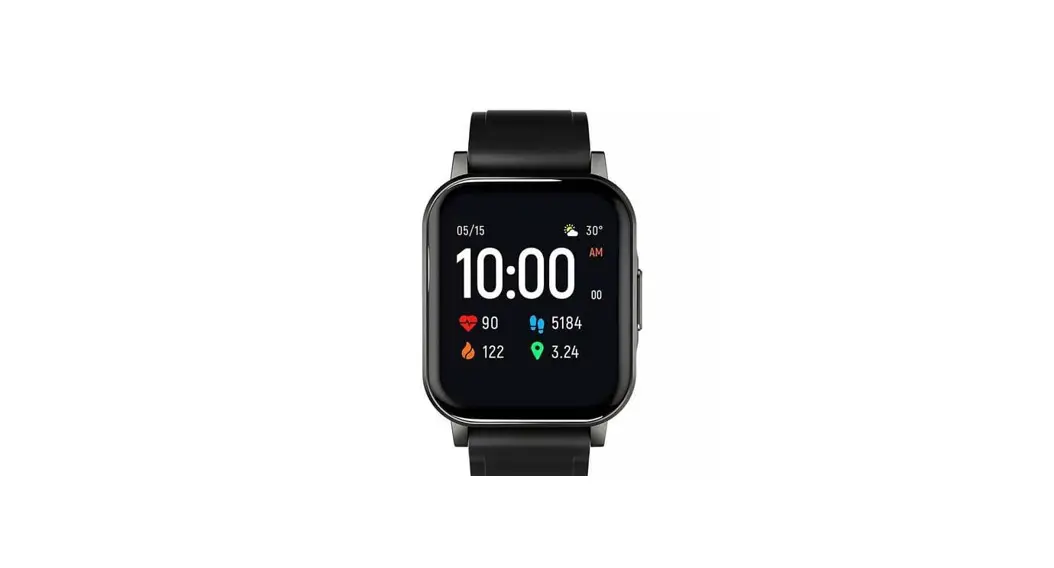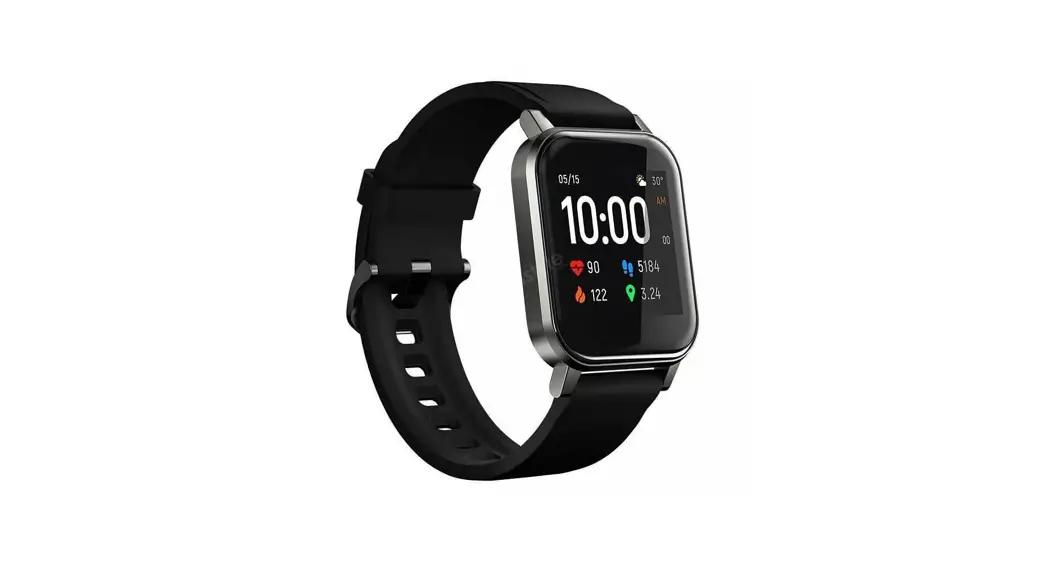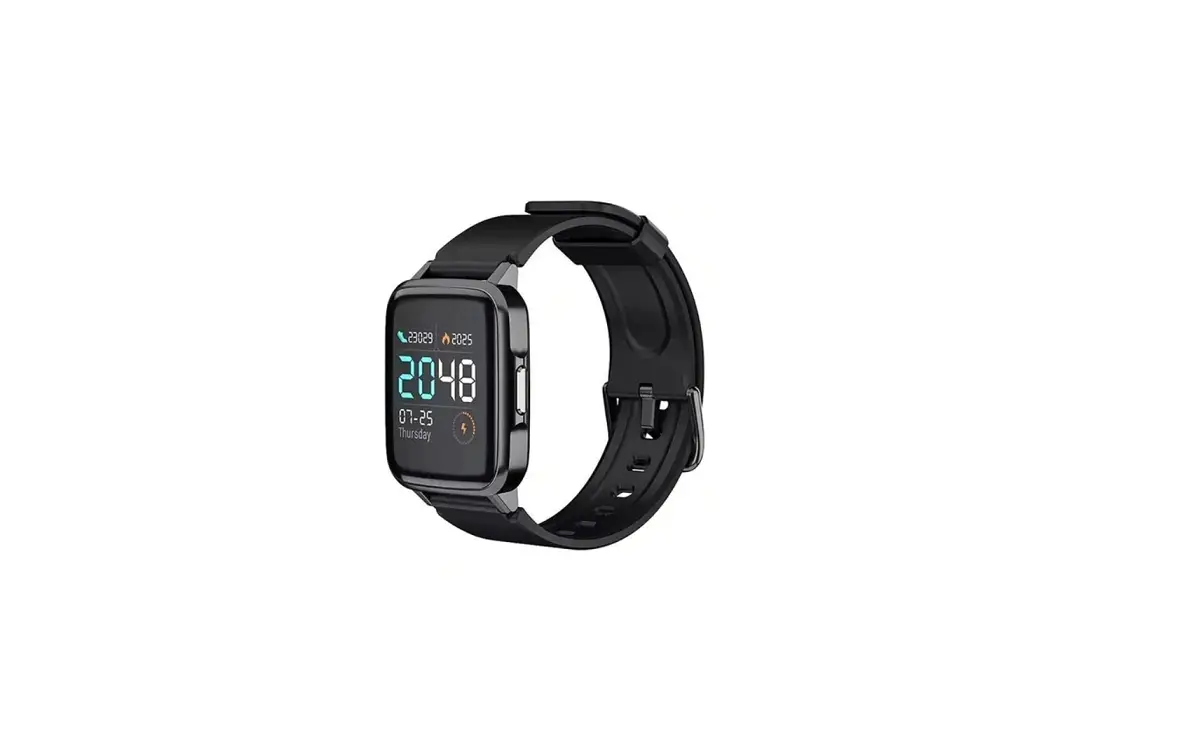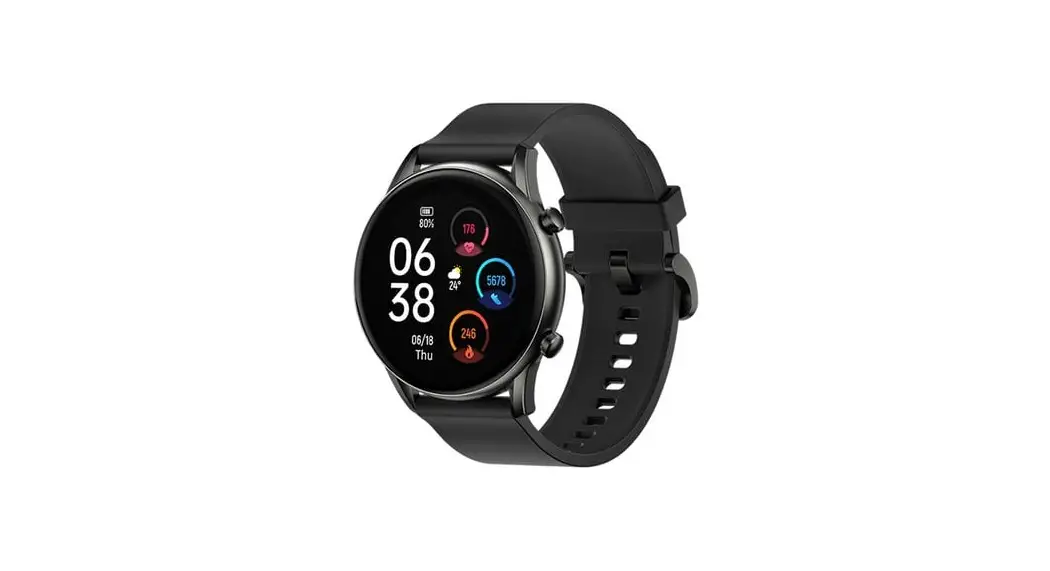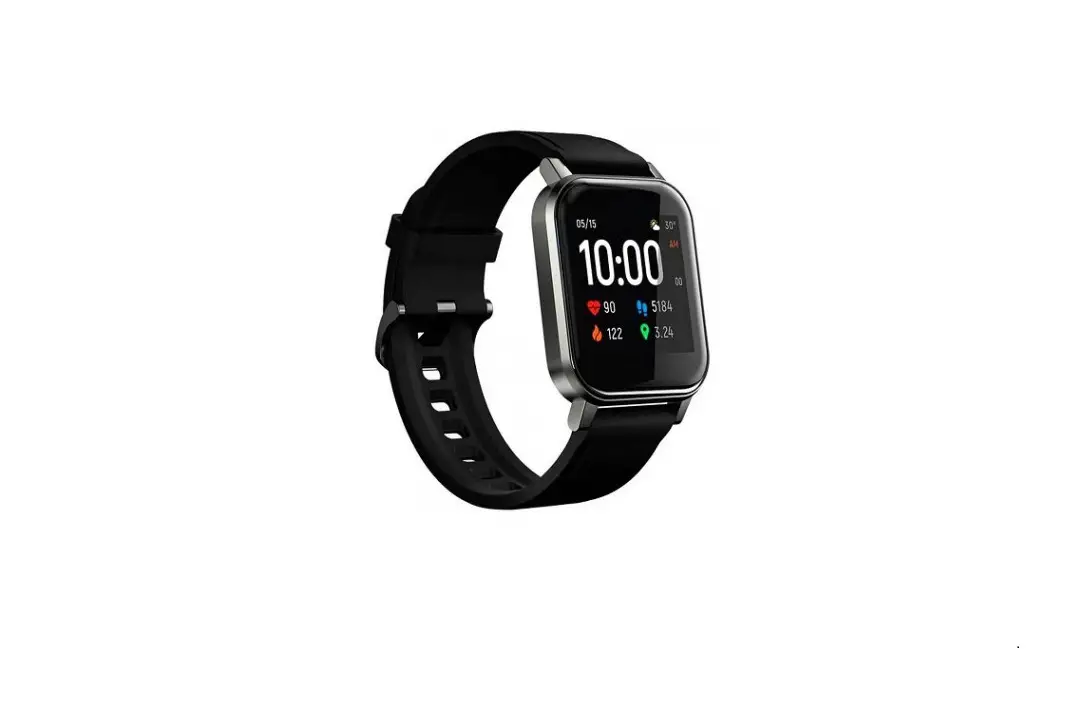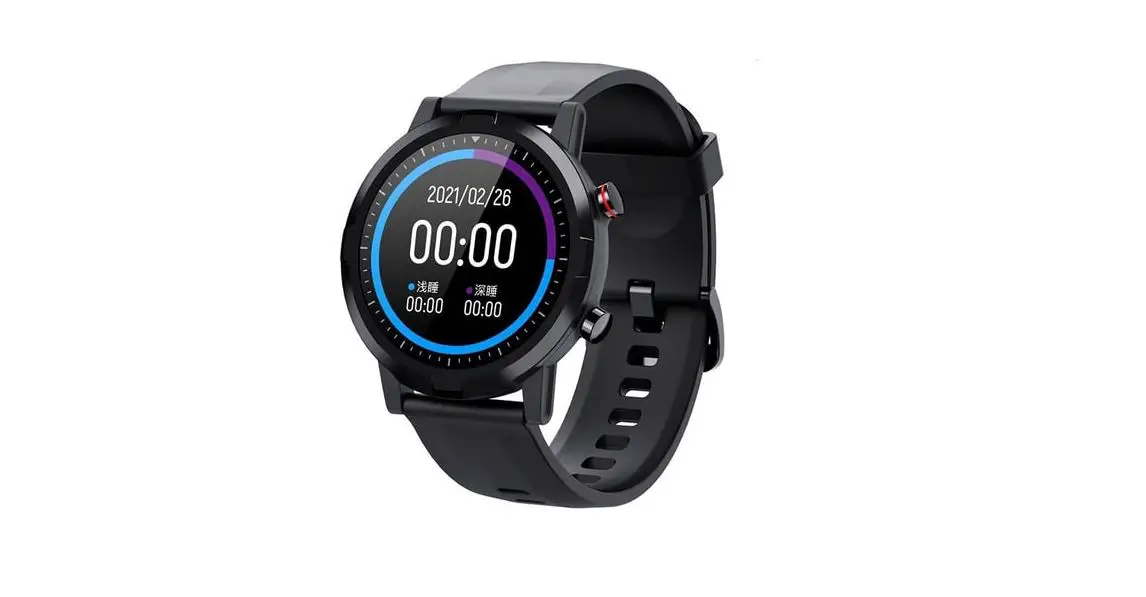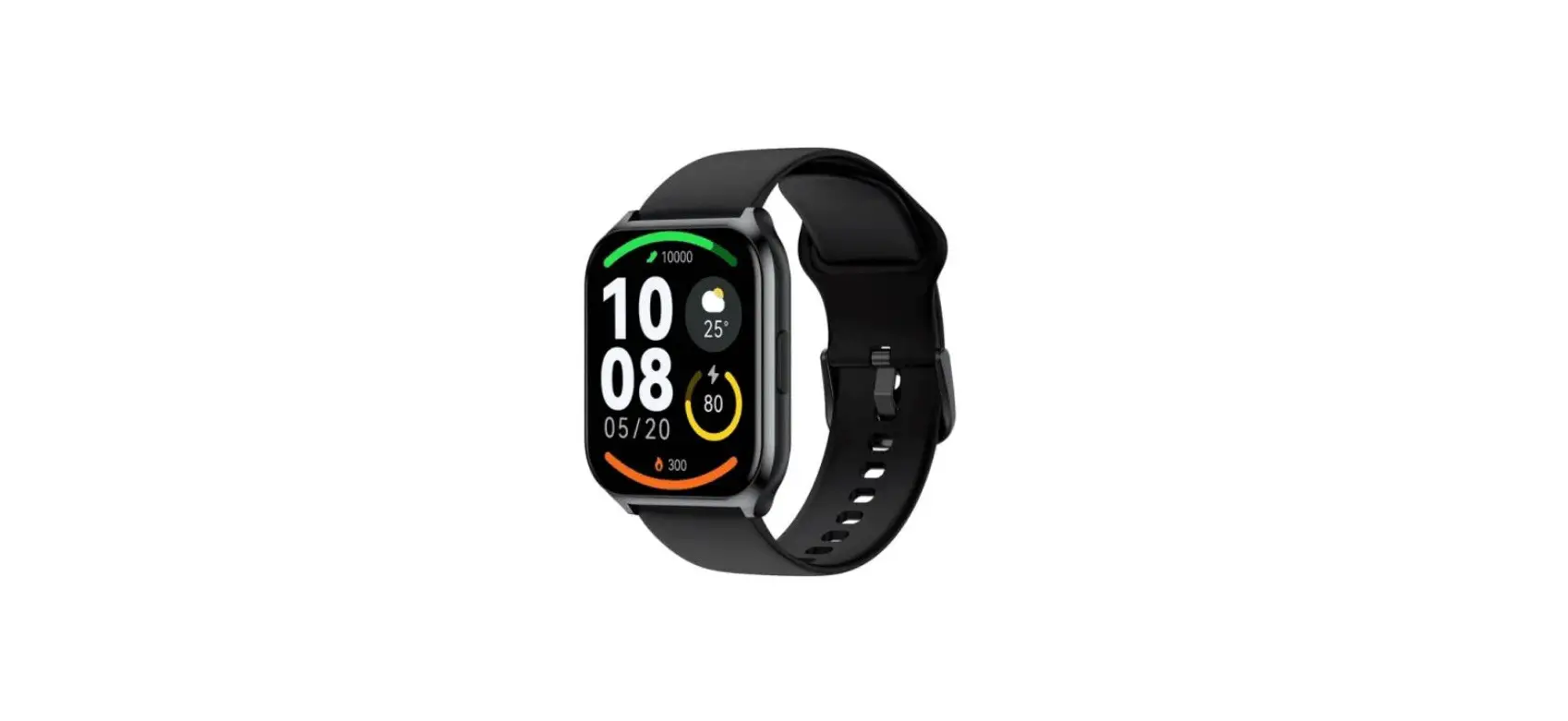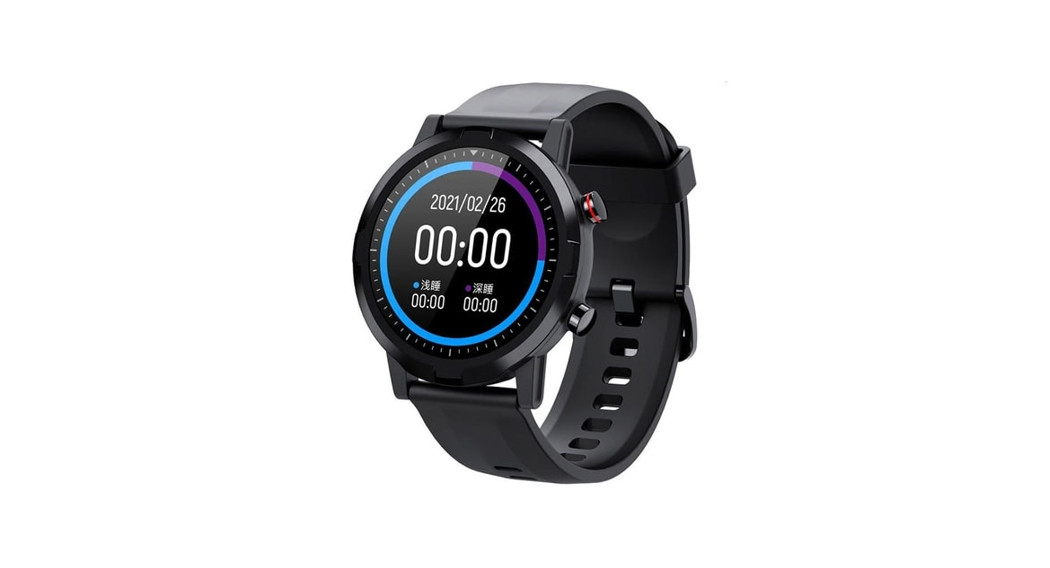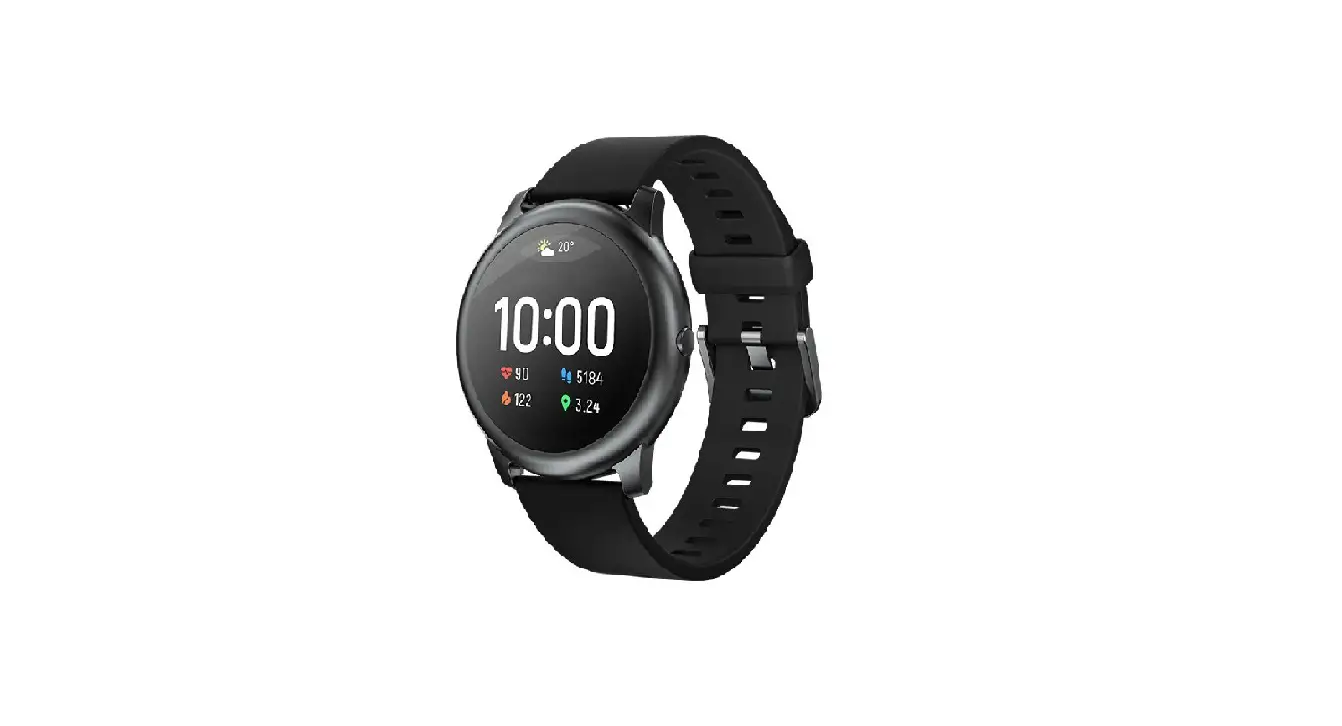
Haylou LS02(iOS)Video
Haylou LS02(Android) Video
Pair to Use
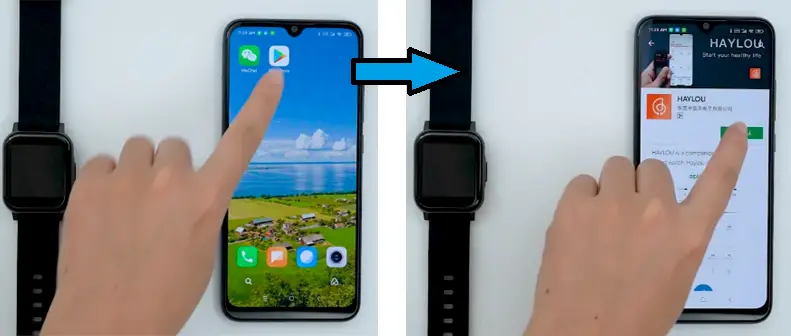
1. Download and Install and register HAYLOU APP
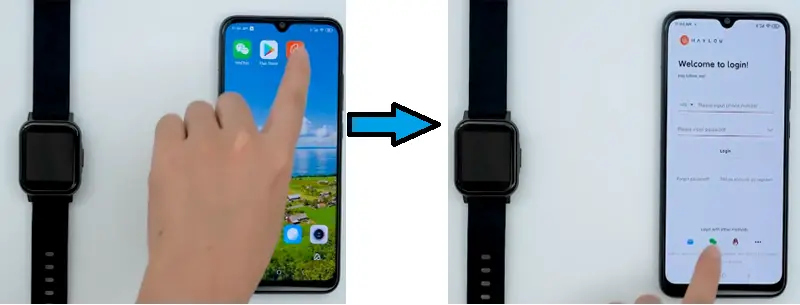
2. Click to enter app and log in
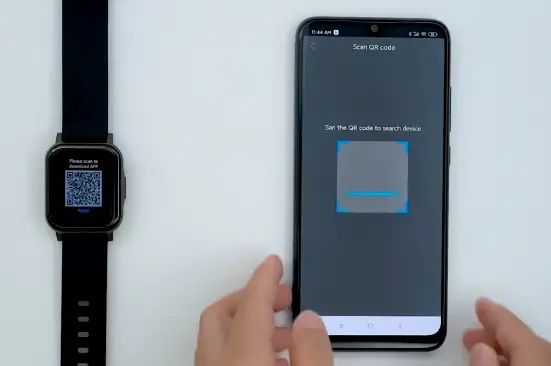
3. Turn on phone Bluetooth, click ” Device”, Click the icon in the upper right corner and scan the QR code on the Watch. According to the prompt. Click “Agree” tp complete the pairing.
Function Setting
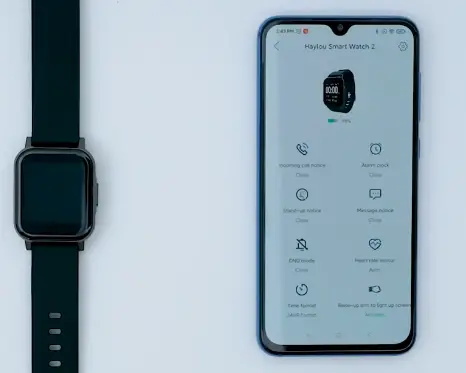
- Set basic function in the device setting section,
- Click different function interfaces to set on or off as needed.
- Click ” Message Notification” to Set the information prompt for your phone’s social software.
- Click ” Heart Rate Monitoring” to set manual or automatic.
- Click ” Time system” to switch between ” 12-hour System” or ” 24-hour System”
- Click ” Bright Screen Duration” to set the watch’s bright screen duration.
Watch Record Display
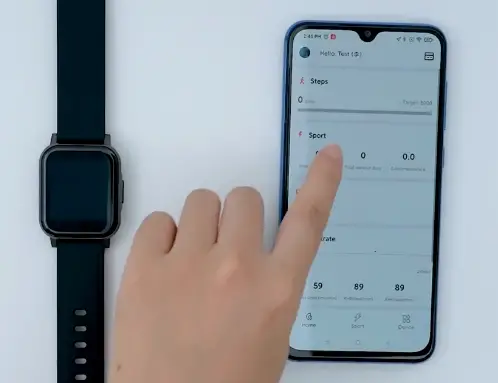
- Click Home to go back from setting,
- View daily watch data record,
- Click corresponding card to view the details data of specific item
- Click the upper right corner to enter card management.
Sports Goal Setting
1. Click ” Sports” Then, Click ” Edit Goal” to set sports goal.
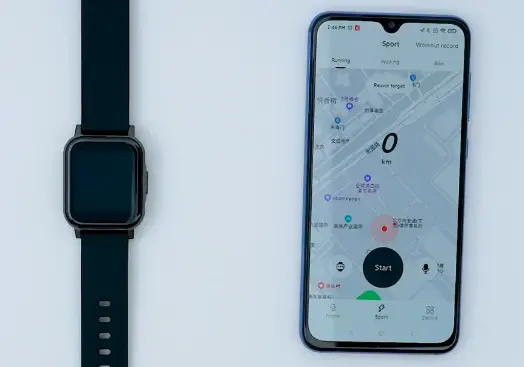
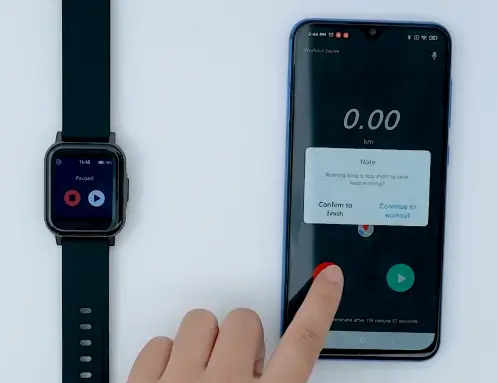
2. Click ” Start” exercise, Click ” Pause” to pause.
3. Long Press the pause button to end the exercise.
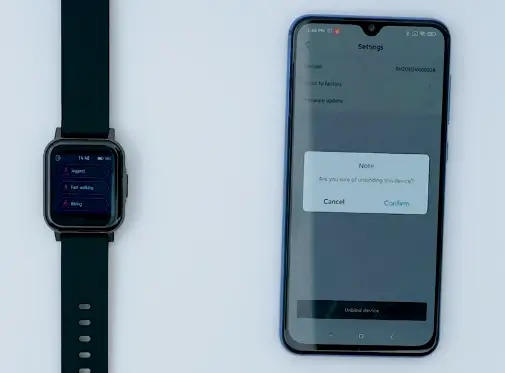
Unbind
- Click the icon in the upper right corner of the device interface. Choose to unbind, unbind successfully.
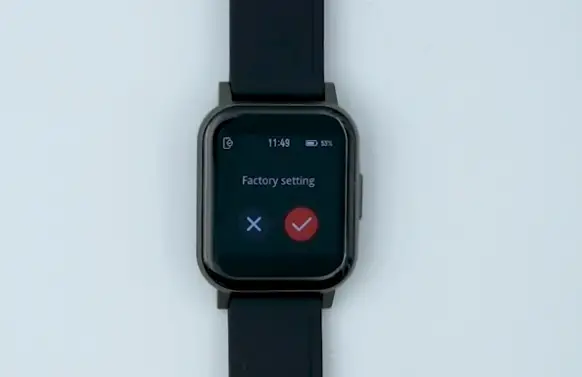
2. Select factory reset in the watch system operation interface.
THANKS FOR WATCHING