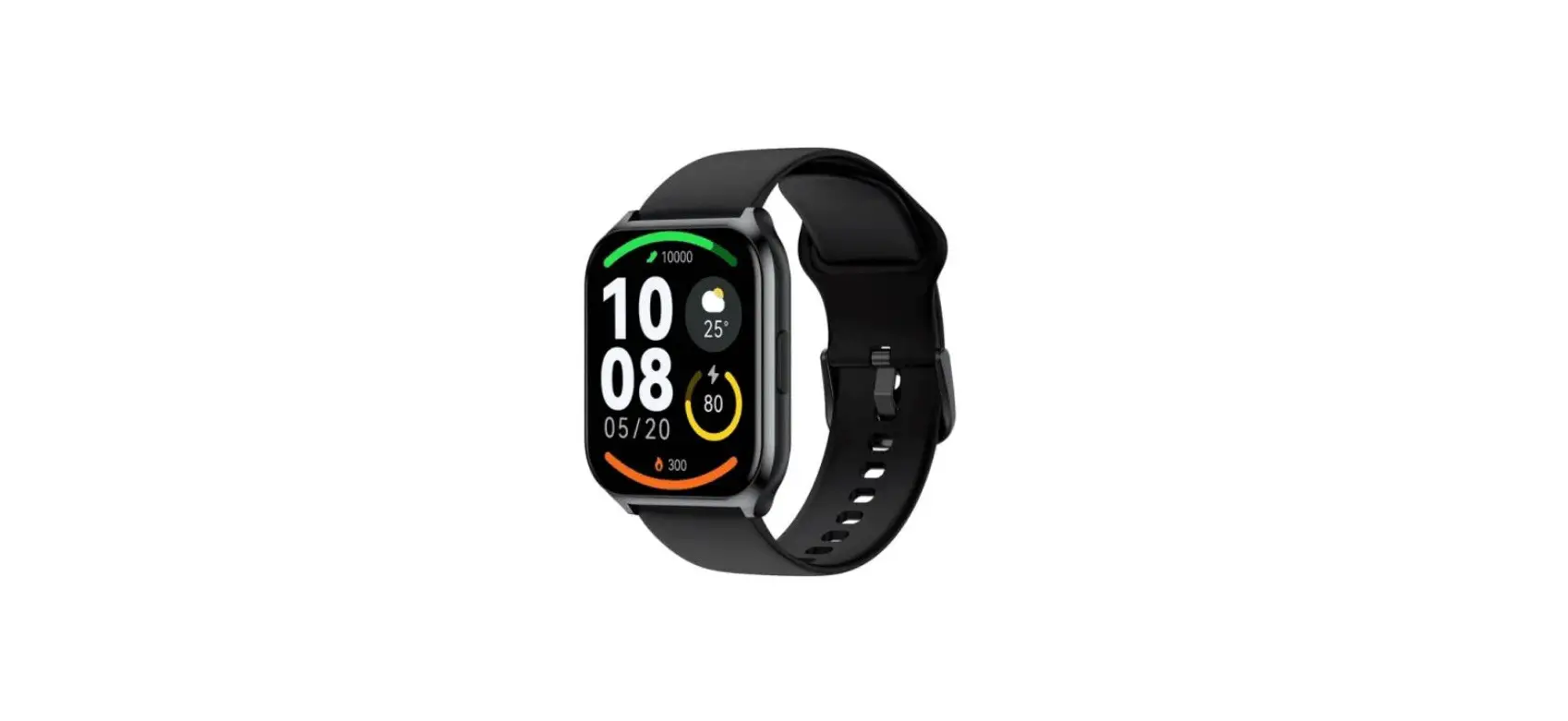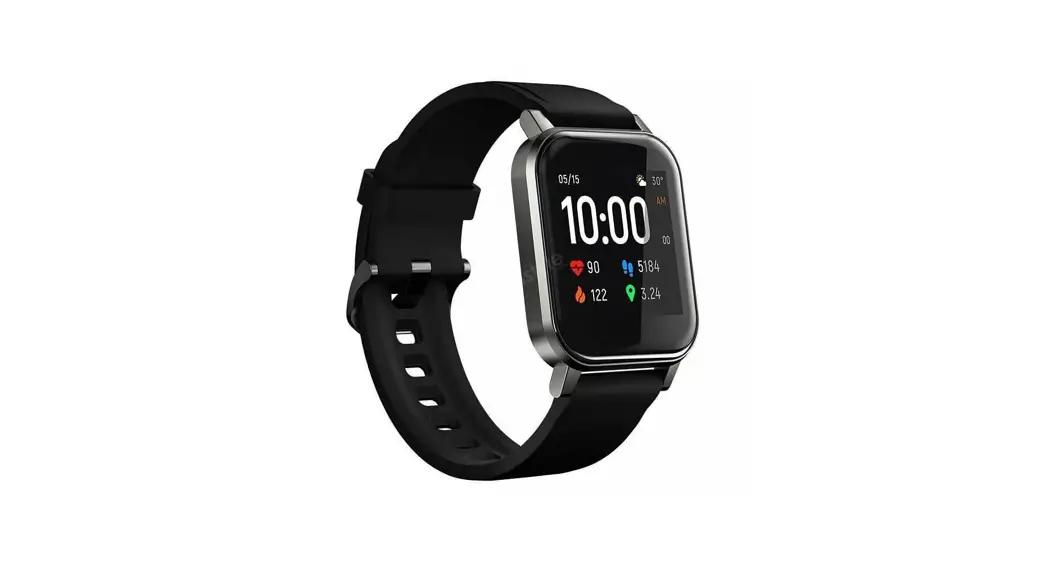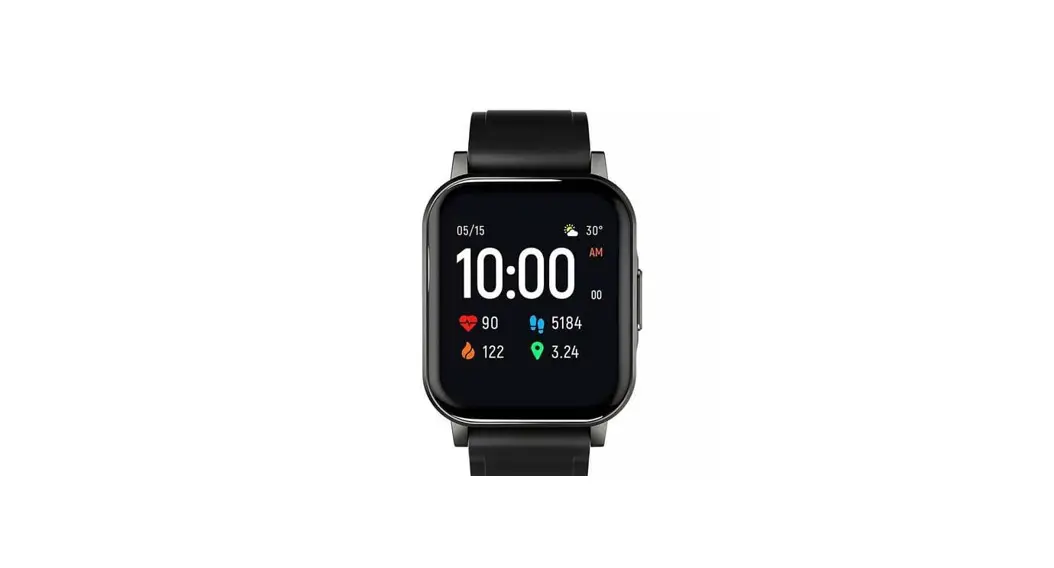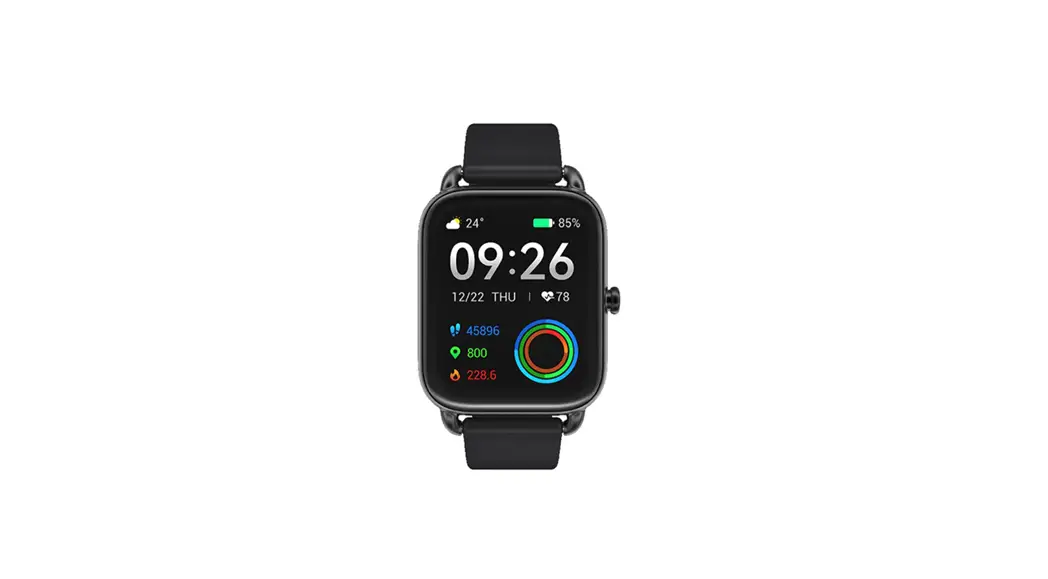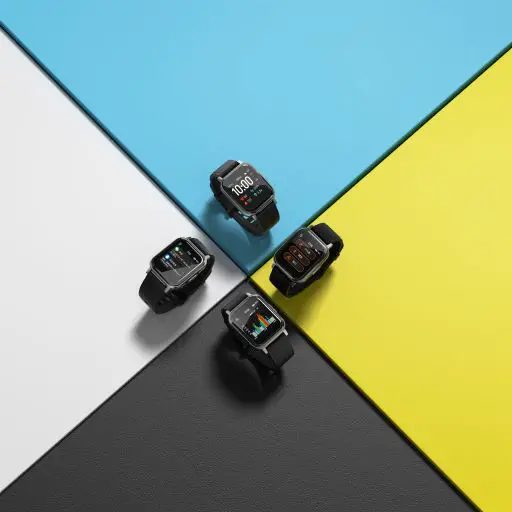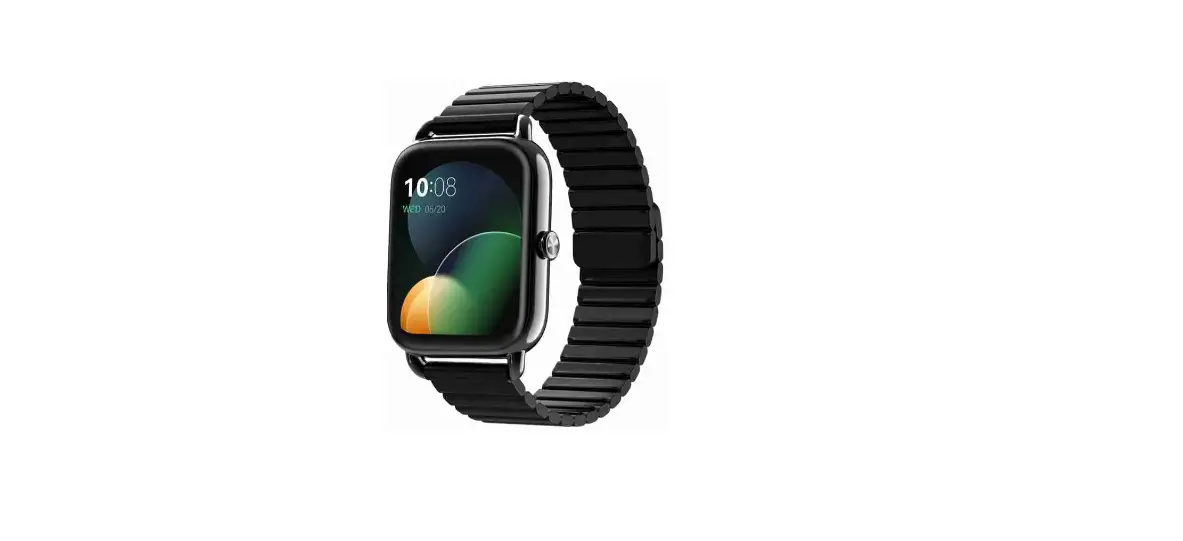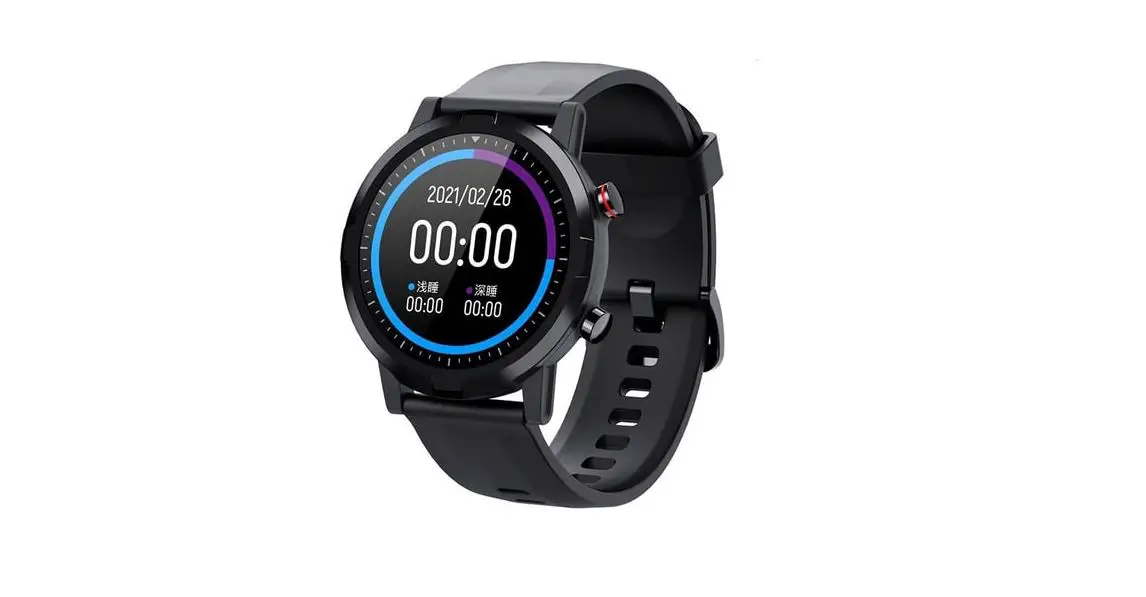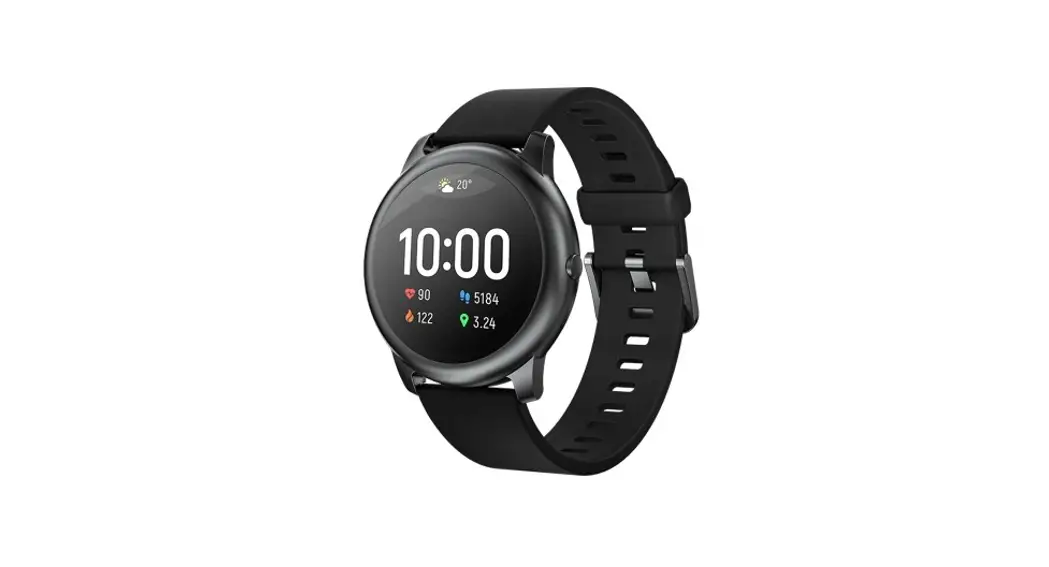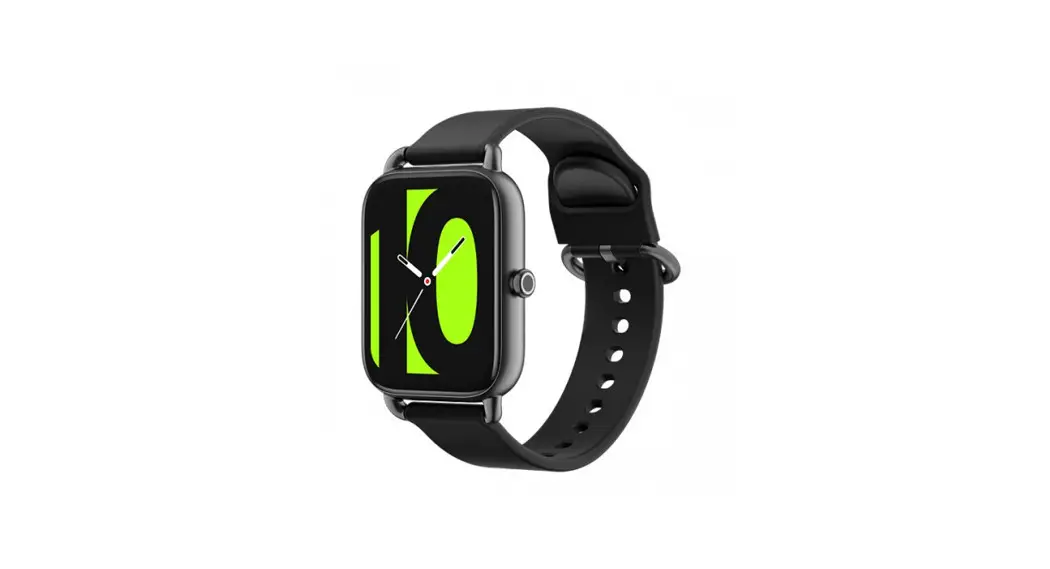
HAYLOU Smart Watch 2 User Manual
Overview
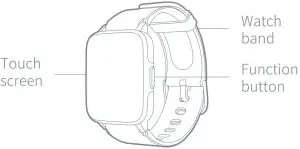
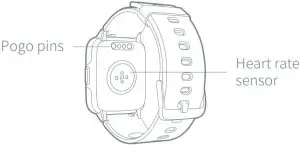

What’s in the Box
Smart watch, charging cable and user manual.
How to Wear
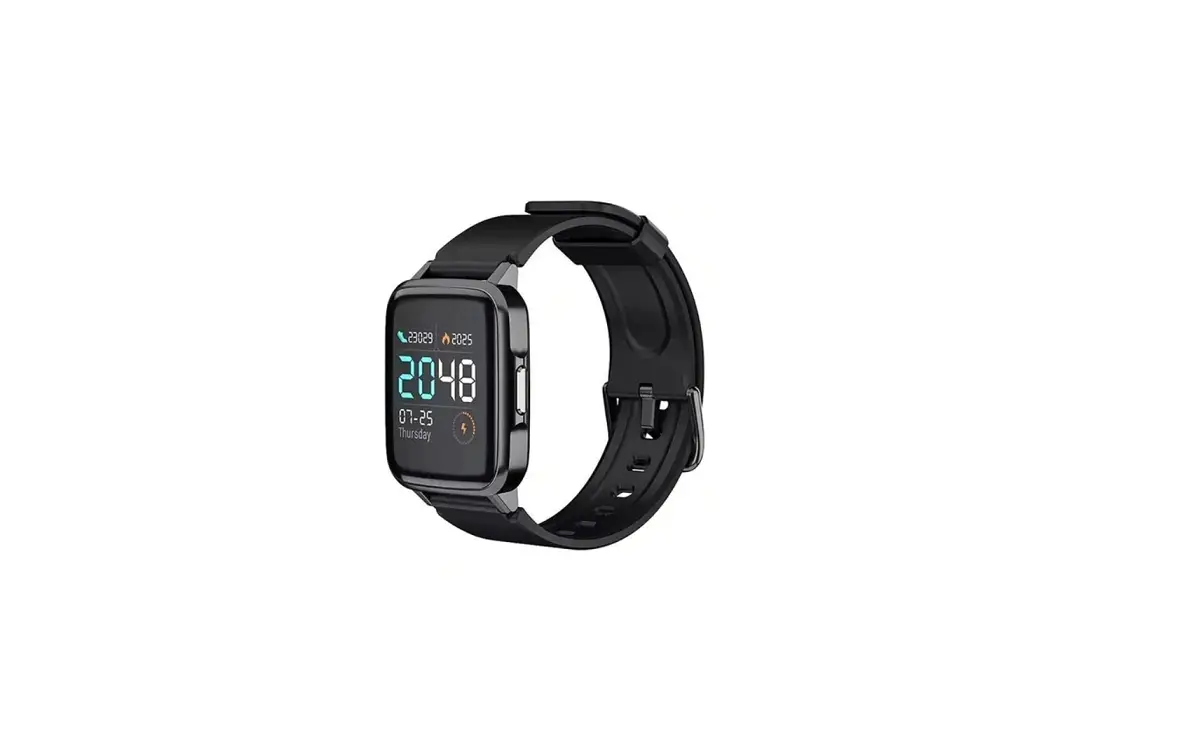
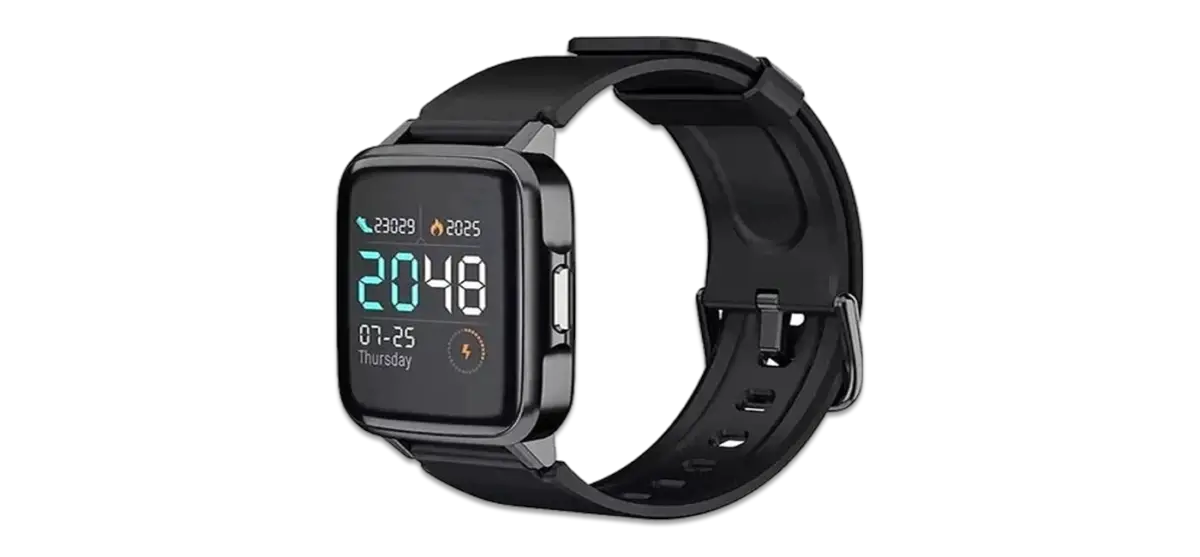
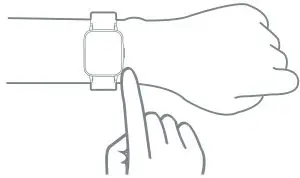
Please put on the watch and move it about one finger distance from your carpus. Please adjust tightness of watch band to fit yourself.
Note: Too loose of the band may impact performance of heart rate sensor.
How to Link
Hold function button to power on the watch and a QR code will be displayed. Use your phone to scan the QR code to install APP. You may also scan the QR code below to install.

Note: The instruction below is for reference only. For actual installation, please follow the instruction in APP.
How to Use
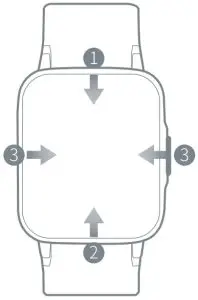
- In Home Page, slide down from the top of the watch face to open Quick Setting.
- In Home Page, slide up from the bottom of the watch face to open Control Panel.
- In Home Page, slide right/left to skip to previous/next page.

- When it’s not in Home Page, slide from left edge to right edge to return to previous page.
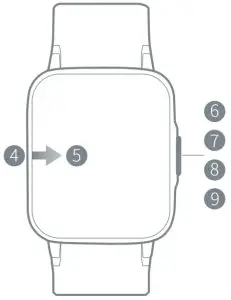
- In Home Page, keep touching screen for 3s to enter Watch Face Change.
- Hold function button for 3s to power on/off.
- Press function button to return to Home Page (only open one page).
- Press function button to skip to previous page (open two pages).
- Press function button to pause/resume your workout (during workout).

Functions
 | 12 sport modes ( jogging, hiking, biking, climbing, spinning, indoor running, yoga,gym, free training, basketball, football and boating) |
| A 24-hour heart rate monitoring keeps making records |
| It tracks your sleep time and status |
| You may check the coming three days’ weather and real time temperature |
| Remote music control on phone (the watch cannot play music independently |
| Help adjust breath and relax yourself |
| Accuracy is up to two decimal places |
| A full screen timer |
| Open, set, check and close the alarm clock |
| Sit too long and it’s time to get on your knees |


How to Charge
- Charge the watch via charging cable and make sure pogo pins are well-contacted.
- Use qualified adapter with output voltage of 5V and output current of 0.5A or above.
- If you do not use the watch for a long time, charging icon may not show up until you charge the watch over 1 minute.
- Please always keep pogo pins dry.

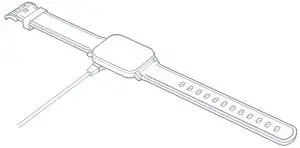
Note:
- We hold rights to revise the User Manual without any notice to you. Parts of the functions may be different in certain softwares.
- Please charge the watch more than 2 hours before use.
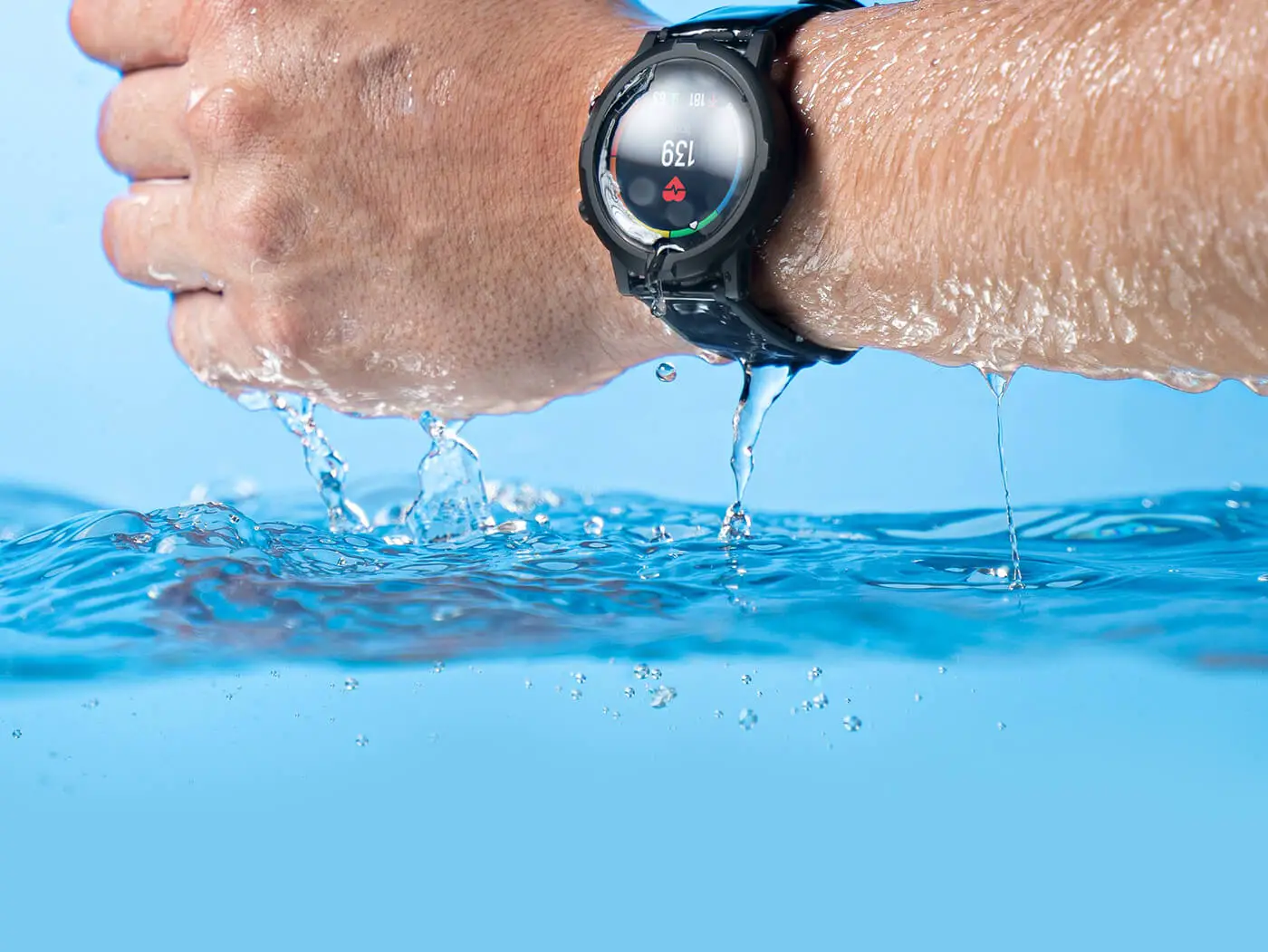
- This product is within IP68 waterproof, yet do not soak it into hot water or other corrosive liquid, or wear it for a dive to a depth over 3m. Any defects caused by the above practices will not be covered by warranty.
- Please do not get the band too tight. Keep contact parts of the watch dry and clean the band periodically. For any allergy, please take off the watch at once and consult doctor.
- Function button and touch screen are not available for use under water. If the watch gets wet, please dry it before use.
Basic Parameters
Product name: Haylou Smart Watch 2
Product model: Haylou-LS02
Main body size: 48 x 36 x 11.5mm
Band size: 20mm
Weight ( with band ): 38g
Display: 1.4 inch TFT LCD
Definition: 320*320
Bluetooth version: V5.0
Sensor: heart rate sensor, accelerometer sensor
Battery capacity: 260mAh
Battery life: 20 days of long battery life
Dust, water proof: IP68
Working temperature: -20℃~45℃
Data sync platform: HAYLOU
Compatibility: Android 4.4 or IOS 8.0 and later

FCC ID: 2AMQ6-LS02
CMIIT ID: 2020DP3517 :018-200129
Warranty Card
Warranty Period
12 months after you purchase this item. ( or you may inquire your local shopperfor more details.)
Free Service
Supposing any defects caused by quality issues occur within the warranty period, please take this warranty card and purchase receipts to your distributor for free exchange service.
| Model Number | |
| Date of Purchasing | |
| User’ s Name | |
| User’ s Phone | |
| User’ s Address | |
| Shop’ s Name | |
| Shop’ s Address | |
| Comments |
Free exchange service will not be accessed under following circumstances:
- Damages caused unauthorized disassembly.
- Defects or physical damages caused by leaking or dropping off.
- Damages by act of God.
Supposing your item is within any damages or defects except the above circumstances, please return to us or your distributor for free repairing.
Manufacturer: Dongguan Liesheng Electronic Co., Ltd.
Address: Suite 1303, 1305 and 1306, 13/F, Project Phrase 2 of Gaosheng Tech District,Dongguan City, Guangdong, China.