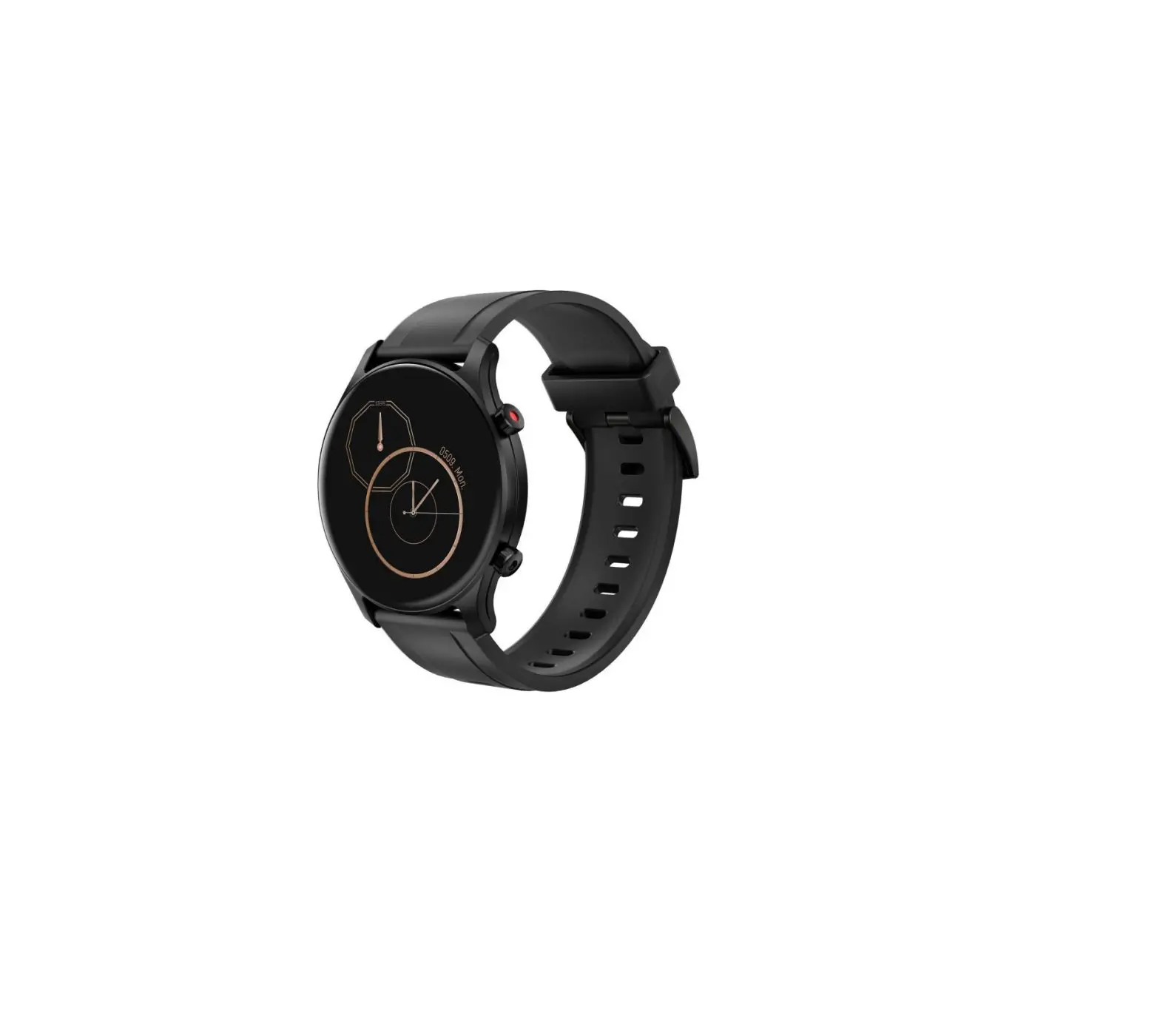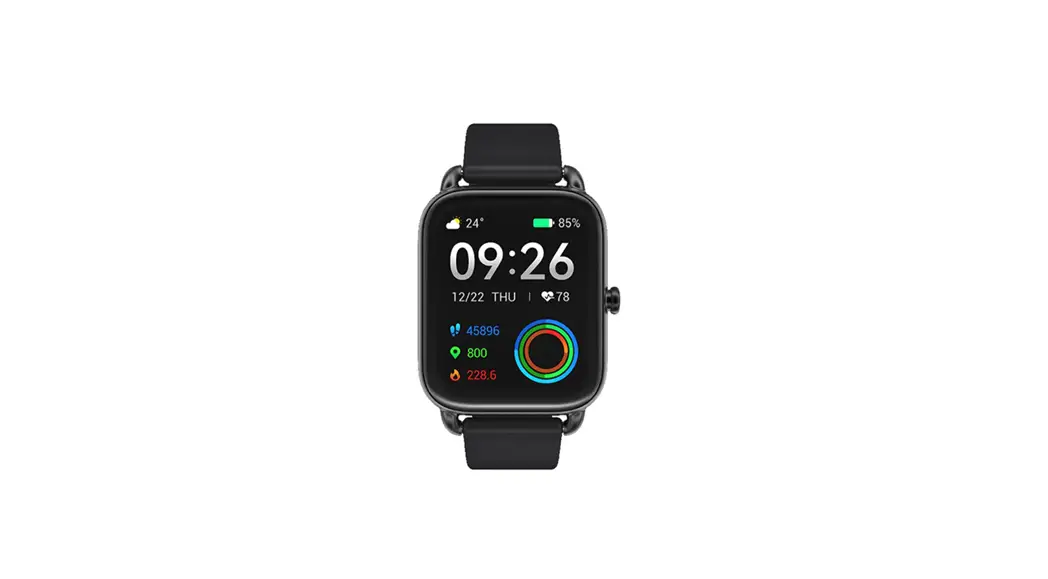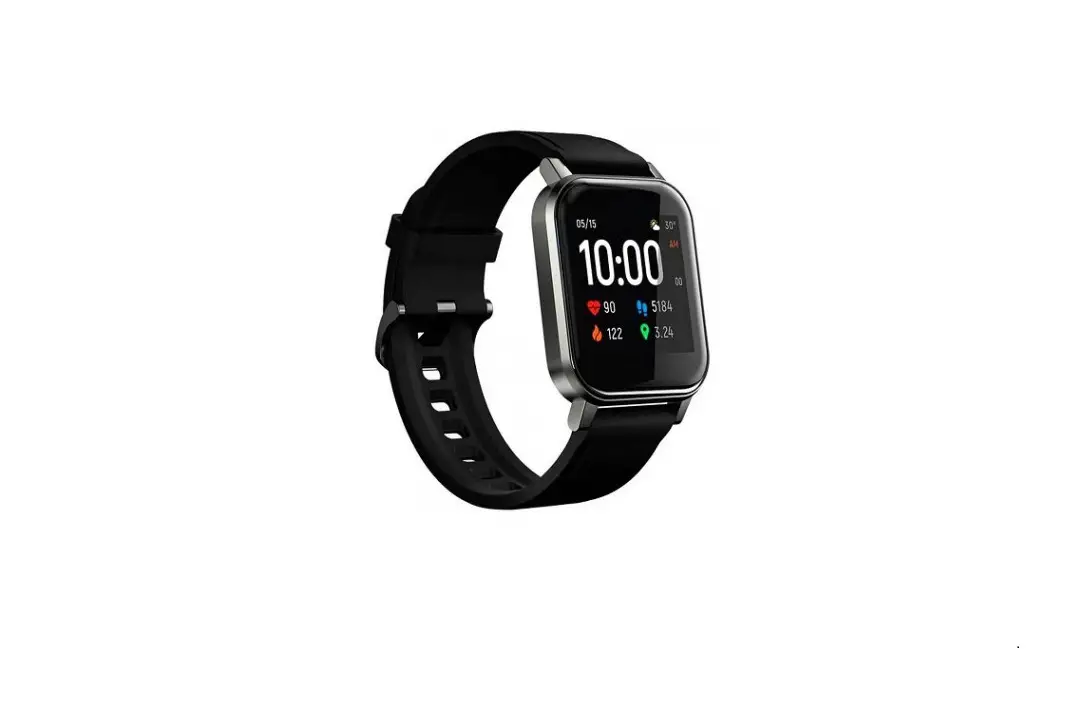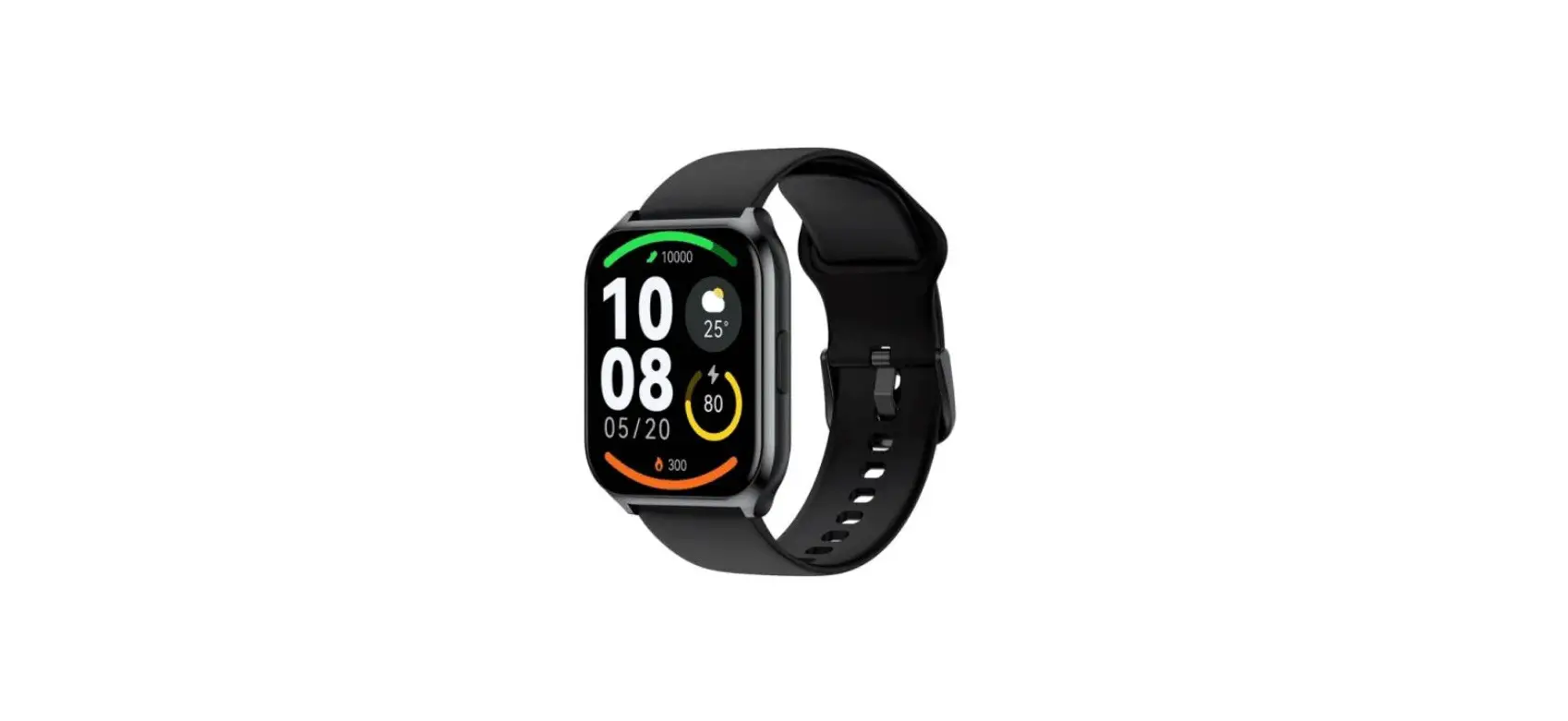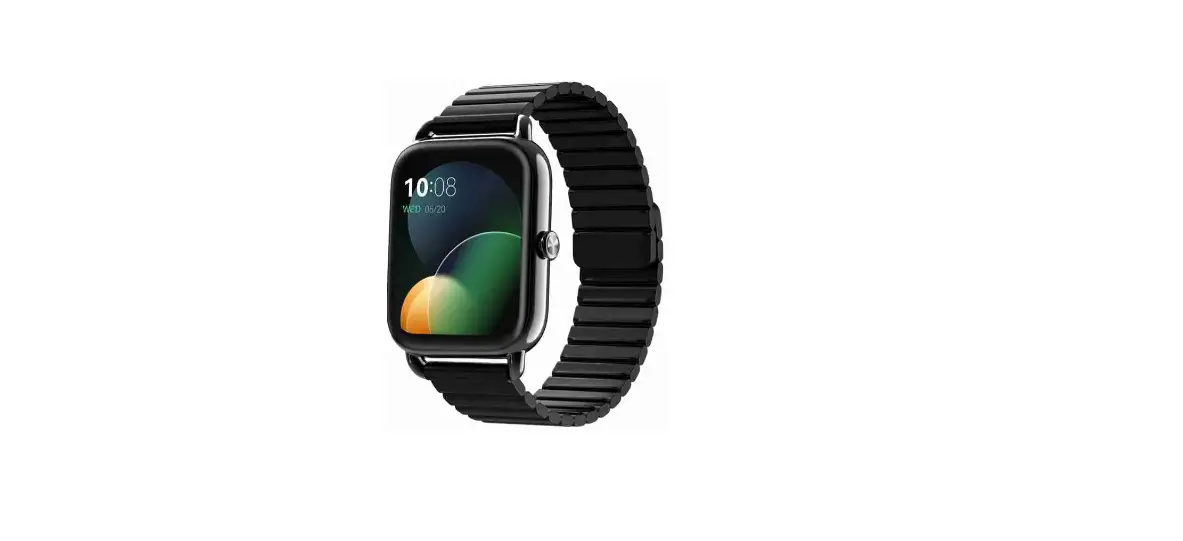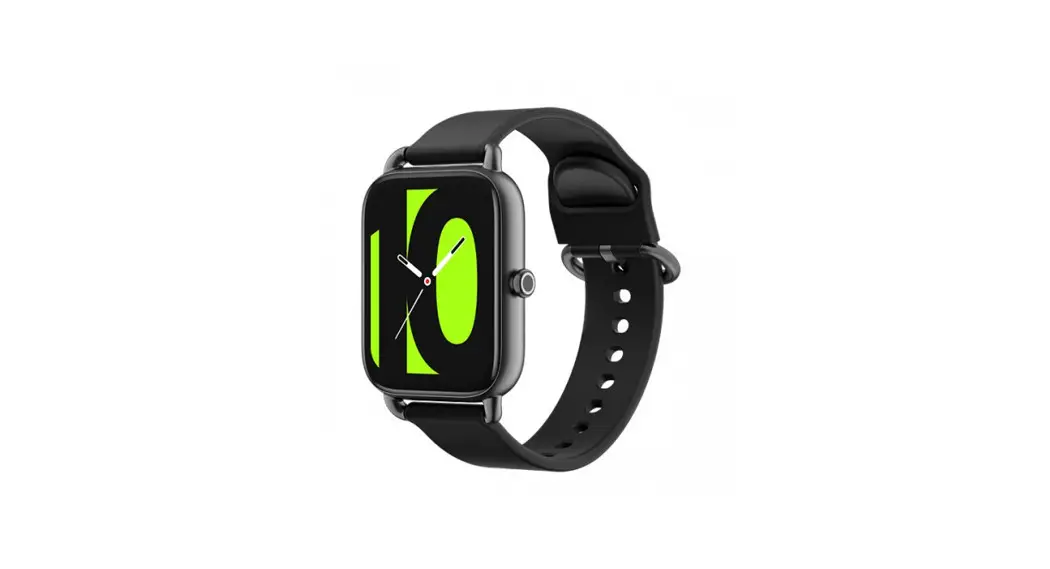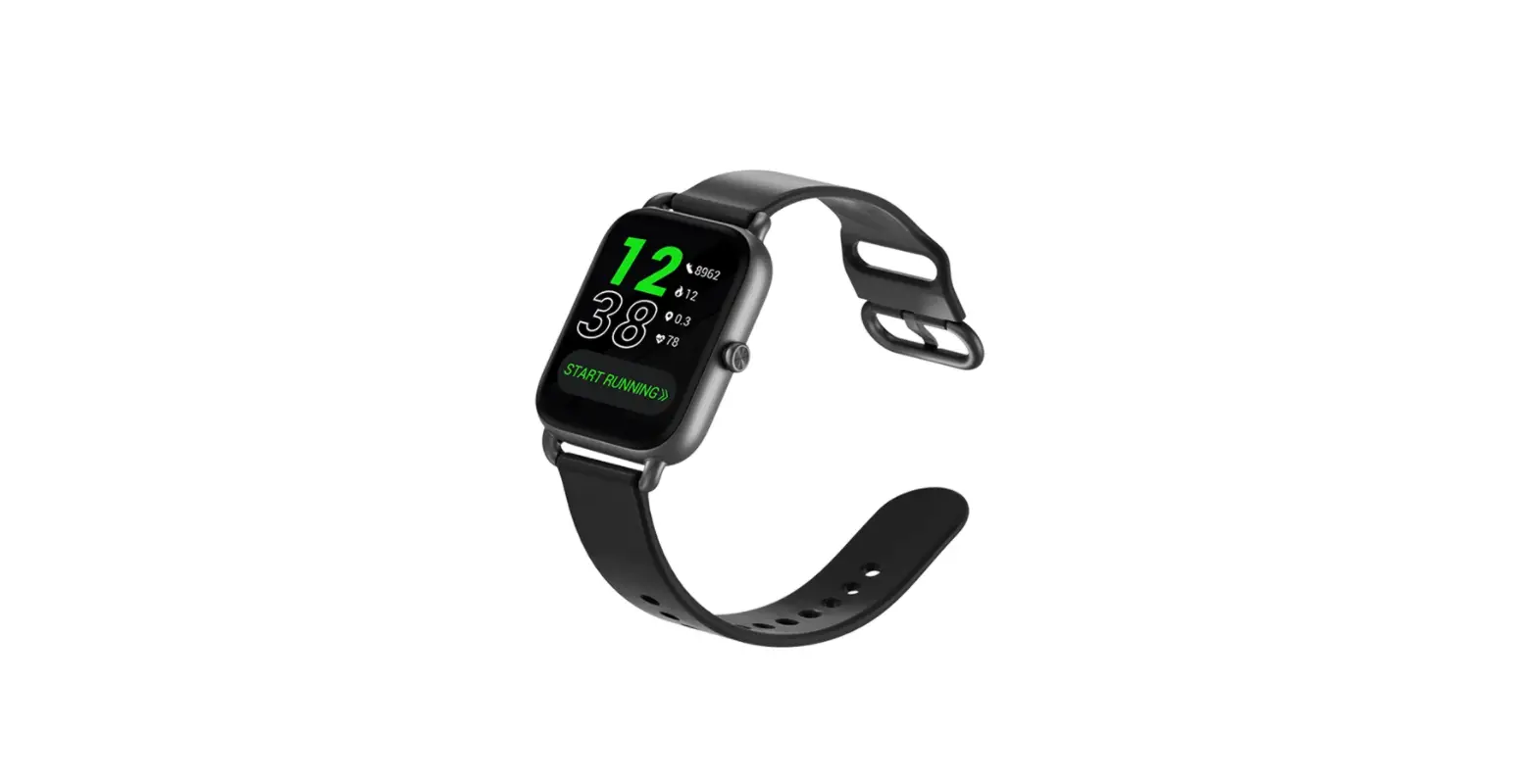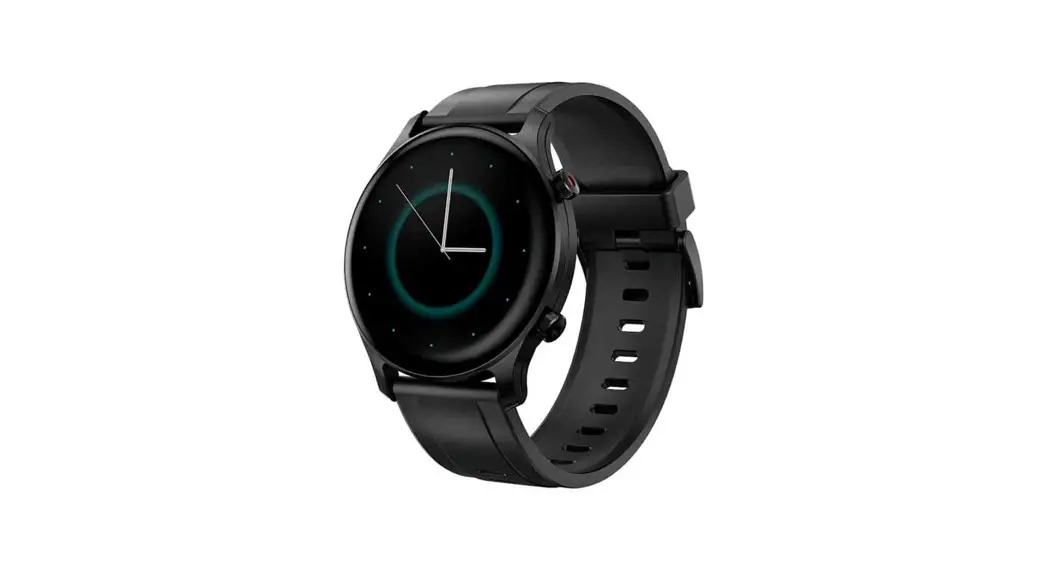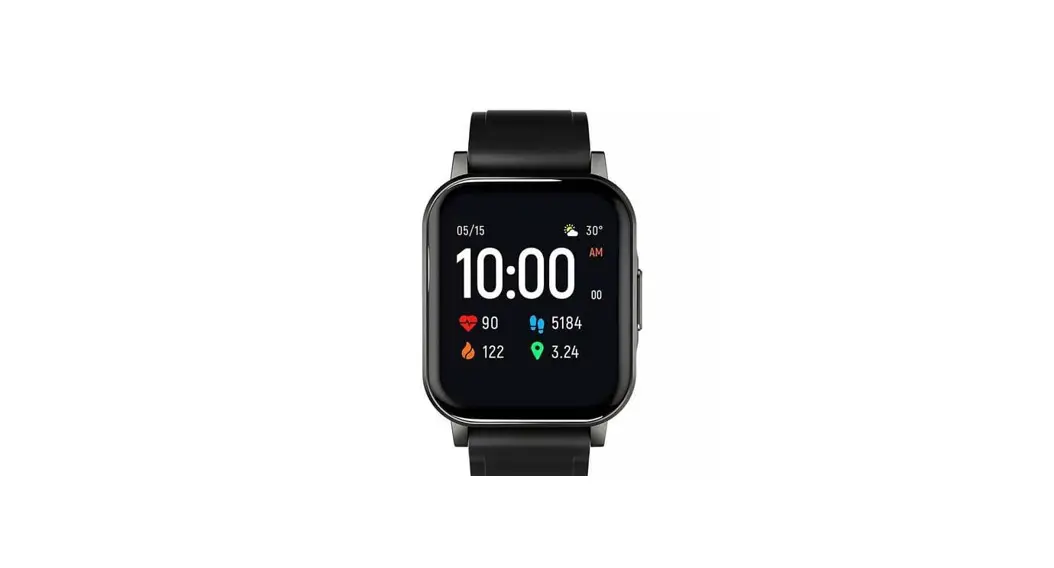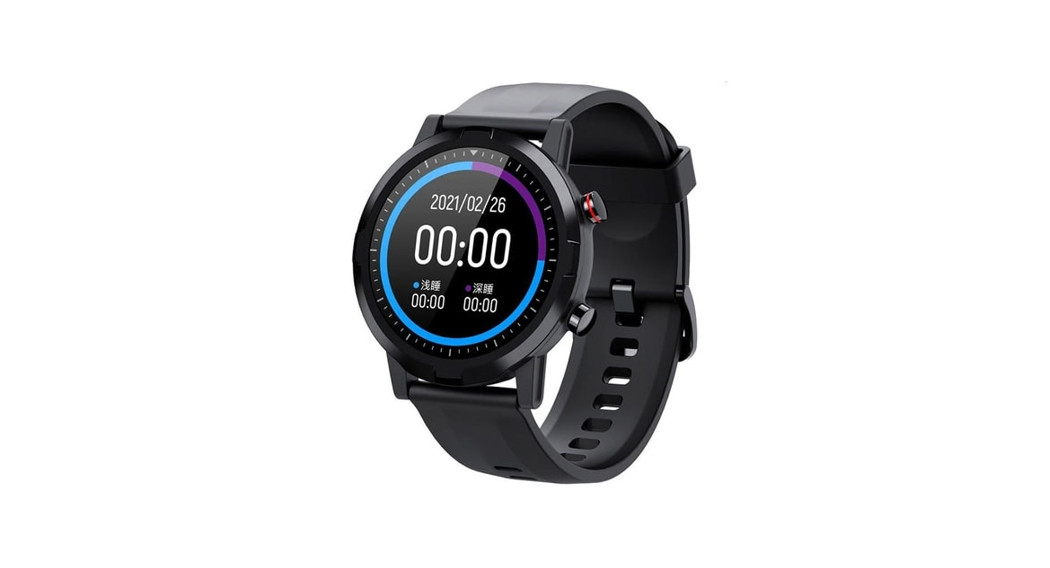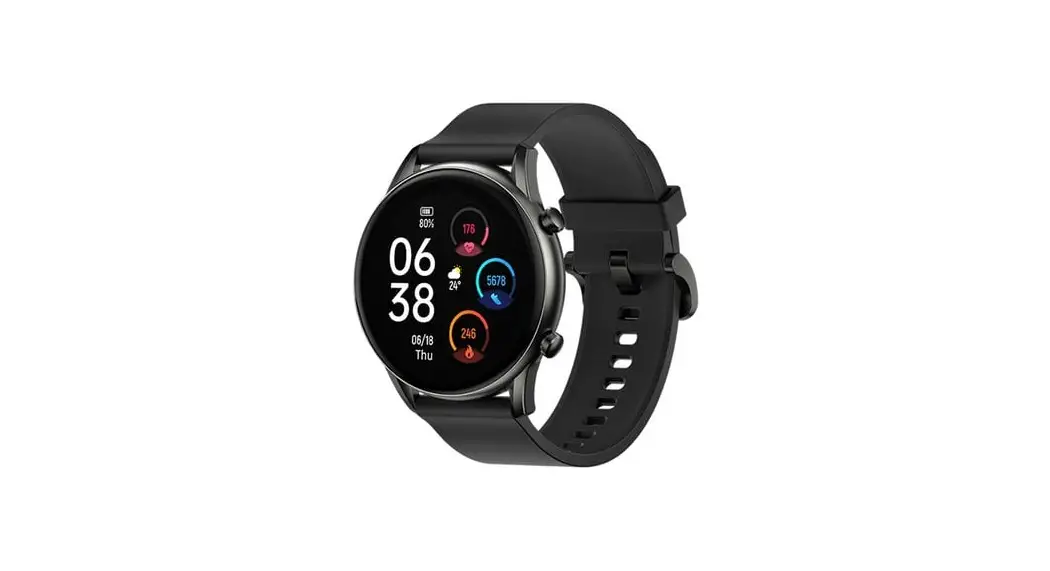
Haylou RS3 Smart Watch Video Instruction
Pair to USE
1. Scan code to download “Haylou Fun App” — Click the icon in the upper right corner to open the camera.
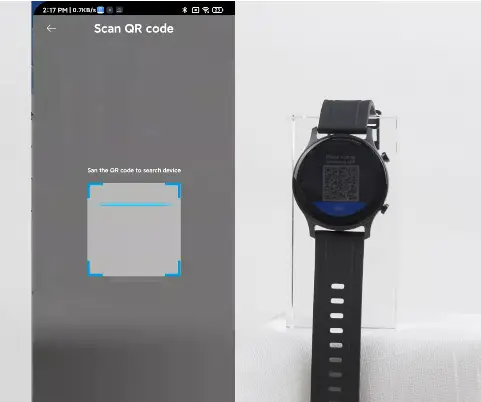
2. Scan QR code on the watch screen-click on the watch to allow binding–complete pairing
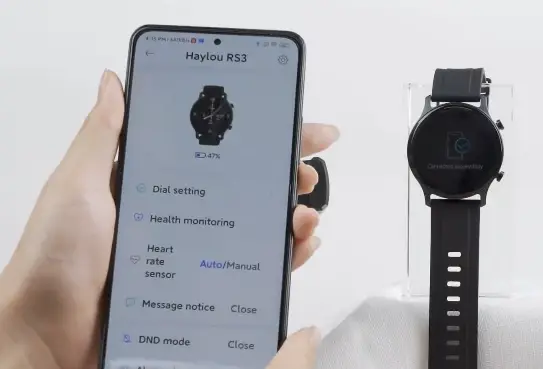
Dial Setting in App
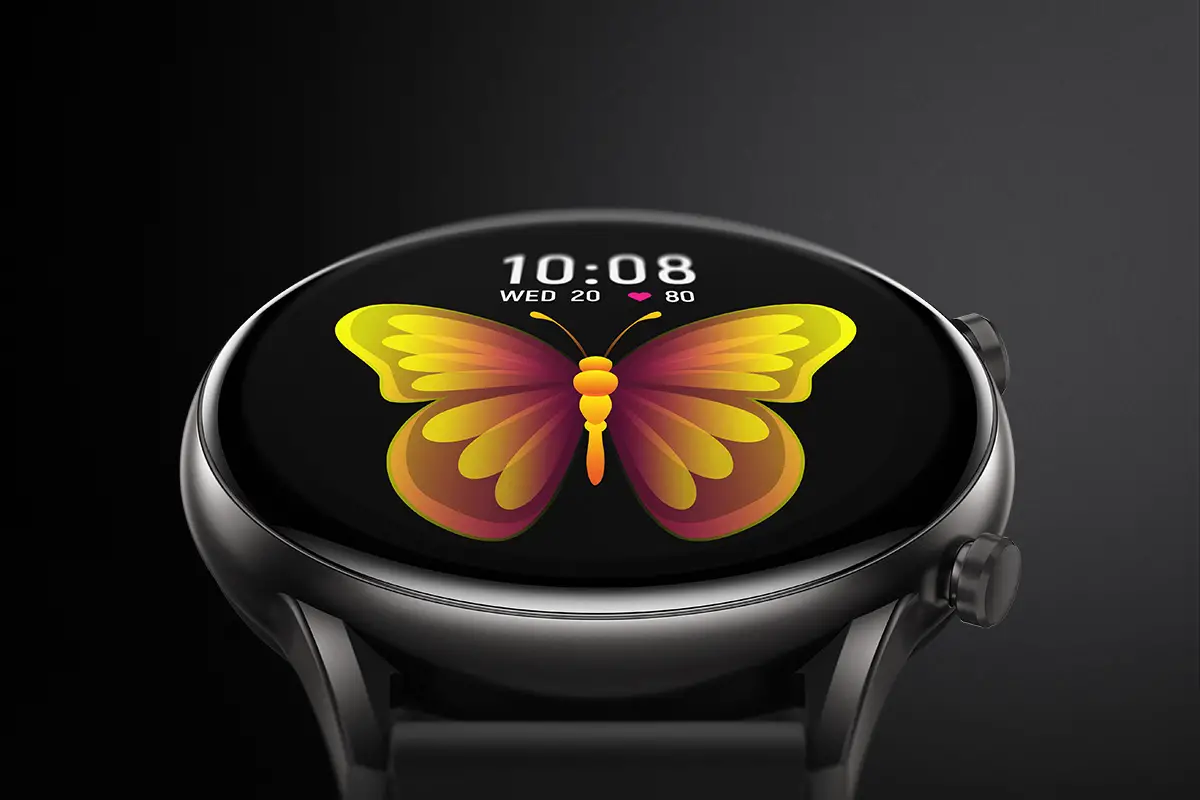
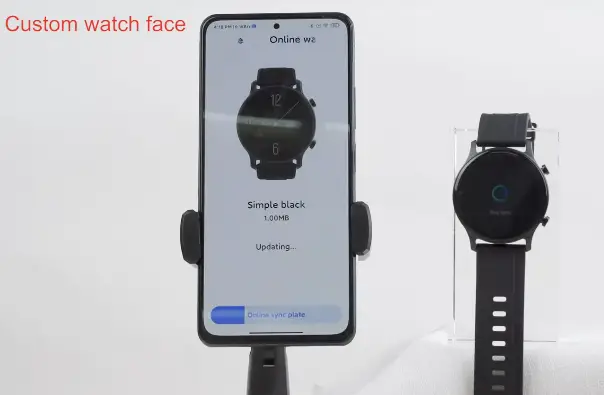
Select watch dial you like — Click ” Sync Dial”
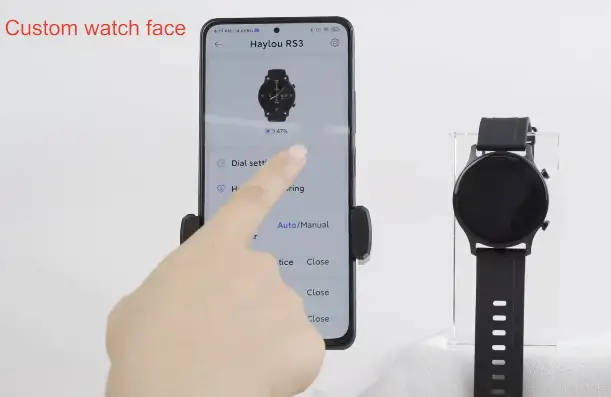
Wait for the watch to sync–complete setting
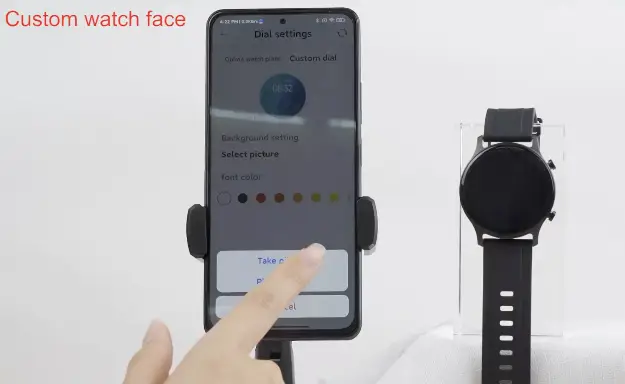
Choose the picture you like — choose the font color you like
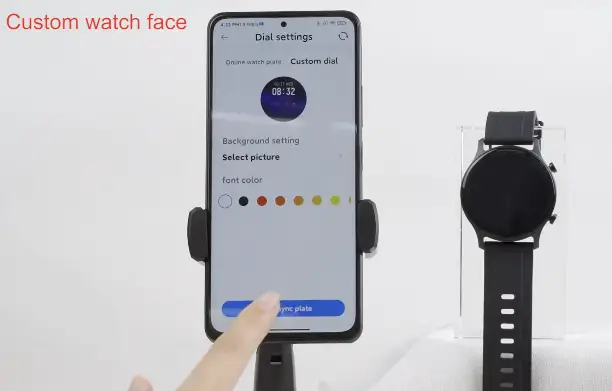
Waite for the watch to sync–Complete setting
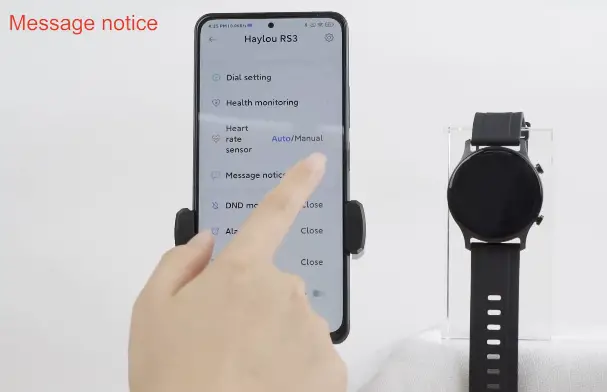
Massage Notice
Select to open massage notice of corresponding App
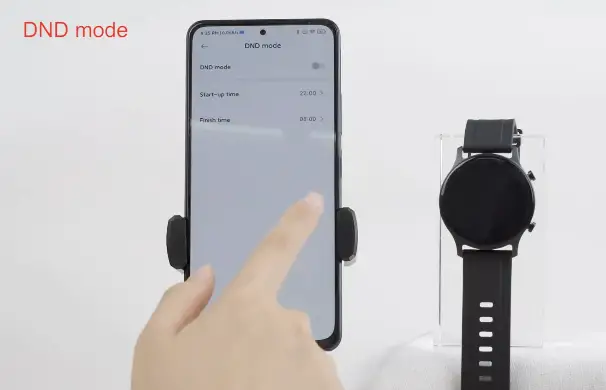
DND Mode
Set the time of do-not-disturb mode—click to open
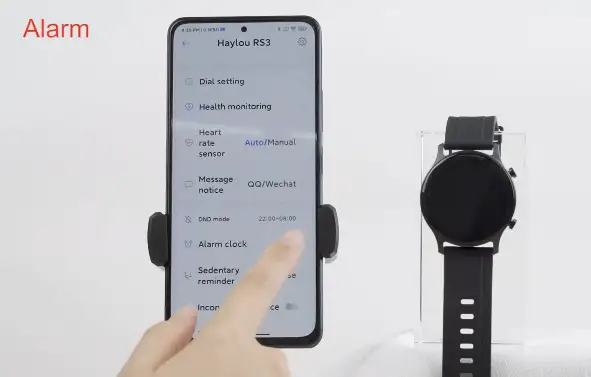
Alarm
Click the Add button in the upper right corner—set the time—Click to open
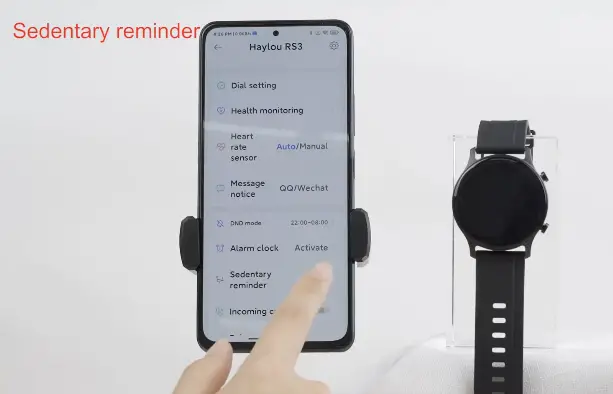
Sedentary Reminder
Set the time for sedentary reminder–Click to open
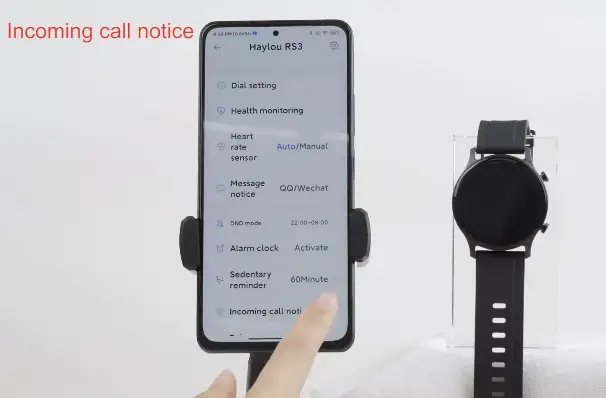
Incoming Call Notice
Switch on /off
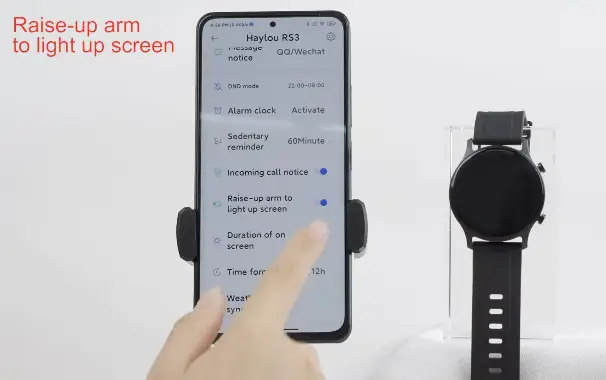
Raise-up arm to light up screen ( Switch on/off)
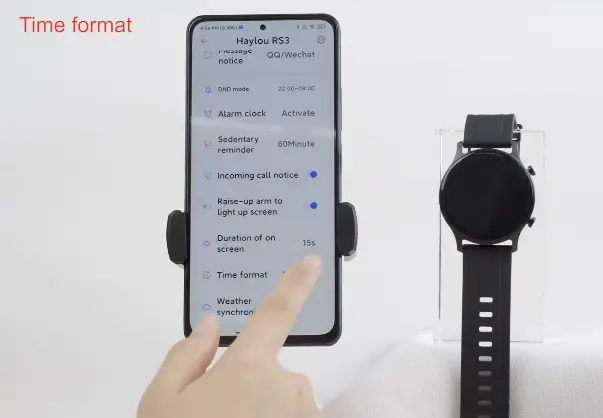
Time format
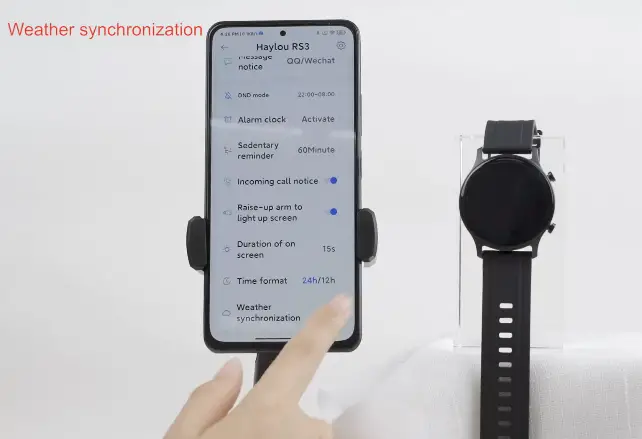
Weather Synchronization
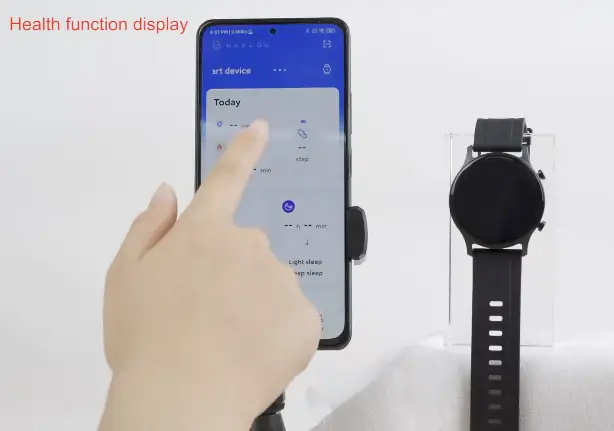
Health Function Display
Unbind
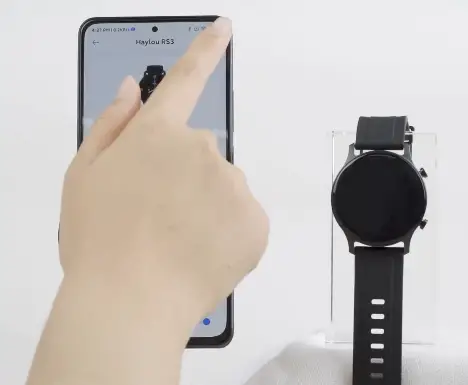
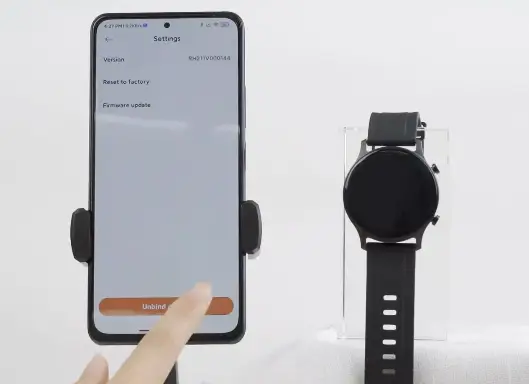
Click the icon in the upper right corner of the watch–Click ” Unbind device” — Unbind Successfully ( You can also choose ” Reset to factory”)
THANKS FOR WATCHING