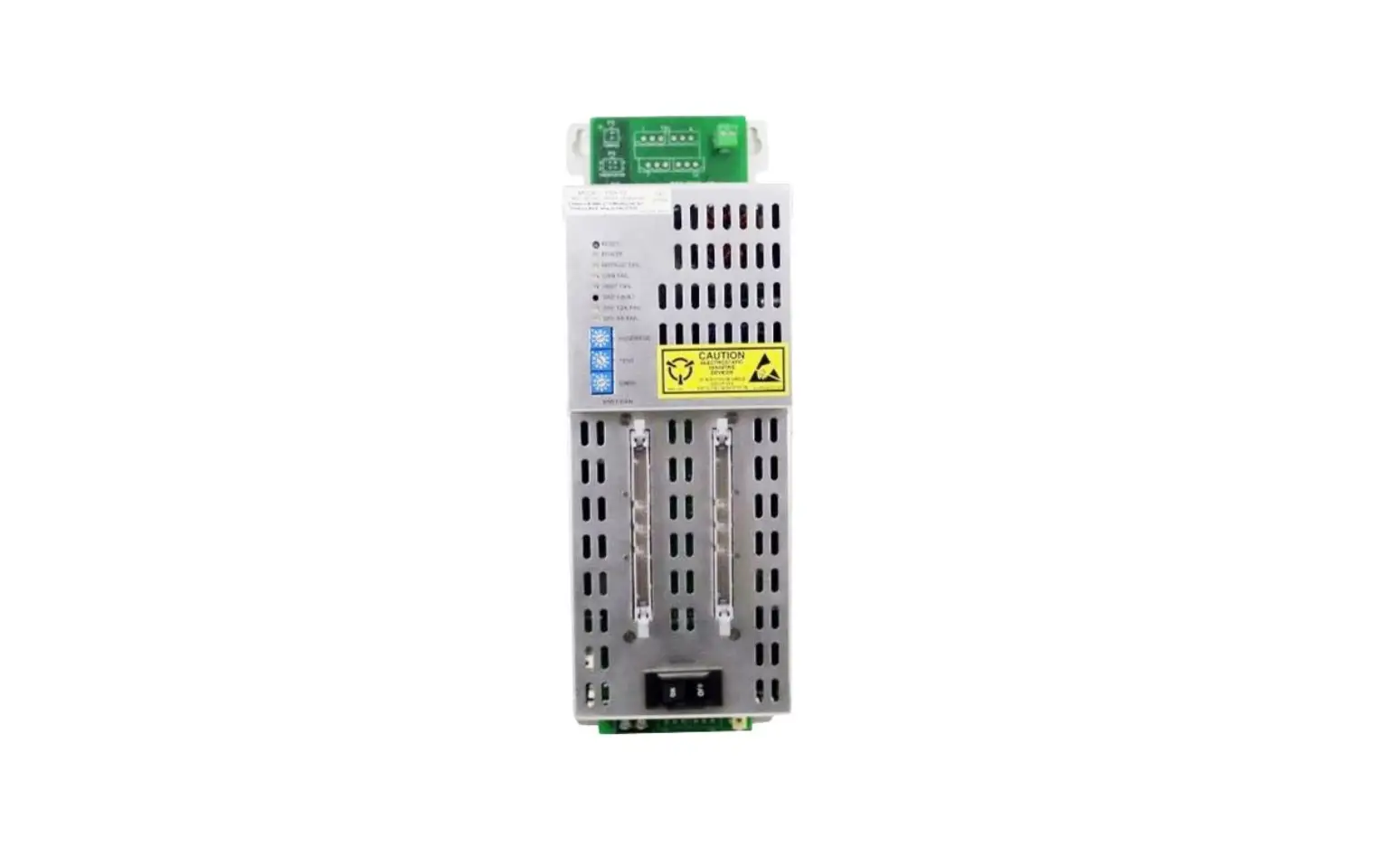
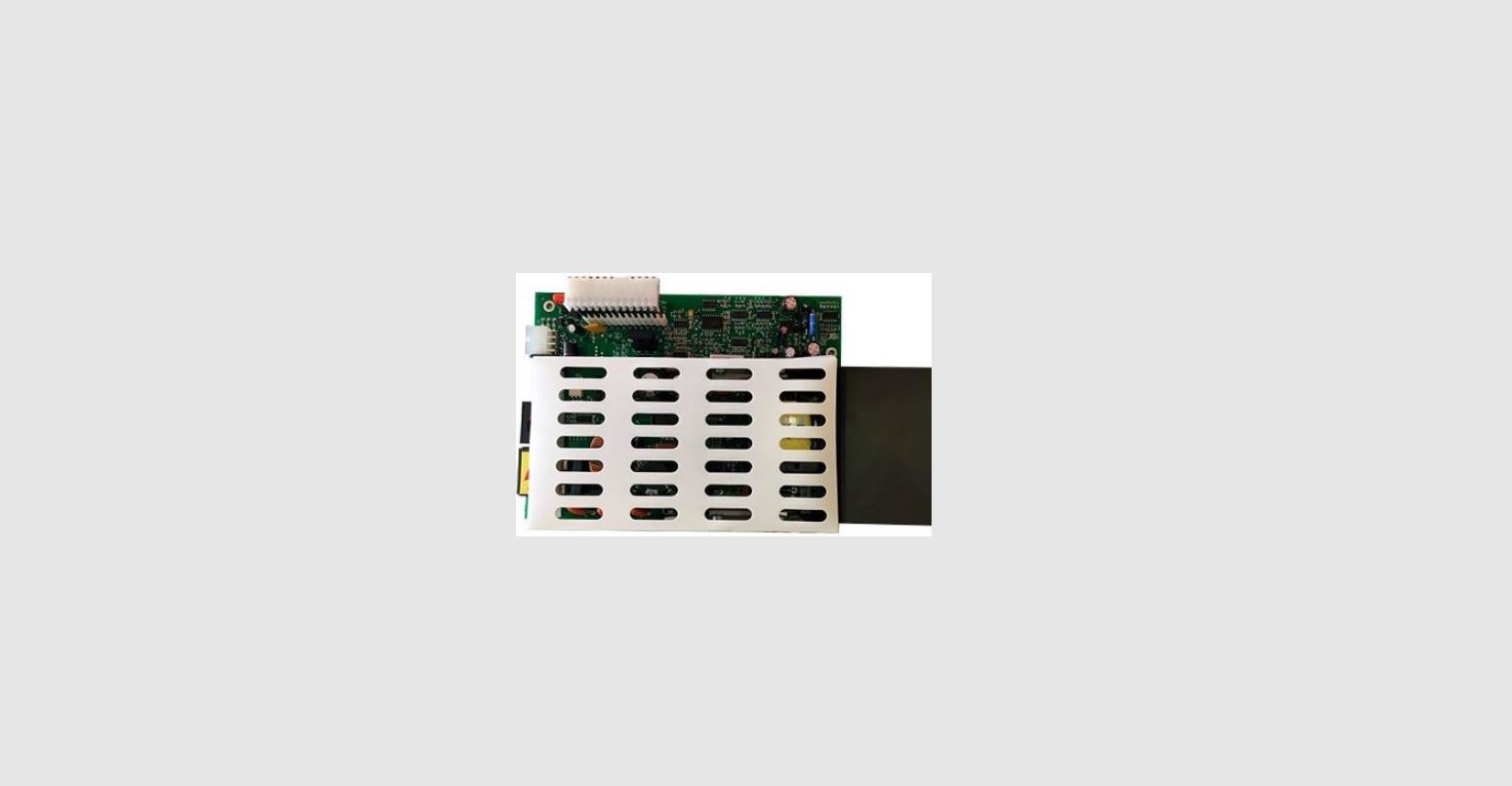
CY8CKIT-035 PSoC Power Supervision Expansion Board Kit
Product Information
The Power Supervision Expansion Board Kit (EBK) is a versatile
and powerful solution for high-availability systems. It offers
rapid fault detection capabilities, accurate power rail sequencing,
voltage and current monitoring, trimming for closed-loop control,
margining for developmental test purposes, EEPROM based data
logging, and I2C/SMbus/PMbus host interface. This kit supports the
largest number of power converters in a single chip and allows
customization for specific applications. It also enables
integration of additional functionality like fan control,
reset-control logic, and I2C level translators.
Price & Availability
The price and availability of the Power Supervision Expansion
Board Kit can be obtained from the related resources mentioned
below.
- Development Kits/Boards (5)
- Application Notes – Obsolete (1)
- Other Resources (1)
- Application Notes (2)
- Video (1)
- PSoC Programmer (1)
- Development Kits (1)
Software Requirements
This kit requires PSoC Creator for development and PSoC
Programmer for programming. The related files and software can be
downloaded from the provided links.
Product Usage Instructions
- Ensure that you have the Power Supervision Expansion Board Kit
(EBK) and the required software mentioned above. - Connect the kit to your development system using the provided
cables and connectors. - Install PSoC Creator and PSoC Programmer on your computer.
- Download the necessary files for the kit setup from the
provided links. - Follow the instructions in the “Power Supervision Expansion
Board Kit (EBK) English Quick Start Guide.pdf” to set up the
kit. - Use the PSoC Power Supervision Tool to configure the
user-configurable parameters according to your specific application
requirements. - Refer to the provided documentation and resources for further
guidance on using the kit and integrating additional
functionality.
If you encounter any issues or need assistance, you can ask a
question and find answers in the Cypress Developer Community
Forums.
Enter Your Keywords
Community
English Cart Log in
Home > Software & Tools > Development Kits/Boards > CY8CKIT-035 PSoC® Power Supervision Expansion Board Kit
CY8CKIT-035 PSoC® Power Supervision Expansion Board Kit
Last Updated:Jan 25, 2018
The Power Supervision Expansion Board Kit (EBK) supports:
Rapid fault detection capabilities for high-availability systems Accurate and reliable power rail sequencing of both power-on and power-off for four different power converters Voltage and current monitoring of four different power converters Trimming for closed-loop control of the power converters Margining of power converters for developmental test purposes EEPROM based data logging capabilities I2C/SMbus/PMbus host interface
Cypress’s PSoC Power Supervision solution delivers all of these capabilities, supporting the largest number of power converters in a single chip. In addition, this solution provides you with flexibility to customize this solution for your specific application and the ability to further integrate disparate functionality like fan control, reset-control logic, I2C level translators, etc.
PRICE & AVAILABILITY
RELATED RESOURCES
Development Kits/Boards (5) Application Notes – Obsolete (1) Other Resources (1) Application Notes (2) Video (1) PSoC Programmer (1) Development Kits (1)
RELATED PAGES
CY8C32xxx CY8C34xxx CY8C36xxx CY8C38xxx PSoC® CreatorTM PSoC® Software
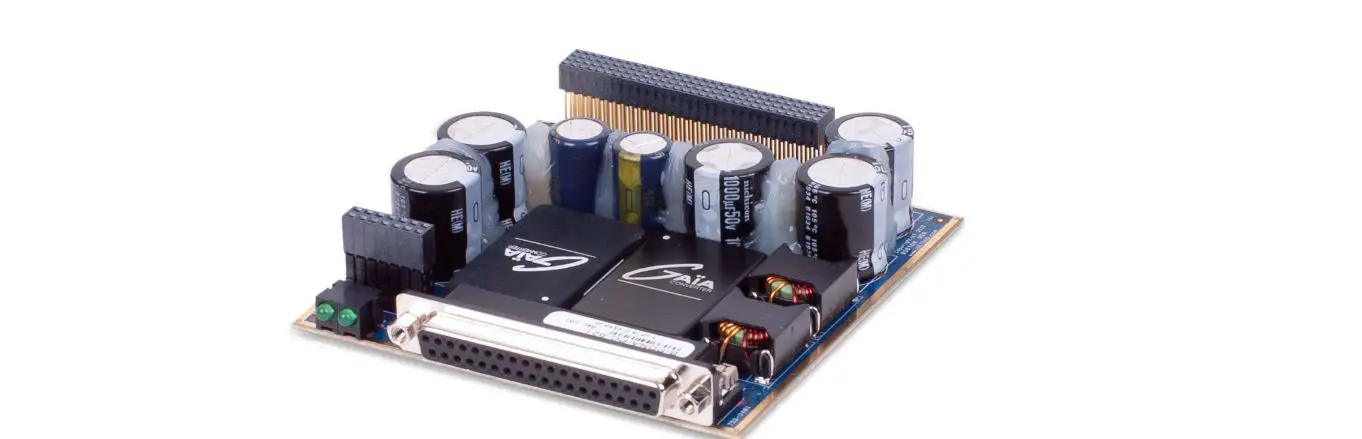
The PSoC Power Supervision Expansion Board Kit enables you to evaluate Power Supervision functions and capabilities of the PSoC architecture. It is part of the PSoC development kit ecosystem and requires a host development board in order to use it. It is designed to work with the CY8CKIT-050 PSoC 5 Development Kit (sold separately) or the CY8CKIT-030 PSoC 3 Development Kit (sold separately). You can evaluate the example projects described in this guide or design and customize your own Power Supervision solution using components in Cypress’s PSoC CreatorTM software (included) or by altering example projects provided with this kit.
CY8CKIT-035 connected to the CY8CKIT-030
Voltage Sequencer Component in PSoC Creator
With the flexibility of the PSoC architecture, you can easily create your own custom Power Supervision solution on chip with the exact functionality you need, in the way you want it no more, no less.
Downloaded from Arrow.com.
Note: For PSoC 1 power supervision example project using CY8CKIT-035, please click here.
This kit also includes the PSoC Power Supervision Tool, which allows configuring an extensive set of userconfigurable parameters. These parameters can be read and set using the industry-standard PMBus protocol.
Software Title
Description
Link
PSoC Creator
This kit requires PSoC Creator for development
PSoC Programmer
This kit requires PSoC Programmer for programming
Related Files
File Title
Language Size
Last Updated
Download CY8CKIT-035 Kit Only (Kit Design Files, Examples, Documentation)
English 24.11 MB 02/03/2017
CY8CKIT-035 PSoC® 3 and PSoC 5LP Power Supervision Expansion Board Kit (EBK) Guide.pdf
English 6.05 MB 12/14/2015
Download CY8CKIT-035 Kit Setup (Kit Design Files, Designer, Programmer, Documentation, Examples)
English 629.91 MB 12/14/2015
Download CY8CKIT-035 ISO (Create CD)
English 1.2 GB
12/14/2015
CY8CKIT-035 Power Supervision Expansion Board Kit (EBK) English Release Notes.pdf
182.69 KB 12/14/2015
CY8CKIT-035 Power Supervision Expansion Board Kit (EBK) English Quick Start Guide.pdf
8.8 MB
12/14/2015
CY8CKIT035 Code Examples
English 5.8 MB
12/14/2015
Download PSoC Power Supervision Tool
English 52.34 MB 08/31/2015
CY8CKIT-035 Board Design Files (Schematic, Layout, Gerber, English BOM)
1.17 MB
07/16/2015
Need help? Ask a question and find answers in the Cypress Developer Community Forums.
Low/intermittent bandwidth users tip: Firefox and Chrome browsers will allow downloads to be resumed if your connection is lost during download.
Related Resources
Development Kits/Boards CY8CKIT-001 PSoC® Development Kit CY8CKIT-030 PSoC® 3 Development Kit CY8CKIT-015 PSoC® 1 Power Supervision Kit (Free Download) PSoC® 3 Development Kits PSoC® 5LP Development Kits Application Notes – Obsolete AN60220 – PSoC® 3 / PSoC 5LP Multiplexed Comparator Other Resources PSoC 5 Ecosystem Application Notes AN78646 – Integrated Power Manager Using PSoC® 1 AN76474 – PSoC® 3 Power Supervisor Video Introduction to PsoC® Power Management Board Kit PSoC Programmer How to Design with PSoC® 3, PSoC 4, and PSoC 5LP – KBA86521 Development Kits Downloaded from Arrow.com.
01/25/2018 01/29/2018 01/29/2018 02/15/2018 02/16/2018
08/01/2016
03/06/2018
08/24/2015 07/28/2016
02/17/2015
05/31/2016
Apple and Linux OS Support for PSoC® Software and Kits – KBA87545
06/14/2016
SOLUTIONS
Automotive Industrial Consumer
PRODUCTS
Wireless Microcontrollers (MCUs) Memory Universal Serial Bus (USB) Power Management Touch Sensing Clocks & Buffers
DESIGN SUPPORT
Community Videos Quality & Reliability Product Roadmaps
ABOUT US
Investors Careers
CORPORATE HEADQUARTERS
Cypress Semiconductor Corp. 198 Champion Court San Jose, CA 95134 USA Tel: +1-408-943-2600
CUSTOMER SERVICE SUPPORT
+1-800-541-4736 Hours: 8:00AM – 5:00PM (local time) Create a MyCase
INTERNATIONAL SUPPORT
+1-408-943-2600 United States +1-800-5414736 Hours: 4:30AM – 1:30PM (pacific time) 7:30PM – 4:30AM (standard time)
OTHER REQUESTS Contact Us Report a Website Problem
ABOUT US
CAREERS
INVESTORS
By using Cypress website you consen©t tCoyopurreussseSoef mcoiockoinesd,uwchtiocrh Cwoerupsoertaotitoranc.kAll rights reserved.
your use of the websites to improve your user experience. By closing this banner or clicking on any element thereof, you provide your consent to the use of the
Accept and Close
cookies.
Read Our Cookie Policy
Downloaded from Arrow.com.