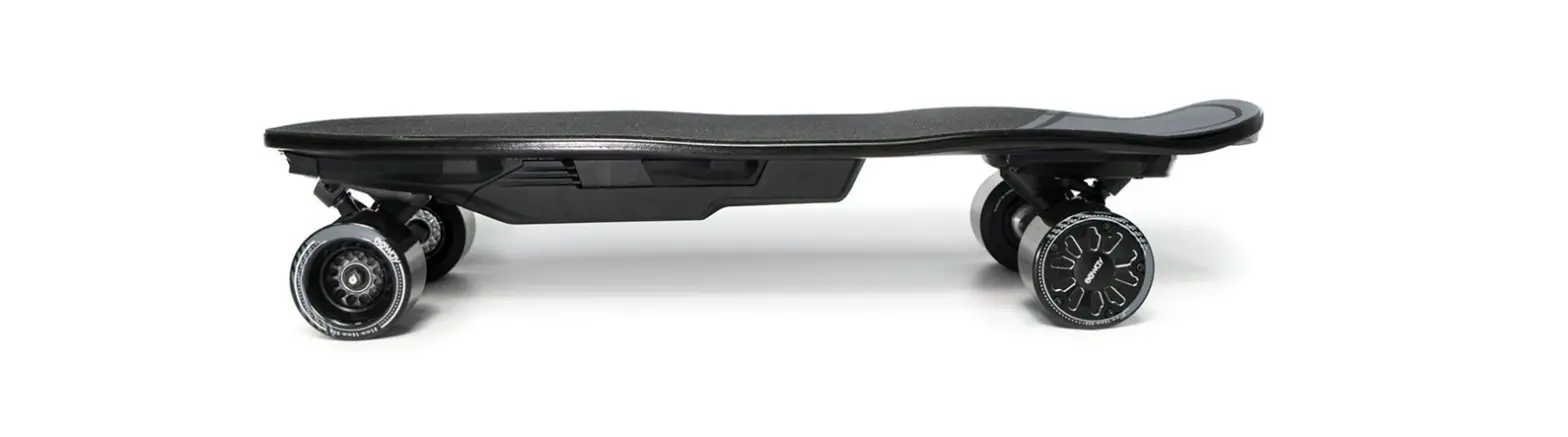

Electric Skateboard
User Manual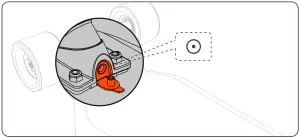
Water Proof Charging Port
Please only use the original Exway X1 Max charger to charge your board. The charging port is located in the front truck. When charging is done, the charging indicator on the charger will turn green. Make sure to tighten the cap to keep the charging port water protected.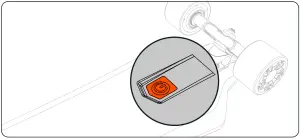
Power Button
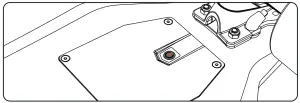
The power button is located at the rear of the board. In default setting the board will turn off after two hours when idle.
Indications:
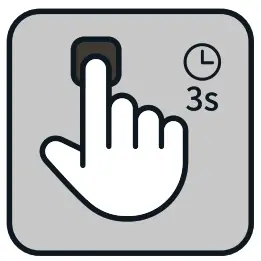 Power on/of Power on/ofHold the button for three seconds | 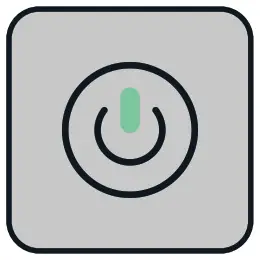 Continuous green light Continuous green lightBoard is turned on | 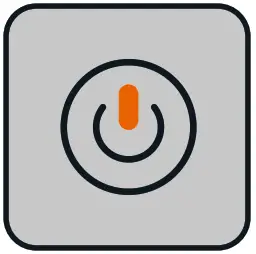 Continuous red Continuous redCharging |
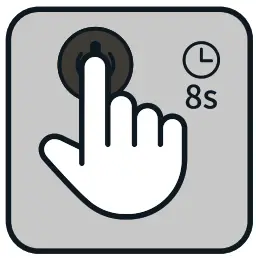 Pairing PairingLong press for eight seconds to turn on pair mode when the board is turned off | 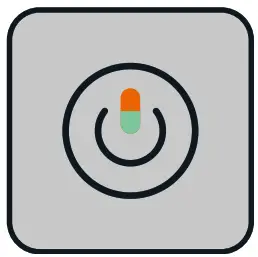 Red and green lights flashing Red and green lights flashingPairing mode is activated | 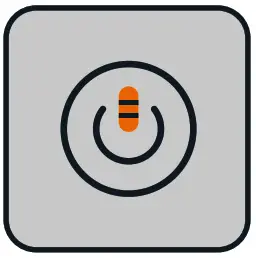 Flashing red light Flashing red lightRemote not connected to the board |
How to operate the remote:
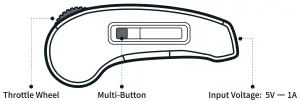
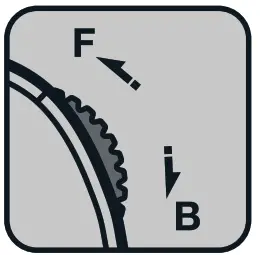 Accelerate/ Brake Accelerate/ BrakeRoll forward to accelerate Roll backwards to brake | 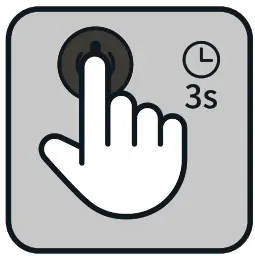 Switch On/Off Switch On/OffHold the Multi-Button for three seconds | 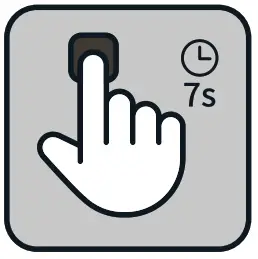 Setting Mode Setting ModeHold the multi-Button for 7 seconds when the remote is turned off. | 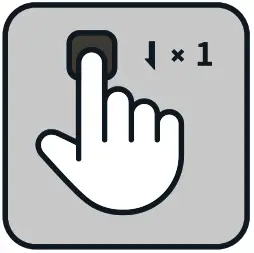 Change Ride Mode Change Ride ModeShort press the Multi-Button |
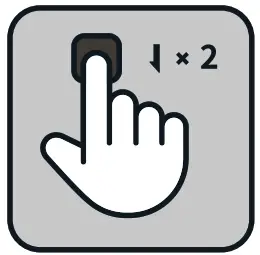 Cruise Control Cruise ControlDouble press the Multi-Button while holding the throttle wheel | 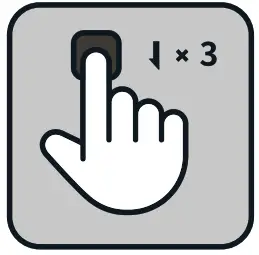 Change Direction Change DirectionTriple-press the Multi-Button | 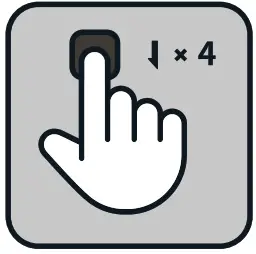 Tank Mode (4WD Only) Tank Mode (4WD Only)Press the Multi-Button four times | 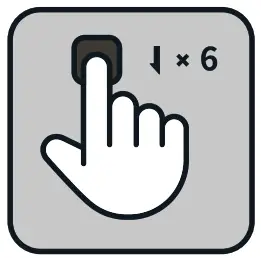 Speed Limit Mode Speed Limit Mode Press the Multi-Button six times |
Warnings:
 The remote is disconnected from the Board The remote is disconnected from the Board | 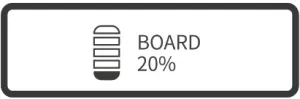 The battery capacity is below 20% The battery capacity is below 20% |
|  Motor Short Motor Short |
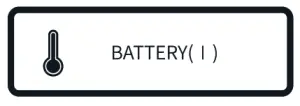 Battery temperature is too high Battery temperature is too high |  Battery is overheating, please stop using your board immediately! Battery is overheating, please stop using your board immediately! |
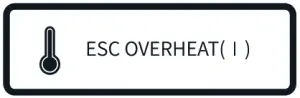 Controller temperature is too high Controller temperature is too high | 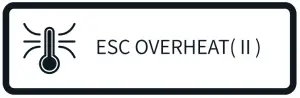 Controller is overheating, please stop using your board immediately! Controller is overheating, please stop using your board immediately! |
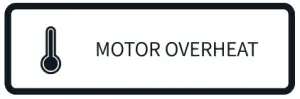 Motor temperature is too high Motor temperature is too high | 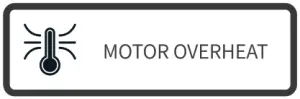 Motors are overheating, please stop using your board immediately! Motors are overheating, please stop using your board immediately! |
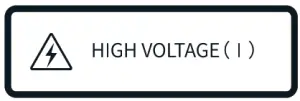 Voltage is too high Voltage is too high | 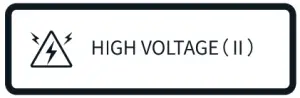 Voltage is too high, please stop using your board immediately! Voltage is too high, please stop using your board immediately! |
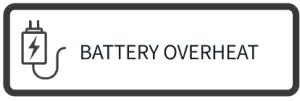 Temperature too high to charge Temperature too high to charge | 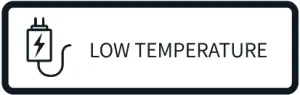 Temperature too low to charge Temperature too low to charge |
 The battery capacity is below 10%
Warnings & Safety Information:
- Whenever you ride an Exway board, you risk death or serious injury from loss of control, collisions, and falls. To ride safely, you must read and follow all warnings and instructions in this manual.
- Always wear a helmet when riding. Never ride in water, wet surfaces, in the rain, slippery or uneven surfaces, steep hills, traffic, cracks, train tracks, gravel, rocks, or any obstacles that could cause a loss of traction. Avoid night riding, areas with poor visibility, and narrow spaces.
- Do not ride an Exway board in environments, on inclines, or at speeds where you would not be safely in control of an unpowered skateboard. In the event of wireless interference or battery fault, you may need to rely on skating techniques like foot-braking or sliding to stop.
- Please ride responsibly and respect those around you. How you ride will determine how people view this new mode of transportation.
- The version of the user manual may not be up to date, check out the Exway App or www.exwayboard.com to read the most up-to-date version
- Belts do ware out while riding, make sure to check out instruction videos from Exway to swap your belts properly.
- If you do not use your board for long periods, please discharge and recharge your board every 30 days.
Name: __________________________________________Telephone Number:_______________________
E-mail:_________________________________________________________________________________
Address: ____________________________________Date of Purchase:______________________________
Serial Number:_________________________________ Purchased From:_____________________________
Issue:
⬜ unbootable ⬜Charging ⬜ Problems while riding
⬜ Remote ⬜ Motor ⬜ Other(Truck/Gripe Tape/Wheels/Charger)
Maintenance history:
⬜ Have you taken it apart ? ⬜ Was it ever water-damaged ?
⬜ Have you upgraded the firmware? ⬜Is the light on at the charging port ?
Description of the issue:___________________________________
Exway’s Feedback and Solution: www.exwayboard.com
  [email protected]
Security Warning & Disclaimer
- Please read and understand the user manual before riding your Exway electric skateboard. You are responsible for the operation and control of the electric skateboard and you must know how to control it before you ride.
- Riding an Exway electric skateboard is extremely dangerous. Whenever you ride your Exway board you risk great bodily injury, disability, or death from loss of control, collision, or falls.
- The Exway electric skateboard can lose connection with the remote control.lf this happens the skateboard becomes a non motorized longboard. Please always ride within your ability to control the board in case power loss occurs. Be prepared to lose braking ability at anytime.
- Skate only in an open area free from vehicles and pedestrian traffic, and other physical obstacles. You are responsible for learning the basic features of the board such as braking, accelerating, and switching gears. Always wear a helmet and full protective gear while riding.
- Do not ride on slippery or uneven surfaces. Only ride in areas with good visibility. Avoid riding in close proximity to vehicles and pedestrian traffic. 6. The Exway electric skateboard is not a toy and is not intended for children under 16. 7. Please refer to the Exway APP or the official website for the latest version of the product manual.
Maintenance
- When storing your Exway, the ideal battery level should be between 30% and 75%. If you are storing your board for long periods of time please charge and ride it at least once a month.
- Do not place your Exway near an open fire or in areas where the temperature is exceedingly hot.
- Do not store your Exway in wet or damp conditions in order to avoid short circuits and electrical malfunctions.
Special Notes
- The warranty is valid for 6 months and is non-transferable.
- The warranty starts on the date the board is purchased. The customer must be able to provide proof of purchase and be within the 6 month purchase period.
- Wear and tear items (grip tape, wheels, bearings, and rubber bushings) are not covered under warranty. 4. Damages caused by improper use, improper maintenance, improper storage, or unauthorized repairs will void the warranty.
FCC Caution:
This device complies with part 15 of the FCC Rules. Operation is subject to the following two conditions: (1) This device may not cause harmful interference, and (2)
this device must accept any interference received, including interference that may cause undesired operation.
Any Changes or modifications not expressly approved by the party responsible for compliance could void the user’s authority to operate the equipment.
Note: This equipment has been tested and found to comply with the limits for a Class B digital device, pursuant to part 15 of the FCC Rules. These limits are designed to
provide reasonable protection against harmful interference in a residential installation. This equipment generates uses and can radiate radio frequency energy and, if not
installed and used in accordance with the instructions, may cause harmful interference to radio or television reception, which can be determined by turning the equipment off
and on, the user is encouraged to try to correct the interference by one or more of the following measures:
- Reorient or relocate the receiving antenna.
- Increase the separation between the equipment and receiver.
- Connect the equipment into an outlet on a circuit different from that to which the receiver is connected.
- Consult the dealer or an experienced radio/TV technician for help.
The device has been evaluated to meet general RF exposure requirement. The device can be used in portable exposure condition without restriction.
Remote control FCC ID: 2APTF-R1
ISO
https://itunes.apple.com/cn/app/exwayboard-
Android
https://play.google.com/store/apps/details?id=com.exway.app



- Scan QR code to download the App and get the most up-to-date version of the user manual.
Exway Store: www.exwayboard.com
Learn More: https://www.youtube.com/channel/UCZ74g1v3YkLdcz3OdjElflw (YouTube Channel: Exwayboard)
YouTube Channel: Exwayboard)
https://space.bilibili.com/78880290/video
 | PANTONE Black 6 C |
 | PANTONE Black 7 C |
 | PANTONE Cool Gray 10 C |
 | PANTONE Cool Gray 3 C |
 | PANTONE 1655 C |