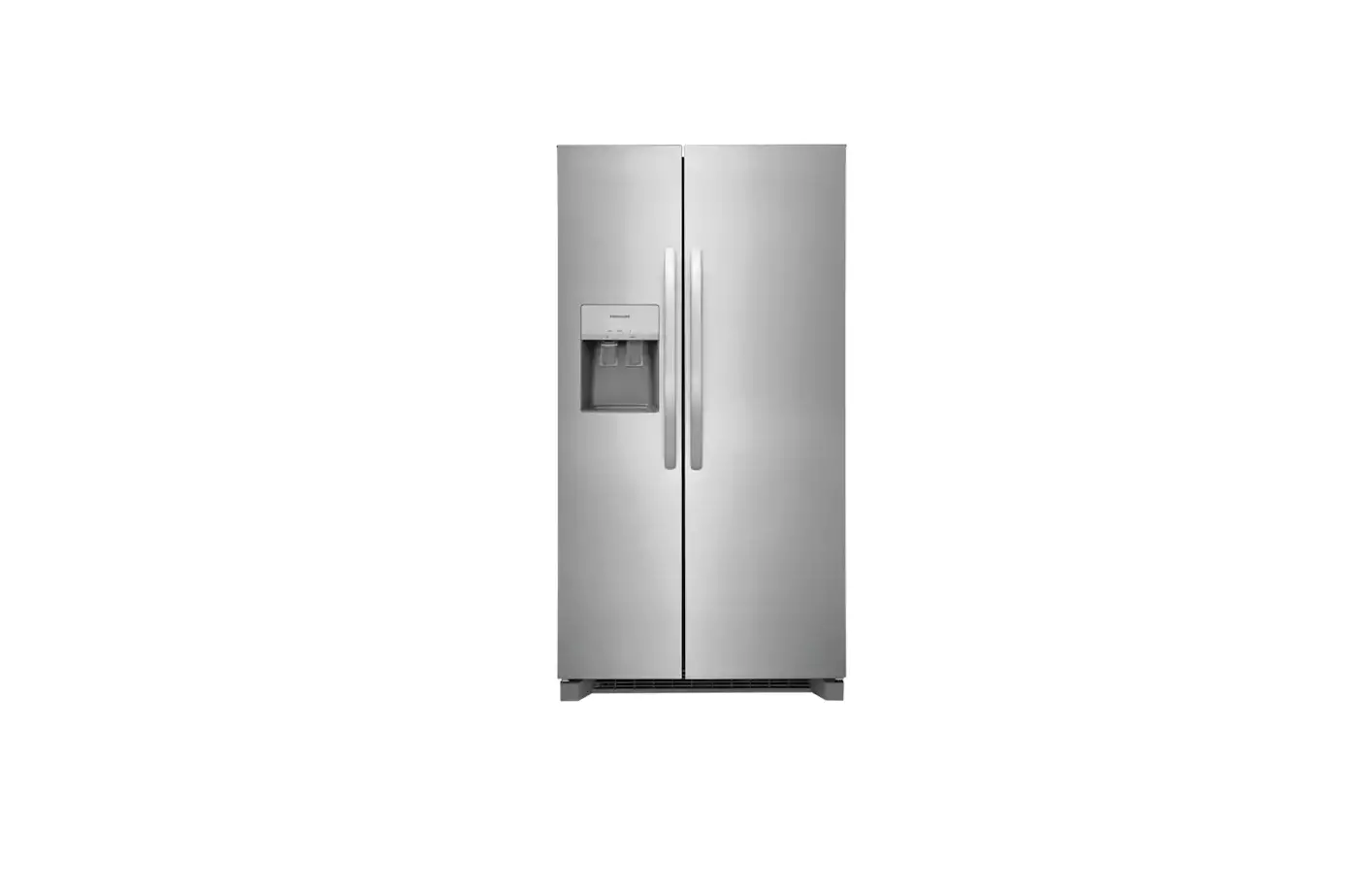
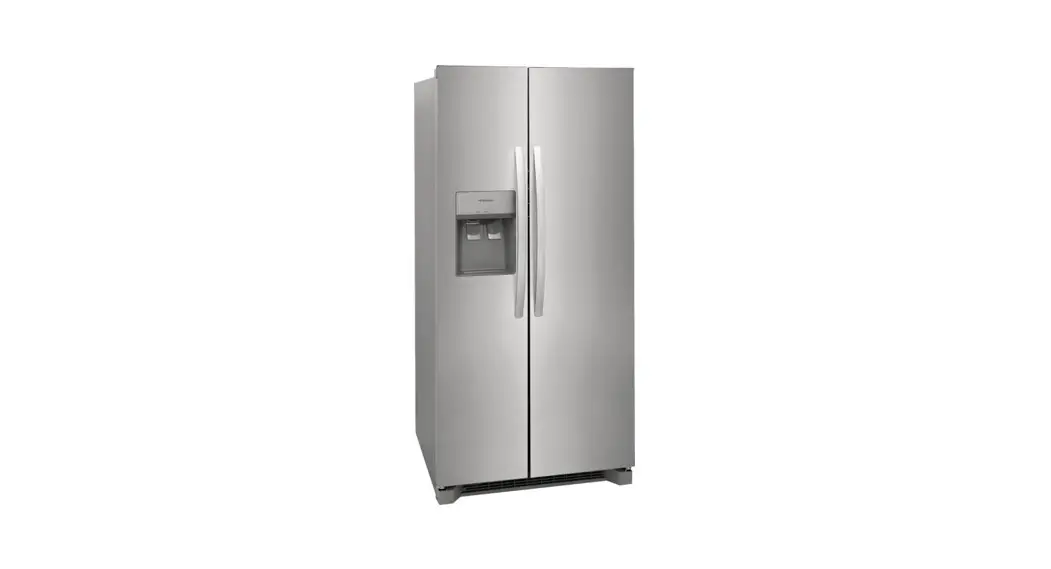
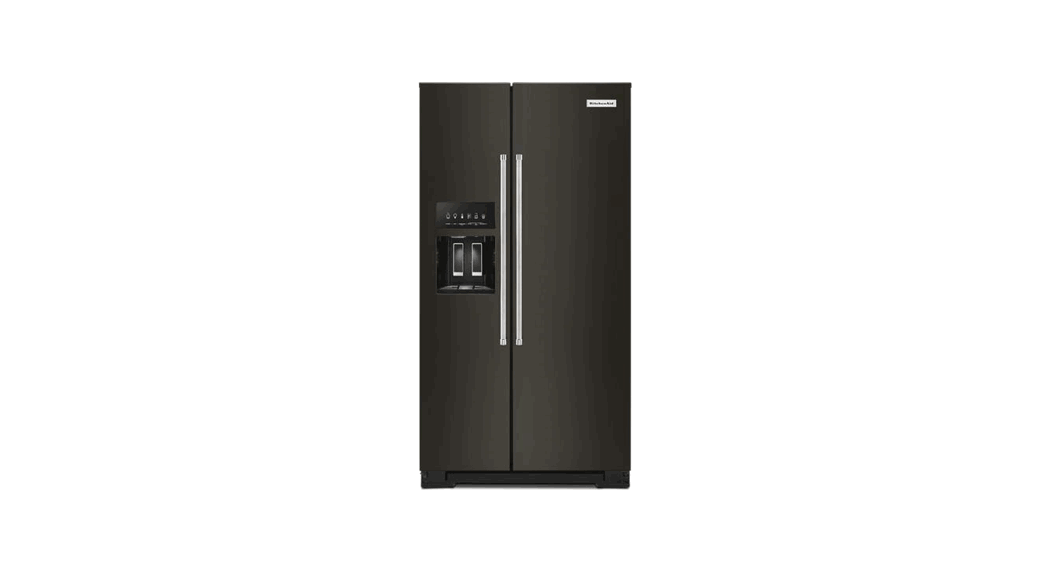
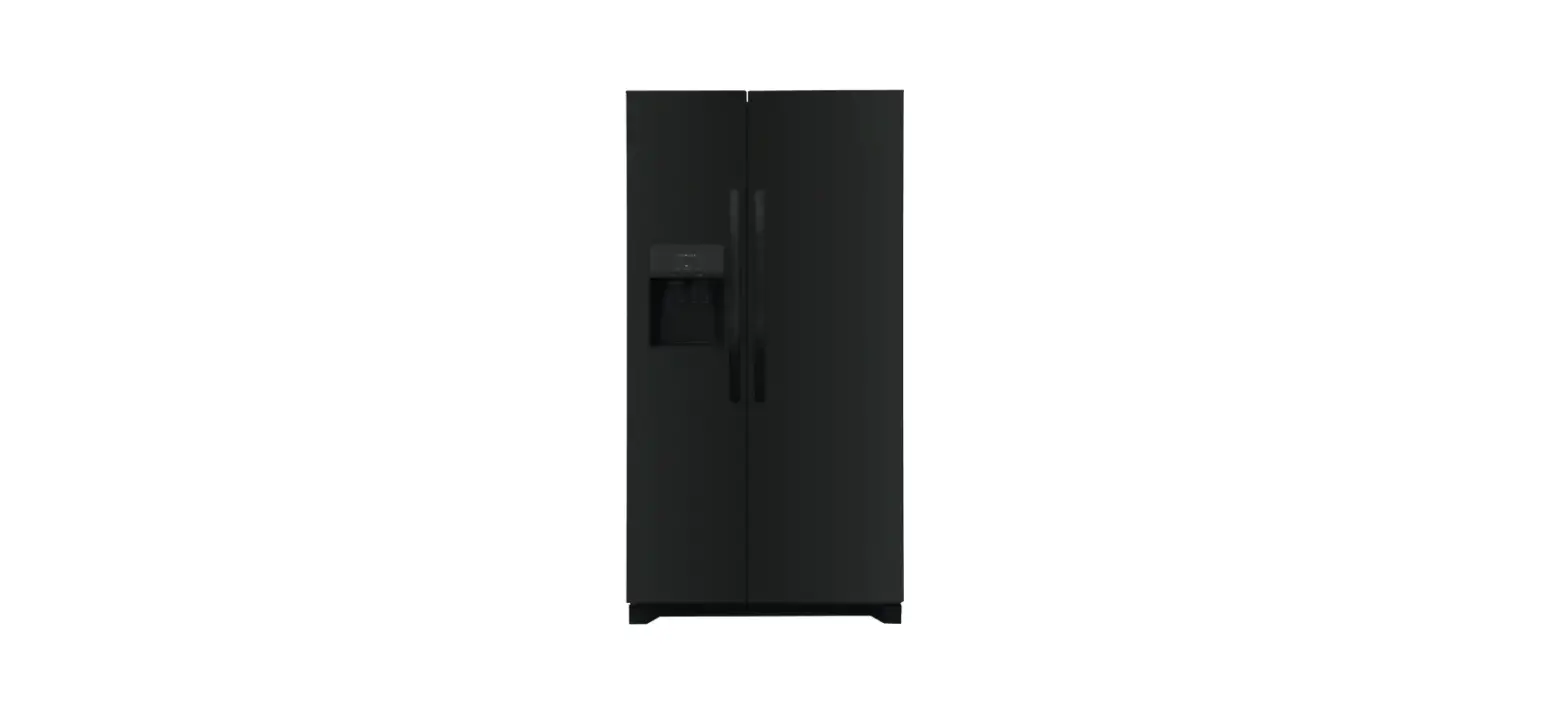
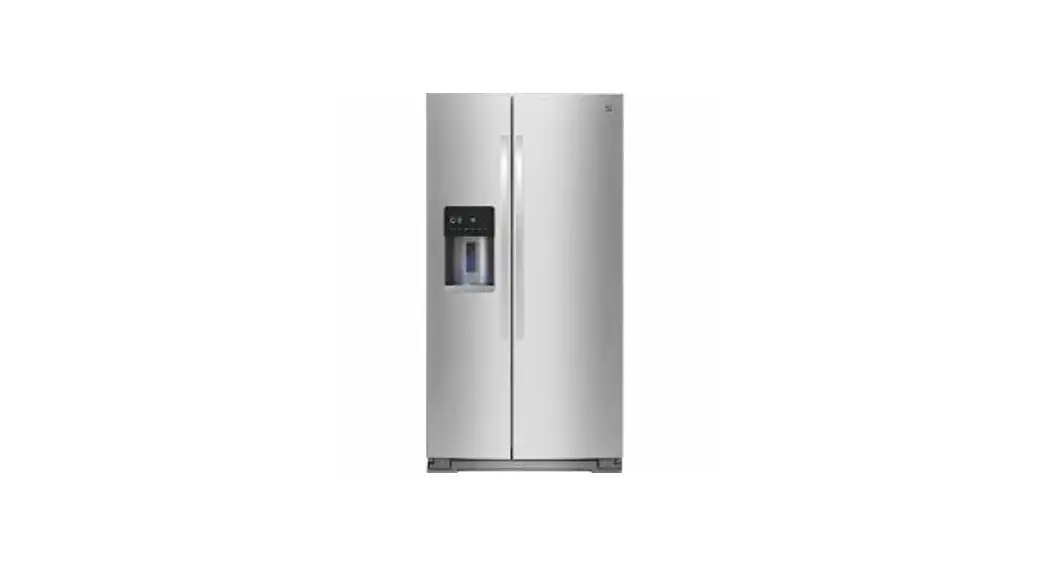
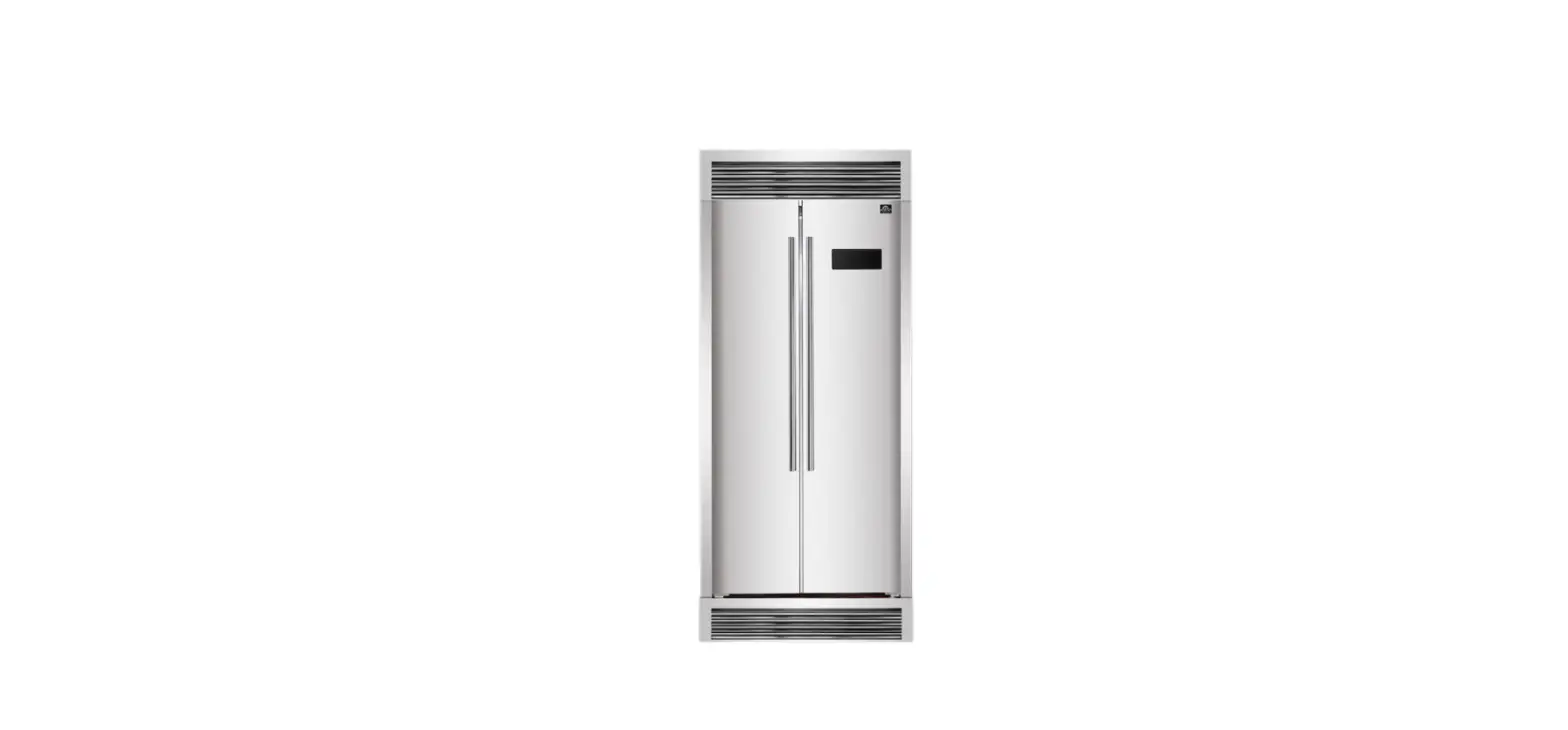
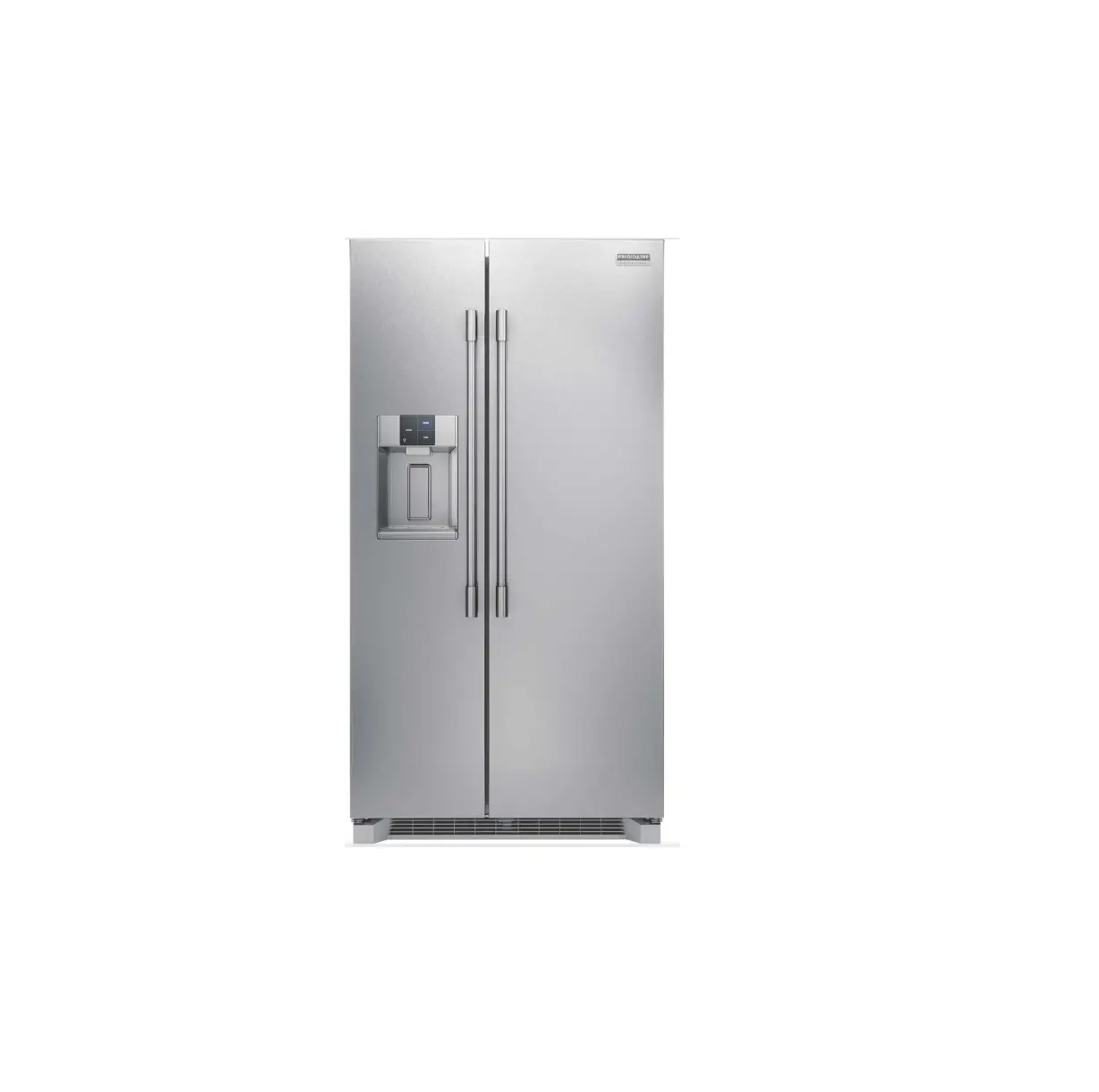
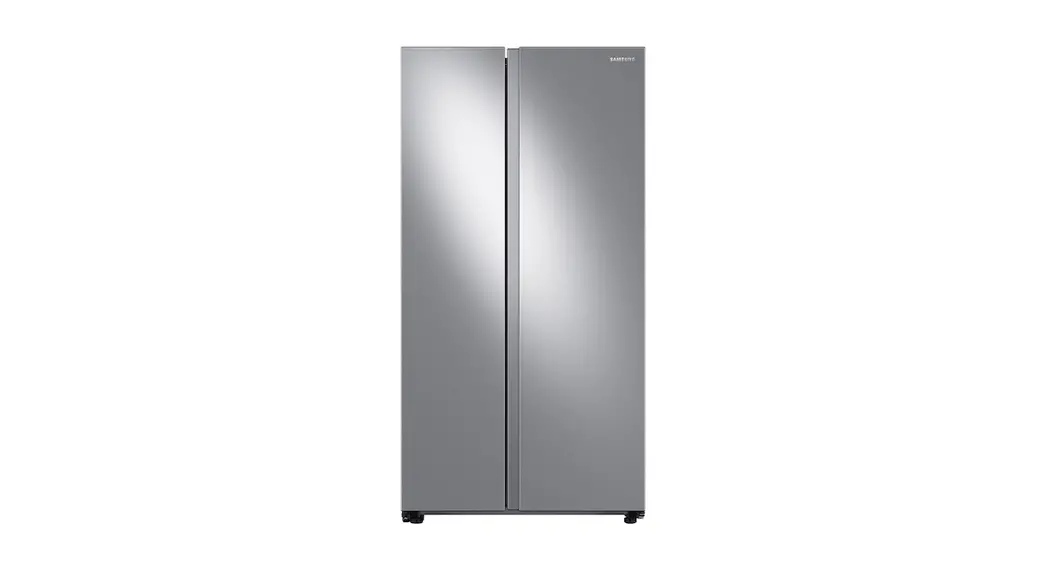
22.3 Stainless Steel Counter Depth Side-by-Side Refrigerator
Side-by-Side Refrigerator User Manual
Product Information
The side-by-side refrigerator comes with a PureAir Ultra IITM
Air Filter and a Use & Care Manual. The appliance has an
External Appliance Control Display and a Side Door Appliance
Control Display. The refrigerator has a fan that circulates air in
the refrigerator and freezer compartments for maintaining
temperatures. The appliance control display has a sleep and an
inactive mode to prevent accidental changes to the unit settings
when you open and close the doors. The refrigerator has an ice
maker, a water dispenser, and a freezer.
Product Usage Instructions
Set Up
Prior to using the refrigerator, make sure it is located on a
floor that is level and strong enough to support it fully loaded.
Check out INSTALLATION in your Use & Care Manual.
Before Operating for the First Time
Clean the inside of your appliance before using it. See the CARE
AND CLEANING section in your Use & Care Manual. To ensure safe
food storage, allow the appliance to operate with the door closed
for at least 8 hours before loading it with food.
Using the Refrigerator
Using your refrigerator starts with adjusting your controls in
small increments, allowing the temperature to stabilize. See your
Use & Care Manual for more details.
External Appliance Control Display
- Press WATER to select water.
- Press CRUSH to select crushed ice.
- Press CUBE to select cubed ice.
- Toggles the dispenser light on and off.
Side Door Appliance Control Display
- Press and hold ICE MAKER for 3 seconds to turn the ice maker
on/off. - Press FREEZE BOOST to activate a faster rate for freezing food
in the freezer. - Press TEMP F-C to toggle from Fahrenheit to Celsius. Press and
hold to lock the temperature setting. - Press FREEZER to adjust the freezer temperature. Control
temperatures range from - Press REFRIGERATOR to adjust the refrigerator temperature.
Control temperatures range from - Press CLEAR ALERTS to reset any active and illuminated alarms:
DOOR OPEN, HIGH TEMP, POWER OUT
Water Filter / Air Filter
The display shows the current status of the filter (GOOD, ORDER,
or REPLACE). To reset the filter status to GOOD, press and hold
WATER FILTER or AIR FILTER for 3 seconds.
PureAir Ultra IITM Air Filter Installation
- Pull the air filter housing straight out.
- Remove the old filter and discard it (if applicable).
- Unpack the new filter and place it inside the housing with the
black side facing out, away from the housing wall. - Slide the housing back into position.
- Activate or reset the AIR FILTER status light on the appliance
control display.
PurePour PWF-1TM Water Filter Installation
Install your new PurePour PWF-1TM Water Filter to keep safe,
great-tasting water flowing (included in the holder located at the
top right side of the refrigerator compartment).
Overall, it is recommended to refer to the Use & Care Manual
for detailed information and instructions on using and maintaining
the side-by-side refrigerator.
Getting started with your
side-by-side refrigerator
Before you start
What’s included in my literature packet? You have some extra items in your literature pack, including a PureAir Ultra IITM Air Filter and your Use & Care Manual. Flip over this guide for install instructions for your air filter. For more detailed information, reference your Use & Care Manual.
Set up your refrigerator Prior to using the refrigerator, make sure it is located on a floor that is level and strong enough to support it fully loaded. Check out INSTALLATION in your Use & Care Manual.
Before operating for the first time Clean the inside of your appliance before using it. See the CARE AND CLEANING section in your Use & Care Manual. To ensure safe food storage, allow the appliance to operate with the door closed for at least 8 hours before loading it with food.
You’re in control
Using your refrigerator starts with adjusting your controls in small increments, allowing the temperature to stabilize. See your Use & Care Manual for more details.
External Appliance Control Display
1 4
2
1 Press WATER to select water.
2 Press CRUSH to select crushed ice.
3 Press CUBE to select cubed ice.
3
4
Toggles the dispenser light on
and off.
Remember
To maintain temperatures, a fan circulates air in the refrigerator and freezer compartments. For good circulation, do not block cold air vents with food items.
Side Door Appliance Control Display
1
Press and hold ICE MAKER for 3 seconds to turn the ice maker on/off.
1
2
Press FREEZE BOOST to activate a faster rate for freezing food in the freezer.
Press TEMP F-C to toggle from Fahrenheit
2
3 to Celsius. Press and hold to lock the
temperature setting.
3
4 Press FREEZER to adjust the freezer
temperature. Control temperatures range from
-6°F / -21°C to 4°F / -15°C. 4
Press REFRIGERATOR to adjust the refrigerator
5 temperature. Control temperatures range from
33°F / 1°C to 43°F / 7°C.
Press CLEAR ALERTS to reset any active and
6 illuminated alarms: DOOR OPEN, HIGH TEMP,
5
POWER OUT
WATER FILTER / AIR FILTER
The display shows the current status of the
7 filter (GOOD, ORDER, or REPLACE). To reset
the filter status to GOOD, press and hold
6
WATER FILTER or AIR FILTER for 3 seconds.
Your appliance control display is equipped with a
sleep and an inactive mode to prevent accidental
7
changes to the unit settings when you open and
close the doors. See CONTROLS AND SETTINGS in
your Use & Care Manual for details.
A23662302 (2207)
Keep it fresh
Install your new PureAir Ultra IITM Air Filter to keep fresh air flowing (included in the refrigerator; install in the air filter housing located at the top left side of the refrigerator compartment)
1. Pull the air filter housing straight out. 2. Remove the old filter and discard it (if applicable). 3. Unpack the new filter and place it inside the housing with the black side facing out, away from the
housing wall. 4. Slide the housing back into position. 5. Activate or reset the AIR FILTER status light on the appliance control display.
Install your new PurePour PWF-1TM Water Filter to keep safe, great-tasting water flowing (included in the holder located at the top right side of the refrigerator compartment)
1. Pull the air filter housing straight out. 2. Remove the old filter and discard it (if applicable). 3. Unpack the new filter and place it inside the housing. 4. Slide the housing back into position. 5. Activate or reset the AIR FILTER status light on the appliance control display.
Install your new PureAir Produce KeeperTM Refill to extend the life of produce (included in the refrigerator; install in the housing located at the left side of the CrispSeal Plus crisper)
1. Remove the outer plastic wrapper. 2. Insert the unopened packet into the holder in the crisper.
Change your filters every 6 months to ensure optimal fridge freshness.
PAULTRA2TM FPPWFU01TM FRPAPKRFTM
FAQs
My refrigerator is making unfamiliar sounds. Is this normal? Your new, high-efficiency unit may introduce unfamiliar sounds. These sounds normally indicate your appliance is operating correctly. See the NORMAL OPERATING SOUNDS section of your Use & Care Manual for more information.
Why does my refrigerator run most of the time? Today’s refrigerators are designed with a variable speed compressor to be more energy efficient than previous models. This means your compressor reacts quickly to temperature fluctuations and circulates cold air based off your use and room temperature.
What should I do if my ice maker is not making any ice in my refrigerator? If your ice maker is not making any ice, check to see if the ice maker has been inadvertently turned off. Make sure the refrigerator is connected to the water line and/or the water valve is open. If your dispenser will not dispense water, check to see if the water filter is seated properly. Remove and reinstall the water filter until you hear it lock solidly into position. Remember: the freezer needs up to 24 hours to stabilize after plugging it in before it produces ice.
Can I adjust the shelves in my Side-by-Side refrigerator to fit my spacing needs? Shelves are easily adjusted to suit individual needs. Before adjusting the shelves, remove all food. Shelves are supported by side rails.
To adjust, lift up on the back of the shelf and pull forward.
Replace the shelf by sliding it on top of the formed rails on the side walls of the cabinet until the rear plastic hooks of the shelf lock into the rear of the cabinet liner.
Find more troubleshooting tips in the back of your Use & Care Manual.
PHOTOREGISTER SM
Let’s make it official!
Take the first step to becoming a part of the Frigidaire family and discover more benefits by registering your side-by-side refrigerator. Look for the PhotoregisterSM icon on your registration card.
We are
here for you
Have a question? Want help? Need service?
Scan the QR Code to the right or visit frigidaire.com · frigidaire.ca for owner support
 Kitchen, Laundry, Home Appliances & Accessories | Frigidaire
 Frigidaire